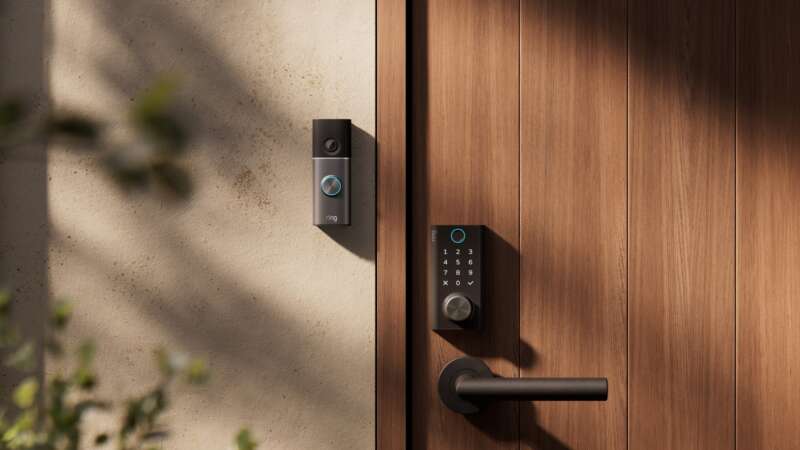
If your iPhone already holds your house keys, camera feeds and music, Apple’s new home lineup asks a useful question: which of those jobs would work better somewhere else? A screen on the kitchen counter could keep a recipe in view. A speaker at the back of the sofa could earn its place during a movie. A doorbell that lives in the Home app could save you another account and another app.
HomeView, the new Apple TV 4K, HomePod mini 2 and Apple Home Collection approach those jobs from different directions. For an existing Apple user, the sensible way through the October 13 announcements is to start with the gear you have, then find the gap. An older Apple TV or HomePod may already cover part of the system.
Start with the Home app you already use
Apple’s Home Collection announcement lists compatible HomePod, HomePod mini and Apple TV models alongside HomeView as hubs. You may already have the hub a new accessory needs. Check the specific feature: basic control, camera recording and AI camera summaries have different requirements.
HomeView also connects familiar daily routines. Bring your iPhone in front of the display to hand off a song, then play multiroom audio across HomeView, existing HomePods, HomePod minis and compatible AirPlay speakers. Intercom sends a message to a room or the house, reaching speakers as well as iPhone, iPad and Apple Watch.
Existing Works with Apple Home and compatible Matter accessories also remain part of this picture. The new collection expands the choices within Apple Home. It does not establish a reason to replace working lights, locks or thermostats solely for a matching brand.
Give the household a screen when the phone is the bottleneck
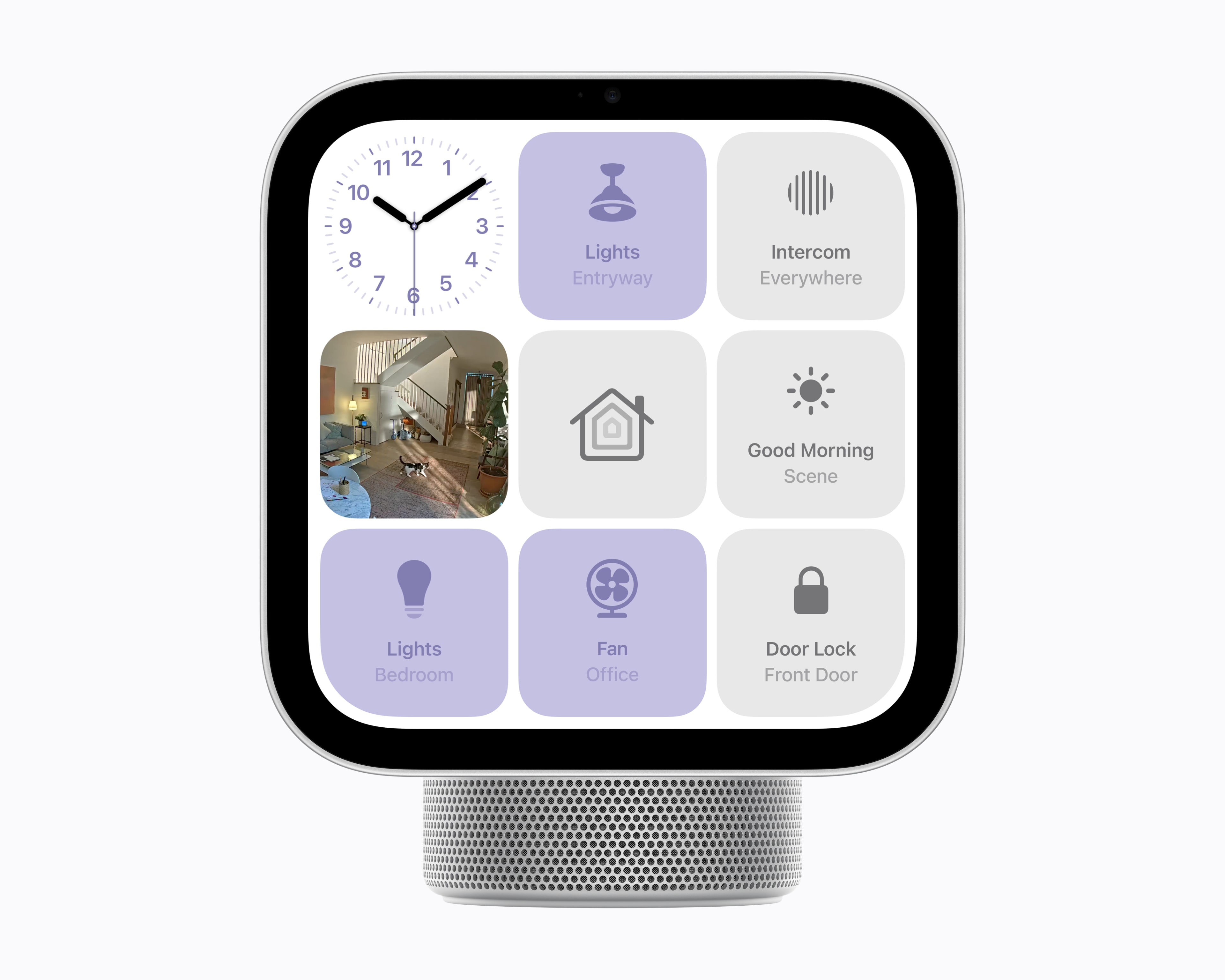
HomeView’s clearest role is making things visible to the people in the room. Its 7-inch touchscreen can show a recipe, a FaceTime call, a timer or favorite Home controls. The Home Camera face can display up to nine live feeds, while the 12MP Center Stage camera keeps a moving caller framed.
The screen recognizes up to six enrolled people and can switch to their apps and widgets. Apple gates personal Messages and Calendar content with face recognition and conditions involving a paired device’s presence and recent unlock. The release includes a limited cellular-connectivity exception, so face recognition is only part of the privacy check.
For a kitchen, the countertop model provides a tilting screen and a speaker base with a woofer. The separate wall-mounted version frees the counter and uses two full-range drivers with on-wall audio tuning. Both require wired power. The tabletop box includes its USB-C cable and 30W adapter; the wall version lists the mount, cable and minimum-20W adapter separately.
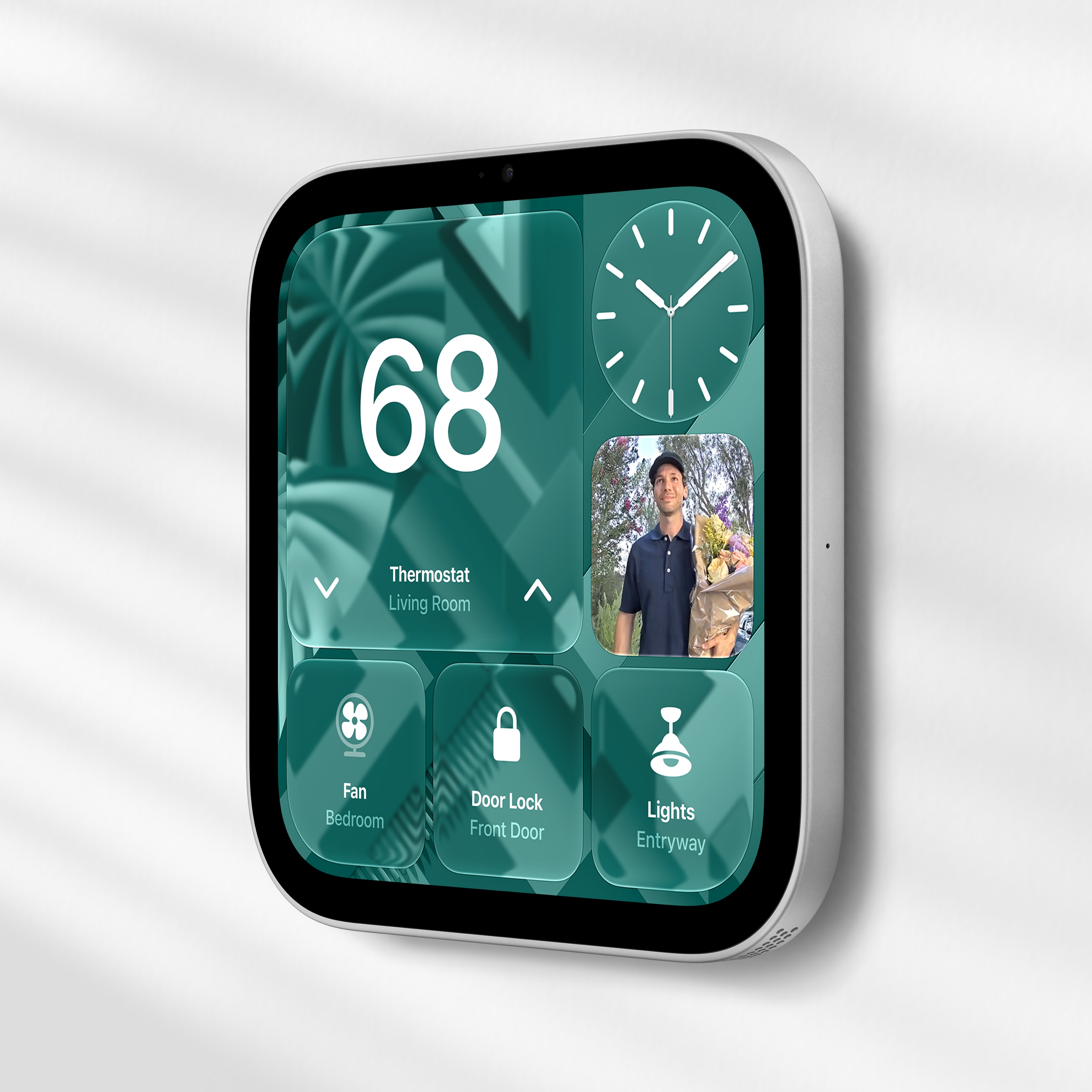
Setup requires an iPhone with iOS 27.2 or later, or an iPad with iPadOS 27.2 or later. HomeView therefore fits a household already using those devices. Its advantage is a shared place to use their connected services, rather than having everyone depend on the phone in one person’s pocket.
Price: Apple HomeView (tabletop), $299 (US); availability November 13
Where to buy: Apple HomeView details
Price: Apple HomeView (Wall Mounted), $299, mounting and power accessories separate (US); availability November 13
Where to buy: Apple HomeView wall-model details
Check the speakers before replacing the Apple TV
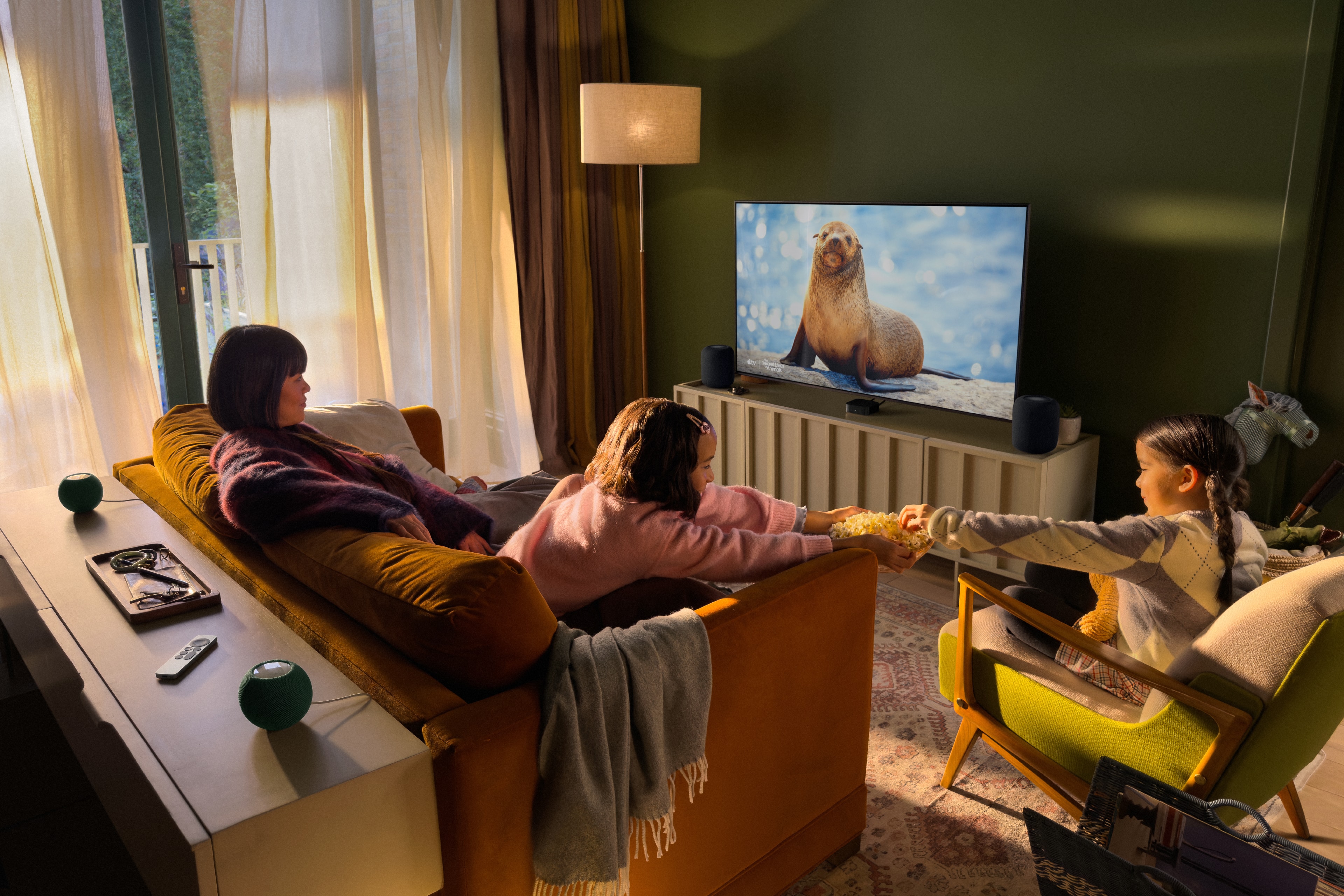
The fourth-generation Apple TV 4K gives existing owners two clear hardware reasons to look again: three built-in far-field microphones for hands-free Siri, and support for a four-speaker HomePod surround setup.
Check the labels underneath your existing HomePods. Surround requires the new fourth-generation Apple TV 4K and four HomePod mini 2 or second-generation full-size HomePods, arranged in matching front and rear pairs. Two second-generation HomePods can stay at the front while two mini 2 speakers handle the rear. First-generation full-size HomePods and original minis cannot join this new surround setup, but can keep their existing music and compatible home-hub jobs. Stereo pairs also require the same model and generation: a mini 2 cannot form a stereo pair with an original mini.
Siri AI alone is a weaker reason to replace the box. Apple is also bringing the beta to Apple TV 4K models from the second generation onward, subject to software and paired-device requirements. If your current box supplies the picture, apps and sound setup you want, check its eligibility before buying hardware for the assistant.
The A19 chip, AV1 decoding, Wi-Fi 7 and Gigabit Ethernet give the new model a broader hardware update, but video output still tops out at 4K at 60 frames per second. HDMI 2.1 does not turn this into a 4K120 upgrade. The new sound-finding Siri Remote is also sold separately and works with Apple TV HD and Apple TV 4K; a missing remote need not become a whole-box replacement.
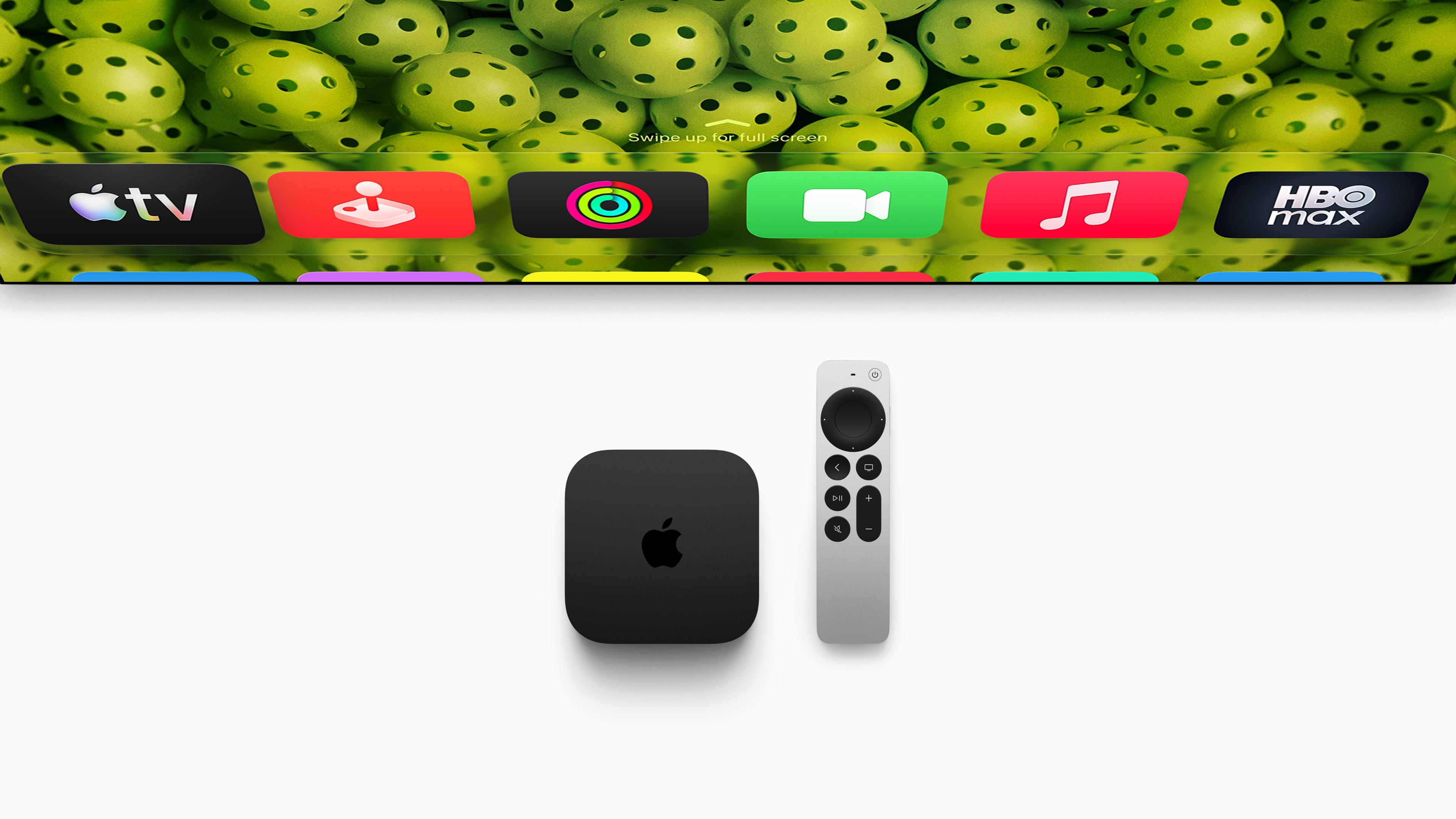
Price: Apple TV 4K (4th generation), 128GB, $299 (US); available November 13; HDMI and USB-C cables separate
Where to buy: Preorder Apple TV 4K at Apple
A HomePod mini 2 can have a smaller job

Four-speaker surround is the elaborate use case. One HomePod mini 2 can instead provide music and voice control in another room, or a stereo pair can serve a Mac. Apple’s default-Mac-speaker feature requires a Mac with Wi-Fi 6E or later, so check the computer before planning the desk around it.
The speaker also acts as a home hub and includes temperature and humidity sensing. Those sensors can contribute to the new Home Collection thermostats’ view of the house, alongside sensors in supported HomePods and HomeView. You may already own some of the temperature-sensing hardware a future setup can use.
There is one important timing distinction: Siri AI for HomePod mini 2 is promised through a future free software update, with no announced release date. Buy for the speaker functions and supported setup you need; the conversational assistant is still a later addition to this product.
Price: HomePod mini 2, $149 each (US); available October 30; Siri AI arrives in a later software update
Where to buy: Preorder HomePod mini 2 at Apple
Let the front door and thermostat join the same system
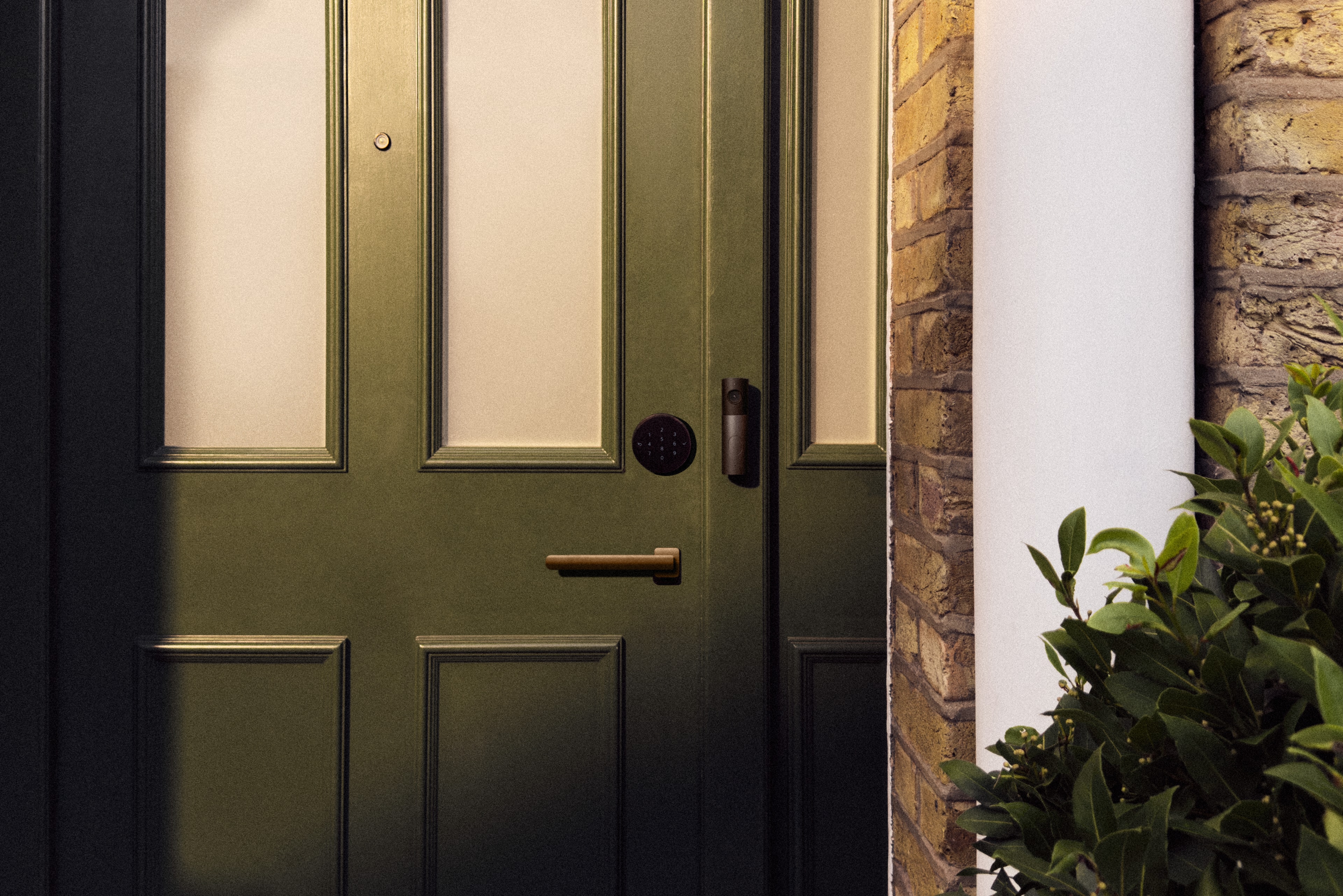
Apple Home Collection, developed with LG Electronics and Schneider Electric, extends the system to cameras, a door lock and climate control. Setup starts with an NFC tap from an iPhone running current software. Apple says control stays in the Home app, with no separate manufacturer account or app required.
The doorbell and lock show why that matters. You can view a visitor and unlock the door from the same Home view, while HomeView or HomePod speakers sound the chime. The lock offers hands-free Ultra Wideband entry with a compatible iPhone or Apple Watch, alongside tap, PIN and backup-key options. Compatibility still matters; owning an Apple Watch does not by itself establish hands-free UWB support.
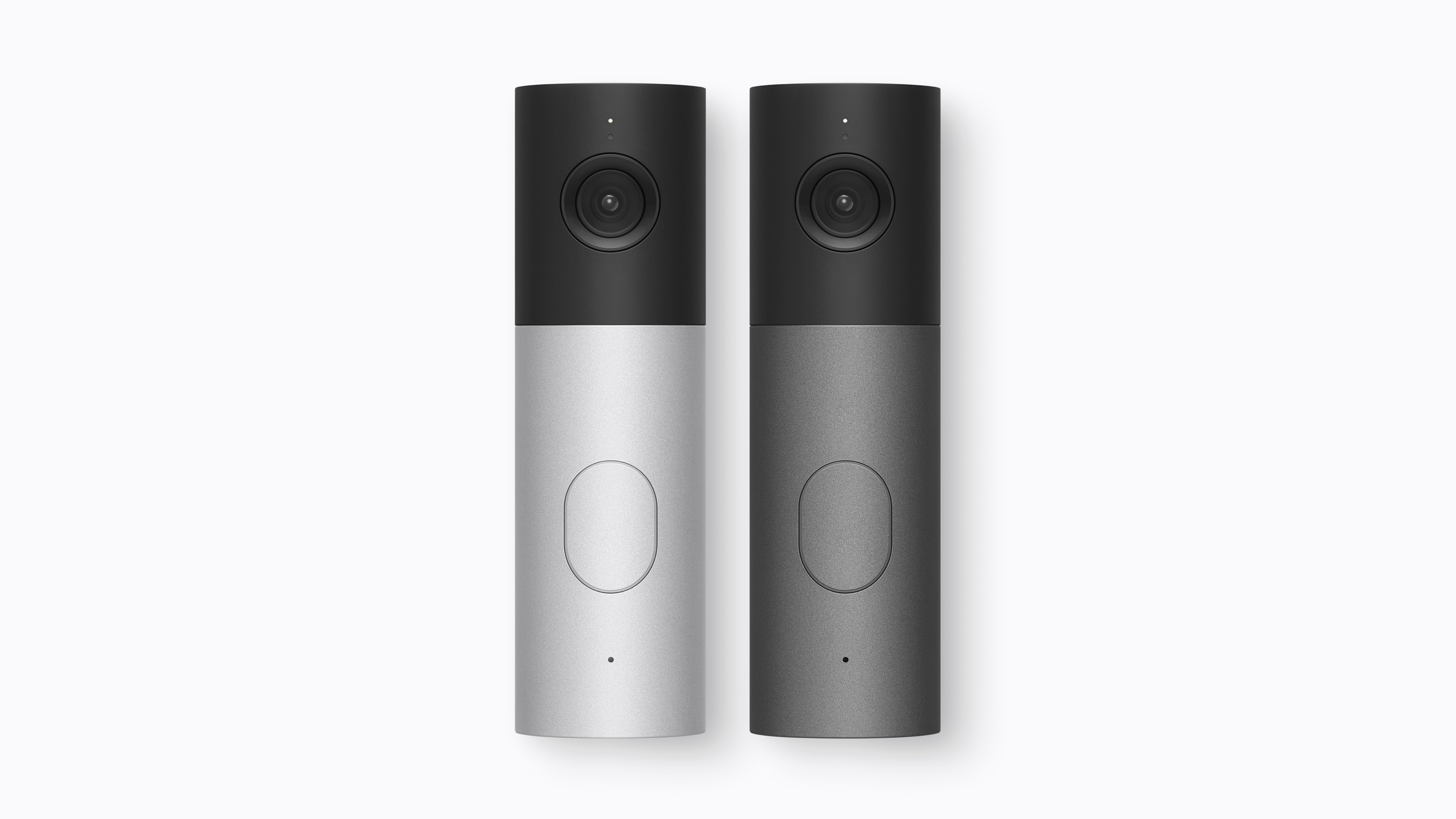
Price: LG Video Doorbell Wired, from $249.95 (US); collection rollout begins December; selected accessories early 2027
Where to buy: See LG Video Doorbell Wired details at Apple
Price: LG Smart Deadbolt Lock, from $349.95 (US); collection rollout begins December; selected accessories early 2027
Where to buy: See LG Smart Deadbolt Lock details at Apple
The thermostats can draw on room sensors and household presence to adjust temperatures. Clean Energy Guidance has a narrower reach: it applies in the contiguous US with a compatible utility plan. Neither the feature announcement nor automated scheduling establishes an energy-saving result for your particular house.


LG’s round Smart Thermostat and Schneider Home’s rounded-square model offer two designs for the same Apple Home climate-control role. Images: Apple.
Price: LG Smart Thermostat, from $199.95 (US); collection rollout begins December; selected accessories early 2027
Where to buy: See LG Smart Thermostat details at Apple
Price: LG Temperature Sensor, from $39.95 (US); collection rollout begins December; selected accessories early 2027
Where to buy: See LG Temperature Sensor details at Apple
Price: Schneider Home Smart Thermostat, from $199.95 (US); collection rollout begins December; selected accessories early 2027
Where to buy: See Schneider Home Smart Thermostat details at Apple
Price: Schneider Home Room Sensor, from $39.95 (US); collection rollout begins December; selected accessories early 2027
Where to buy: See Schneider Home Room Sensor details at Apple
Cameras need a compatible home hub. Ten days of event history use an eligible iCloud+ plan, so “no separate camera subscription” still leaves Apple’s cloud-storage requirement. AI video summaries and natural-language searches additionally require setup with an Apple Intelligence-enabled iPhone or iPad, an eligible plan and a supported current-software hub. Check camera allowances separately from AI-feature allowances.
Price: LG Indoor Cam Plug-In, from $199.95 (US); collection rollout begins December; selected accessories early 2027
Where to buy: See LG Indoor Cam Plug-In details at Apple
Price: LG Outdoor Cam Plug-In, from $299.95 (US); collection rollout begins December; selected accessories early 2027
Where to buy: See LG Outdoor Cam Plug-In details at Apple
Price: LG Floodlight Cam, from $399.95 (US); collection rollout begins December; selected accessories early 2027
Where to buy: See LG Floodlight Cam details at Apple
Your iPhone and subscriptions still set the limits
Siri AI’s personal-context features depend on a paired Apple Intelligence-enabled device, not merely an Apple account. For Apple TV and the future HomePod rollout, the Home app’s owner must also have a compatible iPhone or iPad with Siri AI enabled in a supported language. HomeView provides general conversational features without an Apple Intelligence-capable paired device, but personal requests need that capability.
HomeView and Apple TV describe Siri AI as beta in their 27.2 software, initially in English across the US and seven other announced markets. HomePod mini 2 follows later. Some server-based features have daily limits, and Apple says expanded access will carry a fee in the future.
Music, video and other paid services keep their own subscription requirements. Already paying for Apple Music or iCloud+ can make another place to use them attractive, but the hardware price does not buy unrestricted access to every service or AI feature.
What the additions cost, and when they arrive
These are announced US prices and hardware subtotals before tax, installation and any additional accessories or subscriptions:
- HomeView: $299 for either model, with availability November 13. The wall version’s USB-C mount starts at $59.95 and its AC-wired mount at $79.95, bringing display-plus-mount subtotals to $358.95 or $378.95 before other required parts. The $129.95 PoE mount follows in early 2027. HomeView details at Apple
- Apple TV 4K, fourth generation: $299 with 128GB, available November 13. Four new $149 mini 2 speakers bring an all-mini surround system to $895. If you already own two compatible second-generation HomePods for the front, the new box plus two rear mini 2 speakers costs $597. Apple TV 4K at Apple
- HomePod mini 2: $149 each or $298 for two, available October 30. Siri AI has a separate, unannounced update date. HomePod mini at Apple
- Home Collection: rollout starts in December, with selected accessories in early 2027; Apple has not assigned every product an individual date. Starting prices are $249.95 for the wired doorbell, $349.95 for the deadbolt, $199.95 for the indoor camera, $299.95 for the outdoor plug-in camera and $399.95 for the floodlight camera. Either brand’s thermostat starts at $199.95, and its room or temperature sensor at $39.95. Home Collection details at Apple
Choose the addition that changes a daily task. HomeView makes sense when the household needs a shared screen. Keep an older compatible Apple TV if Siri AI is your only reason to replace it; the new box’s hardware reasons are hands-free microphones and four-speaker surround. For surround, budget $597 for the new box and rear mini 2 pair if you already own two second-generation HomePods, or $895 for the box and four new minis. Leave room in the plan for subscriptions and installation, and treat Home Collection and the mini’s Siri AI update as later arrivals.