Managing a smart home shouldn’t require opening several apps to adjust the lights, check security cameras, or change the thermostat. A dedicated smart display puts those controls within reach, making connected devices easier for everyone in the household to use.
Apple’s new HomeView promises a 7-inch touchscreen, Siri AI (beta), FaceTime, and personalized controls that recognize household members. Starting at $299 in the U.S., it’s designed around Apple’s ecosystem, but households already using Alexa or Google Home may prefer something compatible with their existing devices. Apple says a full personalized experience requires an Apple Account, a compatible iPhone or iPad, and membership in the shared Home. Some personal-context Siri requests also require a paired Apple Intelligence-enabled iPhone or iPad.
With HomeView scheduled to arrive on November 13, 2026, these three alternatives offer different ways to manage a connected home, from compact displays to family dashboards and portable tablets.
1. Amazon Echo Show 8 (2025 release): A compact display for Alexa households
The Amazon Echo Show 8 is a practical alternative for households that want smart home controls, video calls, and everyday information without sacrificing much counter space.
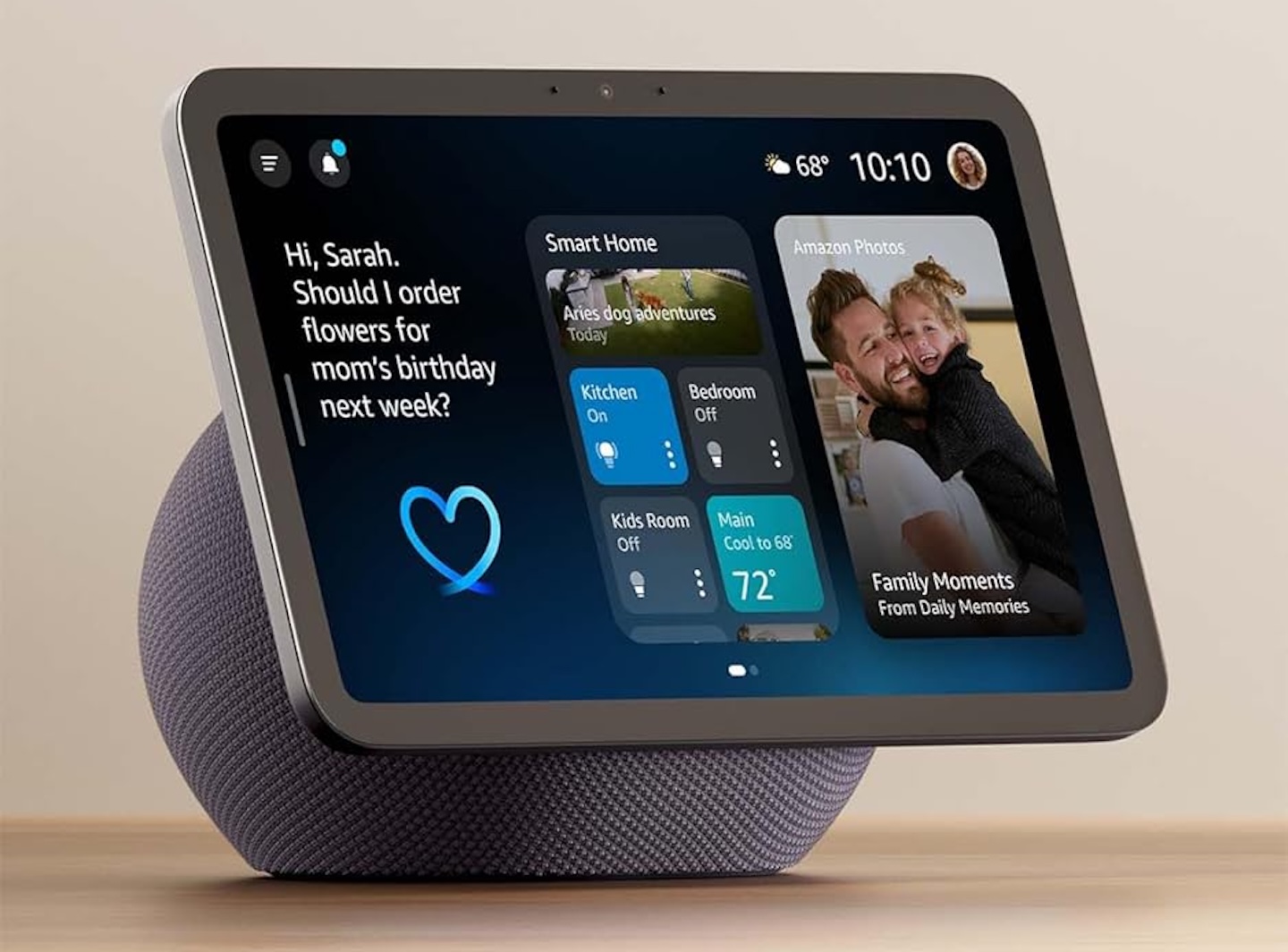
Its 8.7-inch touchscreen works alongside Alexa voice commands, allowing users to manage compatible lights, plugs, thermostats, and other connected devices. Instead of reaching for a phone, household members can adjust settings directly from the display or ask Alexa to handle them.
Price: $149.99
Where to Buy: Amazon
The model also supports Alexa+, Amazon’s conversational AI assistant. Alexa+ access on compatible devices is included with Prime; non-Prime customers need the $19.99-per-month Alexa+ Standard subscription. Amazon currently makes Alexa+ available to U.S. customers with personal Amazon accounts set to a supported location; compatible devices can be set to English (United States), Spanish (United States), or a supported English/Spanish multilingual option. Supported features also depend on connected services.
For households using compatible Ring cameras or video doorbells, the Echo Show 8 provides another place to view camera feeds. It also supports recipes, weather forecasts, reminders, music, and video calls, extending its usefulness beyond home automation.
Its biggest advantage is compatibility with an established Alexa setup. Buyers can introduce a shared touchscreen without replacing their existing supported smart home accessories.
However, it doesn’t provide Apple’s native FaceTime, Messages, or personalized HomeView interface. Buyers should also consider Amazon’s account requirements and on-screen recommendations.
The Echo Show 8 is best suited to Alexa households seeking a compact display for everyday tasks. Its combination of voice controls, touchscreen interaction, and connected-device management makes it particularly useful in kitchens and living rooms.
2. Amazon Echo Show 15 (2nd Gen): A larger dashboard for families
A compact smart display works well for quick commands, but it can feel restrictive when several household members need access to calendars, reminders, and shared information. The Amazon Echo Show 15 addresses that limitation with a larger screen designed for communal spaces.
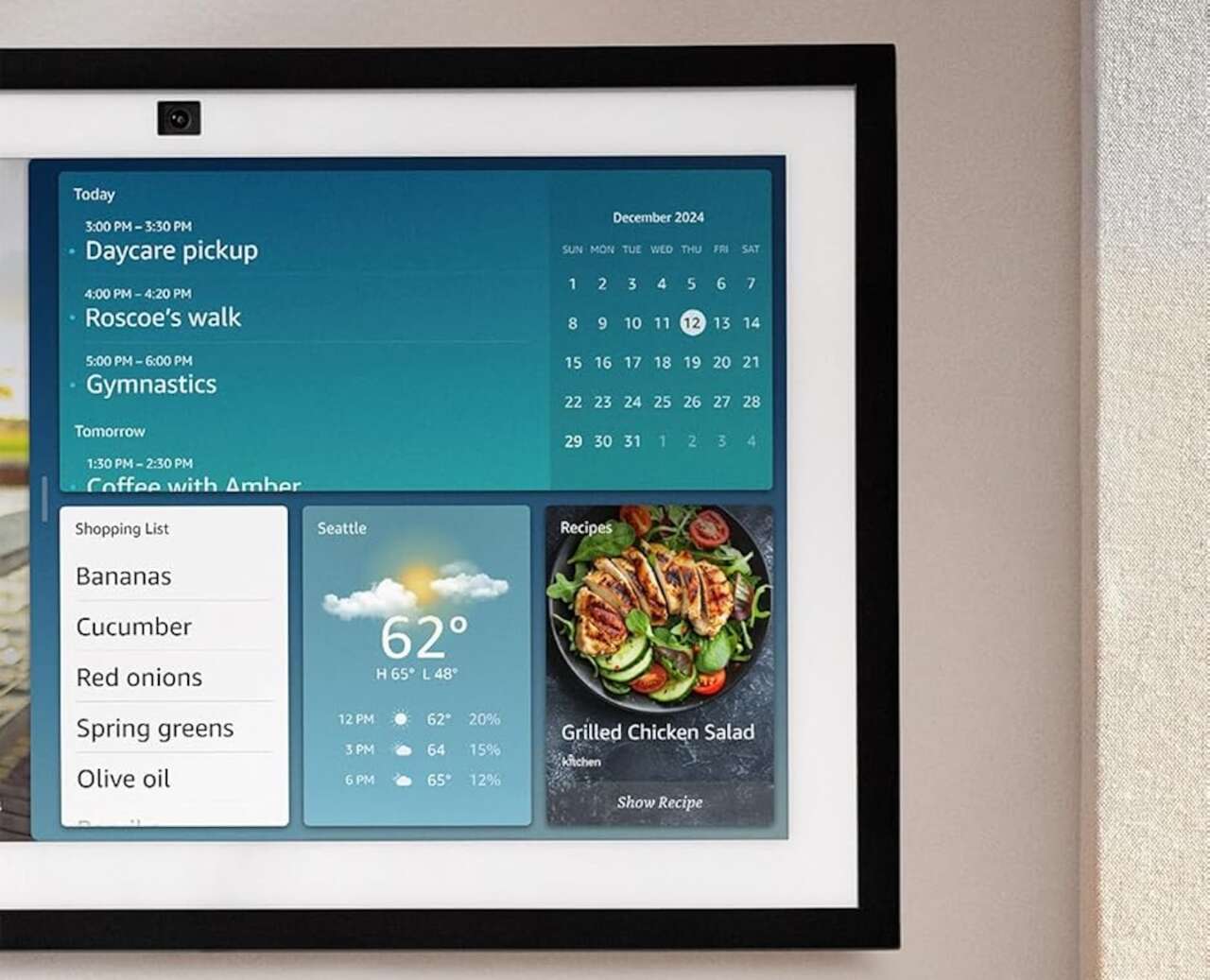
Its 15.6-inch Full HD touchscreen provides room for multiple widgets. Families can organize calendars, shopping lists, reminders, and smart home shortcuts without constantly navigating between screens.
Amazon’s customizable interface makes the Echo Show 15 useful as a household information center. Mounted in a kitchen or common area, it gives family members a convenient place to check schedules and manage connected devices.
Price: $349.99
Where to Buy: Amazon
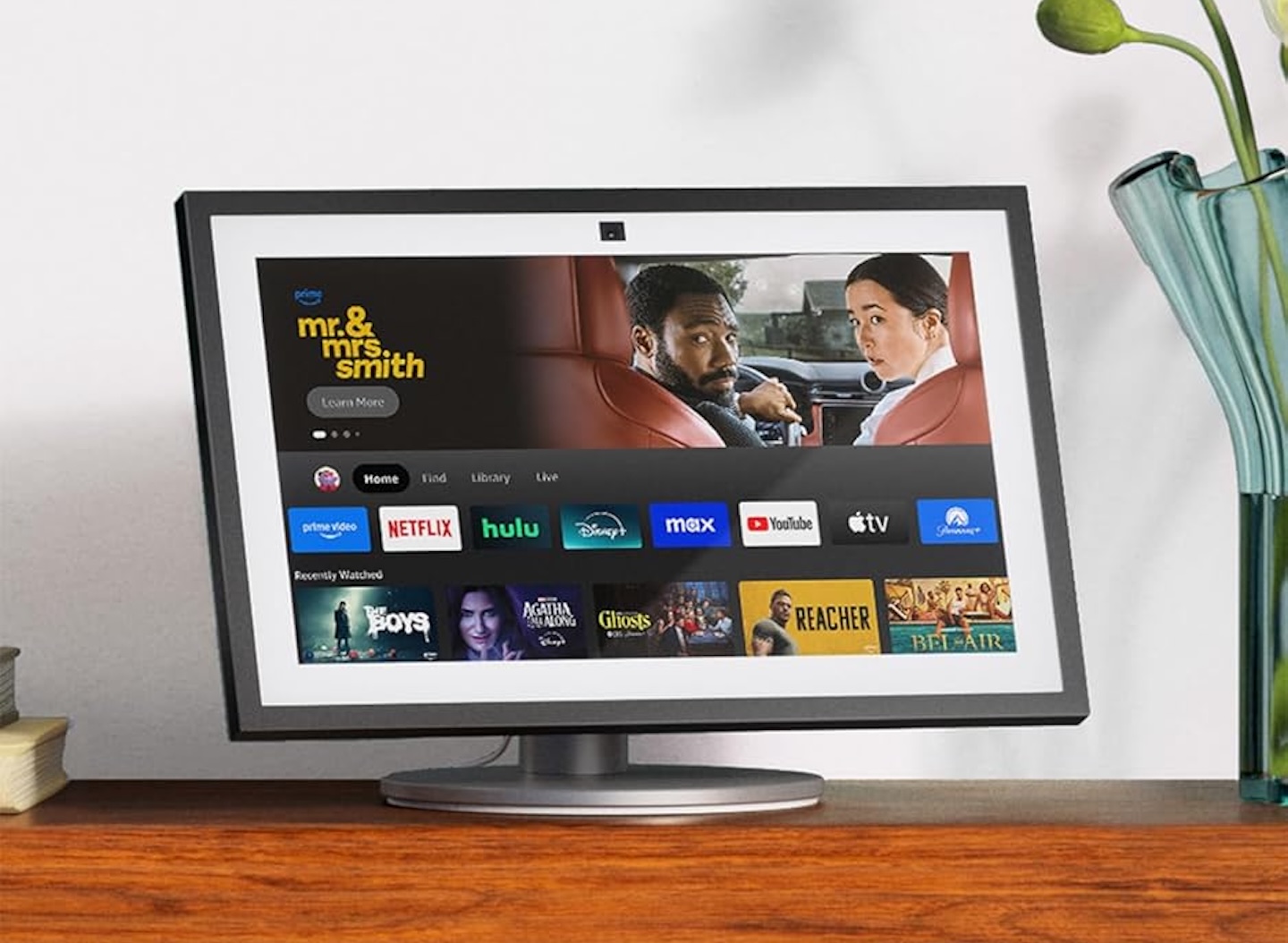
The second-generation model includes Fire TV functionality, allowing users to stream entertainment or follow video recipes. A 13MP camera supports video calls, while a physical camera cover provides a straightforward privacy control.
Compared with Apple’s smaller HomeView, the Echo Show 15 emphasizes screen space and shared household organization. Its larger display can be easier to read from across a room, particularly when showing calendars or reminders.
However, its size comes with trade-offs. The Echo Show 15 takes up more wall or counter space than the smaller Echo Show 8, and it is less portable than a tablet. It can be wall-mounted or placed on a counter with a stand, sold separately.
It remains centered on Amazon’s services and does not provide native FaceTime, Messages, or HomeView-style personalized controls. The Apple TV app is available through Fire TV, but that’s separate from native integration with Apple’s ecosystem.
The Echo Show 15 makes sense for families already invested in Alexa who want a central dashboard for schedules, reminders, smart home controls, and occasional entertainment. Buyers with limited space may find the smaller Echo Show 8 more practical.
3. Google Pixel Tablet: A flexible option if you already own one
If you already own a Google Pixel Tablet or can find one through another retailer, it can still be a good alternative for Google Home users. Google removed the Pixel Tablet product page and the “Tablet” category. Check third-party availability and whether the Charging Speaker Dock is included or sold separately. The tablet form factor combines standard Android apps with Google Home controls when docked.
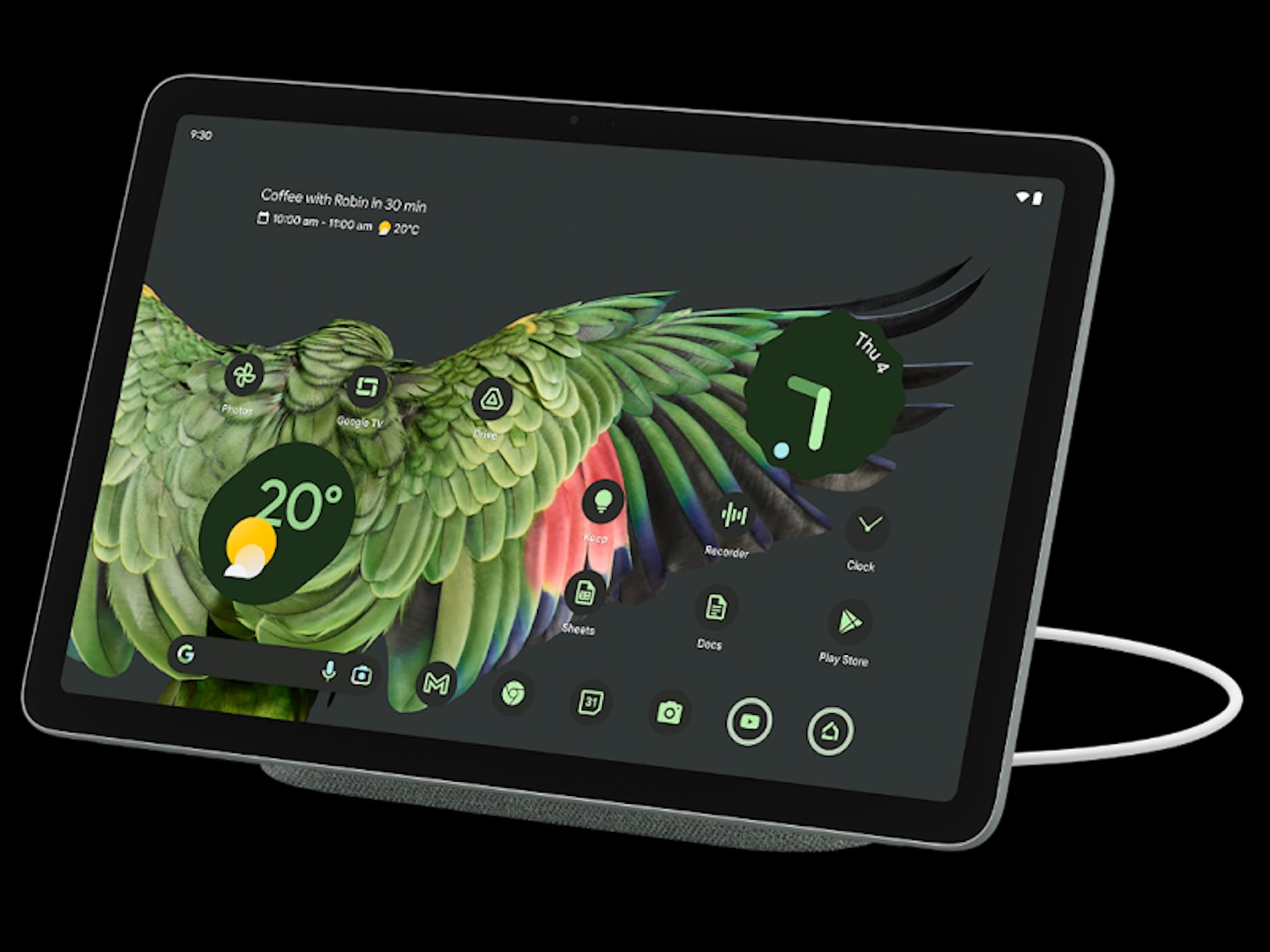
The Pixel Tablet features an 11-inch display with 2560 × 1600 resolution, Google’s Tensor G2 processor, and 8GB of RAM. Unlike conventional smart displays, it supports regular Android applications alongside its home-control features.
When attached to Google’s Charging Speaker Dock and locked, the tablet enters Hub Mode. This provides access to compatible Google Home devices, allowing users to control lighting, adjust connected accessories, and view supported camera feeds.
The dock keeps the tablet charged and includes a speaker, making it suitable for a kitchen counter or living room shelf. When needed elsewhere, the tablet can be detached for browsing, streaming, reading, or other applications.
Google lets households set up separate user profiles on the tablet, each with its own apps, settings, and Home screen. That differs from Apple’s face-recognized personalization: Google lists guest-user support for Hub Mode, rather than separate personalized profiles for each person in the docked display mode.
There are limitations worth considering. Hub Mode requires the Charging Speaker Dock, which may be sold separately. The tablet also doesn’t function as a Nest security camera, despite having cameras for video calls and other tablet functions.
For Google Home households, the Pixel Tablet offers more flexibility than a stationary smart display. Its biggest advantage is combining connected-home controls with the usefulness of a portable Android tablet.
Which Apple HomeView alternative should you buy?
Choosing between these displays depends on your existing smart home ecosystem and where you plan to use the device.
The Echo Show 8 is the most straightforward option for Alexa households seeking compact controls and everyday convenience. The Echo Show 15 is better suited to families who want a shared dashboard with calendars, reminders, and entertainment.
If you already own a Pixel Tablet or can find one through a retailer, it offers Google Home controls alongside the flexibility of a conventional tablet.
Apple’s HomeView may remain the better fit for households relying heavily on HomeKit, FaceTime, and Siri. Its personalized interface also distinguishes it from these alternatives.
Before purchasing, confirm compatibility with your existing cameras, locks, lights, and thermostats. Matter support can improve interoperability, but it doesn’t guarantee identical functionality across platforms.
Ultimately, the best alternative is the one that works with the devices you already own. A useful smart display should simplify everyday routines without forcing you to rebuild your connected home.