A college backpack can fill up before the first class starts: laptop, charger, headphones, notebooks, and everything else needed for a day away from the dorm. Adding more tech only helps when it solves a problem often enough to justify the weight.
These six gadgets earn their space in different ways. Some keep a laptop running or make one outlet serve several devices; others help protect coursework, make noisy spaces easier to work in, or help find the bag itself. You do not need all six. Choose the ones that match the problems you actually face on campus.
1. A laptop-capable power bank
A phone battery dying before the end of the day is irritating. A laptop dying before you can finish an assignment, join a group meeting, or submit coursework is far worse. Campus outlets are often scarce, inconveniently located, or already in use.
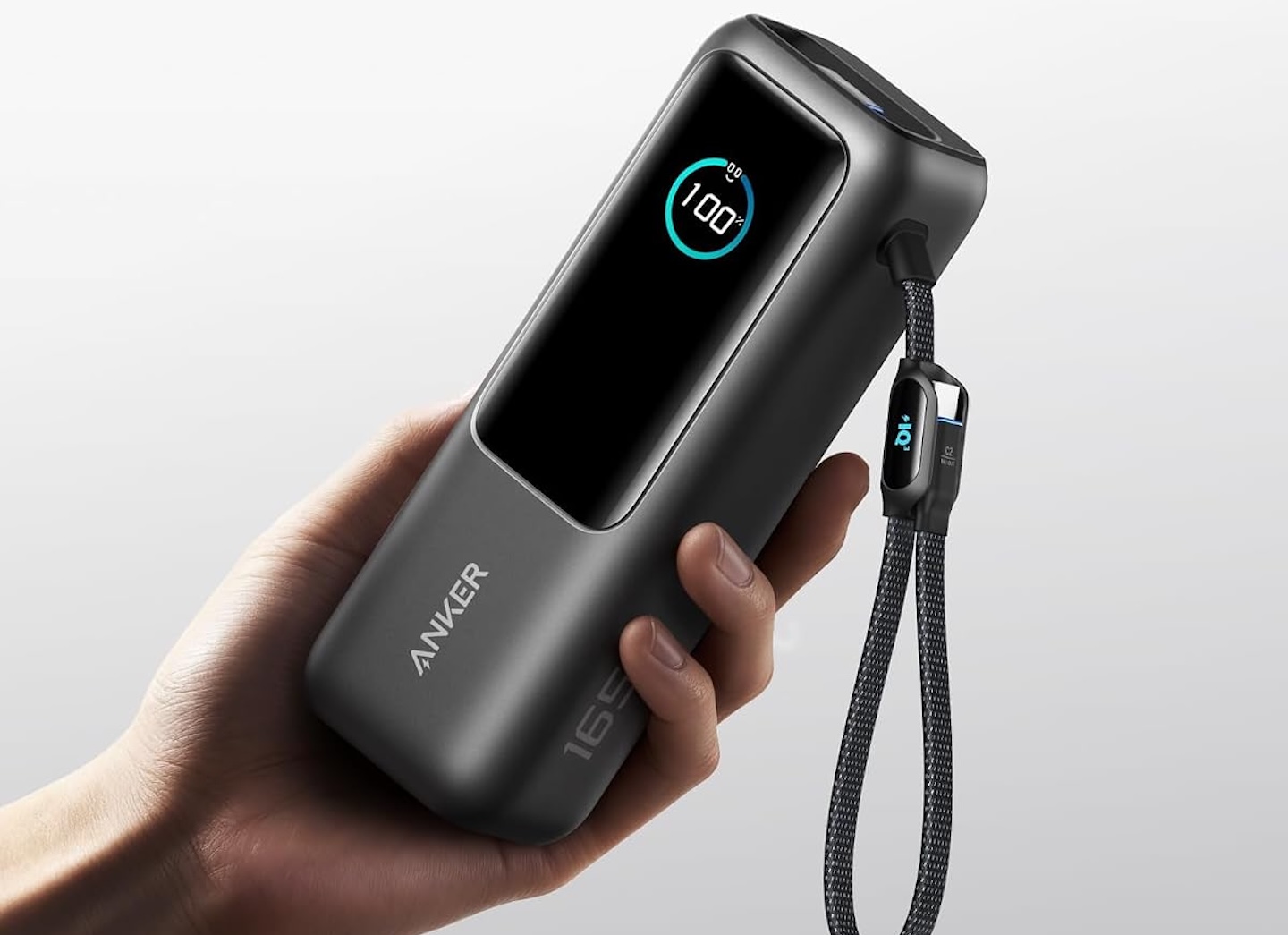
The Anker Laptop Power Bank is built for that more demanding use. Anker lists a 25,000mAh capacity, two built-in USB-C cables, and the ability to charge up to four devices. It supports up to 100W from an individual USB-C output. Its headline 165W total output is available when using any two USB-C outputs. USB-C plus USB-A reaches up to 133W, while three- and four-device configurations top out at 130W.
Price: $113.98
Where to Buy: Amazon
The practical benefit is less cable clutter and less dependence on finding an outlet. A compatible laptop, phone, tablet, and smaller accessories can share one battery. That is useful for students with long class days, commutes, library sessions, or campus events.
The compromise is weight. Anker lists this model at about 594g, so it is not a casual phone-only power bank. It also costs more than a compact 10,000mAh model. It makes sense for students who regularly carry a USB-C laptop and need substantial backup power. If you only need one phone recharge, buy something smaller and lighter.
2. One charger for the whole bag
Carrying a laptop brick, phone charger, and extra adapter wastes space. A compact multiport charger can reduce that clutter and make one wall outlet far more useful.
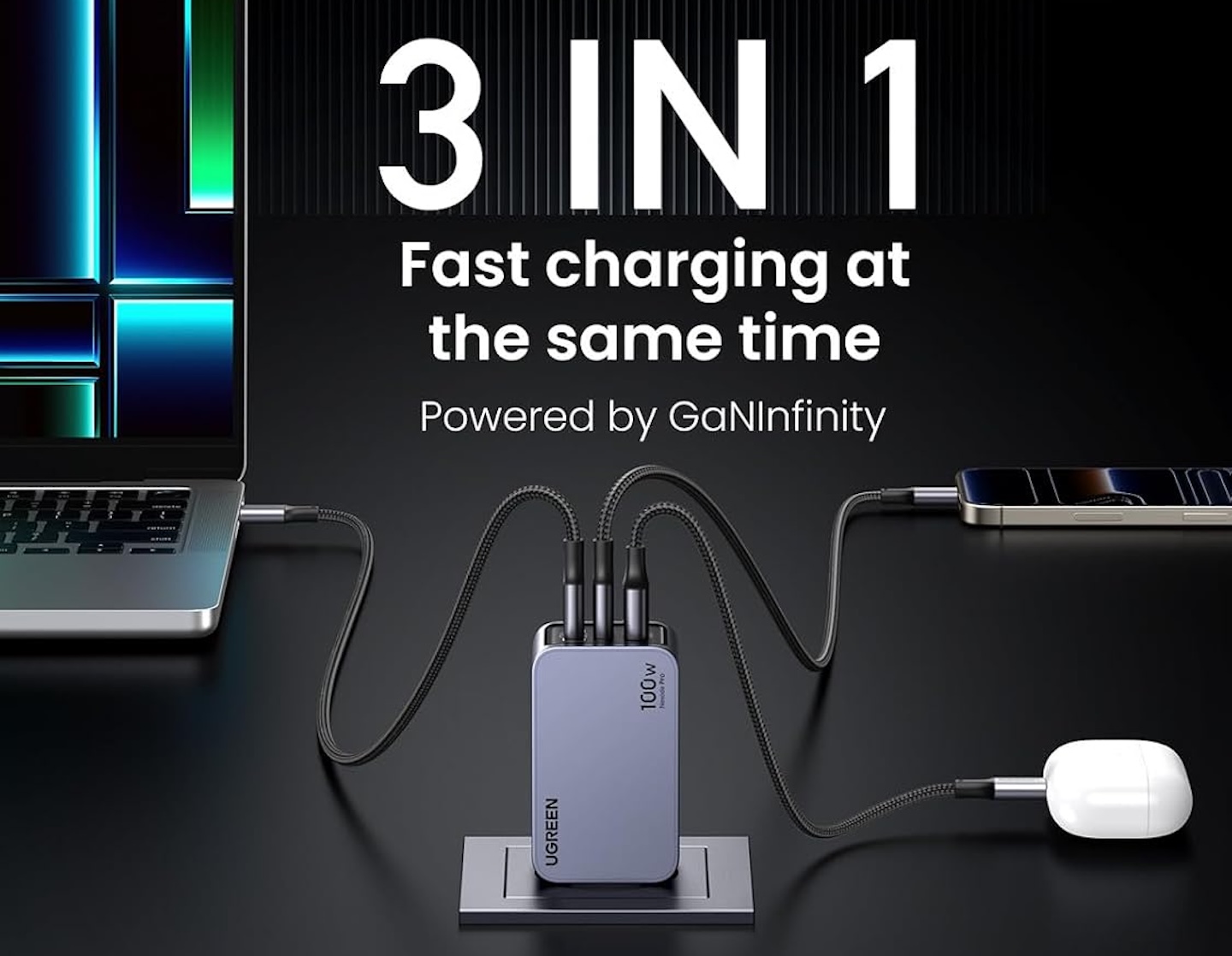
The UGREEN Nexode 100W 3-Port Charger has two USB-C ports, one USB-A port, and a foldable plug. UGREEN describes it as a palm-sized GaN charger that can charge three devices at once.
Price: $59.99
Where to Buy: Amazon
For a student, that means one compact charger can cover a compatible USB-C laptop plus a phone or earbuds. It also helps in shared spaces where access to a wall outlet is limited.
The important qualification is power sharing. The 100W figure is the charger’s maximum output, not a promise that every connected device receives 100W simultaneously. Charging speeds depend on the devices and how power is distributed across the ports. Check your laptop’s power requirements before treating it as a replacement for its original charger. For many USB-C laptops, though, it is a useful way to cut backpack clutter.
3. A portable SSD for important files
Cloud storage is useful, but unreliable Wi-Fi or a failed sync can leave you without a file when you need it. Students working with video, design files, coding projects, research data, or large presentations may also need fast access to files away from their usual setup.
The Samsung Portable SSD T7 Shield comes in 1TB, 2TB, and 4TB capacities. Samsung lists USB 3.2 Gen 2 connectivity, sequential read speeds up to 1,050MB/s, sequential write speeds up to 1,000MB/s, and a weight of 98g. It also lists IP65-rated dust and water resistance and resistance to drops of up to 3 meters.

Price: $274.02
Where to Buy: Amazon
Those speeds are manufacturer maximums, and the durability figures come from controlled tests. Actual transfer speeds depend on the computer, cable, and workload; water and drop resistance do not make the drive indestructible. Still, a compact SSD makes it easier to carry and copy large files.
The T7 Shield makes the most sense for students handling large creative or technical projects. It may be unnecessary if you work primarily in browser-based documents. If you do use one, keep copies of important work on your laptop and in a separate backup location. The portable drive should not become the only place a project lives.
4. Noise-canceling earbuds for loud campus days
College is noisy. Dorm hallways echo, roommates take calls, student centers play music, and even libraries are not always quiet. Earbuds cannot create perfect silence, but they can make focused work more realistic.
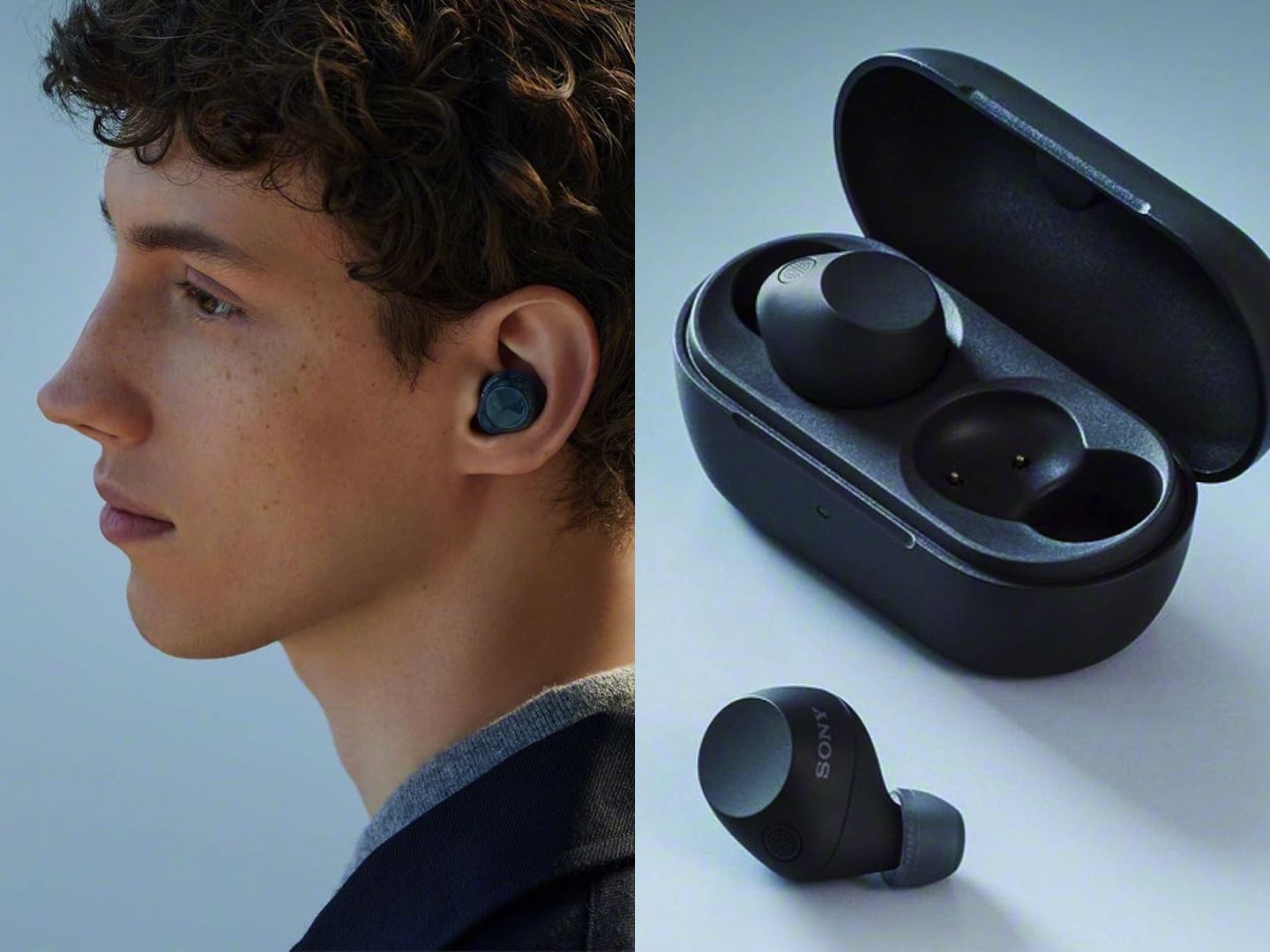
The Sony WF-C710N earbuds offer active noise canceling, Ambient Sound mode, multipoint connection, and IPX4 water resistance. Sony rates them for up to 8.5 hours of music playback with noise canceling on, or up to 12 hours with it off.
Price: $119.99
Where to Buy: Amazon
Those are Sony’s estimates; volume, calls, settings, and battery age will affect actual runtime. The feature mix makes sense for study sessions and commuting. Noise canceling can reduce distractions, while Ambient Sound mode lets you hear some of what is happening around you without removing an earbud.
Pay attention to traffic, bikes, and your surroundings when moving around campus. For shared rooms, public transport, and crowded study spaces, though, noise-canceling earbuds can become one of the most-used items in a student bag.
5. A compact mouse for laptop work
Trackpads are fine for quick tasks, but spreadsheets, editing, design work, and long research sessions can feel cramped on a laptop. A small mouse adds little bulk while making a temporary desk setup more comfortable.
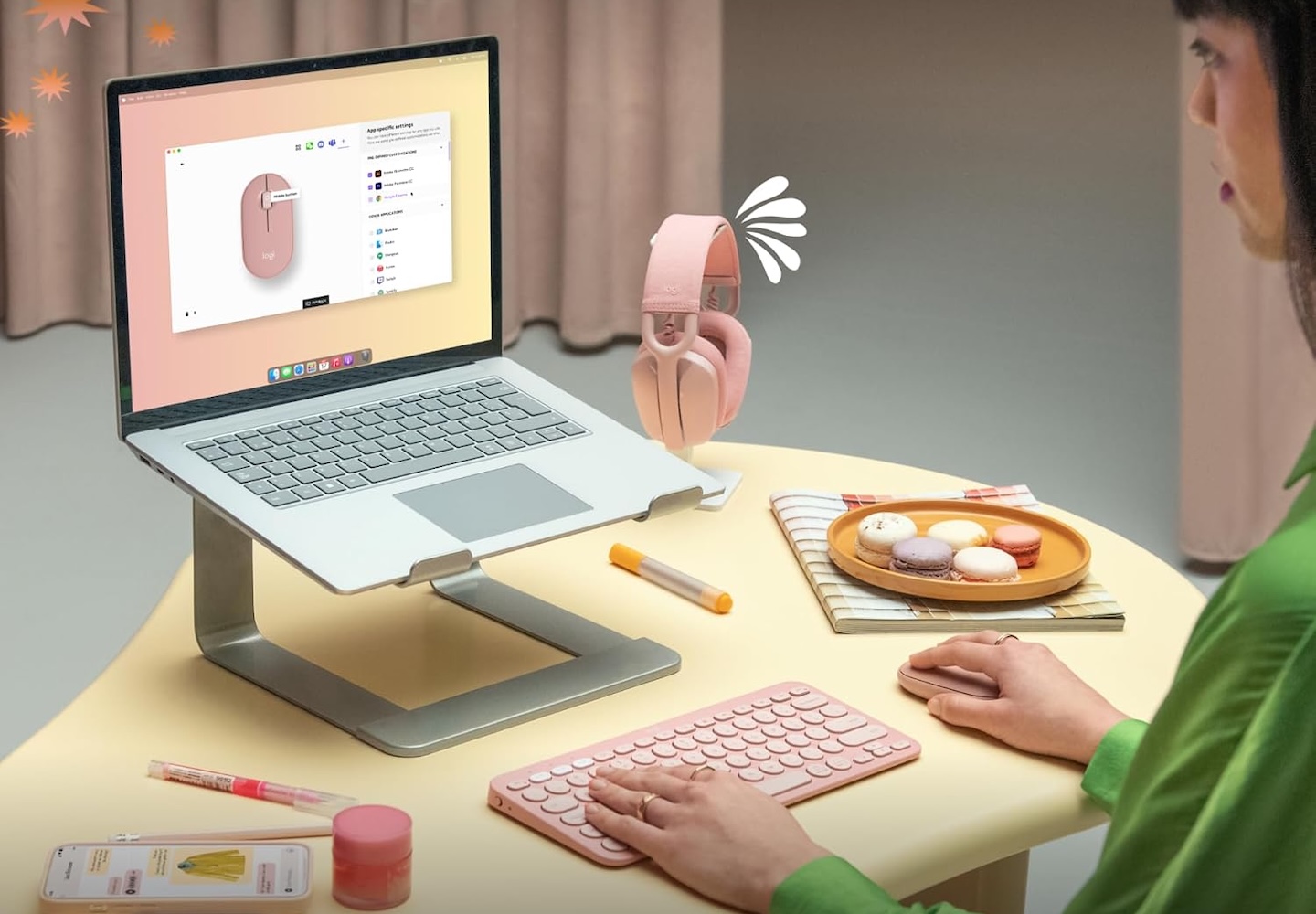
The Logitech Pebble Mouse 2 M350s is a slim Bluetooth mouse with quiet clicks and a customizable middle button. It can switch between paired devices and runs on an AA battery.
Price: $23.99
Where to Buy: Amazon
Its appeal is straightforward: it fits in a pouch, yet gives you another way to navigate detailed work. You can use it with a laptop in the library, then switch to another compatible device later.
A compact mouse will not be as ergonomic as a larger model for hours of editing or intensive design work. But for ordinary assignments and portable productivity, it is a small addition you may use often.
6. A tracker for the bag holding everything else
A backpack can hold a laptop, charger, notes, keys, and ID. Misplacing it in a busy library or study room can become a serious problem quickly.
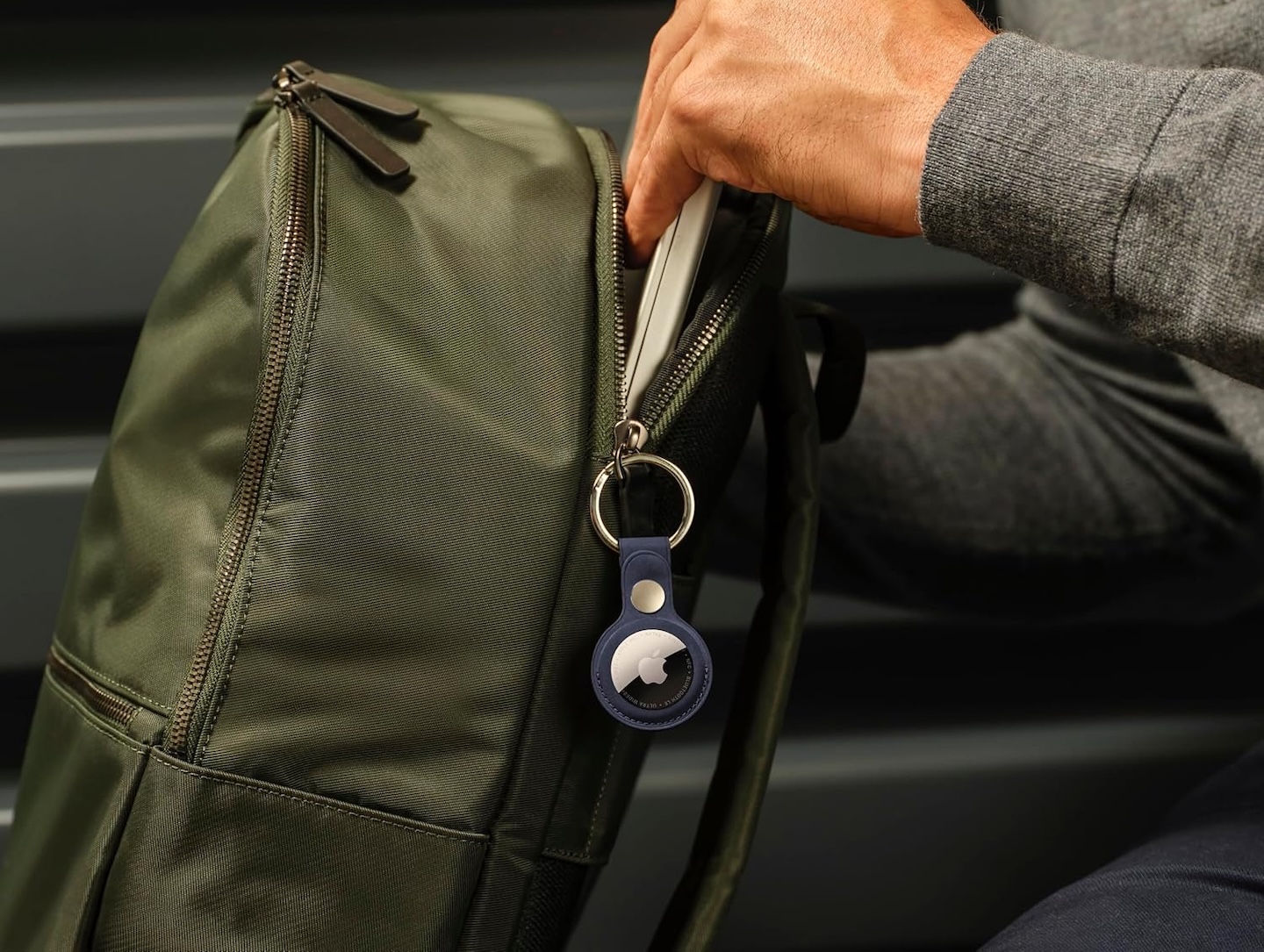
For iPhone users, an Apple AirTag can go inside a bag or attach to it with a suitable holder. After setup with a compatible iPhone or iPad, it works with Apple’s Find My network to help locate a missing item.
Price: $89
Where to Buy: Amazon
A tracker is not theft-proof. Its ability to report a location depends on network conditions and nearby devices, and it is no substitute for keeping your bag within sight. Apple also includes unwanted-tracking alerts to help address privacy concerns.
Forgetting a bag in a study room or putting it down during a rushed morning is a more ordinary reason to carry one. Android users should choose a tracker made for Google’s Find Hub network rather than buying an AirTag by default.
Carry less, solve more
Start with a multiport charger if outlet access and cable clutter are daily frustrations. Add a power bank if you regularly need to charge a laptop away from a desk. Choose an SSD if you handle important local files, earbuds if noise disrupts concentration, and a mouse if your trackpad slows you down.
A tracker adds one more way to find the bag carrying it all. The goal is not to pack every available gadget. It is to carry the few tools that solve problems you actually encounter.