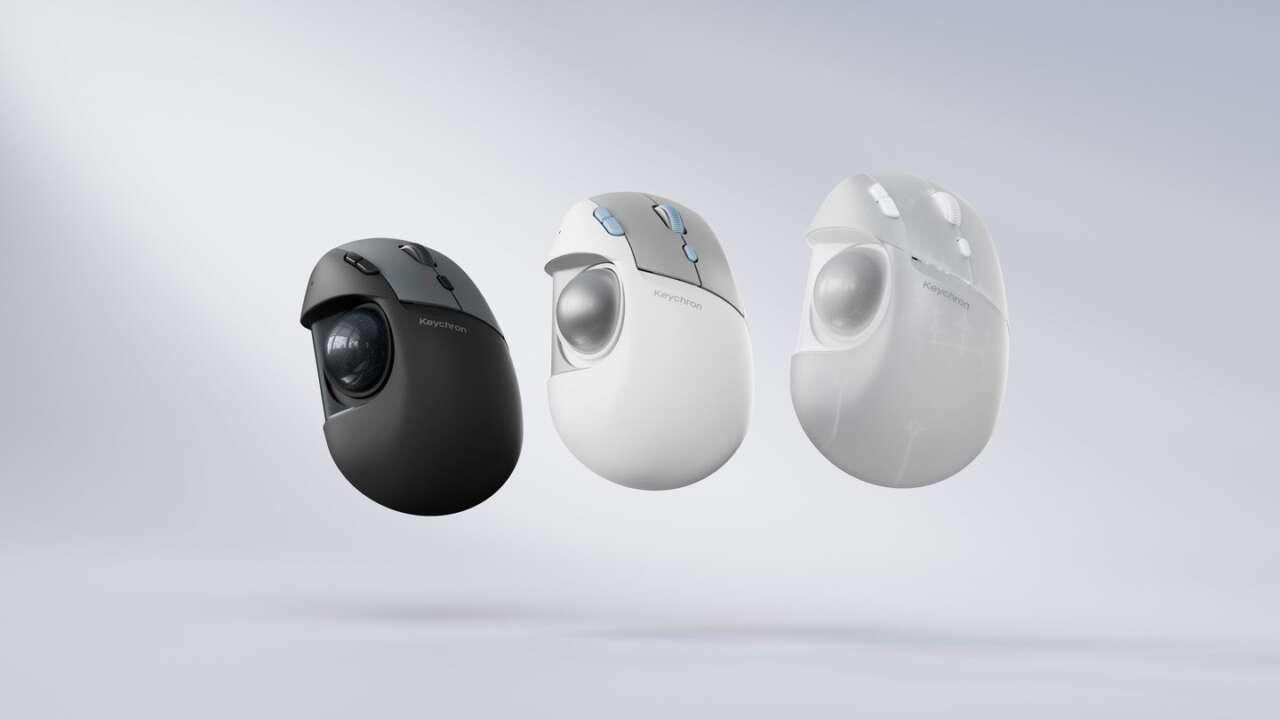
Trackballs ask your thumb to come to the ball. The Keychron T1 HE flips that around. Screws under the body slide its 34 mm ball left, right, forward, back and up or down, so the ball lands where your thumb already rests.
It’s a right-handed shell that stays parked on your desk while your thumb does all the traveling across every window and tab. Your wrist stays home.
Preorders are open at $59.99 in black, white or transparent. Keychron puts shipping at early December, so this is a reserve-now mouse that charges your card weeks before a box exists. If your thumb hurts tonight, the established pick below ships right away. It just can’t move its ball.
Logitech Ergo M575S Wireless Trackball Mouse
Thumb-operated trackball · Bluetooth wireless · Graphite with blue ball
Price: $39.99 $49.99 (save $10.00, 20% off)
Where to buy: Buy on Amazon
Screws underneath shift the ball on three axes
Flip it over and the adjustment lives underneath. Three screw points move the whole ball assembly. Travel runs 3 to 3.5 mm side to side and front to back, plus 2 to 2.5 mm up or down.
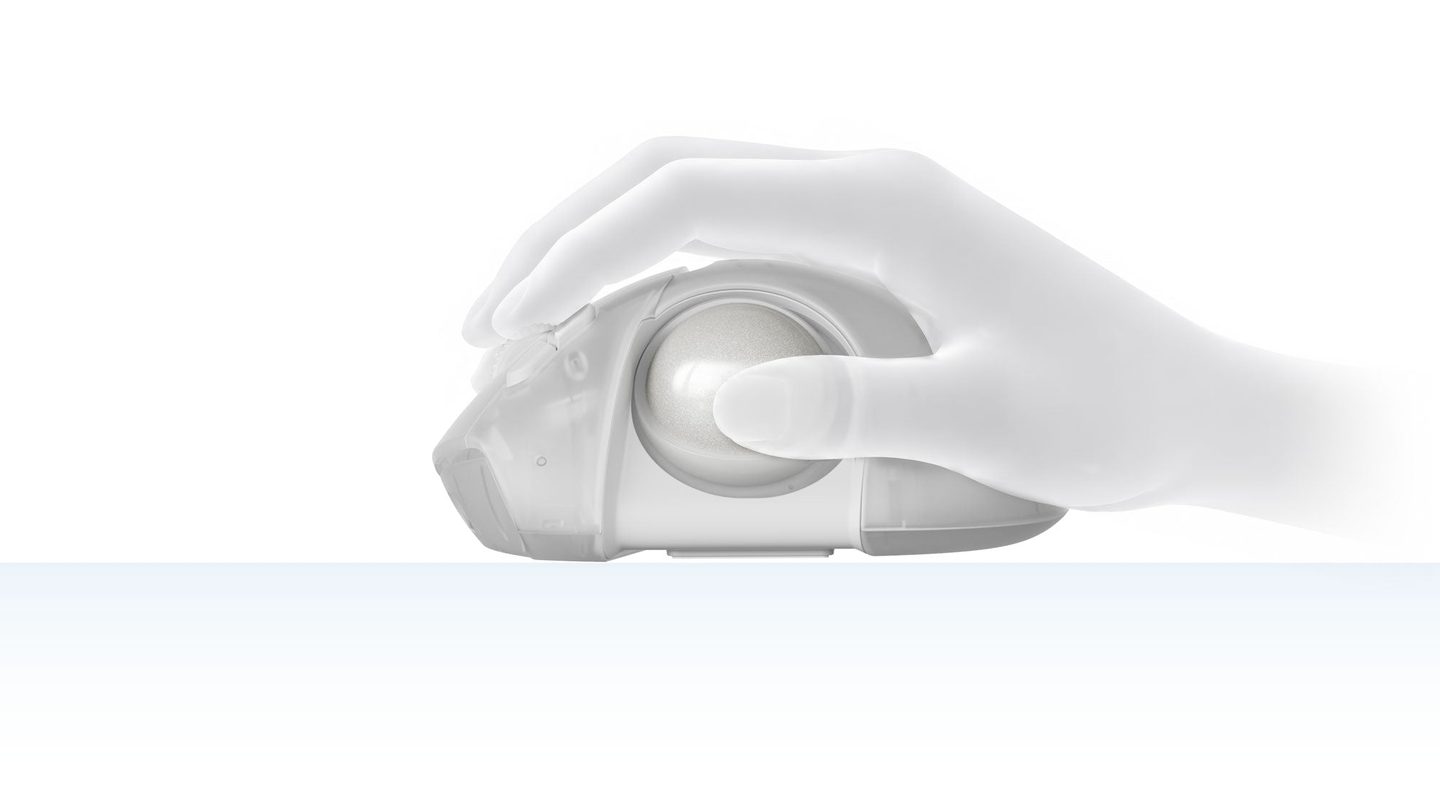
A few millimeters sounds like nothing on paper, but on a thumb ball it’s the difference between reaching and resting, and many people quit over it.
Think of it like a bike fit for your thumb. Small hands stop stretching, big hands stop scrunching, and the ball meets the pad of your thumb instead of the tip. Keychron built the T1 HE after the Nape Pro, its flat bar-shaped trackball that parks under a keyboard. This one’s the everyday mouse shape instead.
The ball pops out for cleaning with the included screwdriver through a hole in the base, no tools scattered across the desk. Official replacement balls come later. Third-party 34 mm balls might fit the socket, but Keychron only promises its own fit and finish.
The clicks tune like a gaming keyboard
The left and right buttons run Keychron’s MagOptic switches, a hybrid design that reads clicks two different ways. Optical mode keeps every click consistent.
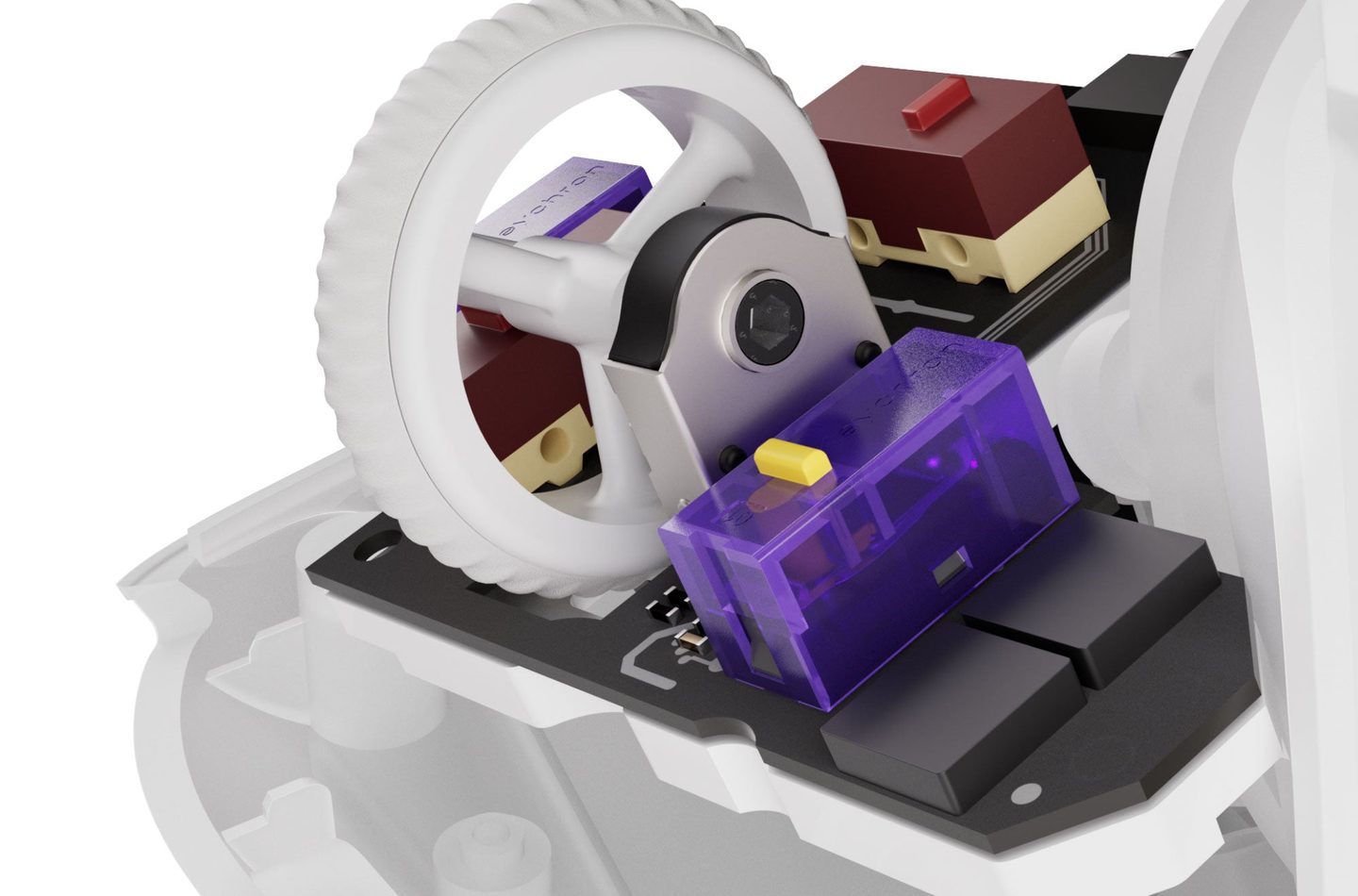
Magnetic mode is the fun half. You pick from 12 actuation steps, so a click can fire on a shallow tap or wait for a deep press. Rapid Trigger resets the button the moment you let go, which suits fast repeat clicking. Keychron rates the switches at up to 100 million clicks before they wear out.
Set it once. It stays set.
The scroll wheel gets hardware love too, with a 24-step optical wheel between the main buttons. Settings save to the mouse itself. Remaps you make at your desk travel with the mouse to any computer you plug into next.
All of it lives in Keychron Launcher, a web app that runs in Chrome, Opera or Edge with the mouse cabled up or on its receiver. Bluetooth alone can’t open the settings, so your first setup happens plugged in at your desk.
Keyboard energy, mouse job.
Three connections and up to 106 hours on Bluetooth
The T1 HE connects over 2.4 GHz with the included receiver, Bluetooth 5.2, or a USB-C cable. Bluetooth remembers three devices. A laptop, a desktop and a tablet can all stay paired at once, ready whenever you sit down. The cable also charges it while you work at full speed.
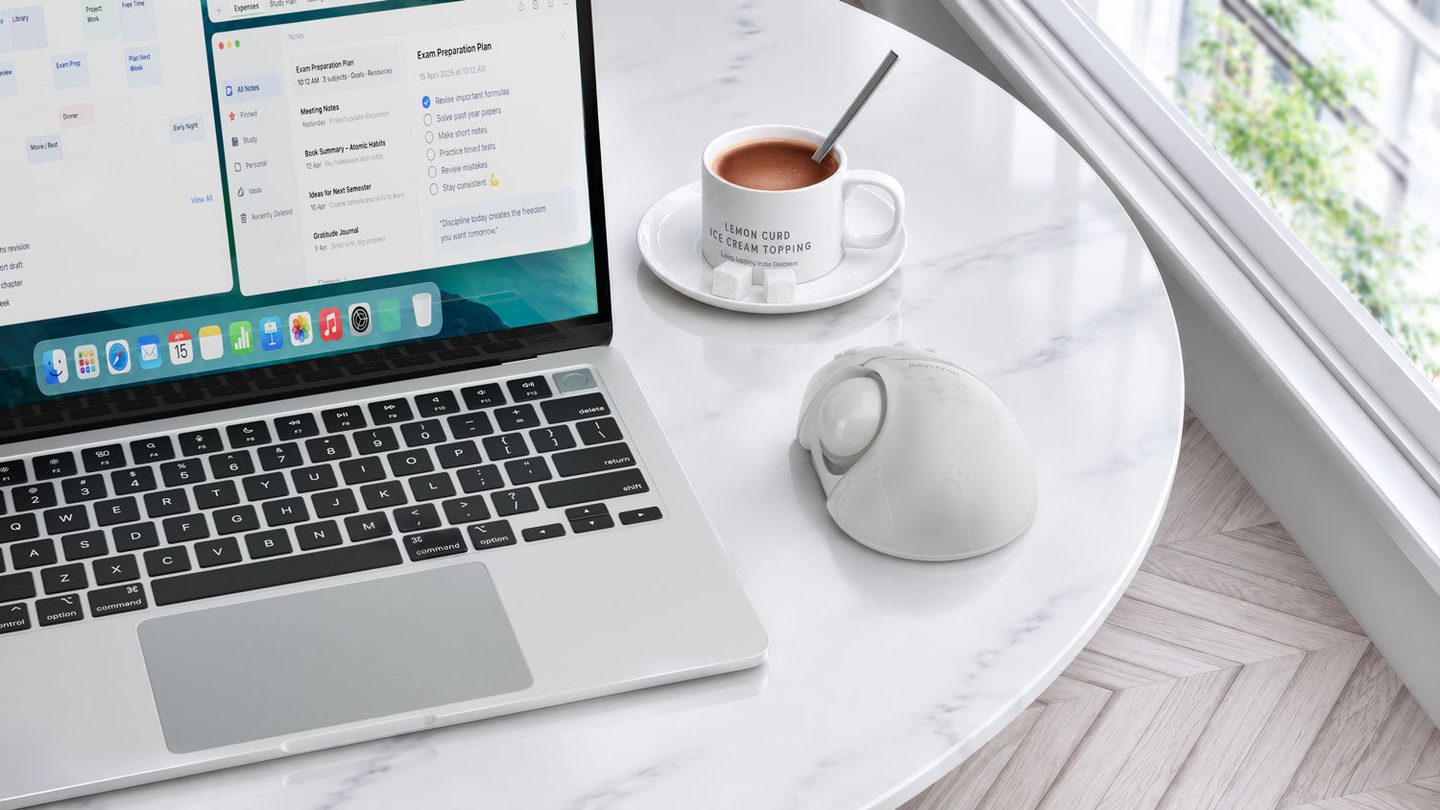
Battery life depends on the mode you pick and how hard you push it. Keychron rates up to 98 hours on 2.4 GHz at full polling and up to 106 hours on Bluetooth. Polling runs a fast 1,000 Hz wired or on the receiver, and a thriftier 125 Hz on Bluetooth.
Charging anxiety is handled by the 600 mAh battery mid-shell, and the mouse weighs 160 grams, give or take three, across a body about 119 by 81 by 53 millimeters.
One mouse, three machines. That’s the dorm-desk math here. A laptop for class, a desktop for everything else, one ball parked between them. Switching between them beats re-pairing every single time you change chairs.
The December wait and the left-handed catch
Here’s the catch list. The shell is right-handed only, and no ball trick or grip tape changes that. Preorder also means your sixty dollars sits with Keychron until the box ships in December, and early units carry the usual first-run wobbles and risk.
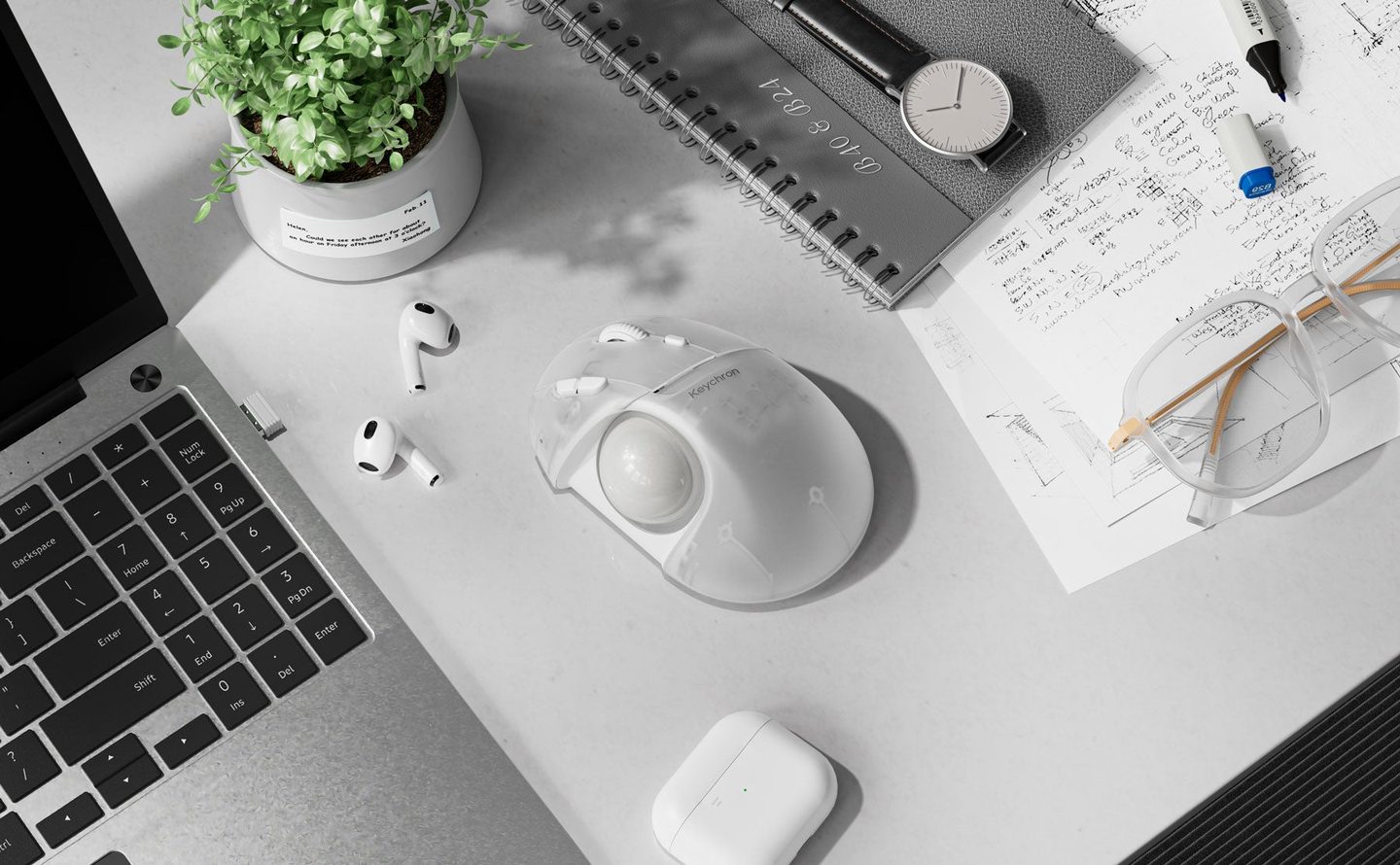
The transparent finish shows the frame inside the shell, the white one adds pale blue buttons, and the black one keeps the whole thing quiet and simple on a desk.
DPI tops out at 2,400 from the PixArt 3212 sensor, set in Launcher, while the button on the body cycles five presets between 100 and 1,200. Six buttons total carry your remaps, shortcuts and macros across Windows, macOS and Linux, no extra software riding along.
Buy it if your thumb loves trackballs but never quite reaches the ball on fixed models, at home or at the office. Sixty bucks is controller money, and it buys the one adjustment every fixed trackball skips. Skip it if you’re left-handed, allergic to preorders, or happy with a ball that stays exactly where the factory put it.
Keychron T1 HE Wireless Adjustable Trackball Mouse
34 mm thumb trackball with 3-axis position adjustment · MagOptic switches with 12-step actuation and Rapid Trigger · 2.4 GHz, Bluetooth 5.2 and USB-C
Price: $59.99 (preorder, ships early December)
Where to buy: Preorder at Keychron