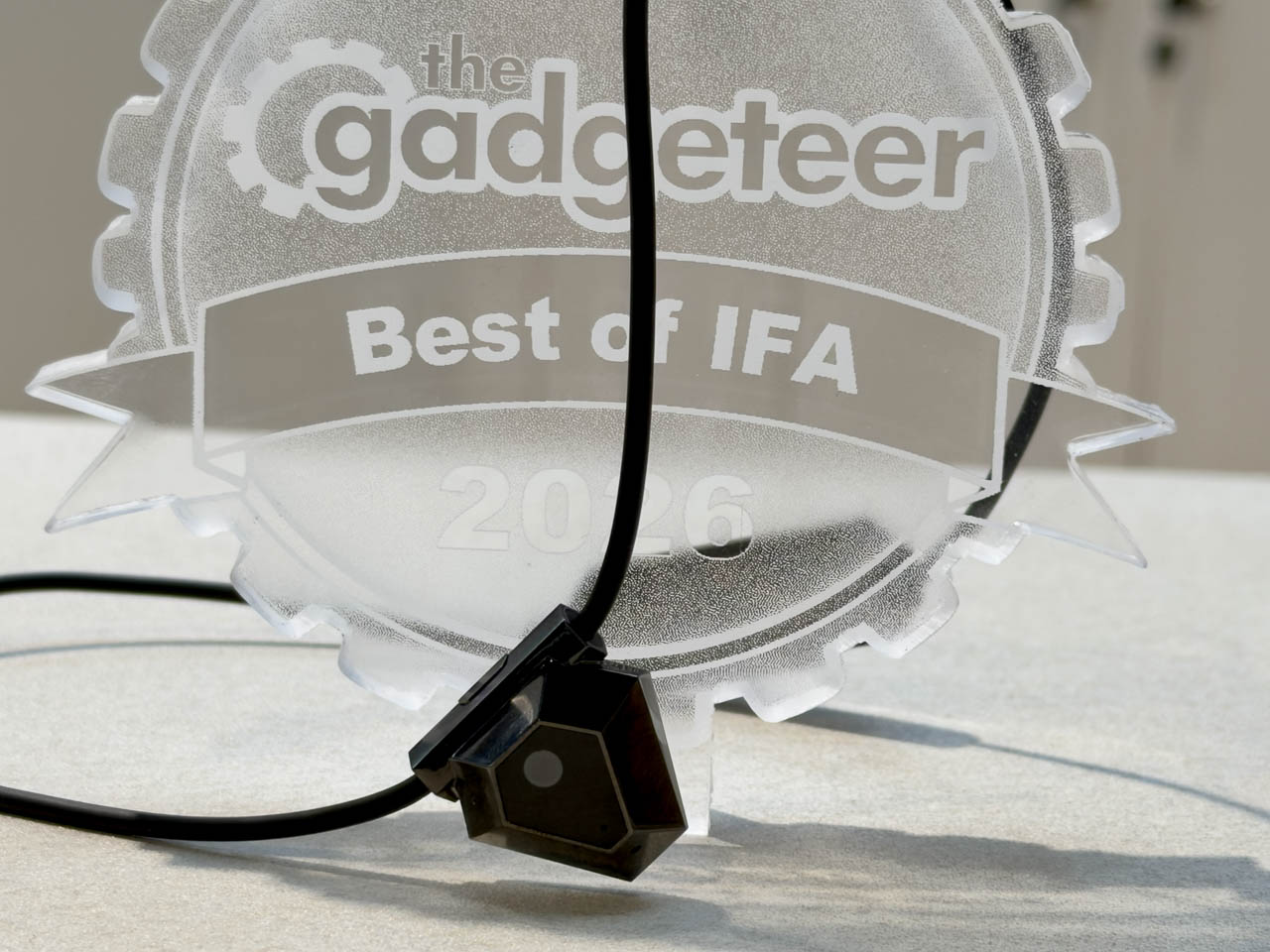
The ODYSS N1 caught my attention at IFA because it tackles the part of food tracking I’d most like to automate: remembering to record what I ate. This AI necklace sits at the collarbone, looking toward a meal through a wide-angle camera. ODYSS wants it to recognize eating as it happens and turn that view into a dietary record, without making you pull out your phone for every bite.
ODYSS’s co-founder walked me through food recognition, privacy controls and the app. We talked through packaged snacks, homemade meals, keeping food photos and connecting the dietary record with Apple Health. I wanted to understand how much of that daily work the necklace could take off my hands.
Recognizing the meal from where you’re sitting
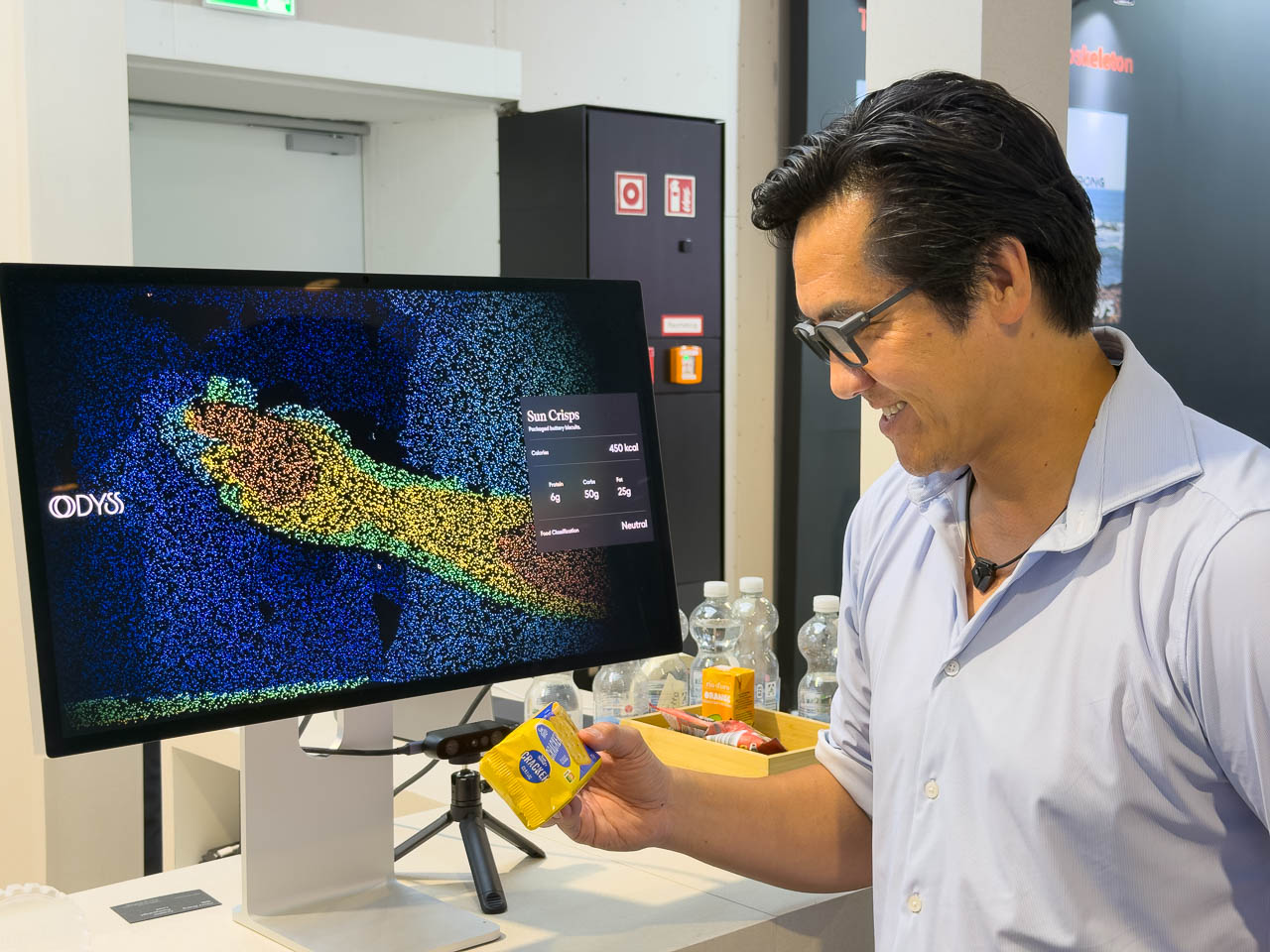
I asked how the camera uses shape, color and texture to recognize food. The co-founder described using those visual clues alongside depth information to work out the food’s size and estimate its calories. The demonstration focused on the recognition component; he explained that the broader system also determines when you’re eating and gathers context around that moment.
Its position helps explain the approach. The camera doesn’t need the wearer to hold a phone above a plate. From the collarbone, its wide field of view can take in food, packaging and the movement toward your mouth. ODYSS says motion and contact sensors detect when the necklace is being worn, while visual cues and hand-to-mouth movements help activate sensing when it’s needed.
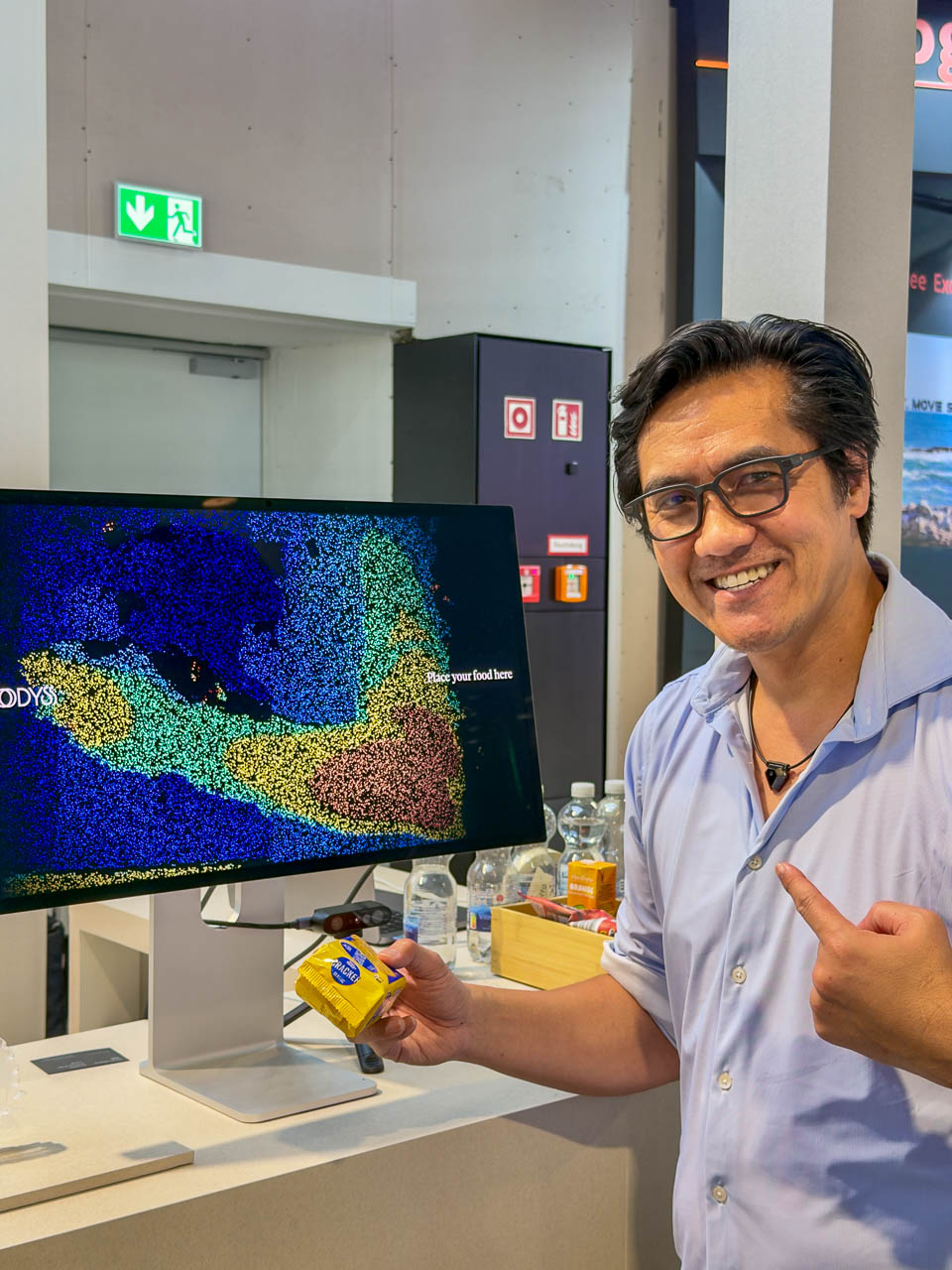
Packaged food gave us a straightforward example to discuss. The company combines open food databases with its own collection of product images and ingredient information. A package gives the system several clues, including its appearance, shape and visible labeling. The co-founder explained that even a partial view can be compared with a known product.
I asked whether it could distinguish individual packaged products instead of grouping different potato chips together.
“For the packed food, it’s precise,” he said.
He was describing product matching, rather than a measured accuracy result from my visit. But the distinction matters: identifying the particular snack gives the system more useful information than simply deciding you’re eating chips.
We also discussed languages. The team described its current focus on European and North American packaged foods, naming German, Italian, French and English. This was about recognizing food packaging and drawing on the relevant databases. For someone eating across different countries, that’s a much more useful starting point than assuming every label looks like the ones at home.
Unpackaged food led to a longer conversation. I asked about something bought at an open market and about cooked meals. The co-founder used a banana as a simple example, then explained how the model works from what an experienced person could recognize in a dish.
Soup illustrates where context becomes valuable. Some ingredients are visible; others sit below the surface. I raised allergies while asking about hidden ingredients, but the discussion didn’t establish that the necklace could determine whether a meal was safe for someone with an allergy. The team instead described identifying uncertainty when the view doesn’t provide enough information.
One idea we discussed was recognizing ingredients during preparation. If you’re wearing the necklace while handling cabbage, carrots or fruit, those earlier views could help the system understand the finished meal. The co-founder described that as a direction they’re developing. It gives the camera a useful role beyond a single snapshot: following how the meal came together.
A privacy button, cloud processing and the food-photo question
Privacy took up a substantial part of our conversation, as it should for a camera you wear around other people. I wanted to know both how to stop it and what happens to the images it captures.
The co-founder pointed out the physical privacy button and explained that one click shuts down the camera and stops capture. You can also take the necklace off. We discussed a physical camera cover, too, which the team was considering but hadn’t resolved as part of the design.
That immediate control matters to me. A meal might be in a restaurant, at someone’s home or around people who aren’t comfortable with a camera. Being able to stop capture directly on the device gives the wearer a simple response.
The next distinction was between recognizing food and keeping photographs. According to the co-founder, the automatic images aren’t available for the wearer to browse or export. He said employees and engineers also don’t ordinarily access them. Users can choose to contribute their data, which he described as an exception requiring their permission.
ODYSS says raw images are turned into structured dietary information and then deleted. In our conversation, the co-founder tied deletion to the user choosing not to contribute the images. He also explained that local models remove faces and other sensitive information before uploading to the cloud. Processing therefore involves both the device and cloud services.
He described two routes for that upload: through the phone app or directly over Wi-Fi. When I asked where the servers would be, he outlined regional cloud arrangements and explained that setting those up was part of the work involved in entering different markets.
Then I asked for something I could see myself wanting: a picture of my meal attached to the record.
“What if I want it to take pictures of my food?”
The co-founder said I could upload a food image, including when I wanted to correct the information or document what I’d eaten. I pushed further. If the necklace already captured a view of the food, could it save that picture for me automatically?
“I just want to be automated,” I told him.
He explained that the recognition images aren’t necessarily attractive food photographs, and that displaying them also raises privacy considerations. Uploading my own food photo was the supported route he described; an automatic photo diary was my request, rather than a feature he promised.
I liked being able to have that conversation at this stage. Keeping a useful meal record, giving me control over capture and deciding which images remain accessible are all part of making this something I’d want to wear.
Putting food alongside the health data you already have
The app walkthrough brought the idea back to everyday use. The co-founder showed meal history that included noodles, coffee and smaller eating moments. When I asked whether the coffee had been recognized or manually logged, he said it had been recognized. He also explained that the record could be edited.
We discussed what happens when the necklace isn’t being worn, including my example of eating ice cream at 2 a.m. Manual entry gives you a way to fill in those gaps. The conversation also covered telling the system to change a calorie entry, using the example “Just make it half.” These were explanations of how corrections would work, rather than a correction I completed during the demo.
That flexibility is useful. Automatic logging can handle the routine collection, while you still have a way to add something it missed or fix an entry.
ODYSS organizes the dietary information into three scores. Quality looks at nutritional balance, including protein, fiber and fat. Energy compares calorie intake with daily targets. Rhythm follows eating speed, timing and meal windows. During the app discussion, the co-founder showed an eating-window view and talked about looking at patterns over time.
I also asked whether Apple Health or RingConn information would overlay the food data or stay separate. He specifically confirmed importing data from Apple Health and explained that it feeds suggestions rather than appearing as an overlay on the screen we were discussing. Direct RingConn support wasn’t confirmed.
His example was a poor night’s sleep: the system could use that context when preparing suggestions about the day’s energy intake. We also talked about working out, gaining muscle and losing weight. He described the goal as preparing an individual plan using information from the wearer and Apple Health.
For me, that connection is a big part of the appeal. A meal log becomes more useful when it relates to what you’re trying to do and the information you’re already collecting. I want to understand the pattern without having to assemble it myself from several different screens.
I left the conversation interested in how naturally the N1 could fit around eating. The collarbone view, food matching, editable records and Apple Health connection all serve the same practical purpose: making dietary tracking take less effort. That’s what I want from this kind of wearable. Let me enjoy the meal, then help me make sense of it.