Buying a thin laptop usually means accepting the same basic shape no matter how you’re using it. You might be reading a long document, showing someone a presentation, taking handwritten notes, or inspecting something away from your desk, but the keyboard stays attached whether you need it or not.
Price: From $3,039
Where to Buy: Lenovo
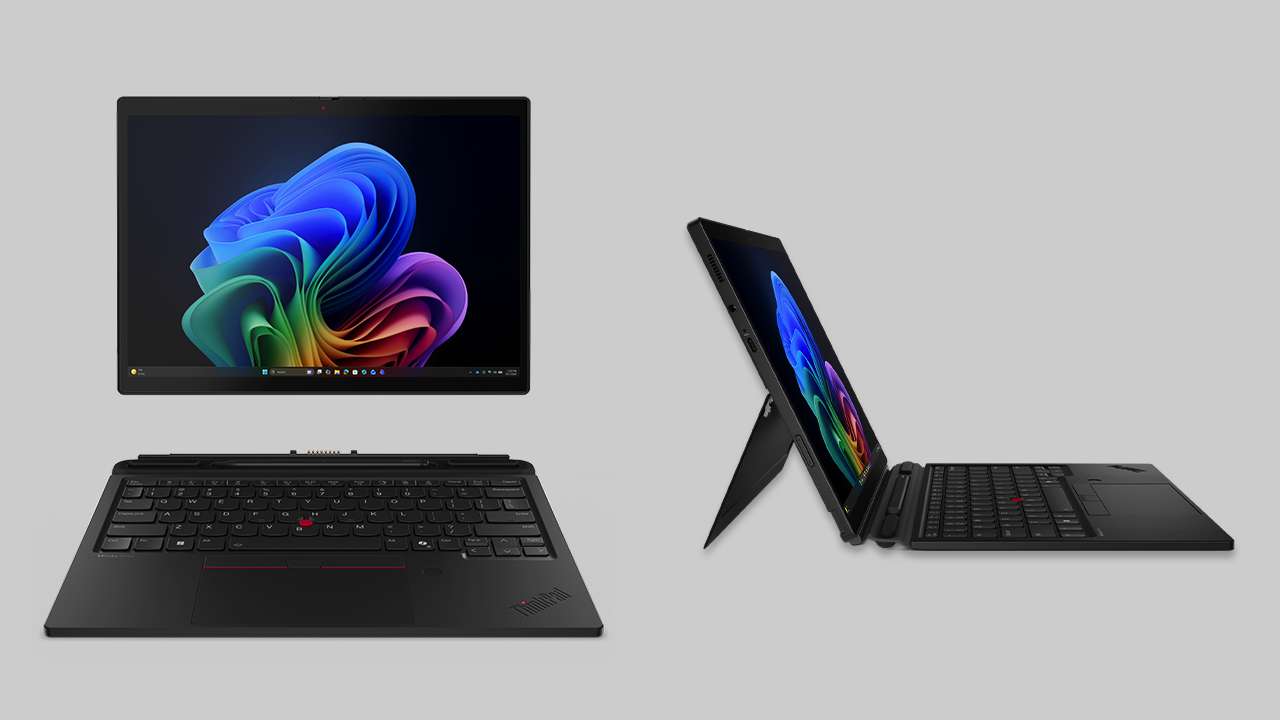
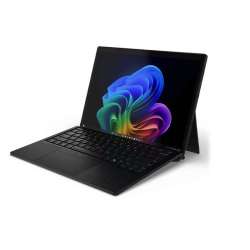
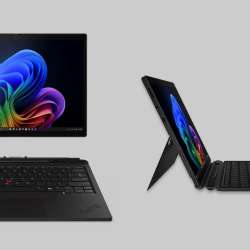
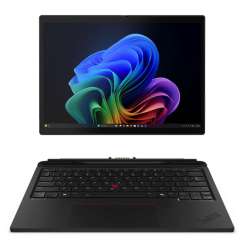
The Lenovo ThinkPad X13 Detachable Gen 1 removes that assumption. Its computer and 13-inch display live inside a tablet weighing about 1.96 pounds, while Lenovo’s detachable folio keyboard can turn it into a more familiar work machine when typing becomes the priority.
That flexibility sounds useful. The real question is whether your work gives you enough reasons to actually take the keyboard off.
A 3:2 screen gives tablet mode a purpose
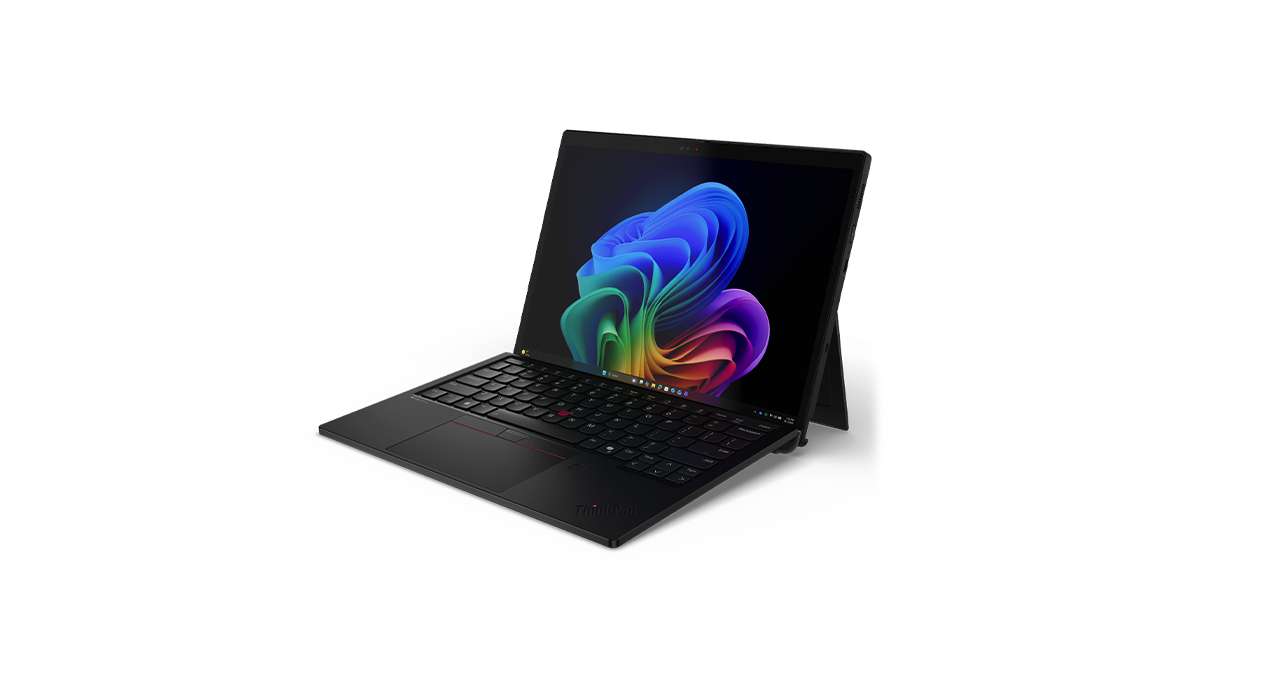
Lenovo offers a 13-inch 2880 × 1920 IPS touchscreen; select configurations have a 120Hz refresh rate. The proportions are arguably more important than the long specification list. Compared with a 16:9 display of similar width, a 3:2 panel provides more vertical screen space, which can be useful for documents, websites, handwritten notes, and other vertically oriented content.
A 120Hz refresh rate allows the screen to update twice as frequently as a 60Hz panel, but that specification alone doesn’t prove the entire interface or pen experience will always feel twice as smooth. Lenovo’s numbers also can’t establish real-world color accuracy, glare handling, or touch responsiveness. Those require measurements and hands-on use.
Taking off the keyboard drops the weight below two pounds
The tablet measures 290 × 210 × 9.3mm and weighs around 0.89kg, or 1.96 pounds. Add the folio keyboard and Lenovo lists the complete setup at roughly 1.25kg, or 2.76 pounds, and 15.2mm thick.
That means removing the keyboard reduces the listed package weight by about 0.8 pounds. Whether that matters depends entirely on how you use the machine.
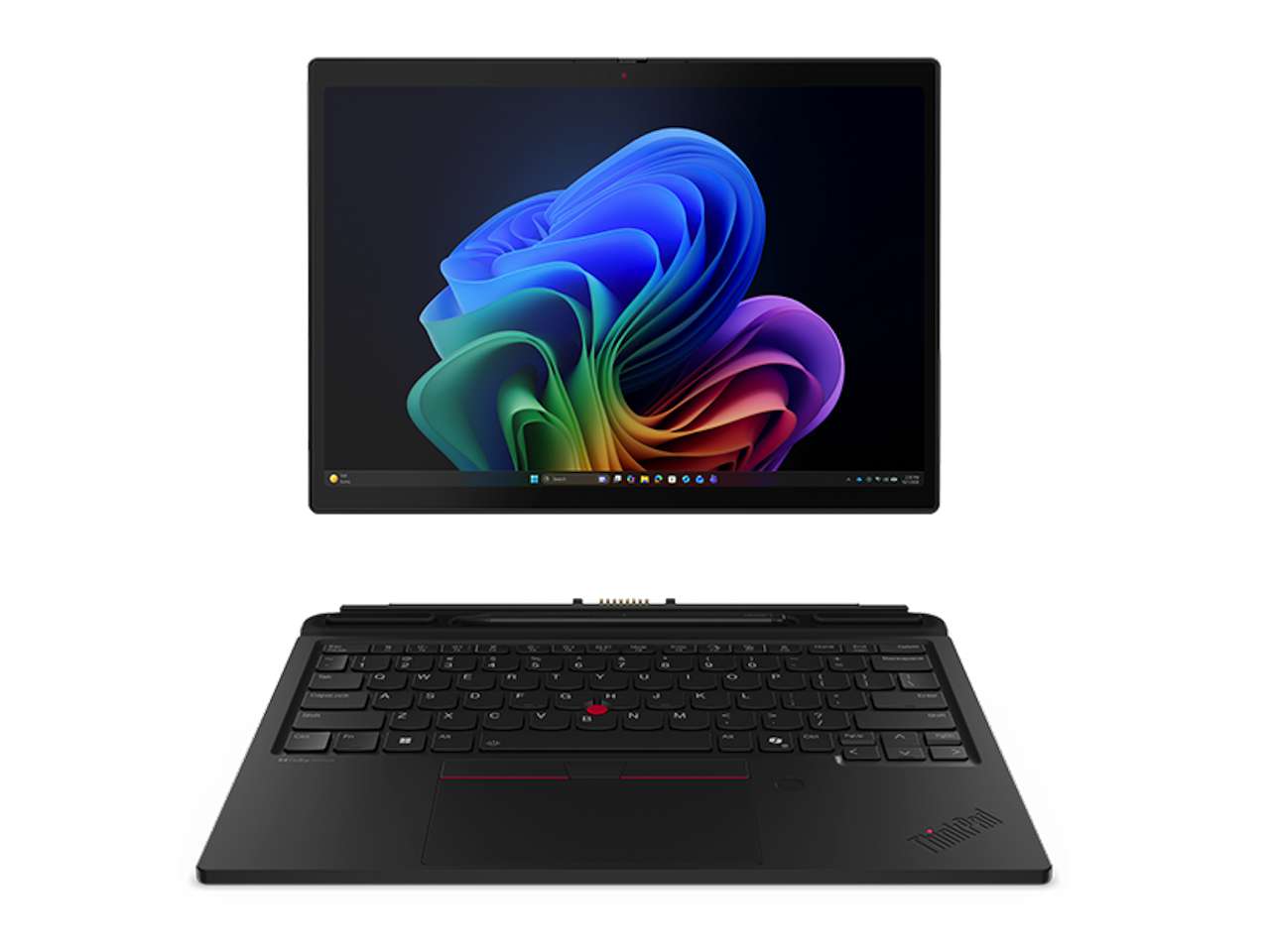 Someone who frequently switches from typing to reading, presenting, or touch input has an obvious reason to appreciate the detachable format. Someone who keeps the keyboard attached all day may see much less benefit.
Lenovo also lists configurations with and without the ThinkPad X13 Detachable Folio Keyboard, so check the exact model you’re buying rather than assuming the keyboard is always included.
The pen is configuration-dependent too
The touchscreen supports Lenovo’s Slim Pen 2, including tilt detection and magnetic attachment. With the folio keyboard, the pen can be stored onboard and charged through pogo pins.
There is an important purchasing detail here. Some X13 Detachable configurations include the Slim Pen 2, while others list it as a separately purchased upgrade.
Pen support could make the tablet useful for handwritten notes, PDF annotation, signatures, and sketching, but compatibility doesn’t establish writing quality. Latency, palm rejection, accuracy, and screen friction need hands-on testing.
There’s even a camera on the back
The X13 Detachable has a 5MP fixed-focus front camera, separate IR camera with a privacy shutter, and an 8MP autofocus rear camera.
The rear camera is unusual compared with a conventional clamshell laptop, but it fits the detachable form factor. Removing the keyboard makes it physically possible to aim the device more like a tablet when capturing a document, whiteboard, equipment label, or other reference image.
Whether you’ll actually want to use it that way is another question. An 8MP specification establishes resolution, not image quality, so samples will be more informative than the number alone.
The PC hardware stays behind the screen
Lenovo offers the X13 Detachable with Intel Core Ultra processors, depending on configuration, along with integrated Intel graphics. Memory reaches up to 64GB of soldered LPDDR5X RAM, while storage goes up to a 1TB M.2 2242 PCIe 4.0 SSD. Because the memory is soldered to the system board, it cannot be upgraded later.
Configurations can also include an NPU rated at up to 49 TOPS, with Lenovo identifying qualifying models as Copilot+ PCs.
That’s substantial hardware for a Windows tablet, but specifications don’t tell us how well a thin detachable maintains processor performance during sustained workloads. Temperatures, fan behavior, performance under load, and throttling need independent testing.
Two Thunderbolt ports put more responsibility on a dock
Physical connectivity consists primarily of two Thunderbolt 4 ports and a 3.5mm headphone/microphone jack. The Thunderbolt ports support USB Power Delivery and DisplayPort 2.1. There’s no built-in USB-A, HDMI, Ethernet, or card reader.
Thunderbolt gives you considerable flexibility through docks and adapters, but the limited native selection matters if your work regularly involves wired networking, HDMI displays, older USB accessories, or removable memory cards.
Lenovo’s battery number needs context
The X13 Detachable has a 45Wh battery and supports Rapid Charge with a compatible 65W adapter. Lenovo says Rapid Charge can restore up to 80% in one hour. Lenovo also lists a maximum of 10.97 hours in MobileMark 30 testing at 250 nits.
That’s a manufacturer benchmark under controlled conditions, not a promise of an 11-hour workday. Lenovo itself notes that actual battery life varies with configuration, software, wireless use, power settings, screen brightness, and other factors.
The high-resolution 120Hz display makes independent battery testing especially useful before drawing conclusions about everyday endurance.
Who should buy the ThinkPad X13 Detachable?
Buyer fit: Don’t buy the ThinkPad X13 Detachable simply because tablet mode sounds useful. Buy it if you can already identify parts of your workday when you’d actually remove the keyboard.
The 1.96-pound tablet weight, 3:2 2.8K 120Hz touchscreen, front and rear cameras, Slim Pen 2 support, Core Ultra hardware, and Thunderbolt 4 connectivity give it capabilities that make more sense when you’re moving between desk work and tablet-style tasks.
There are costs to that flexibility. Memory isn’t upgradeable, physical ports are limited, and both the folio keyboard and Slim Pen 2 depend on the configuration you purchase.
Price: From $3,039
Where to Buy: Lenovo
If most of your work starts and ends with typing, a conventional ThinkPad may be the simpler choice. The X13 Detachable earns its place when taking the keyboard off isn’t the novelty. It’s the reason you’re buying it.