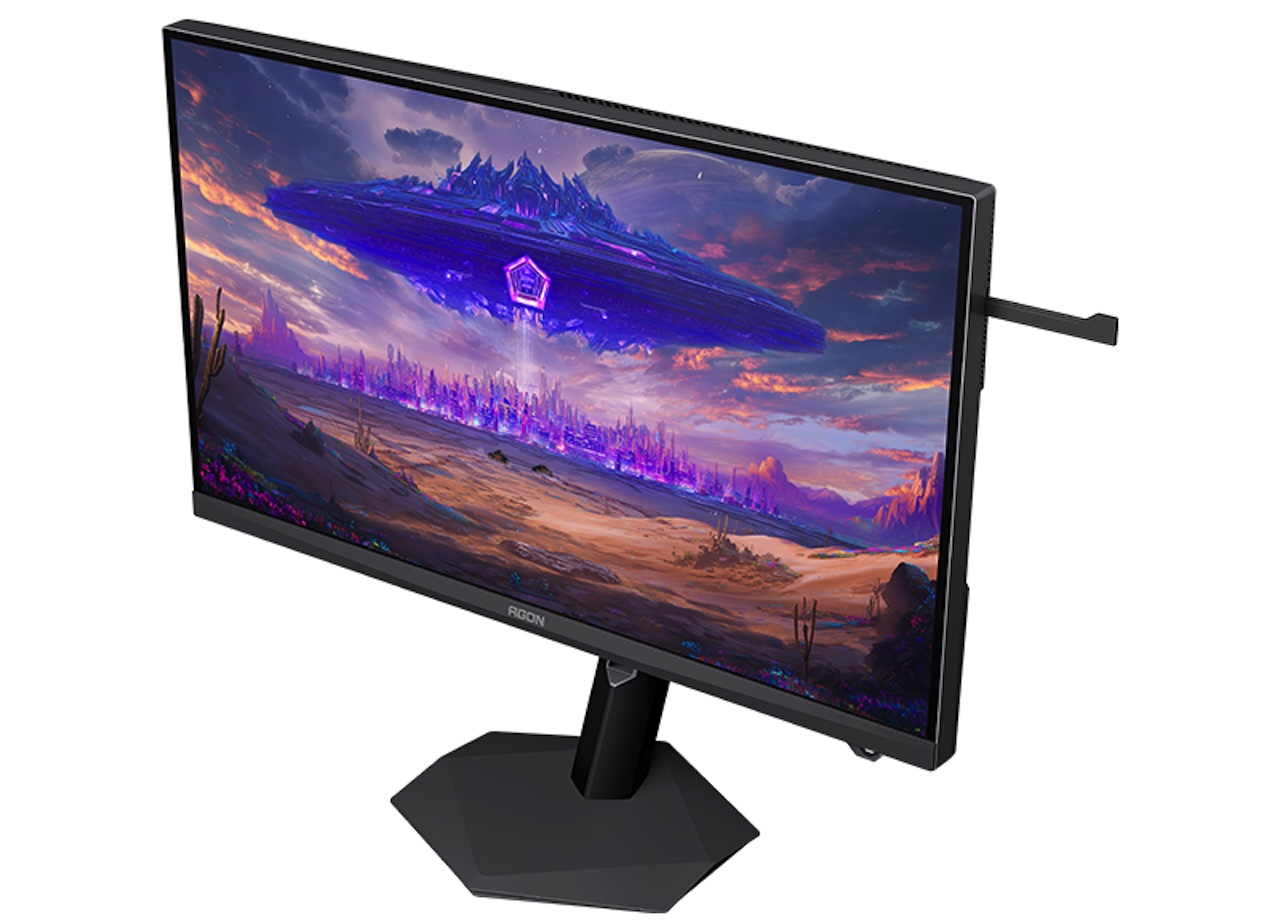
High-end monitor shopping often forces an annoying choice. A 5K screen delivers sharp text, detailed creative work, and immersive games, while high-refresh options at that resolution remain uncommon. A QHD esports monitor is easier to drive at very high frame rates, but it sacrifices detail and desktop space.
Price: TBD
Where to Buy: AOC
AOC’s Agon Optimus Ultra AGP277KXM tries to put both experiences in one display. The 27-inch Fast IPS Mini LED monitor is listed as a dual-mode screen: 5K at 180Hz when image detail is the priority, or QHD at 360Hz when speed matters more.
That is a useful idea, not just a bigger-number spec sheet. One monitor could serve a creative workstation, a cinematic single-player setup, and a serious competitive-gaming desk. But buyers should keep their enthusiasm in check. The AGP277KXM is newly listed, and its attention-grabbing performance figures have not yet been independently tested.
The real benefit is choosing the compromise yourself
At its full 5120 x 2880 resolution, the AOC packs around 218 pixels into every inch of its 27-inch panel. The result should be fine text, clean interface elements, detailed photos, and a spacious desktop. For editing images, working with video timelines, coding, or keeping several windows open, that density has value beyond games.
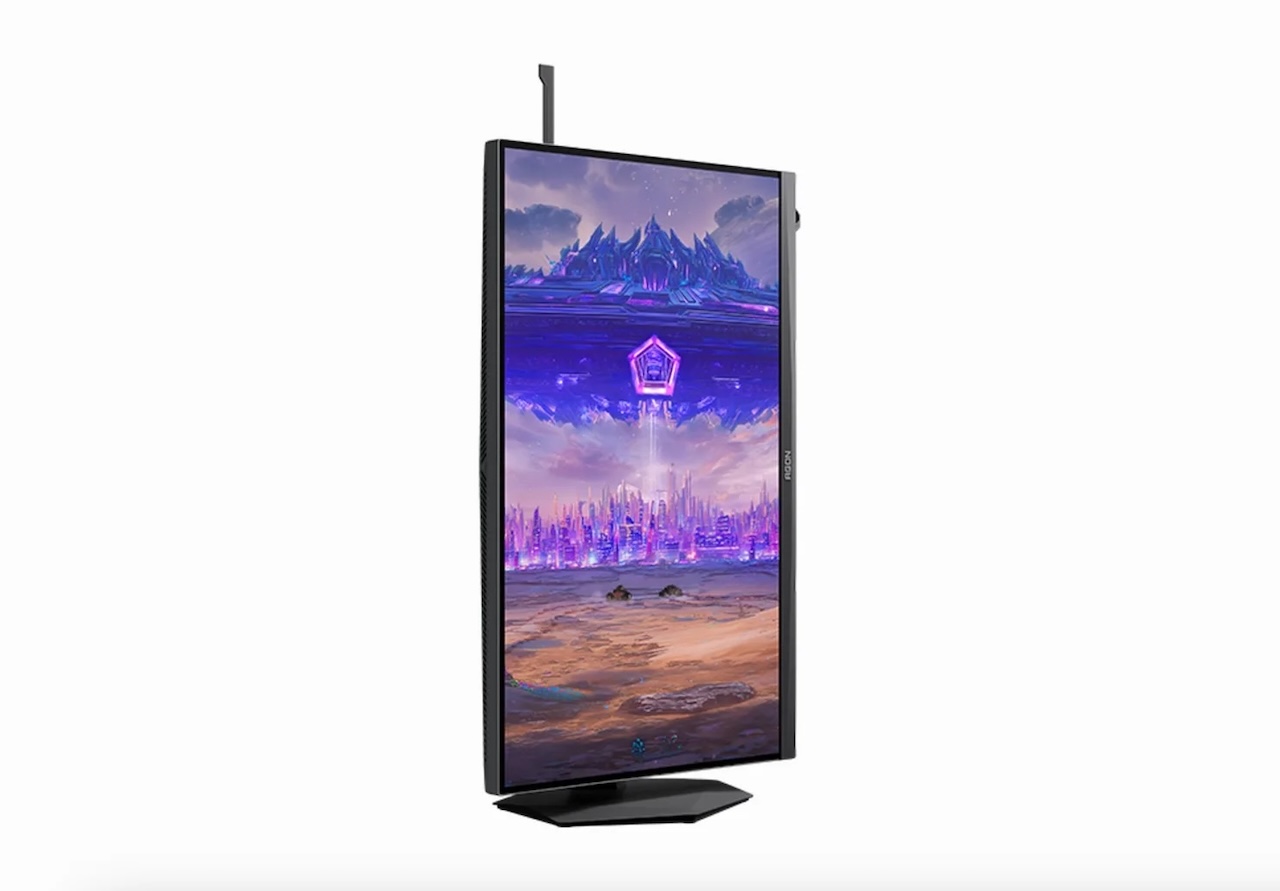 Then the monitor can switch to QHD, or 2560 x 1440, at up to 360Hz. This is the mode for fast-paced games where a high, stable frame rate and smooth motion matter more than 5K detail. Someone who spends one evening exploring a detailed open world and the next playing ranked Valorant would not have to commit to one display personality forever.
AOC specifies 5K at 180Hz and QHD at 360Hz for this model. Those modes are product specifications, but they do not guarantee that your PC will make full use of them. Running current AAA games at 5K and 180 frames per second will take serious graphics hardware, and probably upscaling or adjusted settings. The 360Hz QHD mode is more realistic for esports titles, but still requires a capable system and a game that can sustain that frame rate.
Mini LED brings HDR promise, with LCD limits
The AGP277KXM is listed with a Mini LED backlight and 2,304 local-dimming zones. The listed brightness figures include 450 nits of full-screen peak brightness, 1,200 nits in HDR, and up to 1,600 nits for small, bright highlight areas.
If those numbers translate well to real use, the monitor could look impressive with HDR games and video. Mini LED gives an LCD more control over light in different parts of the picture, helping create brighter highlights and deeper-looking dark scenes than a standard edge-lit monitor can manage.
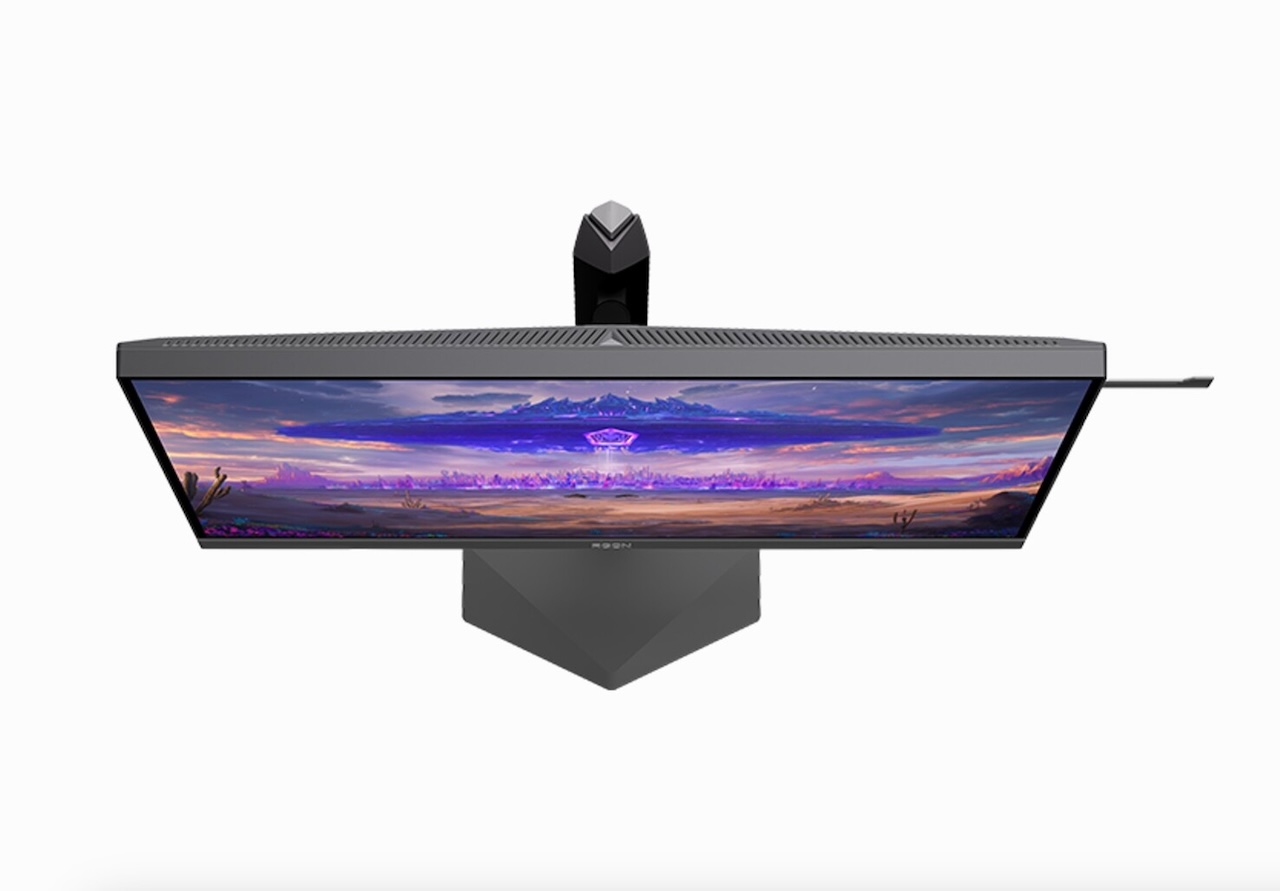 Still, local dimming is not pixel-level dimming. Every Mini LED zone covers multiple pixels, so a bright object against a very dark background can create haloing. OLED keeps the technical advantage there because each pixel can turn itself on or off.
The zone count is worth attention, not proof of perfect HDR. The dimming algorithm, tone mapping, response behavior, and brightness management will determine whether the monitor feels polished in difficult scenes.
AOC is also courting creative users
Reported color specs include 100% sRGB coverage and 98% coverage of both DCI-P3 and Adobe RGB, with Delta E below 1. That suggests an effort to build a gaming monitor that can also handle color-sensitive work.
For buyers, “claims broad color coverage” is not the same as “proven for professional work.” A wide-gamut display can produce a vivid image, but a dependable editing monitor also needs accurate presets, good color-space handling, and ideally calibration verification. Delta E measurements only mean much when the testing conditions and picture mode are known.
 The AGP277KXM could be a capable hybrid for creators who also game. It is too early to call it a reference monitor.
Connectivity looks generous, but keep the source in mind
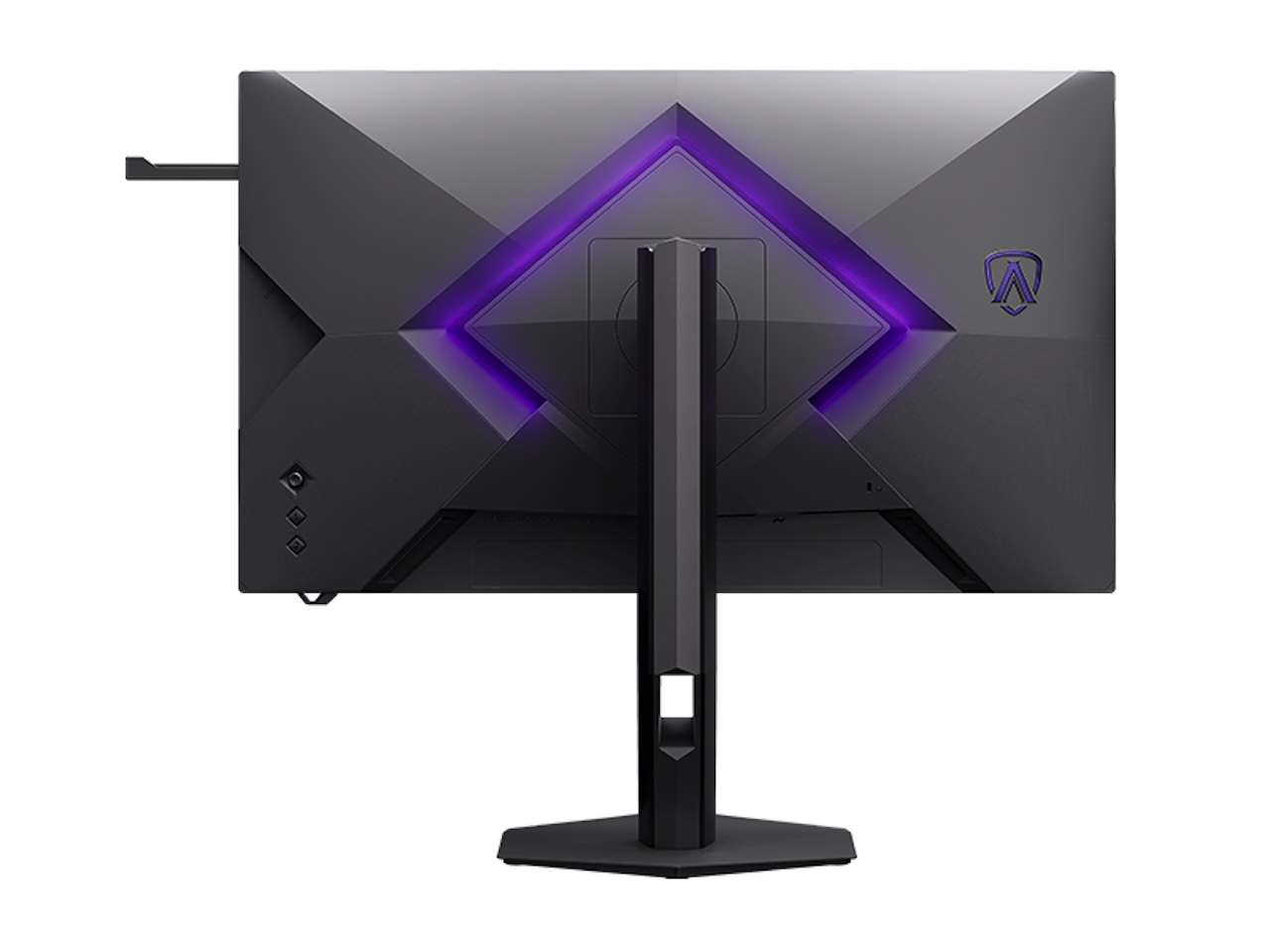
The listed connectivity includes two HDMI 2.1 ports, DisplayPort 2.1, USB-C with DisplayPort Alt Mode, three USB 3.2 Gen 1 ports, and a 3.5mm audio jack. If that configuration holds for shipping models, it would support a flexible desk with a gaming PC, laptop, console, and peripherals.
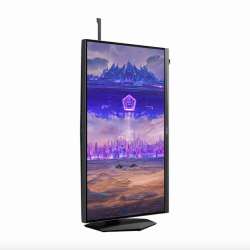
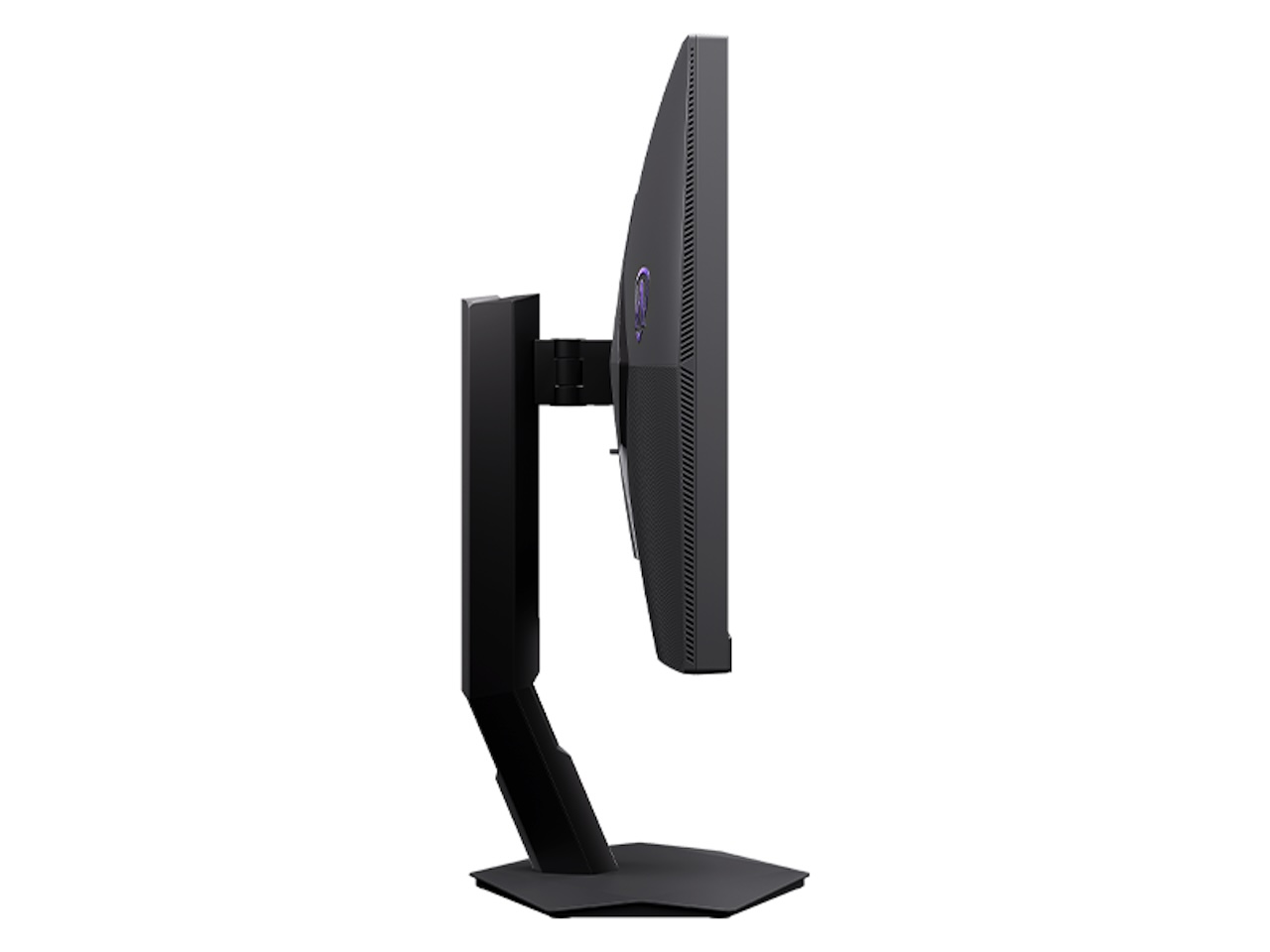 The reported stand specs include 150mm of height adjustment, -5 to 23 degrees of tilt, 20 degrees of swivel, and 90-degree pivot. Those are practical ergonomic touches, especially for anyone using the display for more than gaming.
Because these details come through early listings rather than a broad global product page, buyers should verify the final regional port selection before ordering.
Who should consider the AGP277KXM?
This is a monitor to watch if you have a powerful PC and divide your time between competitive games, high-detail single-player titles, and demanding desktop work. It is especially appealing for someone who wants one premium display instead of separate 5K productivity and high-refresh gaming monitors.
Pass if you only play esports games. A conventional high-refresh QHD monitor will probably cost less and be easier to drive. Also compare carefully if inky blacks and zero blooming matter more to you than extreme brightness and 5K sharpness, because OLED remains the cleaner answer to that priority.
Price: TBD
Where to Buy: AOC
The AOC Agon Optimus Ultra AGP277KXM is relevant because it offers an unusually flexible compromise. Its core specifications are exciting. Its real-world image quality, response performance, global price, and release plan are still open questions. That makes it a monitor worth tracking, not one to buy sight unseen.