Buying a tablet for work can quickly turn into buying half a laptop. You start with the tablet, add a keyboard because typing on glass gets old, add a stylus for notes, and eventually discover that the software still doesn’t behave quite like the computer you were hoping to leave at home.
Price: From CNY 2,099 (About $308)
Where to Buy: Honor
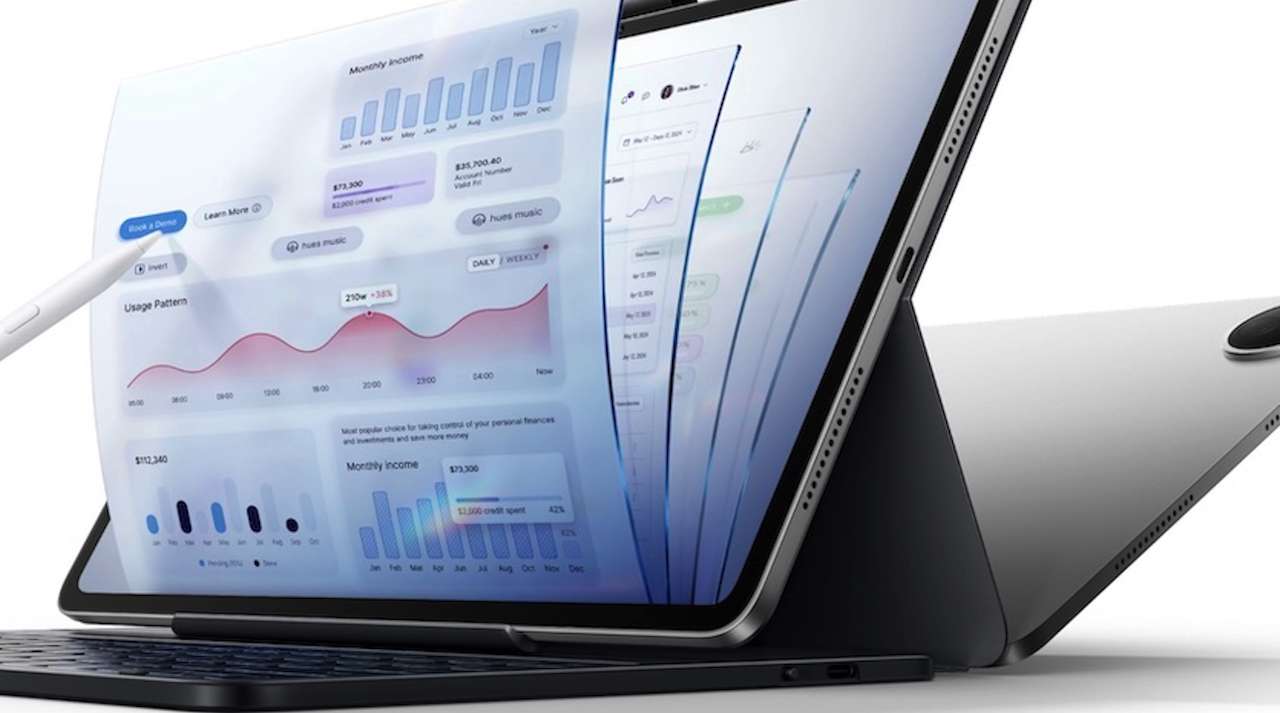
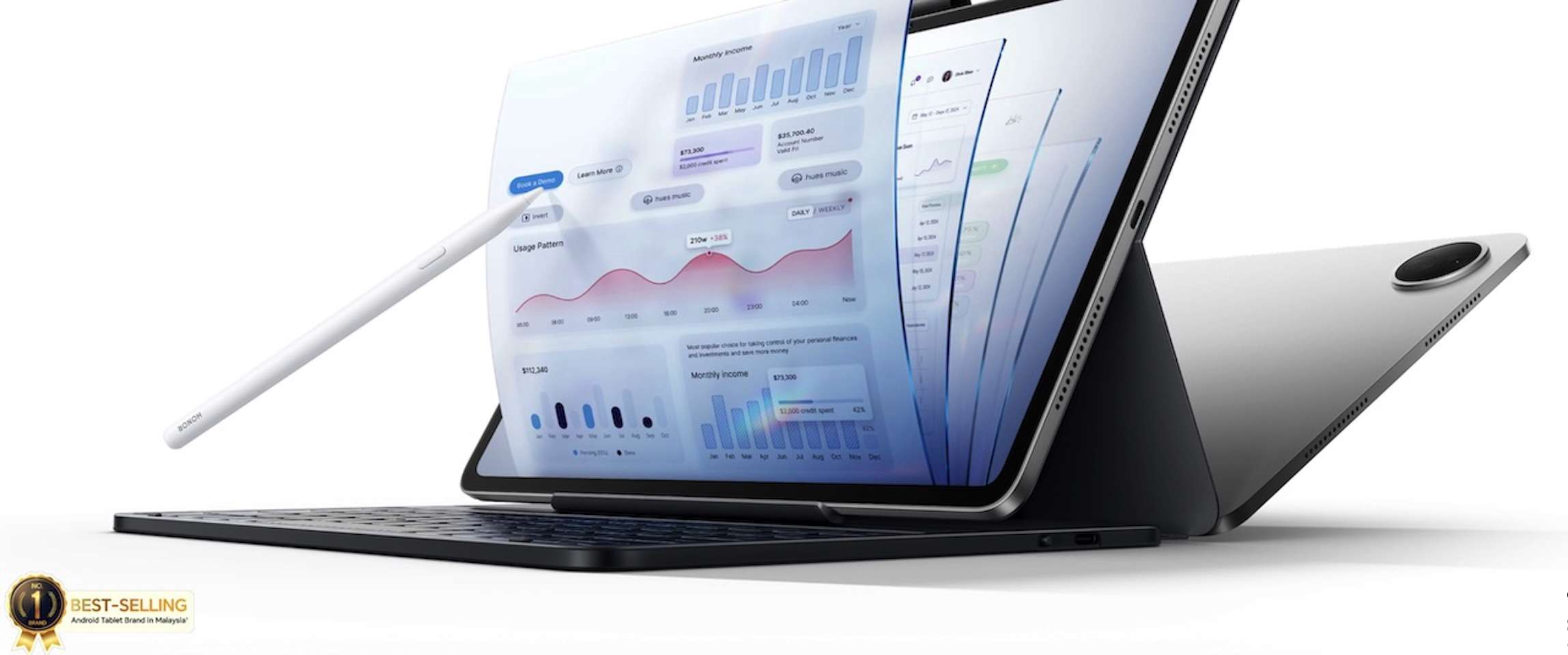
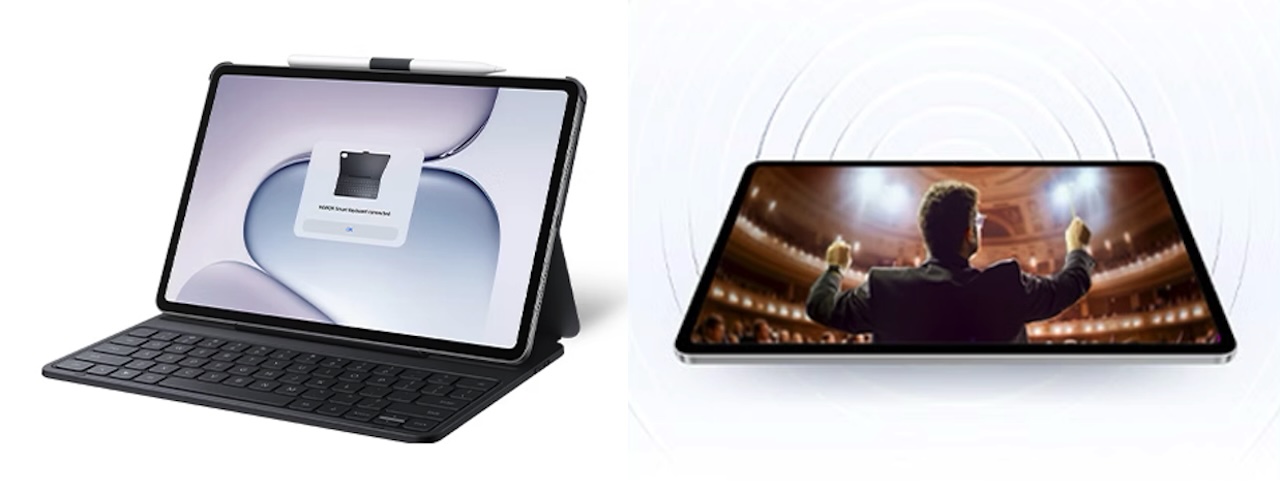
The HONOR Pad 20 is aimed squarely at that problem. Rather than positioning it only as a big-screen entertainment device, HONOR is pushing its 12.1-inch Android tablet as a portable productivity machine with a desktop-style PC Mode, keyboard and mouse support, a large battery, and a Snapdragon 7 Gen 3 processor.
Whether it can actually replace your laptop depends heavily on what you do for a living.
A 12.1-inch screen gives you more room to work
The Pad 20 uses a 12.1-inch 3000 x 1872 display with a maximum 120Hz refresh rate, 292 PPI pixel density, DCI-P3 wide color gamut support, and advertised brightness of up to 700 nits.
The practical advantage is space. A 12.1-inch panel should provide considerably more room for keeping a document beside a browser, reading PDFs, working on presentations, or using split-screen apps than you’ll get from a smaller tablet.
HONOR also emphasizes Eye Comfort technologies, including global DC dimming, hardware-level low blue light, dynamic dimming, and TÜV Rheinland Low Blue Light and Flicker-Free certification. The company makes additional claims about reduced eye fatigue, but HONOR explicitly says the Pad 20 is not a medical device and does not have therapeutic functions.
In other words, consider the eye-comfort features part of the display package rather than guaranteed health benefits.
PC Mode matters more than another spec
Large Android tablets aren’t unusual anymore. The more important question is whether their software actually makes good use of all that screen space.
This is where PC Mode becomes more important than another line on the spec sheet.
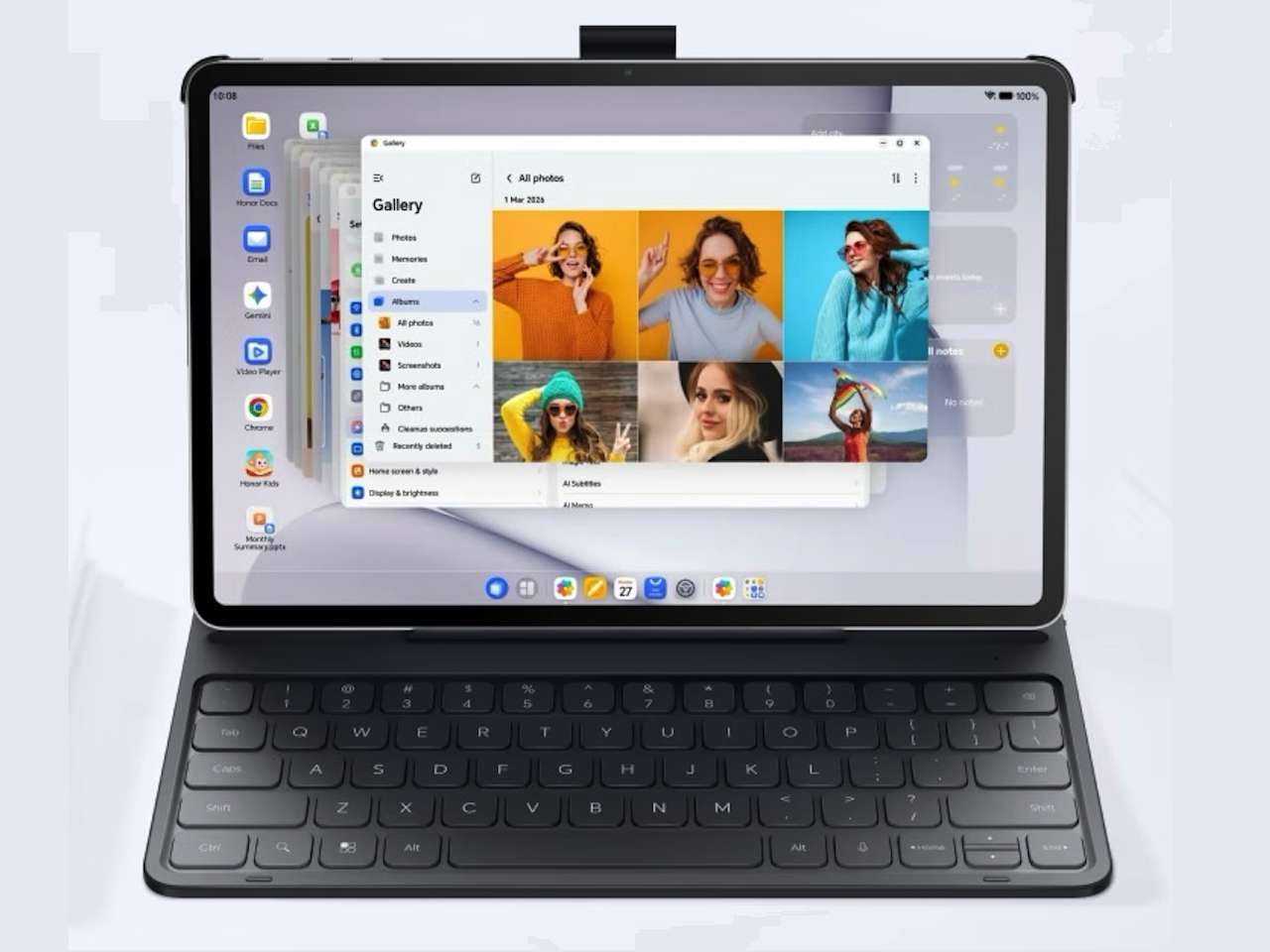
HONOR gives the Pad 20 a desktop-style interface with multi-window operation and split-screen layouts. There’s also a persistent Dock, file-management tools, full mouse support, keyboard shortcuts, and the ability to pin frequently used files and apps to the navigation bar.
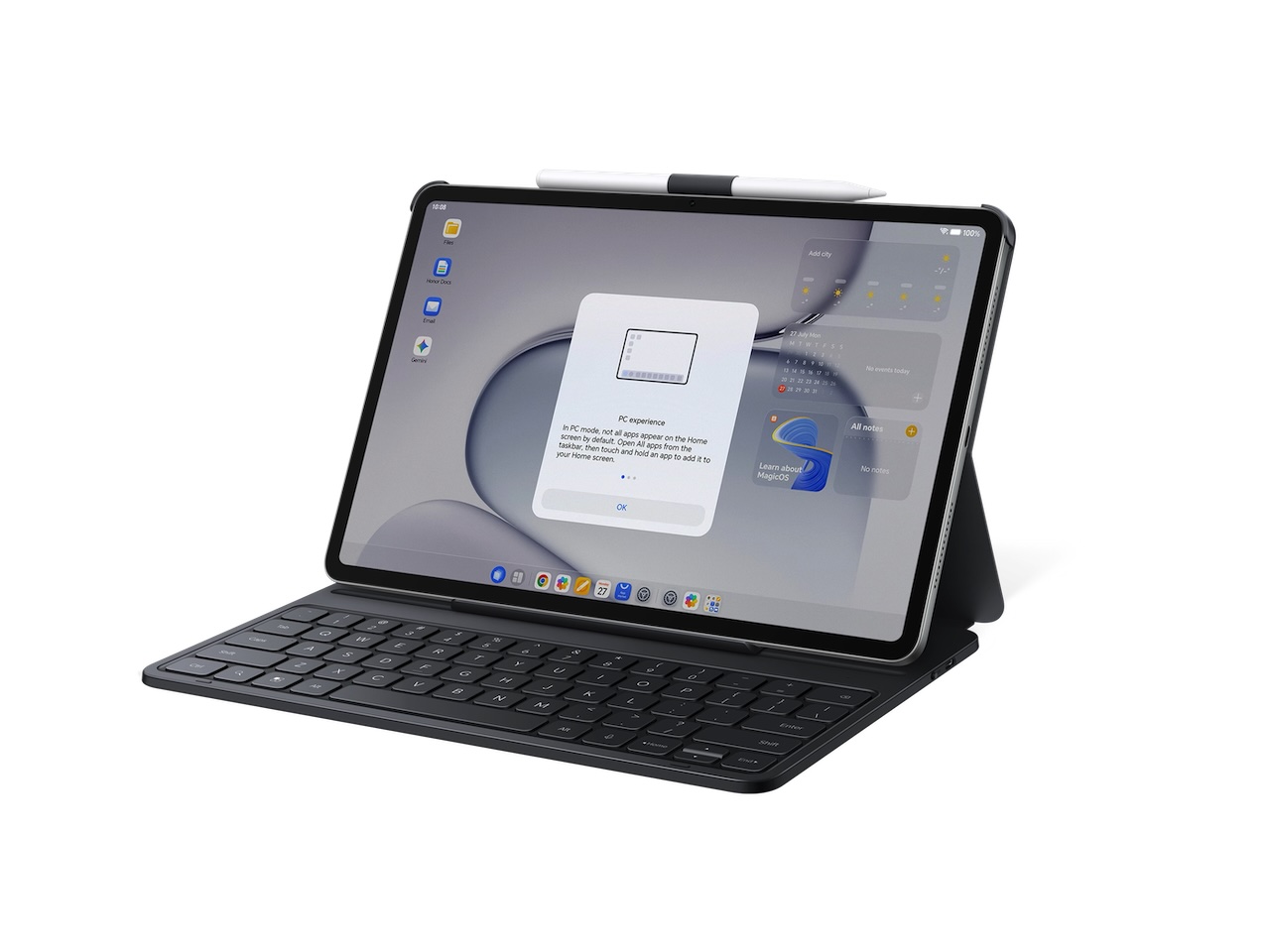 There is an important limitation to check before buying: HONOR says PC Mode is supported only on versions with 8GB of memory or more. If productivity is your main reason for choosing the Pad 20, make sure the configuration sold in your region meets that requirement.
HONOR also offers an All-in-one Keyboard and Magic-Pencil 4s. The company describes the stylus as having high pressure sensitivity and ultra-low latency and claims up to 10 hours of continuous writing. Those are manufacturer claims rather than measurements we’ve independently verified.
More importantly, HONOR says the accessories are not included as standard and must be purchased separately. Anyone planning to turn the Pad 20 into a laptop alternative should therefore consider the cost of the complete setup, not just the tablet itself.
There’s AI here, but the useful parts are fairly practical
HONOR is also leaning into AI productivity through AI Memo. According to the company, it can automatically identify and start audio-to-text recording, provide keyword alerts and AI Q&A, and generate summaries and mind maps afterward. It can also transcribe imported audio.
Those capabilities could be genuinely convenient for meetings, lectures, interviews, and research.
 But these are manufacturer-described features rather than something we’ve independently tested here. With transcription, AI-generated summaries, and Q&A, accuracy will ultimately matter much more than the length of the feature list.
The Pad 20 also supports file transfers across iOS, HarmonyOS, Android, Windows, and Mac, while HONOR says files can be shared with HONOR smartphones and tablets in a single tap. HONOR also advertises the ability to convert iWork files into Microsoft Office formats for editing.
Snapdragon 7 Gen 3 handles the processing
Inside is Qualcomm’s Snapdragon 7 Gen 3. HONOR positions the processor for learning, entertainment, multitasking, light gaming, and video editing. The company advertises a 15% CPU performance improvement and 50% GPU performance improvement compared with the chipset’s previous generation.
 Those percentages shouldn’t be mistaken for independent Pad 20 benchmark results. They are comparative performance figures used by HONOR, so they don’t tell us exactly how the tablet will perform under sustained real-world workloads.
For everyday browsing, streaming, document editing, note-taking, and Android multitasking, however, the hardware makes the Pad 20 look suitably equipped on paper.
A big battery without chasing thinness alone
One of the Pad 20’s more appealing combinations is its 10,100mAh battery and relatively thin metal body.
HONOR lists the tablet at approximately 525g and 6.29mm thick.
The company claims up to nine hours of video playback, seven hours of gaming, 10 hours of note-taking, 14 hours of reading, and 50 hours of music playback. Actual endurance will depend on brightness, wireless connectivity, apps, and workload.
Whatever the real-world runtime turns out to be, pairing a 10,100mAh battery with a 6.29mm chassis is more interesting than chasing thinness alone.
Who is the HONOR Pad 20 for?
On paper, the Pad 20 is best suited to students, frequent travelers, meeting-heavy professionals, and people whose work largely lives in documents, web apps, email, and notes.
Its 12.1-inch 3K display, Snapdragon 7 Gen 3 processor, 10,100mAh battery, and PC Mode make it considerably more interesting than a tablet designed mainly for streaming and browsing.
Just don’t buy it assuming HONOR’s “PC-Class Productivity” automatically means laptop replacement. Specialized desktop software, demanding creative applications, and more complicated workflows can still make a conventional computer the better tool.
Price: From CNY 2,099 (About $308)
Where to Buy: Honor
For someone whose work mostly happens in a browser, documents, email, and meetings, the Pad 20 could occupy a useful space between a basic tablet and carrying a laptop everywhere.