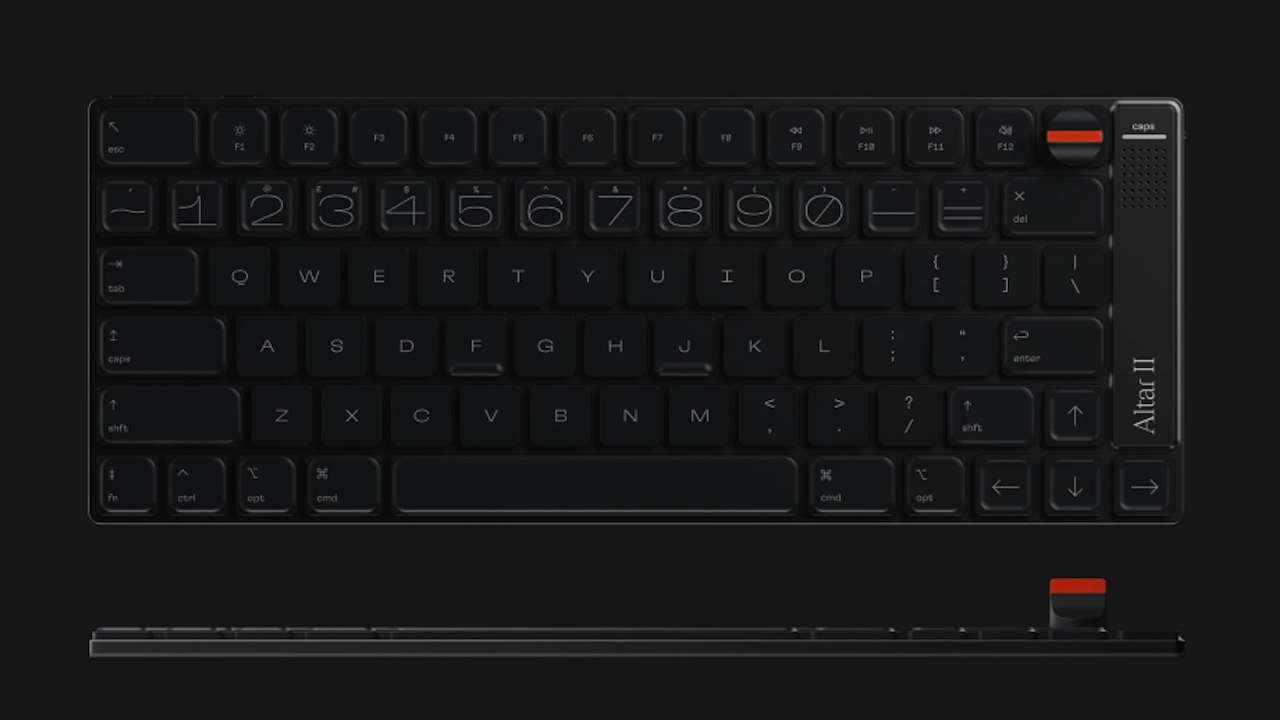
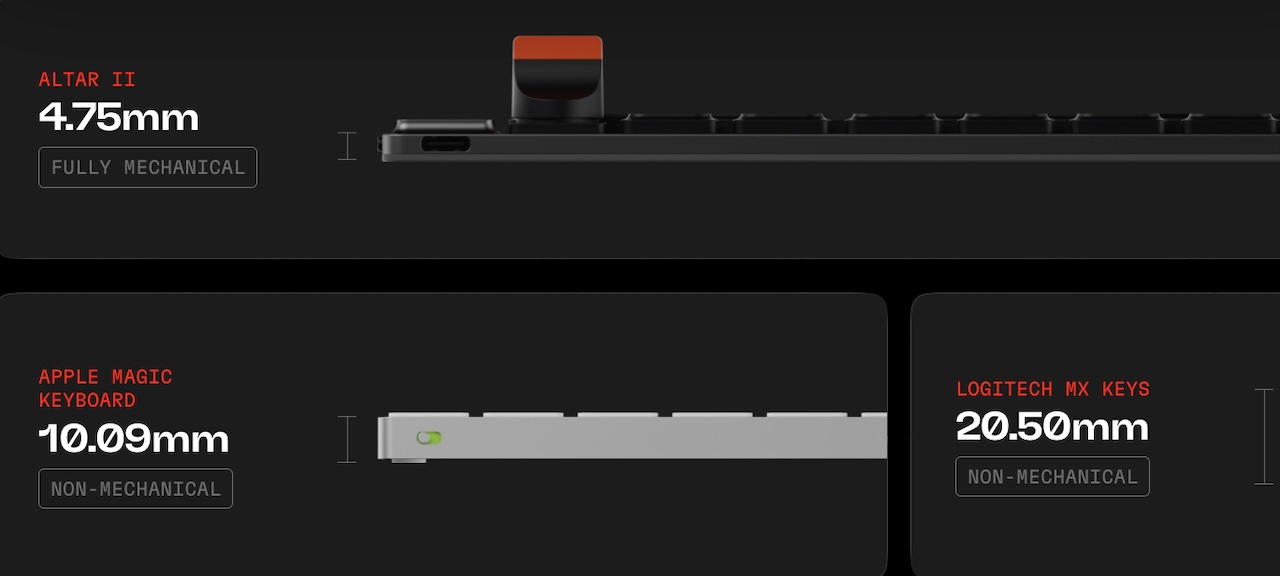
Mechanical keyboards have traditionally demanded physical space. Even compact models usually bring a tall front edge, prominent keycaps, and a footprint that feels more at home on a permanent desk than in a minimalist mobile setup. Electronic Materials Office (EMO) is taking a very different route with the EMO Altar II Mechanical Keyboard, an ultra-thin mechanical keyboard that measures only 4.75mm at its chassis.
Price: $249 to reserve
Where to Reserve: EMO
That is an extraordinary number for a keyboard that is not using a conventional membrane design. EMO says the Altar II is fully mechanical, with custom dual-steel-arm scissor switches, a 40gf actuation force, and 1.8mm of key travel. The company’s goal appears to be straightforward: deliver a tactile mechanical typing experience without the bulk normally associated with enthusiast keyboards.
The result is a strikingly compact 75% layout measuring 299mm wide by 116.5mm deep. It keeps a full function row and dedicated arrow keys, making it more practical for everyday writing and productivity work than the increasingly common ultra-compact layouts that ditch familiar controls in the name of portability.
Mechanical, but radically thin
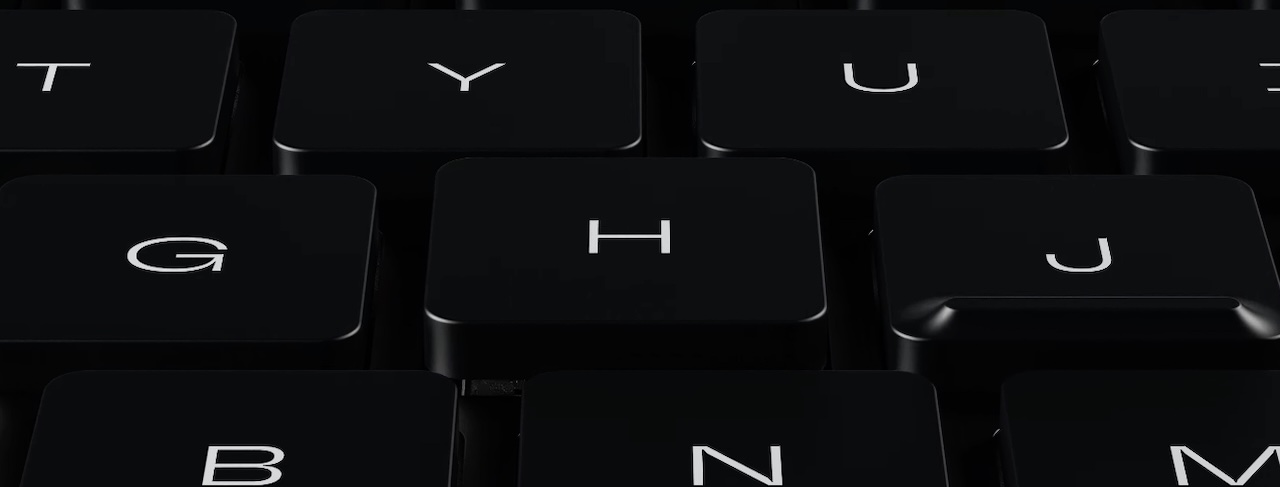
The EMO Altar II Mechanical Keyboard’s headline feature is its exceptionally thin 4.75mm profile. EMO compares its chassis with the 10.09mm Apple Magic Keyboard and the 21mm NuPhy Air75. The company achieves the low profile through a custom switch structure that uses a sideways retention spring rather than vertically. In other words, it is an engineering exercise in fitting mechanical movement into a space where there is usually little room for anything beyond scissor or membrane hardware.
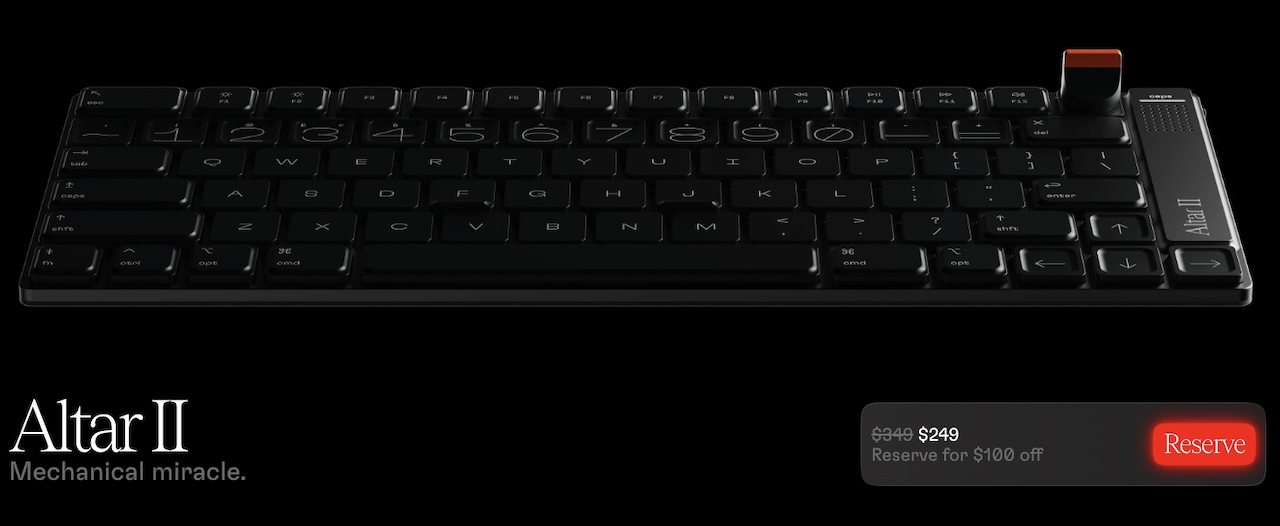 EMO says the switch mechanism uses custom dual-steel-arm scissor switches. The Altar II is available in black, which suits its minimalist, almost industrial design language.
EMO says the sub-5mm chassis reduces wrist extension and may eliminate the need for a palm rest, though individual comfort will depend on a user’s desk setup and typing habits. Traditional mechanical keyboards can raise the hands noticeably above the desk surface, while the Altar II’s unusually low chassis places the keys much closer to the desk. The key feel, however, will need real-world testing once production units become available.
A detachable dial and tactile feedback
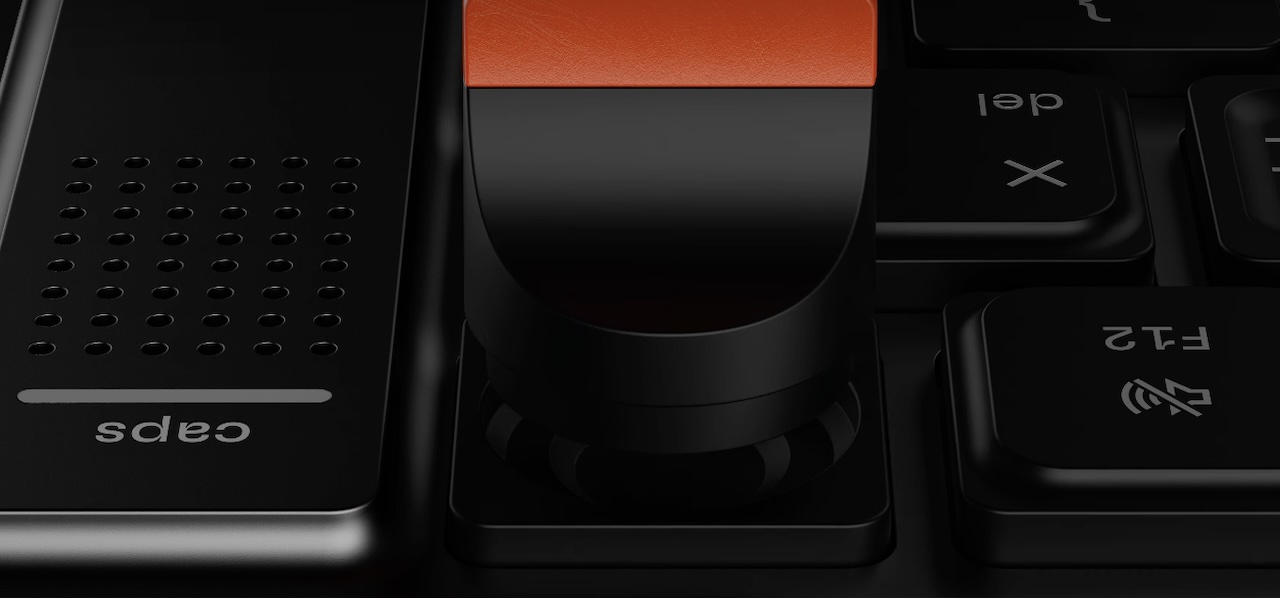
The Altar II is not simply a thin keyboard with an attractive shell. Its most unusual feature may be the M-Dial, a magnetically detachable rotary controller positioned at the top-right corner. Out of the box, it can control volume and media playback, with single, double, and triple clicks assigned to play/pause, skip, and back functions. Holding it can also summon Siri on macOS.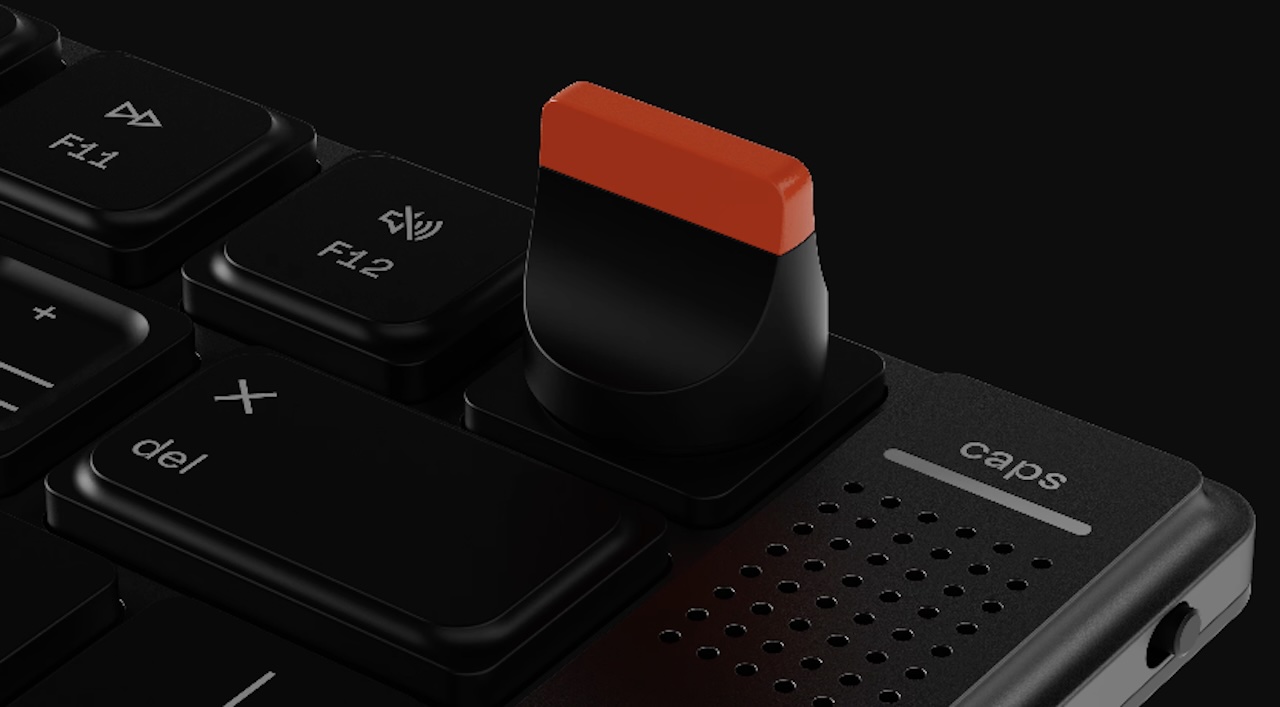
EMO plans to make the dial customizable through its companion app, and it includes both a standard and low-profile M-Dial in the box. More intriguingly, the company says it will publish design files and specifications so owners can create and 3D-print their own dial shapes. That is a rare invitation for keyboard owners to personalize a hardware control beyond key remapping or custom keycaps.
Another unusual inclusion is the Harmonic Synthesiser, EMO’s name for its haptic-feedback system. The keyboard can produce subtle tactile feedback while typing and when interacting with the M-Dial. It can also signal certain system events, including notifications, reminders, and alerts on a Mac. A built-in speaker adds audio feedback for events such as waking and charging.
 These flourishes may sound excessive for a keyboard, but they could help the Altar II feel more alive than the average low-profile peripheral. The challenge will be restraint. Haptics and sound are only useful when they remain subtle, optional, and genuinely helpful rather than becoming another source of desk distractions.
Built for Mac, usable elsewhere
EMO is positioning the Altar II strongly around macOS. Its keyboard layout uses the familiar Command, Option, Control, and Function keys, while EMO says its native macOS Sanctuary app will allow users to change key bindings, M-Dial behavior, backlighting, and haptic or audio settings. EMO says Sanctuary will support application-specific shortcuts for software such as Figma, DaVinci Resolve, and Visual Studio Code.
 The keyboard stores settings onboard, so configured behavior should travel with it even when the companion app is unavailable. It works as a standard Bluetooth or USB-C device with macOS 12 Monterey or later and Windows 10 or later. EMO’s native Sanctuary companion app, however, requires macOS 26 Tahoe or later. The deeper notification and system-feedback features are therefore clearly aimed at Mac users.
For night owls, the Altar II also includes amber-red LED backlighting called NiteLite. EMO says the lighting activates in low ambient conditions. EMO describes its amber-red NiteLite LEDs as a low-distraction alternative to conventional cool-white lighting.
Availability and reality check
EMO claims up to 30 days of battery life under typical use, including 30 minutes of backlighting per workday. It also says a two-minute charge over USB-C can provide up to two days of use. Those are promising figures, but they remain manufacturer estimates until independent testing is possible.
Altar II is an announced, pre-launch Kickstarter project rather than a shipping retail keyboard. EMO says a refundable $1 reservation gives holders access to a $249 Kickstarter purchase price; it is not itself a keyboard order or pledge credit.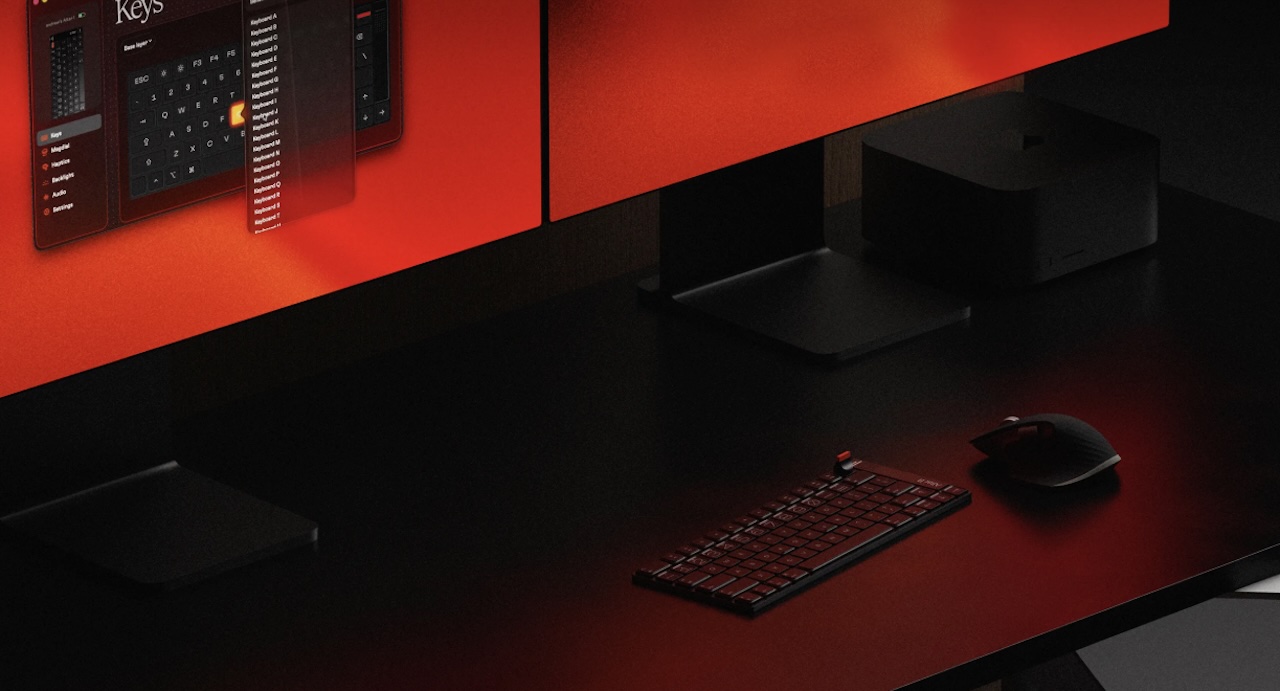
Price: $249 to reserve
Where to Reserve: EMO
Still, the Altar II is one of the more ambitious keyboard concepts in recent memory. If EMO can preserve satisfying tactility, reliable wireless performance, and solid build quality in such a tiny package, it could be a compelling option, if EMO delivers on its claims for tactility, wireless reliability, and build quality.