Snapdragon X Elite laptops aren’t the odd experiment they looked like when the first Copilot+ PCs arrived. In 2026, they’re worth considering for a specific kind of buyer: someone who wants a thin Windows laptop that wakes quickly, runs cool during normal office work, and can last through a real day without hunting for an outlet.
That doesn’t mean every Snapdragon laptop is a good buy. Windows on Arm is much better than it used to be, but it still has limits around drivers, older peripherals, some security tools, anti-cheat games, and professional apps that haven’t been rebuilt for Arm. Microsoft says most Windows apps can run on Arm PCs, with native versions of Microsoft 365, Chrome, Slack, Spotify, Zoom, WhatsApp, Blender, Affinity apps, and DaVinci Resolve available, while other apps rely on Prism emulation. It also warns that drivers, certain games, some third-party antivirus tools, and Windows customization utilities can still be trouble spots.
Quick picks
-
- Best overall Snapdragon X Elite laptop: Lenovo Yoga Slim 7x
- Best big-screen OLED value: ASUS Vivobook S 15
- Best travel laptop: Dell XPS 13 9345
- Best polished Windows experience: Microsoft Surface Laptop 7
- Best Samsung ecosystem pick: Samsung Galaxy Book4 Edge 16
What to check before buying any Snapdragon Windows laptop
Before picking a model, check your boring stuff first. That means your printer, scanner, VPN, antivirus, audio interface, capture card, exam software, games, and any company security tool you need for work. If one of those depends on a driver that has no Arm64 version, the laptop may not work for you no matter how good the battery life looks.
For everyday browsing, Microsoft Office, streaming, writing, video calls, note-taking, light photo work, and general admin, the current Snapdragon X machines are strong. For gaming, driver-heavy accessories, and complicated Adobe Premiere Pro workflows, I’d be much more cautious.
| Laptop | Best for | Price note | Standout features | Skip if |
|---|---|---|---|---|
| Lenovo Yoga Slim 7x | Best overall Snapdragon X Elite pick | $1,199 | Fast Snapdragon X Elite performance, vivid OLED display, strong battery life | You need a headphone jack or more built-in ports, or have unverified Windows-on-Arm software/peripherals |
| ASUS Vivobook S 15 | Big OLED screen without a luxury price | From $1,099 to $1,299 | 15.6-inch 3K OLED, useful ports, strong productivity performance | Premium touchpad, speakers, and webcam quality are priorities |
| Dell XPS 13 9345 | Travel and battery life | From $999.99 | Very light chassis, very long battery life, strong Snapdragon X Elite performance | You need more than two USB-C ports or prefer a roomier keyboard |
| Microsoft Surface Laptop 7 | Best polished Windows experience | From $ | 3:2 touchscreen, haptic touchpad, clean design, responsive everyday performance | The price is high, or your essential apps and peripherals have not been checked for Arm compatibility |
| Samsung Galaxy Book4 Edge 16 | Samsung phone owners wanting a large AMOLED Windows laptop | From $1,449.99 | Gorgeous AMOLED touchscreen, thin 16-inch chassis, fast top-tier X Elite chip | Long battery life and cooler operation are top priorities |
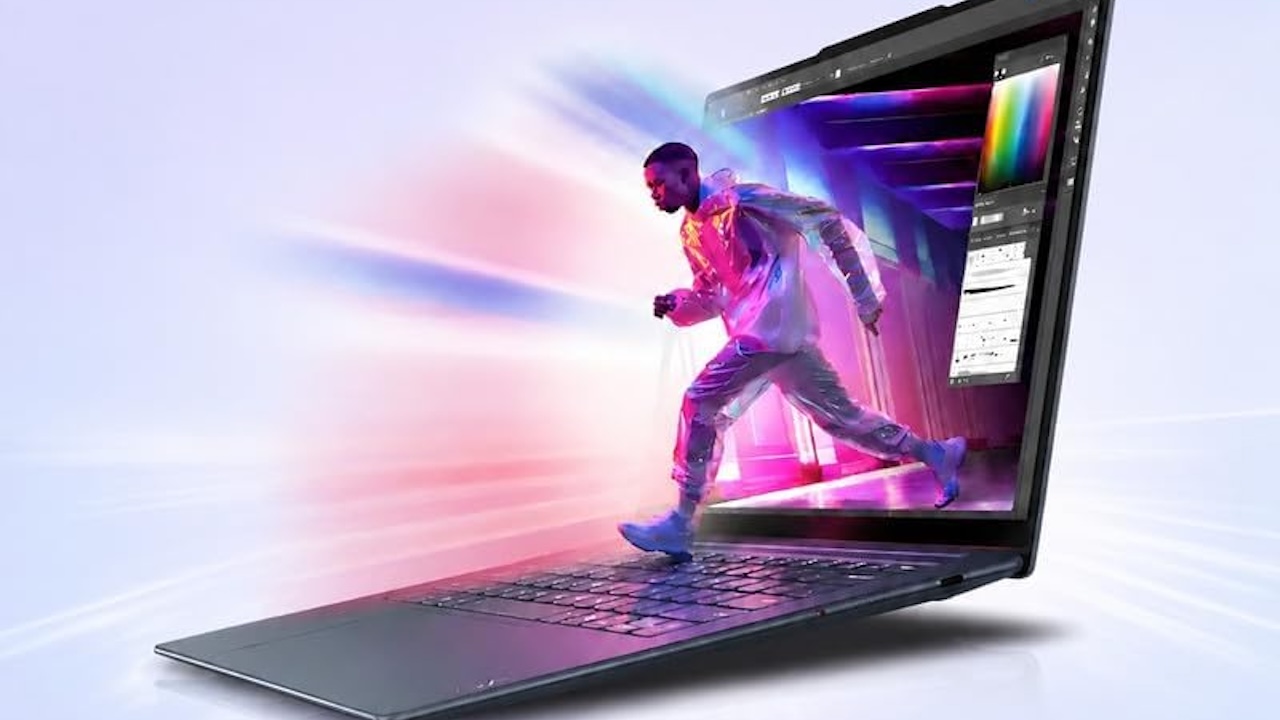
Lenovo Yoga Slim 7x: The one to buy first if you want Snapdragon X Elite
The Lenovo Yoga Slim 7x is the pick I’d look at first if you want the Snapdragon X Elite idea in its cleanest form. Tom’s Guide tested the Snapdragon X Elite X1E-80-100 version with 16GB of RAM, 512GB of storage, and a 14.5-inch 2944 x 1840 OLED touchscreen. Its review measured 14 hours and 14 minutes in a Wi-Fi web-browsing battery test and called out the OLED display, ultraportable design, and strong everyday performance.
That’s exactly what this category should be good at: fast everyday work, long unplugged sessions, and a laptop body that doesn’t feel like a burden in a bag.
The tradeoff is the same one you see across the Snapdragon world. The integrated Adreno graphics aren’t the reason to buy it, Tom’s Guide saw Civilization VI struggle around 20 frames per second, and the port selection is thin with three USB-C ports and no headphone jack. If you still plug in HDMI, USB-A accessories, or wired headphones, budget for a compact hub.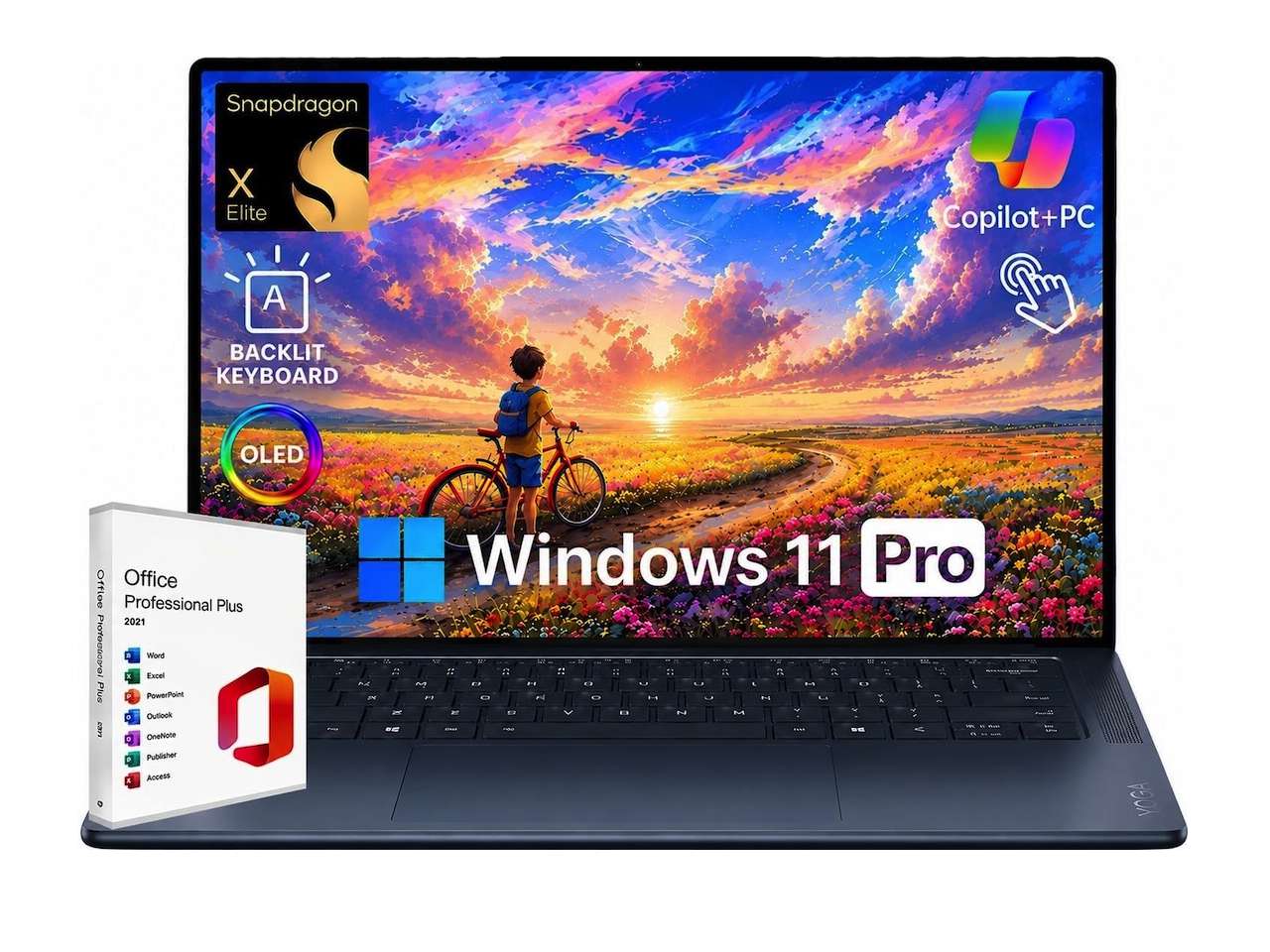
Buy it if you want a modern, efficient Windows laptop for office work, writing, research, meetings, travel, and general creative admin. Skip it if you want a small gaming laptop or a machine with built-in ports for every accessory.
🏷️ Price: $1,000
Where to Buy: Amazon
Best configuration to look for: Snapdragon X Elite, 16GB RAM or higher, 512GB to 1TB SSD.
Main caveat: Check seller, warranty, Windows edition, and whether you can live without HDMI, USB-A, and a headphone jack.
ASUS Vivobook S 15: The big OLED pick that makes sense near $1,100
The ASUS Vivobook S 15 is the easy recommendation for someone who wants a larger screen without paying premium ultraportable money. Multiple reviews landed on the same basic story: the 15.6-inch 3K OLED screen is the draw, the Snapdragon X Elite X1E-78-100 is fast enough for serious everyday work, and the battery life is strong.
PCMag measured 22 hours and 39 minutes in its local video playback battery test. Laptop Mag measured 12 hours and 53 minutes in its web-based battery test. Those are different tests, so I wouldn’t compare the numbers directly, but both point in the same direction: this isn’t a laptop you should need to charge at lunch.
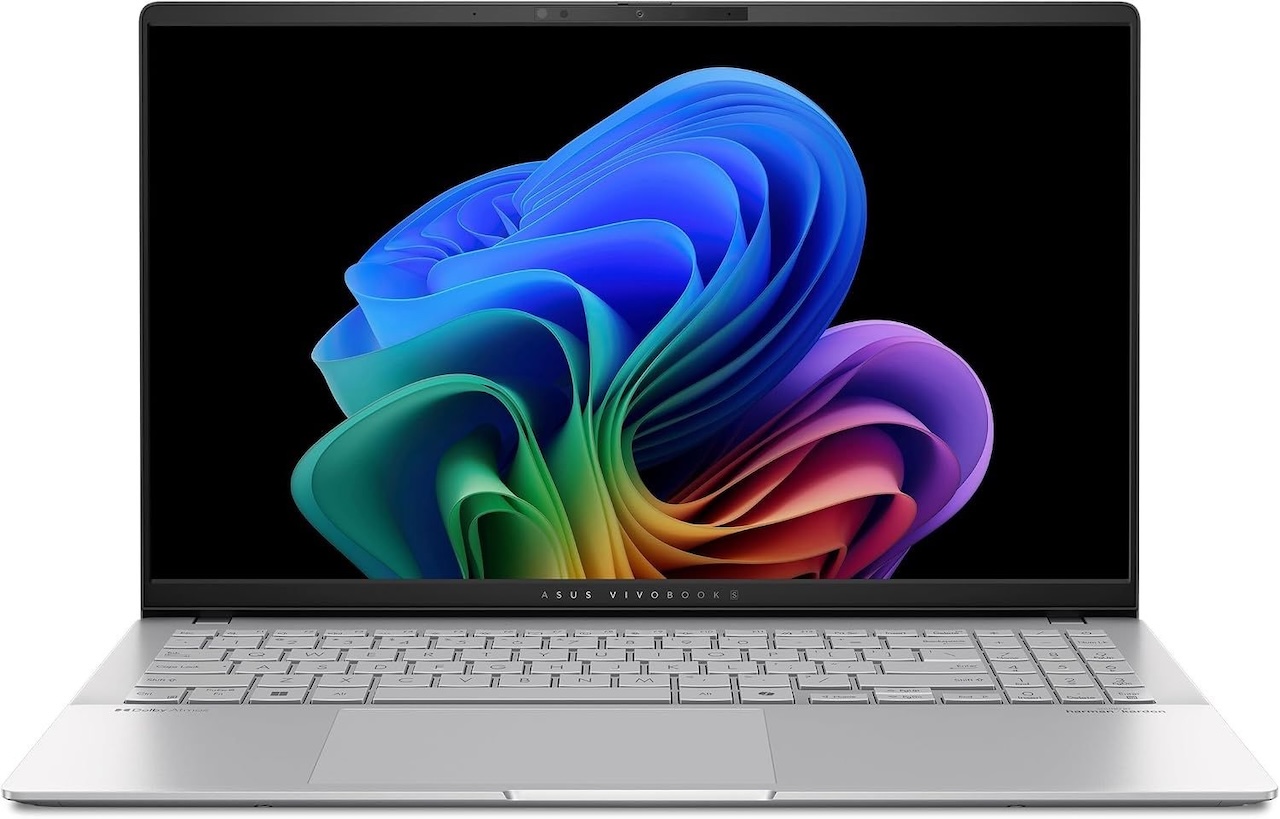 The Vivobook also has a much friendlier port selection than some thinner premium laptops: USB4 Type-C ports, USB-A, HDMI, microSD, and a headphone jack. That is the useful part more than spec sheets usually admit. A travel laptop that requires a dongle for everything gets old fast.
The reason this isn’t the top pick is fit and finish. Reviews consistently found a few midrange compromises: weak or merely okay speakers, a webcam that isn’t great, and touchpad complaints depending on the reviewer. PCMag also argued that the pricing could be hard to justify when it drifted too high.
Buy it if you want a big OLED Windows laptop for writing, browsing, streaming, school work, office work, and general multitasking. Skip it if you care deeply about webcam quality, speakers, or a glassy premium touchpad.
🏷️ Price: From $1,100
Where to Buy: Amazon
Best price target: Around $1,100 to $1,300 depending on new vs renewed condition.
Main caveat: Verify warranty, seller, RAM, and storage before buying renewed.
Dell XPS 13 9345: The travel pick if you can live with the design choices
The Dell XPS 13 9345 is the Snapdragon laptop for people who want the smallest possible Windows travel machine with serious battery life. Laptop Mag tested the Snapdragon X Elite X1E-80-100 configuration and measured 19 hours and 1 minute on its battery test, later noting 20 hours and 51 minutes after a BIOS update. The same review called out strong performance and a 2.6-pound chassis.
That’s the good part. The design is also the bad part.
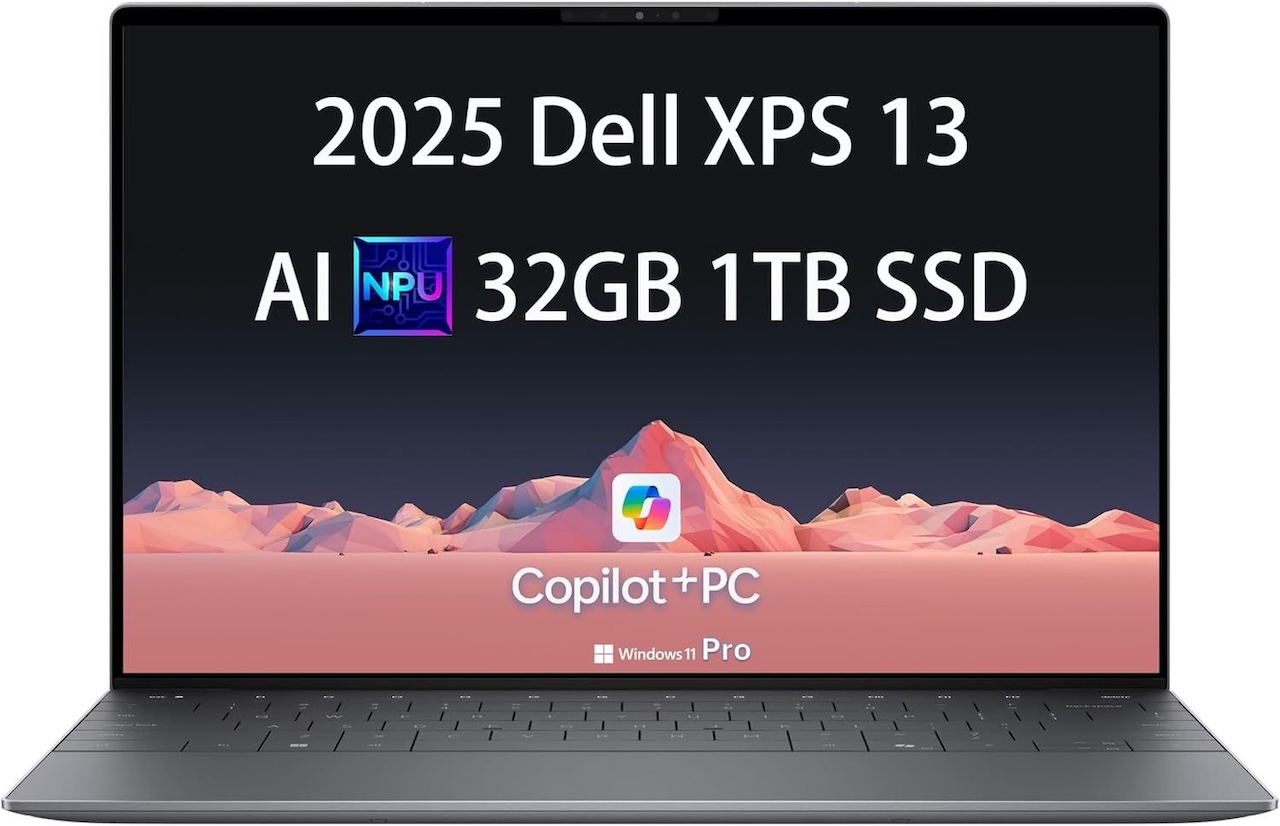 Dell’s minimalist XPS layout looks clean, but it asks you to accept tradeoffs. You only get two USB-C ports. The keyboard can feel cramped. The hidden-style touchpad and capacitive function row aren’t for everyone. Laptop Mag also found the base display bright but not especially colorful.
That makes the XPS 13 a great fit for a specific buyer: someone who travels often, uses mostly cloud apps and Office-style software, and values size and battery over ports and keyboard comfort. If your laptop lives docked at a desk all day, or if you constantly plug in accessories, I’d pick something else.
🏷️ Price: From $999.99
Where to Buy: Amazon
Main caveat: The renewed Amazon listing included a short 90-day limited warranty and some inconsistent spec fields, so verify the exact seller, warranty, and Snapdragon model before ordering.
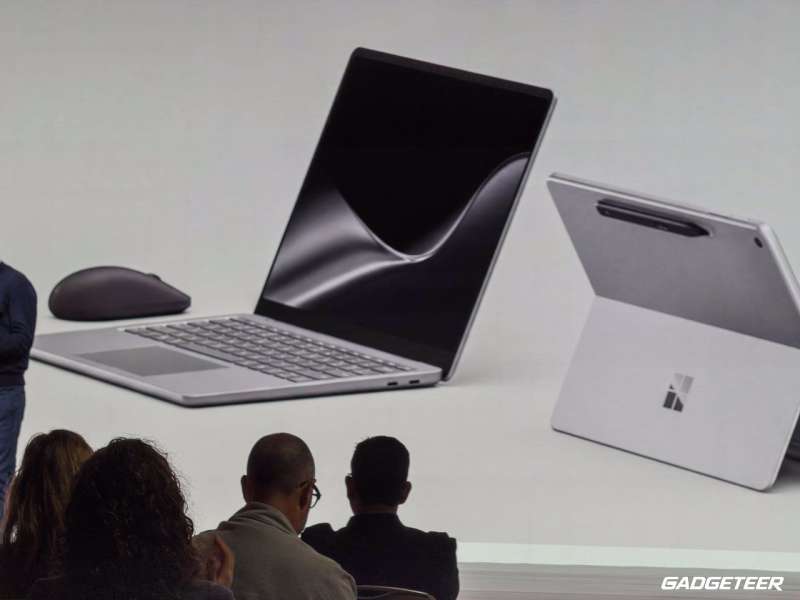
Microsoft Surface Laptop 7: The best Windows feel if the price is right
The Surface Laptop 7 is the safe Snapdragon pick for people who want the least weird Windows laptop. The 13.8-inch model gives you a taller 3:2 touchscreen, a haptic touchpad, a clean keyboard deck, Windows Hello, and the kind of fit and finish that makes Surface devices easy to recommend to people who don’t want to research laptops for three nights.
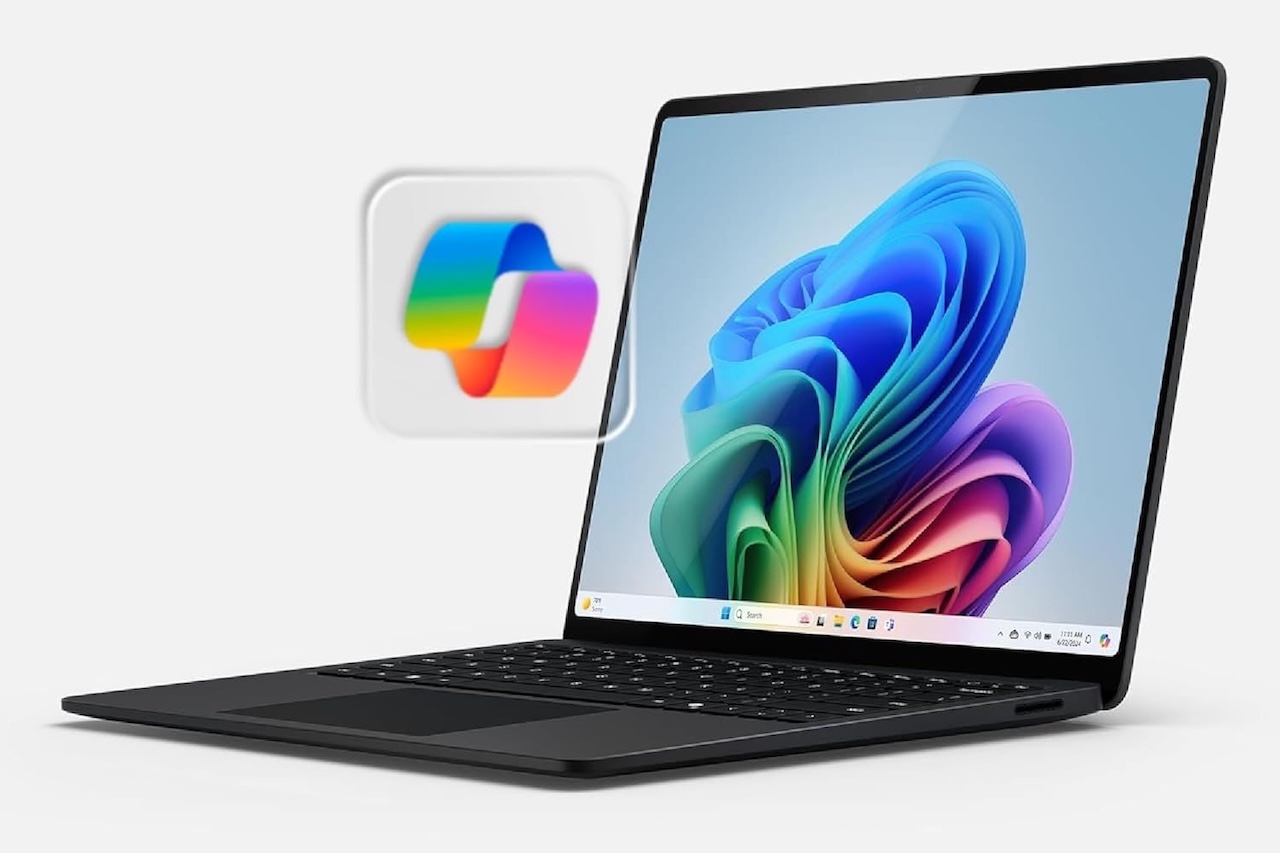 An early review called out nearly 23 hours of battery life, while user feedback is more mixed depending on workload and compatibility. That range is normal for this category: web apps and office work are where these machines shine, while odd peripherals and legacy software can still trip them up.
The problem is price. That’s a lot for a laptop whose biggest advantage is polish rather than raw expandability. The smarter move for most people is to shop lower configurations or wait for a sale.
Buy it if you want our pick for the most polished and you value the touchscreen, taller display, and haptic trackpad. Skip it if you want maximum specs per dollar or if your work depends on older drivers.
🏷️ Price: From $
Where to Buy: Amazon
Best buying advice: Look for 16GB RAM configurations on sale unless you specifically need 32GB.
Main caveat: Confirm your printer, dock, VPN, and work apps before buying.
Samsung Galaxy Book4 Edge 16: the Samsung ecosystem pick, not the battery pick
The Samsung Galaxy Book4 Edge 16 is the one I’d recommend only with conditions. It has the pieces that make Samsung laptops appealing: a thin 16-inch body, a gorgeous AMOLED touchscreen, a good keyboard layout, and useful ecosystem hooks if you already use a Galaxy phone or tablet.
It can also be extremely fast. Laptop Mag tested the 16-inch model with the top Snapdragon X Elite X1E-84-100 chip and measured a Geekbench 6 score of 15,818. The same review praised the AMOLED display and performance.
But this is the Snapdragon laptop that reminds you efficiency still depends on the whole machine, not just the chip. Laptop Mag measured 9 hours and 56 minutes of battery life and found heat reached 112 degrees Fahrenheit during testing. That isn’t bad compared with ordinary laptops from years ago, but it’s weak compared with the best Snapdragon machines.
If you want this model, I’d follow Laptop Mag’s own practical advice and look at the lower 16-inch Snapdragon X Elite configuration rather than chasing the hottest top chip. The small performance drop should be easier to live with than the heat and battery penalty.
🏷️ Price: From 1,449.99
Where to Buy: Amazon
Best buying advice: Buy only at a discount, and prefer the base 16-inch Elite model over the hottest X1E-84-100 configuration.
Main caveat: Not the best choice if battery life is your top priority.
How to choose from this list
If you want the best Snapdragon X Elite laptop in this group, start with the Lenovo Yoga Slim 7x. It has the best mix of display quality, speed, battery life, and price sanity.
If you want a big OLED laptop for the least drama, look for the ASUS Vivobook S 15 around $1,100 to $1,300. It isn’t fancy everywhere, but the screen, ports, and performance make sense at the right price.
If you travel constantly, the Dell XPS 13 is the battery-and-weight pick. Just don’t pretend the two-port design will work for everyone.
If you want the most polished Windows laptop experience, get the Surface Laptop 7 on sale. The hardware feel is the point.
If you live in Samsung’s ecosystem and want a large AMOLED screen, consider the Galaxy Book4 Edge 16, but don’t buy it just because the top chip looks good in benchmarks.
Who should skip Snapdragon X Elite laptops for now
Skip this category if you play a lot of PC games, especially competitive games with anti-cheat systems. Skip it if your job depends on old USB hardware, specialty drivers, a niche VPN, a particular antivirus package, or a software tool your IT department hasn’t approved for Windows on Arm.
Also skip it if you want the safest possible laptop purchase for a family member who will connect random printers, scanners, cameras, and accessories for the next five years. A conventional Intel or AMD Windows laptop is still the lower-risk choice for that person.