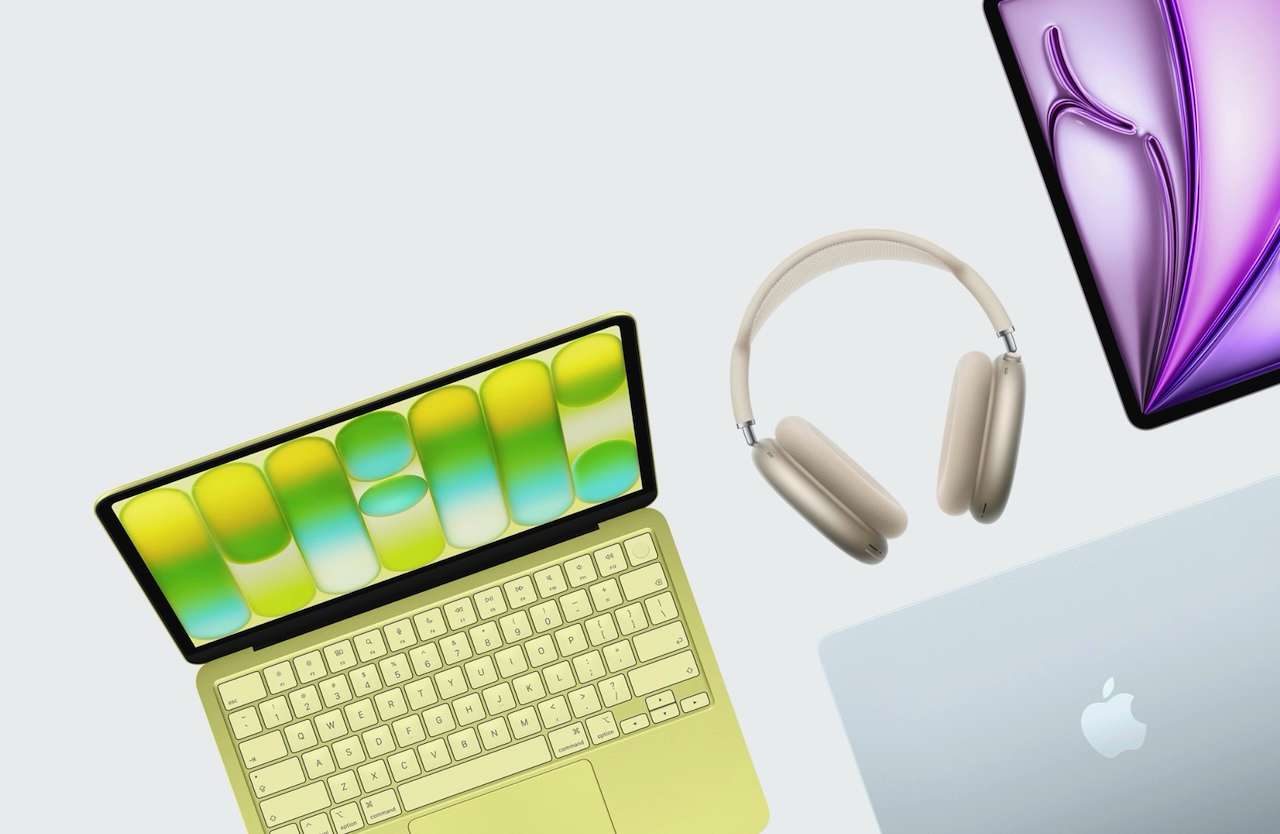
Apple’s annual product releases can make a perfectly useful MacBook feel old before it actually is. The right replacement date comes from a launch calendar. It comes from operating-system and app support, battery condition, repair options, and the work you ask the machine to do.
The useful question isn’t simply how long a MacBook lasts. It’s whether your current model still clears the jobs you bought it to handle without forcing you into workarounds, repair bills, or software compromises.
Start with the support window, not the calendar
Apple says owners can obtain service and parts for a Mac for at least five years after Apple stops distributing that product for sale. Apple also says service can continue for longer, as required by law or for up to seven years, depending on parts availability. Those are service boundaries, not a promise that every MacBook feels current for seven years.
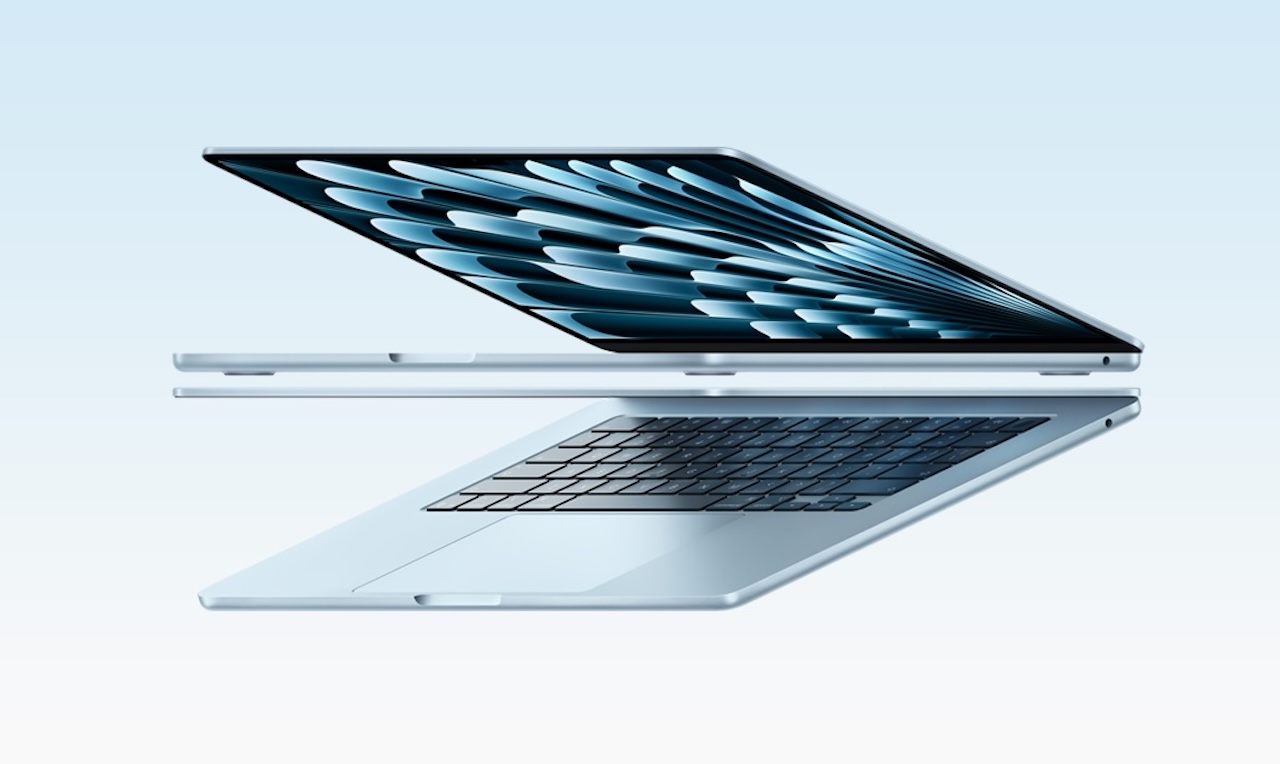
Price: $1,297
Where to Buy: Amazon
Apple defines a product as vintage after more than five and fewer than seven years since distribution ended. It defines a product as obsolete after more than seven years, when Apple stops hardware service. Mac laptops can qualify for battery-only repair for up to 10 years after the last distribution date, but parts availability still controls the outcome.
That distinction gives you a better test. A MacBook can remain useful after it leaves the current macOS list, but the cost of running old software rises as developers drop older systems. A machine that still opens your browser isn’t automatically a sensible primary computer.
Your workload sets the real replacement date
A MacBook used for email, documents, web apps, photos, and video calls can stay comfortable longer than one used for large creative projects. The same model can feel perfectly adequate for one owner and frustrating for another because the workload sets the pressure on memory, storage, graphics, and software compatibility.
Price: $1,847.50
Where to Buy: Amazon
If your work still fits the machine’s memory and storage, don’t replace it just because a newer chip exists. The useful signal is friction: repeated slowdowns, constant external storage juggling, browser tabs and other memory-heavy tasks that cause sustained memory pressure and swap use.
Heavy video work, 3D scenes, software development builds, and large photo libraries expose limits sooner. That doesn’t make an older MacBook worthless. It means the replacement case should start with the task that fails, not a vague feeling that the laptop is behind.
Battery decline is a repair question before it’s a replacement question
Battery wear changes the ownership experience faster than many other age signals. Short runtime, sudden shutdowns, or a battery warning can turn a good laptop into a desk-bound computer, but those symptoms don’t automatically justify buying a new one.
Apple’s service guidance specifically leaves room for battery-only repairs on Mac laptops for up to 10 years from the last distribution date, subject to parts availability. Check your exact model and service options before treating a weak battery as proof that the entire machine has reached the end.
Intel and Apple silicon need different decisions
 Intel and Apple-silicon MacBooks now face very different software futures. macOS Tahoe 26 was the final major macOS release to support Intel-based Macs, while macOS 27 requires Apple silicon. That does not make every Intel MacBook an immediate replacement, but it does narrow its long-term runway.
If your Intel Mac still runs the apps you need, receives the relevant security updates, and performs well enough for your daily work, keeping it can still be the sensible choice. But once software compatibility, security support, battery health, or performance begins forcing compromises, upgrading becomes a practical decision rather than a cosmetic one.
Repair, resale, and replacement cost belong in one calculation
A replacement decision gets clearer when you compare the cost of keeping the current MacBook with the cost of moving to another machine. Add the repair, accessories, storage, and setup time you’ll actually pay. Then ask whether the newer computer removes a real constraint or only gives you a newer product name.
Price: $689.99
Where to Buy: Amazon
Repair makes more sense when the machine still handles your work, the battery is the main problem, and the repair price stays well below a replacement. Replacement makes more sense when several limits arrive together: unsupported software, failing storage, poor battery life, and a workload that already exceeds the hardware
A simple decision engine for your MacBook
Keep it when your essential apps run, the battery supports your routine, and the machine doesn’t create repeated delays. Repair it when a single repairable problem, especially the battery, causes most of the frustration. Replace it when software support, hardware limits, and daily friction stack up at the same time.
The age of the MacBook is evidence, not the verdict. A five-year-old Air that still handles your work can be a better ownership choice than a newer model that doesn’t solve a problem you actually have. An older Intel Pro that is limited to an unsupported macOS version can be a worse choice even if the chassis still looks excellent.
What to check before you spend
First, identify the exact model and year in Apple’s Mac identification guide. Then check the newest macOS version your model supports, the battery condition, available storage, memory pressure during your normal work, and the price of the repair you need. Those five checks tell you more than a generic lifespan number.
Also check the work you expect to do over the next two years. If your needs are changing from office work to video editing, music production, coding, or local machine learning, buy for that change. If your needs aren’t changing, keep the machine that already fits them.

The right MacBook replacement date is personal
A MacBook doesn’t expire on the day Apple introduces a new one. Apple’s service policy gives many owners a long repair runway, while software support and workload determine how much of that runway feels useful.
My rule is simple: keep the MacBook until it creates a specific problem you can’t solve cheaply. Then replace it for that problem, not for the launch event. That approach turns a vague lifespan question into a decision you can defend with your own work, repair options, and budget.