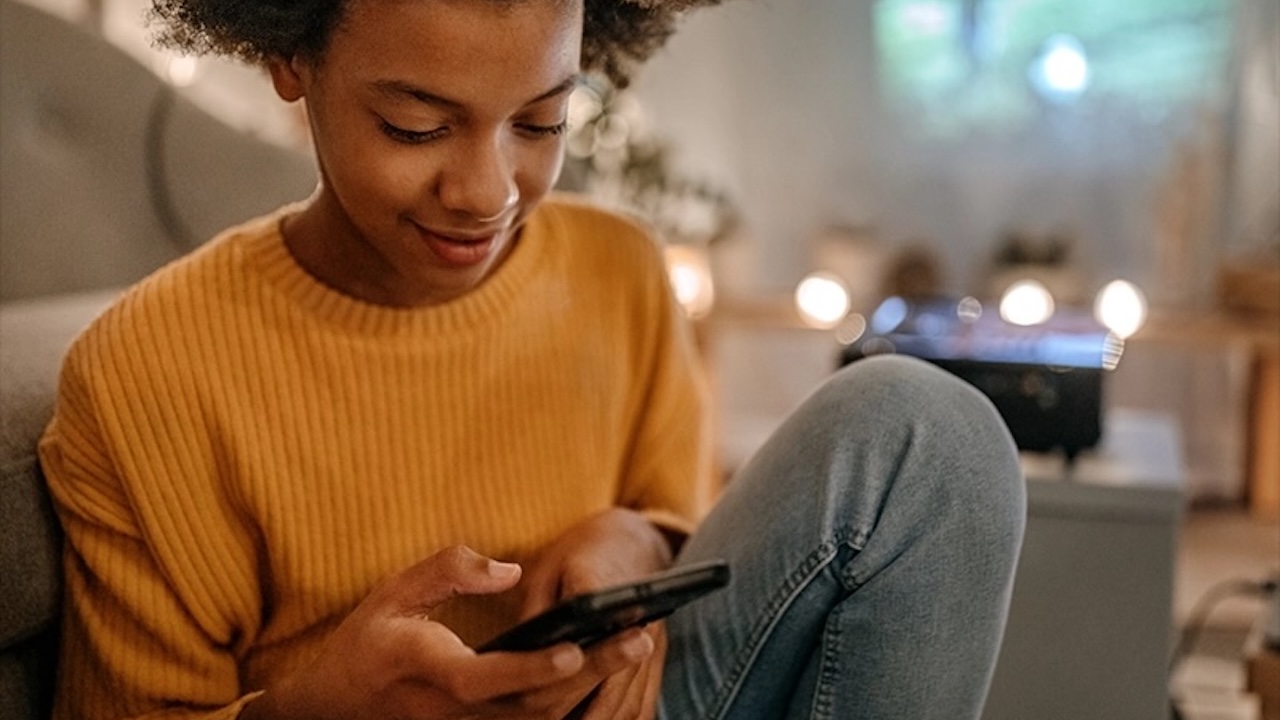
Back-to-school is when the first-phone question stops being theoretical. A kid has practice pickup, bus changes, sleepovers, after-school clubs, and more time away from the adults who usually coordinate everything. If you are weighing a wearable before a phone, The Gadgeteer’s TickTalk 4 wearable phone for kids review is a useful nearby comparison.
That does not mean every kid needs a full smartphone. This roundup includes four kid-safe phones and one screen-free home-phone alternative, because some kids need a locked-down mobile phone, some need carefully approved apps, some need stronger monitoring, and some just need a way to call home from the kitchen counter. That is why the best kids phone depends less on specs and more on the safety ladder you want to build.
1. Gabb Phone 4: Best First Phone With No Internet
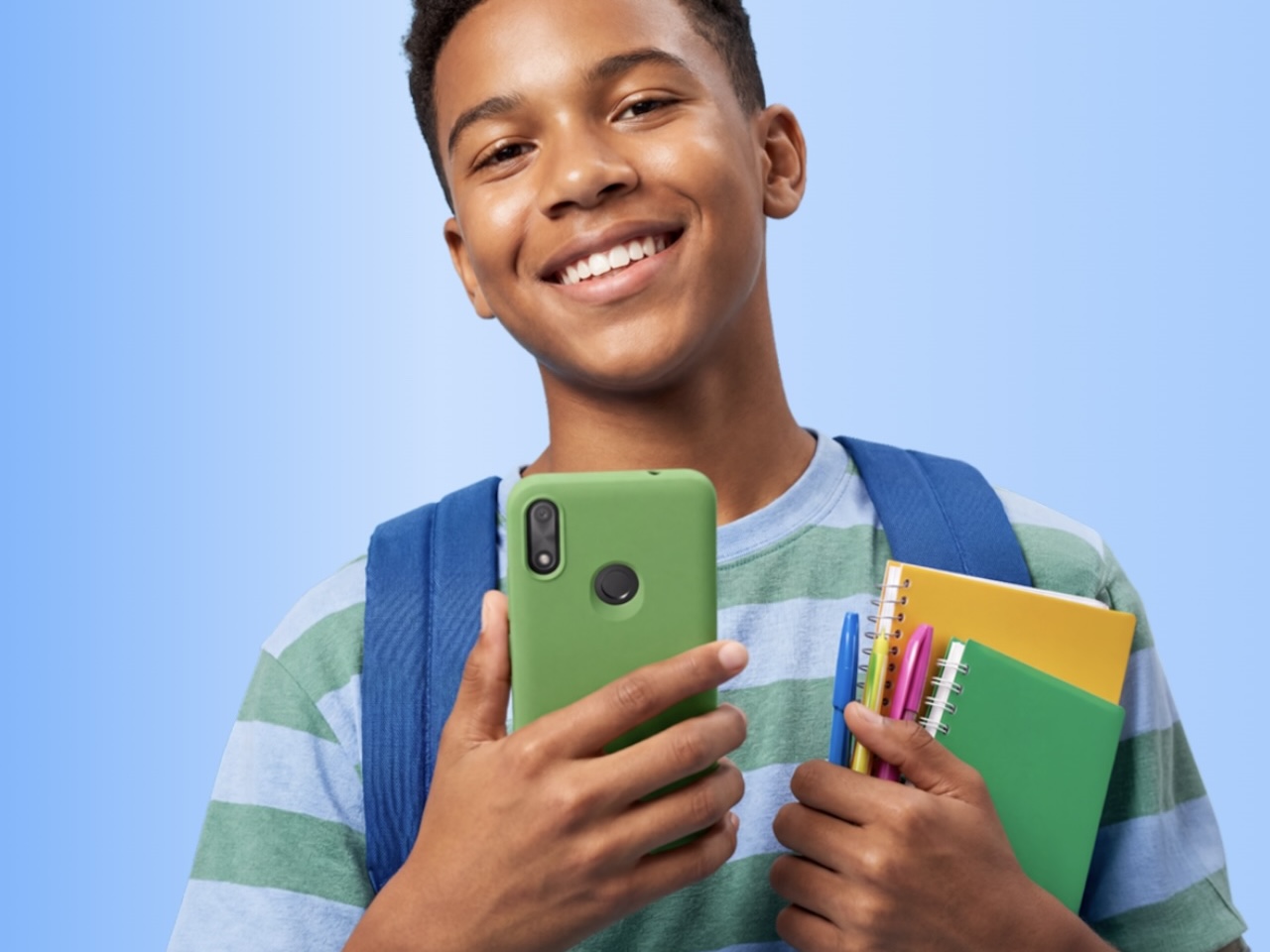
The Gabb Phone 4 is the cleanest fit if your back-to-school goal is simple communication without opening the whole internet. Gabb’s product page lists the phone at $169.99 plus a Gabb cellular plan, and Gabb describes it as a tween-focused phone with no web browser, no social media, and no open app store.
That makes it a strong fit for elementary and early middle school kids who need calls, texts, and location visibility, but do not need YouTube, TikTok, web searches, or app-store arguments after homework. Parents manage location, messaging, and device settings through the MyGabb app, and Gabb says its controls are integrated into the device to reduce easy workarounds.
The tradeoff is obvious: this is not the phone for a kid who already needs school apps, supervised web access, or a gradual path into more flexible smartphone use. That limitation is also the point. If the phone’s job is pickup coordination, family contact, and a smaller digital footprint during the school week, Gabb keeps the boundaries clear.
Gabb Phone 4
Price: $169.99 plus Gabb cellular plan
Where to Buy: Gabb
2. Pinwheel Genesis 4: Best Phone for Controlled App Growth
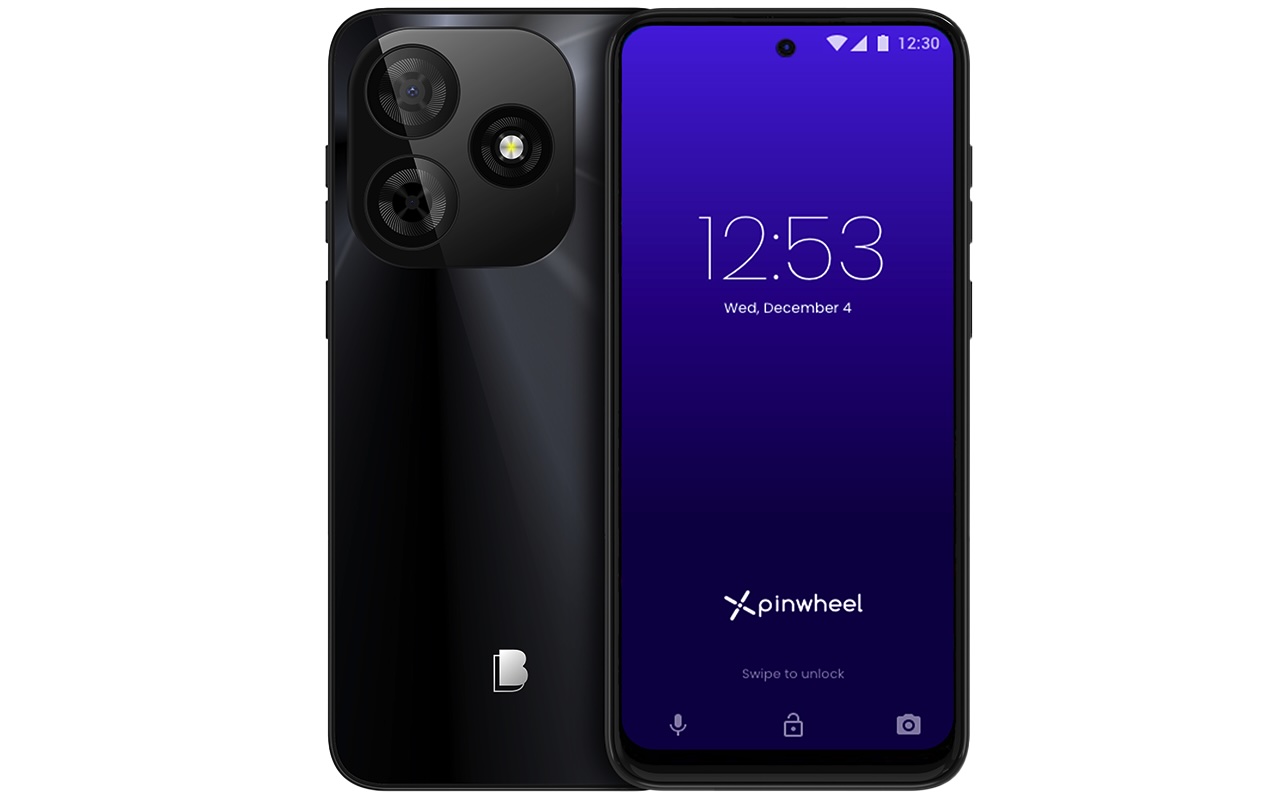
Pinwheel is the better fit when a fully locked phone feels too tight, but a regular smartphone still feels like too much. Pinwheel says its system is built around parent-guided access, including no social media, text monitoring, GPS location, safelist-based calling and texting intended to block unapproved contacts, and a library of expert-vetted apps with safety ratings.
For back-to-school, that app approach matters. A kid may need a school app, calendar tool, music option, maps, or a family-approved messaging setup without needing the entire Google Play Store. Pinwheel says parents can manage settings from the Caregiver Portal and share custom permissions with other caregivers, which is useful for split households, grandparents, carpools, and after-school routines.
Pinwheel’s site notes a kid-phone offer running from July 28 through August 16, 2026, and the Genesis 4 price should be checked directly on Pinwheel before publishing. The bigger buying logic is steadier: Pinwheel is for parents who want a smartphone shape with guardrails that can expand without handing over social media.
Pinwheel Genesis 4
Price: From $59
Where to Buy: Pinwheel
3. Bark Phone: Best for Strong Monitoring and Older Kids
The Bark Phone makes the most sense for tweens and teens who are ready for more phone functionality, but not an unsupervised smartphone. Bark says the phone uses Samsung A-series hardware and starts with a $10 per month device payment for 24 months, plus a required Bark wireless plan.
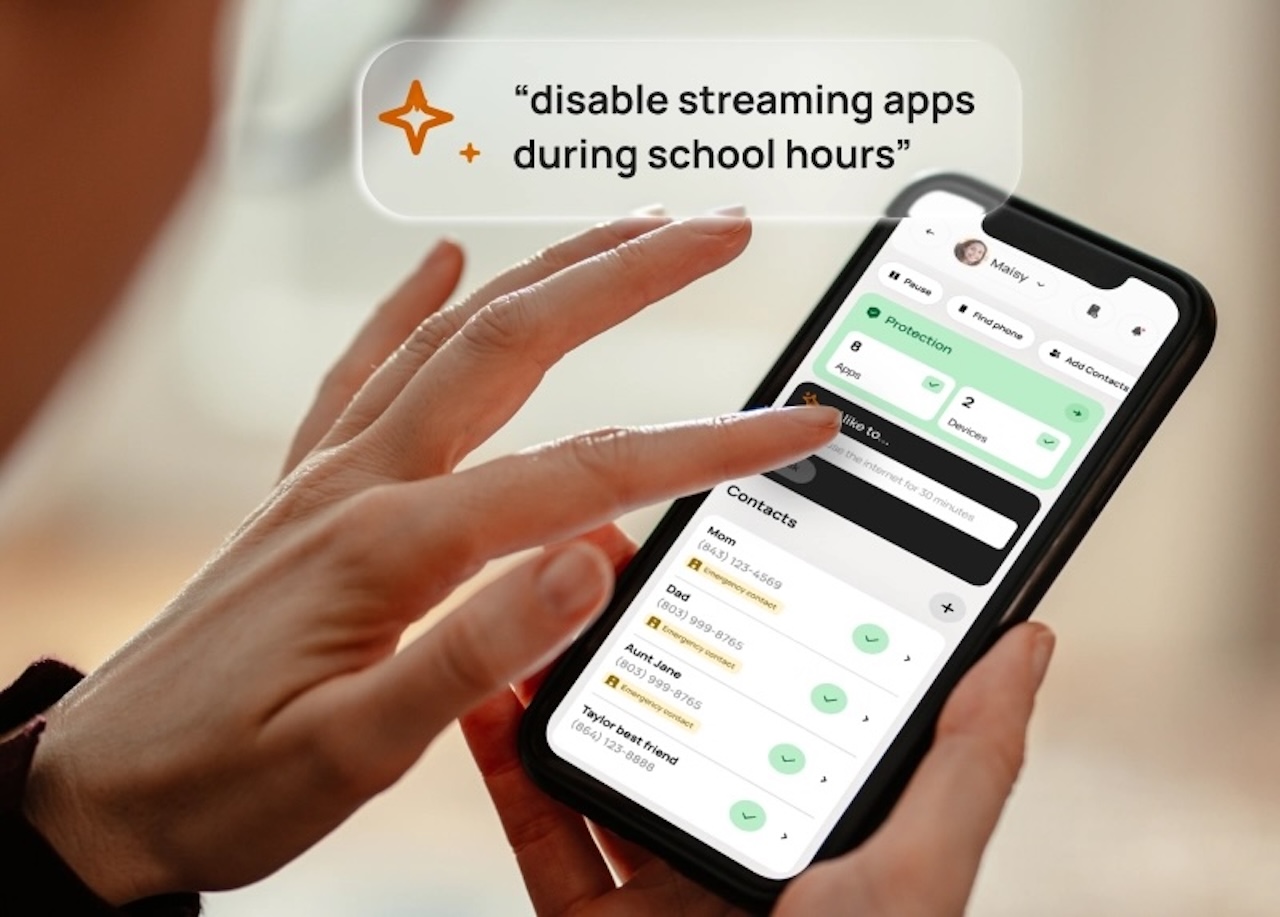
The plan structure gives parents a useful back-to-school fork. Bark says the $29 per month Starter plan keeps the phone to talk and text with no internet, app store, or games. Bark says Advanced plans start at $39 per month and add more flexibility, including app approvals, blocking, schedules, web filters, GPS location, and monitoring for texts, social media, photos, apps, and online activity.
That makes Bark the pick for families who want a phone that can behave like a basic device now, then grow into a monitored smartphone later. It is not the cheapest long-term option once the device payment and plan stack together, and the monitoring model may be more than some families want. For older kids who need more real-phone features during school, sports, and weekend plans, Bark has the most monitoring-forward pitch in this group.
Bark Phone
Price: $10/mo for 24 months plus Bark plan
Where to Buy: Bark
4. Troomi Samsung A17 5G: Best Step-Up Phone for School Independence
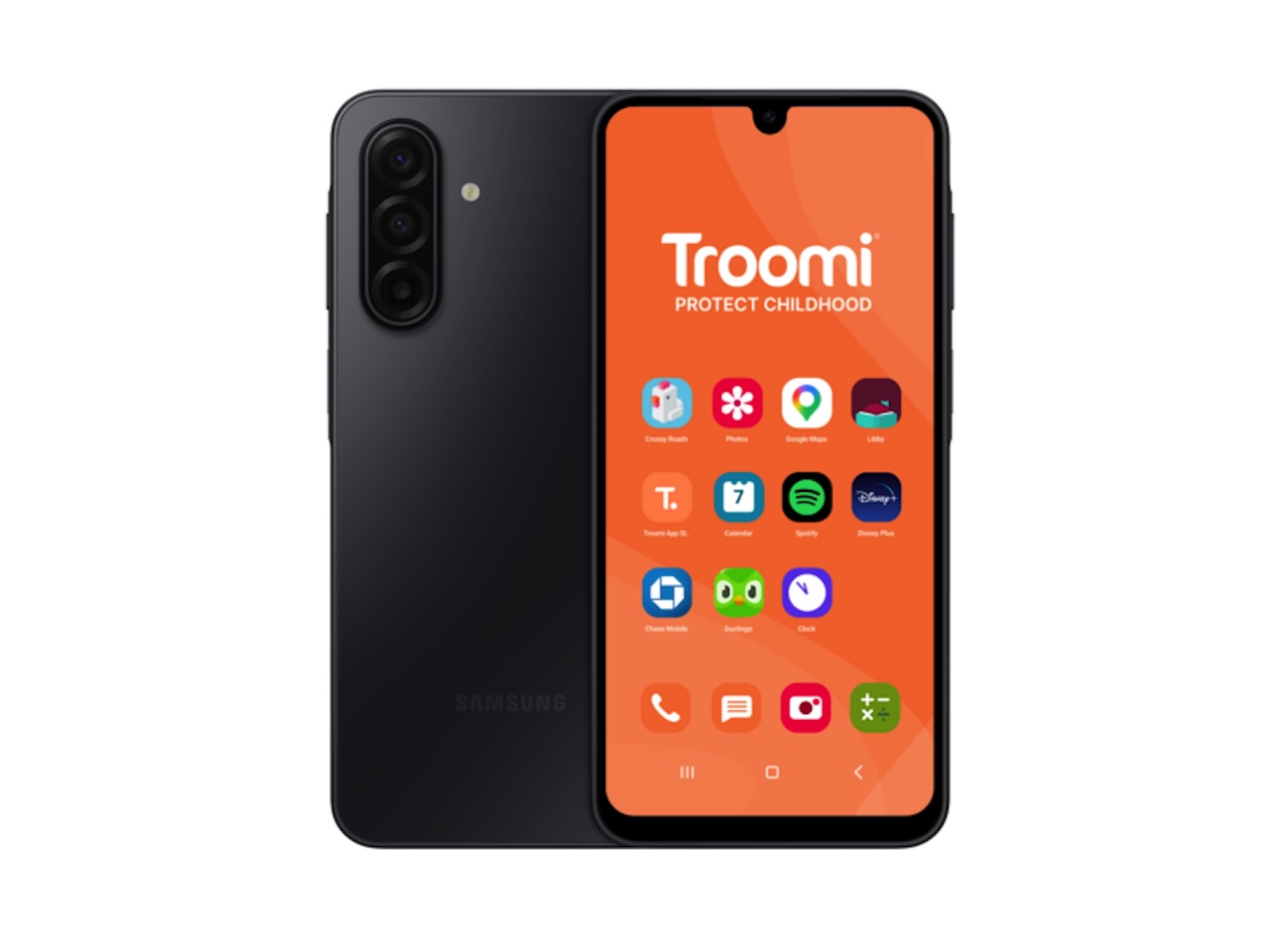
Troomi works best for parents who want a structured step-up path rather than one fixed setting. Troomi says its plans start at $24.95 per month for the Do plan, which includes unlimited talk and text, phone number safelisting, GPS location tracking, Parent Portal access, and remote text monitoring.
Troomi says the $29.95 per month Dream plan adds picture texting and group texting, while the $34.95 per month Discover plan adds access to a safe browser and apps, with mobile data available as an add-on. That plan ladder makes Troomi useful for kids who are moving from basic communication toward more school-friendly independence, but still need parent-managed contacts, texts, and app access.
Troomi’s shop listed the Samsung Galaxy A17 5G at $249.95 during draft research, with a back-to-school offer for a free Samsung A17 using code B2SCHOOL. Check that offer at checkout before staging. If it still holds, Troomi becomes especially interesting for families who want a newer Android phone with school-year controls and a plan system that can loosen up as the kid proves they can handle it.
Troomi Samsung A17 5G
Price: $249.95, with B2SCHOOL free-phone offer listed by Troomi shop
Where to Buy: Troomi
5. Ooma MyPhone: Best Screen-Free Phone for Home Base Calling
Ooma MyPhone earns its spot because it solves a different problem from the four mobile picks. It is not a smartphone. It is a modern landline-style phone for families that want a kid to call approved people from home without handing over apps, browsers, cameras, group chats, or another device that disappears into a backpack.
That makes it useful for younger kids, latchkey routines, grandparents, shared custody schedules, or households where the real back-to-school problem is “can my kid reach me after school?” rather than “which smartphone should they carry?” Ooma’s comparison page lists the hardware at $99.99 and the service plan at $7.99 per month plus taxes and fees. It also points to parent tools like a web portal for managing contacts, Quiet Hours, call logs, and related settings.
The limitation is just as important as the benefit. This does not replace a mobile phone for sports pickup, bus changes, or walking home. It is best as a screen-free home connection point, or as a first step before a kid gets one of the more mobile options above.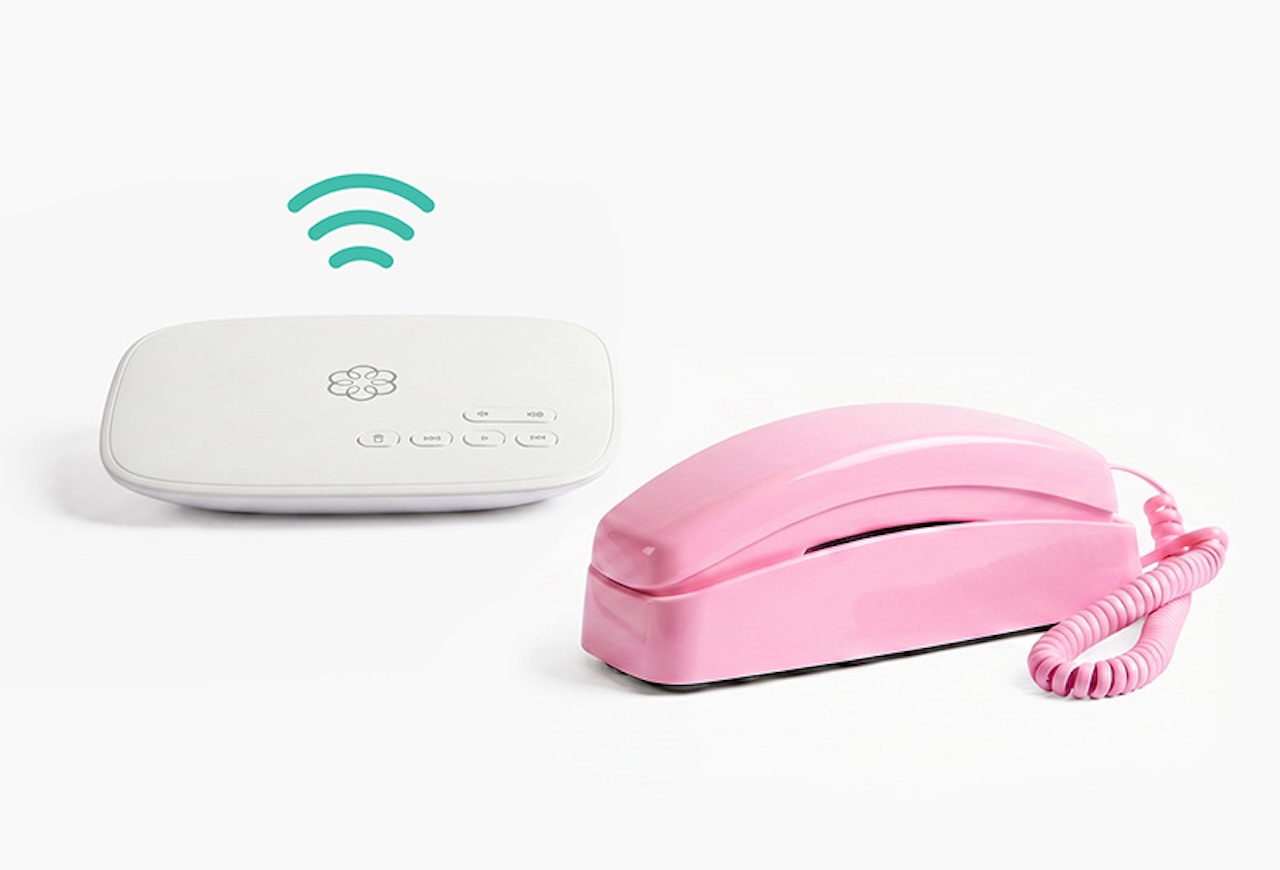
Ooma MyPhone
Price: $99.99 hardware, plus $7.99/mo service plan
Where to Buy: Ooma
How to Pick the Right Back-to-School Phone
Start with the restriction level, not the phone model. If your kid only needs home-base calling, Ooma MyPhone is the screen-free choice. If your kid needs pickup coordination and parent-approved contacts on the go, Gabb is the cleaner mobile starting point. If they need approved apps without social media, Pinwheel gives you more room to tailor the phone around school and family routines.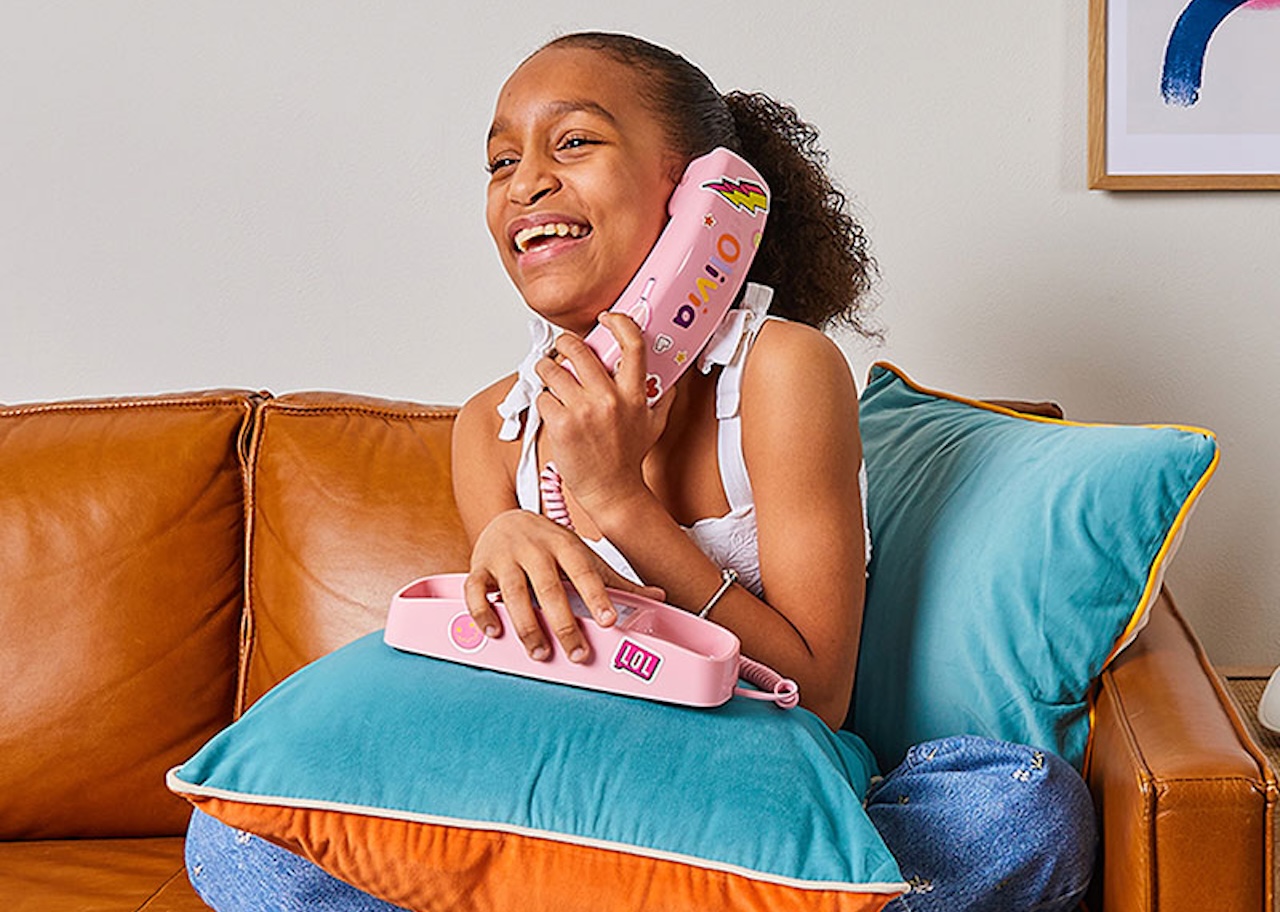
Choose Bark when monitoring matters more than simplicity. It is the phone to consider when a kid needs more real smartphone access, but you still want brand-described alerts, app approvals, web controls, and remote lock options. Choose Troomi when you want a plan ladder that can start basic and expand into apps and safe browsing.
The skip case is important too. If your child already has a hand-me-down iPhone or Android phone and you are comfortable setting up Apple Screen Time, Google Family Link, carrier controls, and app-by-app restrictions yourself, one of these specialty phones may be overkill. For a broader kid-tech lens, The Gadgeteer’s Toy Story 5 gadgets roundup looks at how family tech choices sit between useful tools and extra screens. The value here is not raw hardware. It is fewer loopholes, fewer setup choices, and a clearer boundary for the school year.
The Bottom Line
For a strict mobile first phone, start with Gabb Phone 4. For a screen-free home connection point, Ooma MyPhone is the simpler move. For approved apps and a more flexible kid-safe smartphone, look at Pinwheel. For older kids who need more freedom with serious monitoring, Bark Phone is the stronger fit. For a gradual school-year upgrade path, Troomi’s plan ladder makes the most sense.
Back-to-school is a good deadline, but it should not rush the decision. The right first phone is the one that matches your kid’s current responsibility level, not the one they can argue for the loudest.
Frequently Asked Questions
What is the best first phone for a kid going back to school?
Gabb Phone 4 is the simplest fit if you want calls, texts, and parent visibility without internet or social media. It works best when the phone’s main job is coordination, not apps.
What is the best kids phone with parental controls?
Bark Phone is the monitoring-heavy choice, especially on its Advanced plans. Bark says those plans can monitor content, manage apps, set schedules, block sites, track location, and lock the phone remotely.
Which kids phone is best for school apps?
Pinwheel and Troomi are better choices if your kid needs approved apps for school or daily routines. Pinwheel focuses on vetted apps and caregiver permissions, while Troomi adds app and safe-browser access through its Discover plan.
Should I buy a kids phone or use an old iPhone?
Use the old iPhone if you are ready to manage settings closely and keep checking them. Buy a kids phone if you want the safety model built into the device and service from day one, with fewer ways for a kid to work around it.