
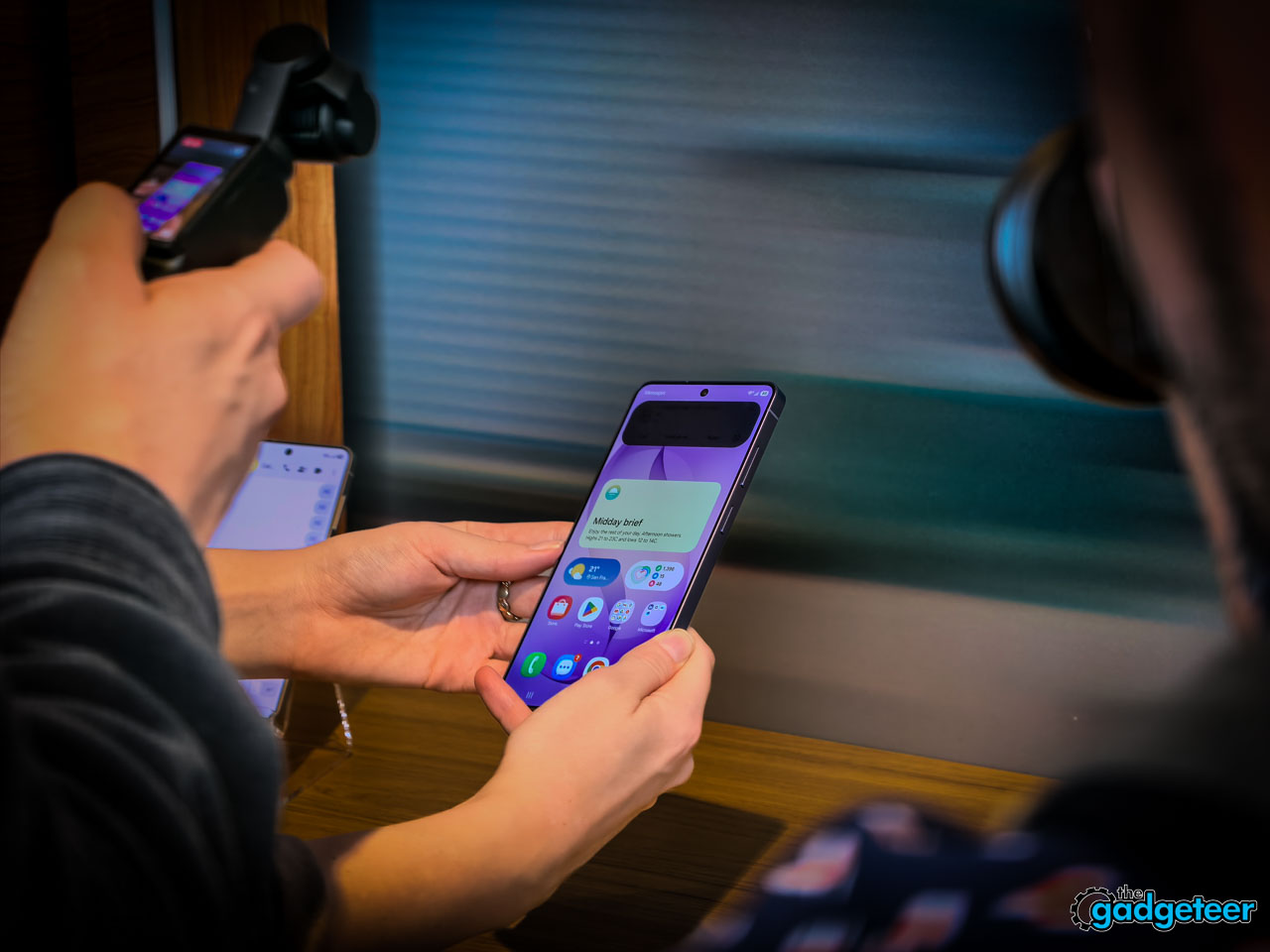
NEWS – I’ve lost count of how many times I’ve tilted my phone away from a stranger on a plane, cupped my hand over the screen while typing a password at a coffee shop, or angled it weirdly during a train commute so the person standing over my shoulder couldn’t read my messages. These are tiny, unconscious adjustments we all make dozens of times a day. Samsung’s Galaxy S26 Ultra is the first phone I’ve used that eliminates them entirely.
⬇︎ Jump to summary (pros/cons)
Price: $1,299.99
Where to buy: Samsung.com
The S26 Ultra is Samsung’s thinnest flagship ever at 7.9mm, it’s got a redesigned camera system, faster charging, and a whole suite of AI features that try to anticipate what you need before you ask. But the headline story here is the Privacy Display, and after spending time with it at Samsung’s Unpacked event, I think it’s the kind of feature that changes your daily relationship with your phone in ways you don’t expect.
Add The Gadgeteer as a preferred source to see more of our coverage on Google.
How Privacy Display Works (and Why You’ll Care)
Let’s start with the feature that makes this Ultra genuinely different from every other flagship on the market right now. Samsung spent five years developing what it calls Privacy Display, and it’s exclusive to the S26 Ultra.
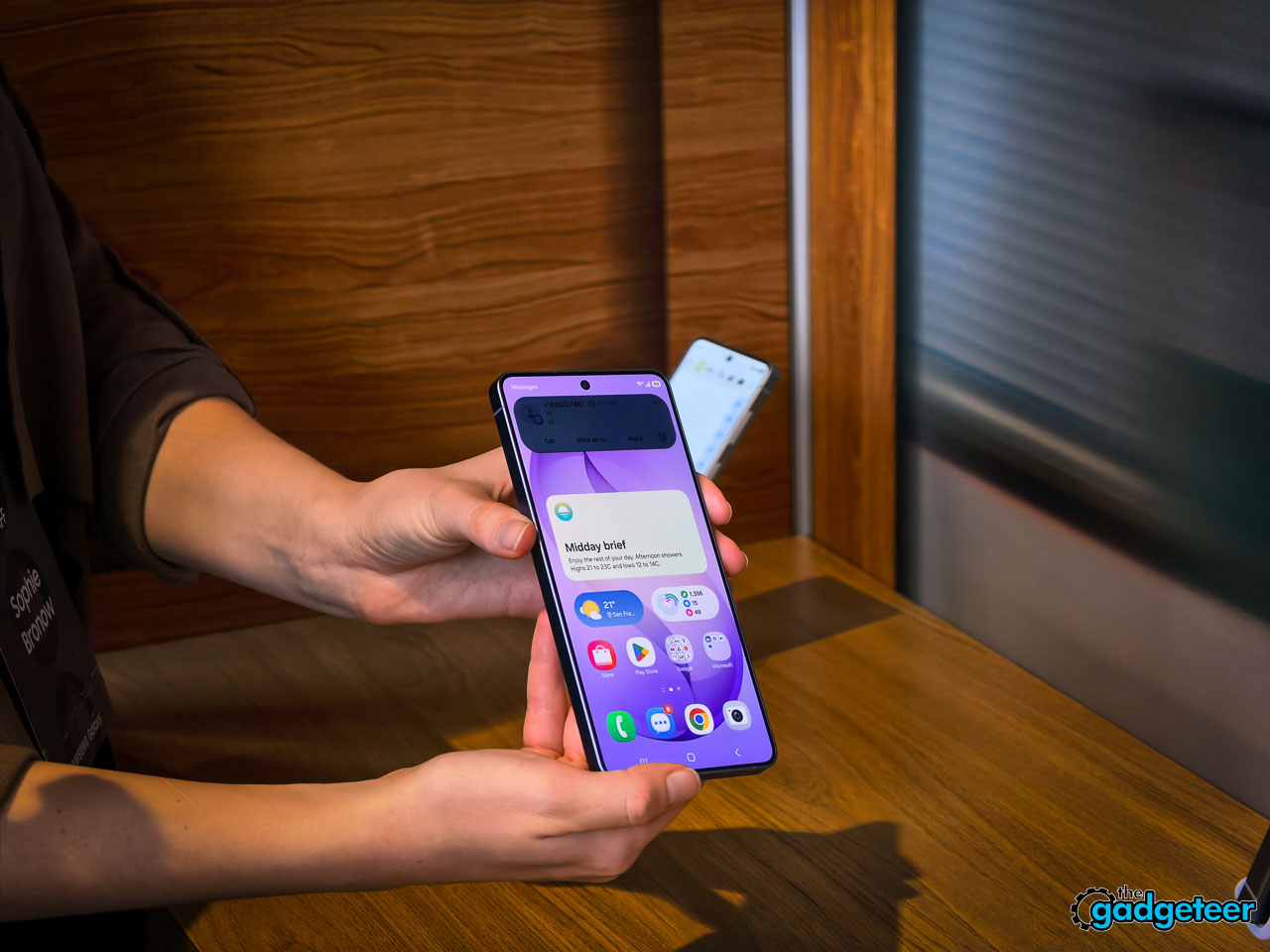
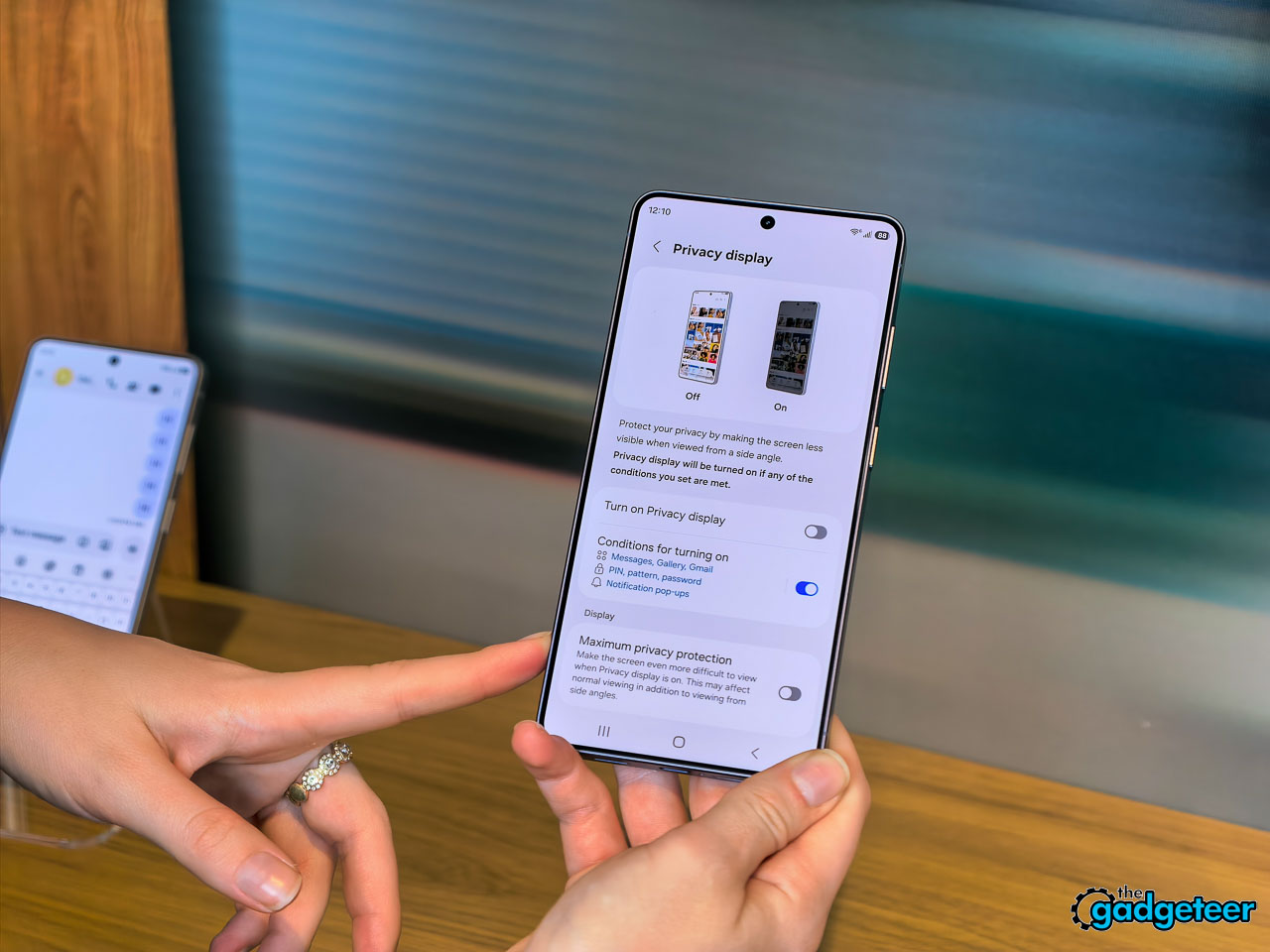
Here’s what it does: at the pixel level, the screen restricts its viewing angle so that someone standing beside you or slightly behind you sees a darkened, unreadable display. Your direct line of sight stays completely clear and unaffected. It isn’t a plastic film overlay. It isn’t software dimming. The panel itself controls which angles get light output.
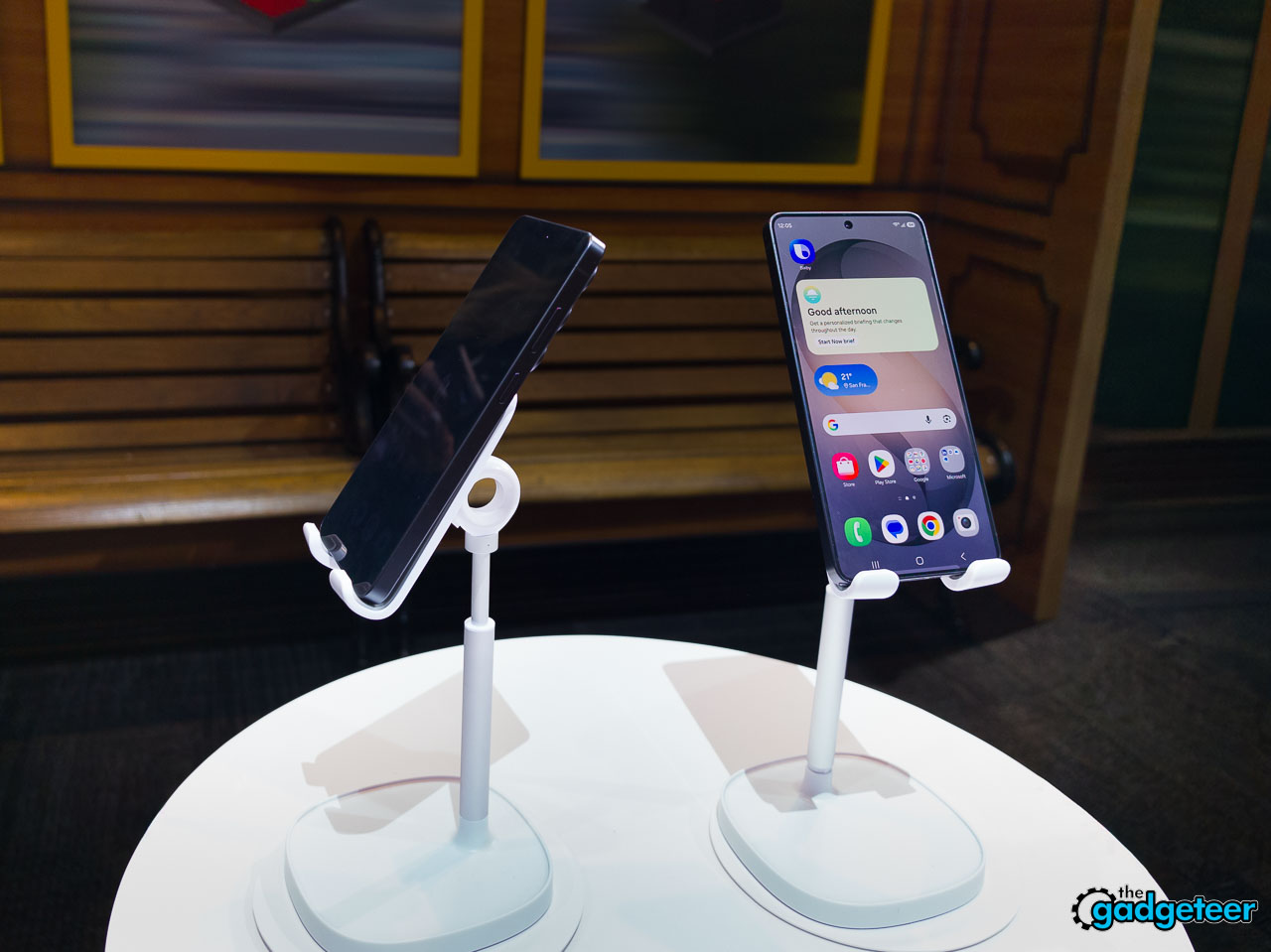
The part that got me most interested is the customization layer. You can set Privacy Display on a per-app basis. Banking apps, messaging, notes? Always private. Maps, music, weather? Always visible to whoever’s nearby. You can also restrict individual notifications so incoming alerts stay hidden from side-angle viewers without blanking your entire screen.
Activation couldn’t be simpler: double-click the side key and it toggles on or off instantly. Samsung also built it into the Routines system, so you can set it to activate automatically when you arrive at the office, a coffee shop, or an airport, and turn off when you’re home. It works in both portrait and landscape orientation, which matters if you’re watching a video sideways on a flight.
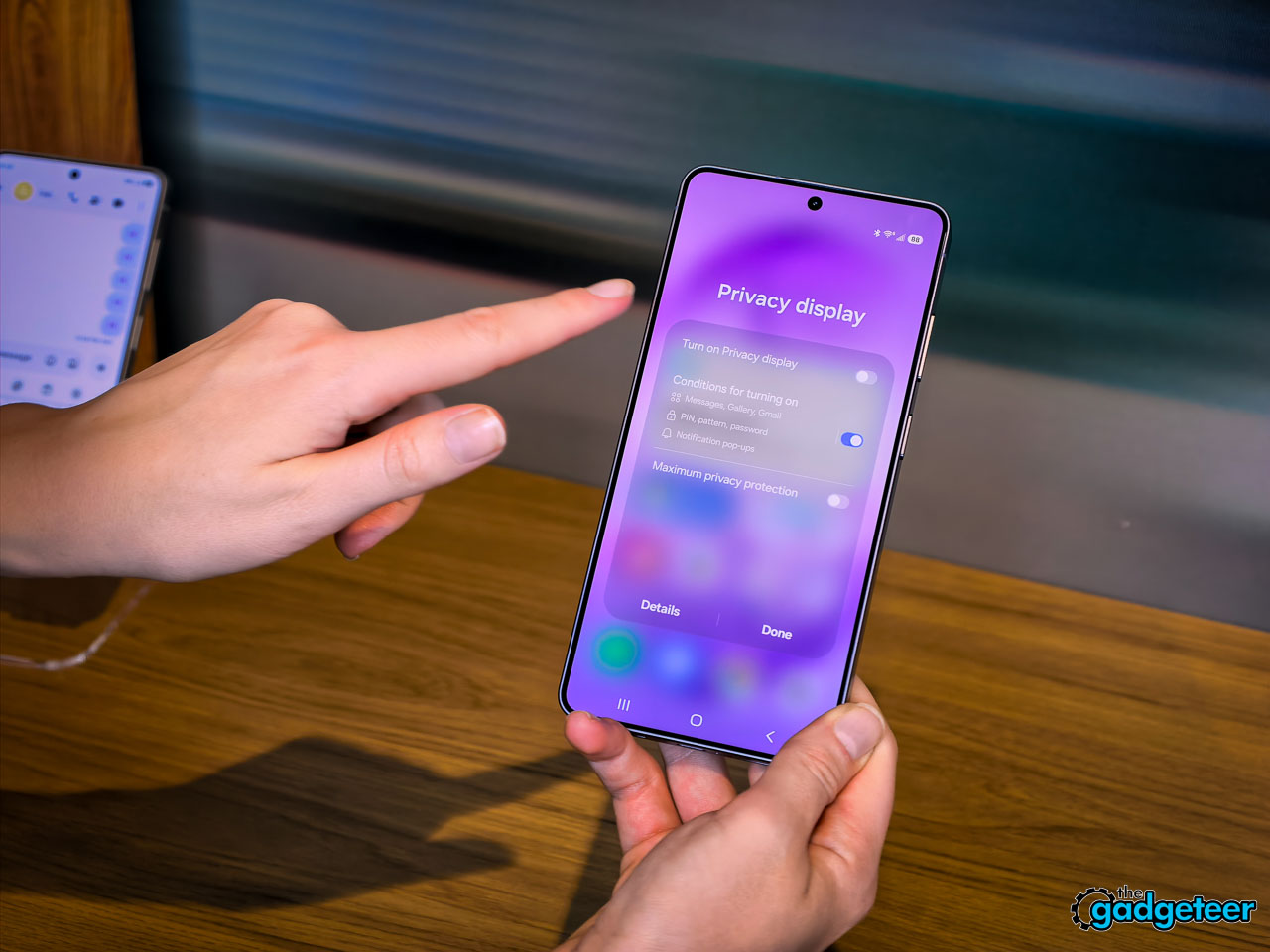
I asked about battery impact directly during the briefing. The answer: Privacy Display doesn’t drain additional power. If anything, it could improve battery life since the feature restricts light output to a narrower cone rather than broadcasting at full brightness in every direction. The privacy logic lives entirely within the display hardware, independent of any network connection. It works identically in airplane mode, in a dead zone, or on a full 5G signal.
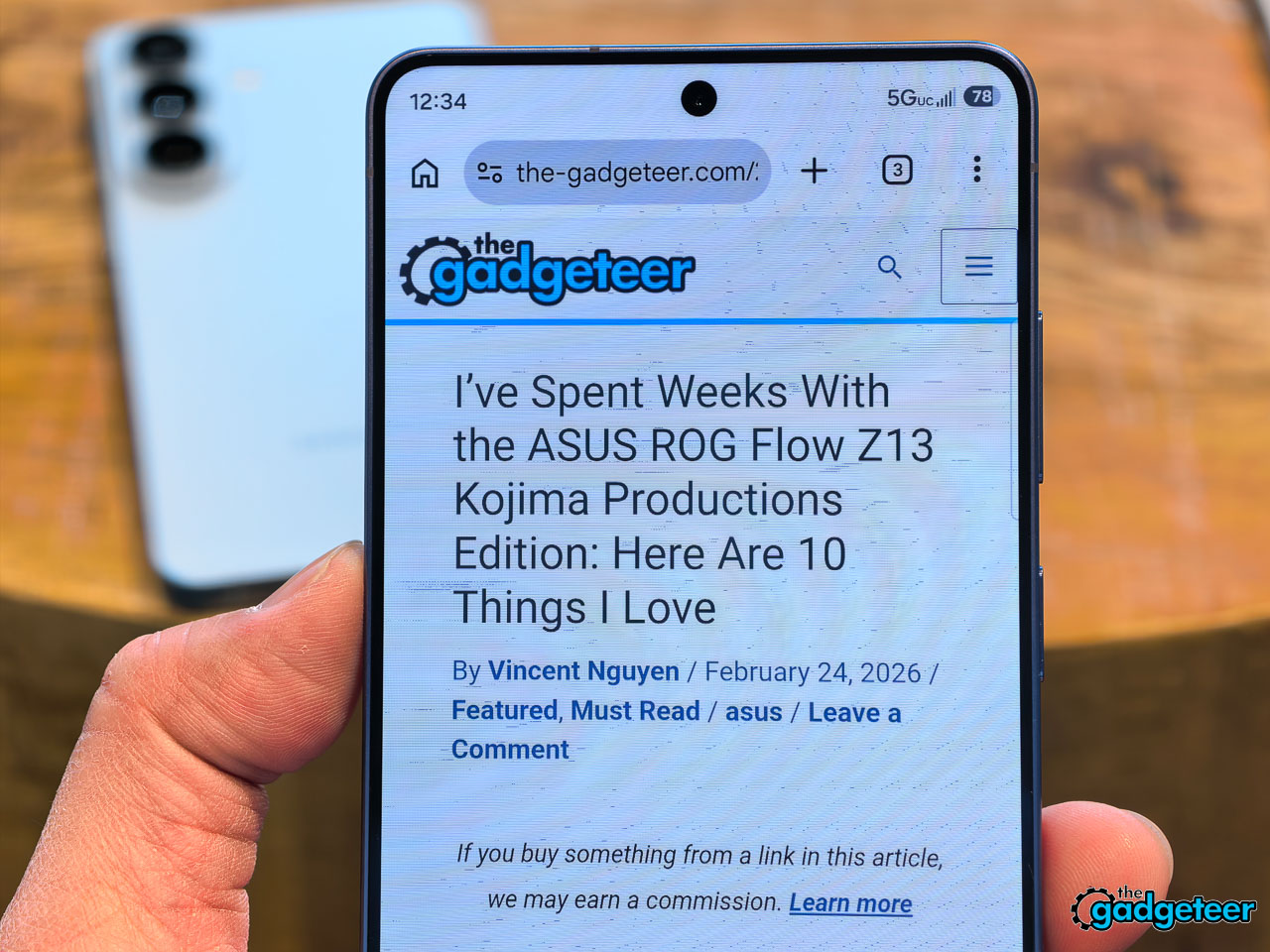
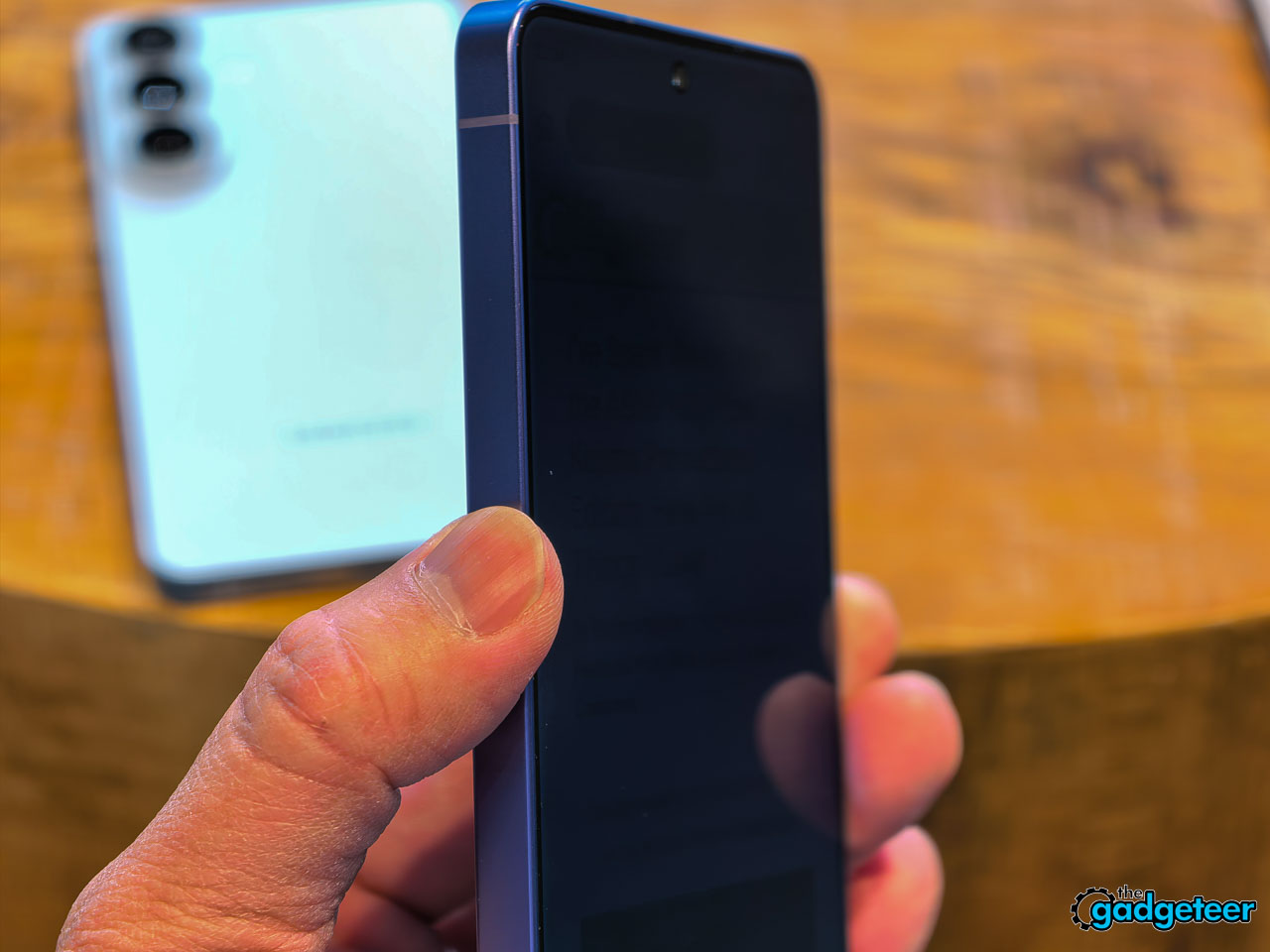
For daily life, this translates to something surprisingly relaxing. You just hold the phone however feels comfortable. No more tilting, cupping, or angling. The technology handles the rest. After a few minutes of using it, you start to realize how many small physical compromises you’ve been making without thinking about them.
In Your Hand: Grippier, More Refined, and Surprisingly Solid
The S26 Ultra measures 7.9mm, a modest trim compared to the outgoing model. You probably won’t notice the difference by looking at it. What you will notice is grip. Your fingers wrap slightly further around the frame, and the phone feels more secure during one-handed texting or scrolling through a feed while walking.
Samsung moved from titanium on the S25 Ultra to armor aluminum on the S26 Ultra, and they’re calling it the strongest aluminum alloy they’ve ever used in a phone frame. It feels dense and structural without adding bulk. When you set it down on a table, there’s a satisfying weight that tells you this isn’t a fragile device. Gorilla Armor 2 covers the front, continuing the Corning partnership.
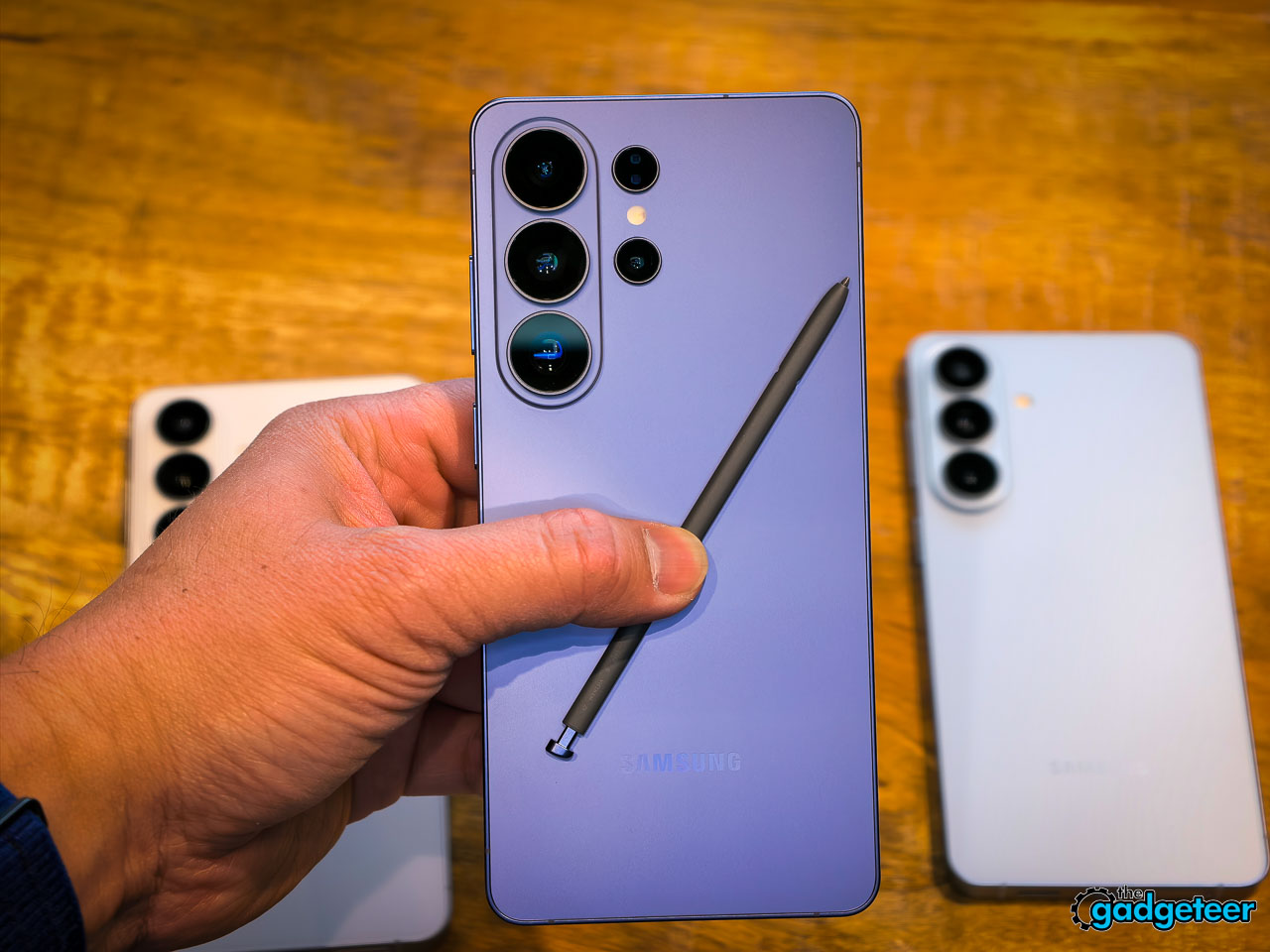
The hero color this year is Cobalt Violet, and it’s genuinely well done. It isn’t the saturated purple you’d expect from a tech brand trying to stand out. It’s muted, almost mineral, and it shifts noticeably under different lighting. Warm indoor light pulls it toward a dusty mauve. Direct sunlight brings out a cooler, more metallic character. White, Sky Blue, and Black round out the options.
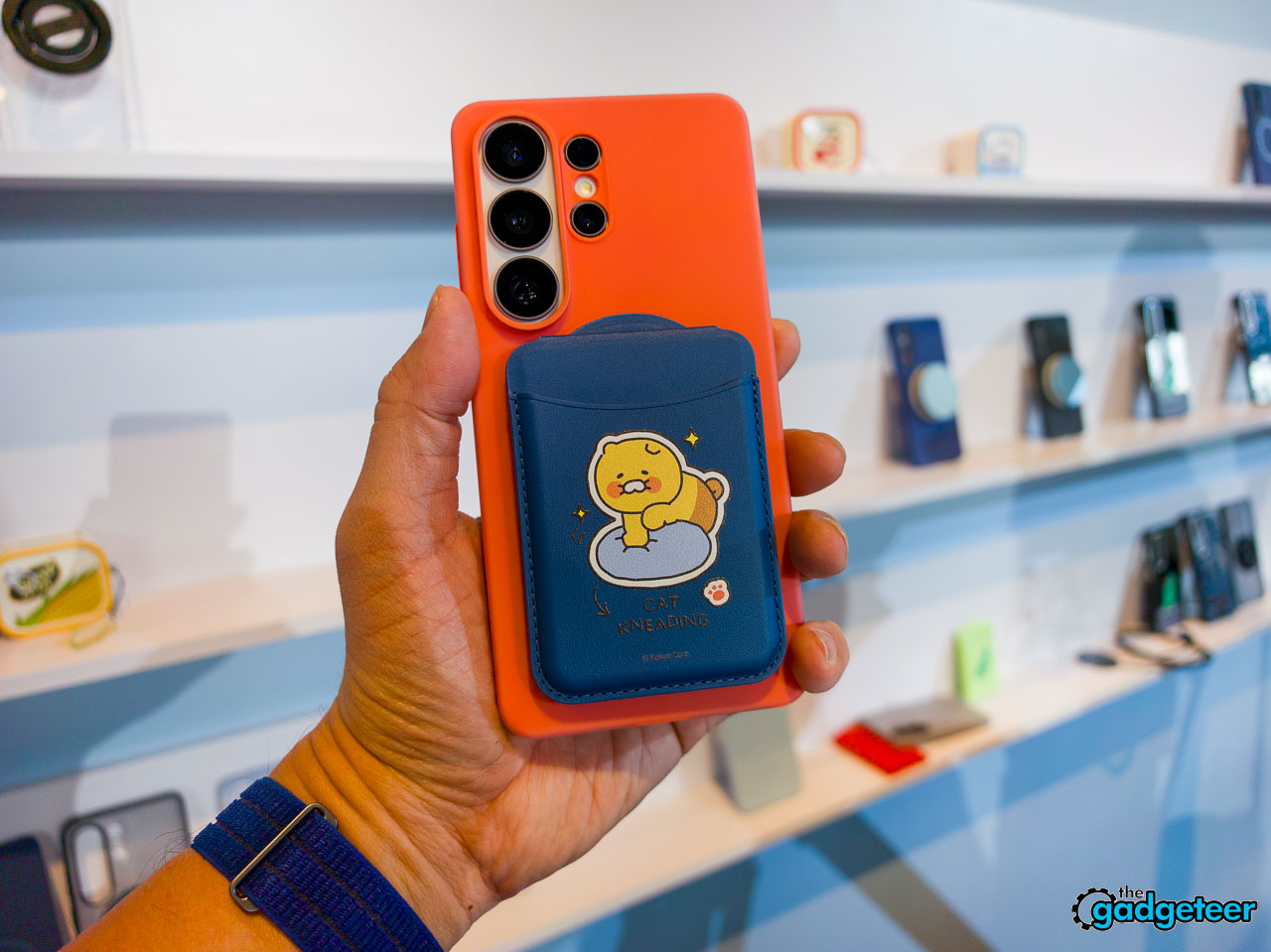
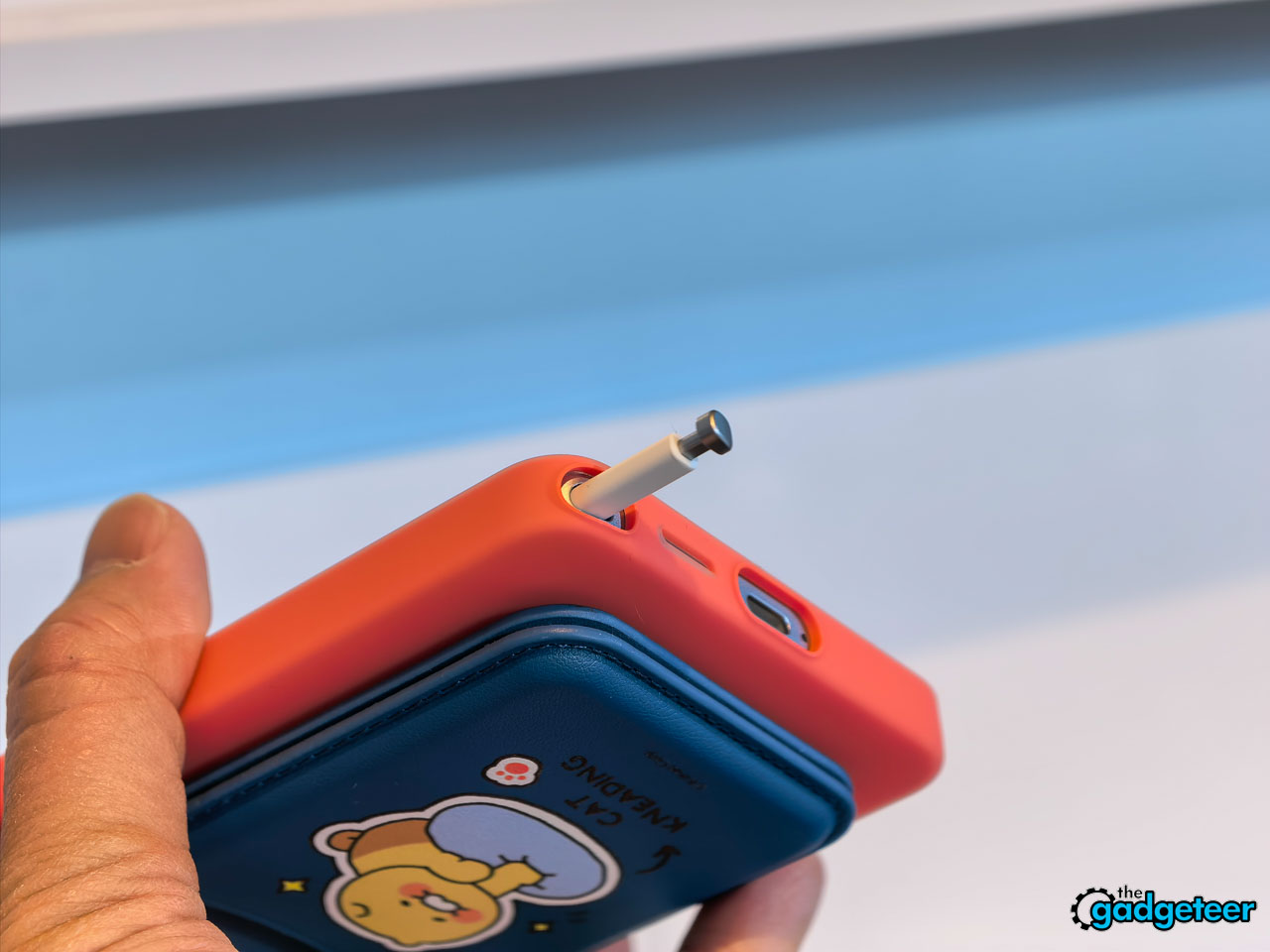
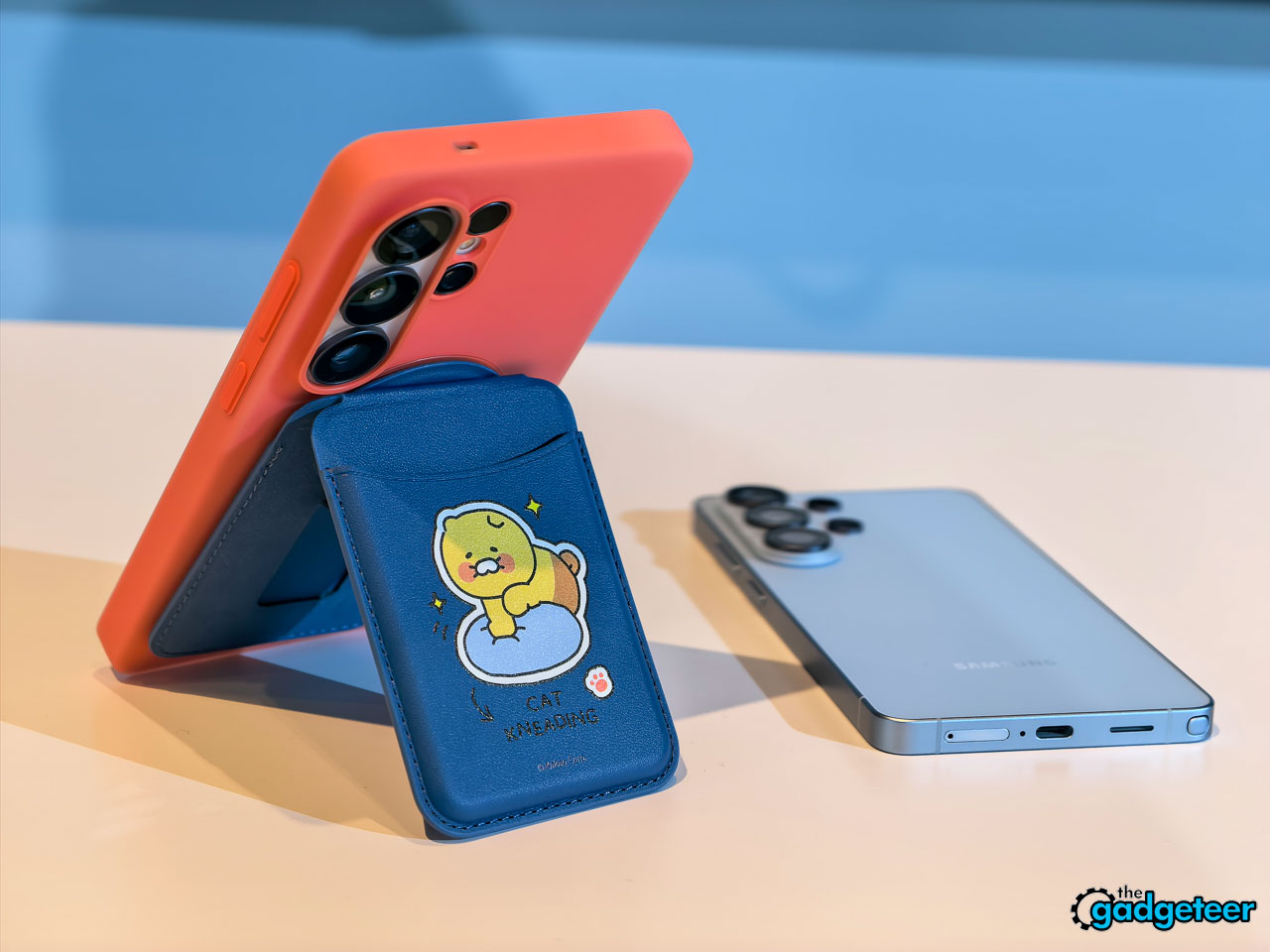
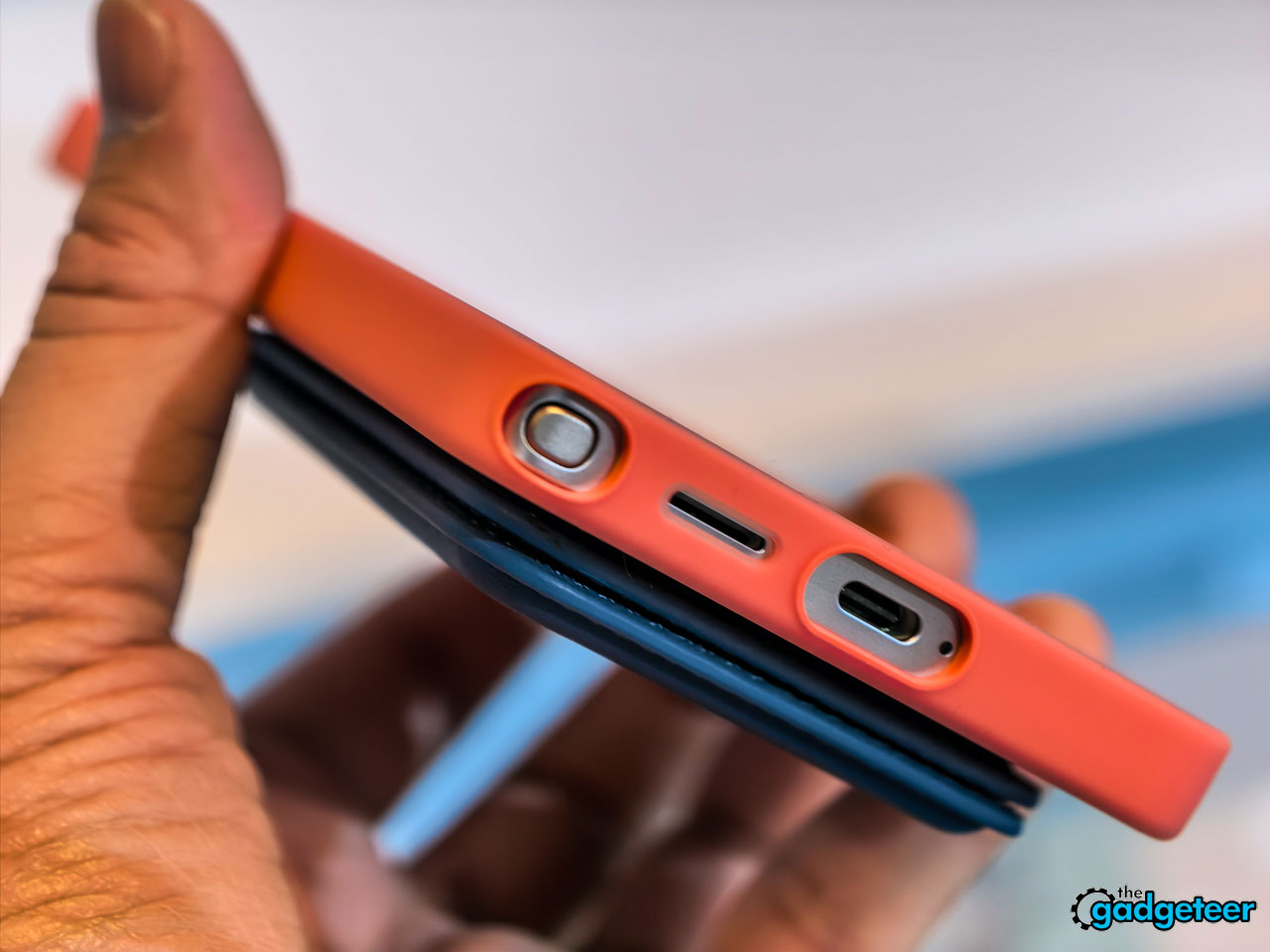
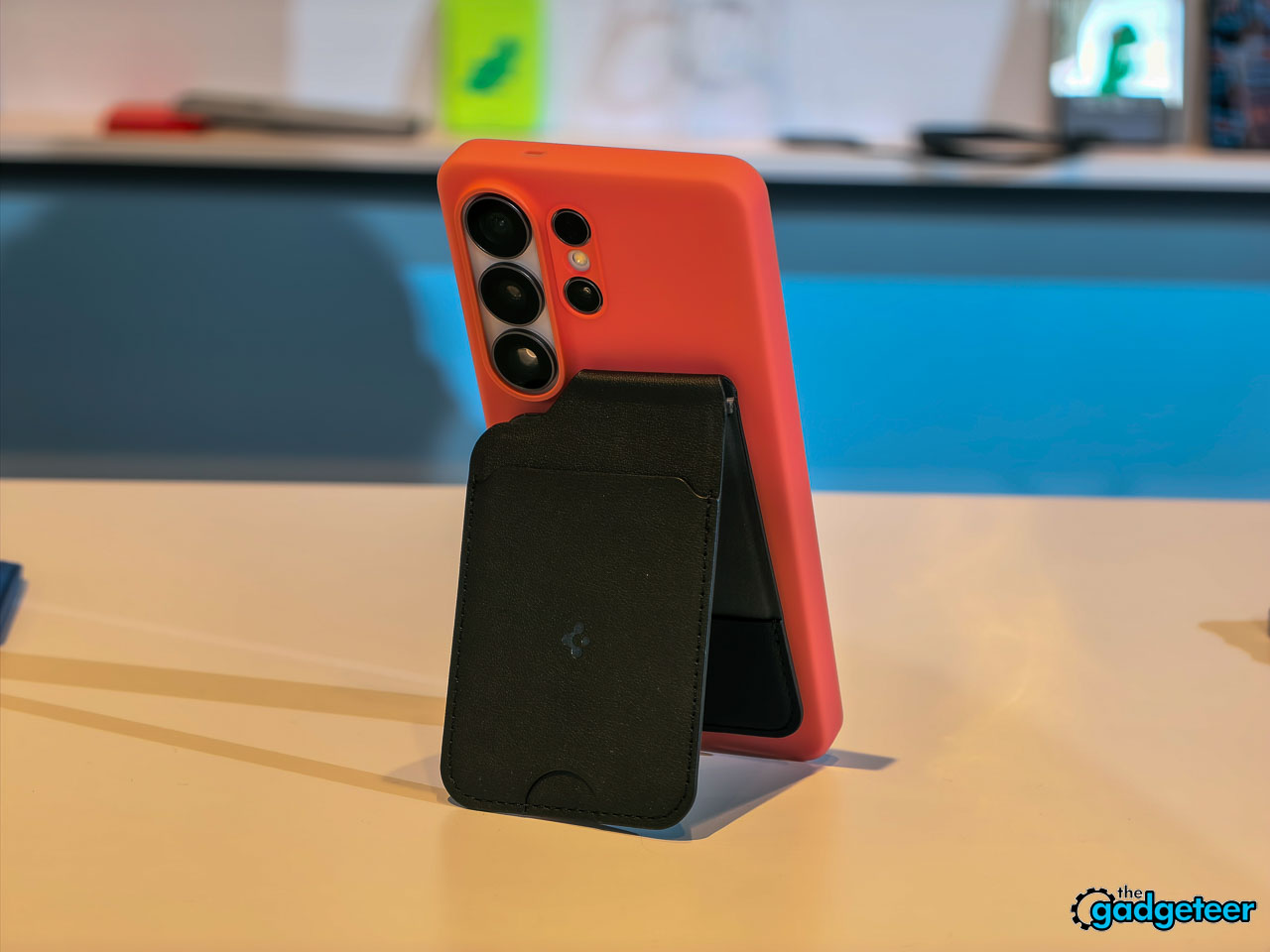
Samsung also introduced a magnetic case ecosystem for the S26 series. The magnets live in the cases rather than the phones themselves, which preserves the slim profile and weight targets while enabling MagSafe-style accessory attachment. Whether that ecosystem grows into something as robust as Apple’s remains to be seen, but the intent is clear.
Camera Improvements You’ll Actually Notice
The camera system follows the same practical-improvement philosophy as the rest of the phone. No dramatic sensor swaps or wild new focal lengths. Instead, Samsung targeted the shooting scenarios where most people get frustrated.
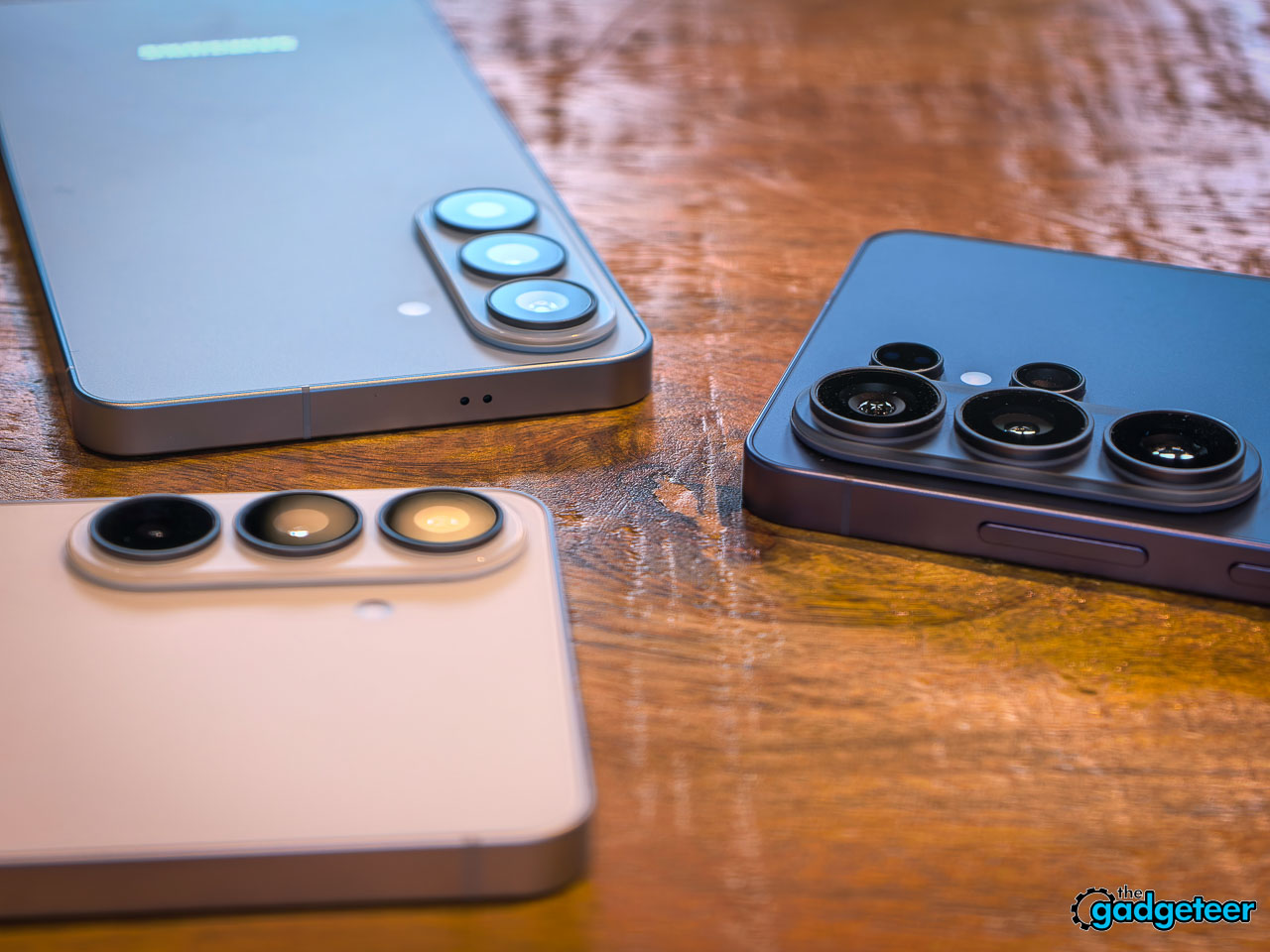
The ultra-wide lens now captures 47% more light than last year’s S25 Ultra. If you’ve ever tried to take a group photo in a dim restaurant or shoot architecture in a poorly lit space, that’s significant. More light means faster shutter speeds, which means less motion blur and better detail at the frame edges where ultra-wide lenses usually struggle.
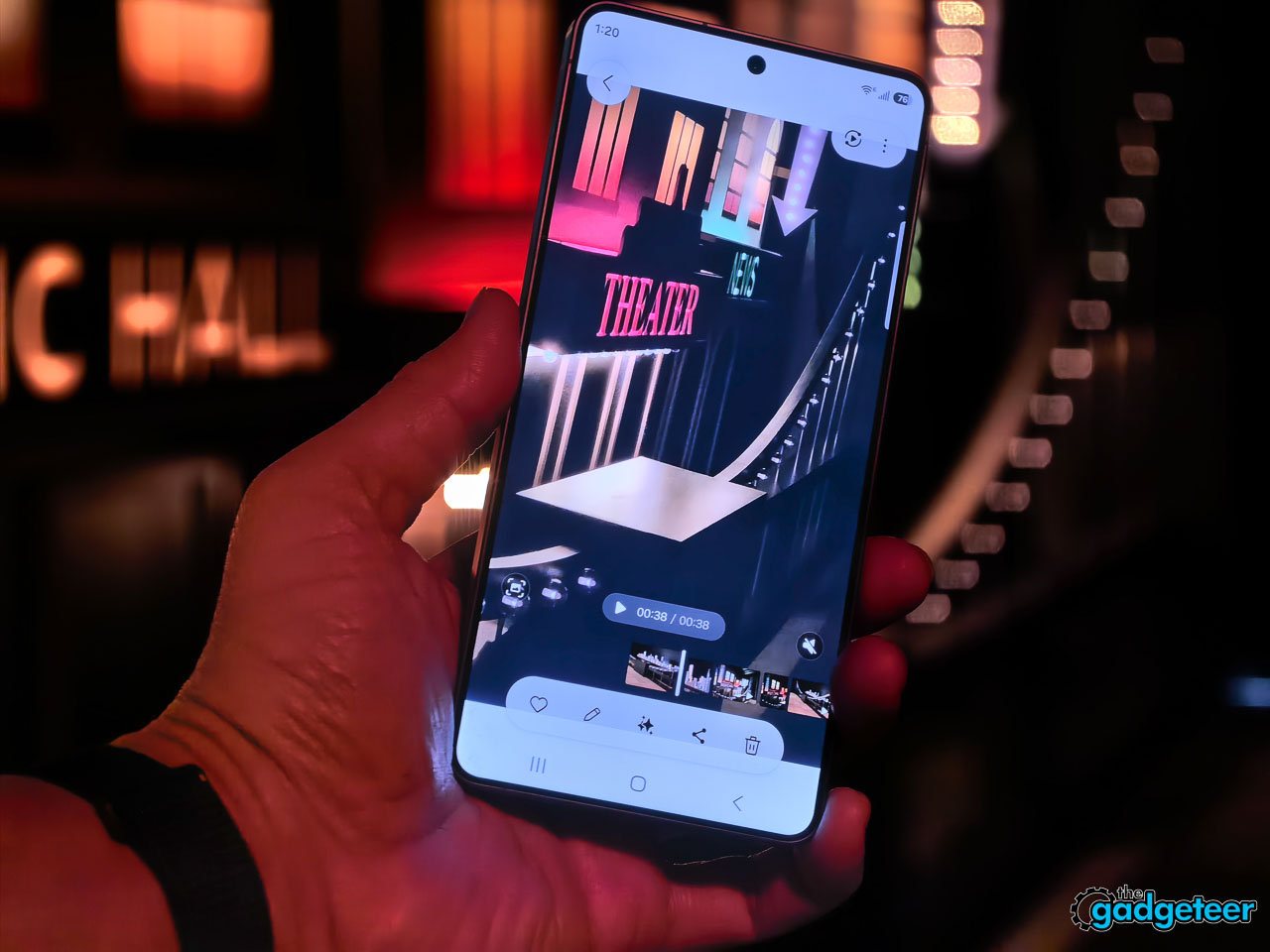
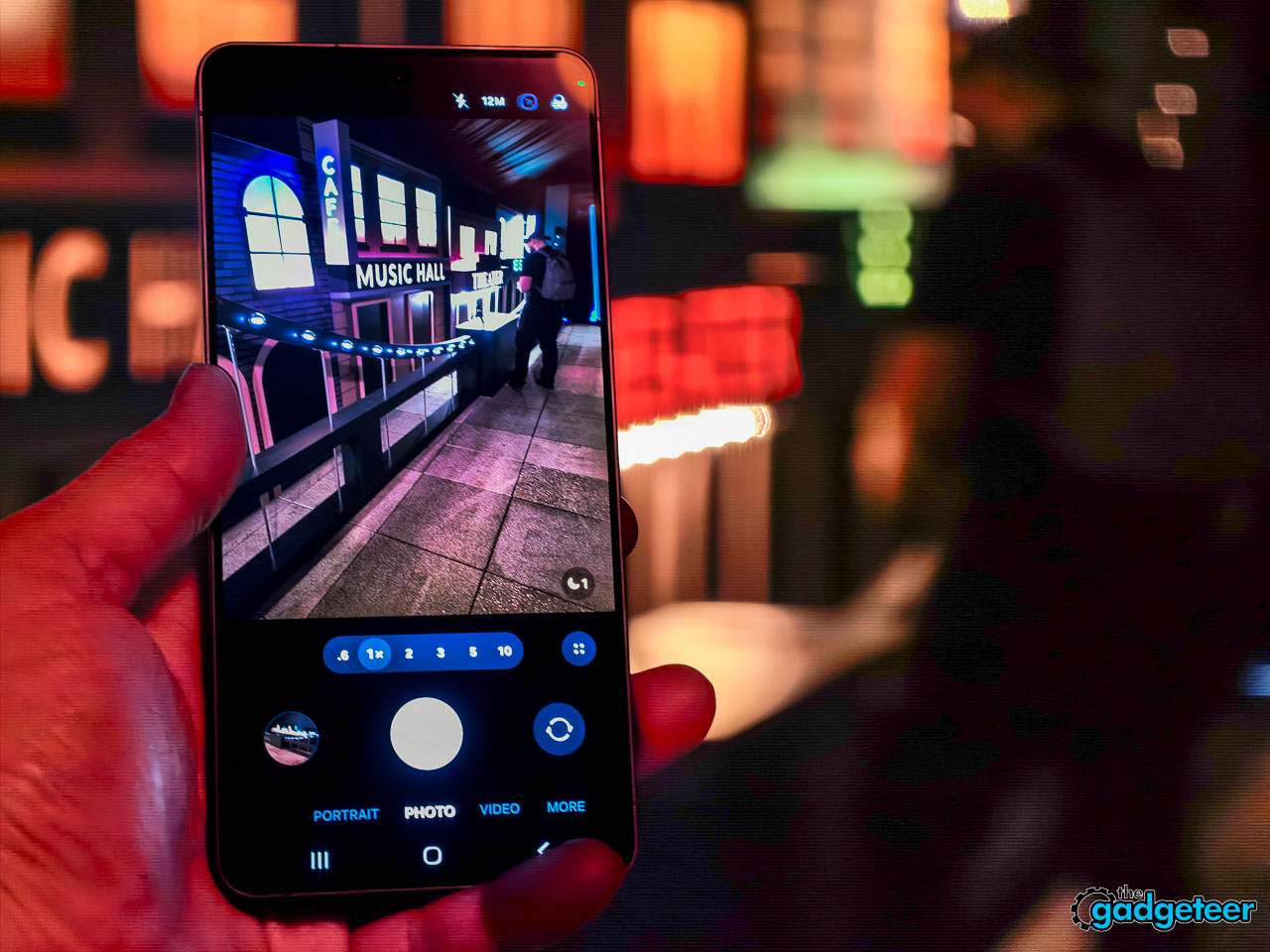
The front camera jumped to 50MP with a 37% brightness increase and an 85-degree field of view. Samsung addressed the three biggest selfie complaints in one move: resolution in tricky light, blown-out backgrounds when you’re backlit, and the inability to fit everyone in a group shot without awkward arm extensions. AI ISP processing now applies to the front camera too, bringing computational photography features that used to be rear-camera exclusive.
Video gets some notable additions. The Advanced Pro Video Codec (Ultra exclusive) enables 8K recording at 30fps. There’s a 4K auto-framing feature that uses AI to track and recompose subjects while you’re recording, which is genuinely useful if you’re a solo content creator who can’t operate a camera and perform simultaneously. SuperSteady stabilization now delivers a full 360-degree horizon lock using real-time gyro and accelerometer data.
Two smaller camera features worth mentioning: Audio Eraser now works across third-party apps for playback (it cleans up background noise while you’re watching content on Instagram, TikTok, YouTube, or Netflix, without modifying the original file). And Document Scanner is built directly into the camera viewfinder. It detects documents automatically, removes fingers, shadows, moiré patterns, and creases, then outputs clean multi-page PDFs. That’s one less app cluttering up your phone.
The Display Upgrade You’ll Feel More Than See
Samsung brought Pro Scaler technology from its high-end TV panels into the S26 Ultra’s display controller. It isn’t a separate processing chip. It’s built directly into the display hardware, which means upscaling happens with minimal latency.
The 10-bit panel renders over a billion colors. Where previous Ultra displays occasionally showed subtle banding in smooth gradients (most visible in blue-sky photos or shadow transitions), Pro Scaler addresses this with algorithms originally designed for 8K television content. The practical result: images look more dimensionally accurate. Shadows have more depth. Skin tones hold their complexity. The S26+ gets Pro Scaler too, so it isn’t locked to the Ultra.
You probably won’t look at this screen and declare it a generational leap over the S25 Ultra. But spend an afternoon editing photos on it, or watch a well-graded film, and the accumulated improvements in color accuracy and gradient handling start compounding. It’s the difference between a display you look at and one you look through.
Performance, Cooling, and Charging
The Snapdragon 8 Elite Gen 5 inside represents the second generation of Samsung’s deeper co-engineering relationship with Qualcomm. The NPU sees the largest year-over-year performance gains in the chipset, which makes sense given how many AI features now run simultaneously on-device.
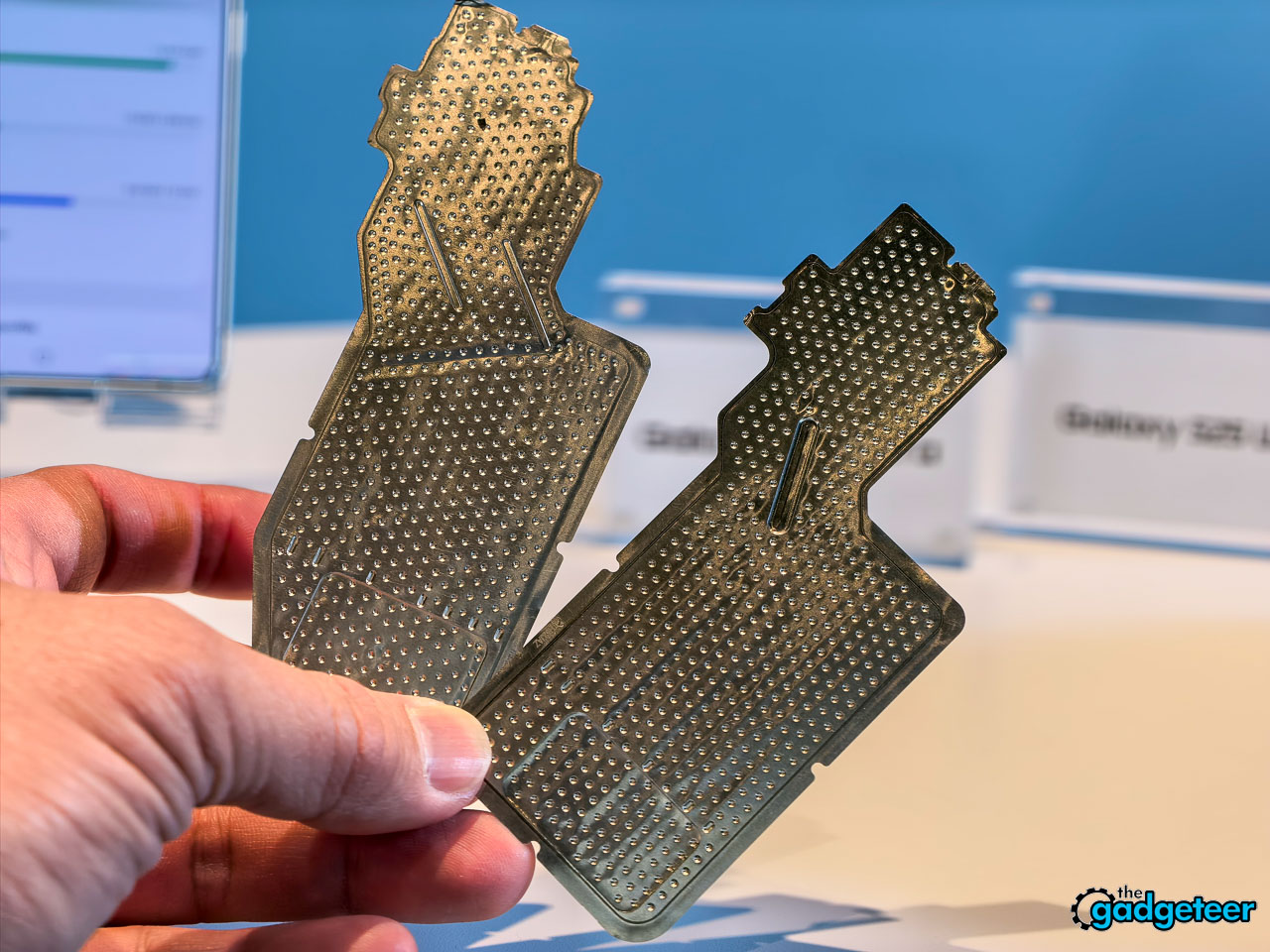
Samsung redesigned the vapor chamber cooling system for this generation, fitting it into the thinner 7.9mm body. During hands-on time at the event, the phone stayed comfortable through extended camera sessions and quick multitasking demos. Whether the redesigned cooling translates to measurably better sustained performance under heavy workloads will require longer testing over days, not demo floor minutes.
Charging speeds hit 60W wired, delivering 0 to 75% in 30 minutes. In real terms: plug it in while you’re getting coffee and making breakfast, and you’ve got most of a full day’s charge. Wireless sits at 25W. Neither number leads the Android market, but Samsung is clearly prioritizing battery longevity over speed records.
Galaxy AI: The Phone That Tries to Think Ahead
The software story on the S26 series is ambitious and easy to overlook when the hardware changes are this compelling. Samsung organized its AI features into three buckets: agentic AI that takes action for you, personal AI tailored to your habits, and adaptive AI that anticipates needs before you ask.
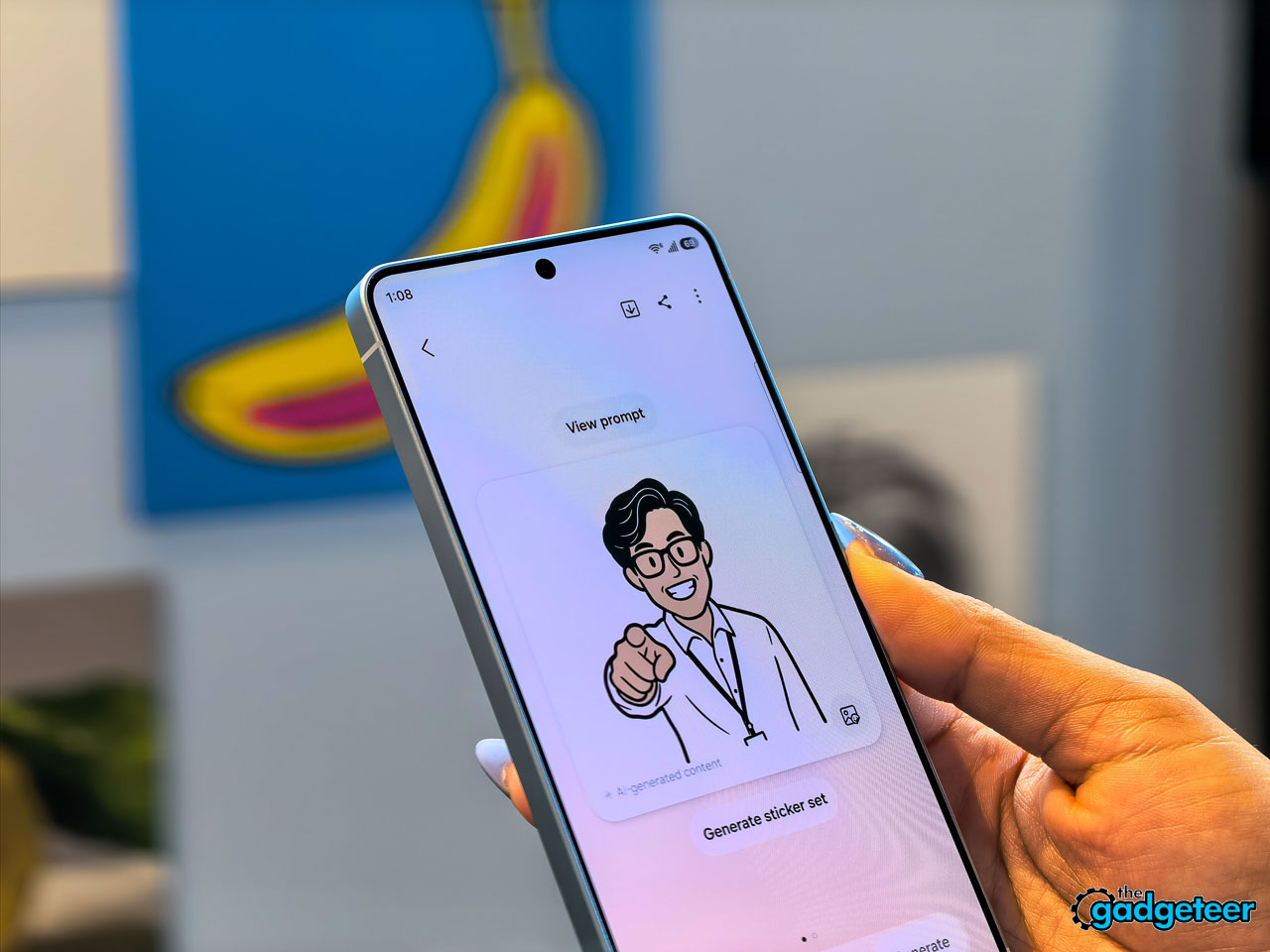
NowWatch, built into the Samsung keyboard, reads your conversation context and suggests relevant actions in real time. Mention dinner plans in a text thread and it can create a calendar event, pull location details, or share a contact card without ever leaving the messaging app. NowBrief connects to your notification stream, pulling event information from messages and alerts even when those events were never added to your calendar.
Circle to Search now handles multiple objects. Circle an entire outfit in a photo and search for each piece simultaneously. The AI can even let you virtually try items on, which blurs the line between search and shopping in a way that feels genuinely new.
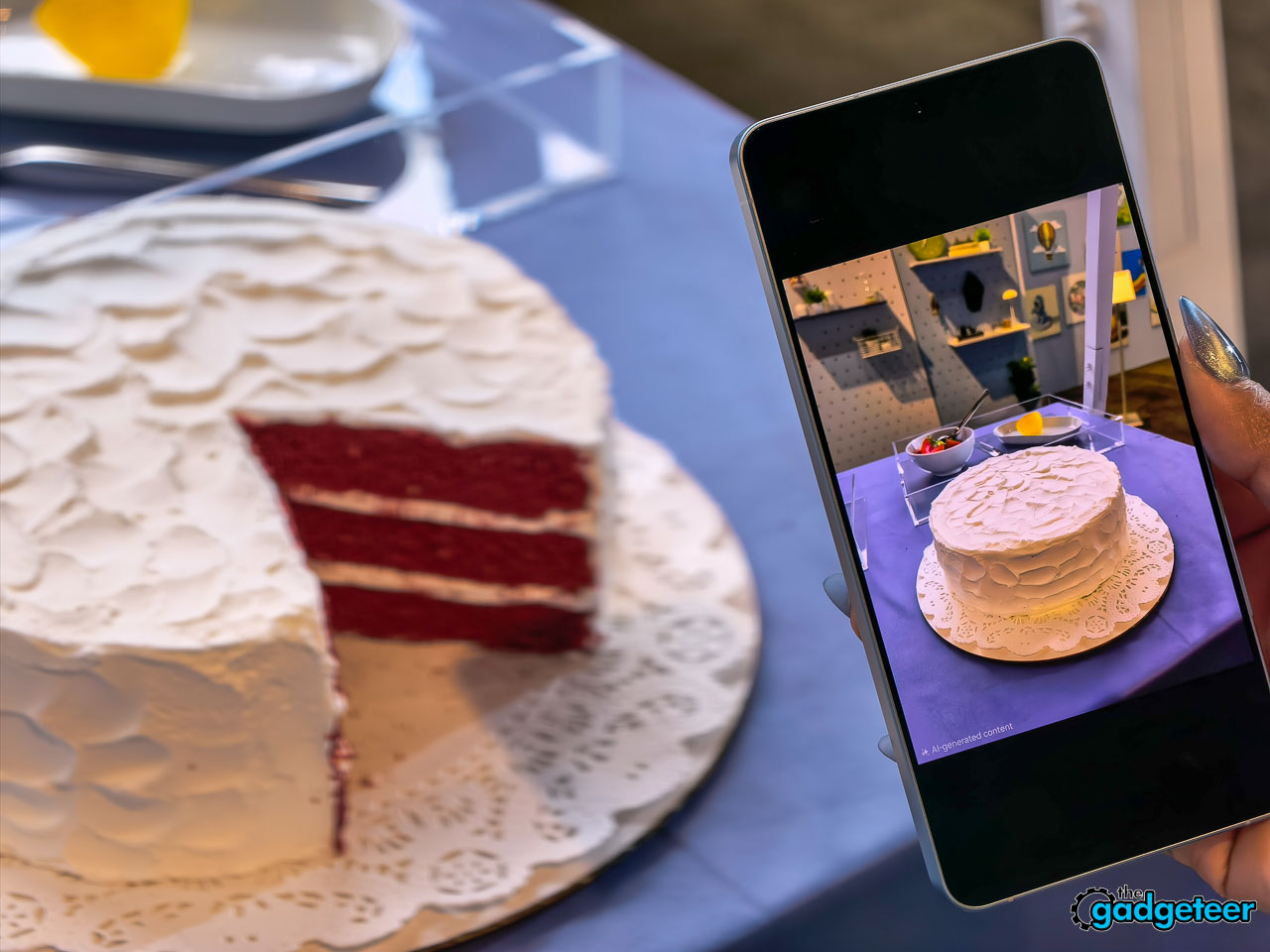
Photo Assist lets you edit with natural language: tell the phone to remove an object, change a background, or adjust something specific. Multimodal editing goes further by letting you reference other images in your gallery as part of the prompt.
During initial setup, you choose between Bixby, Gemini, and now Perplexity as your default AI agent. Perplexity can be summoned with “Hey Plex” or by pressing and holding the side key, and it’s embedded across Samsung Notes, Clock, Gallery, Reminder, Calendar, and select third-party apps. Samsung cited internal data showing nearly 8 in 10 users already rely on more than two AI agents depending on the task, which explains the multi-provider approach.
Call Screening and Scam Protection
Two security features worth calling out separately. Call Screening lets the AI answer incoming calls on your behalf, transcribe the conversation in real time, and deliver a summary. The transcripts are searchable afterward, which changes how missed calls work entirely.
Scam Detection runs a separate AI analysis on active conversations, flagging suspected scams based on blacklisted numbers and suspicious language patterns. If you’ve got family members who get targeted by phone scams, this one matters.
Sustainability and Pricing
Ten recycled materials appear in the S26 Ultra’s construction. The engineering challenge isn’t sourcing those materials. It’s maintaining the tactile and structural qualities that justify a $1,299.99 price tag. The armor aluminum frame needs to feel exactly as dense as virgin material. Internal components can’t introduce flex or resonance. Samsung appears to have pulled it off, but long-term durability testing will tell the full story.
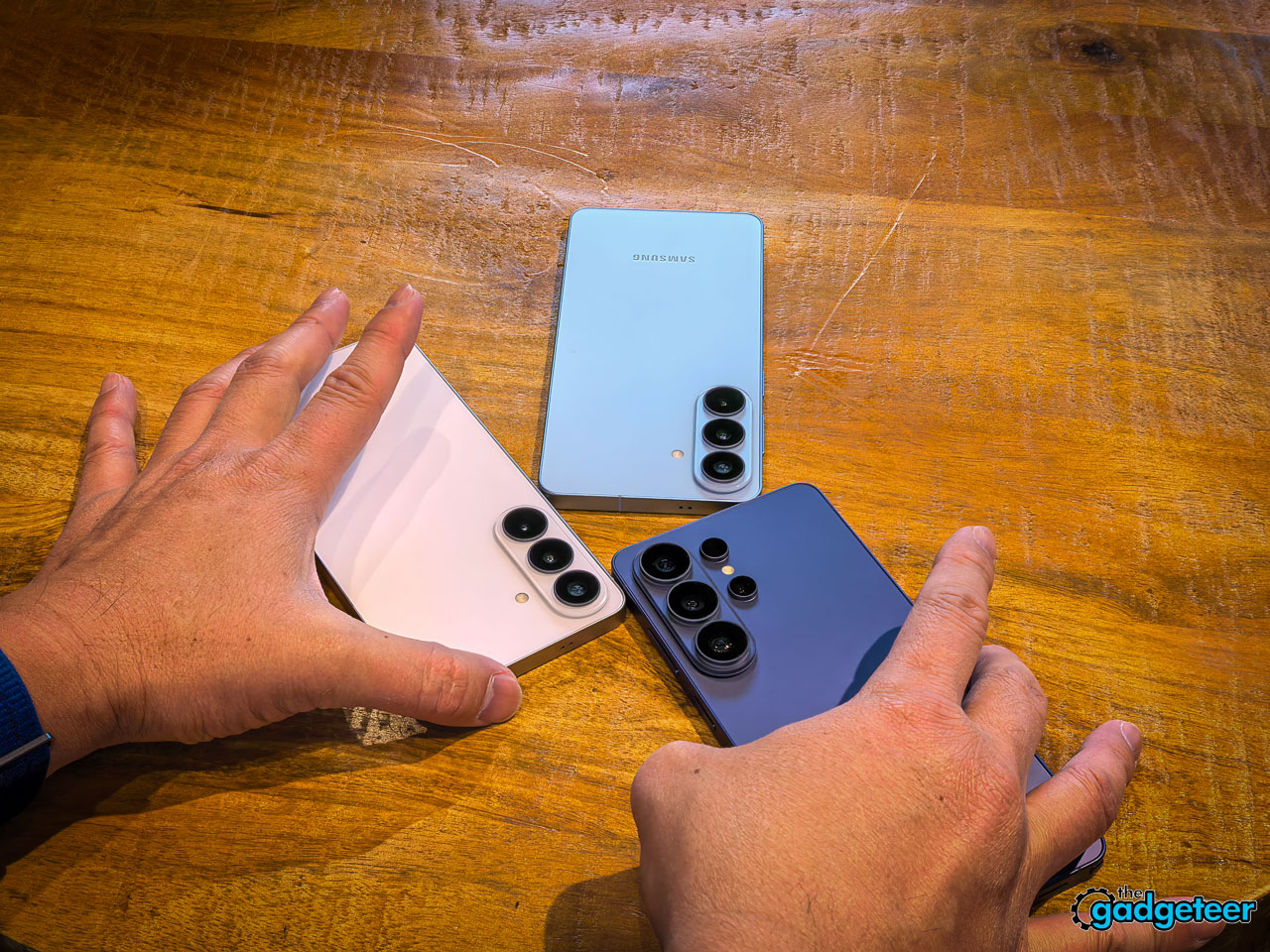
Pre-orders open February 25 at $1,299.99, with availability starting March 1. If you’re considering it, the Cobalt Violet colorway is worth seeing in person before you decide.
Here’s where I land after spending time with the S26 Ultra at Unpacked: if you’re on an S24 Ultra or older and you’ve been waiting for a reason to upgrade, the Privacy Display alone might justify the jump. It’s not a gimmick. It solves a problem you deal with every single day, and no other phone on the market can match it.
If you’re coming from an S25 Ultra, the decision gets harder. The camera improvements are real but incremental. The thinner profile feels noticeably better in hand. But you’re paying $1,299.99 for refinement rather than reinvention, and only you can decide if Privacy Display is worth that leap.
My honest take: wait for the full review. I need more time with the camera in real shooting conditions, more time testing battery life with Privacy Display running through a full day, and more time pushing the Snapdragon 8 Elite under sustained workloads. The hands-on experience is promising. But promising and proven are different conversations.
What I Like About the Samsung Galaxy S26 Ultra
- Privacy Display works exactly as described and it’s genuinely relaxing to use in a crowded room
- The 7.9mm profile improves one-handed grip without making the phone feel delicate
- Cobalt Violet is one of the best flagship colorways Samsung has produced in years
- 60W wired charging fills to 75% in 30 minutes, which fits naturally into a morning routine
- The 50MP front camera improvement is visible even in quick demo shots
- Ultra-wide low-light gains look significant based on early samples
- Galaxy AI features feel more unified and intentional than last year’s scattered rollout
- Call Screening and Scam Detection solve real problems, especially for family members who get targeted
What Needs More Testing
- Battery life with Privacy Display enabled through a full day remains untested (Samsung says no additional drain, possibly an improvement, but I want to verify that myself)
- Sustained performance under heavy workloads beyond controlled demo conditions
- Real-world camera quality in challenging, uncontrolled lighting situations
- Long-term thermal management during extended gaming or video recording sessions
- Durability of armor aluminum versus last year’s titanium frame over months of daily use
- Whether Galaxy AI features hold up after the novelty fades and you’re depending on them daily
- Magnetic case ecosystem maturity and third-party accessory availability at launch
Final Early Impressions
The S26 Ultra is the most deliberate Samsung flagship I’ve held in years. It doesn’t chase spec sheet wins for their own sake. Every improvement traces back to something you’d actually notice during your day, and Privacy Display is the clearest proof of that thinking.
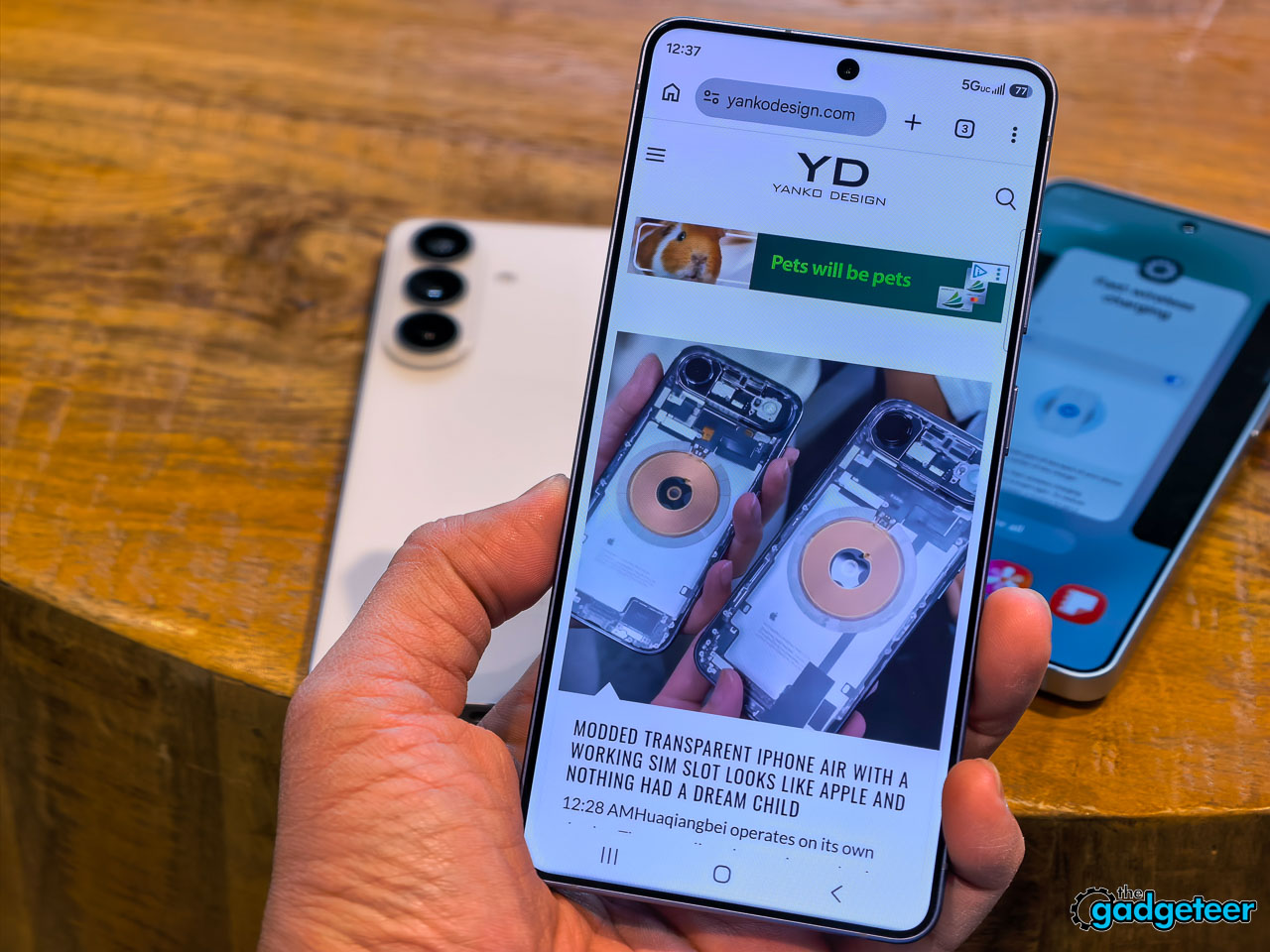
I walked into Unpacked expecting another polished iteration. I walked out thinking Samsung might have built the one feature that makes every other flagship feel exposed until competitors find an answer. That’s a strong place for a $1,299.99 phone to stand.
Full review incoming once I’ve had proper time with it. Pre-orders open today, February 25, with units shipping March 1. If you’re already sold and picking a color, go Cobalt Violet. You won’t be disappointed.
Price: $1,299.99
Where to buy: Samsung.com

Now retrieving an image set.
TZGZT 2 Pack for Samsung Galaxy S26 Ultra Privacy Screen Protector, Private Tempered Glass Film, Aluminum Metal Camera Lens Protector Accessories, Automatic 0 Bubble Installation, Case Friendly
(as of February 25, 2026 12:03 GMT -06:00 - More infoProduct prices and availability are accurate as of the date/time indicated and are subject to change. Any price and availability information displayed on [relevant Amazon Site(s), as applicable] at the time of purchase will apply to the purchase of this product.)
Now retrieving an image set.
