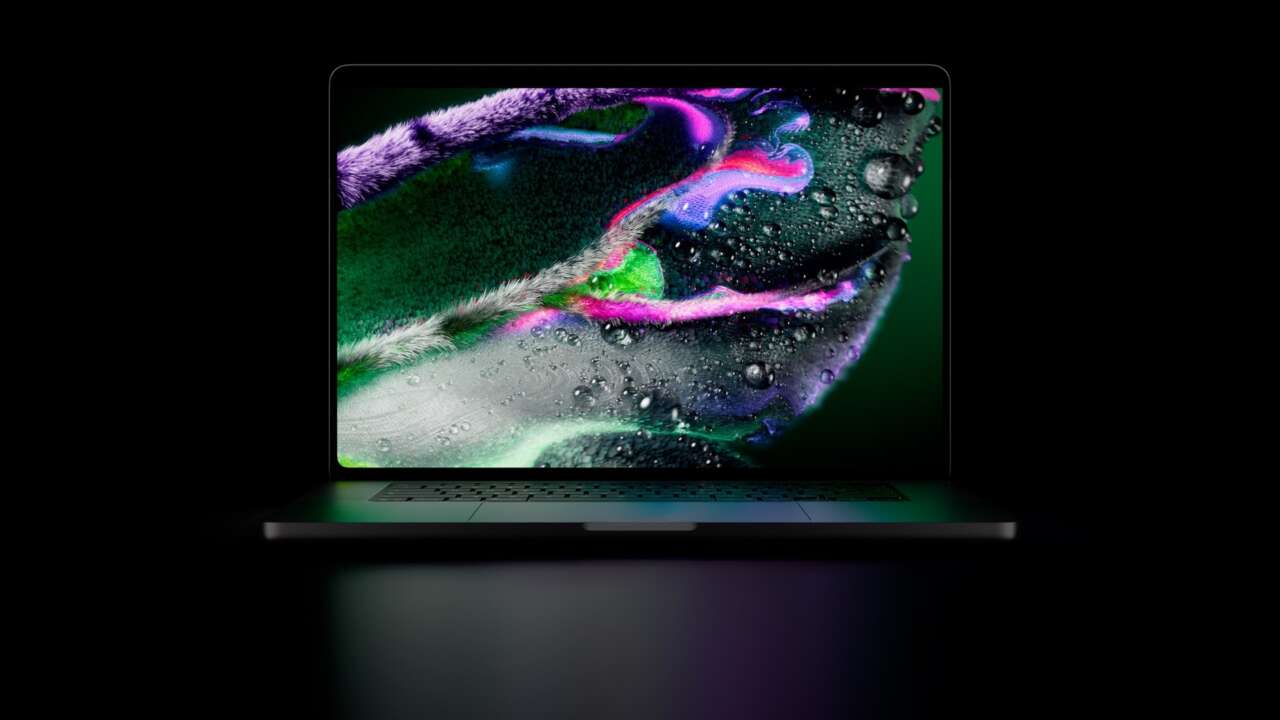
At $14,549, I’m surprised Apple doesn’t include a pair of handcuffs to keep it attached to my wrist. That’s the U.S. Apple Store price for a 16-inch PROLED XDR model with M5 Max, 128GB of unified memory, a 16TB SSD and nano-texture glass. The lineup starts at $2,899.
PROLED XDR combines two OLED layers with touch input, giving photographers a wider color palette, video editors brighter HDR highlights, and musicians an onscreen instrument they can actually play. This is the first touchscreen Mac, in 14-inch and 16-inch versions powered by M5 Pro or M5 Max.
Price: PROLED XDR MacBook Pro from $2,899 (U.S.; preorders open October 28, availability November 6)
Where to buy: Apple
What two OLED layers do for your work
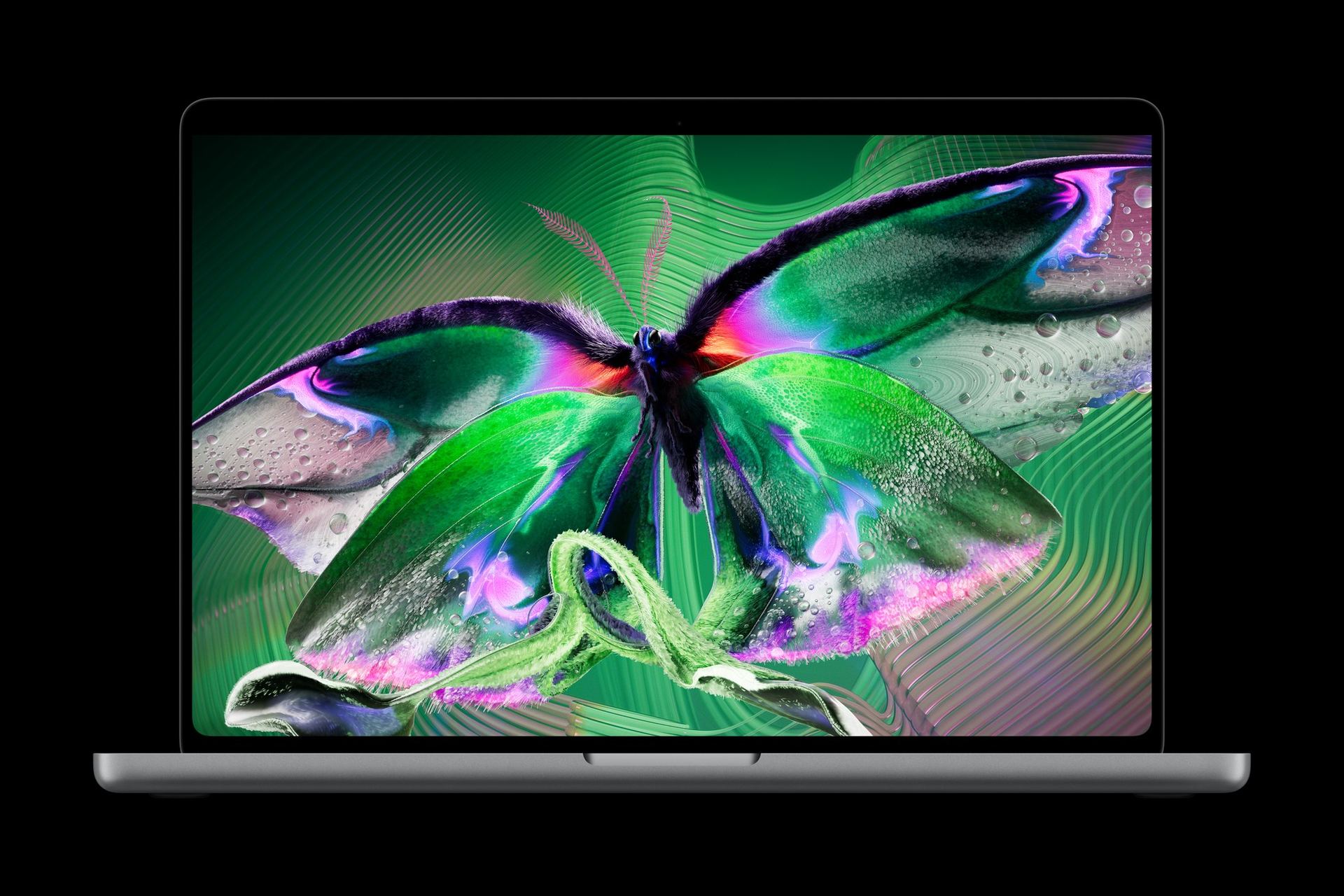
The new display uses tandem OLED, with two self-illuminating pixel layers. Each pixel produces its own light, so a bright highlight can sit beside a dark area without relying on a backlight zone behind both. For an HDR video editor, that’s useful when judging a bright reflection against a shadowed face or a night scene.
PROLED XDR is rated for up to 2,000 nits of peak brightness for HDR content and outdoor SDR use, with a 10,000,000:1 contrast ratio. An antireflective coating comes standard, and optional nano-texture glass reduces reflections further for work in bright surroundings.
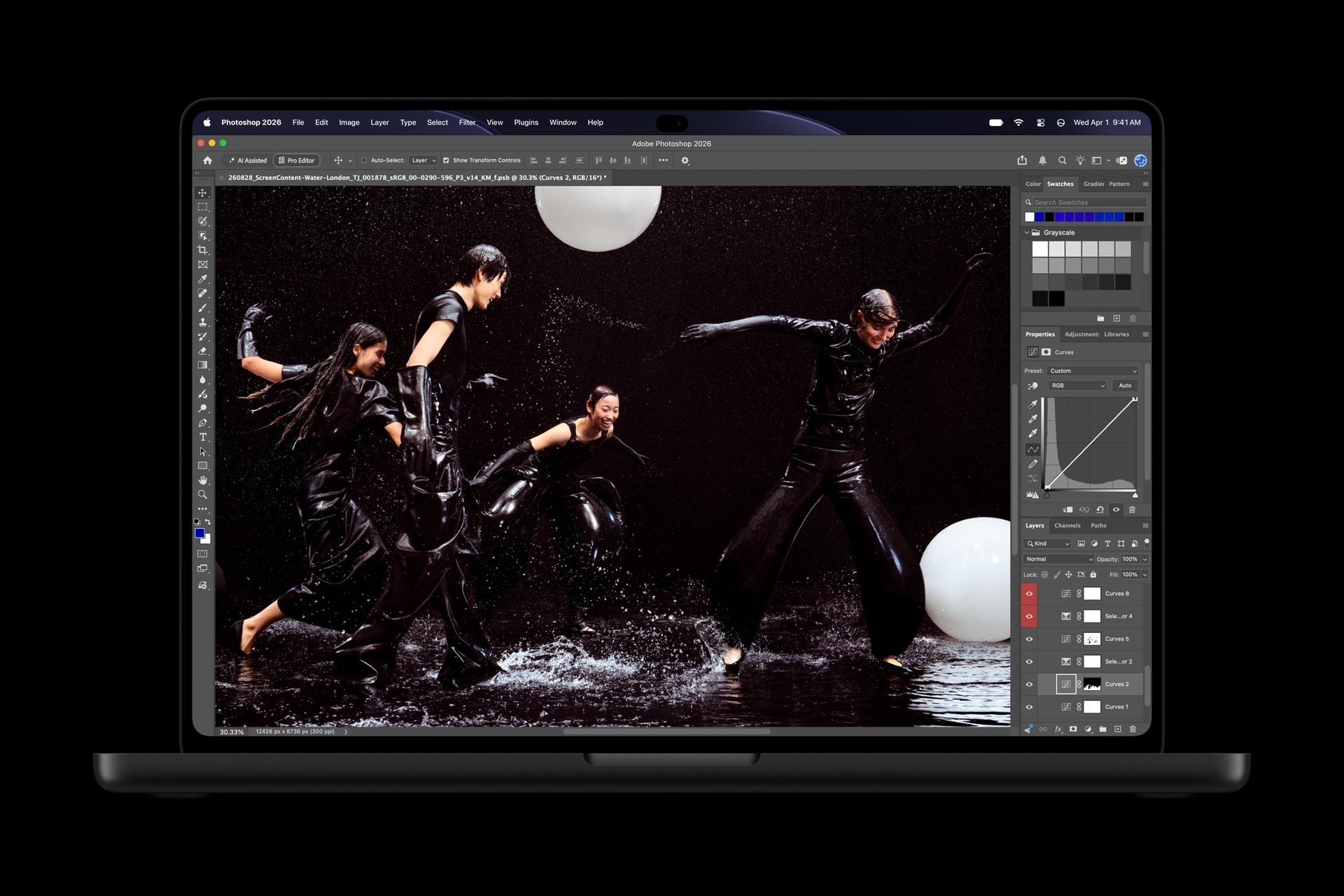
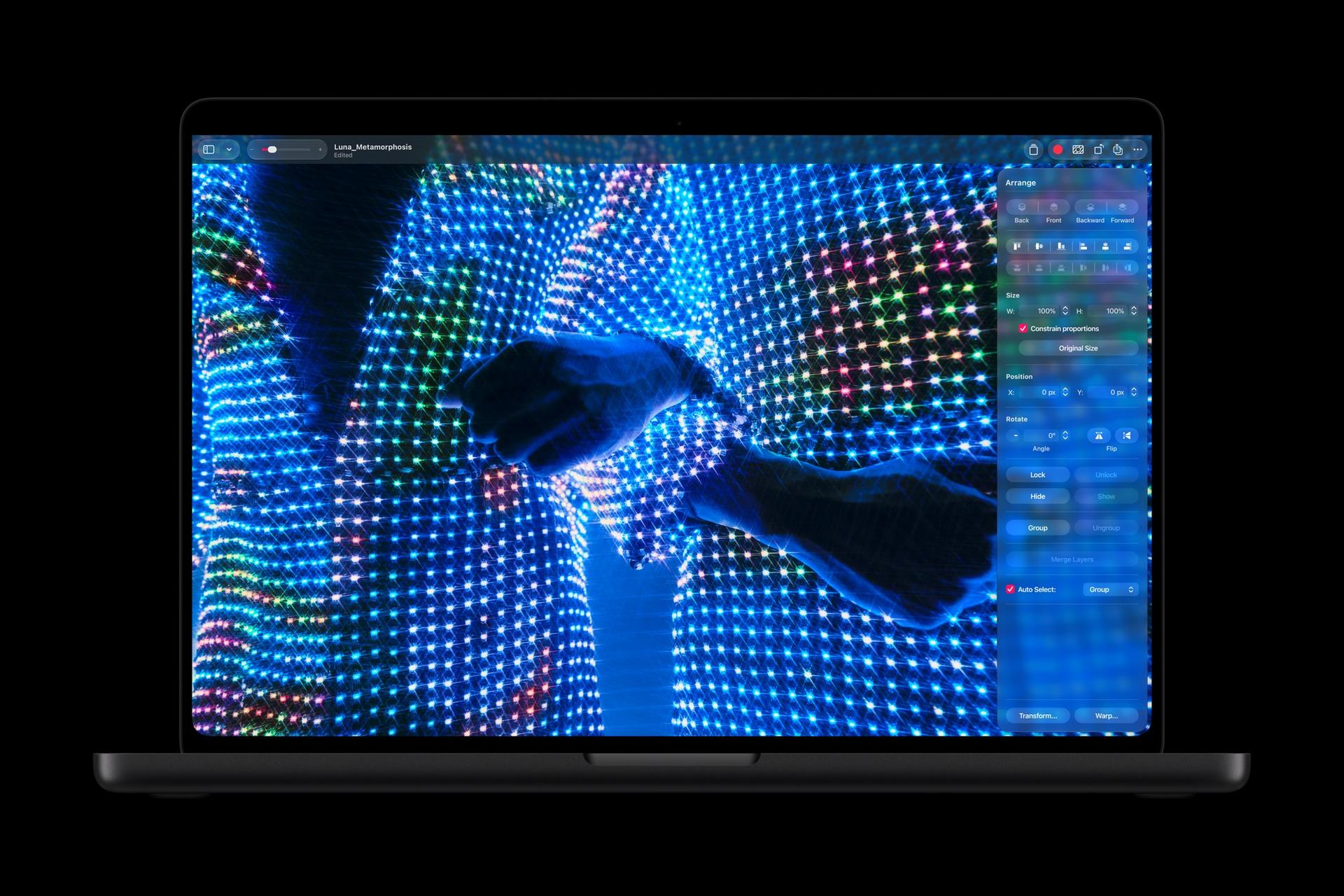
Color is the other substantial change. The panel covers both P3 and Adobe RGB in a single default preset, plus more than 80 percent of Rec. 2020. Adobe RGB gives photographers and print designers a broader range of greens and cyans to work with, while the wider HDR gamut serves video grading. The benefit is a built-in editing display that can handle different output workflows without forcing a preset change between P3 and Adobe RGB.
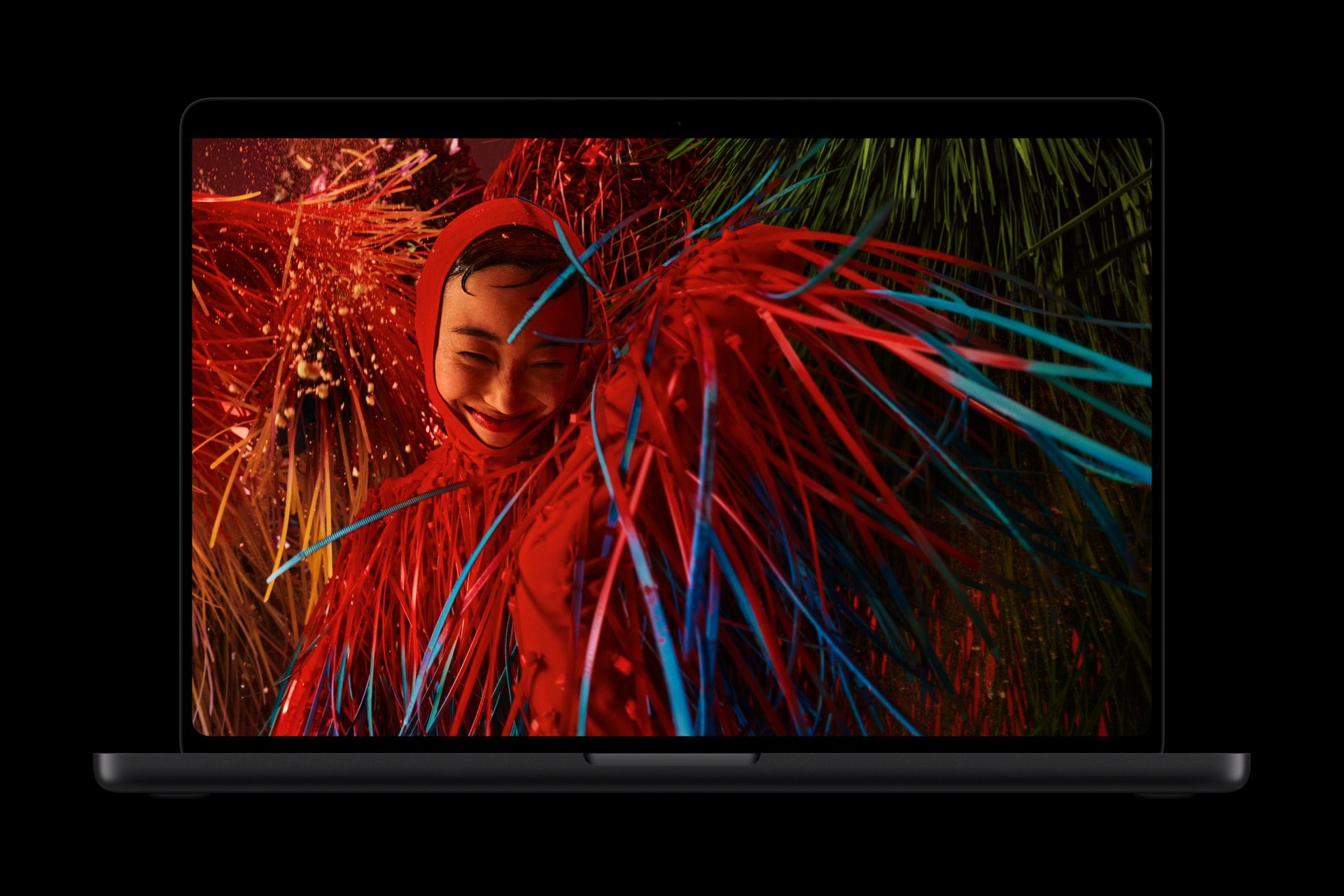

ProMotion adjusts between 10Hz and 120Hz, balancing still content with smoother movement. Apple also provides reference modes and its Pro Display Calibrator for people who need specific color targets. Measured diagonally as rectangles, the displays are 14.2 and 16.3 inches, with less viewable area around the rounded corners. The larger notebook gives a timeline or photo grid more room.
Touch adds another way to edit

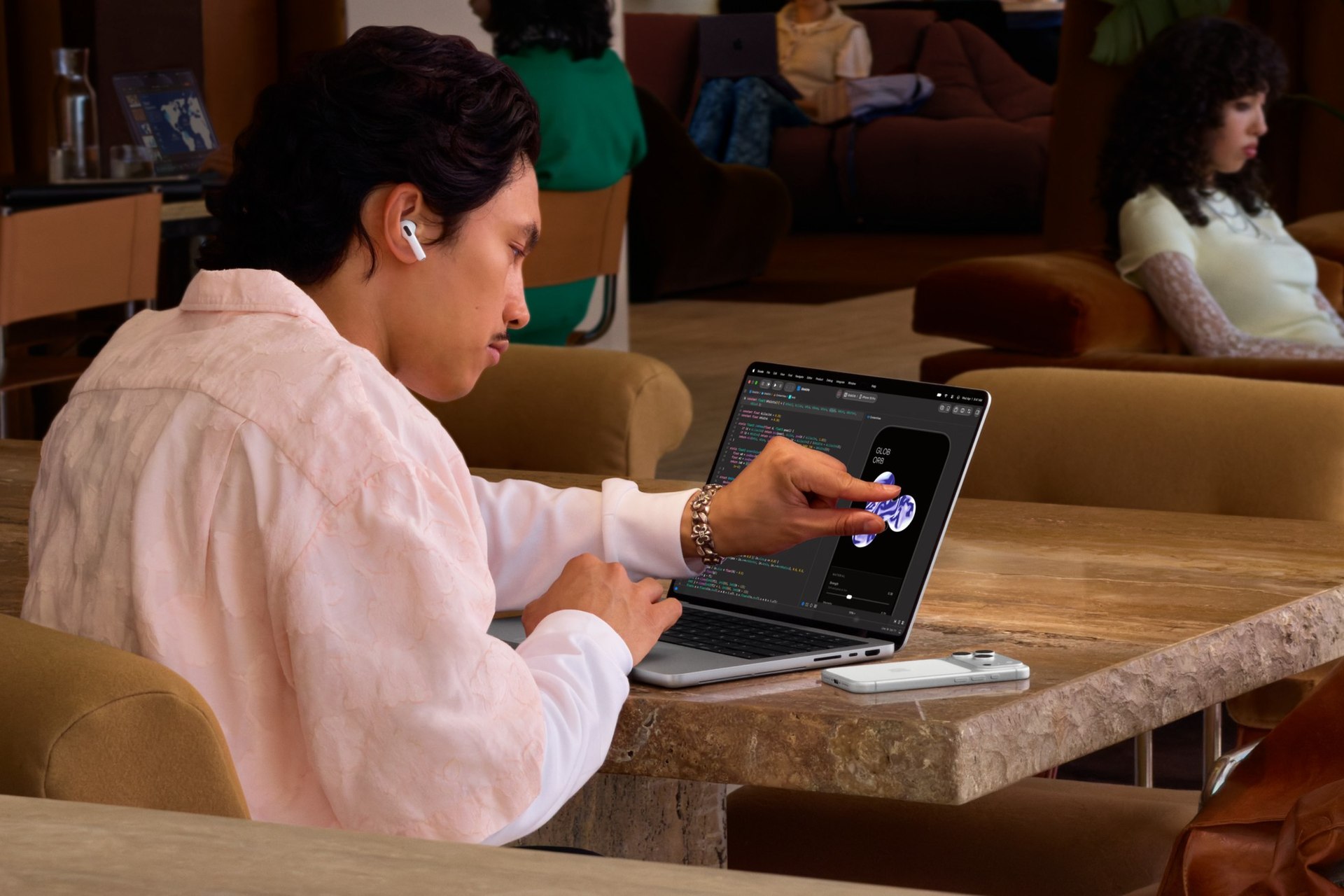

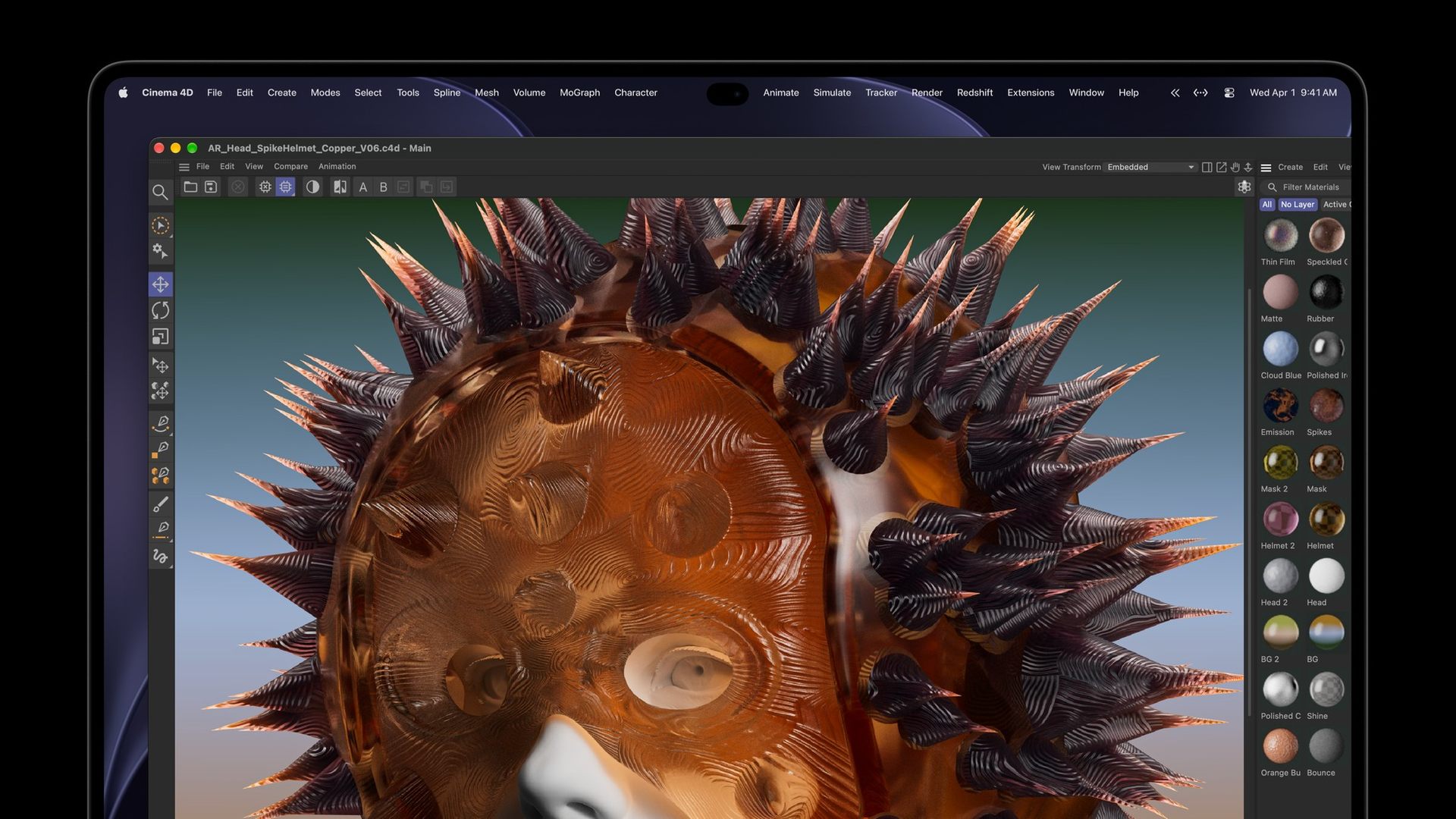
The touch sensor is integrated into the display panel. Everyday gestures include swiping a webpage, pinching a photo, dragging content between presentations and double-tapping a window to fill the screen. Existing apps can accept touches translated into clicks, while developers can build more specific touch interactions.
Apple’s creative apps show the more interesting uses. Final Cut Pro supports marking ranges, moving clips and zooming into a cut by touch. Pixelmator Pro lets you draw, paint and select directly on the canvas. Logic Pro provides a multitouch keyboard, chord pads and drum pads, so the display becomes part of the instrument rather than just its control panel.
Lightroom, DaVinci Resolve, Blender, Notion and Microsoft Office are among the third-party apps Apple lists for enhanced touch support later this year. That timing is separate from basic click-style interaction in existing apps. Apple has also redesigned the hinge for greater stability during touch use and added camera stabilization to smooth video calls when you’re touching the screen.
A lighter notebook, with its ports intact
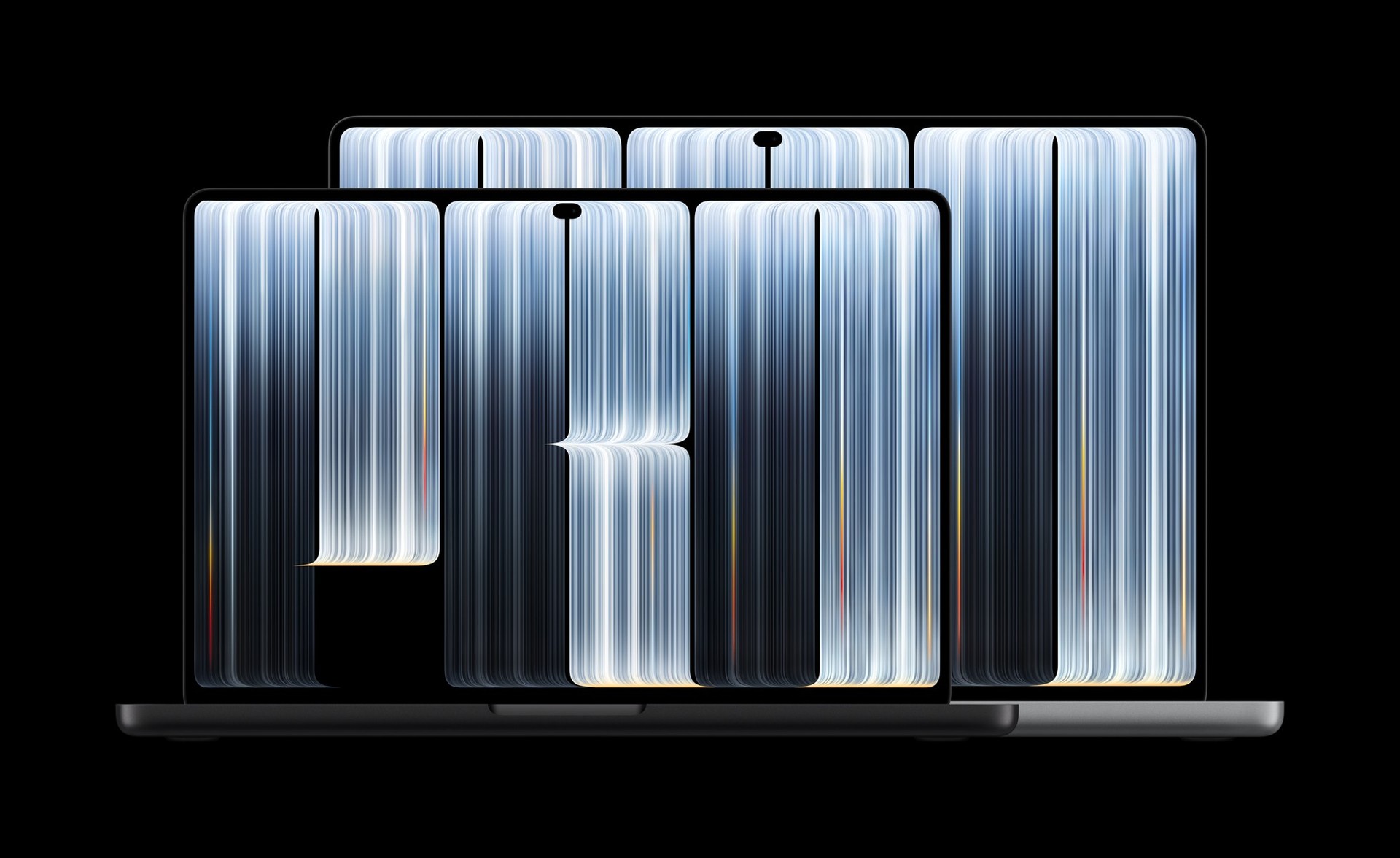
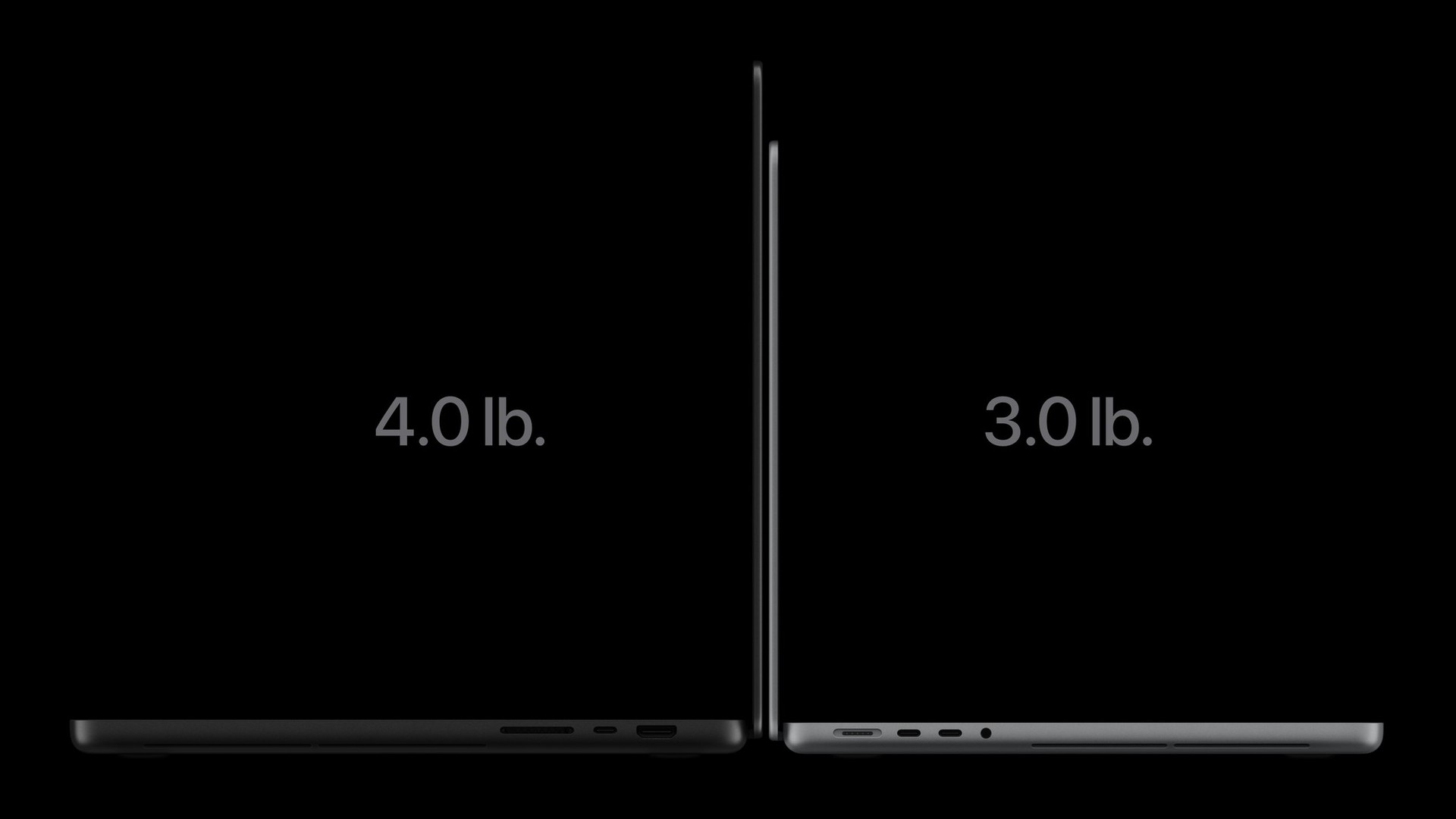
The 14-inch model weighs about 3 pounds, half a pound less than before. The 16-inch M5 Pro weighs 4.0 pounds and the M5 Max version 4.1 pounds. That puts them close to the 3.9-pound ASUS ProArt P16 RTX Spark in my daily setup, before adding a charger. For anyone carrying a 16-inch creative laptop, those are comparable loads in the bag. My ProArt also has a 4K tandem-OLED touchscreen with a 120Hz refresh rate. I’ve been using that larger workspace for photographs and multiple apps; the Mac brings direct touch to the macOS creative tools that previously relied on the trackpad and keyboard. The ProArt has two M.2 2280 PCIe 5.0 x4 storage slots, including occupied slots, while its LPDDR5X memory is onboard.
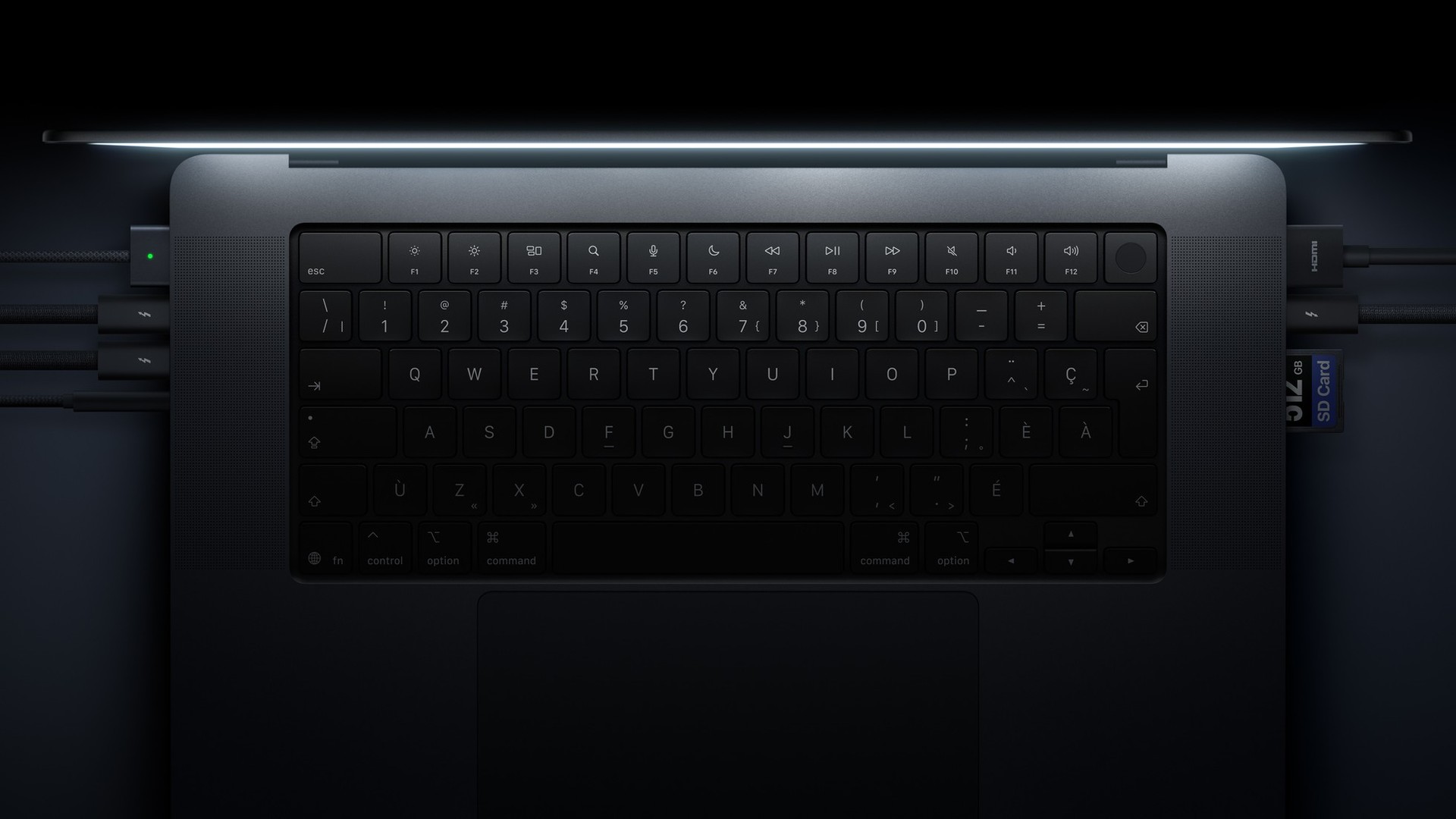
Three Thunderbolt 5 ports, HDMI, an SDXC slot, MagSafe and a headphone jack remain available. You can import a camera card without sacrificing a USB-C port, connect fast external storage and still use a dedicated charging connection. M5 Pro supports up to three external displays; M5 Max supports up to four. Wireless connectivity moves through Apple’s N1 chip, with Wi-Fi 7 and Bluetooth 6.
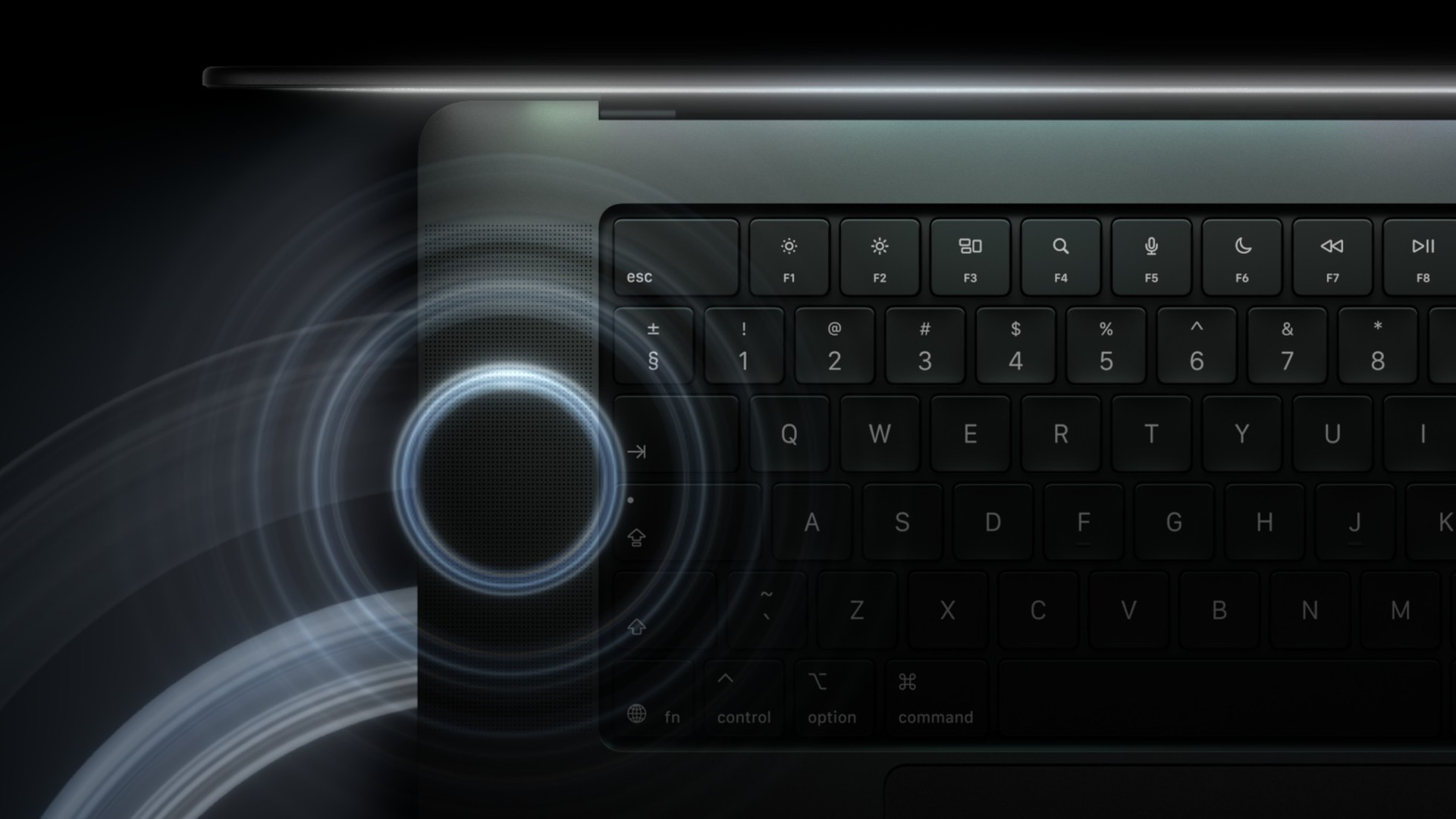
The 16-inch M5 Pro is rated for up to 24 hours of video streaming; battery life varies by use and configuration. The six-speaker system gets redesigned woofers and tweeters, plus dedicated tuning for closed-lid use with an external monitor. A 12MP Center Stage camera and studio-quality microphones round out the mobile workspace.
Memory for large projects, storage for the files
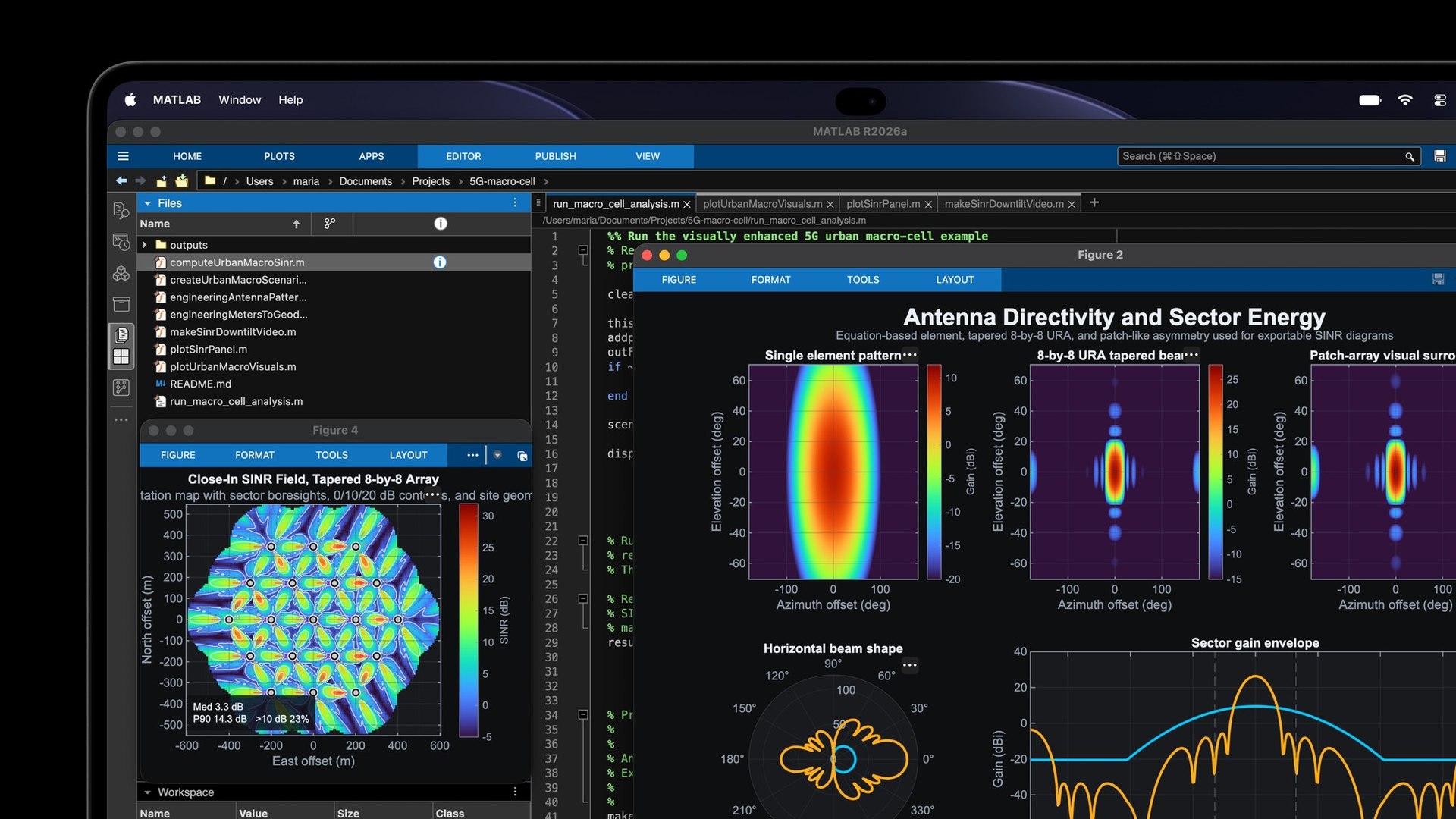
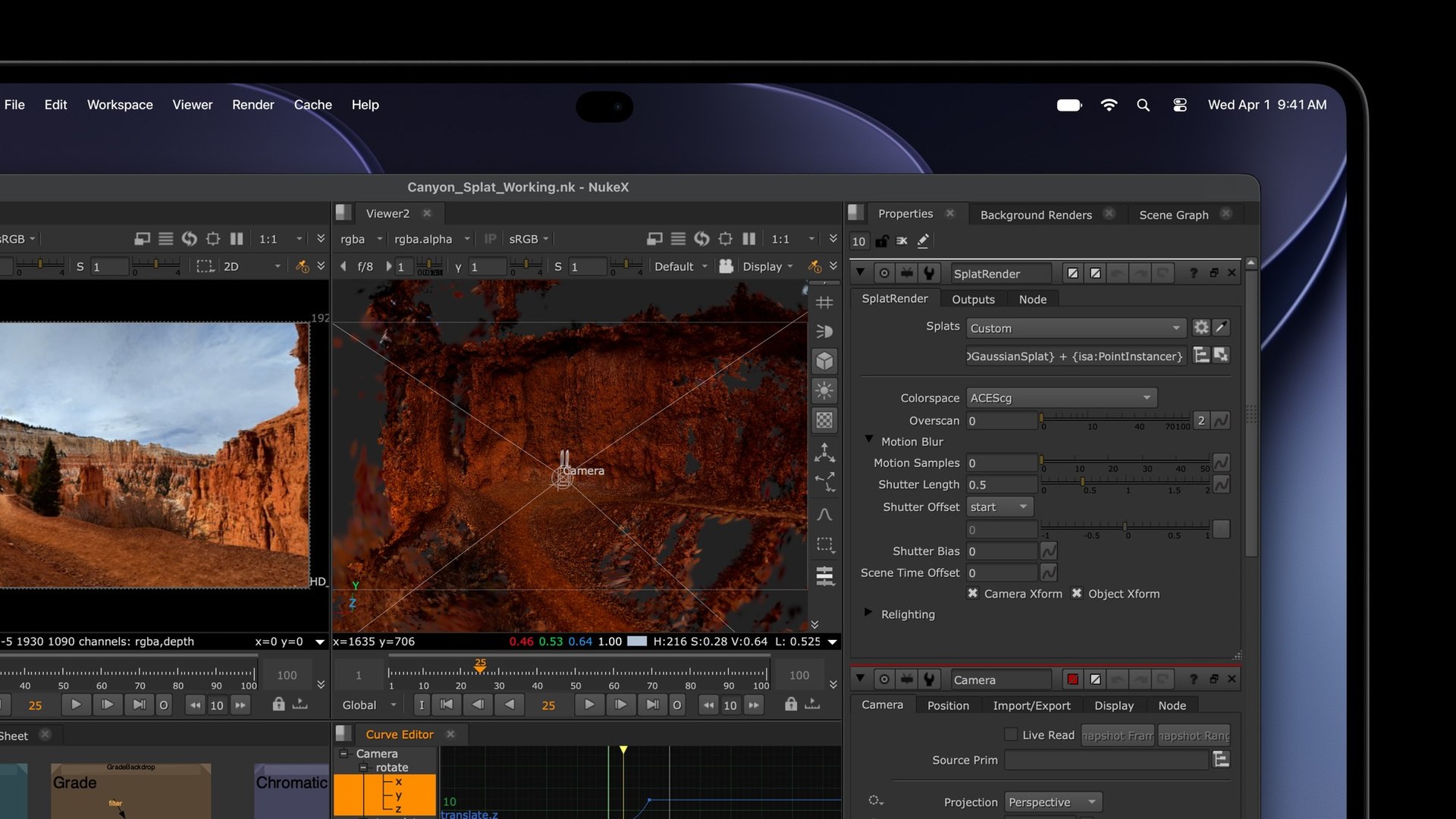
Configurations reach up to 128GB of unified memory and 16TB of storage. They solve different problems: memory holds active workloads, while the SSD stores your photo library, video projects and model files. A larger SSD doesn’t replace the memory needed to run those workloads.
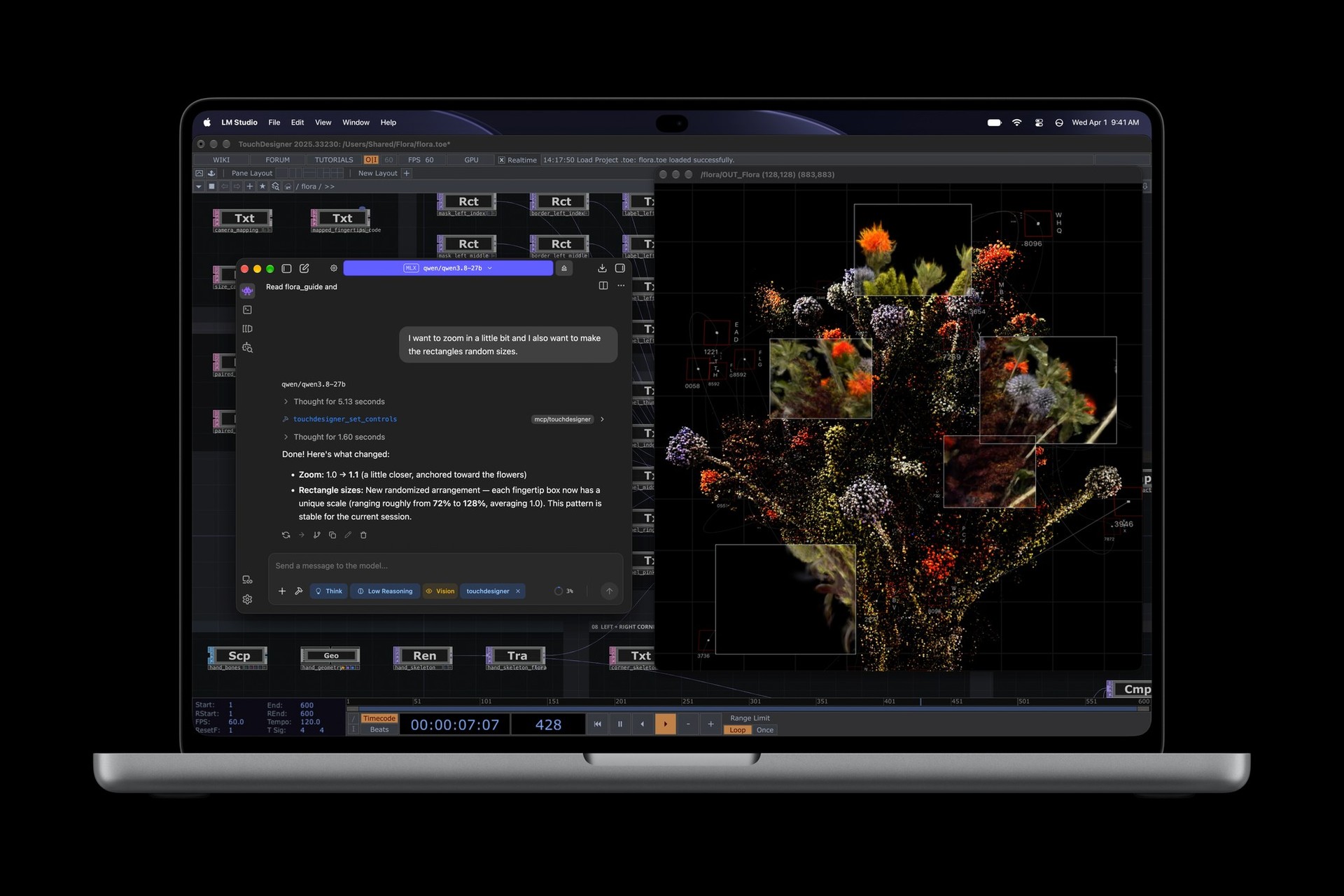
Local AI models share unified memory with macOS and your other apps. Model size, context length and simultaneous creative workloads determine how much capacity you need. M5 Pro and M5 Max include GPU Neural Accelerators for AI workloads, including running local models.
The new display models also shouldn’t be confused with the separate M6 MacBook Pro announced this week. That notebook retains a non-touch Liquid Retina XDR display. Here, the buying distinction is the screen, input method and full configuration, not simply which chip has the larger generation number.
Dynamic Island and the price of entry
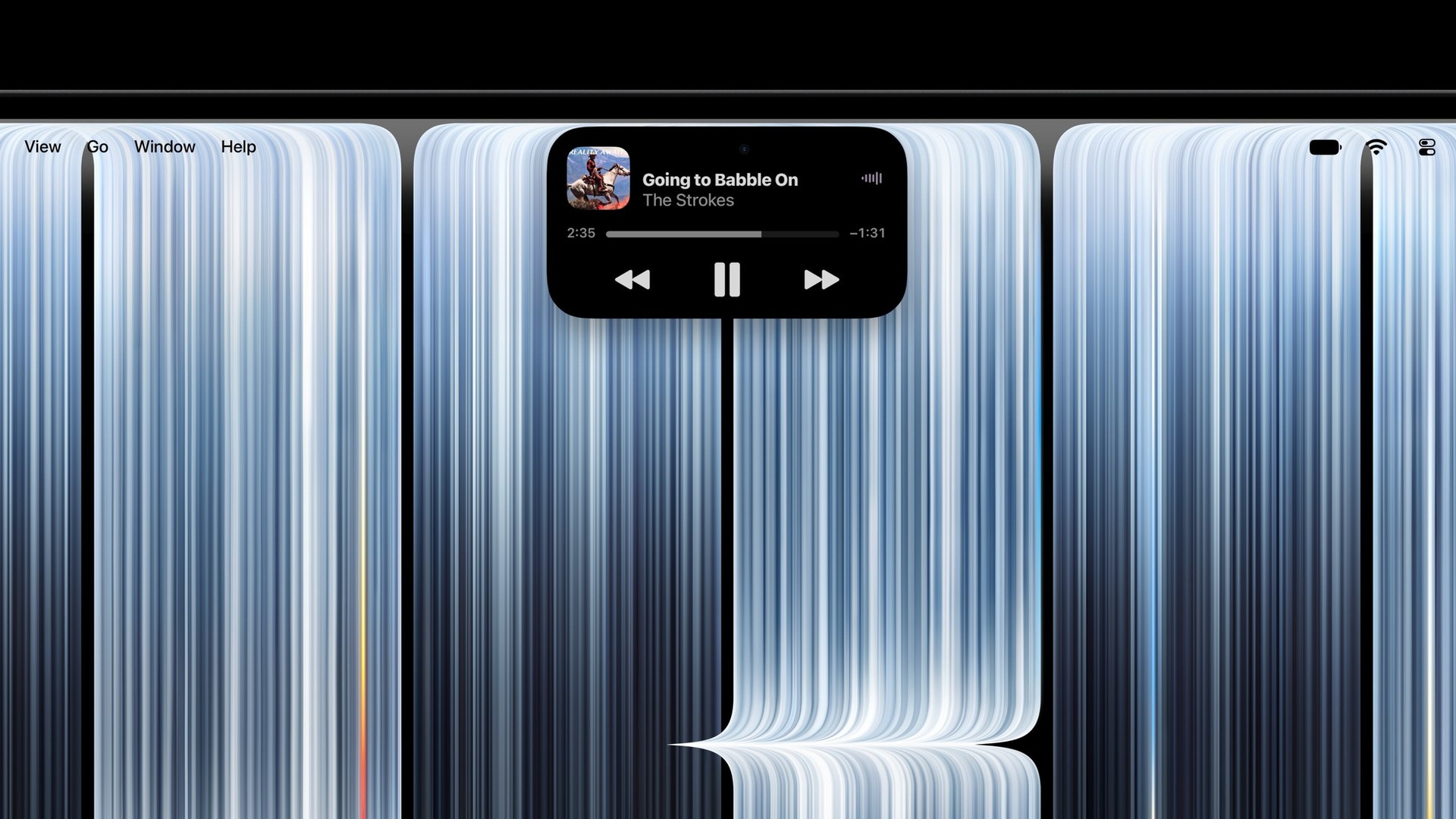
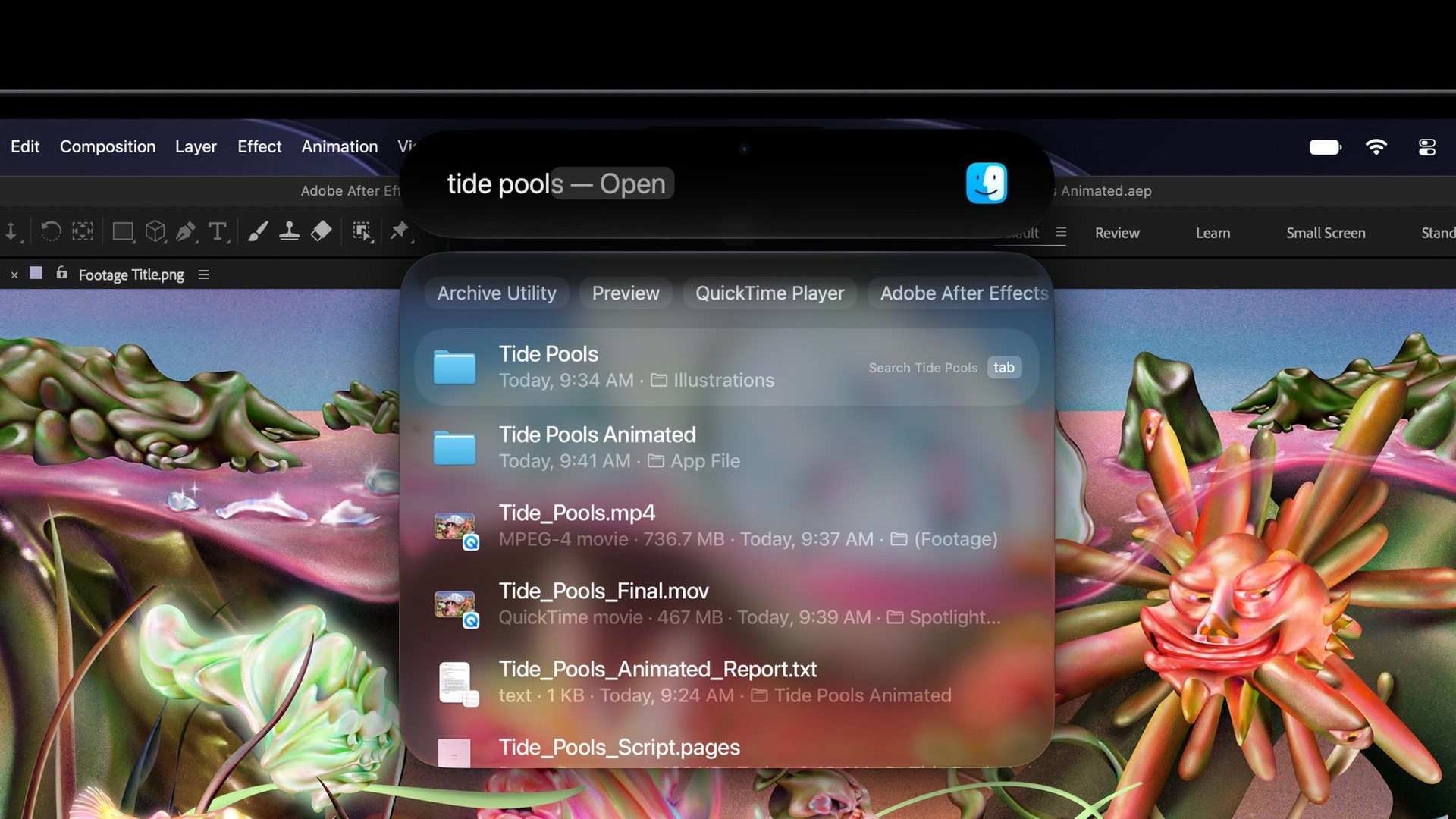
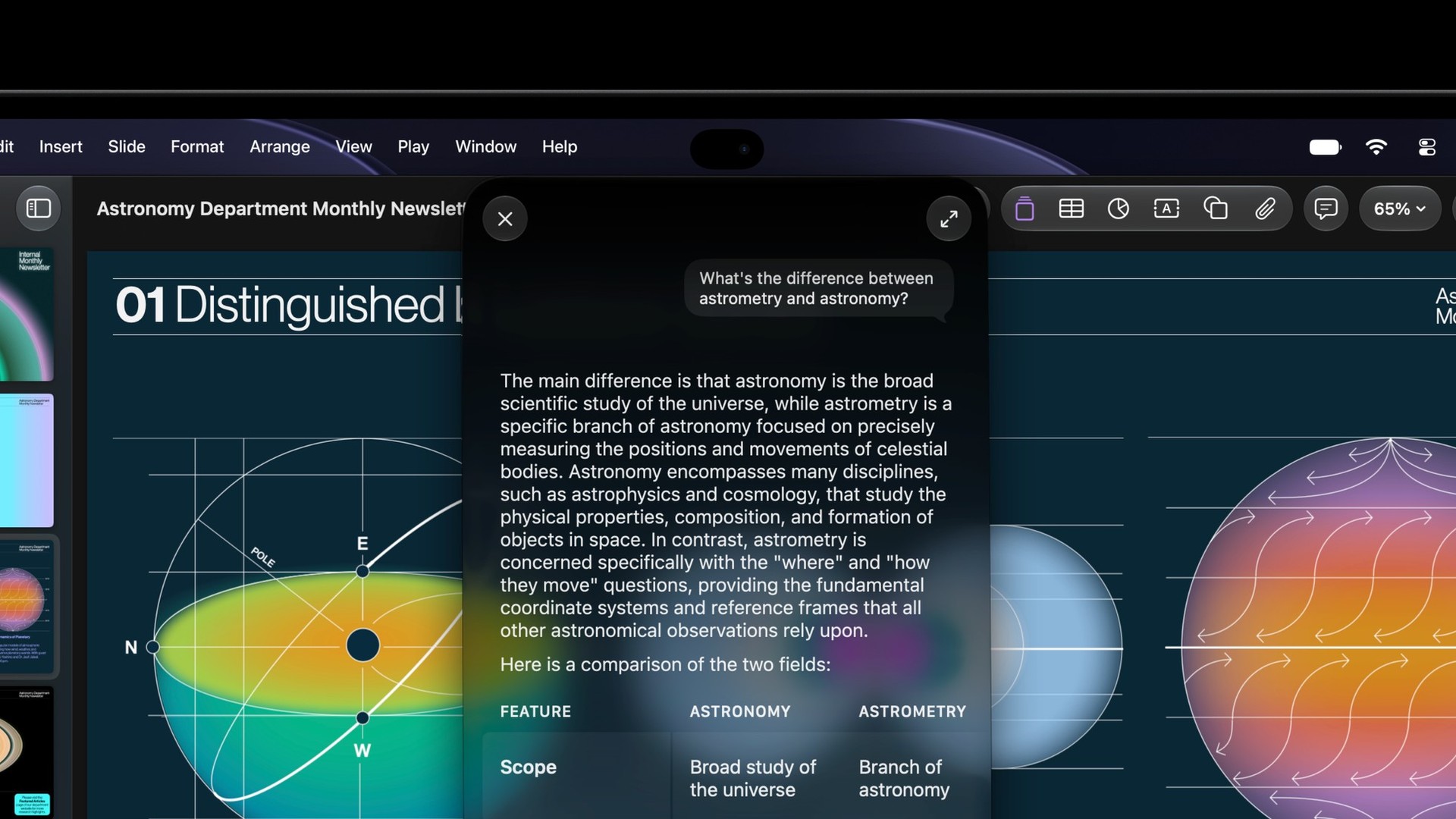
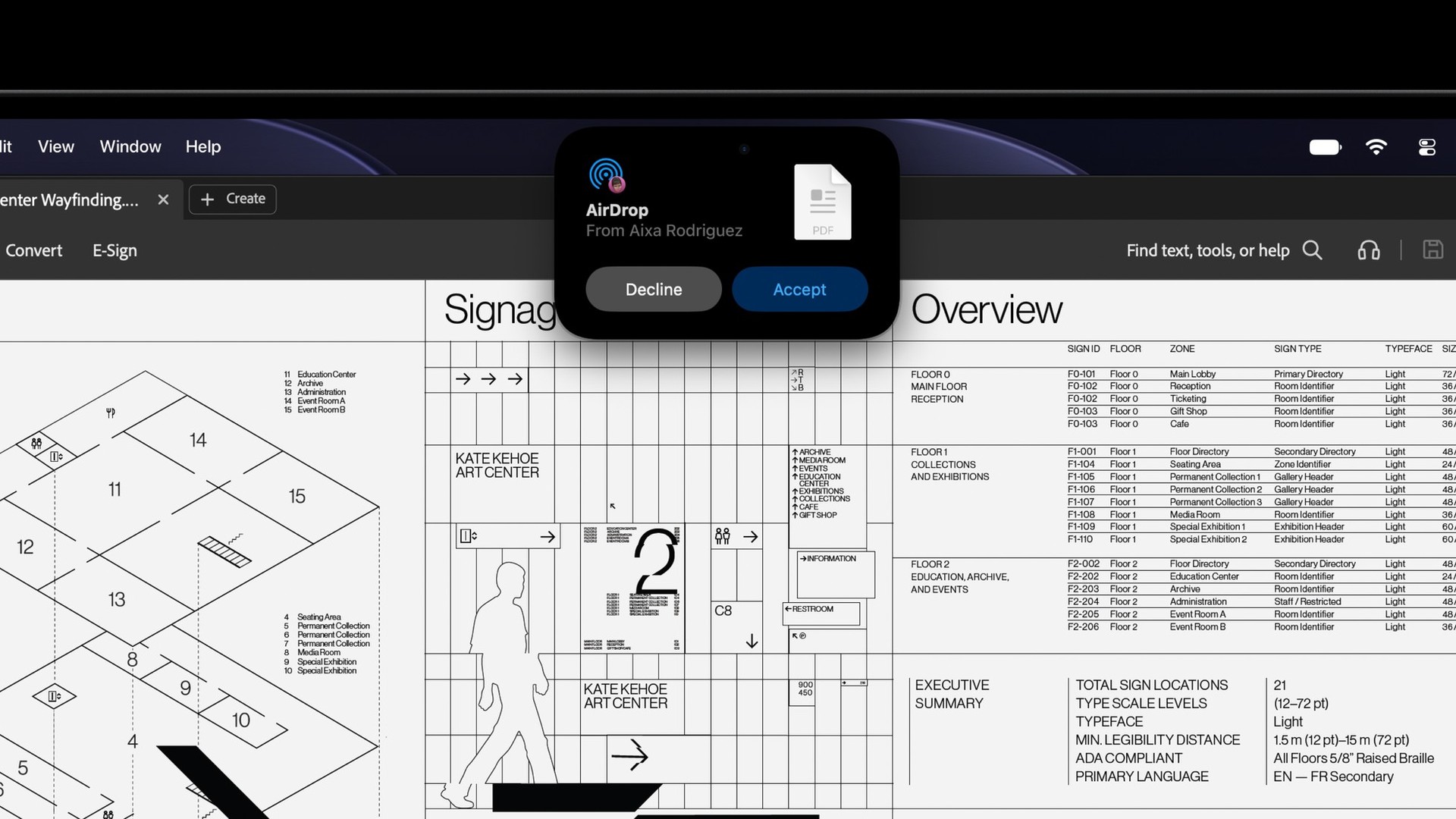
Dynamic Island brings Live Activities, music controls and incoming interactions to the top of the display. Siri AI arrives in beta with macOS 27.2, with supported-language and regional limits; Spotlight moves into Dynamic Island when Siri AI is available and enabled. Those software conditions are separate from the hardware’s touch capability.
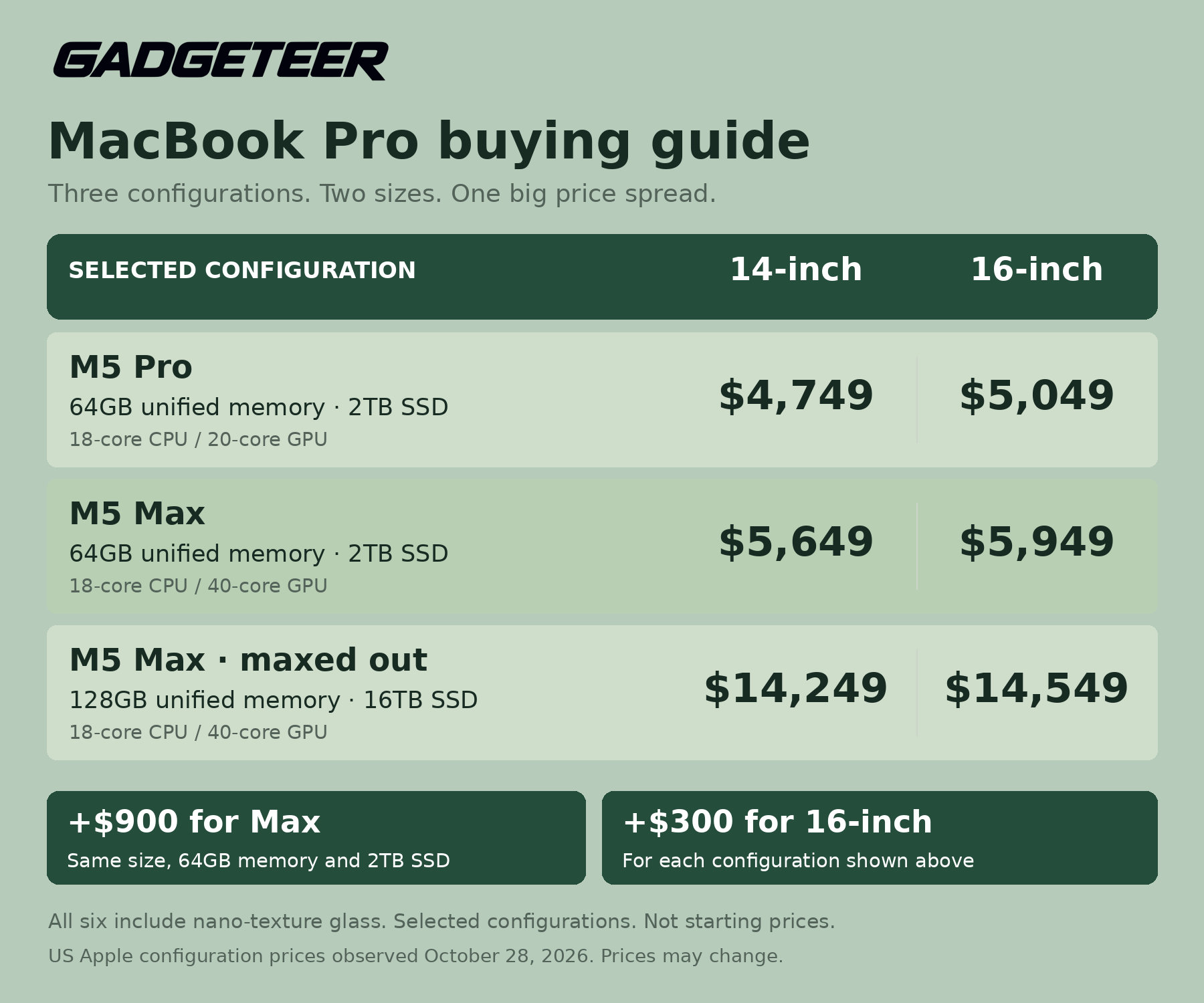
U.S. starting prices are $2,899 for the 14-inch M5 Pro and $3,399 for the 16-inch M5 Pro. M5 Max versions start at $4,499 and $4,799, respectively. For an M5 Pro configuration, my sweet spot is 64GB of memory, a 2TB SSD and nano-texture glass. It keeps the display upgrade and a substantial working-memory allowance without buying 16TB of internal storage. These are the six U.S. Apple Store configurations I compared, all with nano-texture glass:
Compare all six configurations
| Model and chip | Memory / SSD | Purchase price |
|---|---|---|
| 14-inch M5 Pro | 64GB / 2TB | $4,749 |
| 16-inch M5 Pro | 64GB / 2TB | $5,049 |
| 14-inch M5 Max | 64GB / 2TB | $5,649 |
| 16-inch M5 Max | 64GB / 2TB | $5,949 |
| 14-inch M5 Max | 128GB / 16TB | $14,249 |
| 16-inch M5 Max | 128GB / 16TB | $14,549 |
The Pro configurations use an 18-core CPU and 20-core GPU; the Max configurations pair an 18-core CPU with a 40-core GPU. Keeping 64GB of memory and a 2TB SSD, M5 Max adds $900 in either size. For graphics-heavy creative work, that buys the larger GPU without committing to the loaded model’s 16TB SSD.
The 16-inch M5 Pro choice is $9,500 less than the loaded 16-inch Max. That is a configuration trade-off across graphics, memory and storage, not a like-for-like discount.
A regular MacBook Pro for less
If you don’t need the new OLED touchscreen, the regular 14-inch M5 MacBook Pro with 16GB of memory and a 1TB SSD in Space Black is $1,839 at Amazon. This is the non-touch Liquid Retina XDR model, not the new PROLED XDR version.
Price: $1,839 for the regular 14-inch M5 MacBook Pro, 16GB / 1TB, Space Black
Where to buy: Amazon
PROLED XDR preorders open October 28, with general customer deliveries and store availability beginning Friday, November 6; configured orders can have later delivery dates.
Price: PROLED XDR MacBook Pro from $2,899 (U.S.; preorders open October 28, availability November 6)
Where to buy: Apple
For a photographer moving between print and HDR work, or an editor who wants direct access to a timeline, PROLED offers a clear reason to consider this model beyond a processor refresh. The choice between 14 and 16 inches then comes down to how much editing space you want to carry: the smaller model saves a pound, while the larger screen gives your work more room.