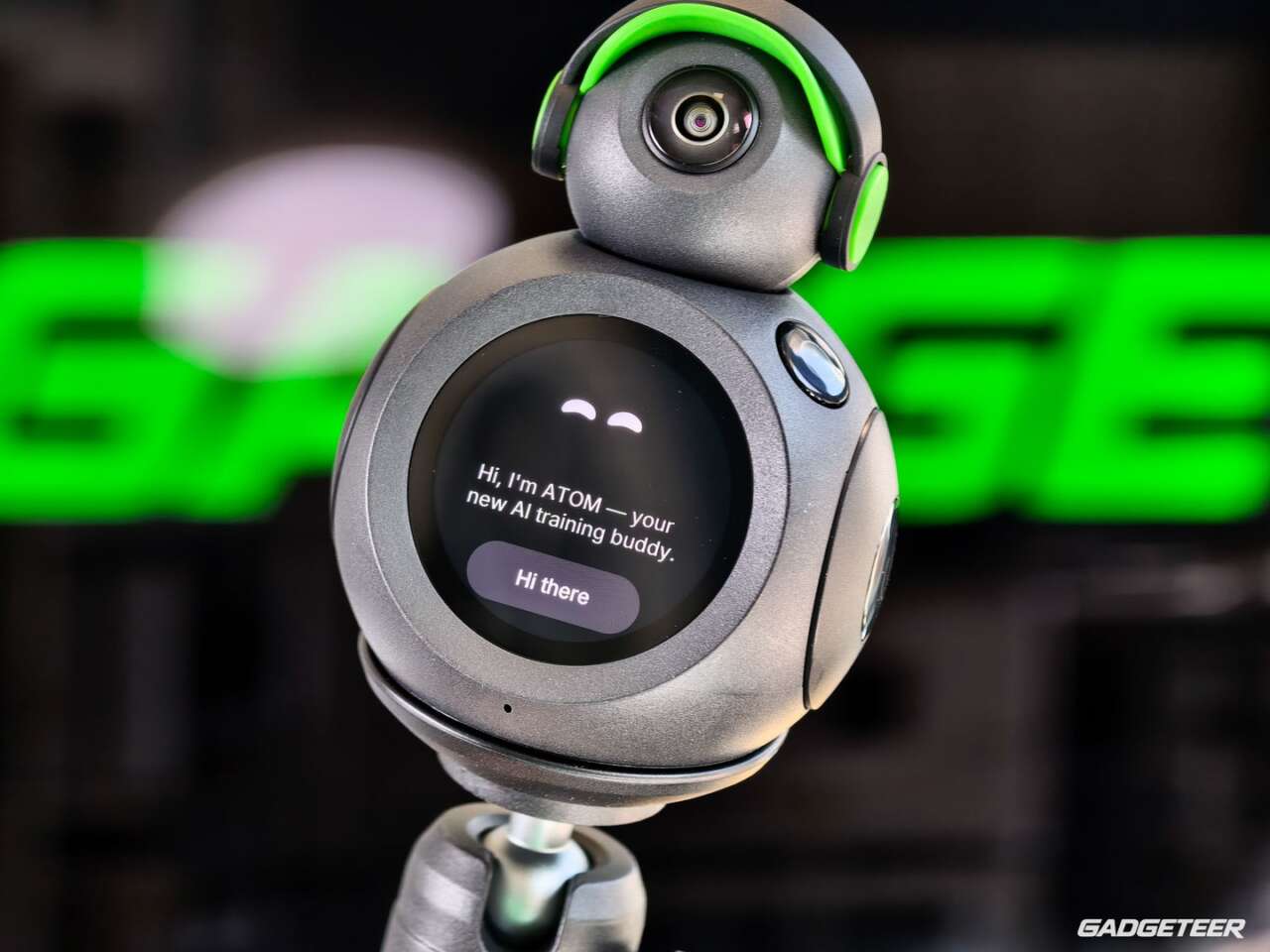

I’m 53 and out of shape. My regular workout is the 13 steps from my desk to the coffee station. ATOM has its work cut out for it.
I don’t work out often, and when I do, it’s mainly at home rather than in a gym. I don’t have the time or discipline for a structured plan right now. BodyPark ATOM gives me plenty of different exercises to try with guidance, so I can choose something that fits into my busy day. For me, that makes ATOM a gem.
BodyPark ATOM
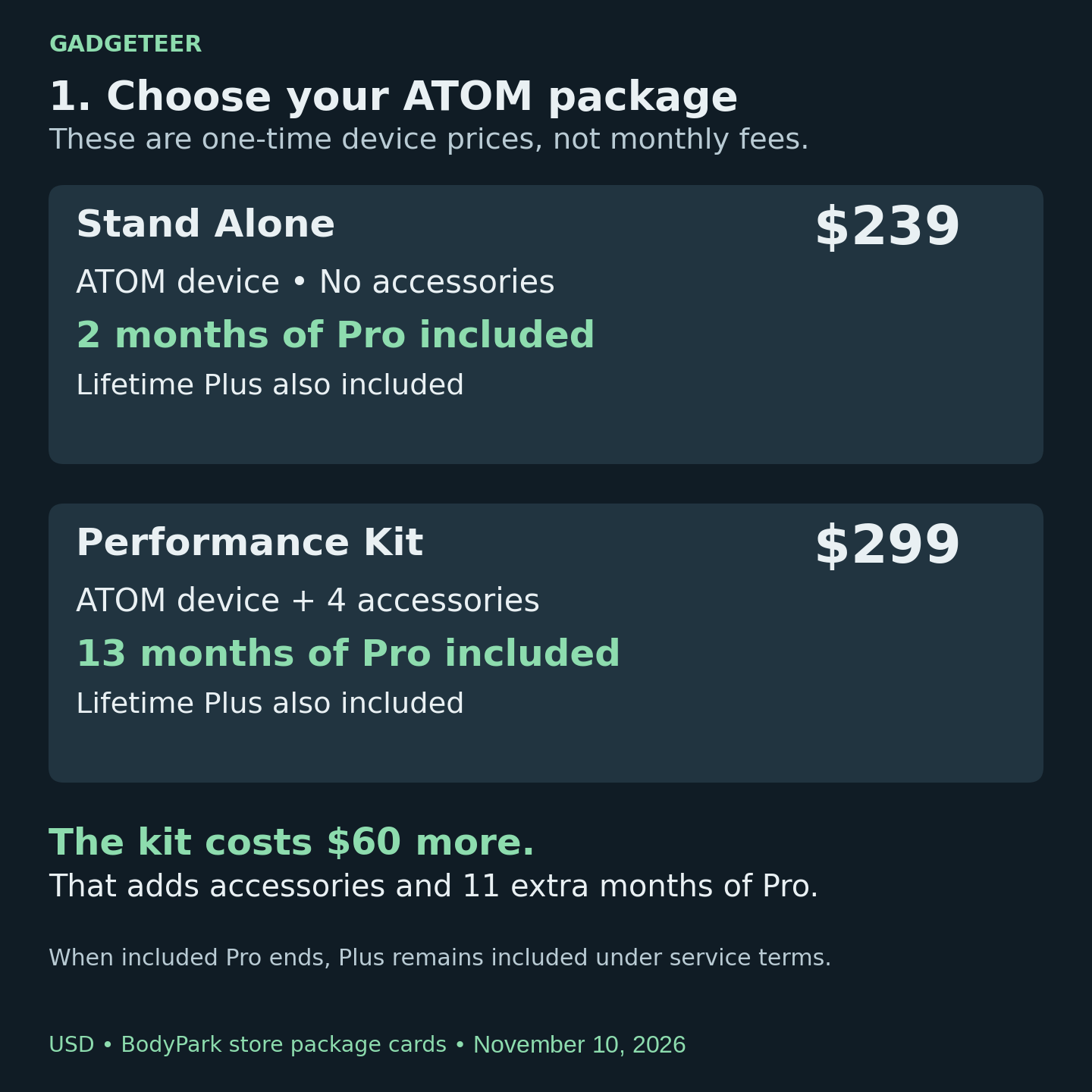
Price: $239 (Stand Alone), $299 (Performance Kit)
Where to buy: BodyPark
Exploring the exercise library
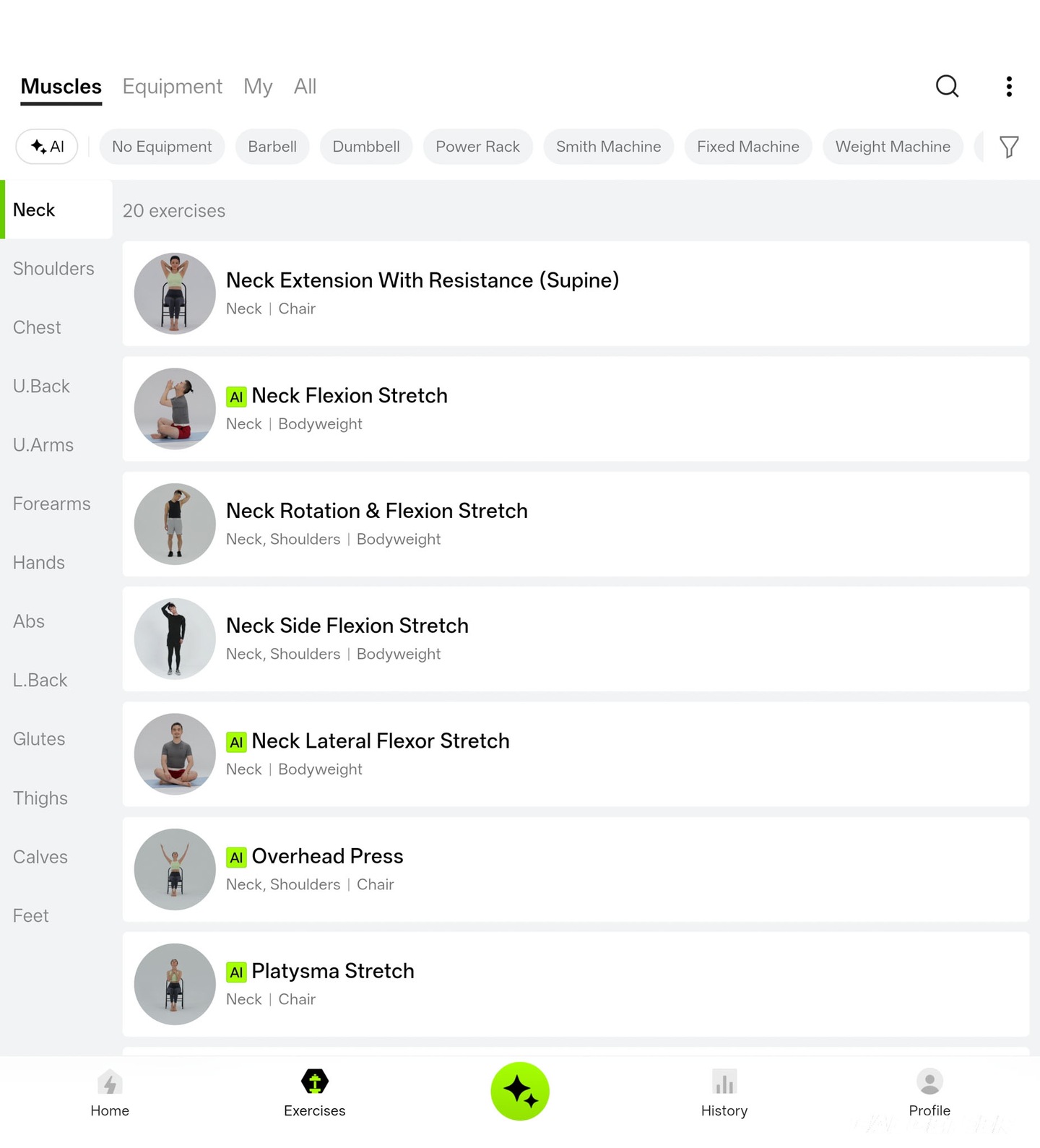
The app is where ATOM really caught my attention. I can browse by muscle group or filter for the equipment I have, including no equipment, dumbbells, barbells, kettlebells and machines. The organization makes a large library manageable at home, where I’m choosing a workout around the equipment available to me.
My no-equipment view showed 302 entries. Individual exercises carry separate AI badges; the catalog total isn’t a count of supported camera-tracked movements.
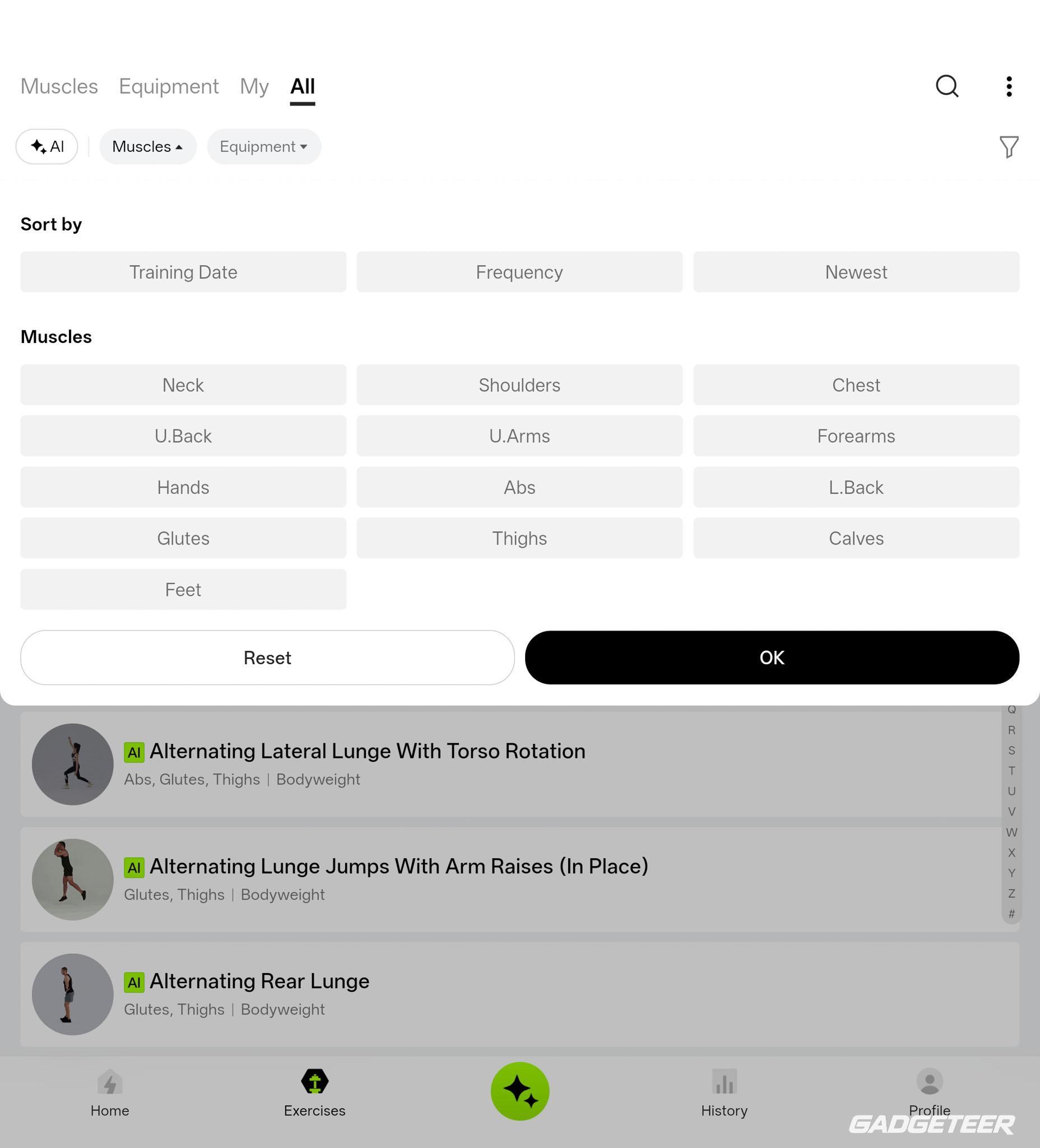
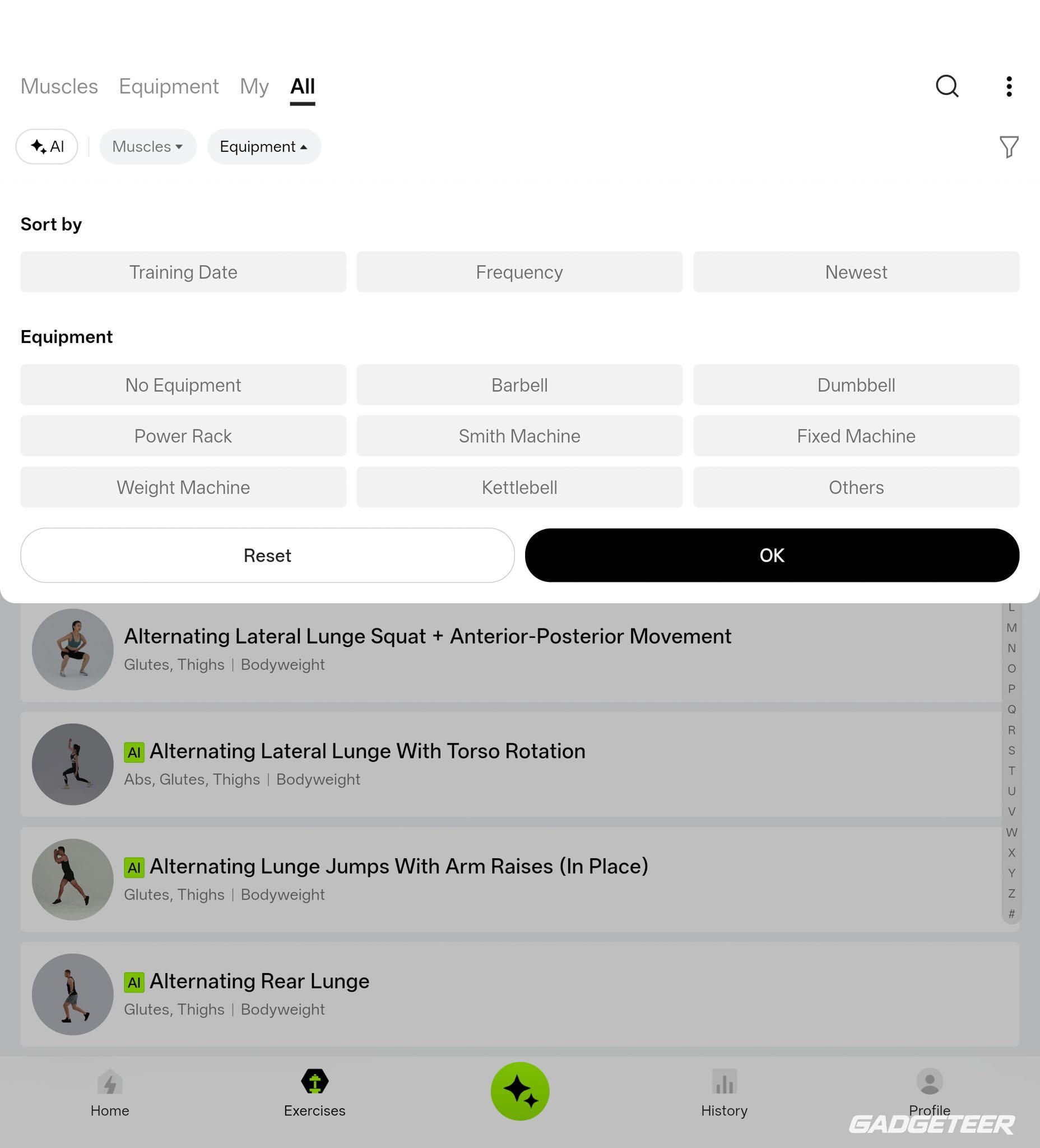
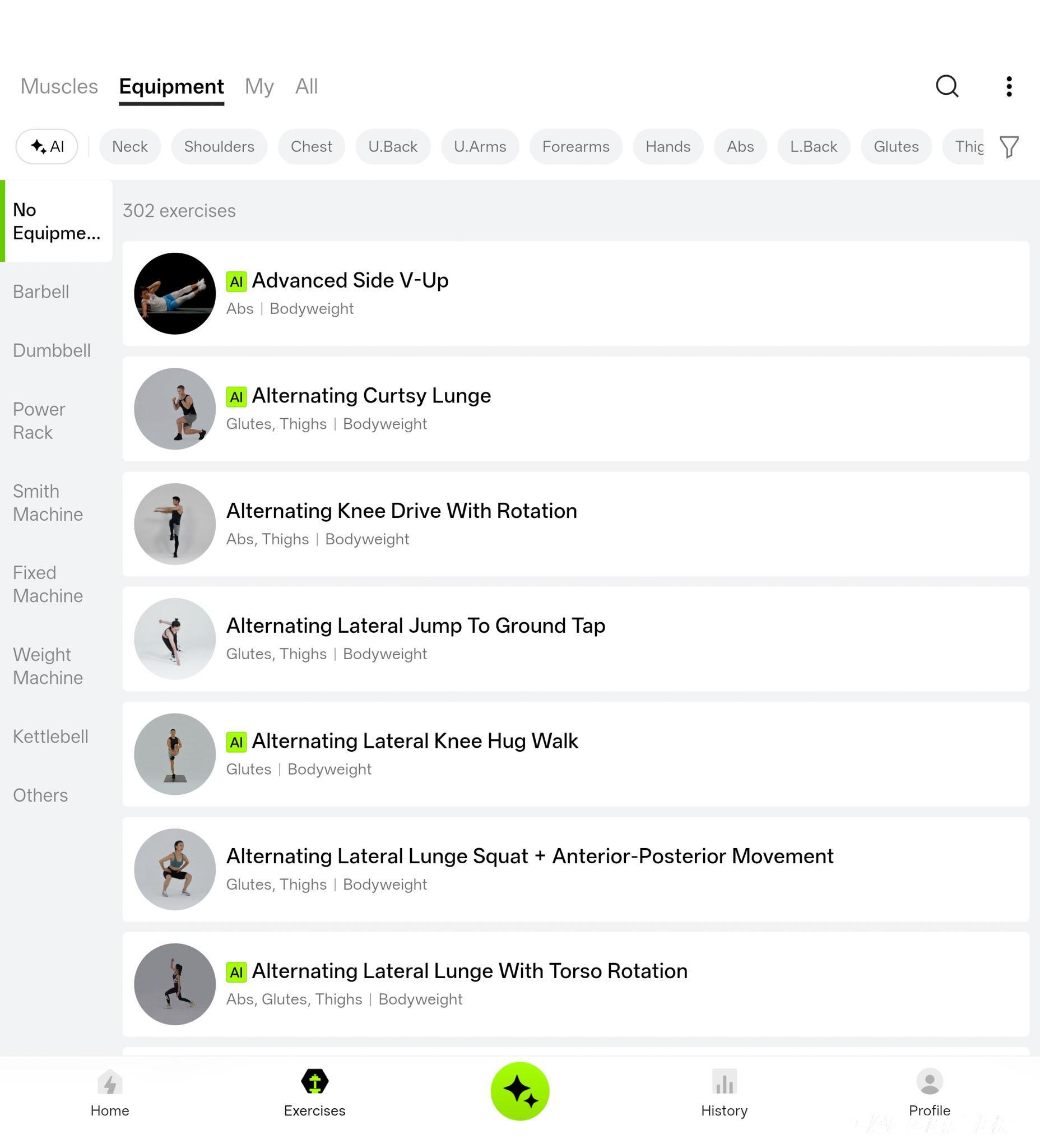
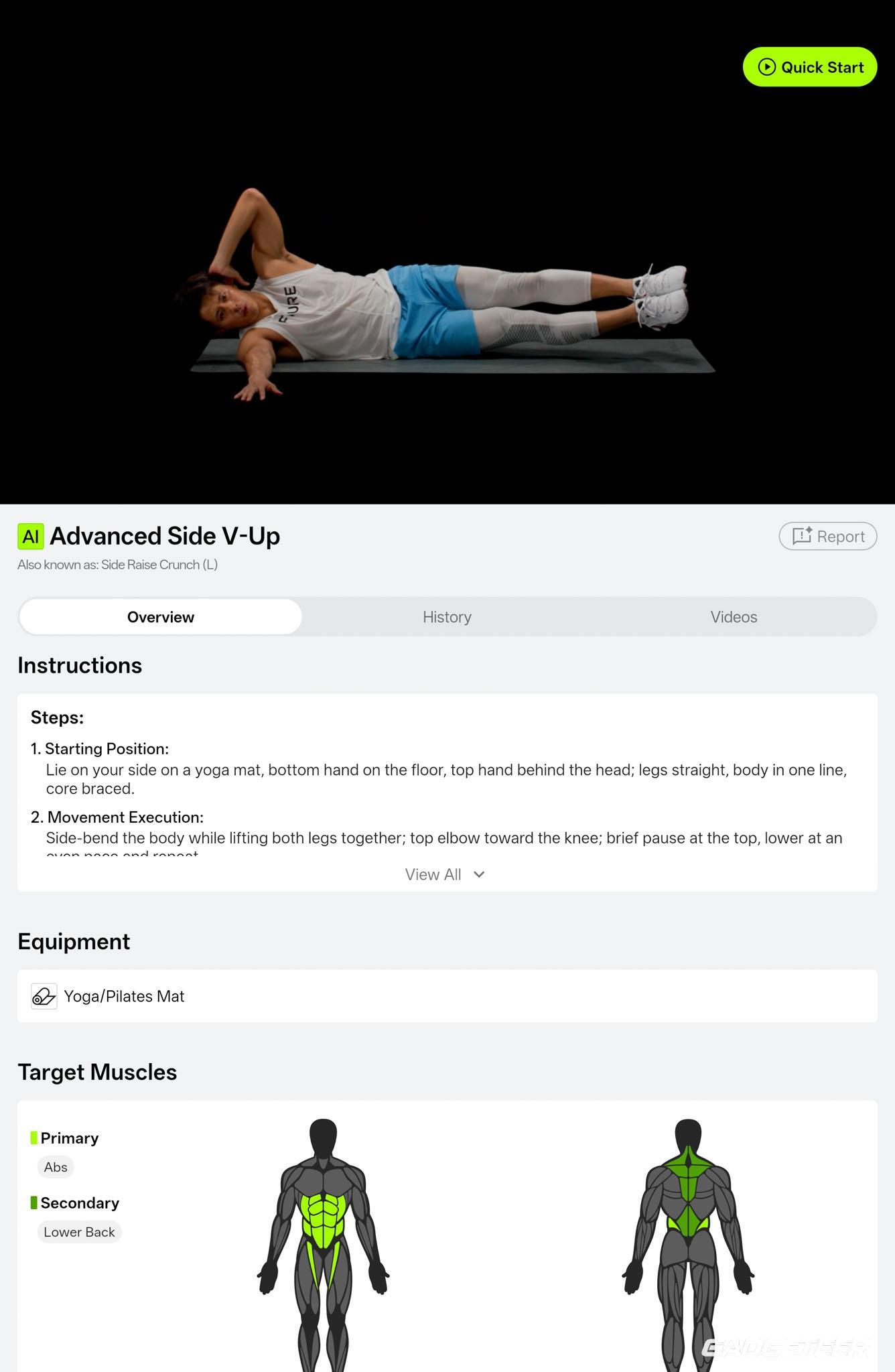
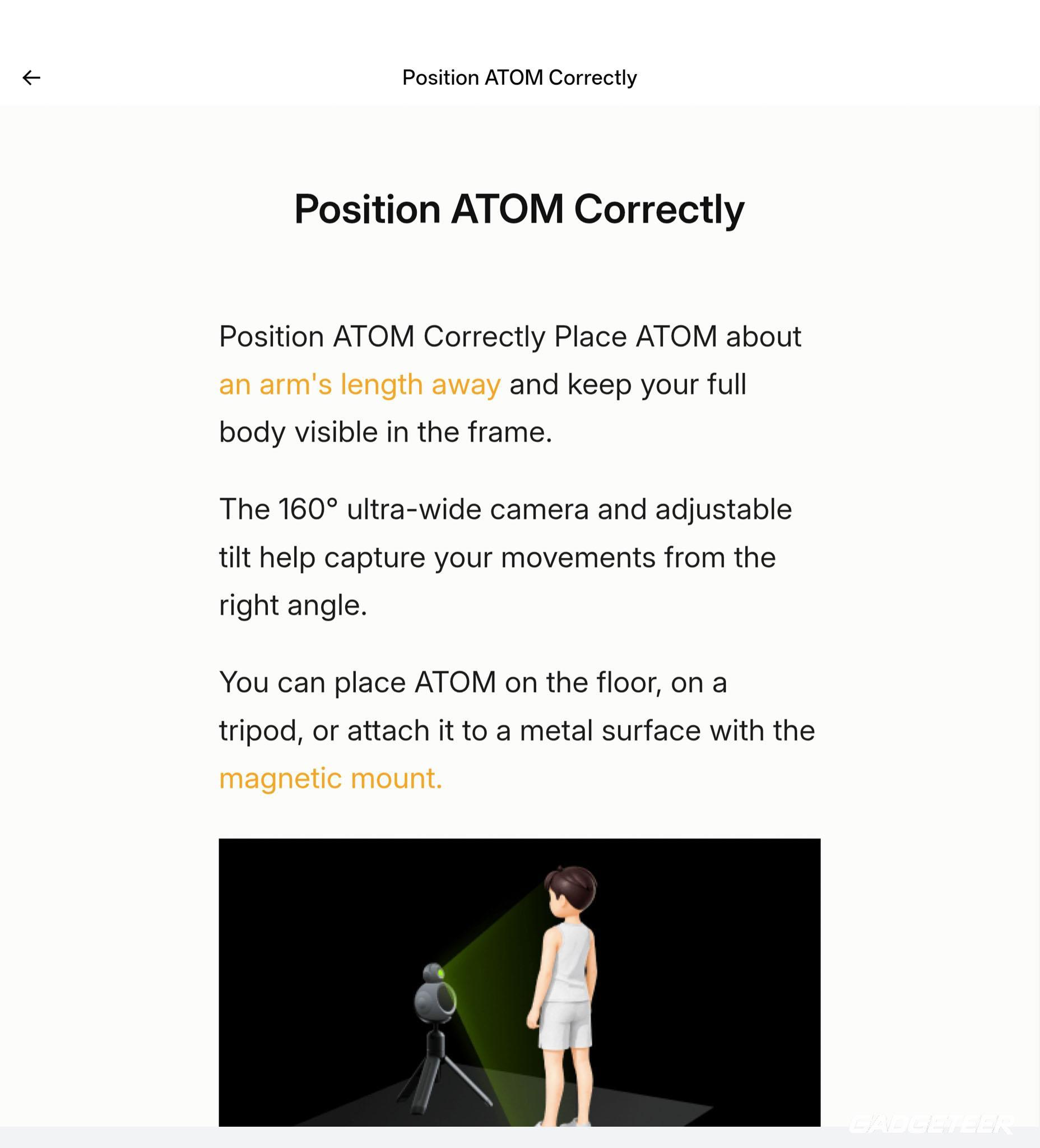
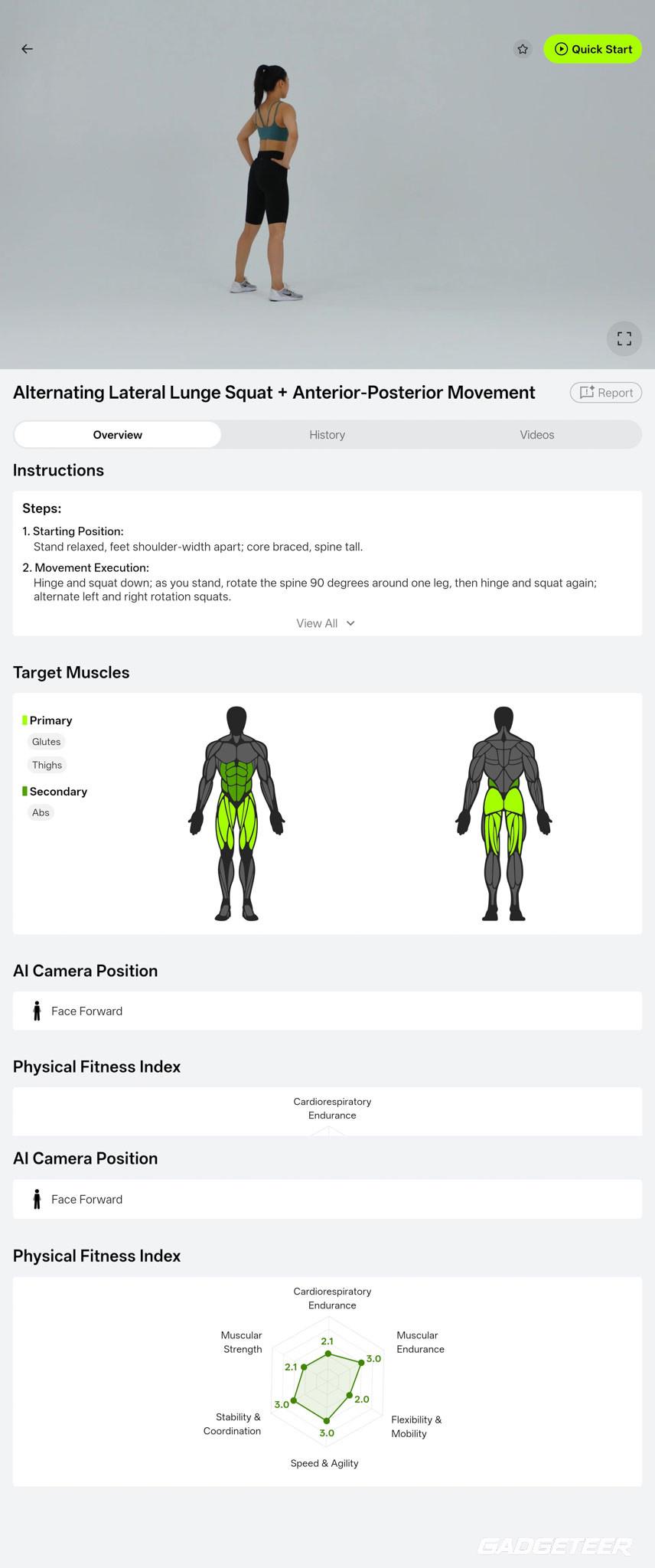
The exercise pages I explored combine demonstrations, written steps, equipment requirements and muscle diagrams. Advanced Side V-Up lists a yoga or Pilates mat, marks the abs as primary and lower back as secondary, and explains the movement. Camera-position guidance helps with framing. That attention to preparation is what I find impressive: I get guidance before I start, rather than just an exercise name.
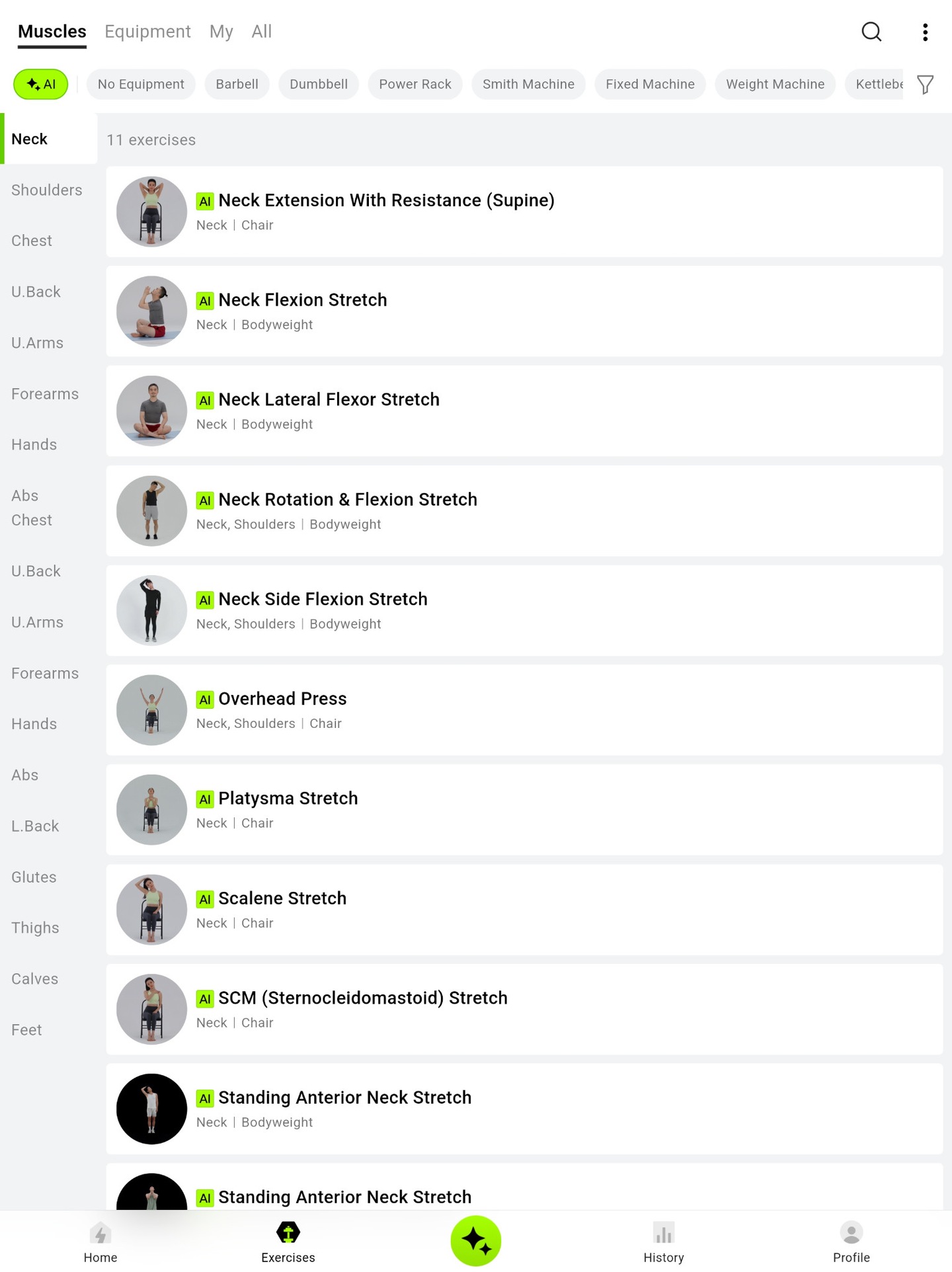
My neck-exercise view offers 11 choices, including bodyweight stretches and movements using a chair. It gives me different movements to explore without needing a gym full of equipment.
What I’ve tried at home
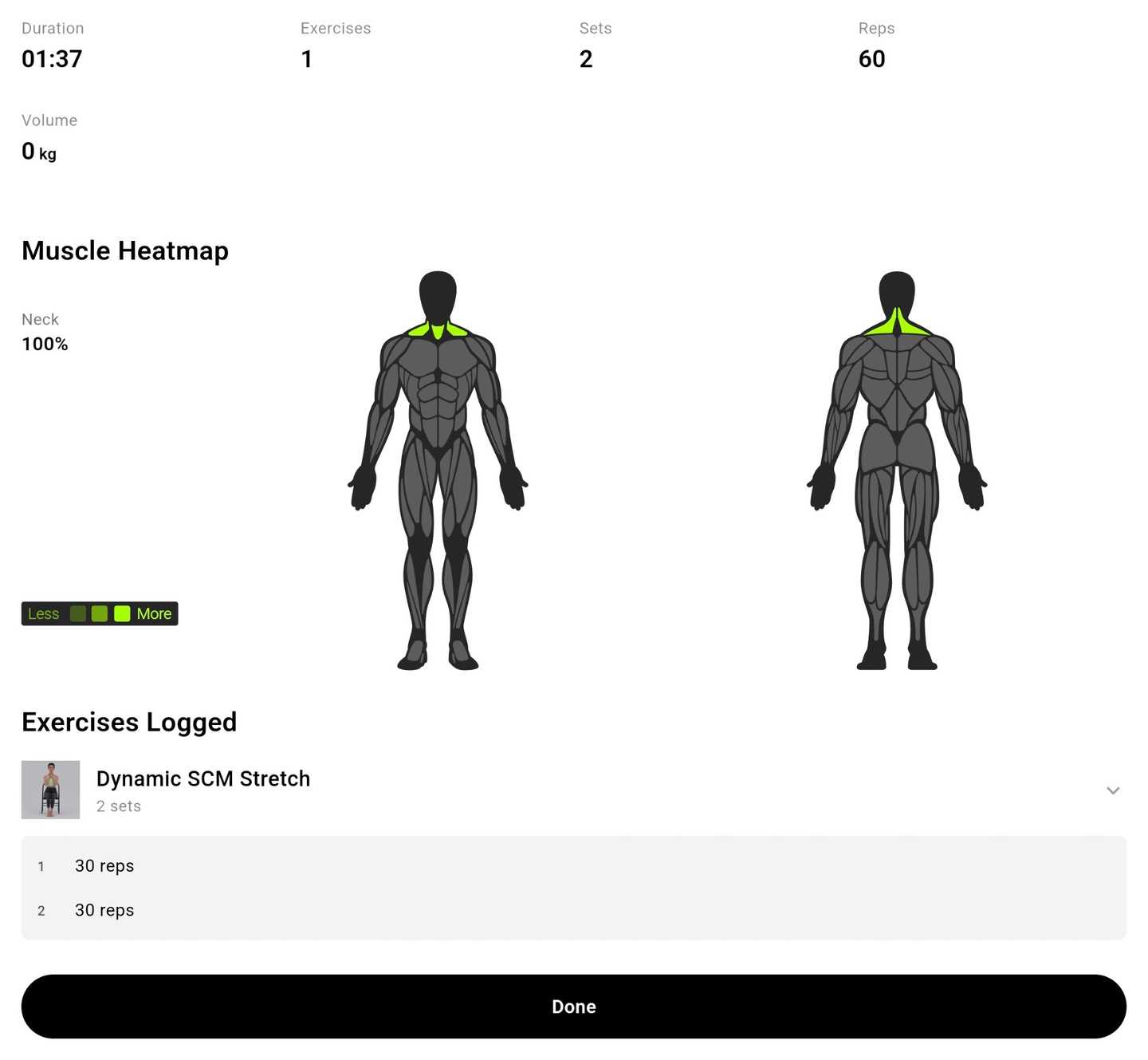
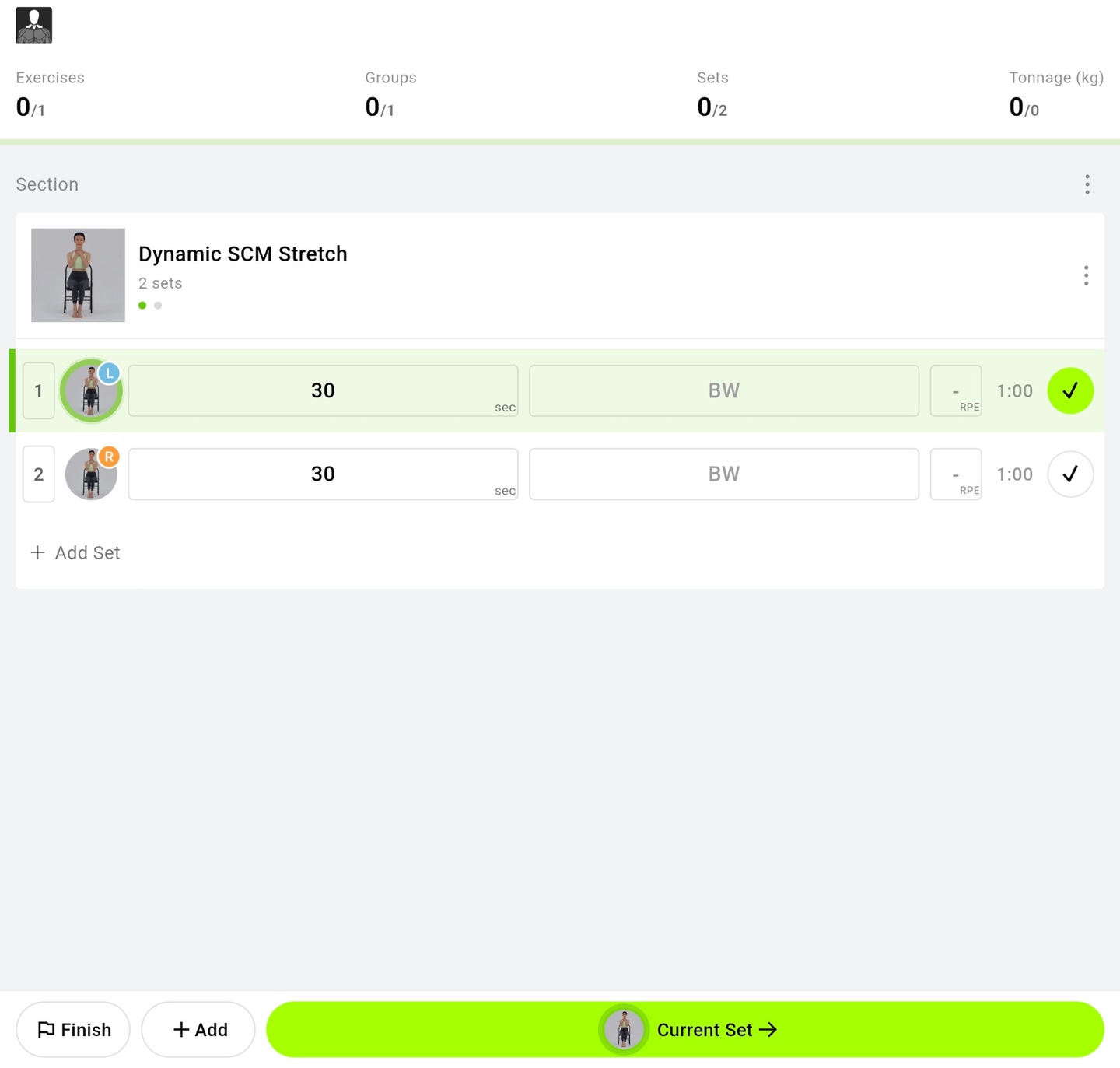
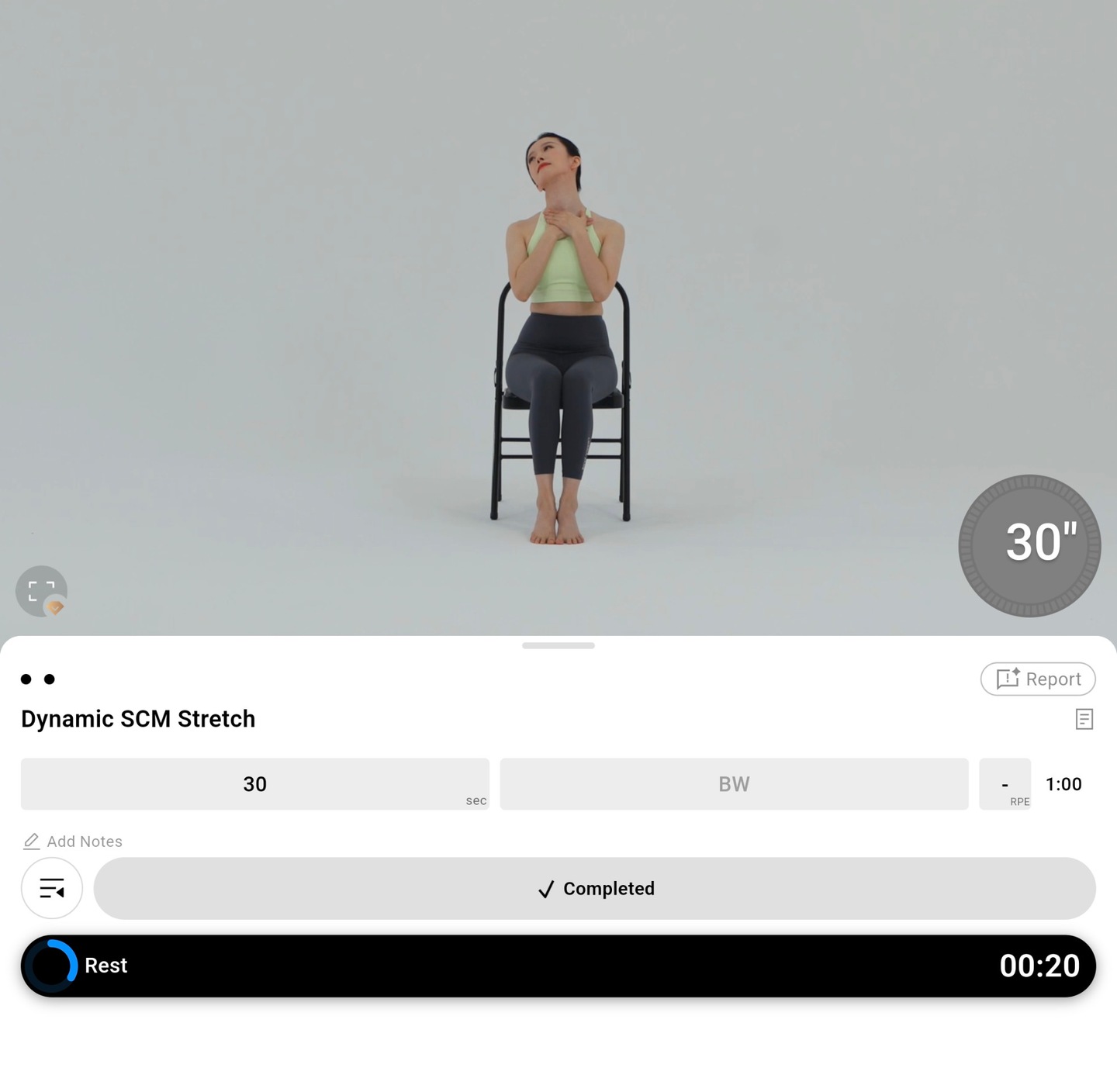
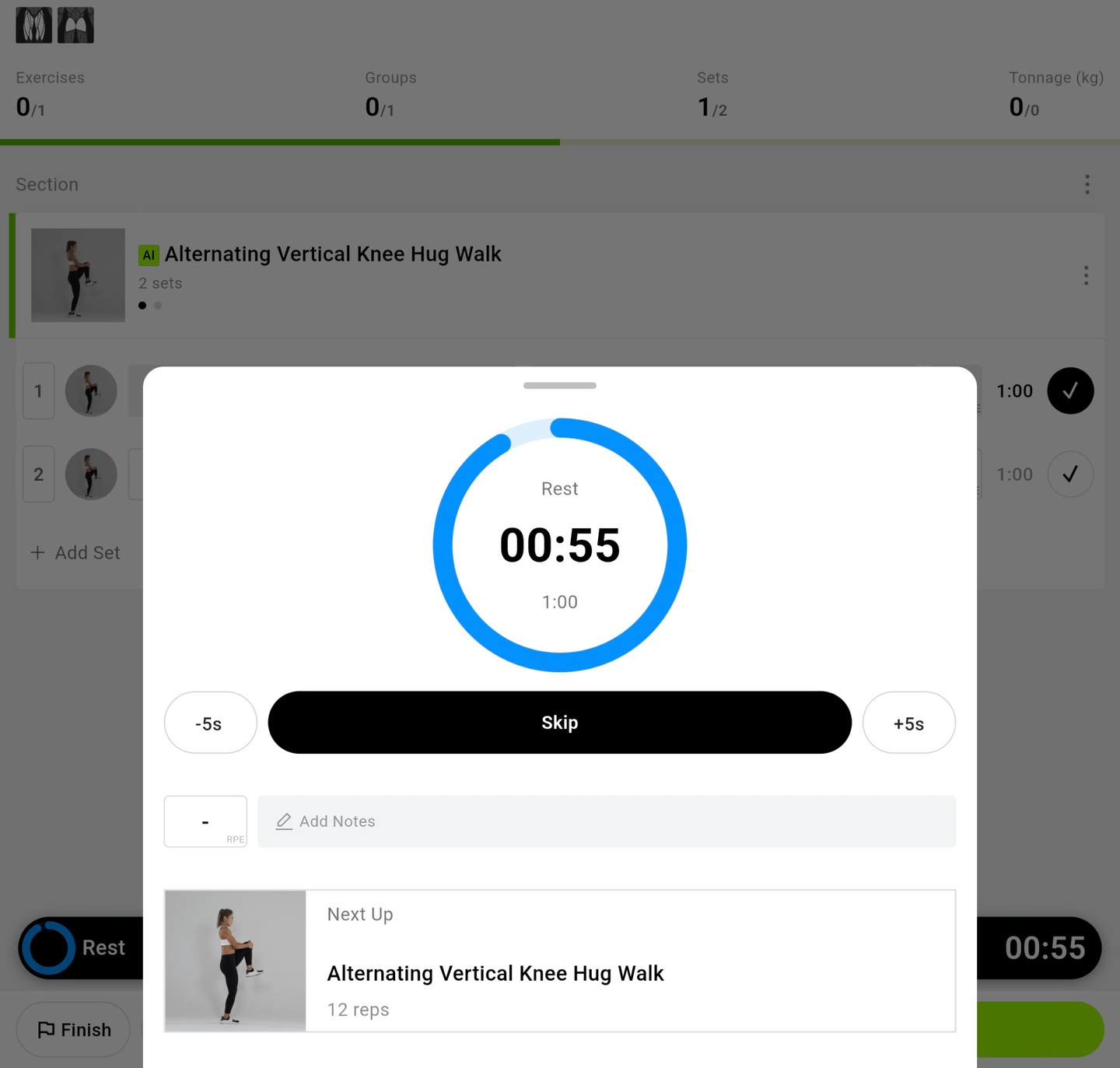
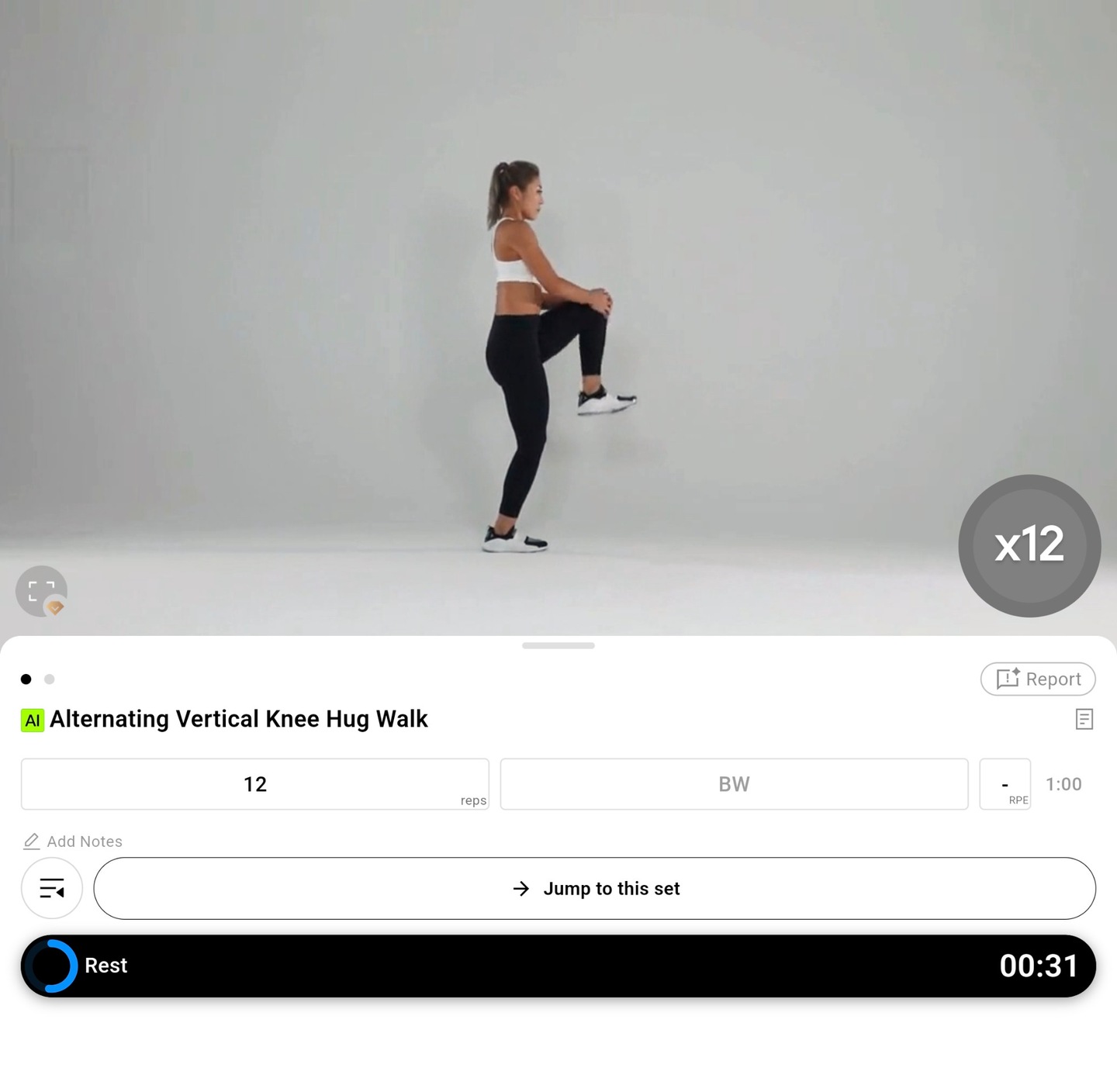
One example is Dynamic SCM Stretch, a seated neck stretch with two 30-second sets, one for each side. The app was in Log Mode, with a demonstration, set controls and a rest timer. My workout summary records one exercise and two sets.
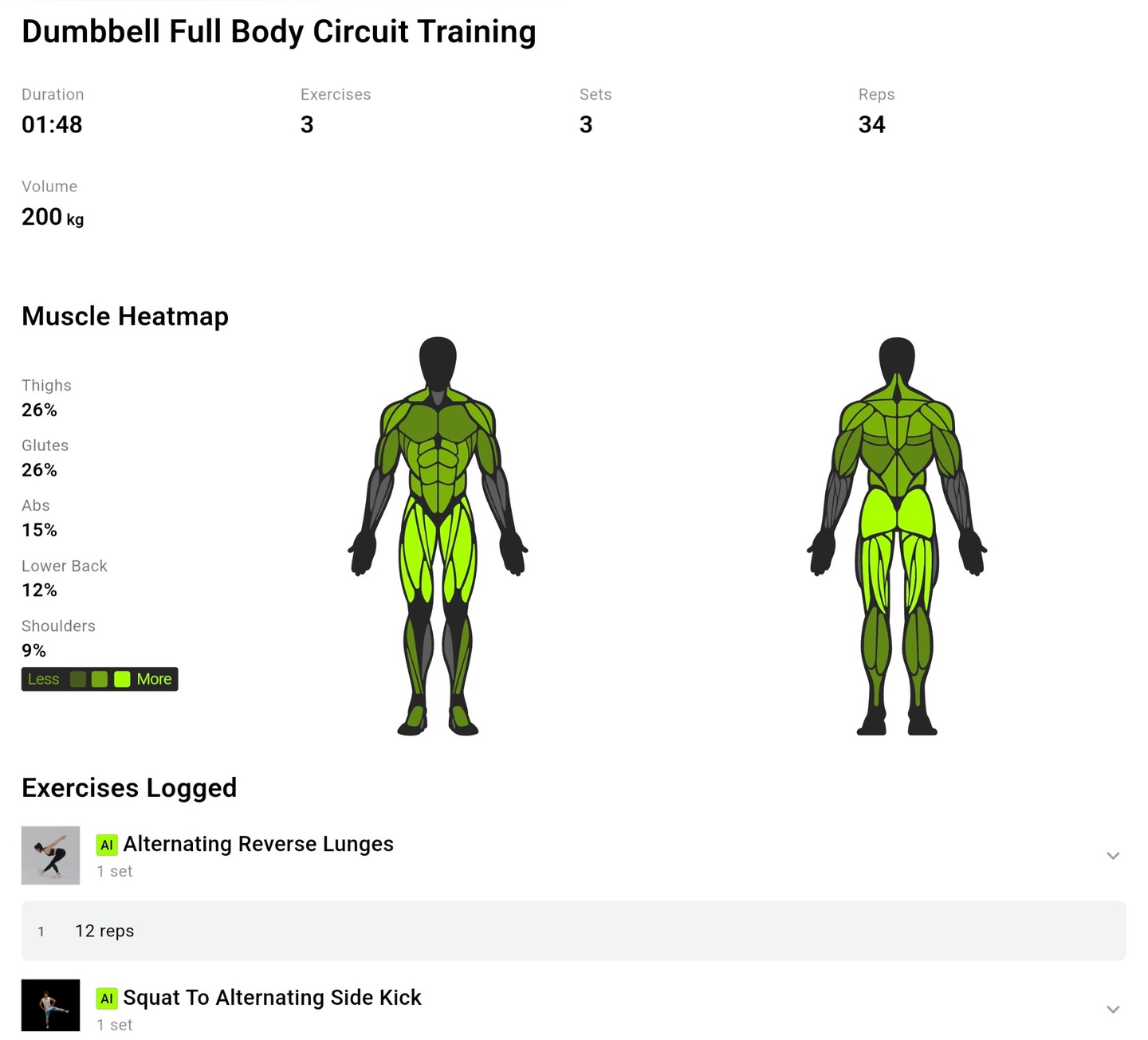
My workout records include a Dumbbell Full Body Circuit Training log with three exercises, three sets and 34 reps recorded by the app. The log includes Alternating Reverse Lunges, with one set of 12 reps, and Squat To Alternating Side Kick. The report puts the session totals, a muscle heatmap and the individual exercise entries together on one screen.
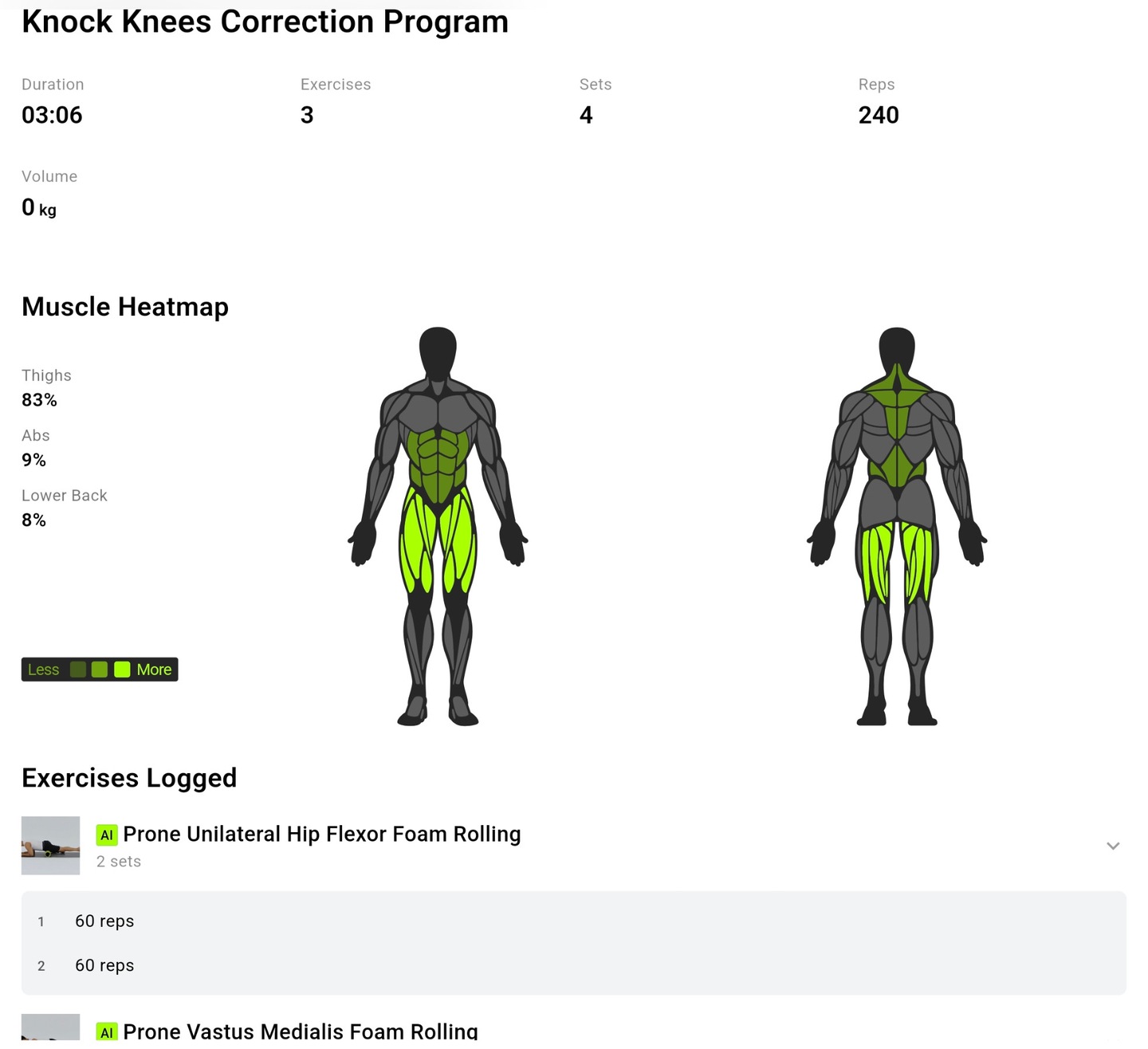
A separate foam-rolling workout record lists Prone Unilateral Hip Flexor Foam Rolling and Prone Vastus Medialis Foam Rolling. The first entry shows two sets labeled 60 reps each. The log also shows a muscle heatmap alongside the exercise totals.
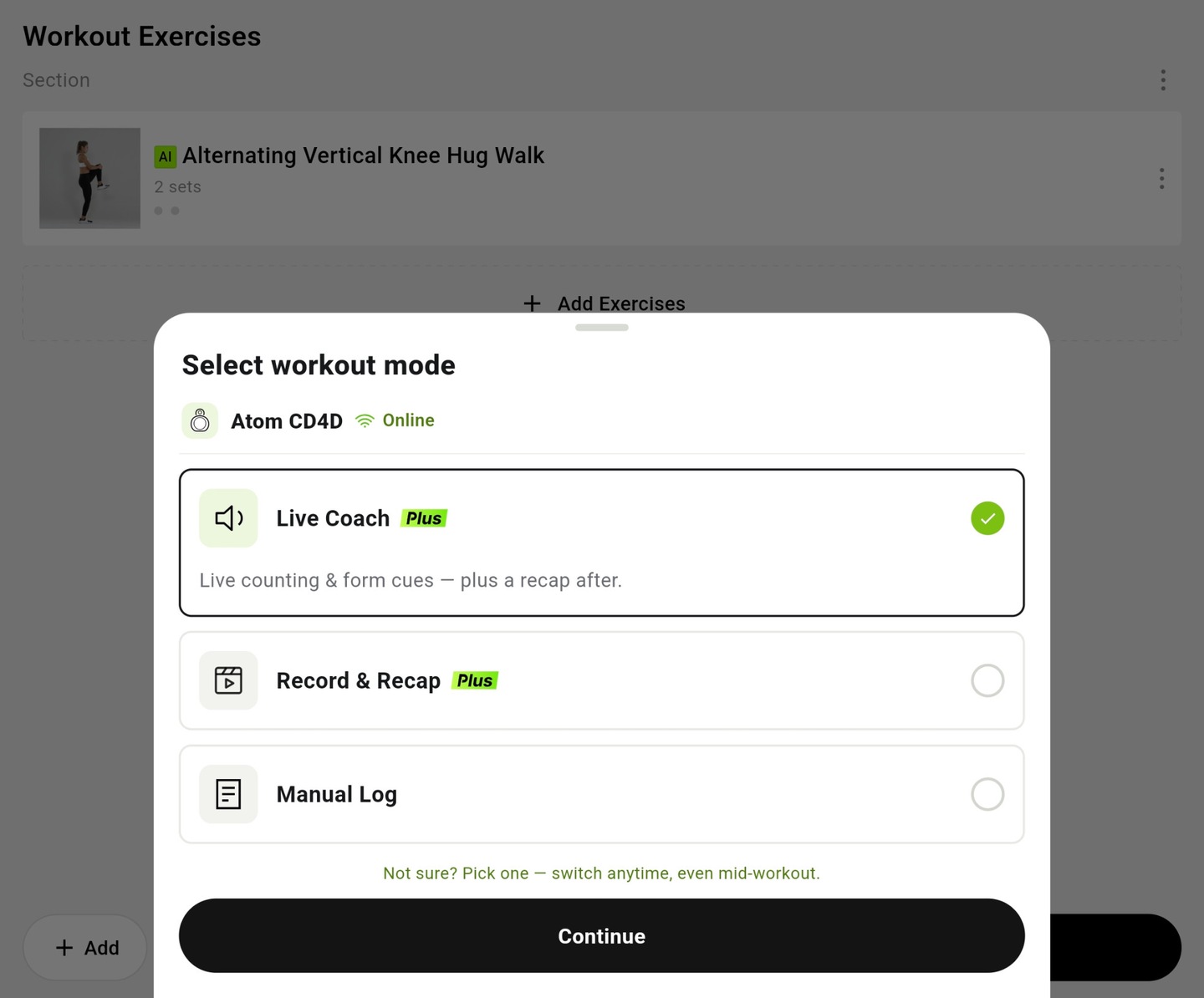
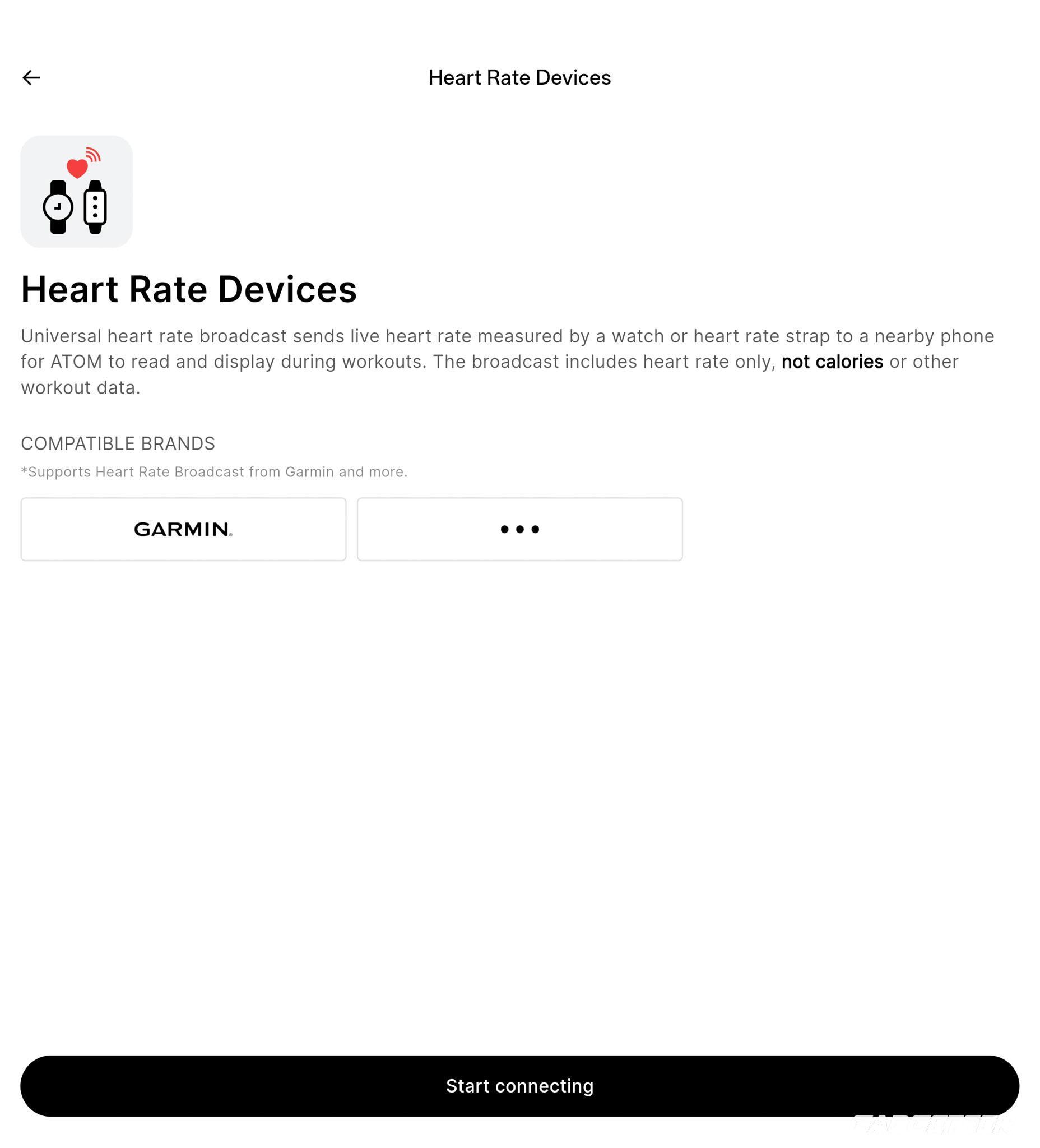
The app lets me choose Live Coach for live counting and form cues, Record & Recap, or Manual Log. The stretch and knee-hug screens I captured were in Log Mode.
Automatic counting is designed to keep the set tally in view while you concentrate on the movement. Check the app’s AI badge and camera-position guide for the exercise you choose.
The Alternating Lateral Lunge Squat + Anterior-Posterior Movement page specifies a Face Forward camera position.
In my use, the timing and usefulness of the spoken feedback have been pretty good. For the most part, the form guidance works well with the camera.
ATOM’s cues are an additional source of information for someone who already exercises independently. They shouldn’t override discomfort or guidance from a qualified professional.
Choosing a workout and building a plan
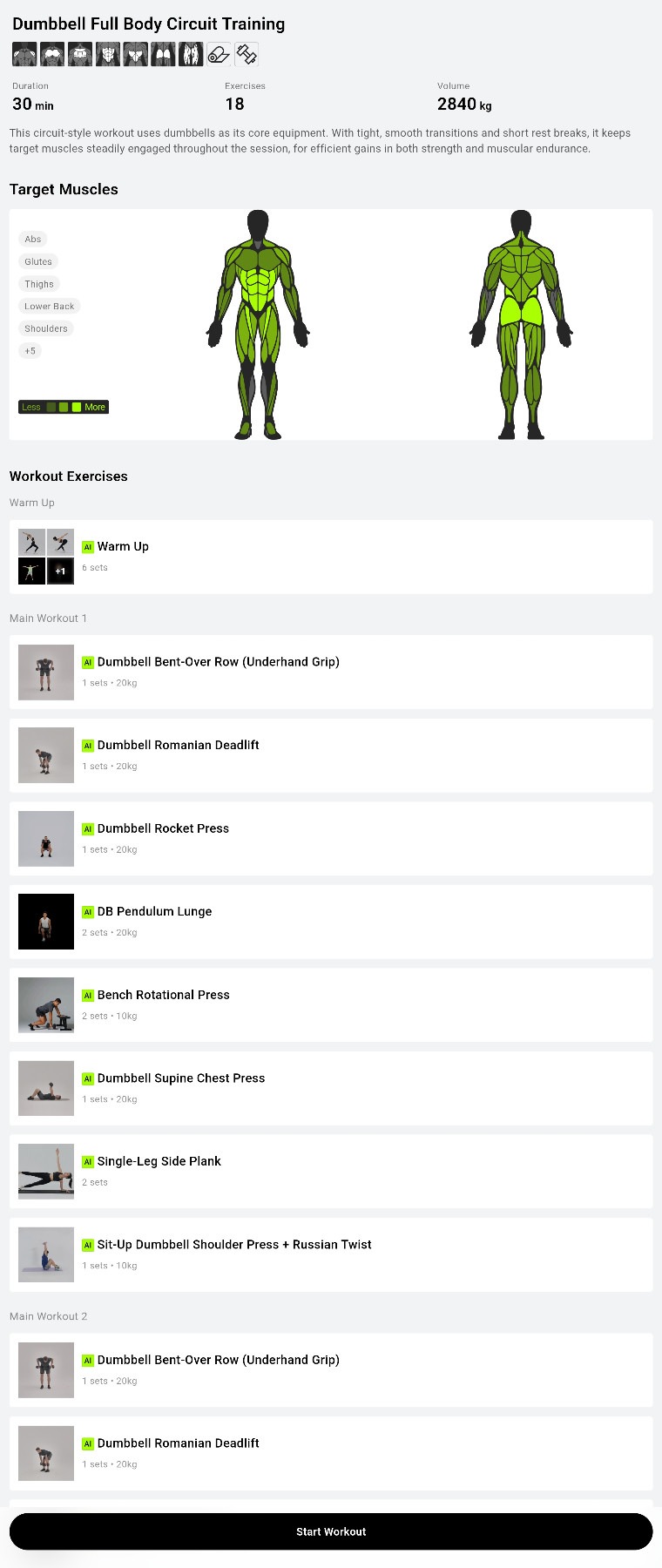
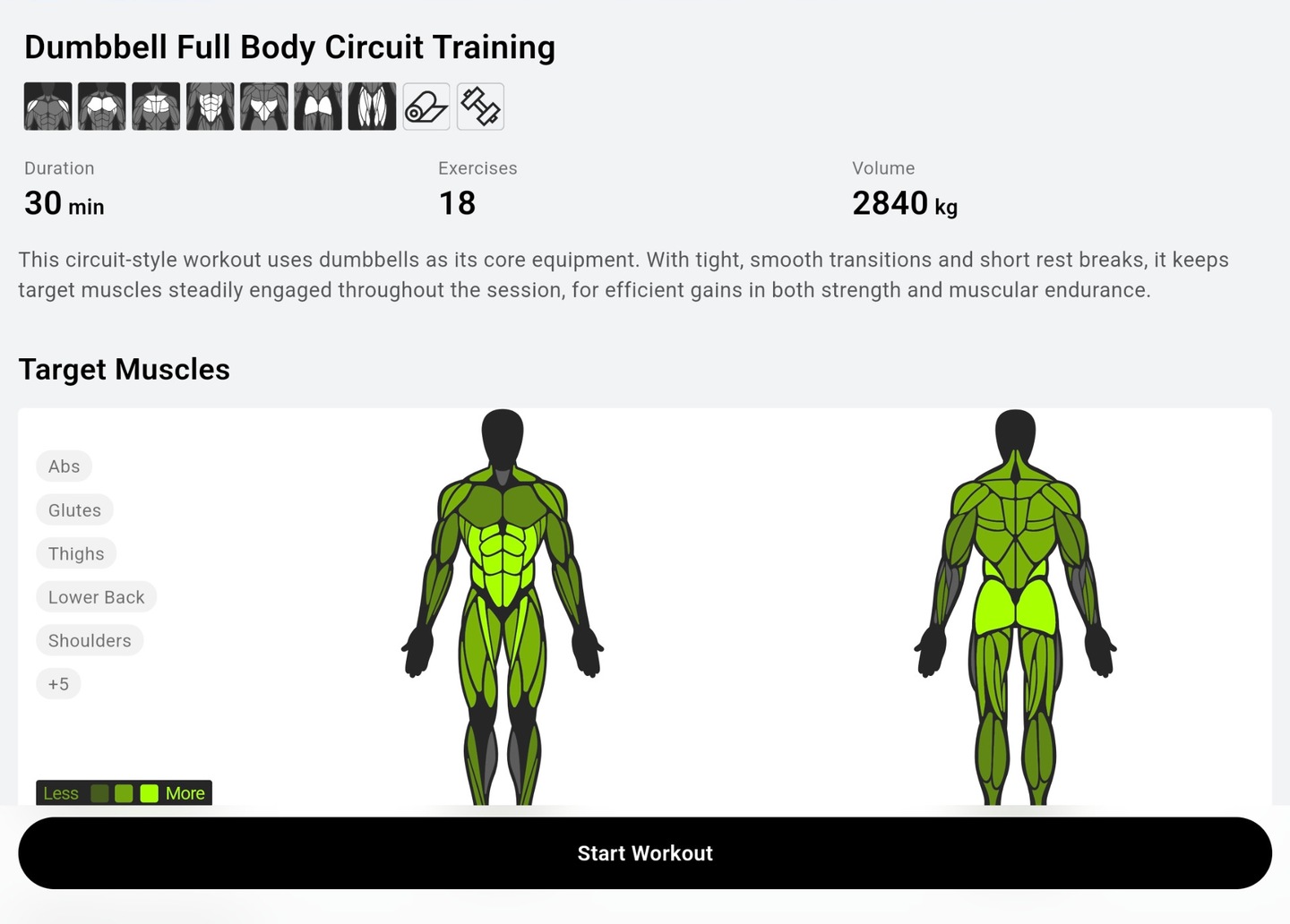
The Dumbbell Full Body Circuit Training plan lays out a warm-up and exercises such as Dumbbell Bent-Over Row (Underhand Grip), Dumbbell Romanian Deadlift, Dumbbell Rocket Press and DB Pendulum Lunge. Its overview lists 30 minutes and 18 exercises. Those are the planned workout values; my logged session above records the exercises actually logged.
Trying the plan builder
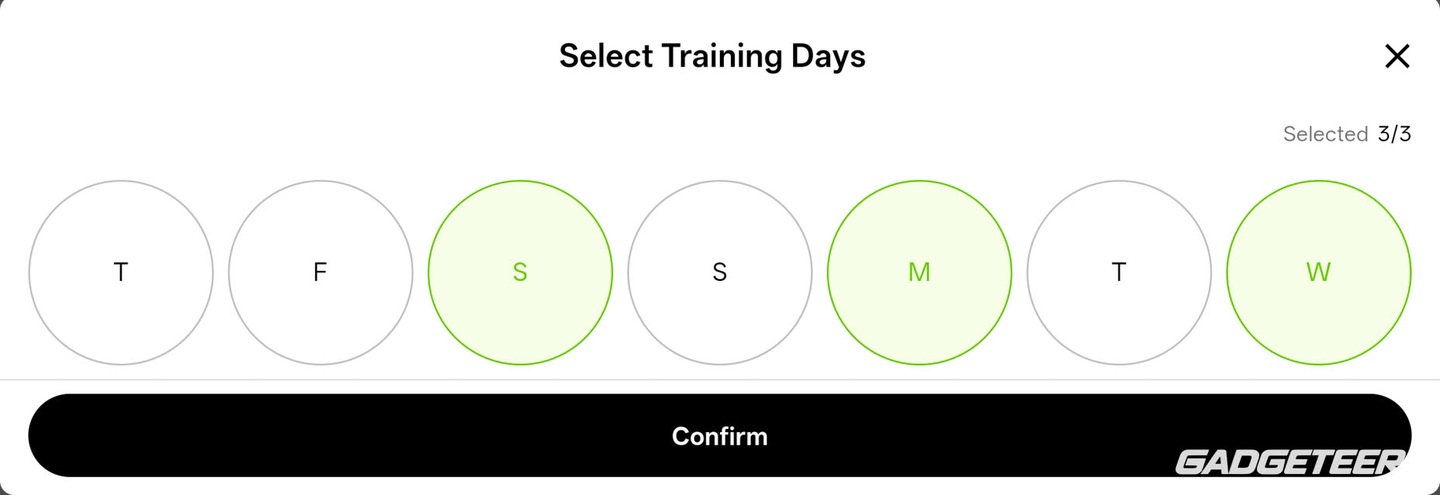
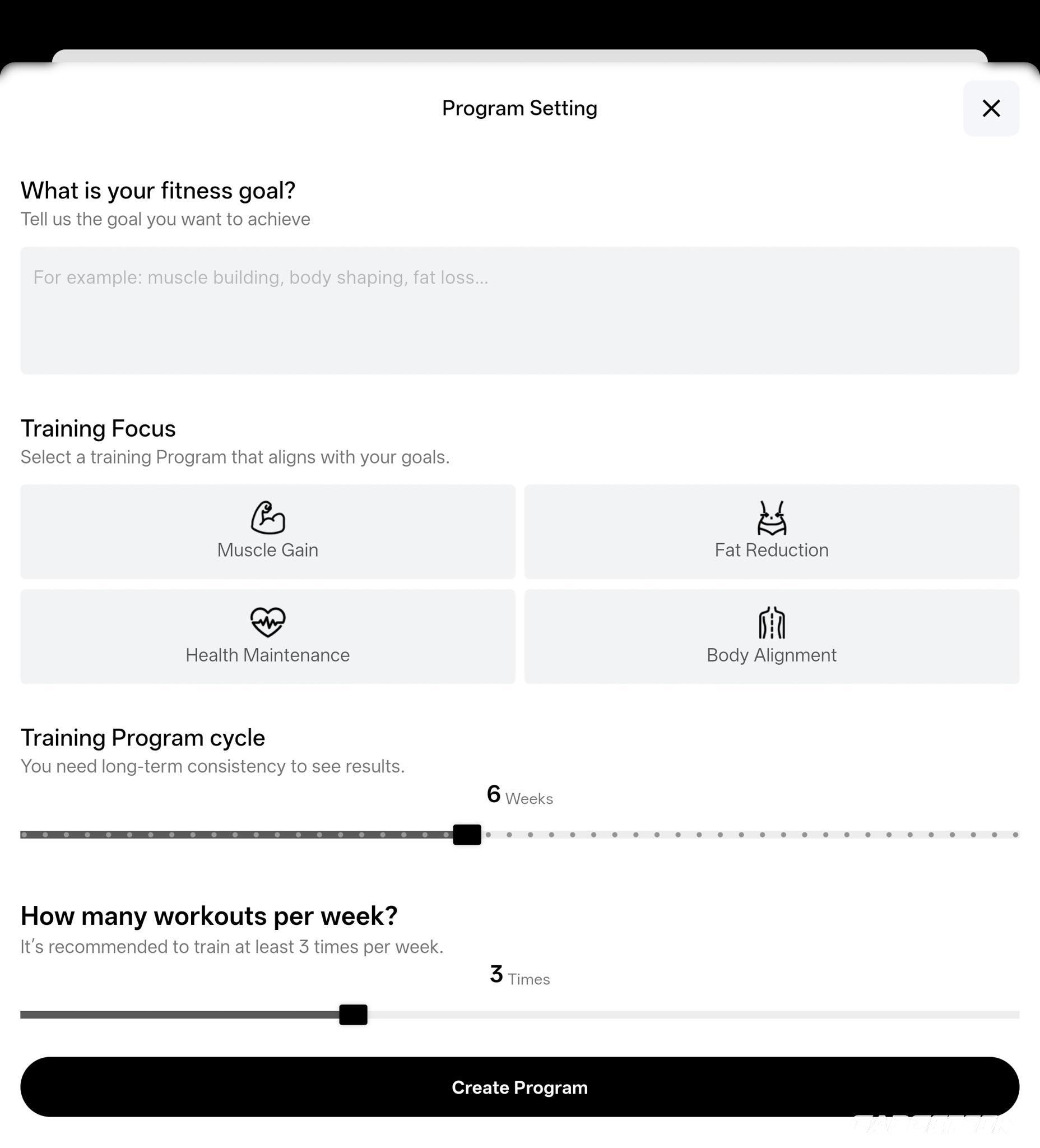
The AI agent built a six-week program for me with three sessions a week: 18 scheduled workouts. Its phases are labeled recovery, progression and consolidation, with different session names across the weeks.
For now, I’m using the exercise choices that work around my day rather than following that multiweek schedule.
I like how much of the planning process the app makes visible. The program-setting screen lets me choose a focus and adjust the number of weeks and workouts per week. I can also build my own workout plan from the exercise library.
Unboxing the ATOM
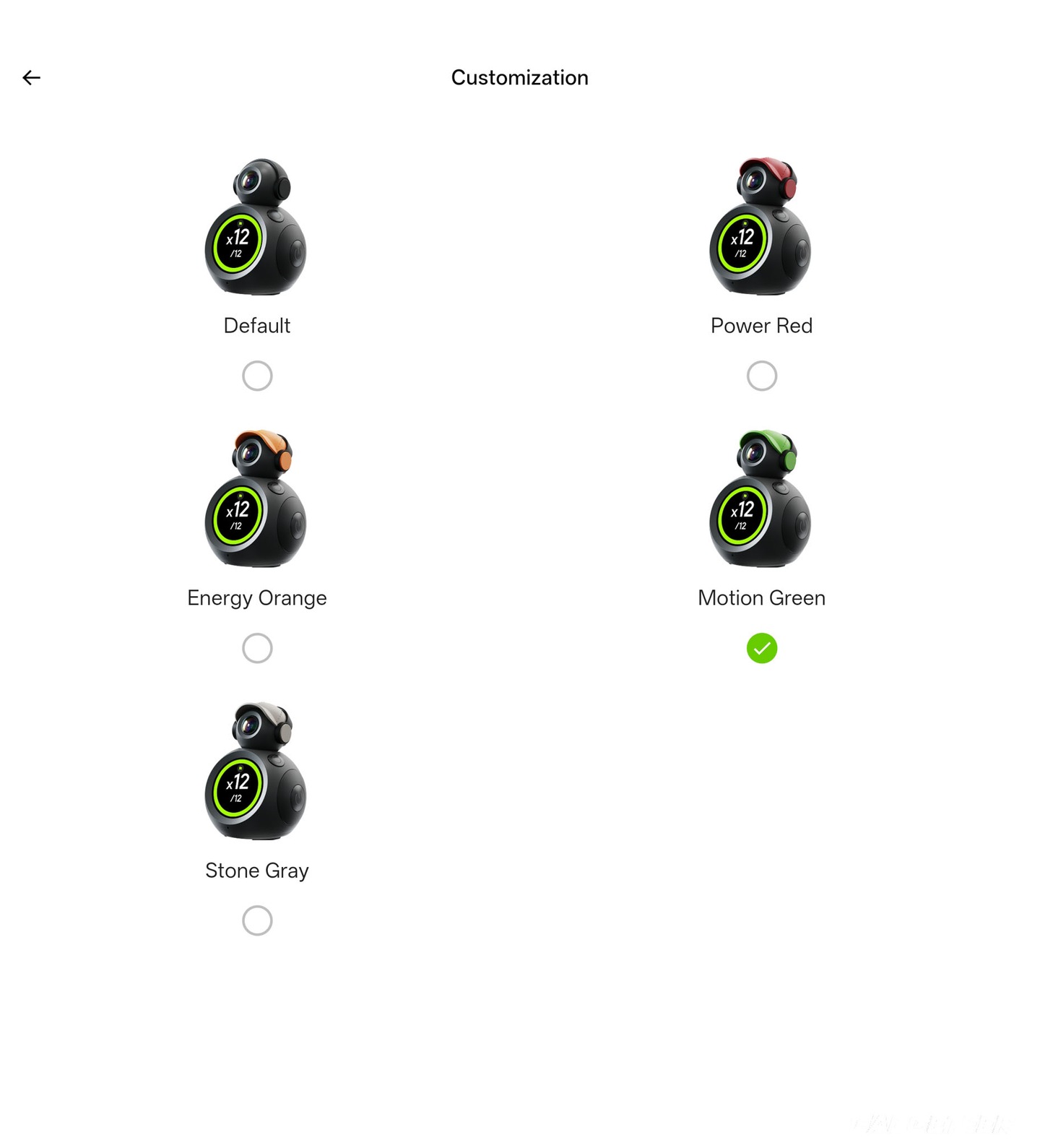
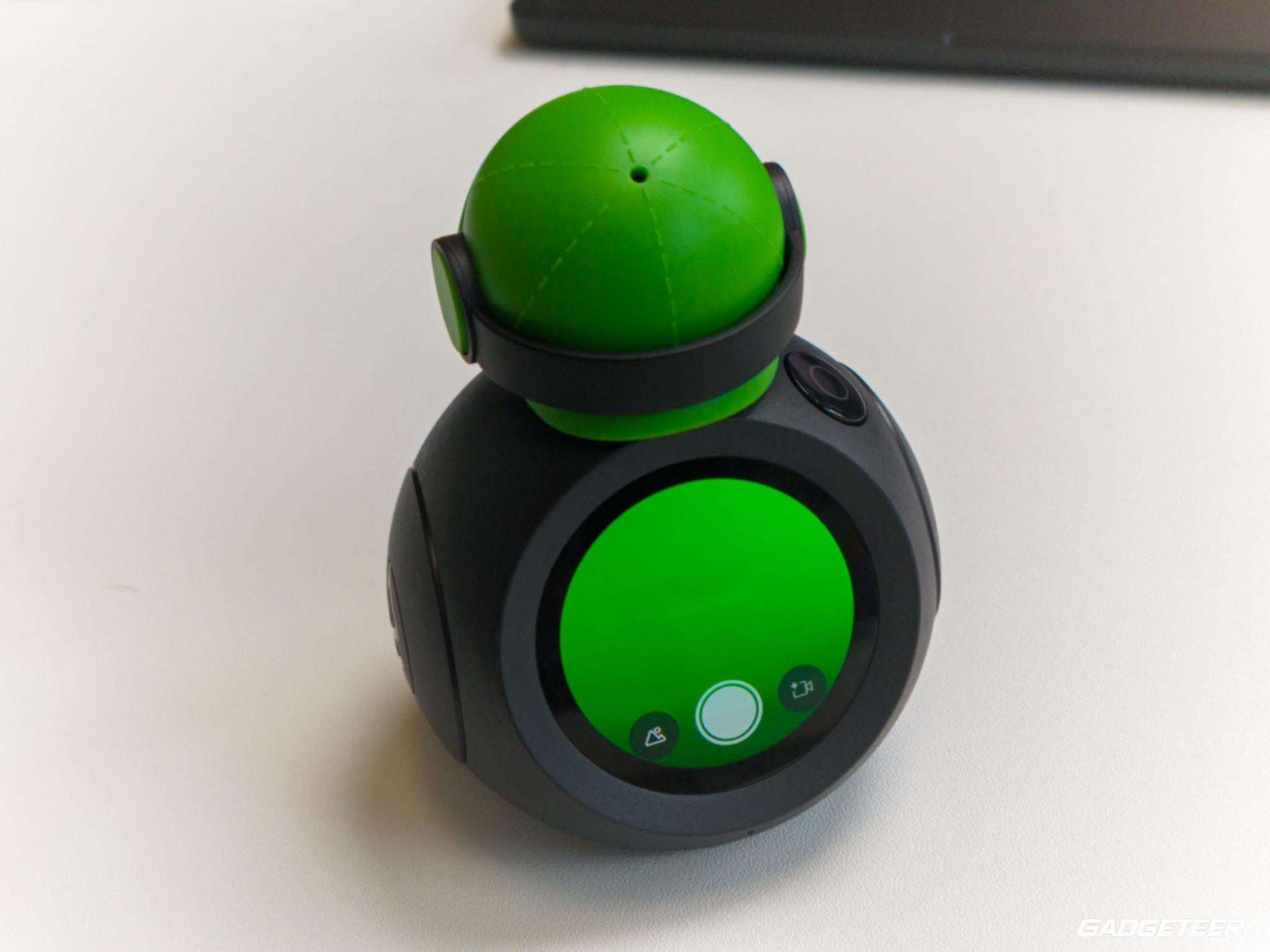
My ATOM arrived with the ATOM Cap, Pocket Bag and ATOM Tripod Dock. Package contents vary; the current Stand Alone offer doesn’t include accessories.
Design and controls
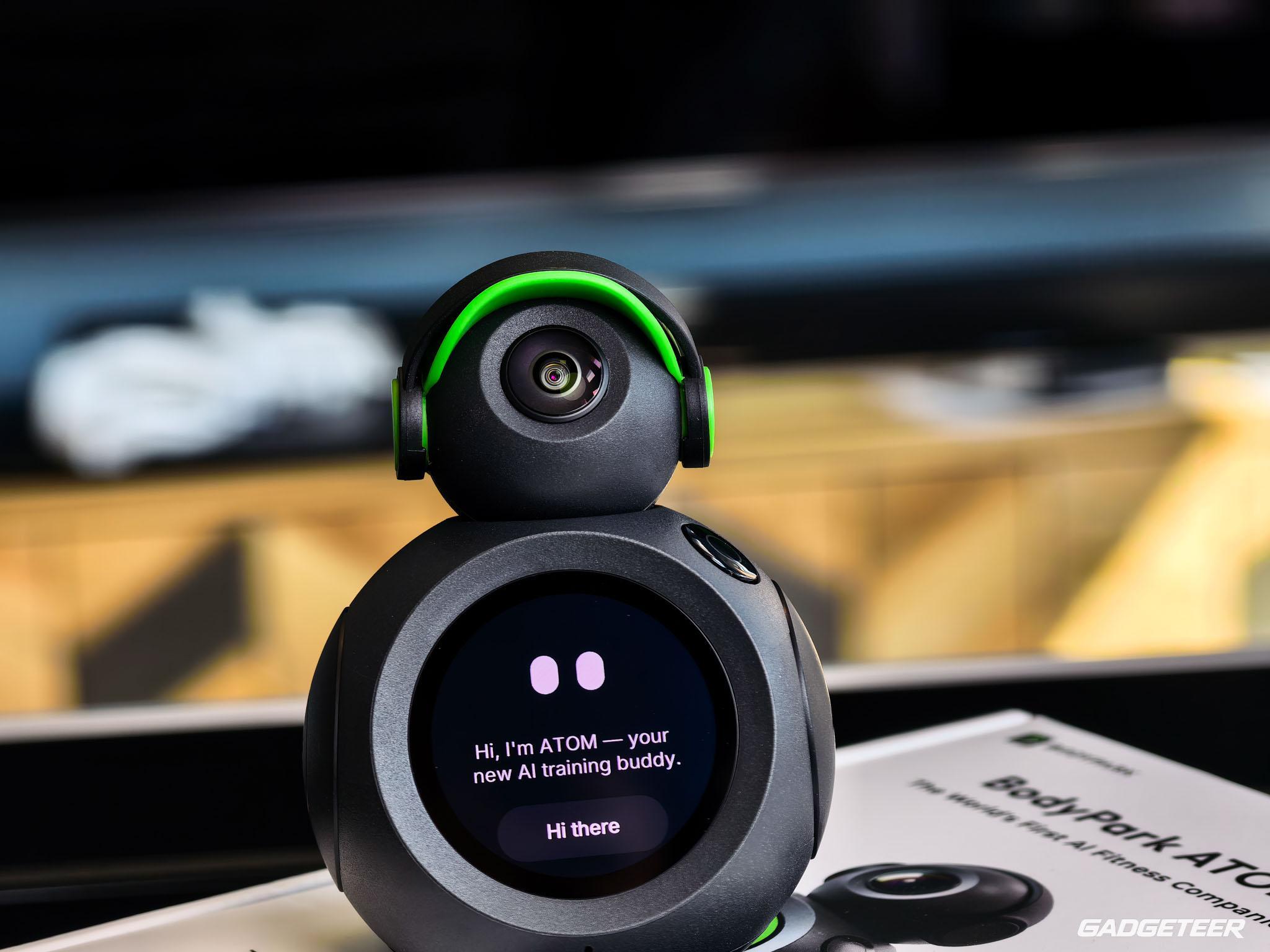
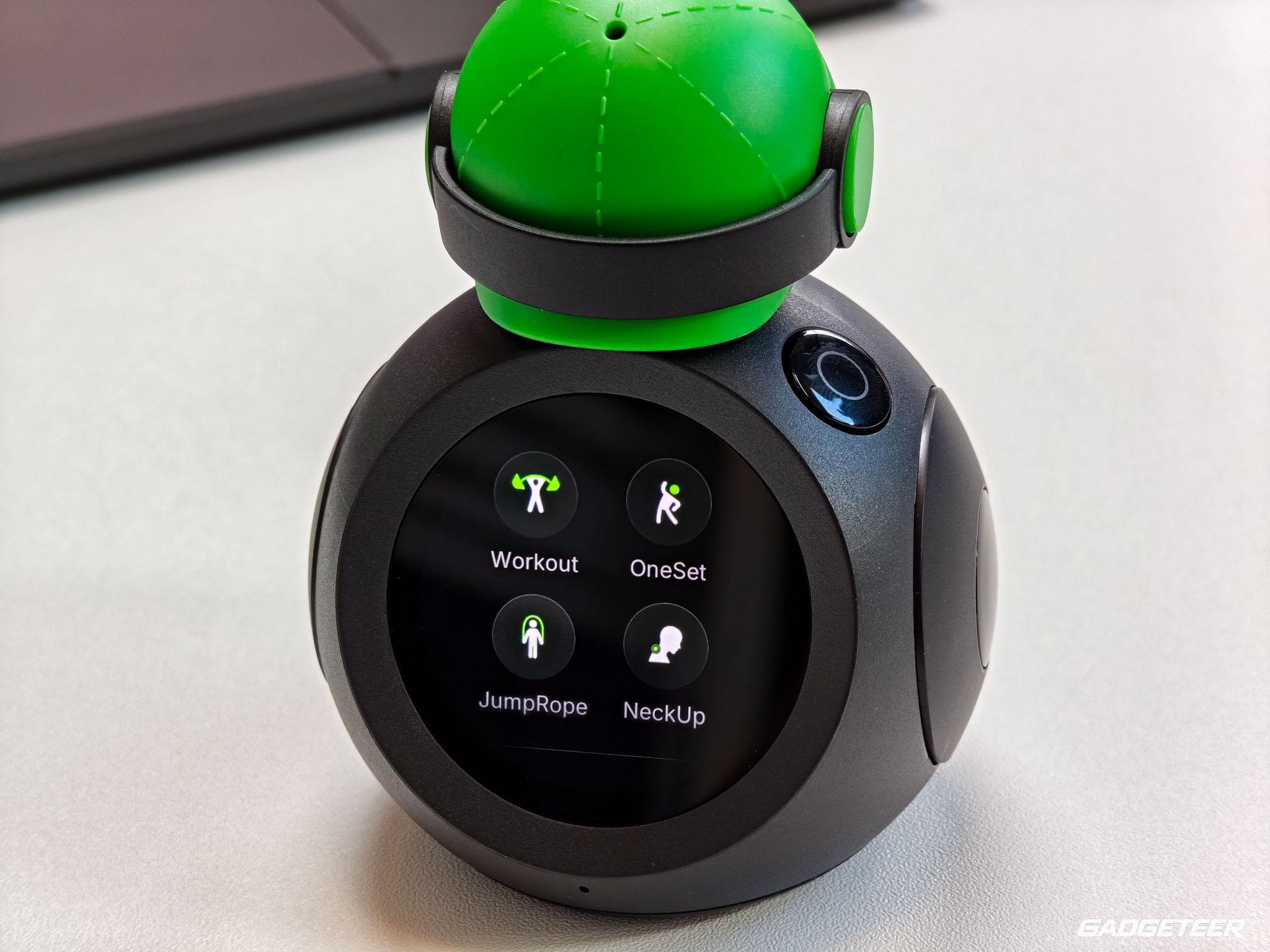
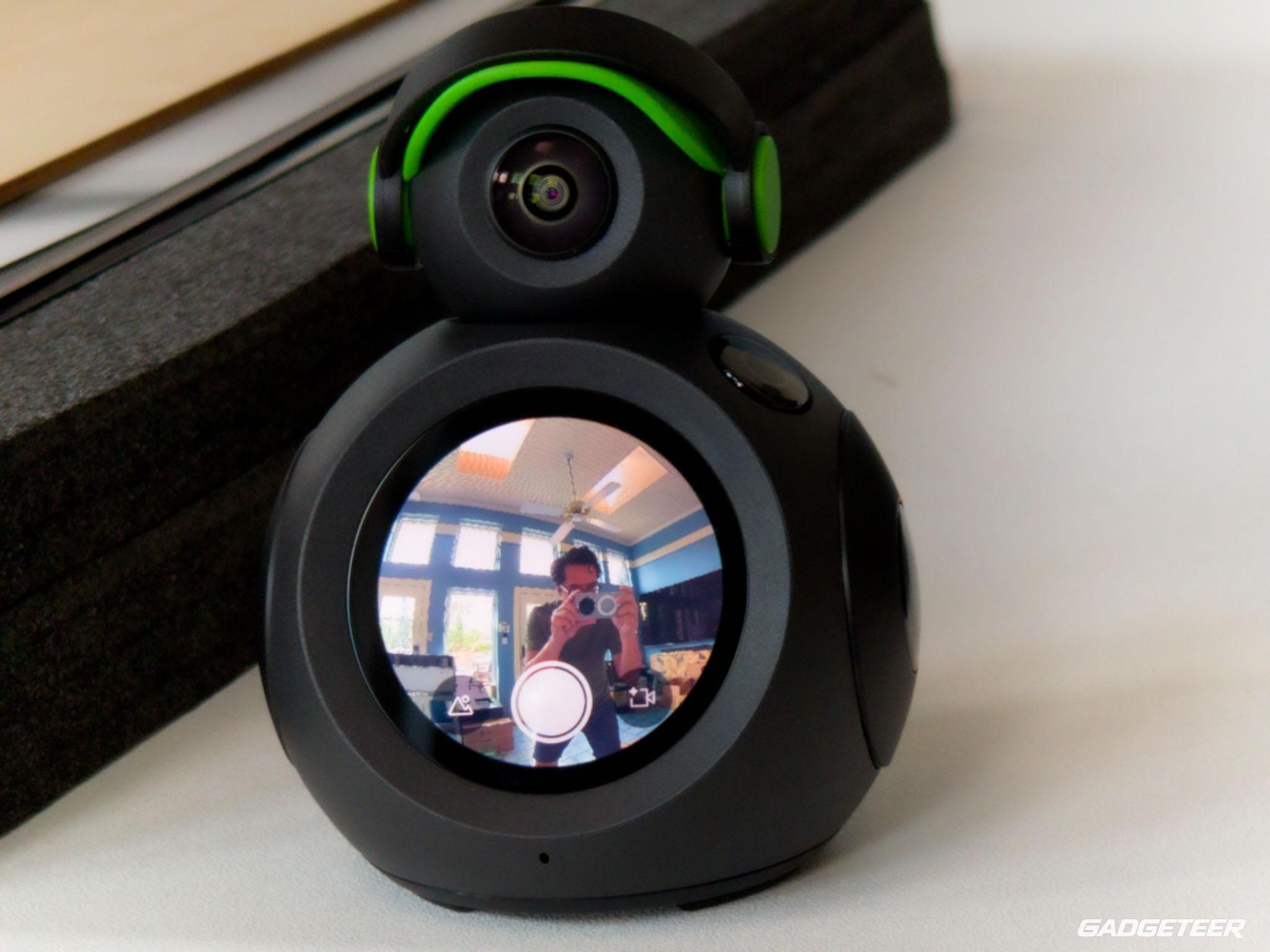
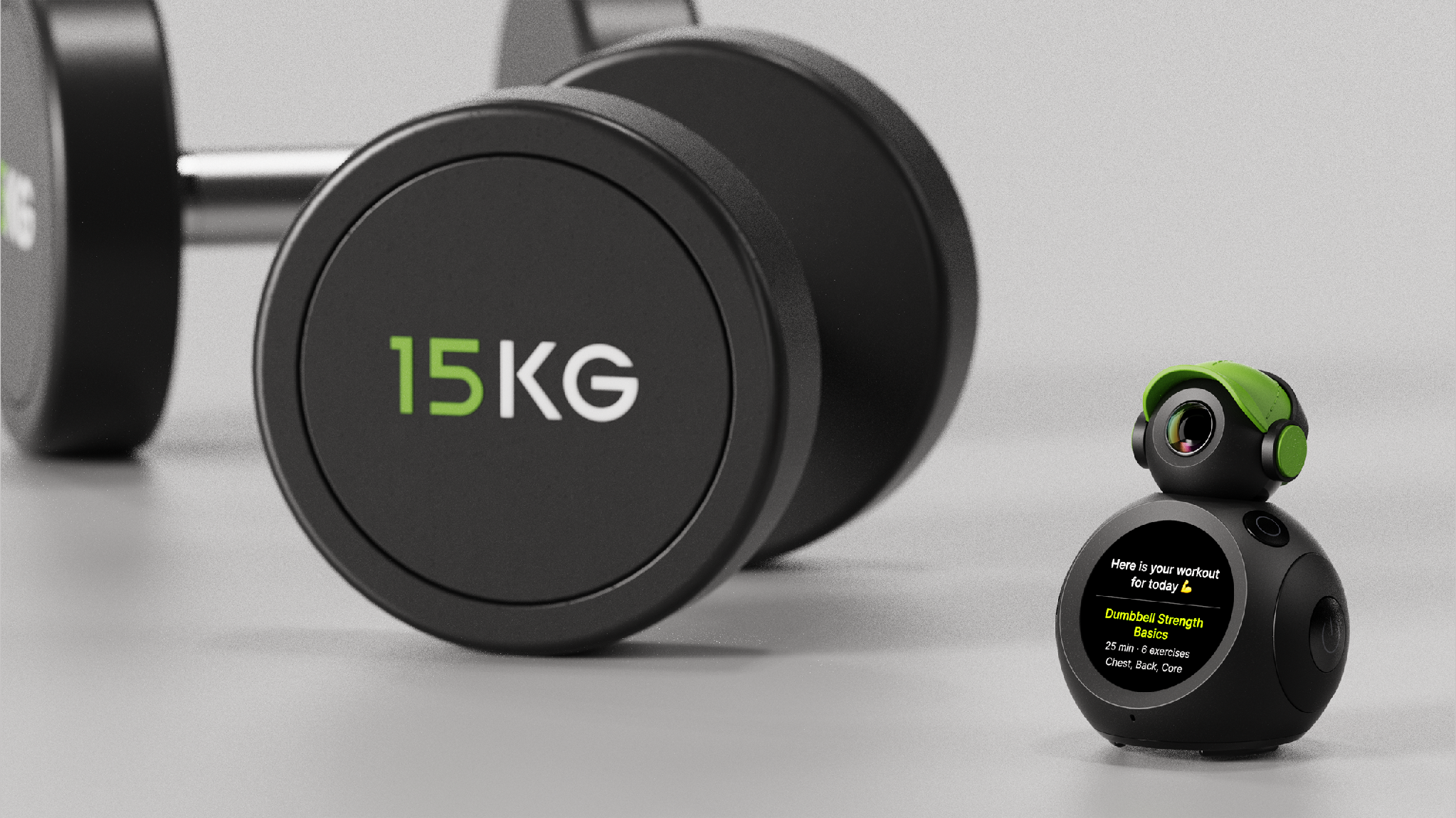
ATOM is rated at approximately 155 grams and 90 × 71 × 60 mm. It has a 1.43-inch round AMOLED screen, speaker, microphone, USB-C charging, microSD slot and physical camera cover.
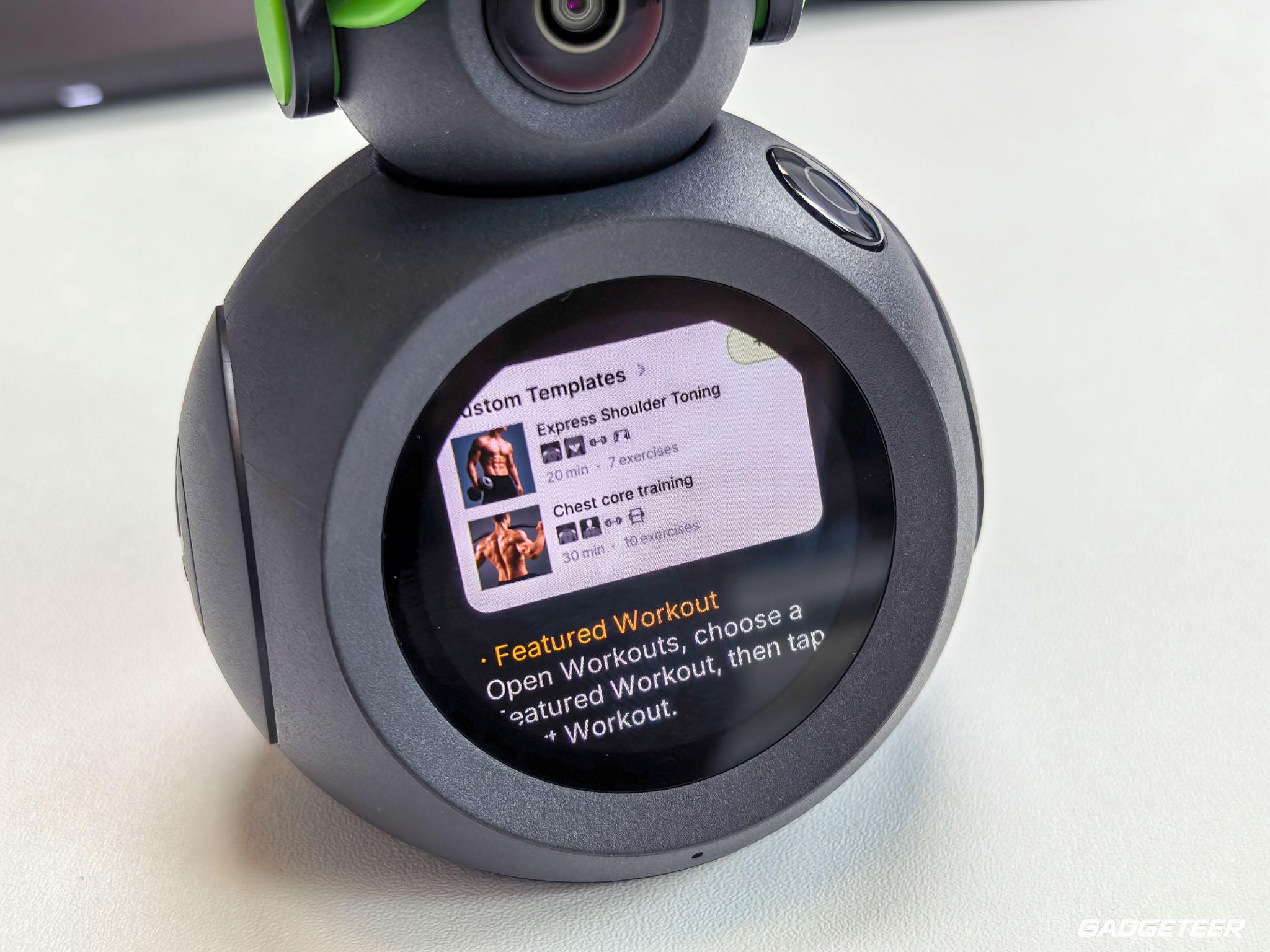
The display on my ATOM is clear and crisp. Setup menus and status messages appear on the device itself. ATOM also supports TV casting, subject to the receiving display’s compatibility.
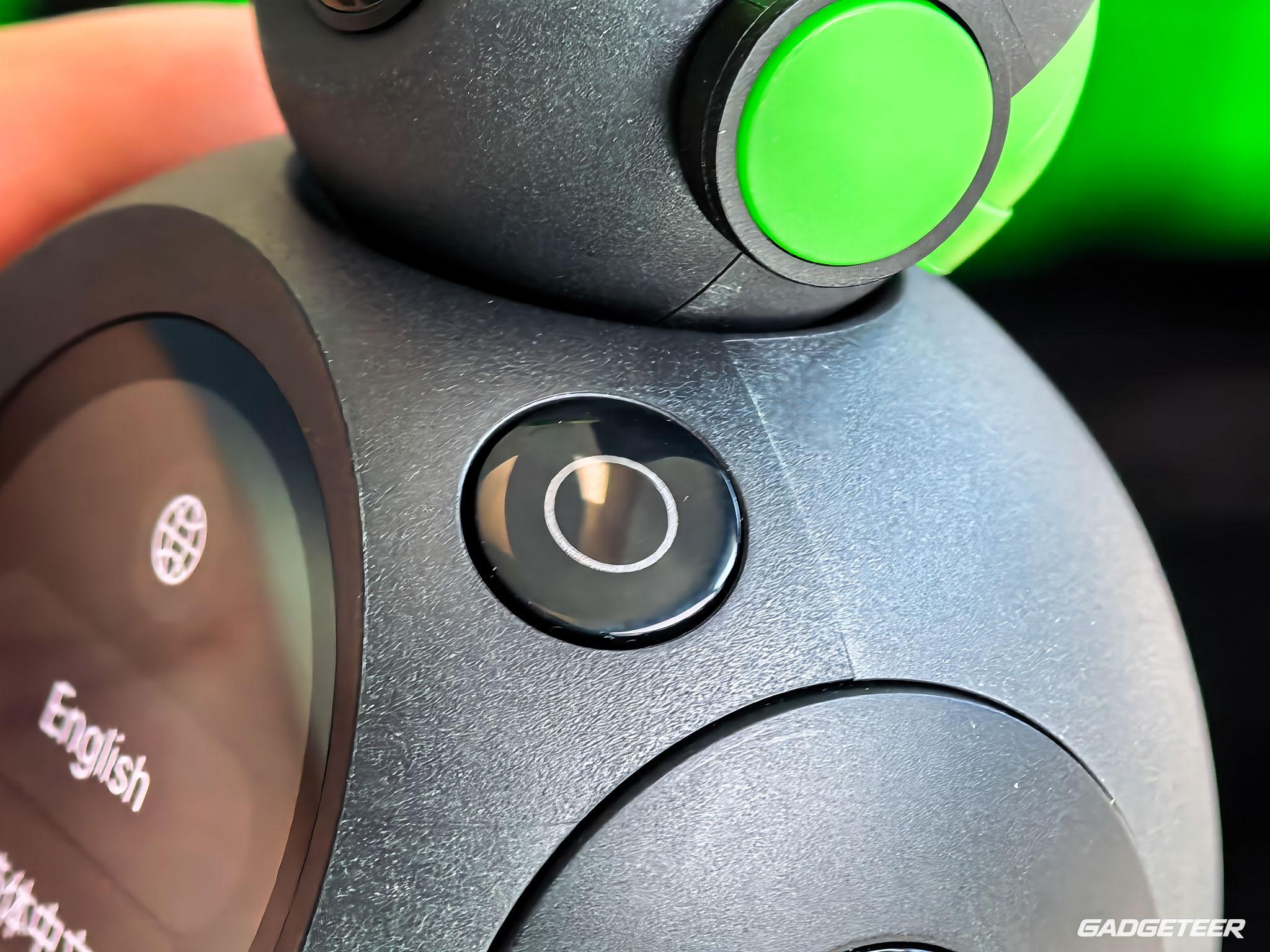
The Power and Action buttons provide shortcuts for the screen, app list and volume. Pressing both together takes a screenshot.
Camera placement is part of the setup
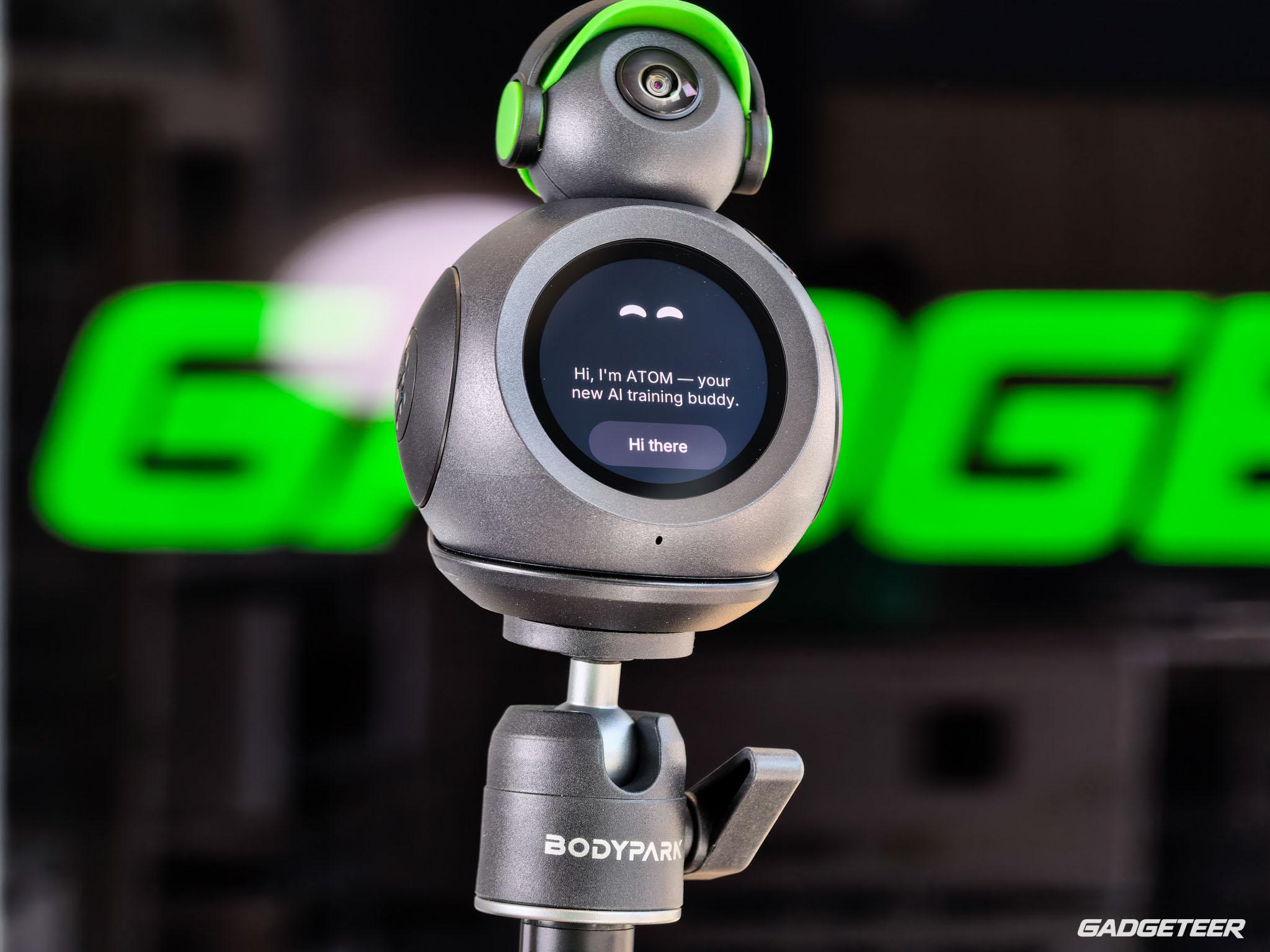
The camera has a rated tilt range of 5 to 40 degrees. Standing and floor exercises may need different positioning to keep the full movement in view. ATOM is designed to recognize supported exercises across a range of angles and setups. For the best results, use good lighting and keep your body clearly visible to the camera.
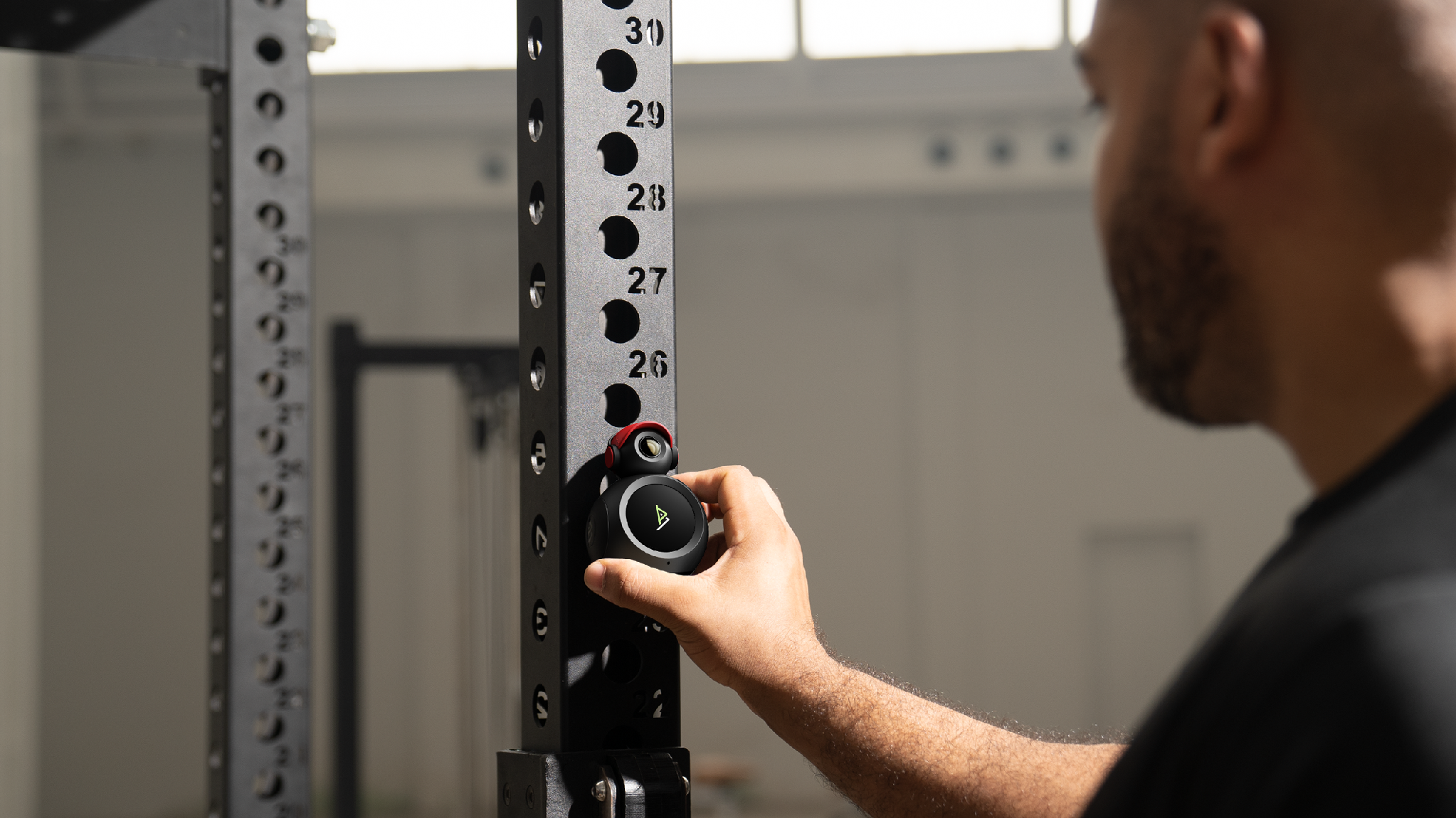
The magnetic mount needs compatible metal equipment. The tripod is an alternative where there isn’t a suitable surface; either needs stable positioning clear of feet and moving weights.
Setup and connectivity
I paired ATOM with my account through the phone app, then connected it to Wi-Fi. My phone and the device both showed a successful pairing.
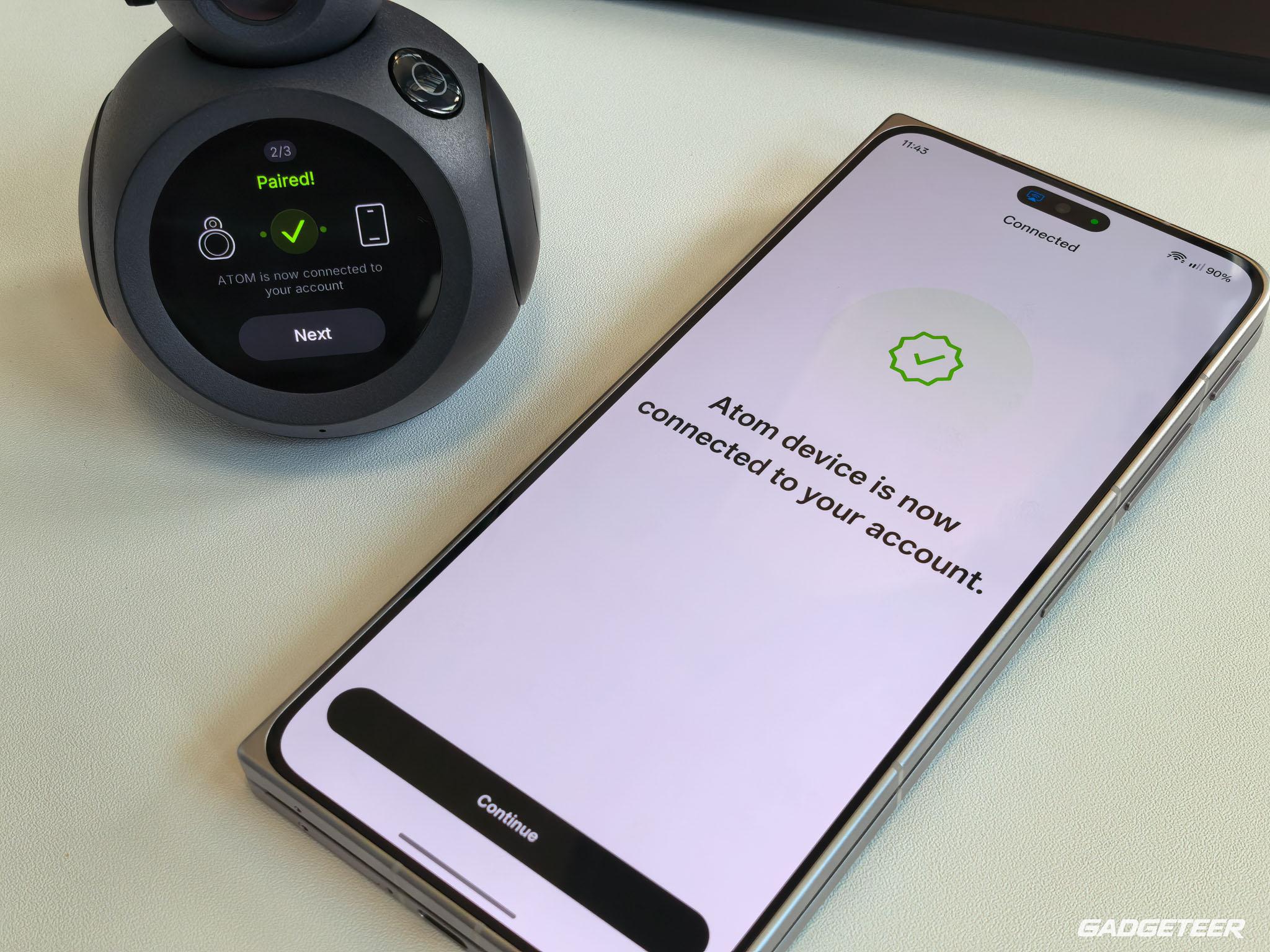
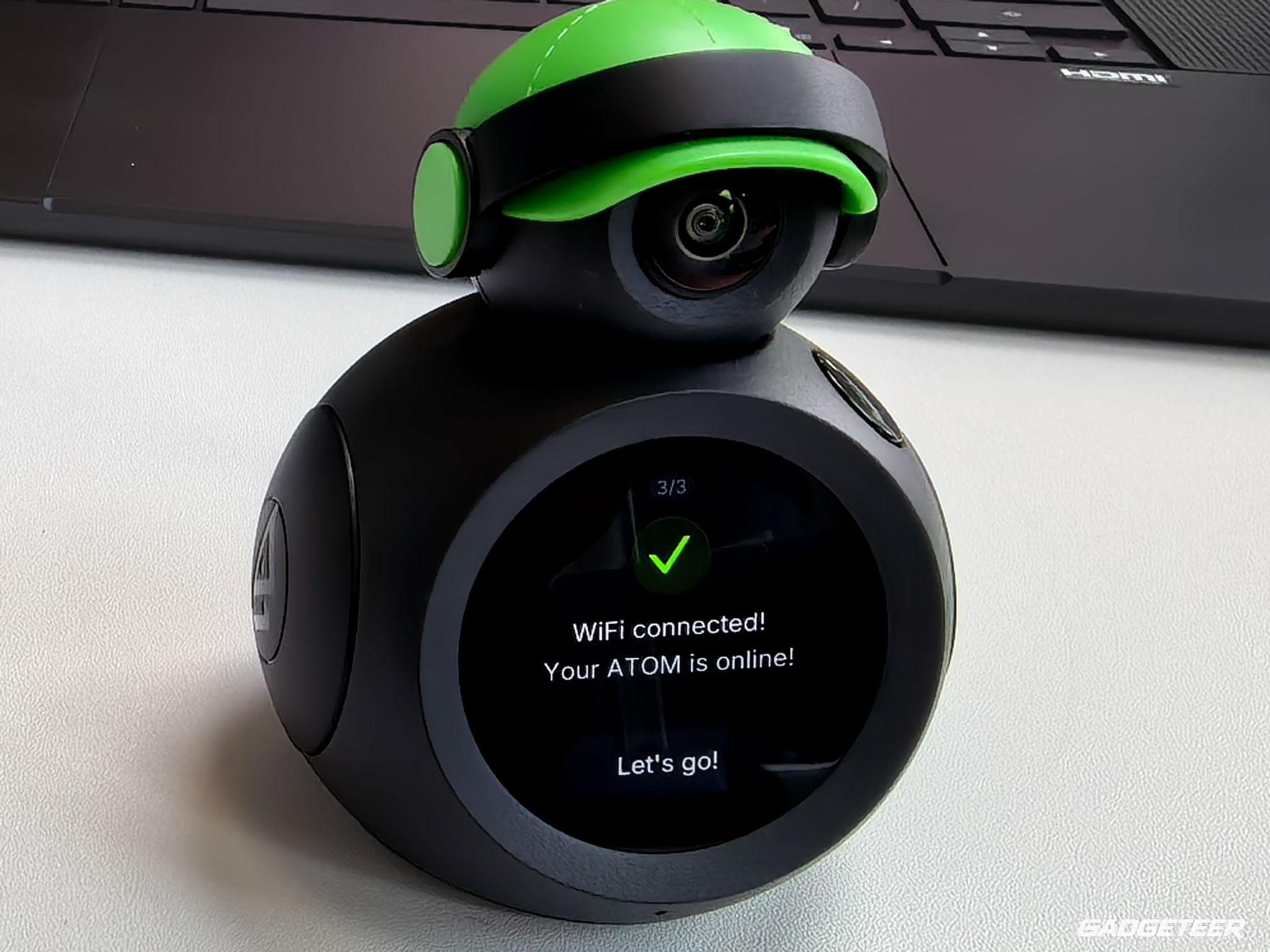
The iPhone app requires iOS 15.6 or later; an Android app is also available.
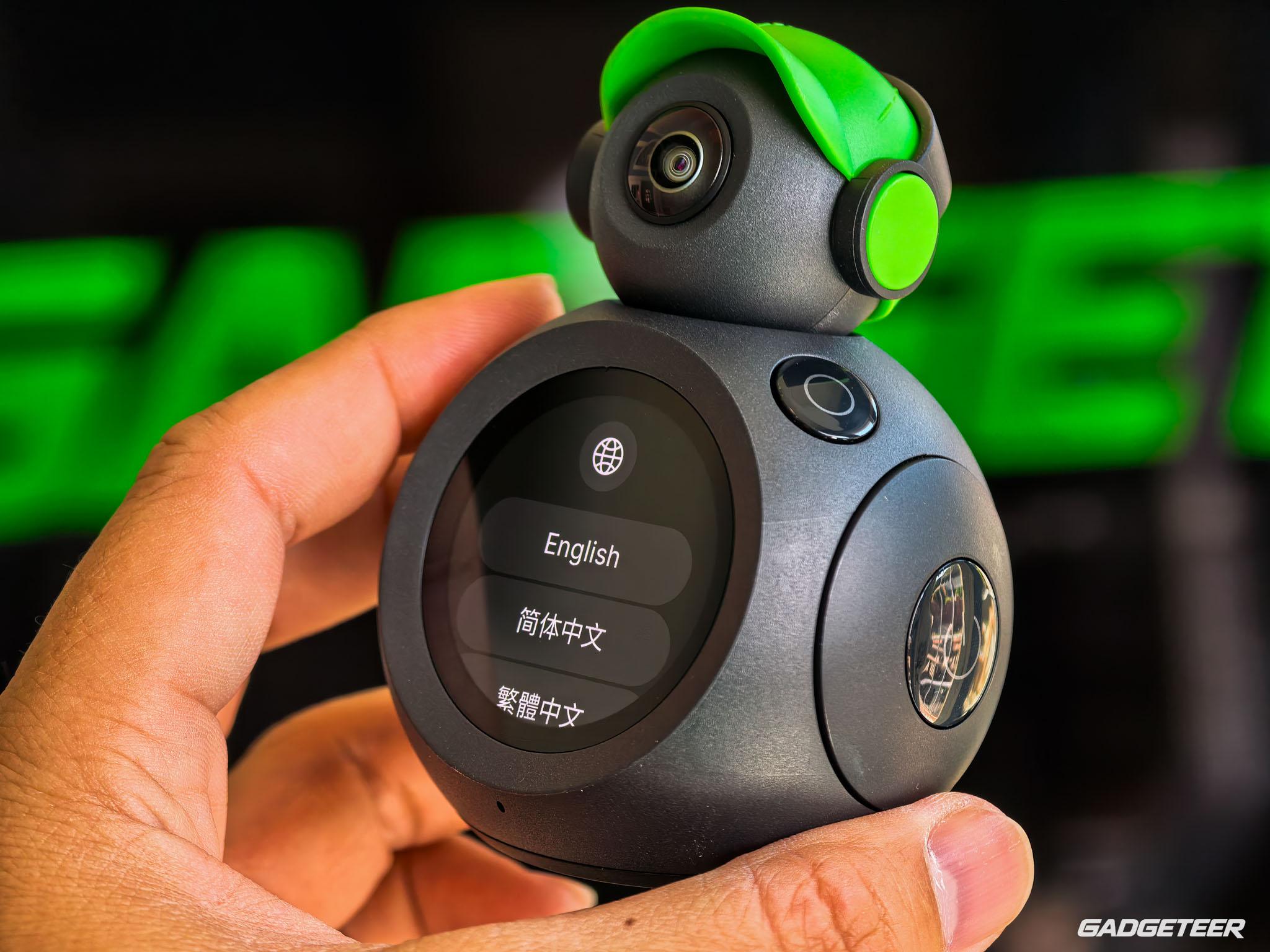
ATOM now supports Wi-Fi 6 and can also connect to a mobile hotspot—so you can stay connected while traveling. Check whether your hotel network requires a browser-based sign-in and confirm compatibility with BodyPark before your trip.
USB-C charging uses a rated 5 V/2 A input, and the supplied manual specifies a 2,000 mAh battery. ATOM is rated for up to seven hours of continuous AI training on a charge. It’s intended for indoor use and needs protection from rain and splashes.
Price and membership
ATOM is $239 for the Stand Alone package or $299 for the Performance Kit, direct from BodyPark with free shipping and 30-day returns. The $239 Stand Alone package is the device on its own with two months of Pro, while the $299 Performance Kit adds four accessories and 13 months of Pro. That’s $60 more for the accessories and 11 extra months of Pro.
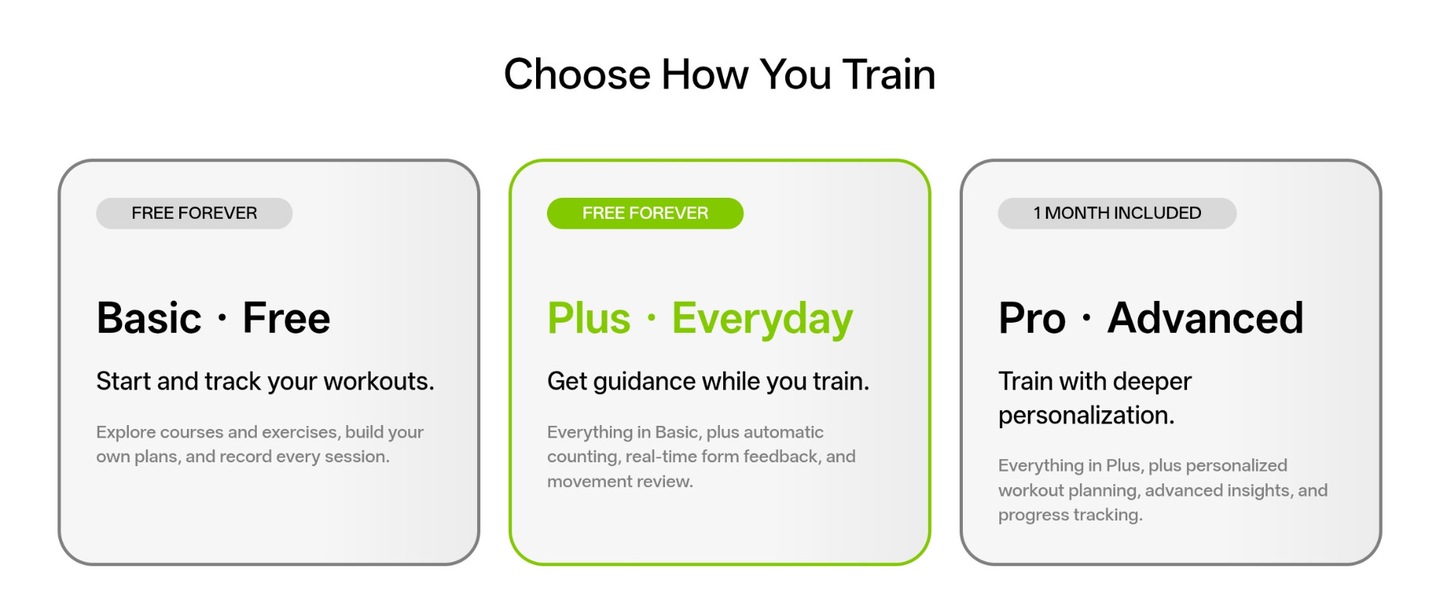
The membership tiers are where ATOM’s value really shows. Basic is free and covers browsing exercises and courses, building your own plans and recording workouts. Plus comes with ATOM for life, and it’s the tier that adds automatic rep counting, real-time form feedback and movement review, plus personalized adaptive plans built for everyday planning, so the core of what ATOM does carries no monthly fee. Pro is the deeper tier, and its key benefits are advanced analysis, more AI coaching time and additional storage. Family accounts are also planned for a future update.
BodyPark releases OTA updates every week, continuously optimizing the product, adding new features, and improving the overall user experience over time.
Check BodyPark ATOM’s current packages.
The camera cover is only one privacy control
The physical cover blocks the camera lens. The microphone is used only for voice-assistant interactions; workouts and video recordings don’t capture audio.
The current app’s release notes describe Cloud Video and batch deletion of cloud workout videos. BodyPark’s privacy policy also describes workout-video cloud storage and uploading AI interaction requests to a cloud server. This is a connected service, so local-only processing is the wrong assumption.
Check camera and microphone permissions and storage settings before recording. A physical lens cover isn’t a substitute for those controls.
Final thoughts
ATOM fits the way I’m exercising right now: at home, choosing movements around a busy day. Its detailed exercise pages give me a place to start, spoken feedback has been useful during my sessions, and the logs keep the exercises together afterward. That combination is more useful to me than committing to a multiweek schedule I’m not ready to follow. Included Plus covers rep counting, form feedback and personalized adaptive plans without a recurring membership fee. Pro adds deeper analysis, more AI coaching time and extra storage. Weigh that against how you actually work out.
BodyPark ATOM
Price: $239 (Stand Alone), $299 (Performance Kit)
Where to buy: BodyPark