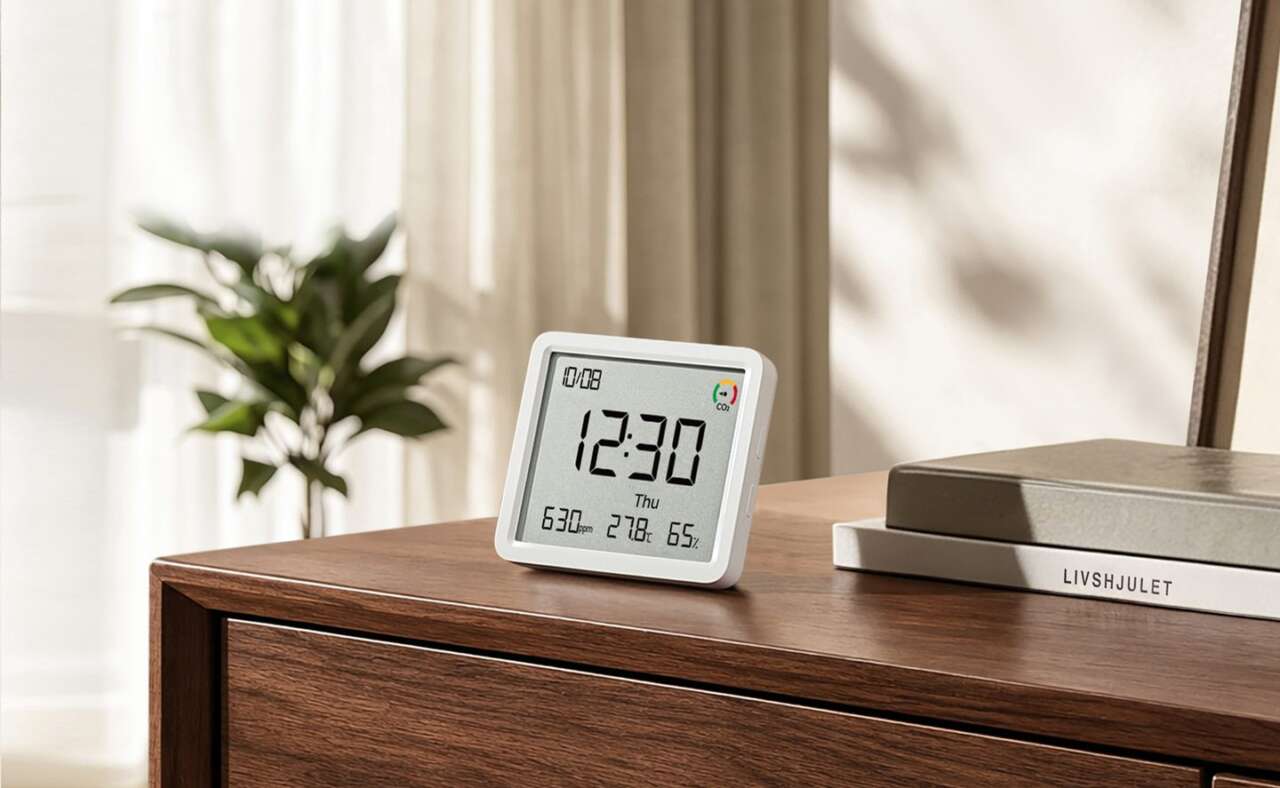
The Mijia Monitor 3 Pro adds CO2 tracking to the temperature and humidity readings offered by its smaller siblings. Its compact white housing keeps the look simple, while a color-coded indicator makes rising CO2 levels easy to spot at a glance.
You don’t have to wait for those three readings. SwitchBot’s Meter Pro CO2 tracks the same three readings on one screen, and Amazon lists it at $49.69 today, down from $69.99.
Alternative available now: SwitchBot Meter Pro CO2
Price: $49.69 (save $20.30, 29% off)
Where to Buy: Amazon
The Pro is the biggest of the three monitors Xiaomi sells in this line. Only the Pro measures CO2. Its screen measures 3.6 inches, ahead of the Monitor 3 at 3.2 inches and the Monitor 3 Mini at 2.1 inches. Its bezels measure 6.5mm, slimmer than the Monitor 3 and wider than the Mini, and the bigger panel gives every reading room to breathe on a shelf or a wall.
CO2 gets a color band, not just a number
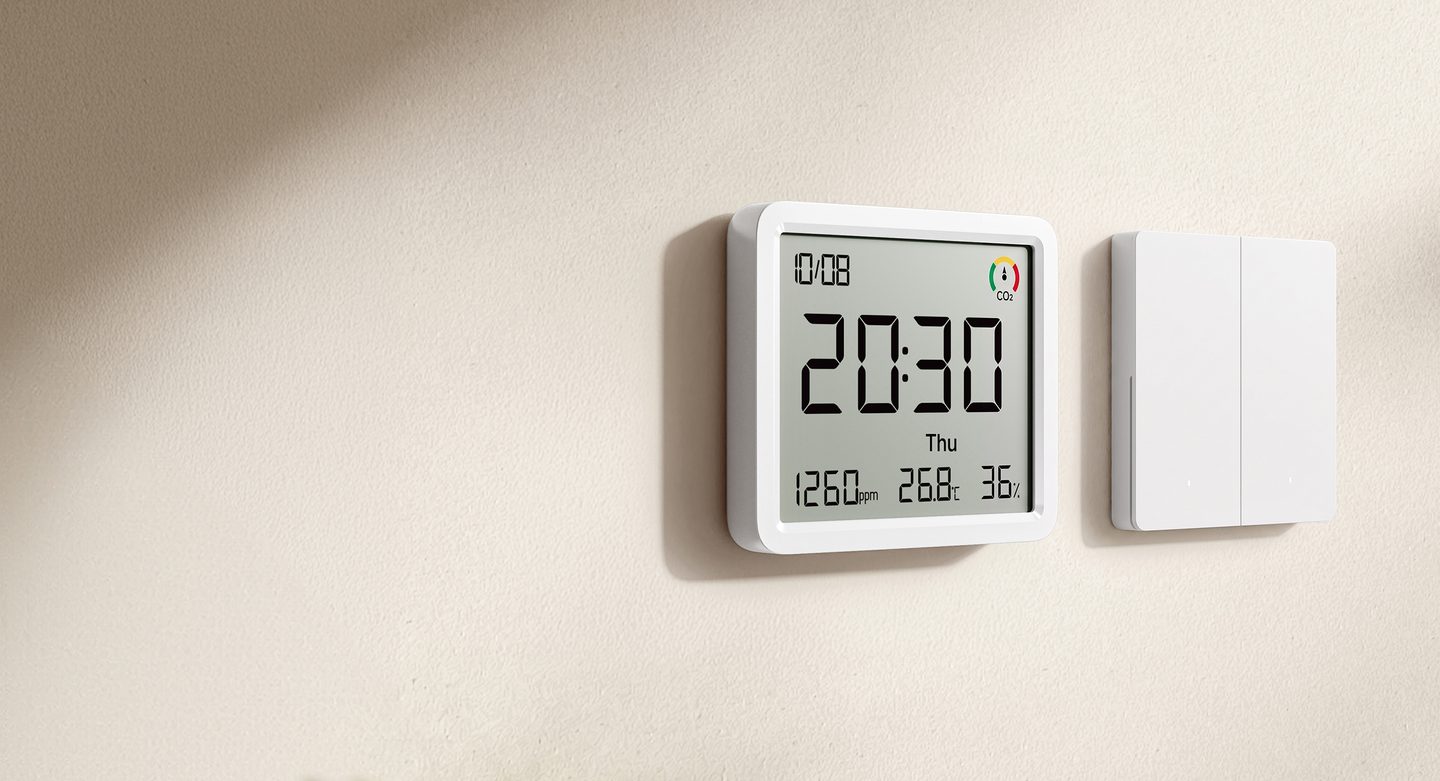
A low-power Sensirion sensor measures CO2 using thermal conductivity. Xiaomi lists a CO2 resolution of 1 ppm, though that figure describes the readout’s increments rather than its accuracy or response speed. The color indicator changes between three concentration bands; its pointer does not move within each band.
The little gauge on the screen does the judging for you in three colors. Red means open windows. Green covers readings at 1,000 ppm and below, yellow runs from above 1,000 to 1,500 ppm, and red starts above 1,500 ppm.
Xiaomi rates it best from 50 to 104 degrees Fahrenheit and 20% to 80% humidity. The maker ties high CO2 to afternoon drowsiness and lost focus, its stated reason for watching the number at home.
Long stretches in stale air can throw the self-calibration off, Xiaomi warns in its notes for the sensor. Fresh air fixes it. Take the monitor outside for about twenty minutes and let it sit in open air. If the readings still look off after that, the Xiaomi Home app walks you through an outdoor CO2 calibration step by step.
Six readings share one big screen
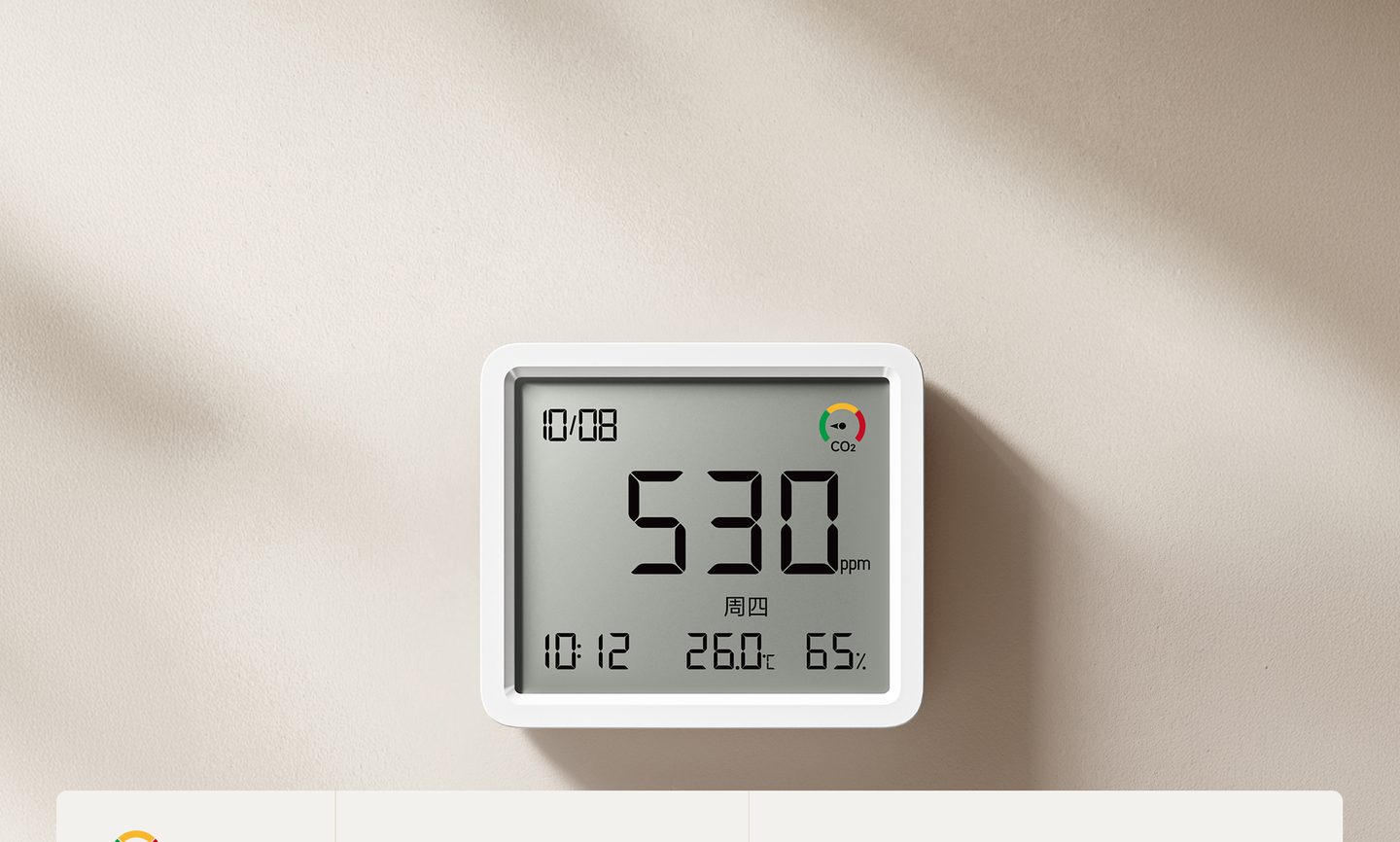
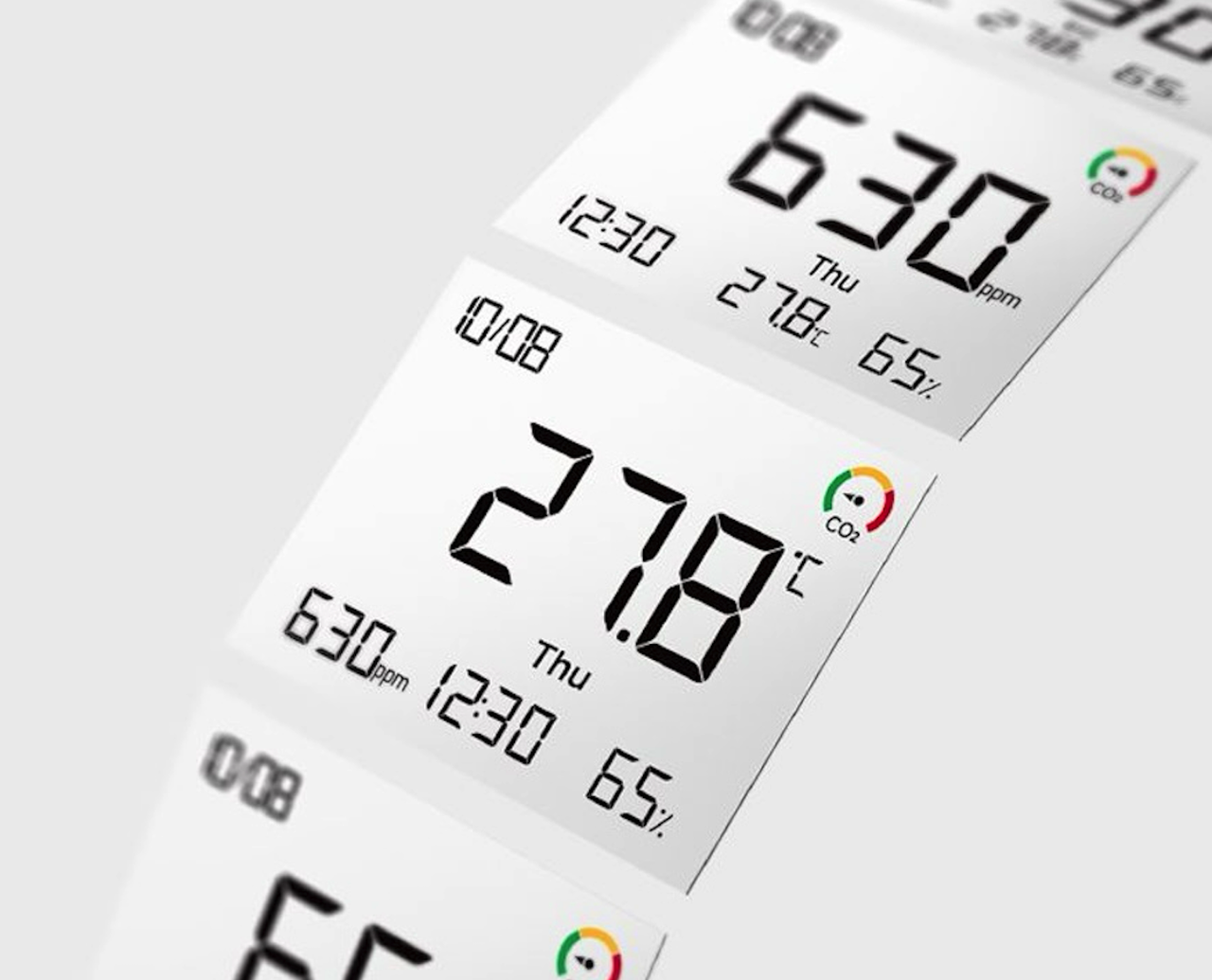
Date, day, time, temperature, humidity and CO2 sit on one screen at once. No app dive required. The larger display area and narrower bezels make the numbers easier to read from a distance.
A button on the upper right corner of the case cycles the main readout through four modes. One press swaps modes. Time leads by default, then CO2, humidity and temperature take turns in the big digits, one at a time. Temperature resolves to 0.1 degrees and humidity to a single percentage point across ranges of 32 to 140 degrees Fahrenheit and 0% to 99% humidity, so small shifts still register.
Thresholds can start your heater or humidifier
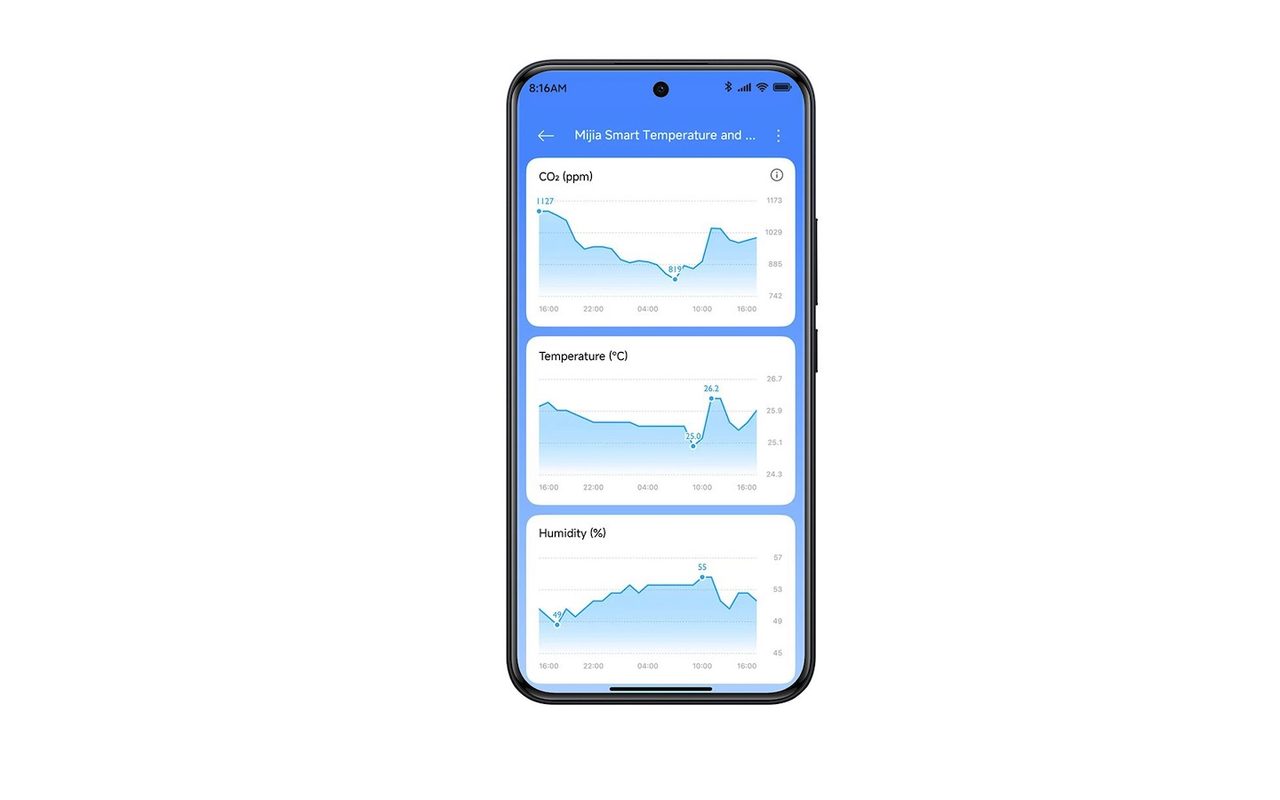
With a Bluetooth Mesh gateway in the mix, the Pro joins Xiaomi HyperOS Connect. You set thresholds in the Xiaomi Home app. Cross a line, and a connected heater or humidifier starts on its own.
Trends get easy reading. The app draws graphs for the three readings, and the monitor stores three months of data and six months in the cloud.
A magnet, a stand and one coin cell
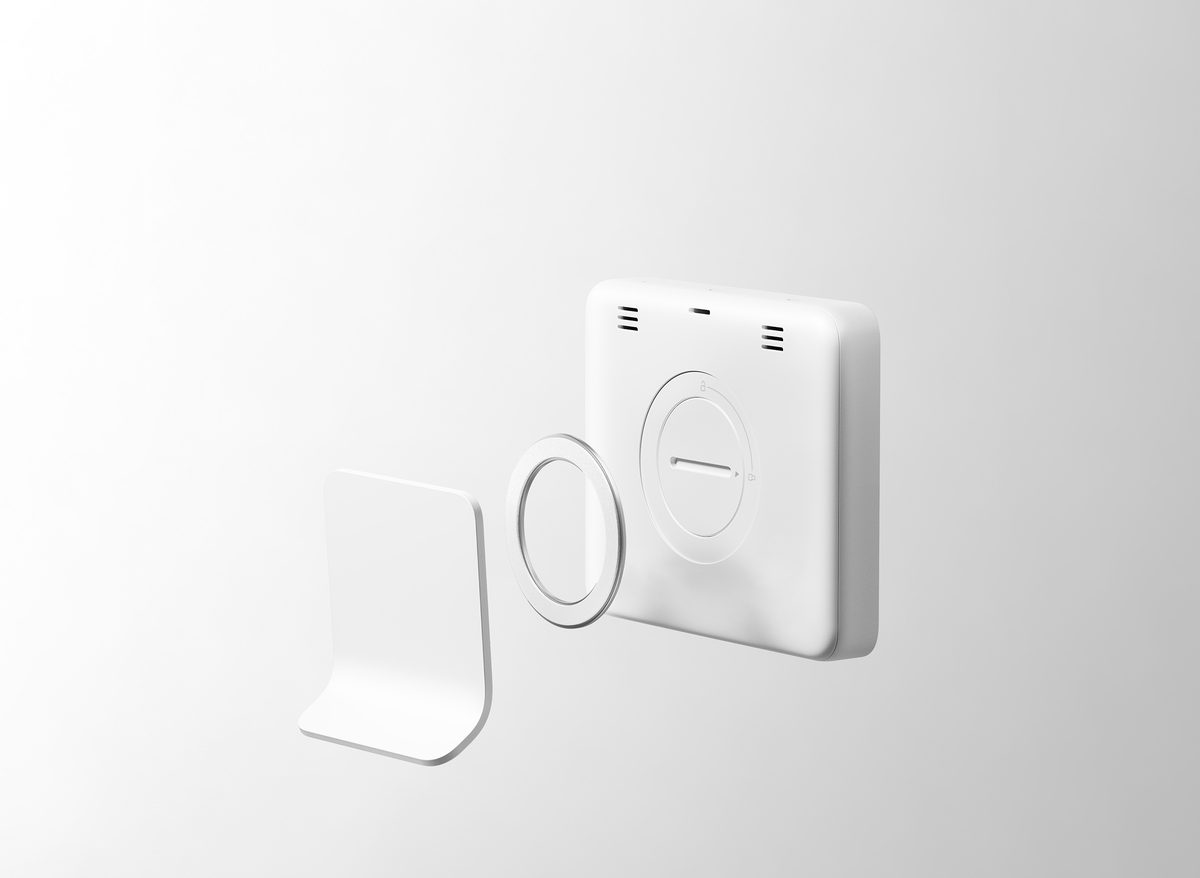
A metal ring sticks to the stand or the wall, and the built-in magnet holds the monitor against it for tabletop or mounted use. Vents ring the case. A tab on the stand pops the battery cover open. The ring sticks, the magnet clicks, and the screen faces the room.
The case is ABS, and Xiaomi warns against covering the convection vents, since blocked vents slow the sensor’s response to changing air. It isn’t waterproof and it isn’t a measuring instrument, Xiaomi says, so treat its numbers as home guidance. Xiaomi also warns against high-humidity spots, since the case isn’t sealed against water.
One CR2450 coin cell runs the monitor for about a year at factory settings without the app connected, Xiaomi says. Budget for the battery. New CO2 readings need about 24 hours to settle after first power-up, Xiaomi notes. The battery isn’t in the box, so your first setup starts with a separate purchase.
Price: TBD
Where to Buy: Xiaomi
The Monitor 3 Pro looks most relevant to households already using compatible Xiaomi smart-home devices, particularly those who want CO2 readings alongside temperature and humidity. Xiaomi’s global page does not yet list pricing or a release date. The SwitchBot Meter Pro CO2 is a separate alternative to consider if you need a monitor sooner.