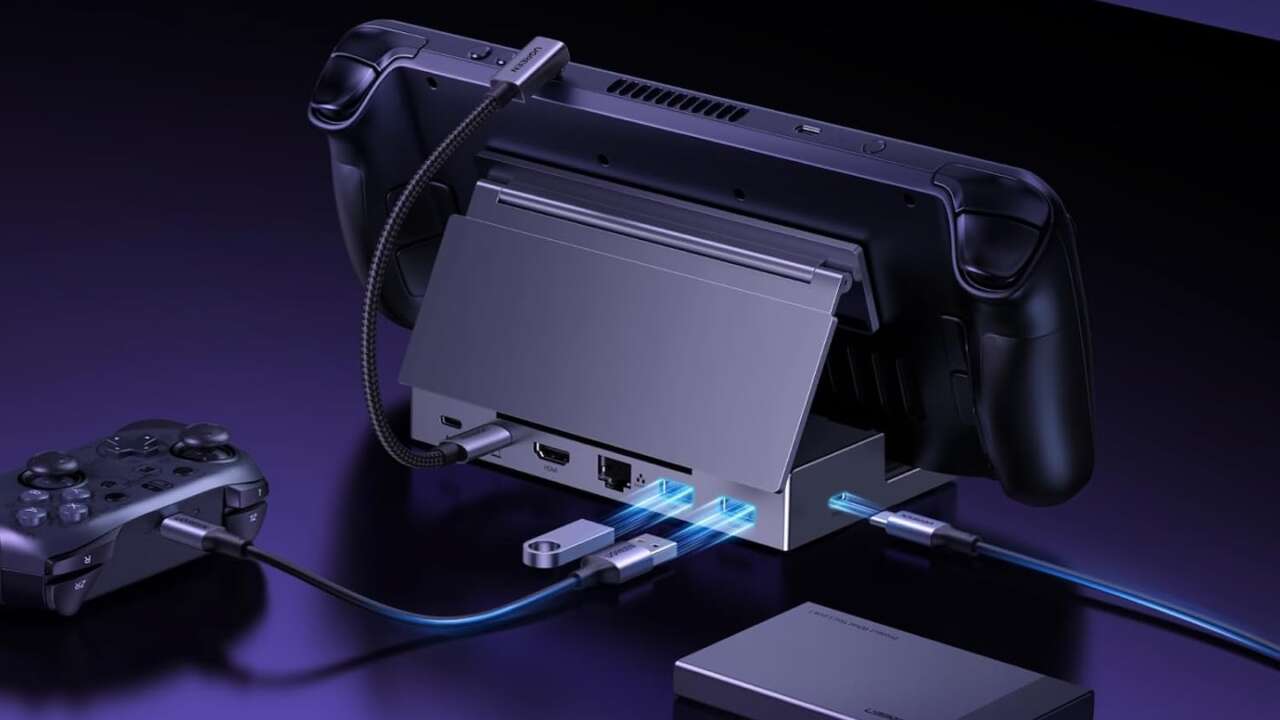
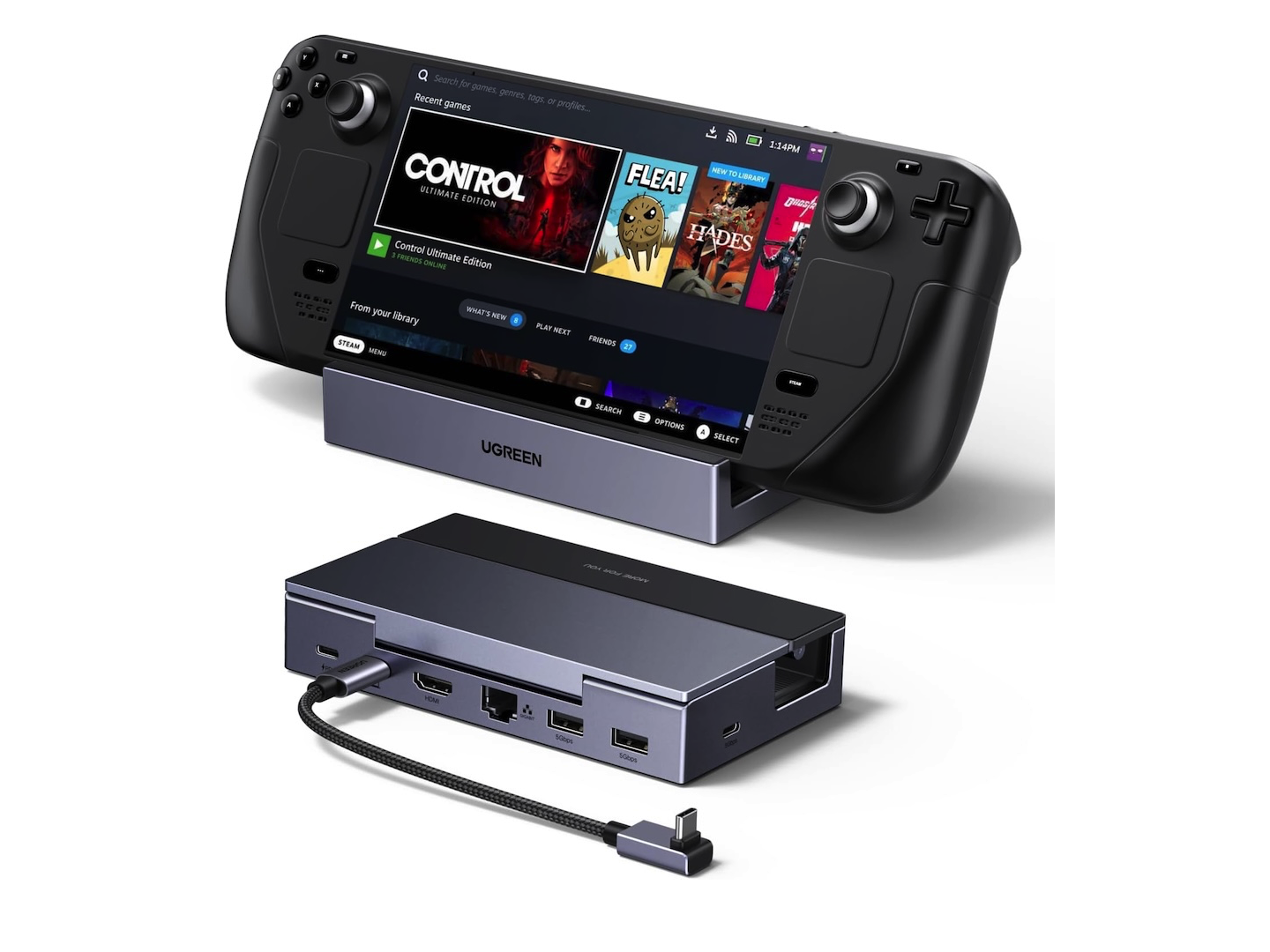
A Steam Deck can work well as a handheld and as a small desktop or living-room PC, but switching between those uses usually requires a stand, HDMI adapter, charger, Ethernet cable, and USB hub. The UGREEN Steam Deck Dock 6-in-1 combines a stand, HDMI output, Ethernet, USB ports, and charging passthrough in one foldable accessory. You still need an external USB-C PD charger and the cables for your display and network.
UGREEN Steam Deck Dock 6-in-1, 4K@120Hz HDMI 2.1
Price: $35.99 (From $45.99)
Where to Buy: Amazon
It provides an HDMI 2.1 port, Gigabit Ethernet, two USB-A ports, a USB-C data port, and a USB-C Power Delivery input. The dock is built around the Steam Deck, but UGREEN also lists support for Steam Deck OLED, ROG Ally systems, ROG Xbox Ally models, Legion Go handhelds, MSI Claw devices, and other compatible USB-C hosts.
A dock that also holds the handheld
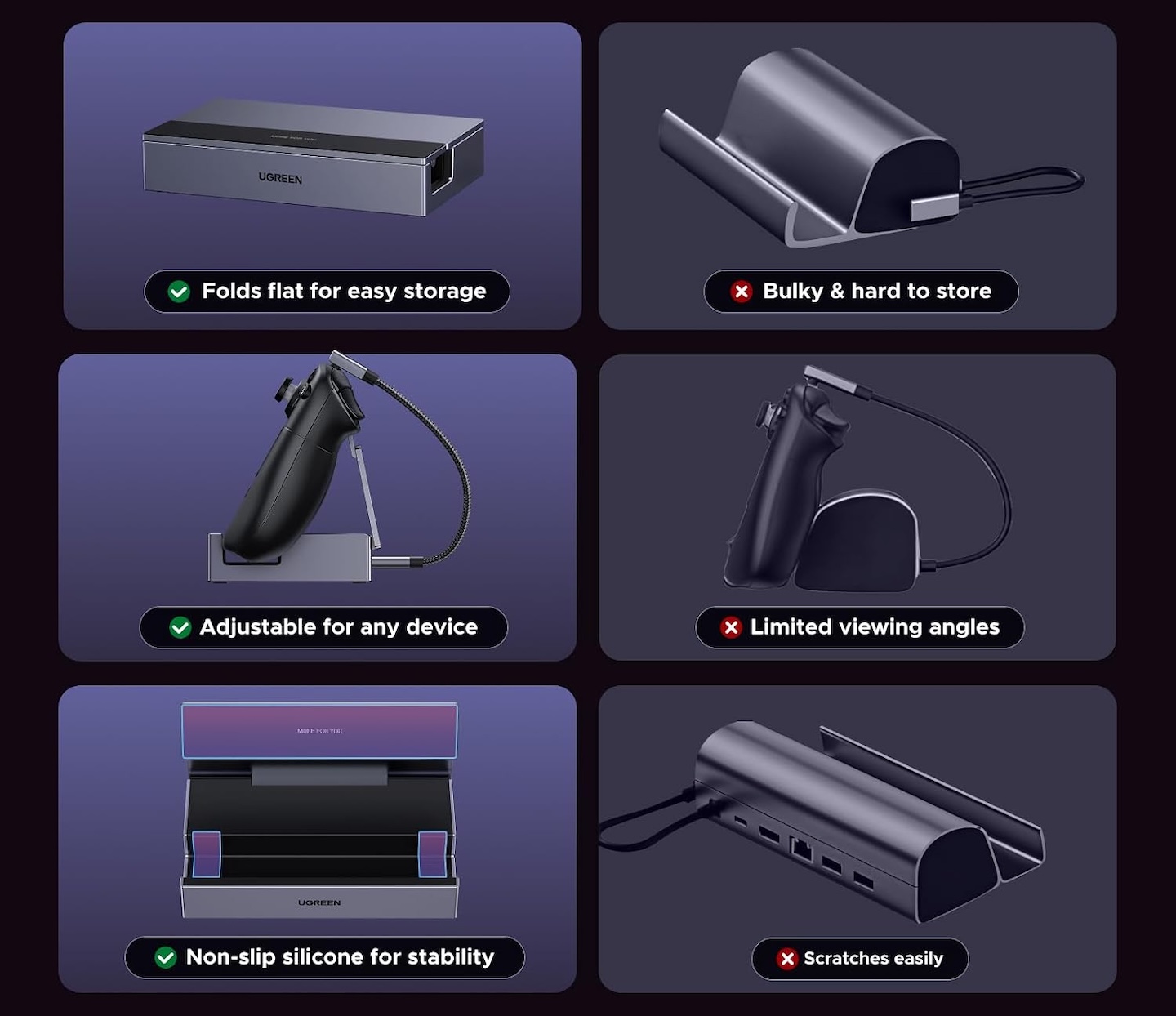
The dock’s aluminum and PC+ABS stand supports the handheld while routing its connections through a single USB-C cable. UGREEN says the stand has two positions, adjusts up to 90 degrees, and folds flat. The 25cm host cable detaches, so it can be packed separately or replaced if damaged.
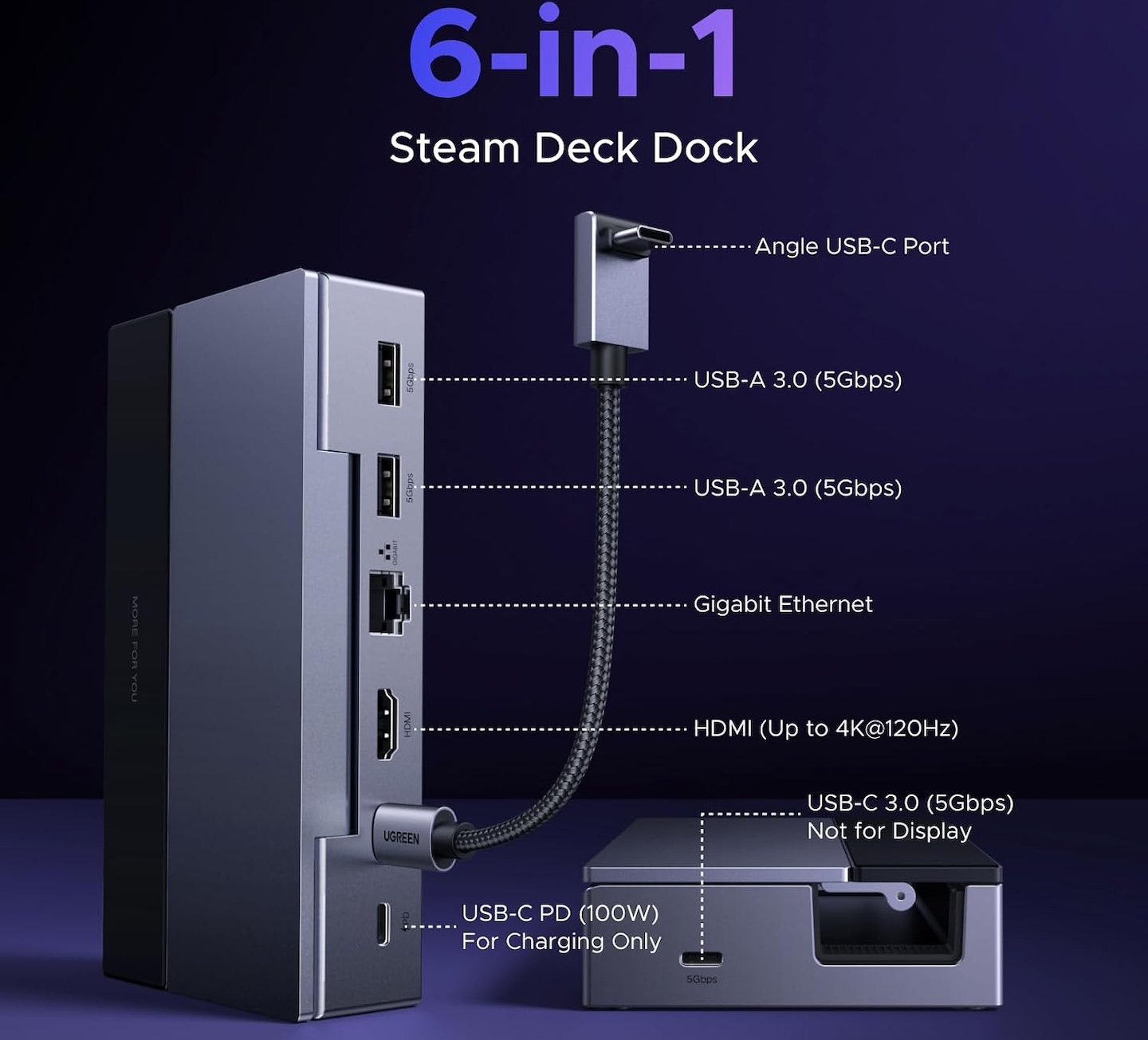
The six connections are straightforward:
- HDMI 2.1 for external video
- Gigabit Ethernet for wired networking
- Two USB-A 5Gbps data ports
- One USB-C 5Gbps data port
- One USB-C PD input for power
That mix is useful for a fixed setup with a display, controller receiver, keyboard, mouse, and external SSD. A separate stand and a small USB-C hub can cover some of the same jobs, but this dock keeps the cables in one location and holds the device at the same time.
The USB-C data port does not support a second monitor. Buyers who need two external displays should use a dock built specifically for multi-display output.
4K at 120Hz is an output limit, not a Steam Deck performance claim
UGREEN lists HDMI 2.1 output up to 4K at 120Hz, with VRR, FreeSync, and G-Sync support for compatible setups. These display features depend on the host, display, software, and connection. The dock expands your display options, while the Steam Deck’s hardware and game settings determine gaming performance.
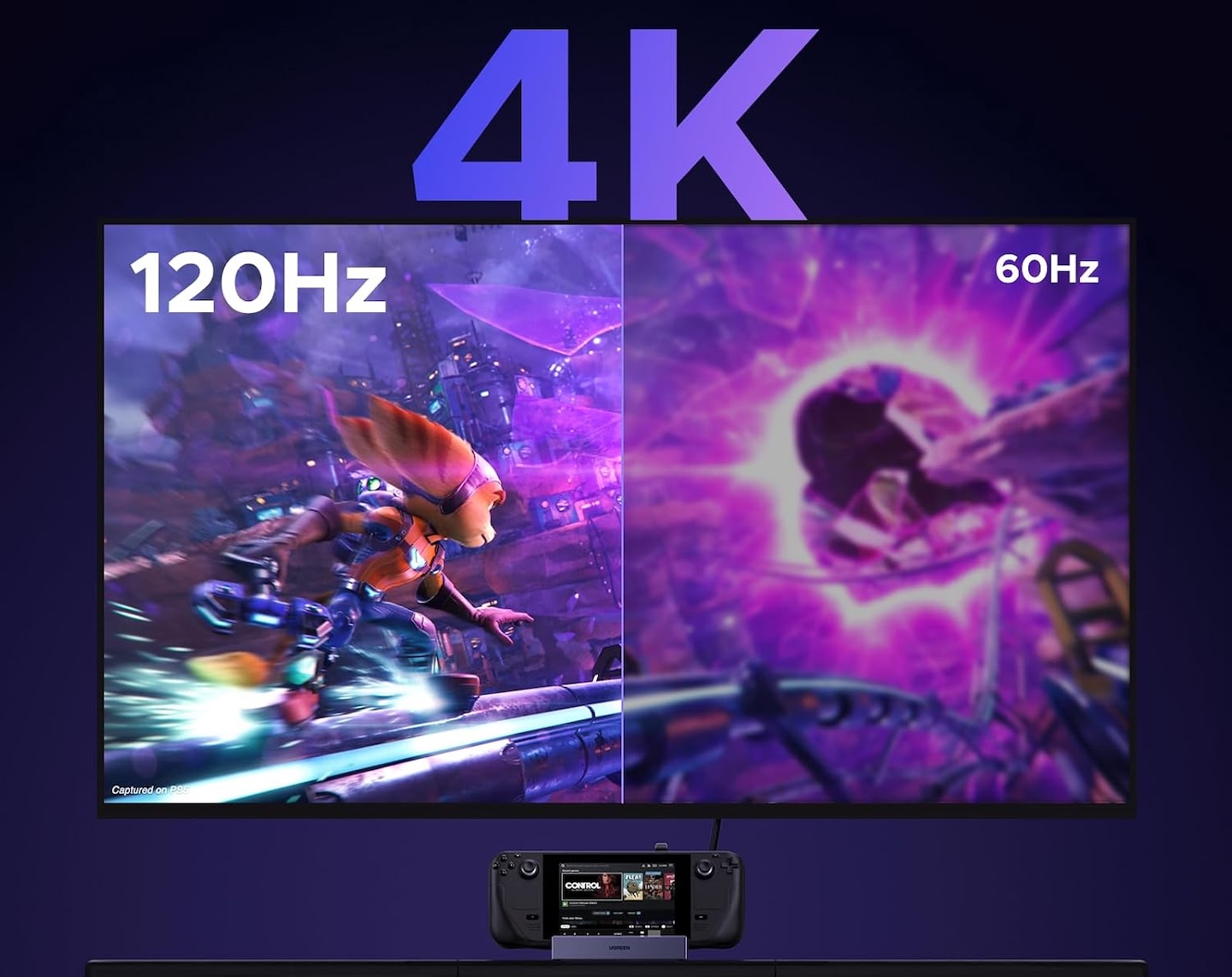
The Steam Deck’s processor, graphics hardware, game settings, and the display itself determine what a game can deliver. Many demanding games will be more practical at lower resolutions or lower settings. The dock’s higher-spec output is more useful for lighter games, older titles, desktop use, media playback, game streaming, and more powerful compatible handhelds.
The rest of the setup also has to match. To use the dock’s advertised 4K120 output, the host, display, HDMI cable, and software settings must all support that mode. A TV limited to 4K60 cannot display a 4K120 signal; the actual output resolution and refresh rate depend on the complete setup. A display that does not support variable refresh rate will not gain that feature because the dock supports it.
Compared with a 4K60-only dock, the higher output ceiling may be useful if your handheld and display support those modes. It gives buyers a wider range of supported display modes without implying that the dock changes the handheld’s graphics performance.
The dock needs a charger to provide power
The UGREEN dock accepts up to 100W of USB-C Power Delivery input and can provide up to 85W to a compatible host. A power adapter and charging cable are not included; the detachable USB-C host cable is included.
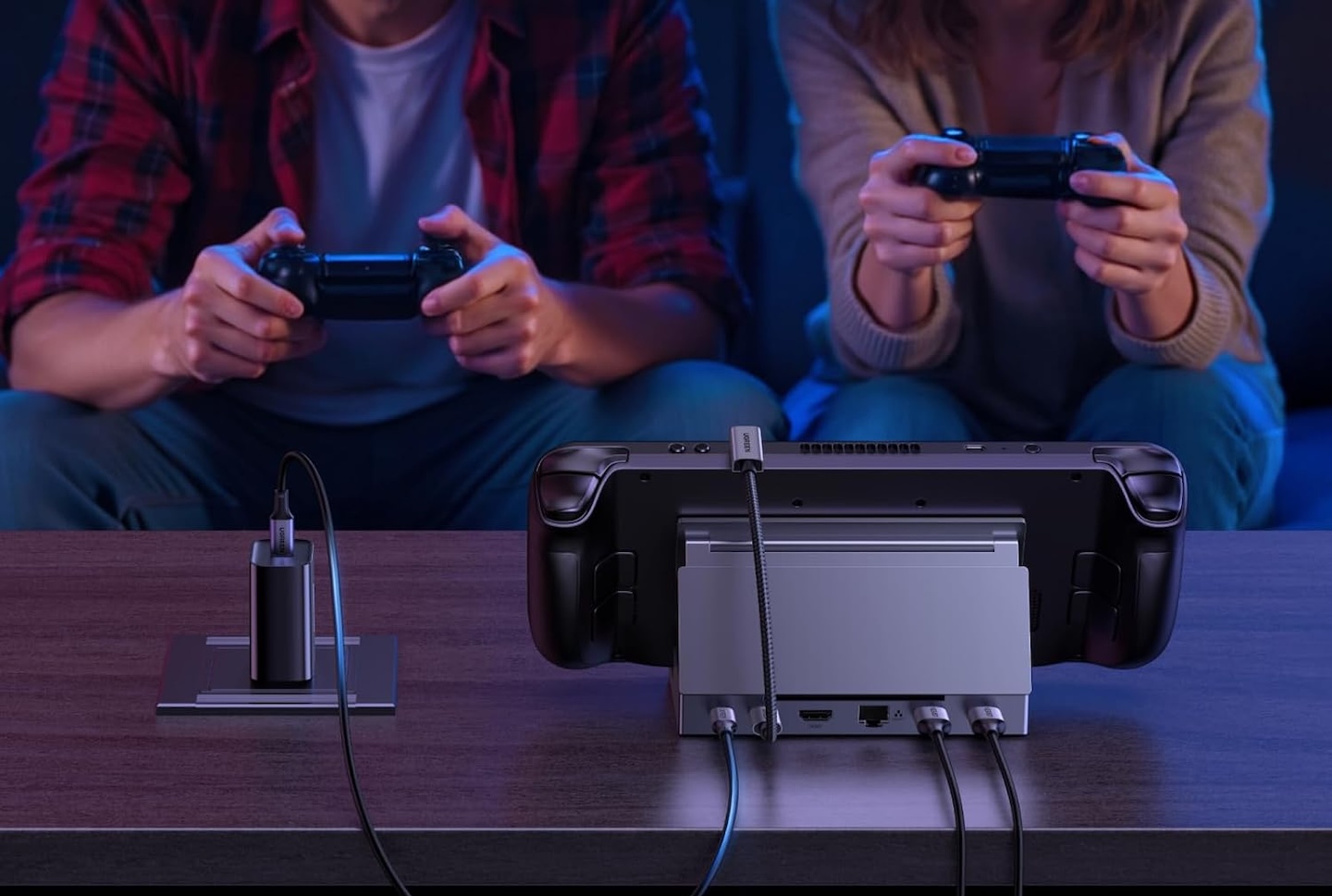
UGREEN specifies a minimum 45W PD charger for Steam Deck LCD and OLED models. UGREEN recommends a 65W PD charger to provide additional headroom when accessories are connected. The handheld still determines how much power it accepts. UGREEN specifies a 100W PD charger for this dock when used with ROG Ally, Ally X, MSI Claw, Legion Go, or Legion Go S systems. This is UGREEN’s dock-specific guidance; charging rates and available performance modes depend on the handheld model and power configuration.
These requirements are more important than the dock’s 100W label. The dock can distribute only the power it receives. Connecting a lower-wattage charger may still power the handheld, but charging can slow down and higher-power performance modes may not be available.
A buyer should check the handheld manufacturer’s charging recommendation before using an existing adapter. That is especially important if the dock will also power USB storage, controllers, or other accessories.
Ethernet and USB ports are the practical reason to buy it
HDMI gets the attention, but the Ethernet and USB connections are what make the dock useful after the first setup. The Gigabit Ethernet port can provide a wired network connection for downloads, local game streaming, and online play. It is rated for up to 1Gbps, although real speeds depend on the router, cabling, internet connection, and network traffic.
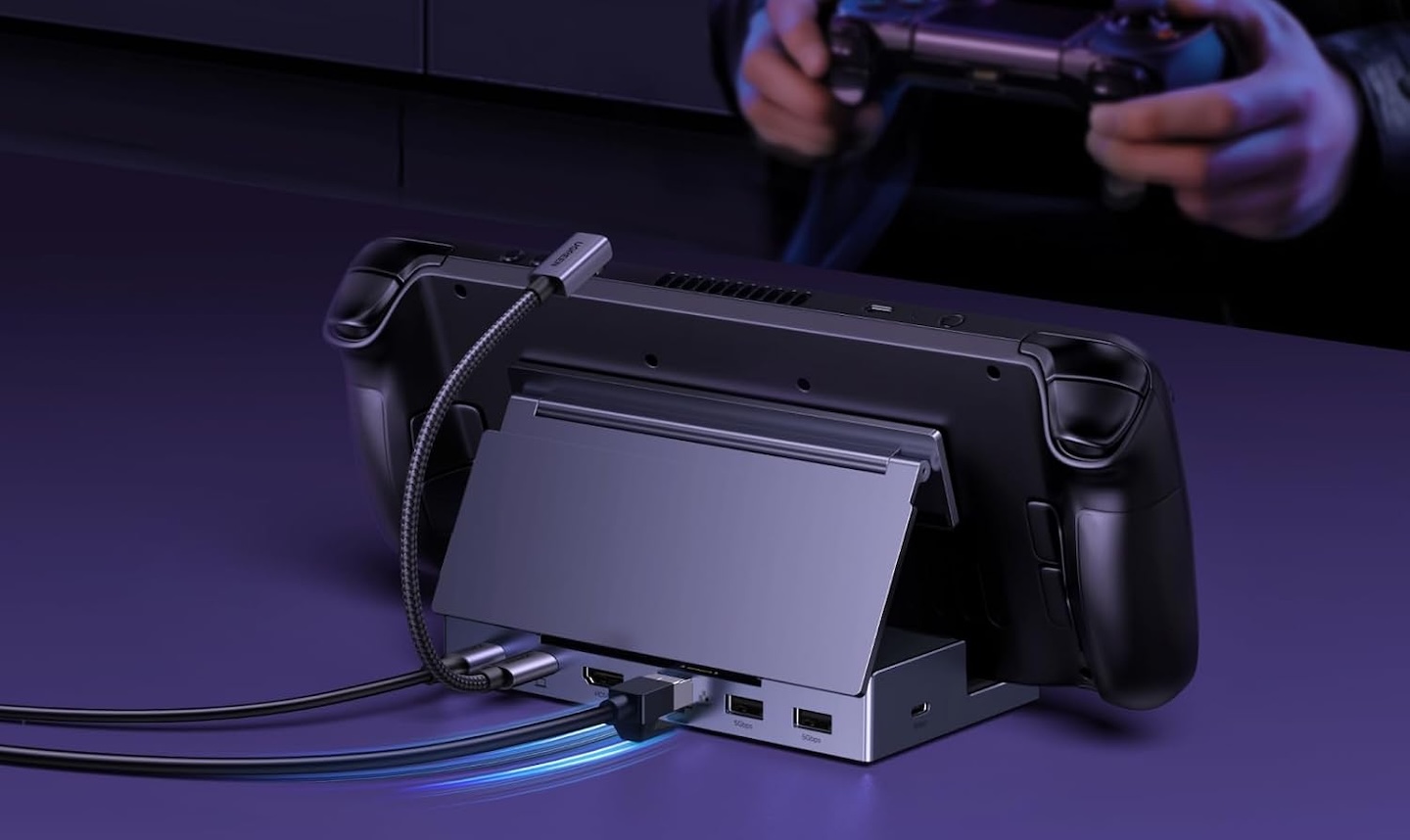
The USB ports support common desk and television accessories. The USB-A ports suit controller receivers, keyboards, mice, and older storage devices. The USB-C data port can connect compatible drives and peripherals at up to 5Gbps.
UGREEN says the dock works with compatible laptops, Macs, PCs, and phones as well as handheld gaming systems. A USB-C device needs video output support to use the HDMI port. The dock is not compatible with Nintendo Switch or Switch 2, so it should not be treated as a replacement for Nintendo’s dock.
Buyer fit
This dock is for Steam Deck and handheld-PC owners who regularly connect to a television or monitor and want Ethernet, USB ports, and charging in the same place. It is most useful with a compatible display, a suitable USB-C charger, and enough peripherals to make a standalone HDMI adapter feel limited.
UGREEN Steam Deck Dock 6-in-1, 4K@120Hz HDMI 2.1
Price: $35.99 (From $45.99)
Where to Buy: Amazon
It is not the right purchase for someone who only needs a basic display adapter or expects the dock to make demanding games run at 4K120. The UGREEN dock improves the connections around the handheld. It does not increase the handheld’s processing or graphics power.