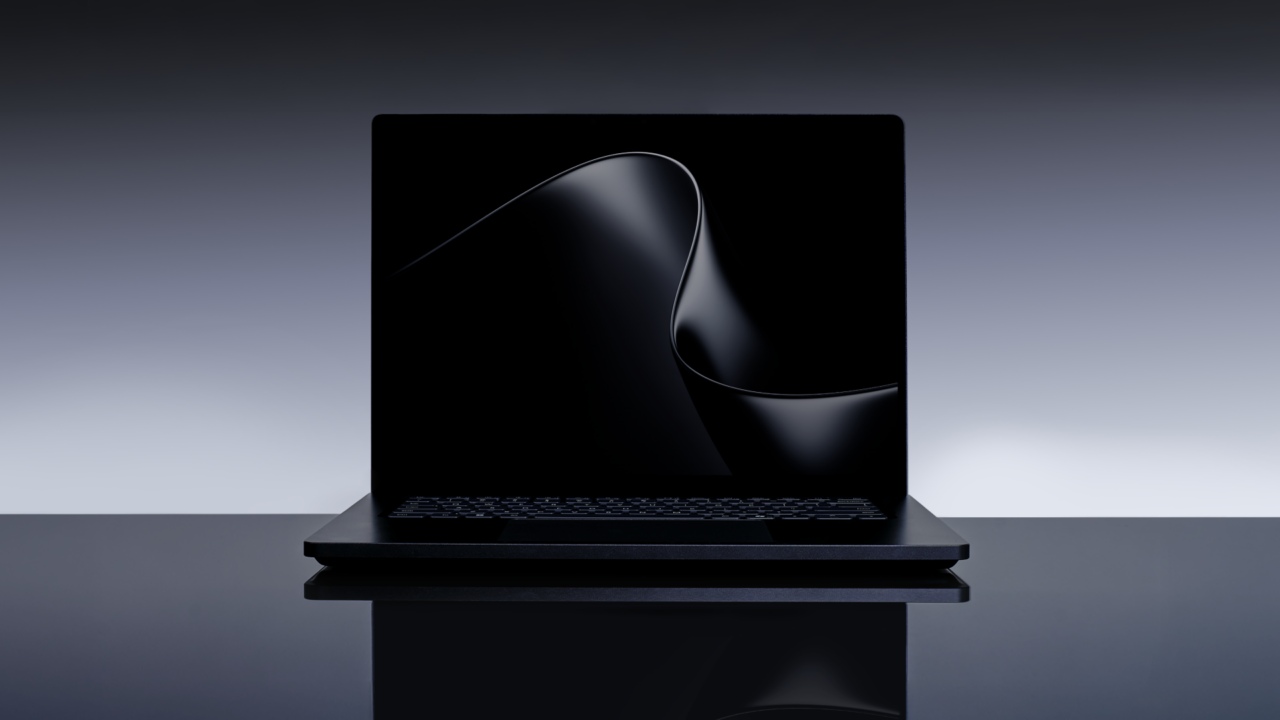
The Surface Laptop Ultra's $2,599.99 starting price makes it look roughly $400 cheaper than a 16-inch MacBook Pro with M5 Pro. Give the Surface the same 1TB of storage, though, and the two are separated by 99 cents. Both have 24GB of unified memory at that point.
A 99-cent difference isn't a reason to rebuild your workflow. Around $3,000 buys two very different ways to do demanding work: Windows on Arm with NVIDIA acceleration, or macOS with Apple's hardware and software stack. Your project, the tools it uses, and how much memory it actually consumes decide the choice.
Preorders for it opened October 7, with availability beginning October 16. Before committing, work through the software and configuration choices below. They'll narrow the decision more effectively than a list of maximum GPU specifications.
Match the configuration before comparing the price
At Microsoft's U.S. store, the $2,599.99 Surface has an 18-core CPU, 5,120-core GPU, 24GB of unified memory and a 512GB SSD. Moving to a 1TB SSD brings that configuration to $2,999.99.
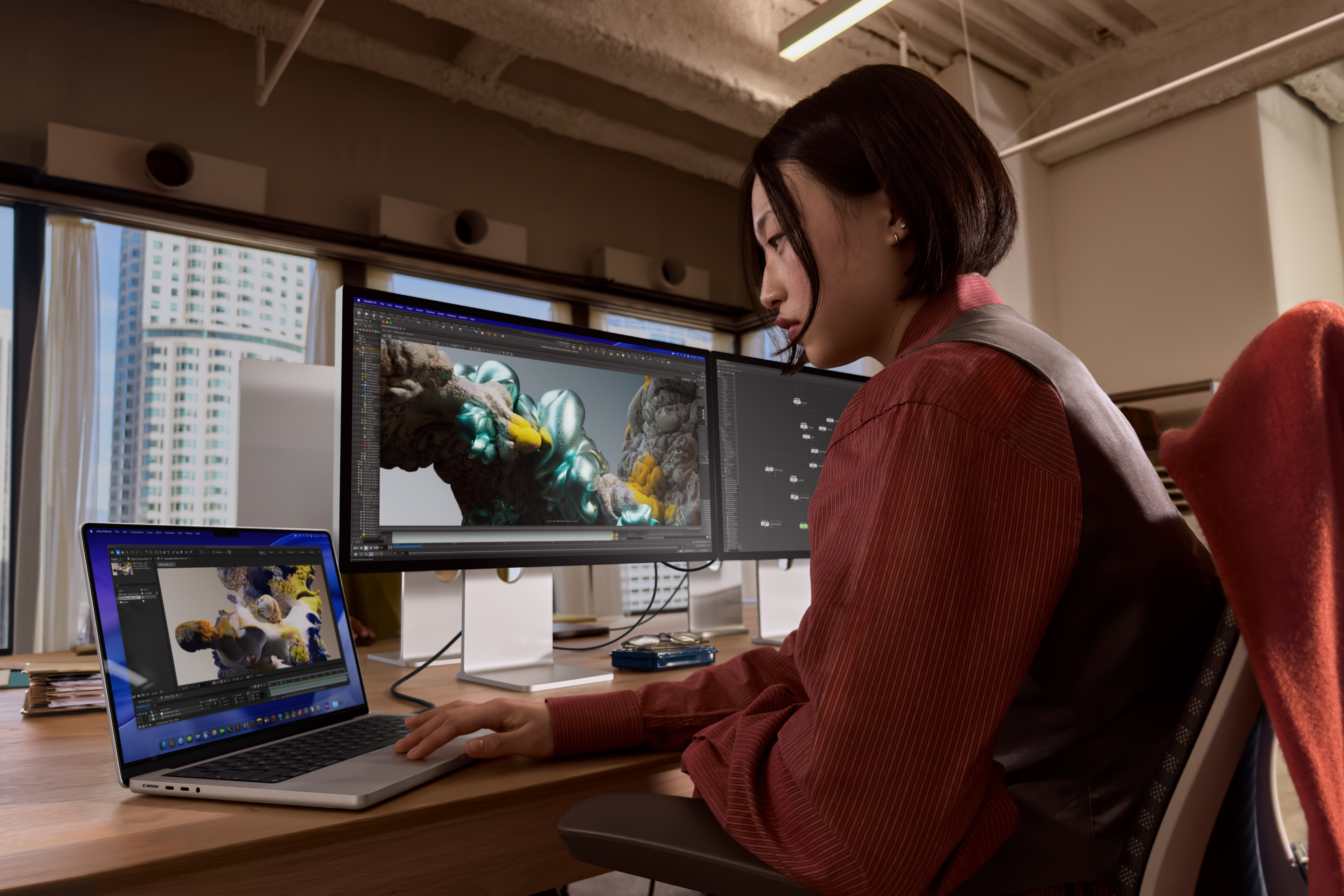
The 16-inch MacBook Pro runs $2,999 with an 18-core CPU, 20-core GPU, 24GB of unified memory and a 1TB SSD. Those GPU core counts describe different architectures and can't be used as a performance ratio.
Apple also has a smaller, less expensive route. The $2,499 14-inch M5 Pro model includes 24GB of memory and a 1TB SSD, with a 15-core CPU and 16-core GPU. It's worth considering if you regularly connect a large monitor and prefer a smaller laptop in your bag.
More memory changes the comparison again. A 64GB, 1TB 16-inch M5 Pro configuration is $3,999. The 64GB, 1TB Surface is $4,299.99 and includes the higher-tier RTX Spark N1X with a 20-core CPU and 6,144-core GPU. Equal memory capacity makes those prices easier to compare, while their actual speed still depends on the job.
All of these are U.S. device prices checked October 8, before tax and without trade-in credits. Choose the memory and storage you need before treating either brand as the cheaper option.
Price: Surface Laptop Ultra from $2,599.99 for 24GB/512GB; $2,999.99 for 24GB/1TB
Where to buy: Microsoft
Price: MacBook Pro with M5 Pro from $2,499 for 14-inch, 24GB/1TB; $2,999 for 16-inch, 24GB/1TB
Where to buy: Apple
Your project files should choose the platform
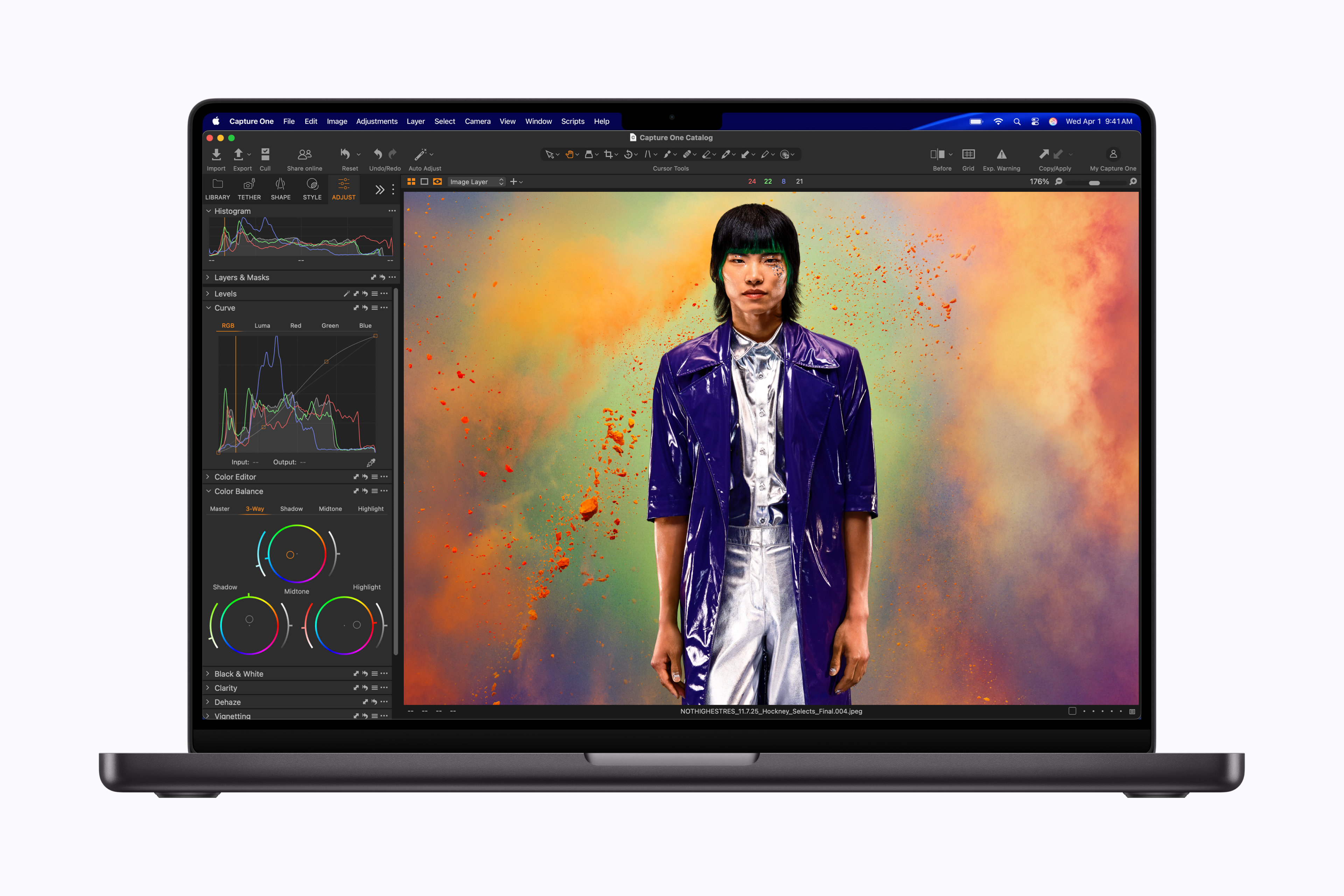
A video editor with years of Final Cut Pro libraries already has a strong reason to choose the Mac. Final Cut Pro's Mac workflow is part of the purchase decision, along with its plug-ins, templates and the time required to move to another editor. A faster laptop can still hand you a migration project you didn't want.
NVIDIA-dependent projects give the Surface a different advantage. RTX Spark runs CUDA natively and brings NVIDIA technologies including TensorRT and OptiX to the platform. If your local AI project or rendering workflow is built around those tools, that's a concrete reason to investigate the Surface.
Apple silicon has its own local machine-learning route. MLX, developed by Apple's machine-learning research team, supports CPU and GPU computation and uses shared memory. An existing Mac workflow built around MLX deserves a different buying decision from a project whose required components depend on CUDA. Check the backend your application actually uses.
For cross-platform creative software, go one level deeper than the application name. Open a representative project with its usual plug-ins, fonts, codecs and external devices. Export the format you deliver to clients. Getting the editor to launch is the easy part; the finished job still has to export cleanly with its plug-ins, fonts and codecs intact.
The Surface's Arm processor makes peripheral support particularly important. Windows 11 can emulate x86 and x64 applications, but that emulation doesn't cover drivers. A capture device, audio interface or specialist controller that needs a driver needs appropriate Arm64 support. Check the exact accessory and current driver before replacing a working setup.
Buy memory for the model you will run
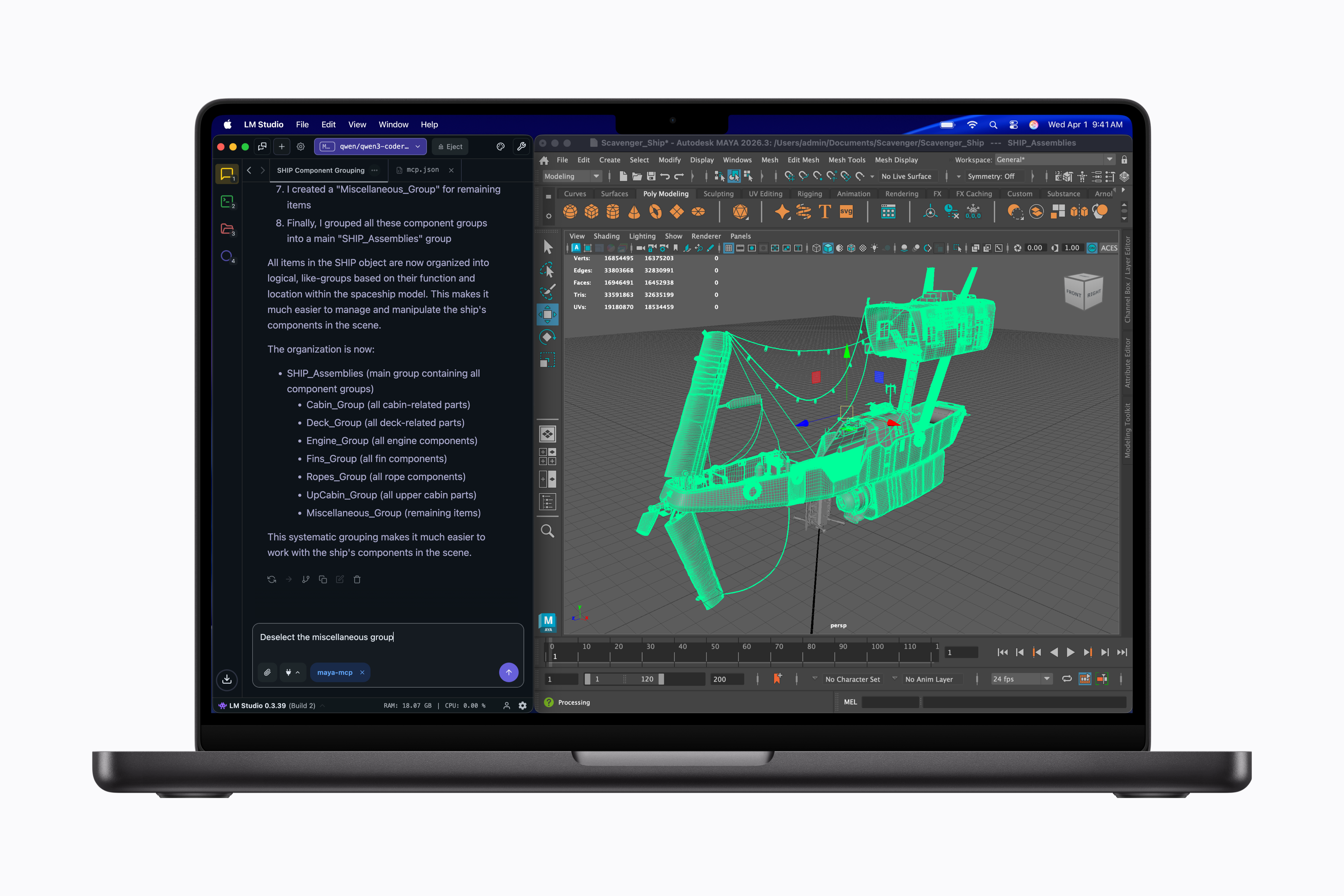
A 128GB option is the clearest reason this comparison can outgrow M5 Pro, and only the Surface offers it. Apple's specifications allow up to 64GB with the M5 Pro's 20-core GPU configuration. Getting 128GB in a MacBook Pro requires M5 Max with the 40-core GPU. At that point, compare the actual M5 Max configuration against the Surface rather than attaching the M5 Pro's starting price to a different Mac.
Microsoft's 128GB, 1TB Surface costs $5,899.99. 24GB is what the entry-level $2,599.99 machine carries. “Maybe I'll get into AI” isn't a job description for the larger configuration.
Start with the model you want to run, its quantization, your intended context length and the runtime's memory requirements. Then account for the editor, browser and other applications you keep open beside it. A model that loads by itself can leave little room for the work you bought the laptop to do.
Both machines use unified memory. On the Surface, the advertised capacity is the total shared by CPU and GPU; the amount the GPU can address is less than the total and varies with configuration and workload. Don't read 128GB as a separate graphics-memory allowance with another pool reserved for Windows.
For a local coding assistant, the useful demonstration is your chosen model working with your typical repository and context. Look at the delay before the first response, the pace of generation and how responsive the rest of the laptop stays. A maximum model-size figure doesn't answer those questions.
If the chosen workload fits comfortably into 64GB, the Surface's larger ceiling alone isn't a reason to spend $5,899.99. If it exceeds that capacity, the M5 Pro has dropped out of the comparison for a practical reason.
Check the desk as carefully as the laptop
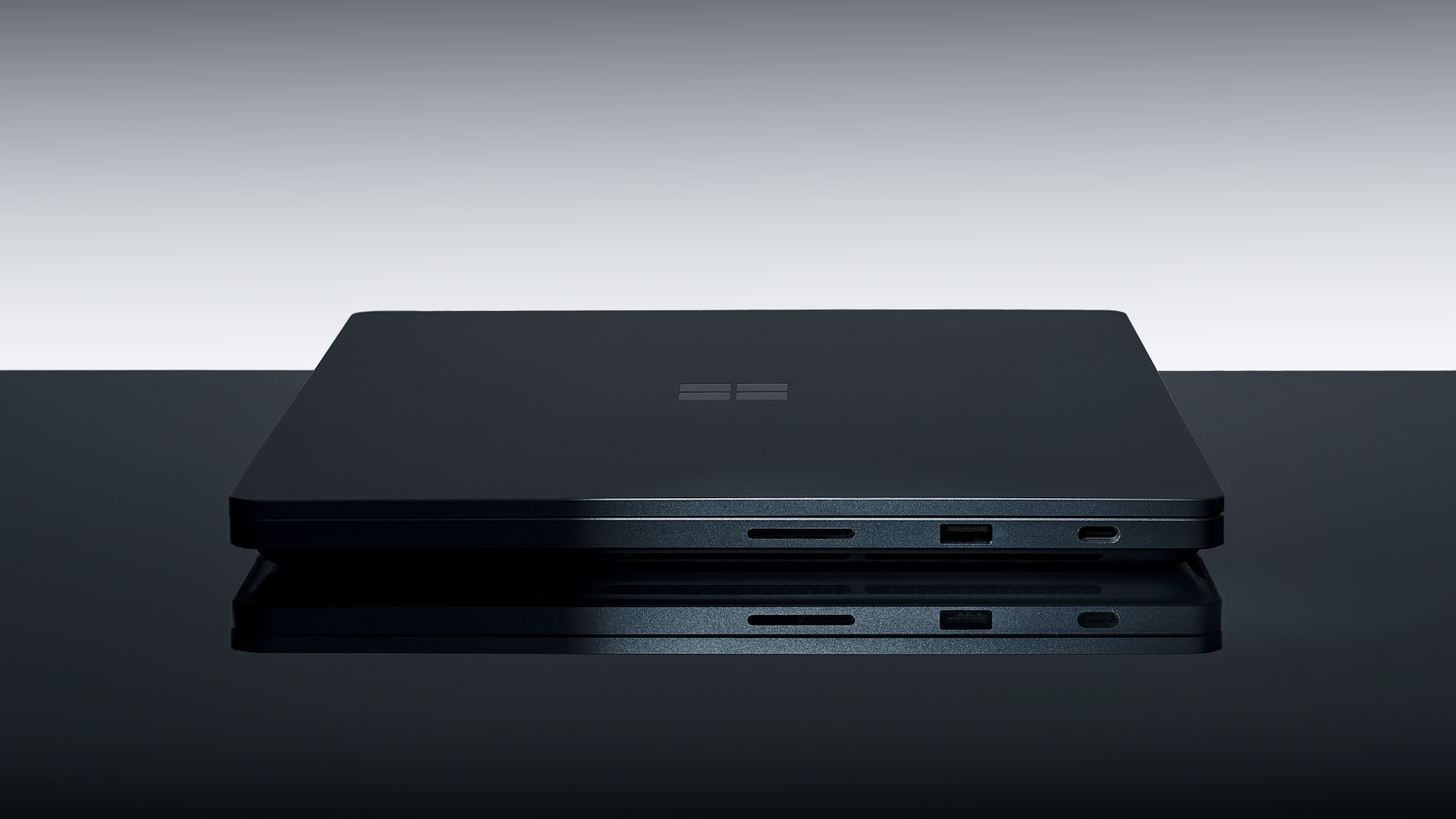
A 15-inch touchscreen, USB-A, three USB-C ports, HDMI, an SD card reader and a headphone jack come on the Surface. Its Magnetic Connect charging connection uses one of those USB-C ports, which also supports data and video. A USB-A accessory can connect without adding an adapter.
Three Thunderbolt 5 ports, HDMI, an SDXC slot, a headphone jack and a separate MagSafe 3 charging port come on the M5 Pro model. If your desk already uses a Thunderbolt dock or storage device, check its exact compatibility and required features against the Surface's USB-C connections. Matching connector shapes don't establish matching capabilities.
Touch is a genuine Surface distinction, but this model doesn't support Surface Pen or Surface Slim Pen. Choose it for direct touch navigation if that suits your work; don't buy it expecting a pen-enabled drawing surface.
Also consider how much screen you carry. At 3.5 pounds, the 14-inch M5 Pro undercuts the 16-inch model at 4.7 pounds. Microsoft specifies the Surface at under 4.5 pounds. A desk-based buyer can prioritize connections and screen space; someone moving between meetings may prefer the smaller Mac even before performance enters the discussion.
Make the shortlist around one real job
Choose Surface Laptop Ultra when a verified Windows-on-Arm workflow needs NVIDIA acceleration, or when you need more than 64GB of shared memory in this laptop format. Its touch display and USB-A port are useful extras when you will actually use them.
Choose MacBook Pro with M5 Pro when your essential work already fits macOS, Final Cut Pro or an Apple-silicon local-model setup, and the required configuration stays within its memory ceiling. A lower entry price and less weight than the Surface come with the 14-inch version too.
If you're considering a switch purely for faster local AI, wait for a comparison that uses the same model, quantization, context and workload on retail hardware. Include operation on battery if that's how you work. Neither a chip's maximum AI throughput nor a video-playback battery rating establishes how long your own model will run at a useful speed.
At roughly $3,000 with 24GB and 1TB, the decision is already close enough that one unsupported plug-in, one required NVIDIA feature or one existing Mac-only workflow can settle it. Work out that requirement first. Then pay for the configuration that lets you keep working.