
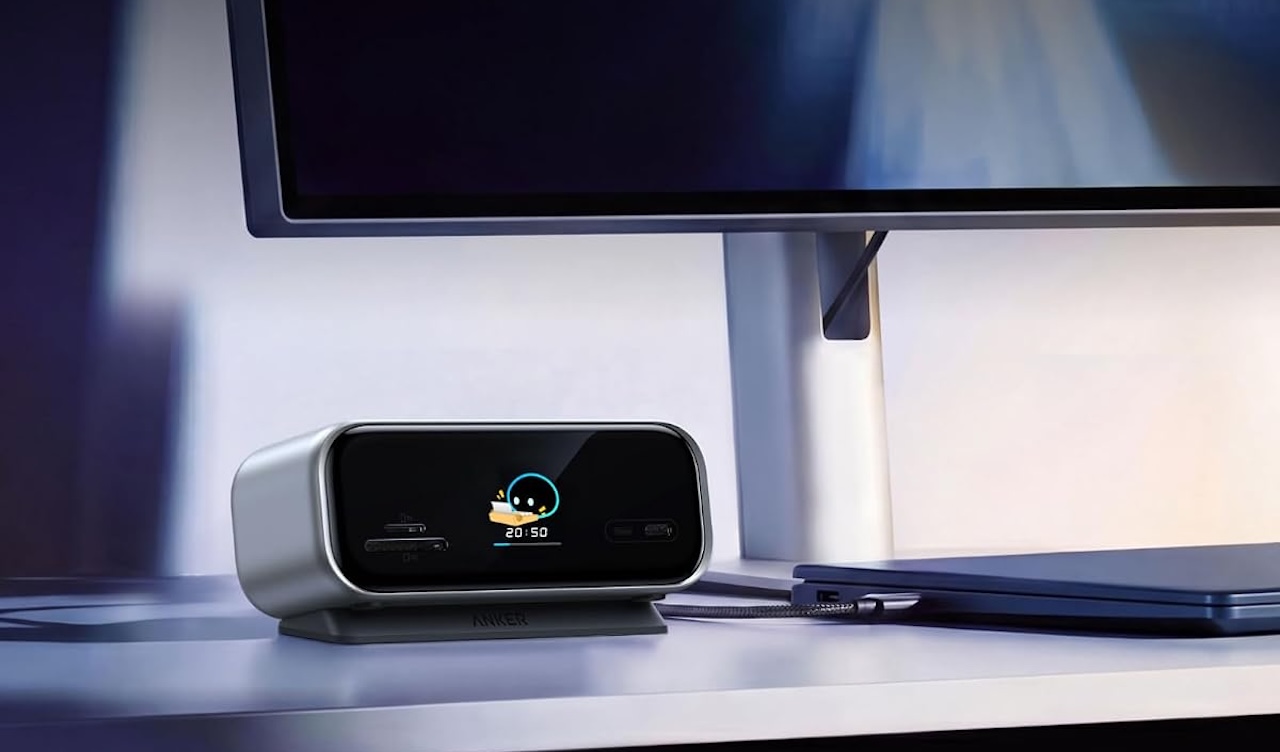
Modern laptops keep getting thinner, but their port selection often gets thinner with them. Connecting two monitors, Ethernet, memory cards, storage, and a charger can quickly turn a clean desk into a tangle of dongles and cables.
Anker Nano 10-in-1 USB-C Hub
Price: $99.99
Where to Buy: Amazon
The Anker Nano 10-in-1 USB-C Hub, model A210C, aims to consolidate that mess into one desktop-ready device. It combines 10 connections with dual-monitor support, up to 10Gbps USB data transfers, up to 80W laptop charging, and a built-in smart display that shows what the hub is doing.
The display is the unusual feature, but the more important question is whether the ports and display support fit your laptop and desk setup.
Ten ports for a desk setup
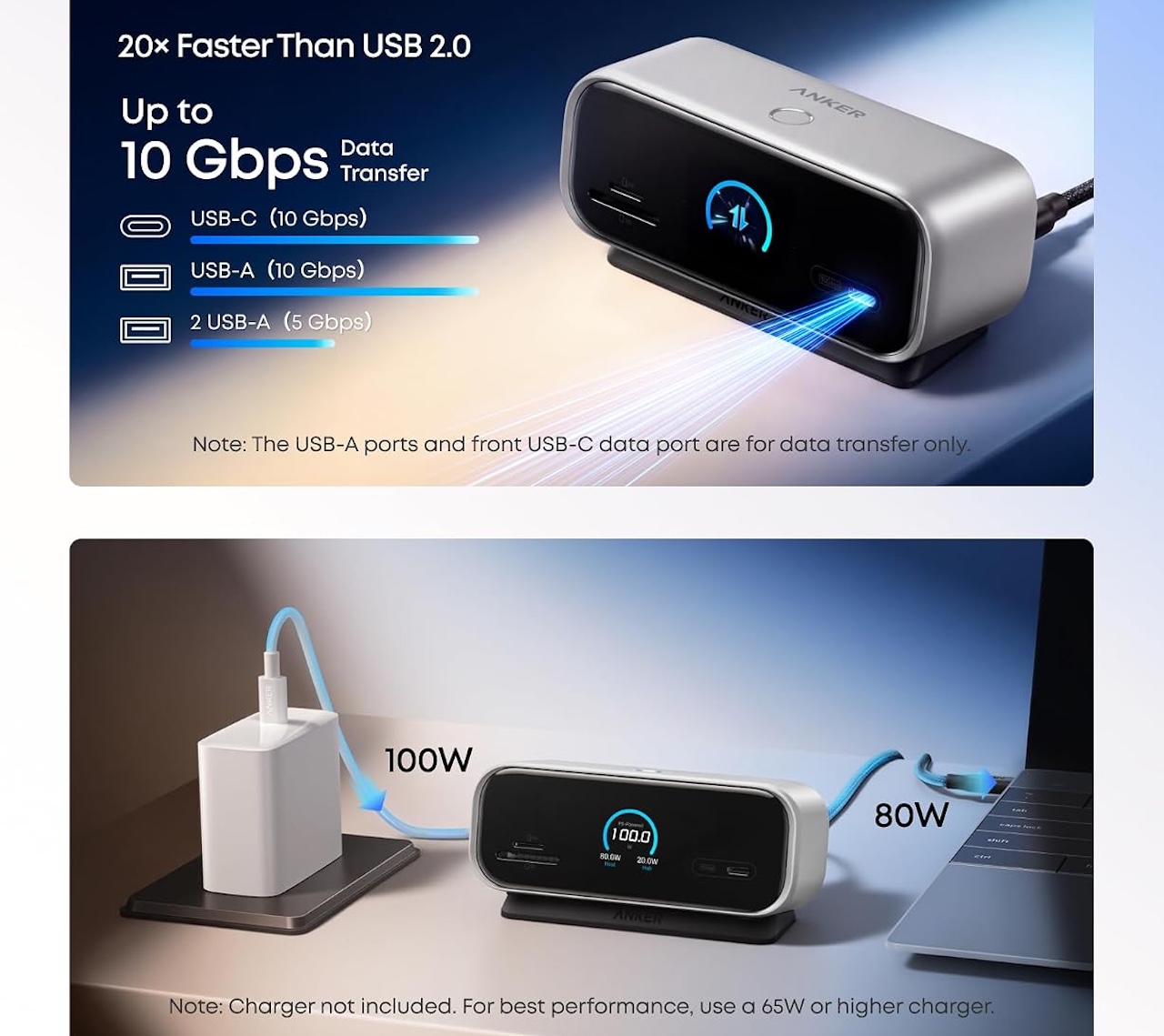
Anker gives the hub an HDMI 2.1 port, a DisplayPort 1.4 connection, Gigabit Ethernet, SD and microSD card slots, and four USB data ports. The USB selection includes one 10Gbps USB-C port, one 10Gbps USB-A port, and two 5Gbps USB-A ports. A separate USB-C Power Delivery input accepts up to 100W from a charger.
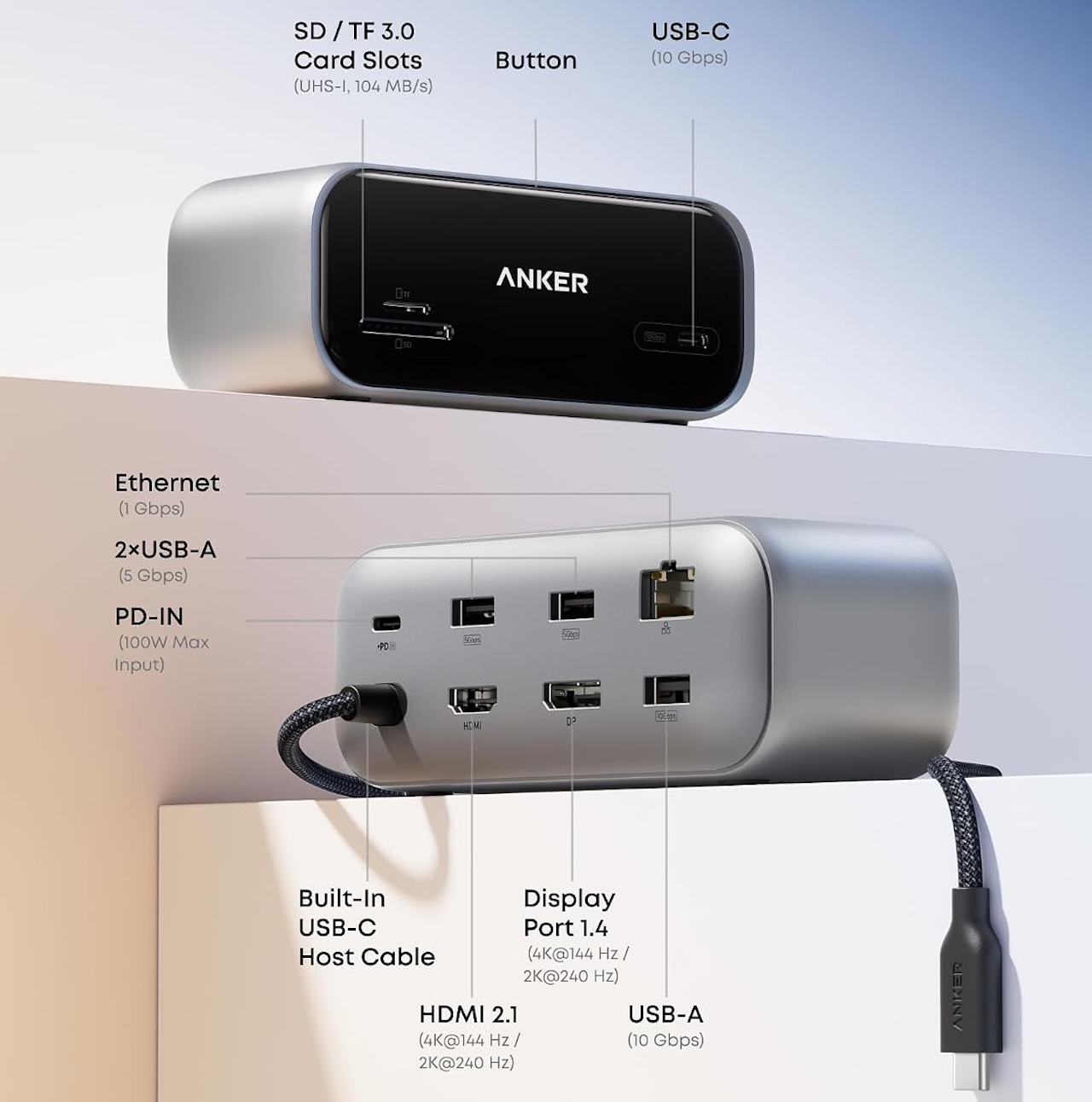 That does not mean your laptop receives 100W. Anker says the hub reserves 20W for itself when its PD input is 65W or higher, leaving a maximum of 80W for the host laptop. Reaching that maximum requires a compatible 100W PD charger and cable, neither of which is included.
The USB-A ports and front USB-C port are for data transfer only. They do not support charging or video output, so the front USB-C connection should not be mistaken for another full-function USB-C port.
Dual displays have limits
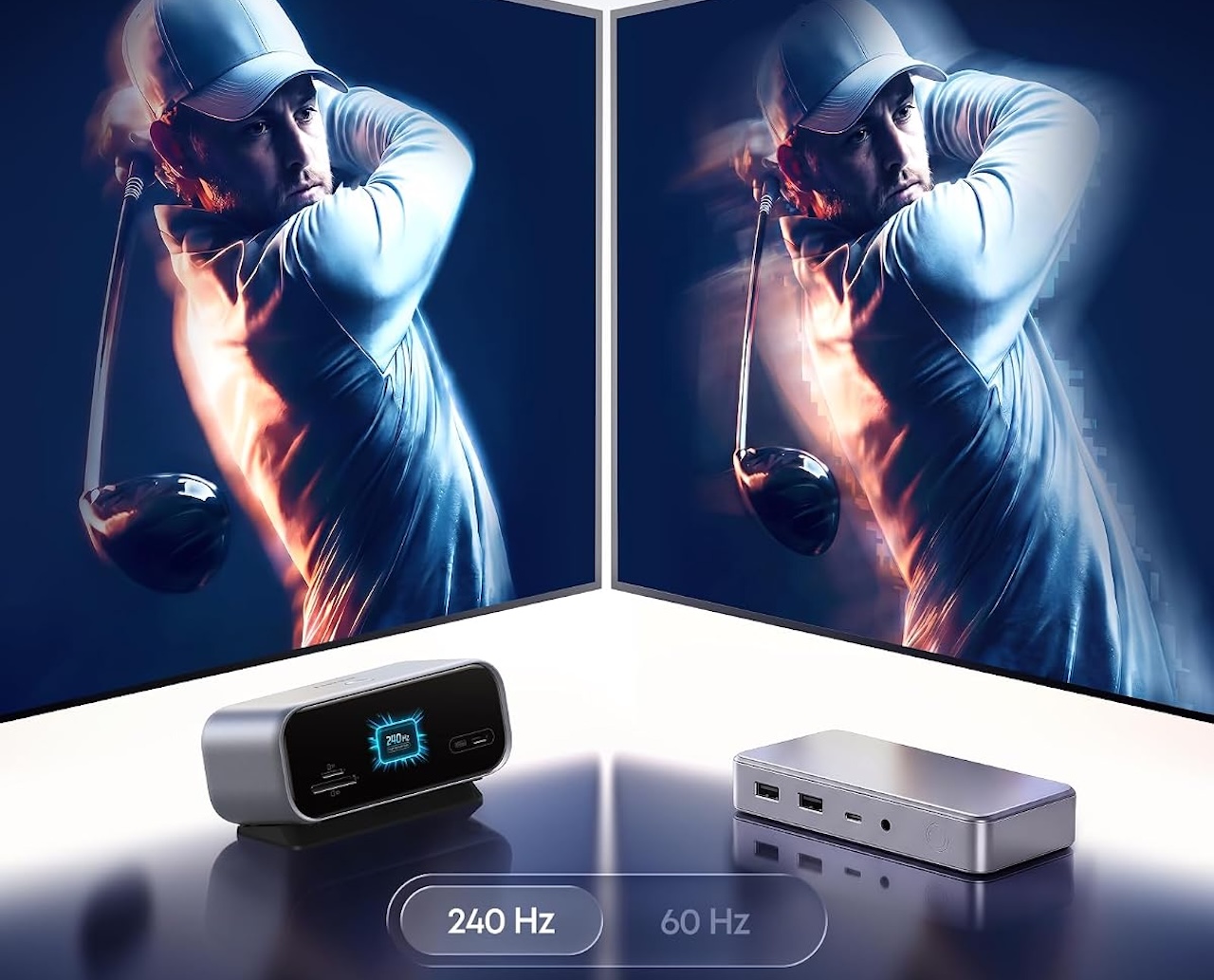
The HDMI 2.1 and DisplayPort 1.4 outputs make the Nano a stronger fit for a permanent workstation. Anker rates it for one display at up to 4K/144Hz or 2K/240Hz, depending on the host laptop’s DisplayPort capabilities.
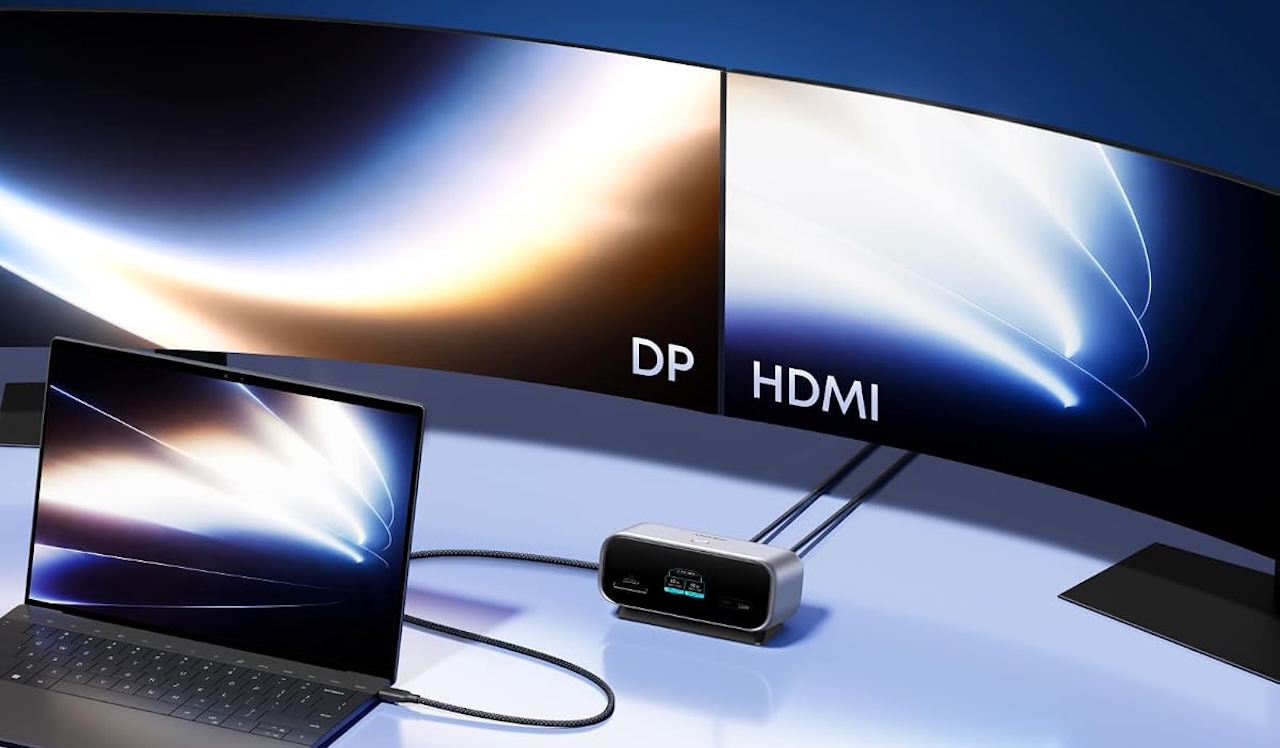 The dual 2K/240Hz headline has a major caveat: it requires a Windows laptop with USB-C DisplayPort 2.1 and Display Stream Compression (DSC). DisplayPort 1.4 systems may be limited to dual 2K/144Hz, or dual 2K/60Hz without DSC.
Mac users should be especially cautious. The hub mirrors its two external displays on macOS rather than supporting independent extended displays; Anker lists supported MacBooks at up to dual mirrored 4K/30Hz. It is not the right choice for a three-screen MacBook setup with different content on each external monitor.
A screen that can help
USB-C hubs normally disappear into the background once everything is connected. Anker takes a different approach with a smart display on the front of the Nano.
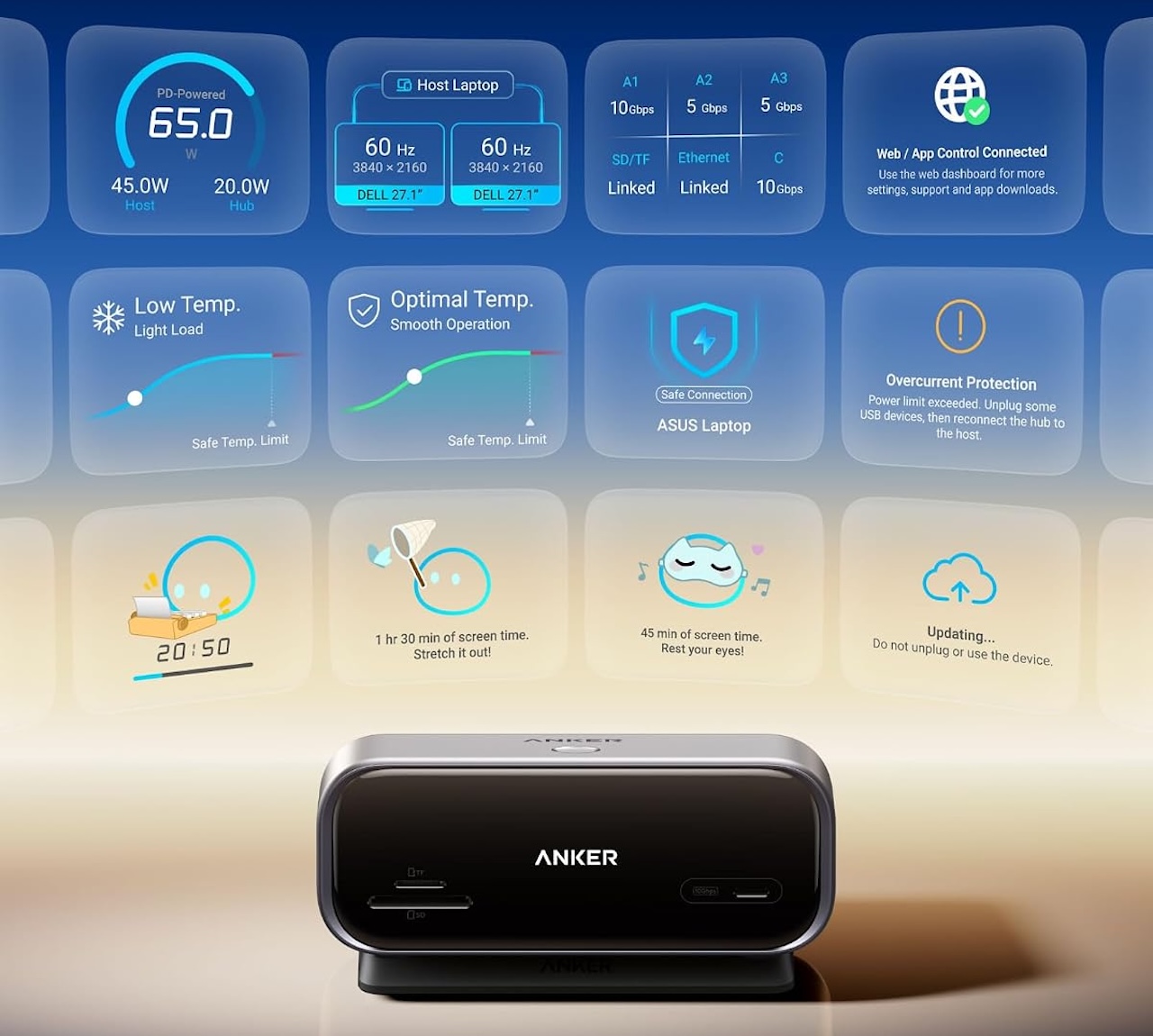
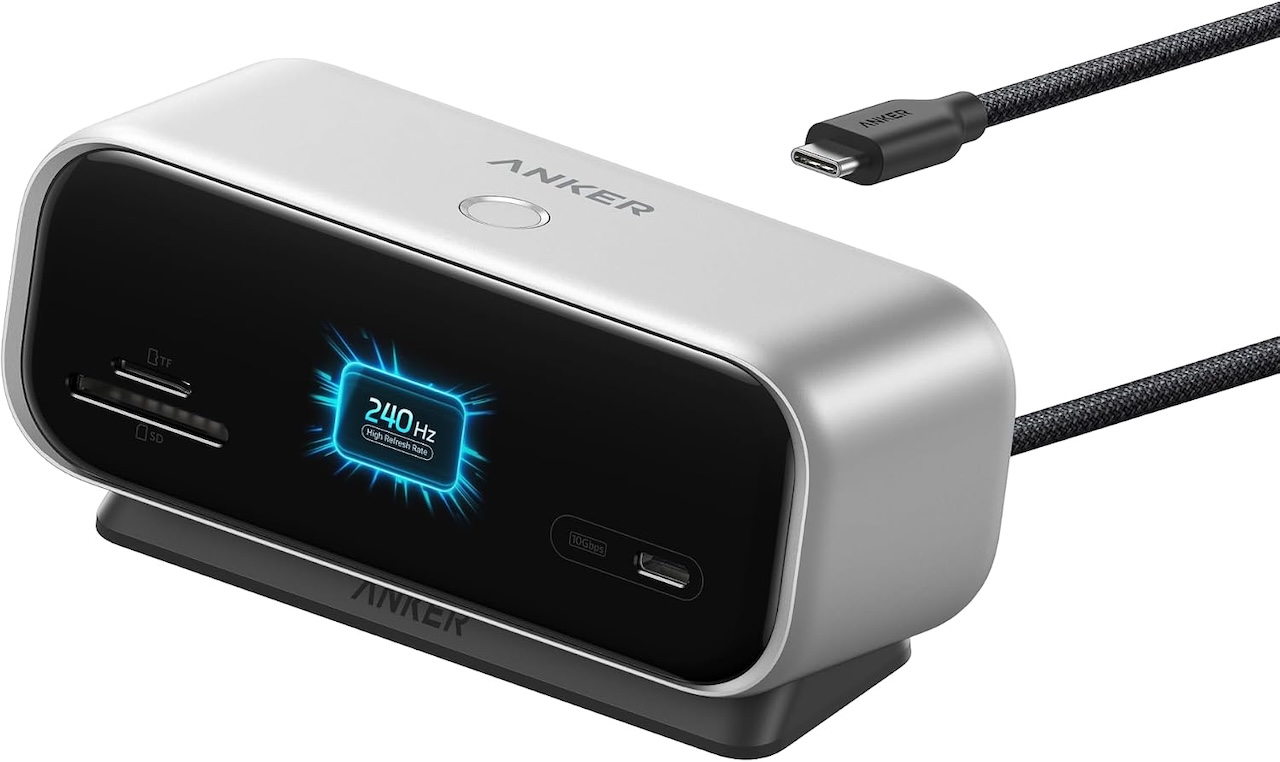 The screen can show charging power, data speed, temperature, and port status. Anker also advertises on-screen self-diagnostics designed to help identify basic connection problems.
That could be more useful than a conventional status LED when a peripheral is not behaving as expected. The screen can also display uploaded images and work as a focus timer with break reminders.
Those extras do not improve USB or display performance, but they give the screen a purpose when you are not checking connection information.
Designed to reduce cable clutter
Anker has also considered where all those cables go. The company says about 80% of the ports face the rear, letting permanent connections run behind the hub instead of spreading across the desk.
 The hub measures approximately 5.12 x 1.97 x 2.19 inches and weighs 11.64 ounces. It includes a magnetic base that angles the display and uses a washable, reusable adhesive surface to help hold the hub in place. Anker notes that adhesion can vary by surface.
A built-in 700mm host cable further reinforces its desktop focus. This is less like a tiny travel dongle and more like a compact hub designed to stay connected to a workstation.
Check compatibility first
USB-C connectors can look identical while supporting very different capabilities, making laptop compatibility especially important here.
Anker says the host laptop needs an appropriate USB-C connection supporting USB4, Thunderbolt 3, Thunderbolt 4, Thunderbolt 5, or DisplayPort Alt Mode for the relevant functions. DisplayPort Alt Mode is required for HDMI and DisplayPort video, while Power Delivery support is needed to charge through the hub.
 Anker lists Windows 10 and Windows 11 alongside macOS support, but says the A210C is not compatible with Linux. The hub also cannot add video output or charging support that your laptop’s USB-C connection does not already provide.
Who should buy it?
The Nano 10-in-1 is best suited to compatible Windows laptops that need a cleaner, more permanent desk setup. It combines dual display outputs, Gigabit Ethernet, SD and microSD readers, four USB data ports, up to 80W laptop charging, and a smart display in one upright hub; rear-facing ports and the built-in host cable help keep connections tidy.
Mac users should be cautious: its two external displays mirror rather than extend independently. And before chasing the dual 2K at 240Hz claim, confirm that your laptop supports the required DisplayPort and DSC features.
Anker Nano 10-in-1 USB-C Hub
Price: $99.99
Where to Buy: Amazon
The display distinguishes the Nano, but its real value is consolidating everyday desktop connections into one compact device while making their status easier to see.


Gadgeteer Comment Policy - Please read before commenting
of all the things, why just one HDMI port?