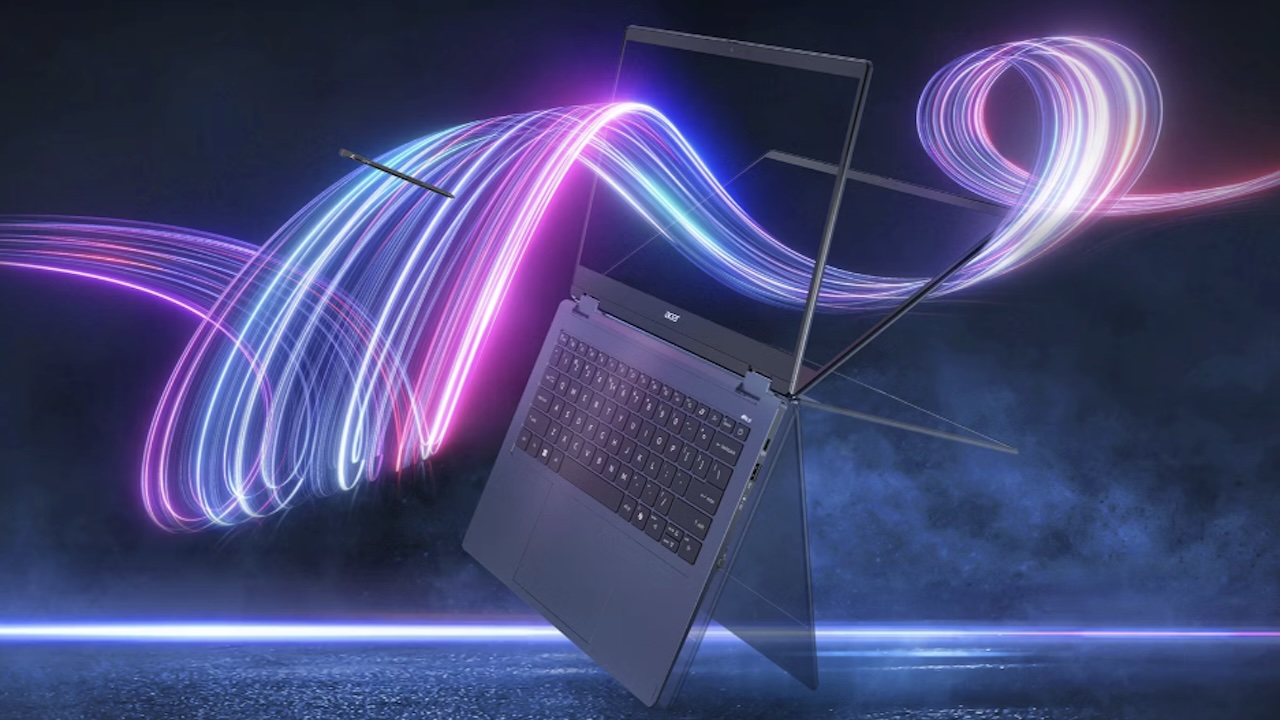
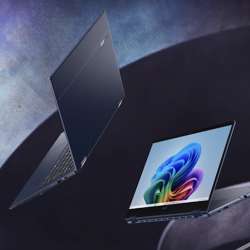
The Acer Swift Spin 14 AI (SFSP14-Q51T) has the outline of a flexible work laptop: a 14-inch 120 Hz touchscreen, a garaged Active Stylus 420, a 360-degree hinge, and Qualcomm Snapdragon X2 processors. Acer has confirmed the core hardware, but it did not disclose a North American price in its May 2026 announcement, so early buyers should wait for final U.S. retail listings and independent testing.
Price: TBD
Where to Buy: Acer
The sensible call is to wait for retail availability and independent results unless you already know your software works well on Windows on Arm and the convertible format solves a daily problem. Acer announced North American availability for August 2026. Pricing and availability vary by region; final U.S. retail configurations should be confirmed before ordering.
What Acer has confirmed
That specification list makes the job clear: this is a pen-capable work machine, not a stripped-down budget laptop. The unknown sits outside the list. It sits in the apps and devices a buyer needs to keep working on day one.
The Snapdragon Swift Spin 14 AI is model SFSP14-Q51T. Buyers can expect a Snapdragon X2 Elite or Snapdragon X2 Plus processor, up to 80 TOPS of AI performance, up to 32 GB of LPDDR5X memory, and up to 1 TB of PCIe Gen 4 storage.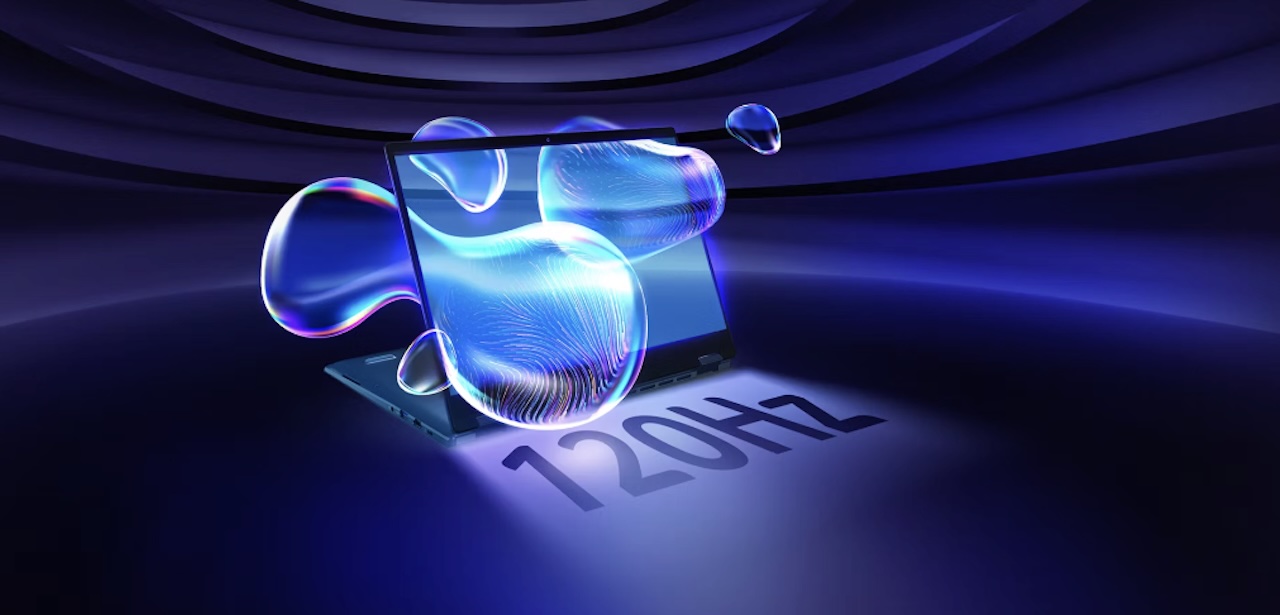
The screen is a 14-inch, 1,920 by 1,200 IPS touch panel with a 120 Hz refresh rate, 300-nit brightness, and 100% sRGB coverage. Acer includes an Active Stylus 420 that supports 4,096 pressure levels and stores in a charging garage. Those details give the Spin a clearer identity than another thin clamshell.
The portable hardware case is strong
The port selection also keeps the laptop from becoming a dongle-first machine. USB4, USB-A, and HDMI cover a practical mix of current accessories and older displays. For a convertible, that port selection matters when it can still connect to the tools already on your desk.
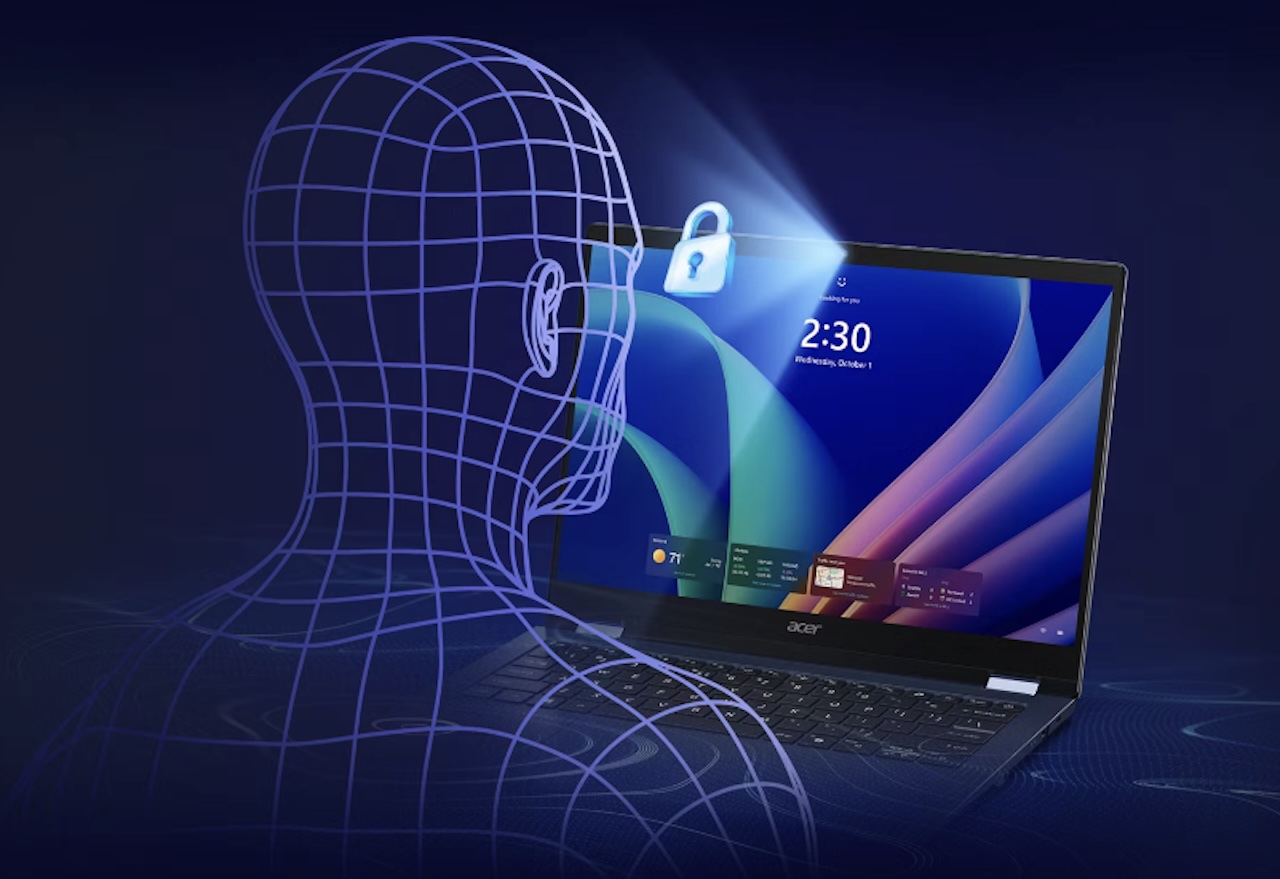
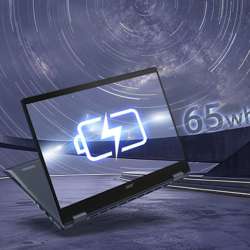
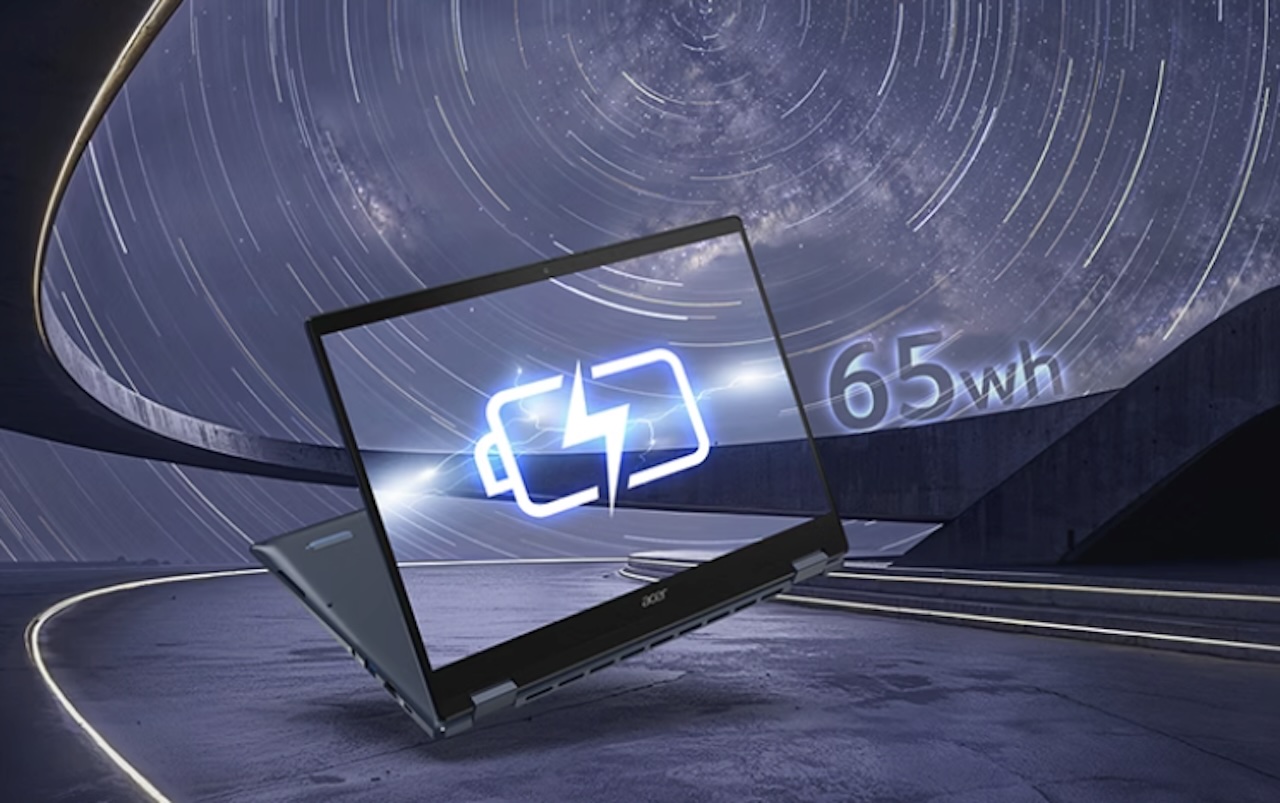 Acer lists a 65 Wh battery, Wi-Fi 7, Bluetooth 6.0, two USB-C ports with USB4 support, two USB-A ports, HDMI 2.1, and a 5 MP IR camera. At 2.95 pounds, the system sits in the range where a pen-enabled convertible can travel without becoming a burden to carry every day.
Acer rates the battery for up to 23 hours of video playback and up to 16.5 hours of web browsing under its test settings. Those figures describe a controlled scenario, not a promise about your browser tabs, video calls, peripherals, or apps. They still signal that battery life sits near the center of Acer’s pitch.
The missing information is the buying information
Performance numbers need the same restraint. Acer lists the processor options and AI capability, but a buyer still needs independent results for sustained speed, fan noise, display behavior, and battery drain during real work. Those results decide whether the thin chassis turns into a useful travel machine or a compromise.
A processor name and an AI rating don’t settle whether this laptop fits your day. Windows on Arm can be a great fit for web work, Office, video, and software with native support. The purchase gets riskier when your work depends on a particular driver, plug-in, old utility, specialized accessory, or application that you haven’t checked on an Arm system.
A simple decision before you order
The safest buyer is not waiting for every possible answer. The safest buyer is identifying which answers control the purchase. A student who lives in browser tabs and OneNote has a different checklist from a designer with hardware keys, a photographer with plug-ins, or an office worker tied to a corporate application stack.
Wait if you need a laptop for specialized Windows software, a company device stack, legacy accessories, or a precise budget. Check your essential apps and accessories first, then compare the final retail configuration against a similarly priced Intel or AMD convertible.
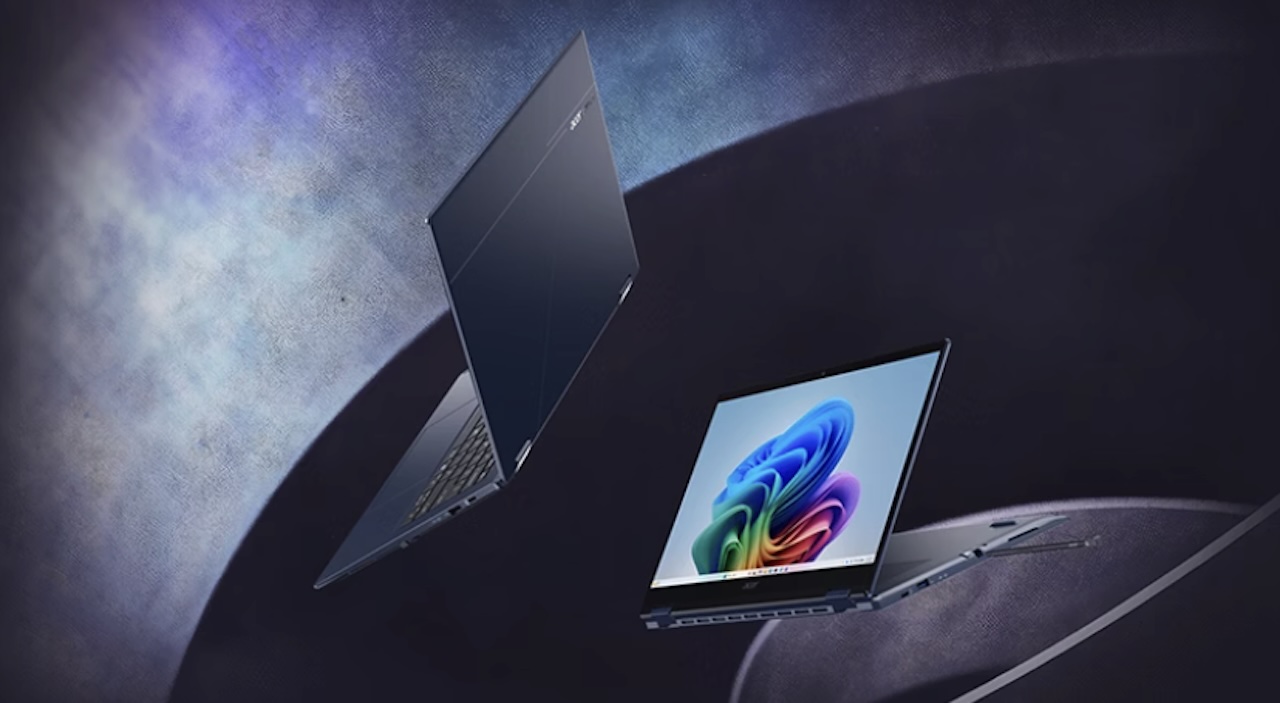 Consider it earlier only if you want the built-in pen, tablet posture, light chassis, and long battery target more than you need the comfort of a familiar x86 setup. The hardware looks promising, but this is a laptop category where the best first question isn’t how many AI operations the chip can run. It’s whether the entire machine fits the work you already do.
Final TG take
The Swift Spin 14 AI looks like a promising portable convertible, especially for buyers who value a built-in stylus, tablet mode, a 120 Hz touchscreen, and a compact 2.95-pound design. But it is still an announced product with key buying details unresolved: final U.S. configurations and pricing, independent battery and performance testing, and dependable compatibility with the software and accessories that matter to each buyer.

Price: TBD
Where to Buy: Acer
That makes waiting the practical choice for most people, not because the hardware looks weak, but because the purchase case is incomplete. Once retailers publish final listings and reviewers test the laptop in real workloads, the Swift Spin 14 AI will be easier to judge against similarly priced Intel and AMD convertibles. Until then, use the time to confirm your essential apps, drivers, plug-ins, and peripherals; if the price is right and that checklist is clean, Acer’s flexible design could be a meaningful advantage.