
REVIEW – Tablet computers have been a dream since before the crew emerged from stasis in 2001: A Space Odessey and caught up with what they had missed while hurtling away from the Earth. Since then, Star Trek had their PADDs, and Apple got roundly roasted for calling their tablet “iPad”. We have nearly sixteen years of history to know the story of the iPad, but what about other OSes?
I’m an iPad guy, have been since version 1. But with Surface and Chromebooks and Android tablets continuing to challenge iPads in the current mindspace, I try to dip in every now and then to see how they compare. I was recently sent a nice little model from AUMI, their Tablet,10.1″ Android Tablet with Octa-core Processor 24GB RAM 128GB ROM HD IPS Touchscreen 8H Battery, Wi-Fi 6, BT 5.0, Dual Camera, Android 15 Tablets 2025, as it’s listed on Amazon, and am ready to report on my findings.
⬇︎ Jump to summary (pros/cons)
Price: $69.99
Where to buy: Amazon
What is it?
A small-ish Android tablet computer.
What’s included?
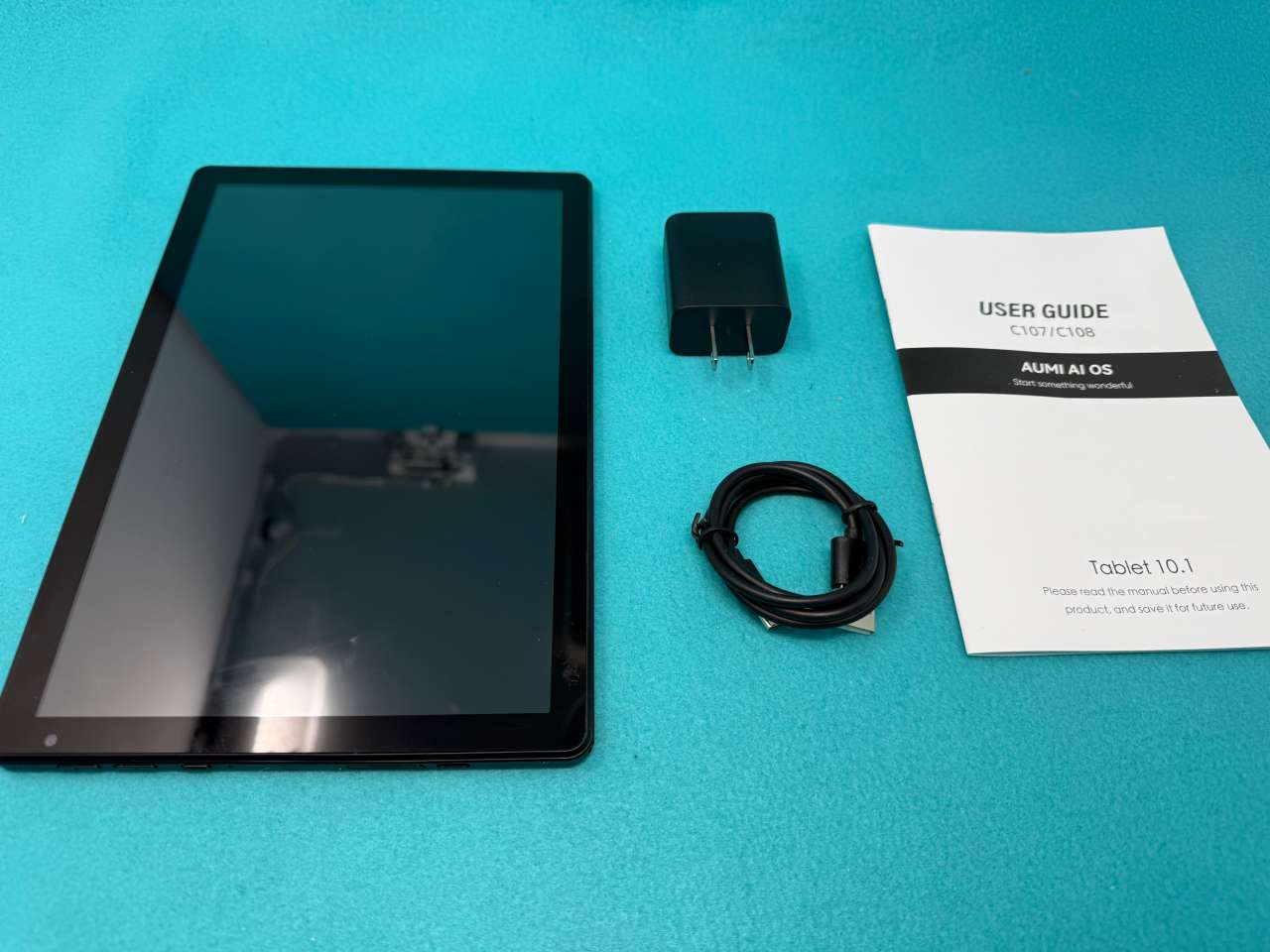
- Unit itself
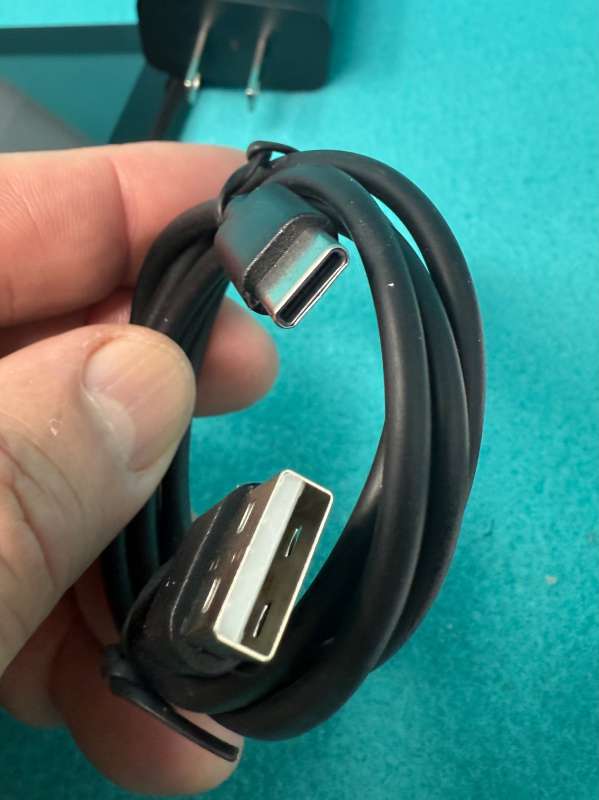
- USB-A<=>USB-C cable
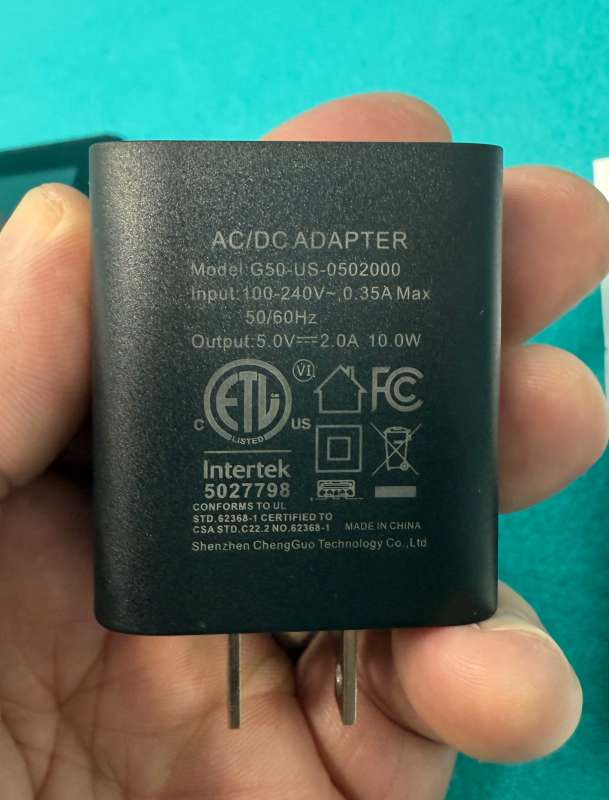
- 5 Watt USB-A charger
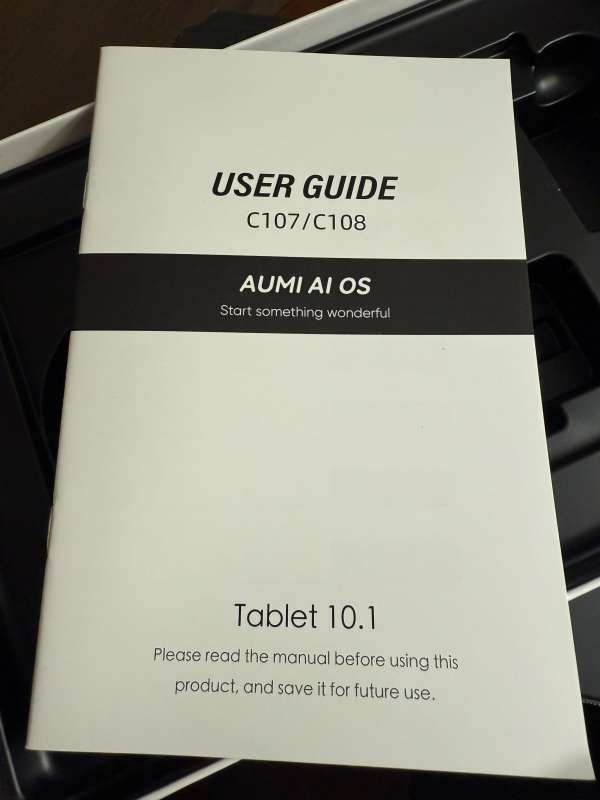
- Instruction sheet
Tech specs
- Operating System: Runs Android 15, offering updated privacy controls, customizable themes and wallpapers, improved lock and home screen controls, and clearer app permission notifications.
- Processor and Memory: Powered by an A523 octa core processor up to 1.8 GHz with a Mali G57 GPU. Includes 10GB of RAM and 64GB of internal storage, with support for expandable storage up to 1TB via microSD card.
- Display: 10 inch IPS touchscreen with a 1280 x 800 resolution and a 16:10 aspect ratio. Supports Widevine L1 for HD streaming on supported services like Netflix. Dual built in speakers and a 3.5mm headphone jack are included.
- Connectivity and Battery: Dual band 2.4G and 5G WiFi, Bluetooth 5.0, and USB C charging. Equipped with a 5000mAh battery for everyday streaming, browsing, reading, and travel use.
- Extras: Parental controls, face unlock, multi window support, eye protection mode, three finger screenshot gestures, and dual cameras for photos and video calls.
Design and features
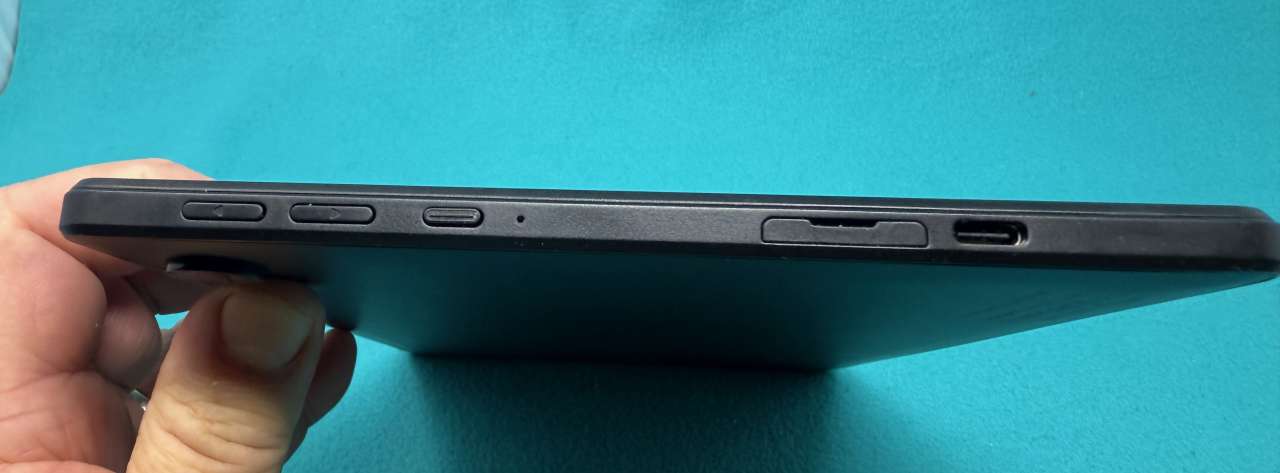
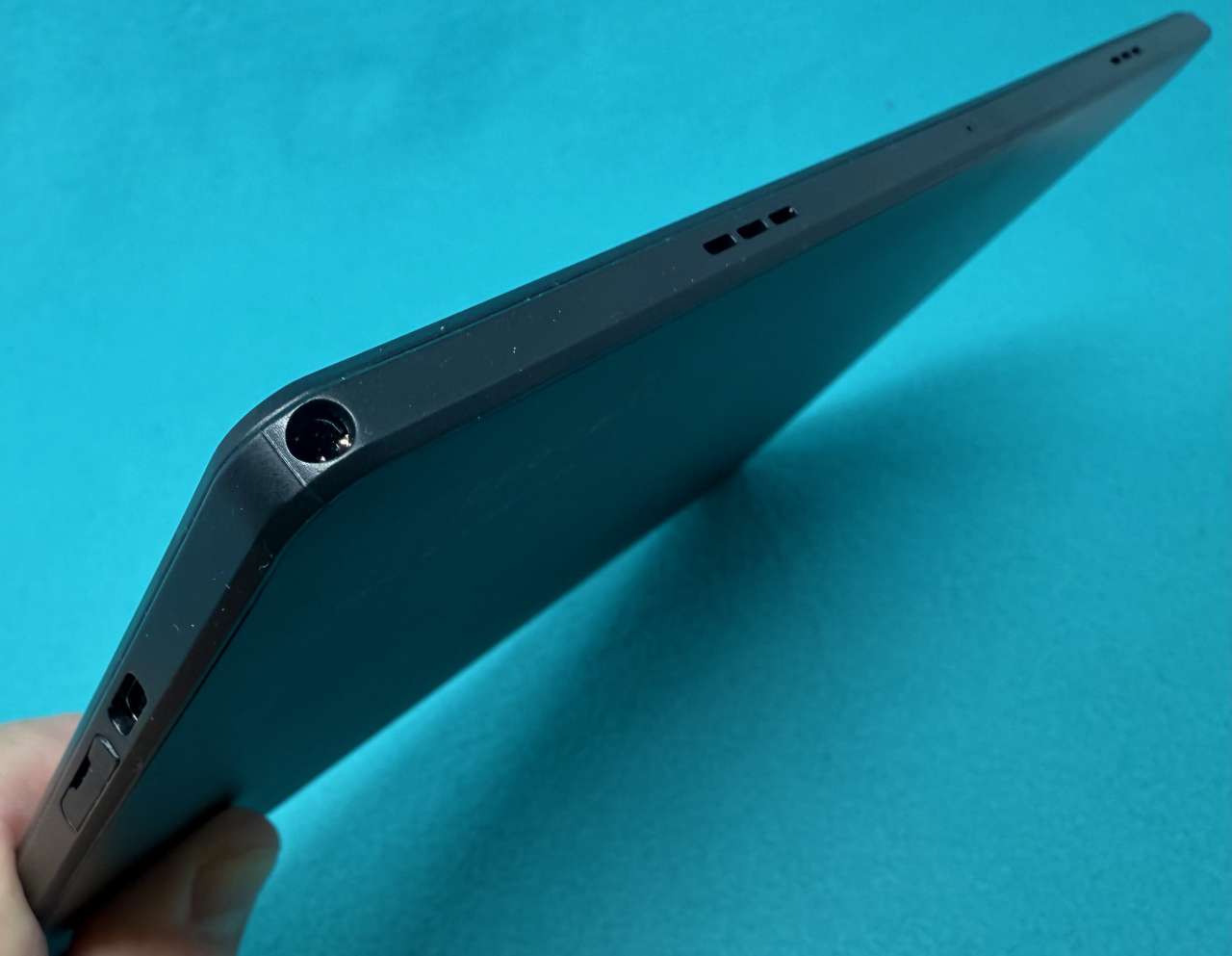
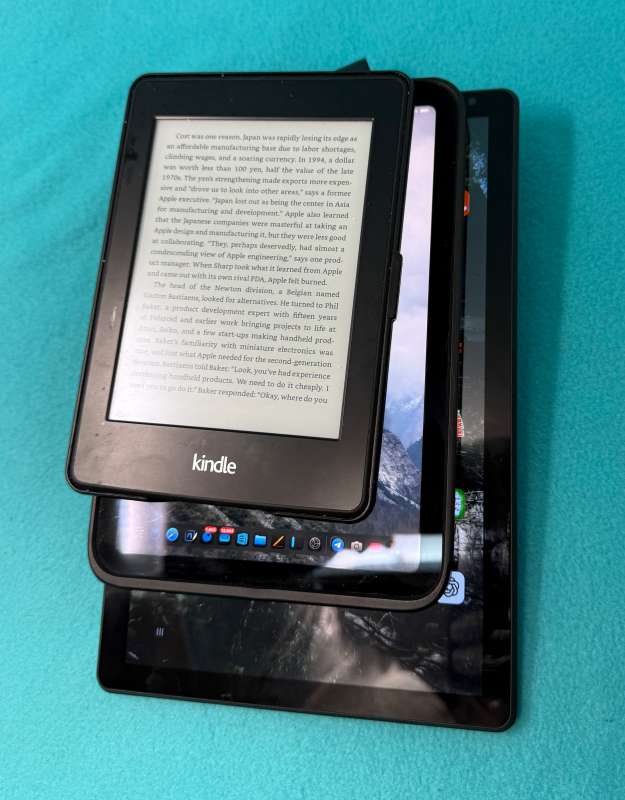
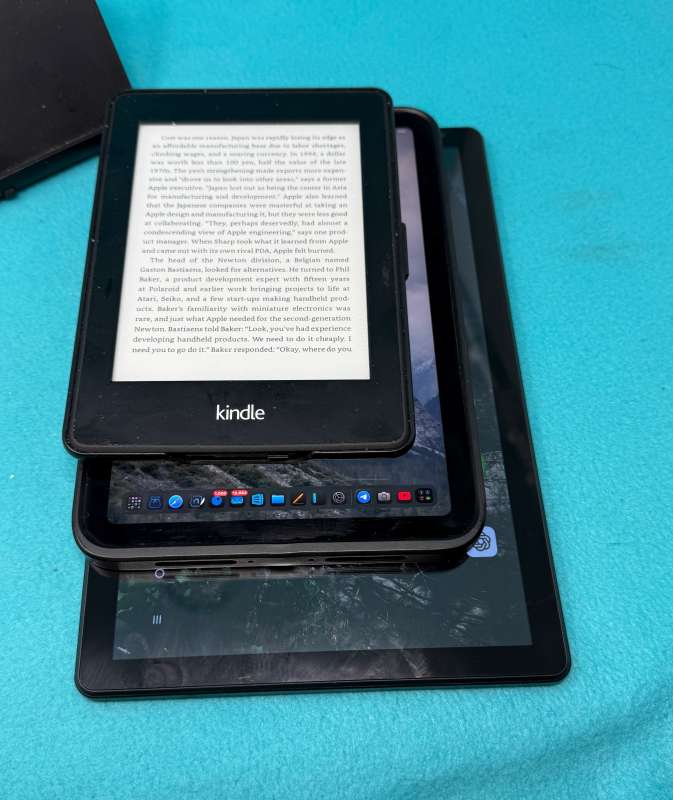
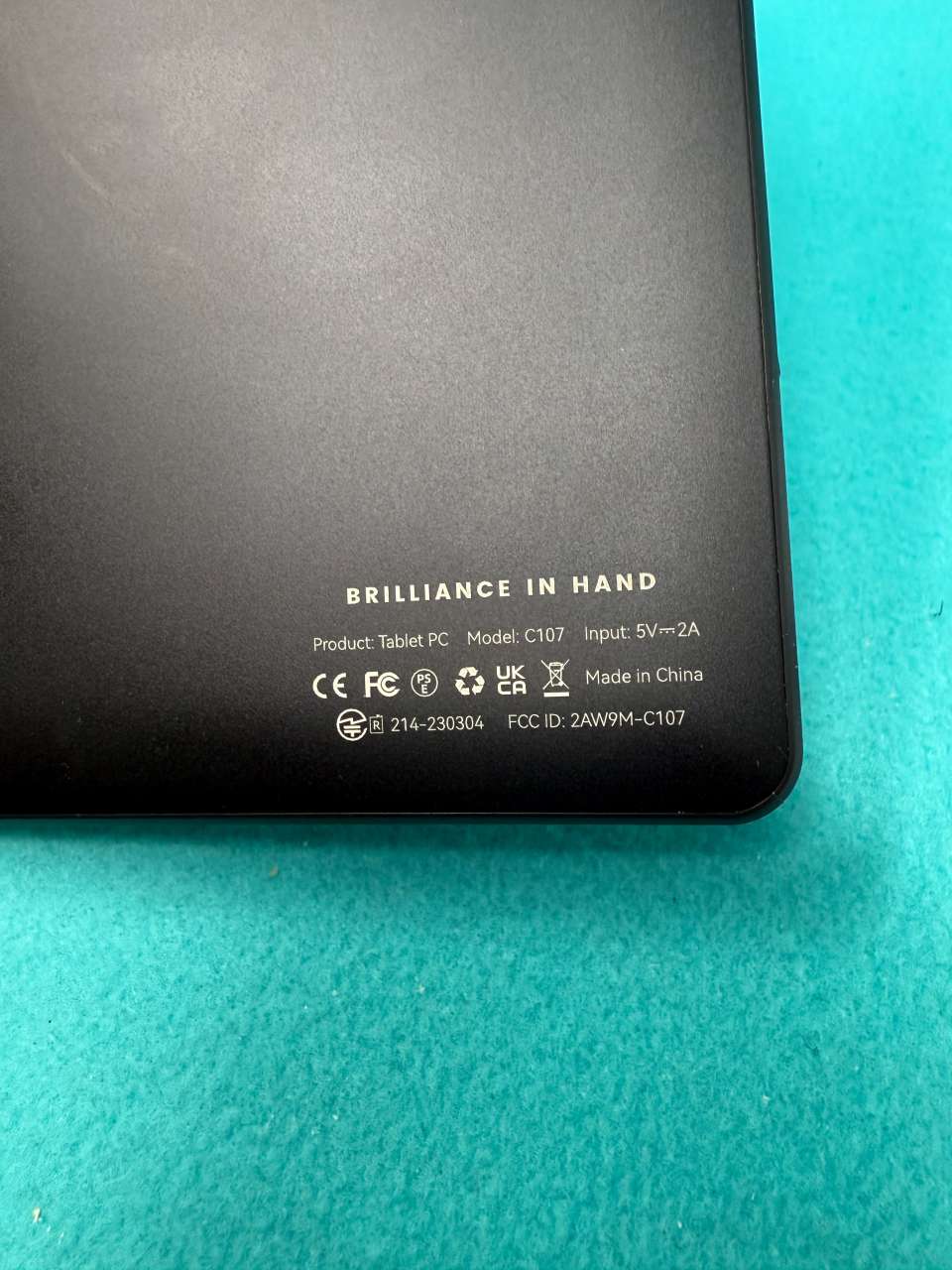
The AUMI Tablet is a small-ish tablet, measuring 9.5” x 6.125” x .375”. On one of the short edges, near the front-facing camera, it has a set of volume controls, a sleep/wake button, and a USB-C charging/data port, as well as a microSD card slot covered by a protective door. On a long edge, (the one Reddit thinks is the bottom, see later app info) there are two speakers, a microphone, and a headphone/external speaker jack.
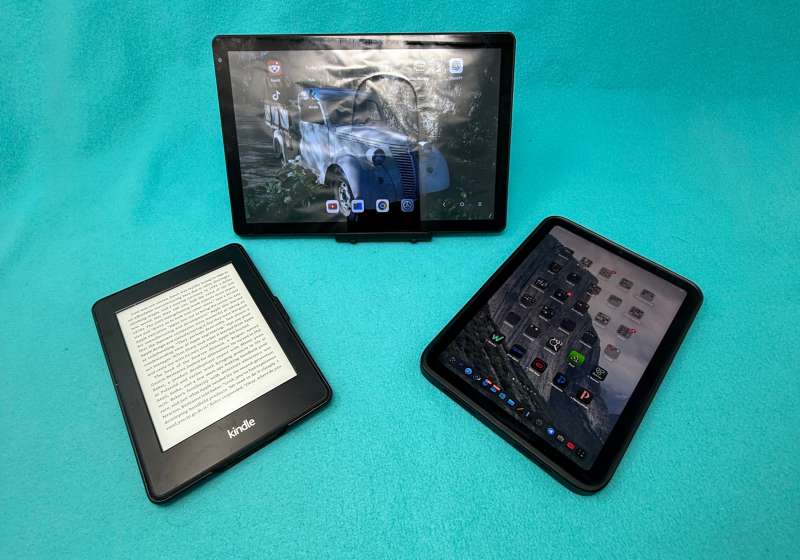
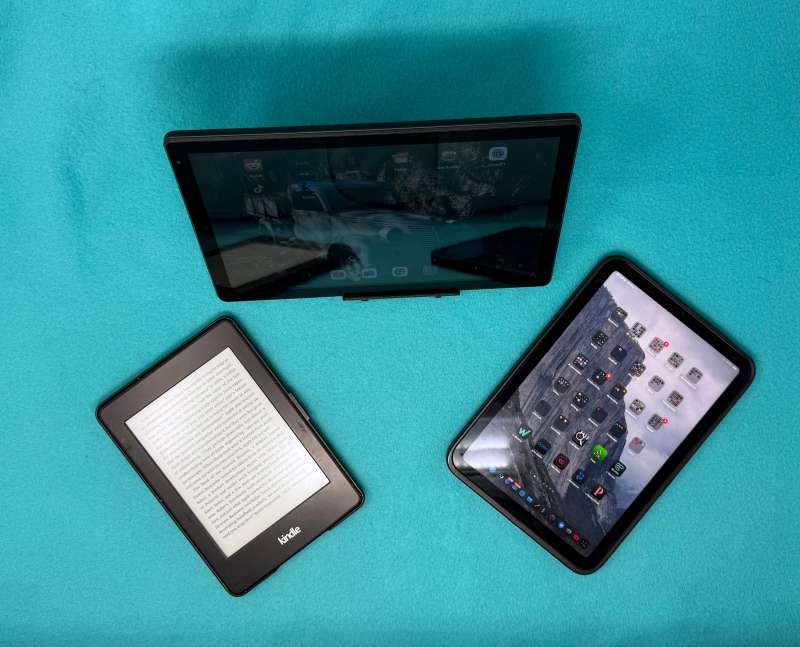
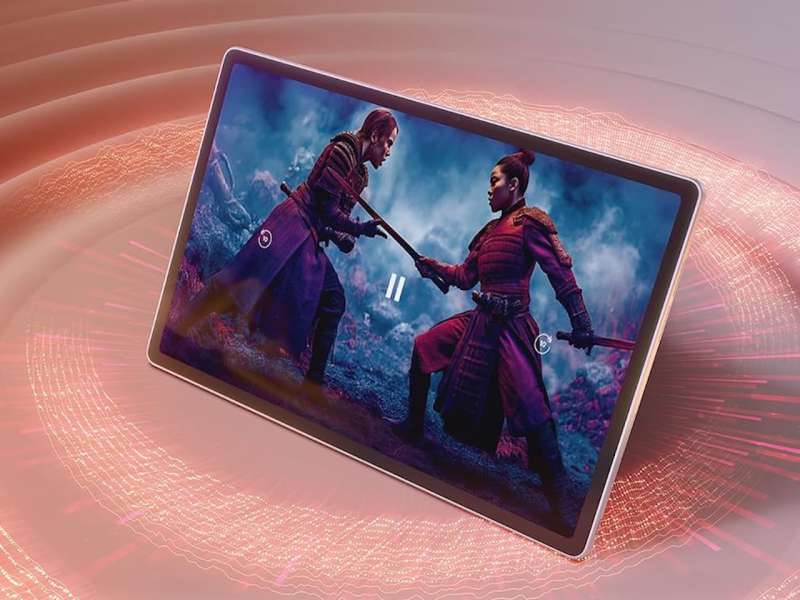
The screen is 8.5” x 5.375”, which is 10” diagonally. It is very bright and clear when viewed straight on and from most side angles. (More than two folks may get a bit of parallax, but it’s not really big enough for more than two viewers at once.) The display is very crisp when watching video through the Android Netflix and Amazon Prime apps, as well as YouTube. If there are strong light sources and the screen is dim, you’ll see a lot of reflection, but I didn’t notice this much in use in a darker viewing room. (Note the overhead shots in the photos where you can see the lights in the top of the Lightbox reflected in the screen.)
Assembly, Installation, Setup
Charge it and set-up with your Google identity. Or make a new one. This was pretty straightforward. This was the first Android device that I’ve had that didn’t think of itself as a big phone and want me to connect to a carrier. This was a refreshing change.
Performance
I was pleasantly surprised by the performance of the AUMI tablet. For video playback, it was really great. I connected a Bluetooth “tube” stereo speaker and happily watched several episodes of shows snuggled on the couch. (The built-in speakers are OK, but not much for a good action movie or subtle dialog. AirPods and other headphones worked OK, but I don’t have anyone around to disturb, so rarely think about using them when at home. Actually, it’s become my desk TV!)
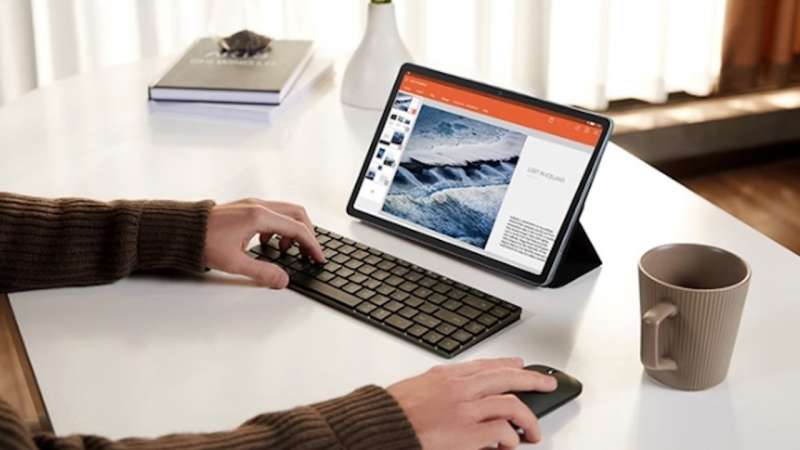
I paired several different keyboards and mice to the AUMI. Most connected easily through standard Bluetooth protocols and were responsive.
I used a few different stands to hold the tablet up while typing or viewing. I wish it had a case that could fold into a stand, or have a third-party market that produced such niceties. There are a lot of stands and keyboards online that seem geared for a tablet in this form factor, which I found encouraging.
A few quibbles that may or may not be specific to Android: there is no “camera” app. In order to use the camera, I had to go into the settings and activate it there. No worries, however, as the camera was the least impressive system in the device. It was slow and tended to take grainy pictures, even in decent lighting. (The iPad didn’t have a calculator app until the fall of 2024, fourteen and a half years after its launch. In my view, AURI has a little runway. But a better camera and software came pretty quickly with iPhone OS 2, so it would seem to be a good lesson, AURI.)
The biggest down side to using the tablet, however, was that if I didn’t plug it in every 15-20 hours, it would be stone cold dead next time I went to use it, and had to be recharged almost fully before it would respond again. (I eventually realized I didn’t have to wait for the full recharge system. I could just let it get 5-10% battery charge back, then unplug the power, press restart, log in, and then reconnect the power and use it while it finished recharging.) I have limited experience with Android over the years, so I don’t know if this is standard for the OS or is just specific to this tablet. Having no way to move from “I’m recharging from empty” to “Use it while it finishes charging” mode other than unplugging and restarting was frustrating, given how often it happened. This is quite different on iOS and ipadOS, where the device starts up as soon as you plug it in and allows full access.
The other jarring difference is that it is not touch-to-wake. On Apple touchscreens, you just tap it and it will wake up and be ready to authenticate. On this one, nothing happens until you actually press the sleep/wake button. Also, there is no way to see the battery level except in the control panel itself. (Well, the Settings app says it can be seen in the Status Bar, but the status bar doesn’t show up on this device that I could find.)
As mentioned above, the Reddit app (and one or two others) have issues with the rotation lock. It forces landscape (in only one orientation) when launched. (Can’t actually put this on AURI, though, because loads of iPad iOS apps are also prisoners to corporate development teams that never consider real-world usage. (I’m looking at you Instagram!) I’m just reporting this as an issue with real-world usage. Thankfully, smaller developers are much better about using the OS correctly. I recommend finding a smaller, independent app if you find the large corporate apps don’t respect your usage patterns.
Final thoughts
I don’t spend much time outside the Apple ecosystem. I’ve been an iPad user since version one, and most of my work happens in Apple centric spaces. Still, I try to dip back into Android now and then just to see how things are evolving.
What surprised me here is that this tablet didn’t feel like a blown up phone. That has been my long standing complaint about Android tablets. The apps I use most behaved like real tablet apps, which made everyday use far more pleasant than I expected. There were quirks, especially the Reddit rotation issue, but nothing that completely derailed the experience.
At sixty nine dollars, it’s hard to dismiss what this offers. The battery behavior remains my biggest frustration, and the camera isn’t doing it any favors, but it’s more capable than I anticipated. If this is where budget Android tablets are headed, that’s a good sign.
What I like about the AUMI Tablet
- Very clear, sharp display
- Fairly snappy response (app-dependent)
What needs to be improved?
- Camera is pretty bad for 2026, and there is no camera app included.
- Battery drains quickly when not in use.
Price: $69.99
Where to buy: Amazon
Source: The sample of this product was provided for free by AUMI. AUMI did not have a final say on the review and did not preview the review before it was published.

Gadgeteer Comment Policy - Please read before commenting
An actual review! Thank you for your efforts amidst the sea of AI slop!
Glad you appreciated it. One of Julie’s ironclad rules was “no A. I. anything!” It’s a good rule to live by, despite the interesting developments in the space.
Hi Smythe, I bought this tablet and can’t open the SIM card slot. Any help?
Thanks,
I was never able to open it either. The plug looks like it should be removable, but there’s no pinhole or other opening that I could find. I’ve moved to eSIMs so this wasn’t an important part of my testing. I’ll try again to see if I can open it and reply if I’m successful.
===Edit for new info===
OK, I was able to access the slot. The protective cover is anchored on the side nearest the power port. Put a fingernail in the slight indention and lift it up at an angle, and swivel it up with the anchor point as a pivot. There is a slot there, and a pin hole just above it to eject the SIM card. Hope it works well for you. Let me know your results!
It turns our it not a SIM slot but a memory card slot. I ended up returning it because it can only access internet with WiFi. Thanks for your quick reply and help.