
PROS:
- Fairly easy setup
- Built-in lighting
- Easy to use touchscreen
- Contains material shavings fairly well
CONS:
- Gap next to SD card slot is perfect for losing said card
- No dust boot included
- The default 70 watt spindle is underpowered for all but the softest woods
REVIEW – I have always liked woodworking since my first experience in a free public workshop in Finland when I was around 10 years old. I took woodworking classes in middle and high school but then mostly forgot about it until a few decades later. I love being able to handmake gifts and other items, and the smaller LUNYEE 3018 Pro Ultra CNC machine I reviewed last year ignited a new interest in the possibilities offered by CNC machines. When the offer popped up to try out the ACMER ASCAVA 4S CNC Router Machine I quickly volunteered, most especially since the larger working area would expand the project possibilities that I could do.
⬇︎ Jump to summary
Price: $699 ($599 sale at time of review)
Where to buy: ACMER and
What is it?
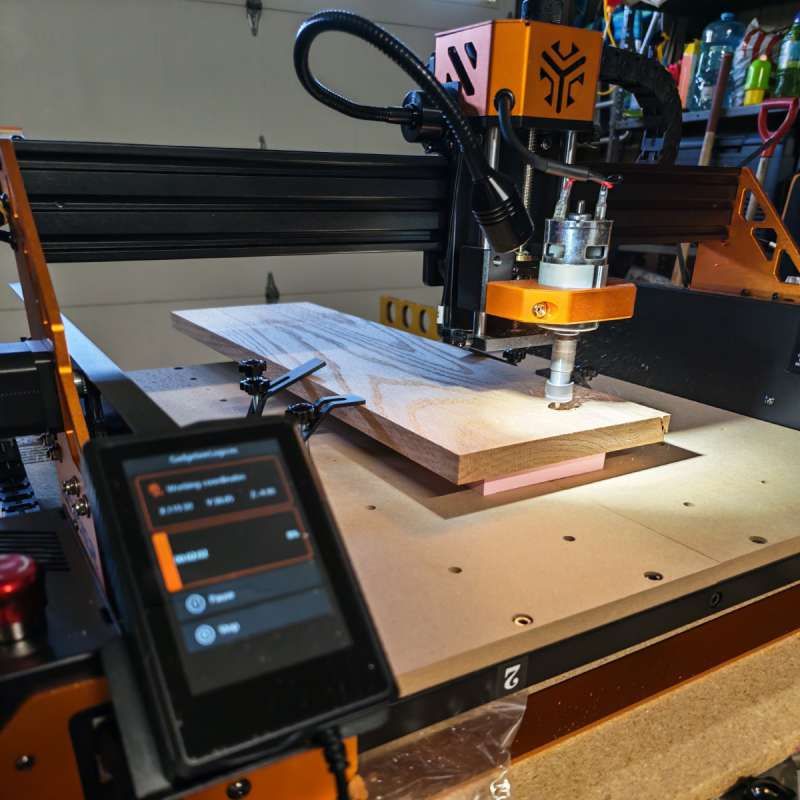
The ACMER ASCAVA 4S CNC Router Machine is a machine that can carve and cut a wide variety of materials. It moves a rotating spindle around a large bed, and you can use different bits in the spindle for different effects on the material being cut. The machine can be directly controlled by a computer via USB through the GRBL standard or you can export G-Code from various programs to run projects offline from an included SD card.
What’s included?
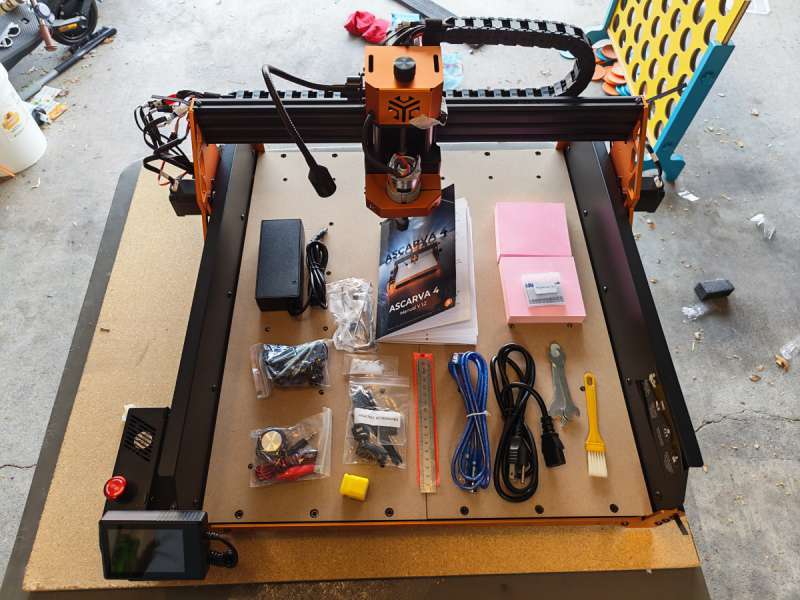
- ACMER ASCAVA 4S CNC Router Machine
- Cables
- Display mounting bracket
- Screws
- Wrenches
- Instruction manual
- Power Adapter
- Tool Setting Probe
- Tool holder kit
- Clamp kit (4x clamps)
- Cleaning Brush
- Keys (2)
- Steel ruler
- Test materials (x2)
- USB data cable
- Micro SD card and USB reader
Add The Gadgeteer as a preferred source to see more of our coverage on Google.
Tech specs
- Engraving area: 400 x 400 x 80 mm (15.7″ x 15.7″ x 3.7″)
- Spindle power: 70 Watts (500 Watt upgraded spindle optional)
- Spindle speed: 8000 RPM
- Engraving precision: 0.01 mm
- Engraving speed: up to 1000 mm/min
- Max travel speed: 5000 mm/min
- Acceleration: 100 mm/s
- Control: 3.5 inch touchscreen, GRBL (USB), offline use with SD card and G-Code files
Design and features
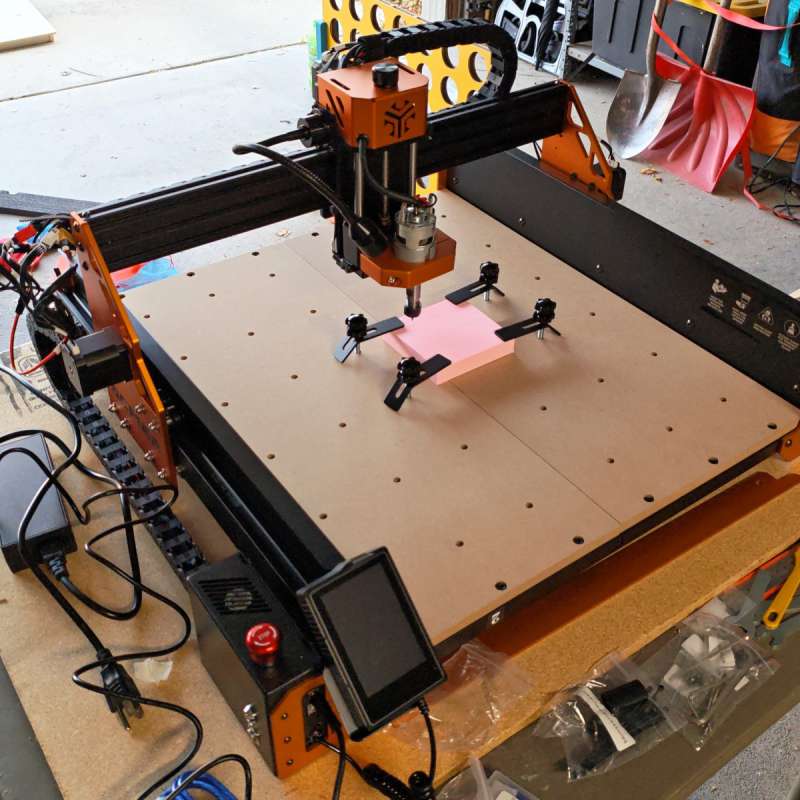
The ACMER ASCAVA 4S CNC Router Machine is a hefty machine, with a mostly metal build that results in very little wobble (and thus fine detail can be achieved). The generous 40 x 40 centimeter work area (15.7 x 15.7 inches) can accommodate very large pieces.
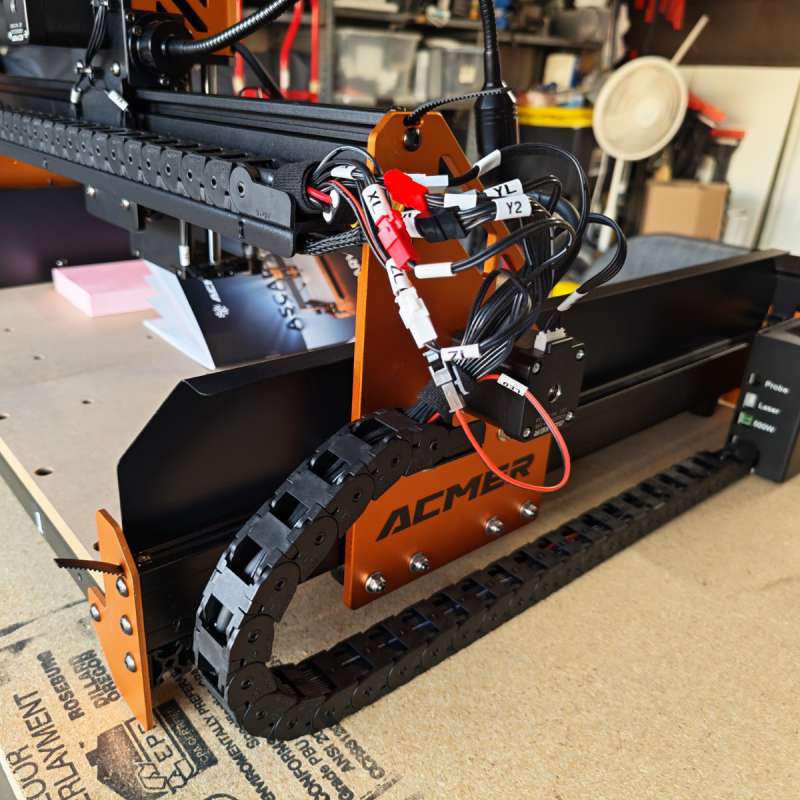
Both the X and Y axes of the machine have cable protectors for the many control, sensor, and power cables that make up the machine.
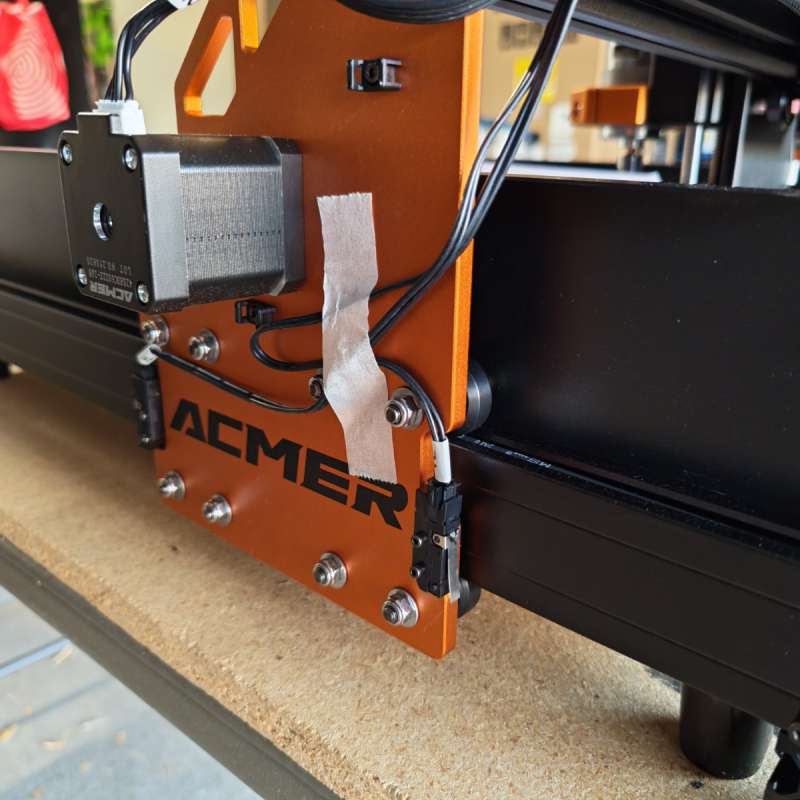
The motors seem large and beefy, which is good for a large machine.
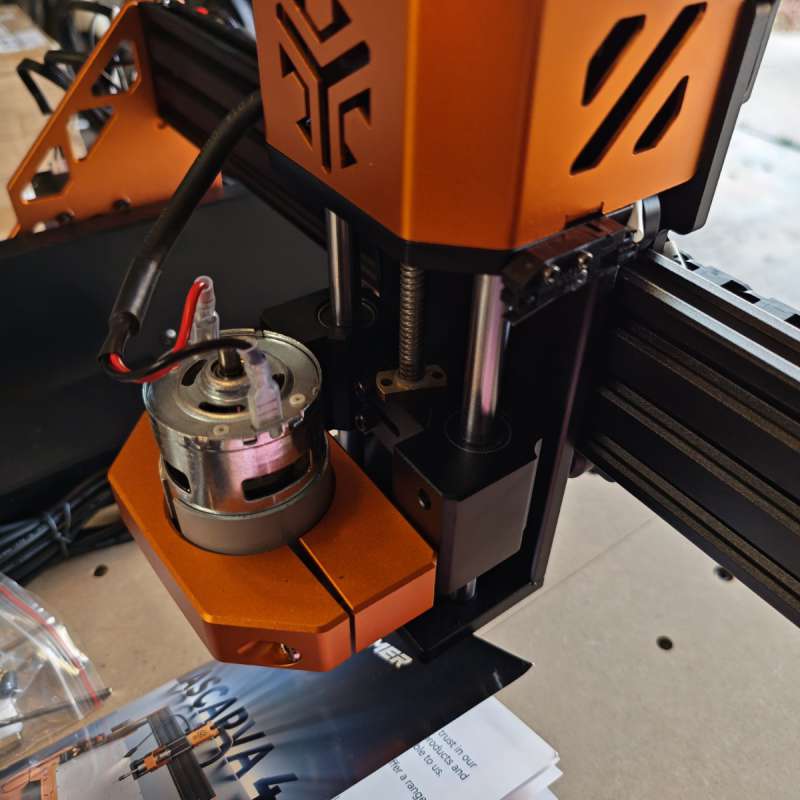
The clamp that holds the spindle motor doubles as a dust protector to extend the motor life of the spindle. The included 70 watt spindle is fine for light work, but the 500 watt upgrade is a must have for all but the softest materials.
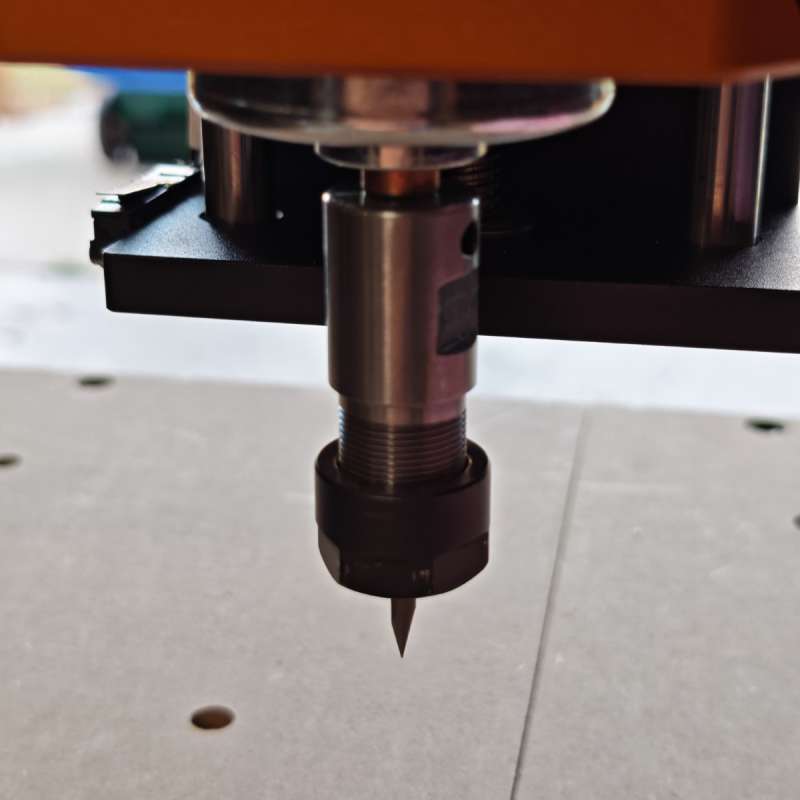
The included v-groove bits are great for detailed light engraving, but you’ll need to pick up some other bits if you want to do other projects besides fine engraving. The machine uses 1/8″ bits (on both the standard 70 watt and the optional 500 watt spindle).
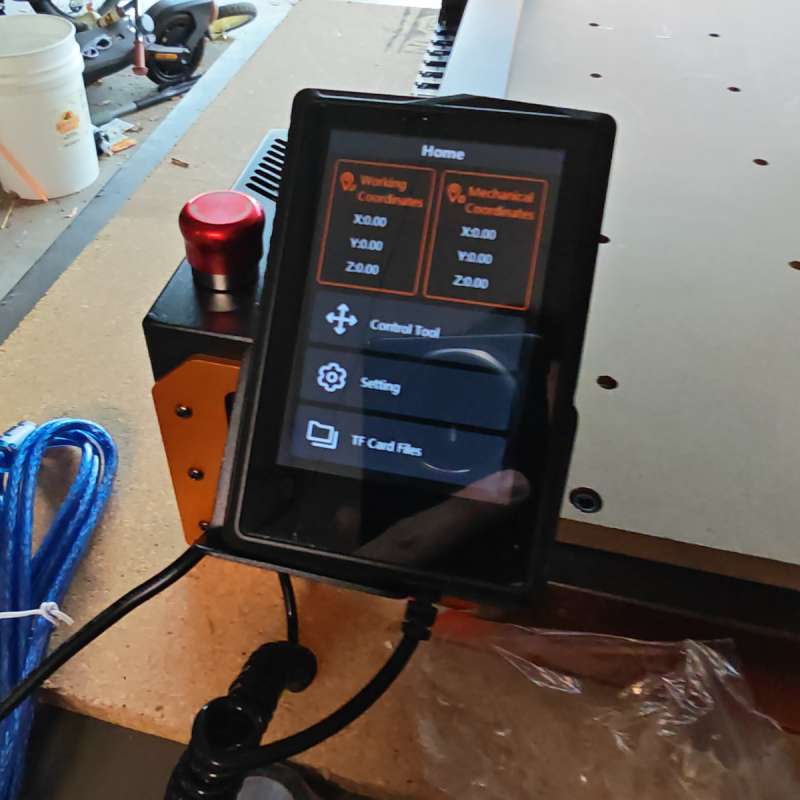
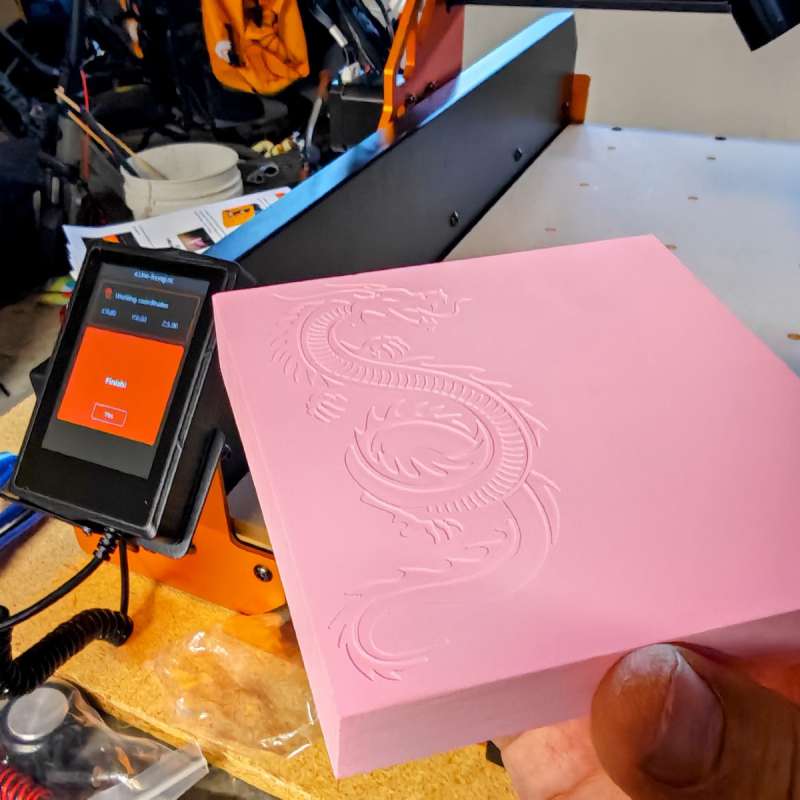
The 3.5″ touchscreen is a pretty decent one (I’ve used dozens of similar touchscreens on a variety of devices). It’s responsive to touch and relays relevant information quickly and easily. The menu system only took a few minutes to figure out, after which I could quickly start up a G-Code project in moments.
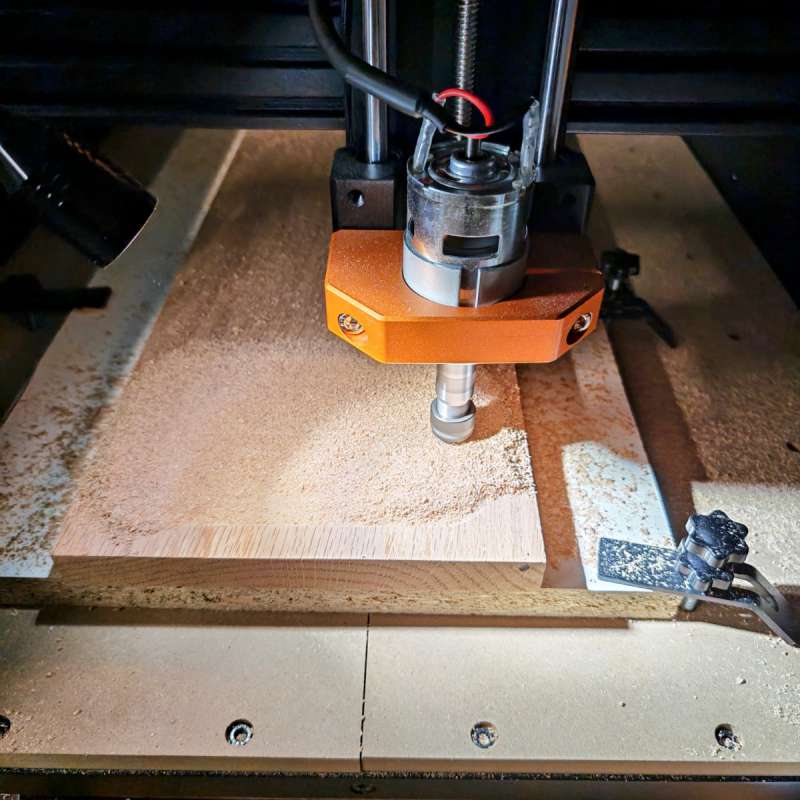
Dust management is handled fairly well, though I wish it had an active dust collector (dust boot). I may look at adding this in the future, but even when unattended the sawdust mostly piled up on and around the object which made for quick cleaning via shop vac later.
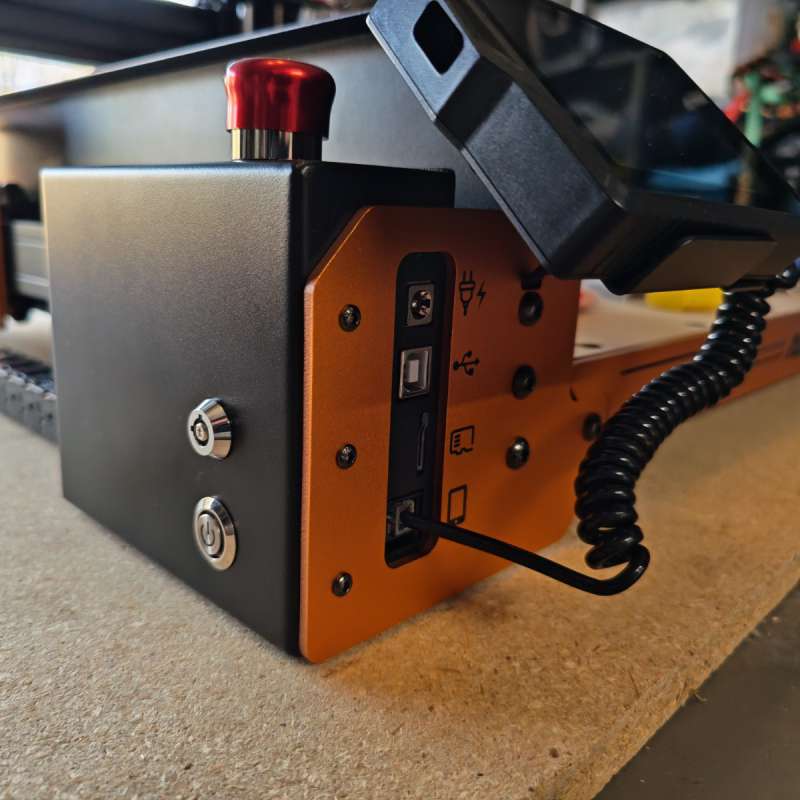 Below the control screen we have some ports and buttons. On the left side of the machine is a physical key lock (which disables the machine if turned to off and the key removed) as well as the power button. On the front of the machine is the power input, USB-B connection, SD card slot, and the jack where the touchscreen remote control connects.
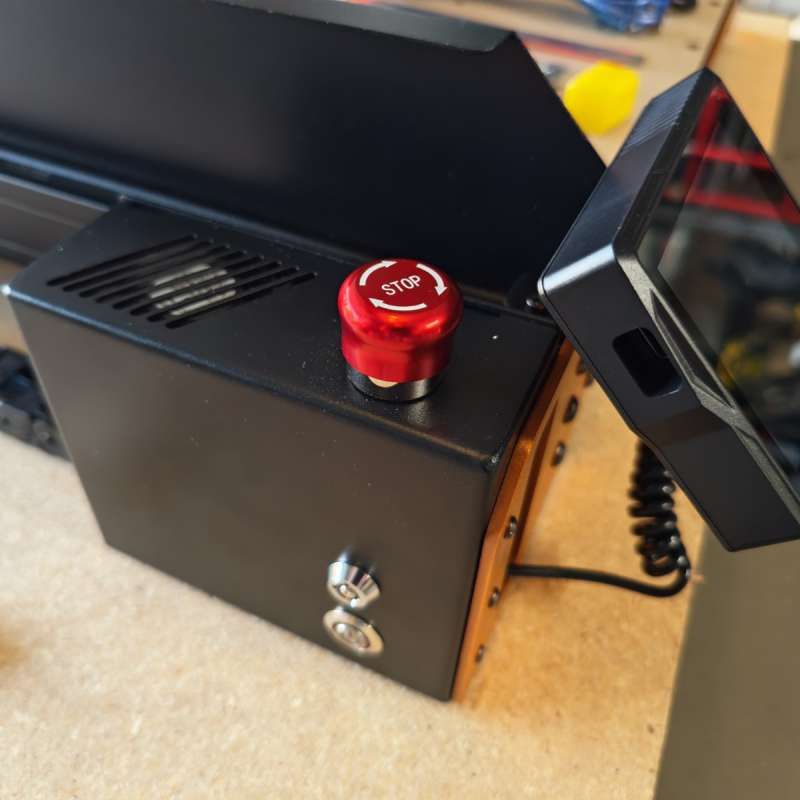
On the top of this panel is a large stop button for emergencies.
Assembly, Installation, Setup
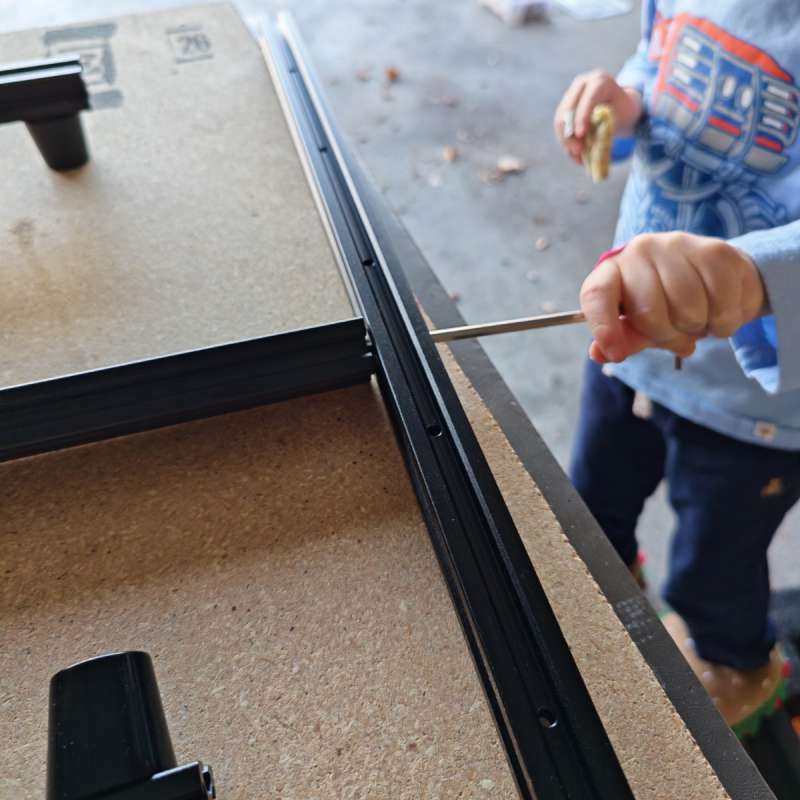
Assembly of the ACMER ASCAVA 4S CNC Router Machine was fairly straightforward. First, my little helper assisted me in bolting the frame together. Make sure you check the numbers carefully, I swapped the front and back pieces accidentally which required a near-total teardown to switch them to their correct spots.
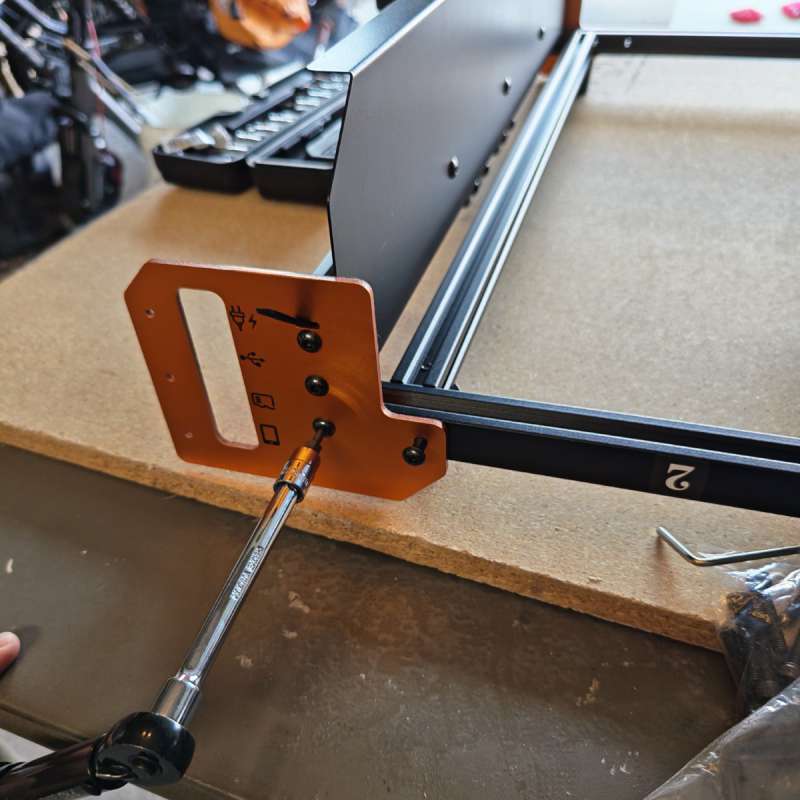
The included hex wrenches were fine, but I switched to better tools to save my wrist since there’s a decent number of bolts to hold it all together.
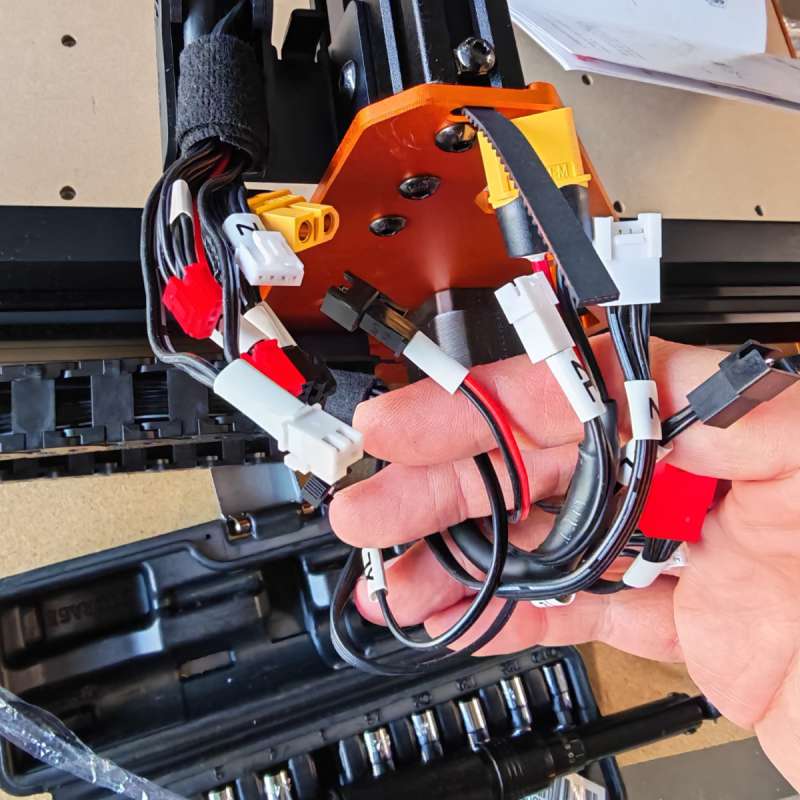
The gantry and side panels are pre-installed and simply need to be bolted on and then cables are connected. Even though the number of cables look daunting, each one can only connect to its corresponding match so you really can’t mess this part up.
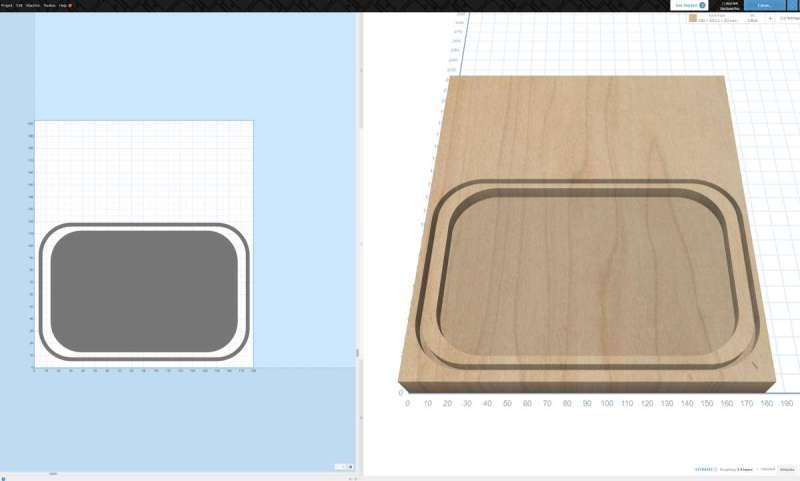
Finally you need some files to engrave or cut (there are a couple included on the SD card as well). I had an idea to create some decorative key trays for holiday gifts (perfect timing on the review), so I used Easel to generate G-Code files that I then inserted in the machine.
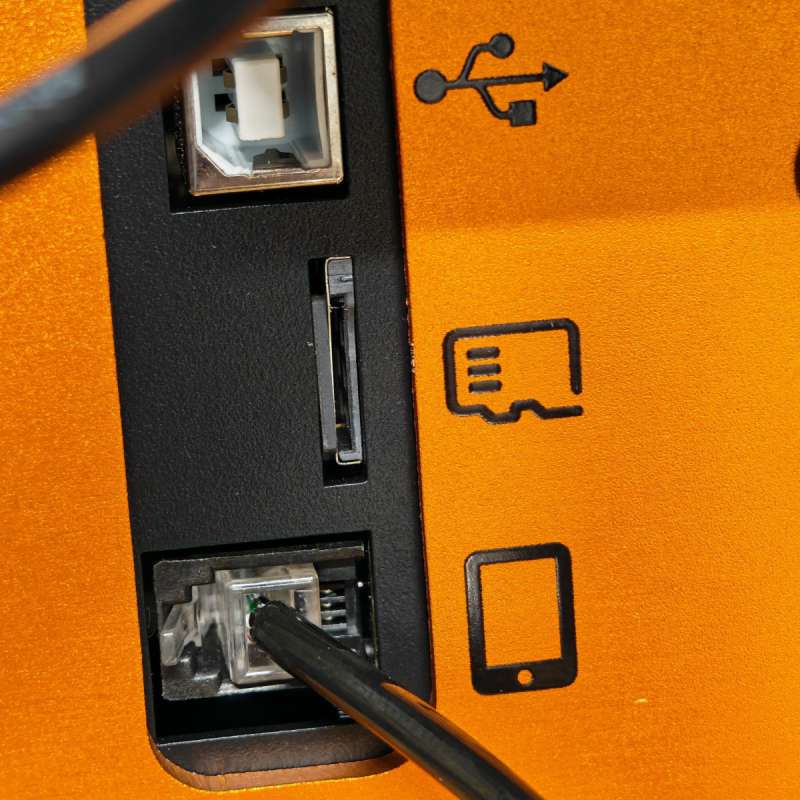
However, I somehow missed the SD card slot. There’s a gap just big enough to swallow the SD card, so after carefully extracting it back out I had to pay attention each time when inserting it to ensure I didn’t make that mistake again.
Performance
I tested a variety of materials (like the included soft blocks ACMER included in the box) as well as pine and finally red oak wood. The video above shows some of those projects in action.
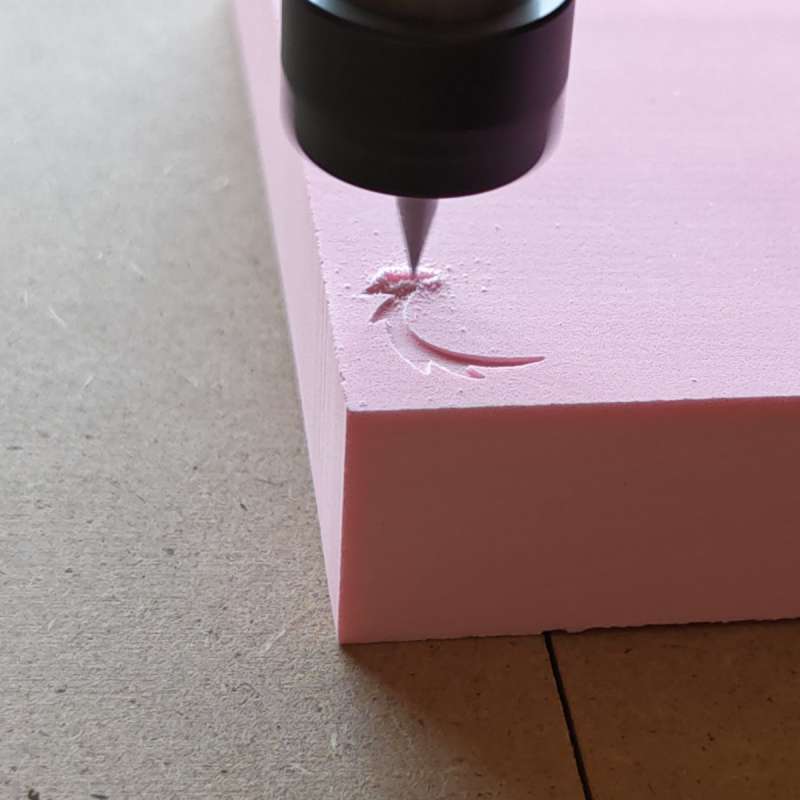
The fine V-Groove bits can make very intricate designs, like the included dragon:
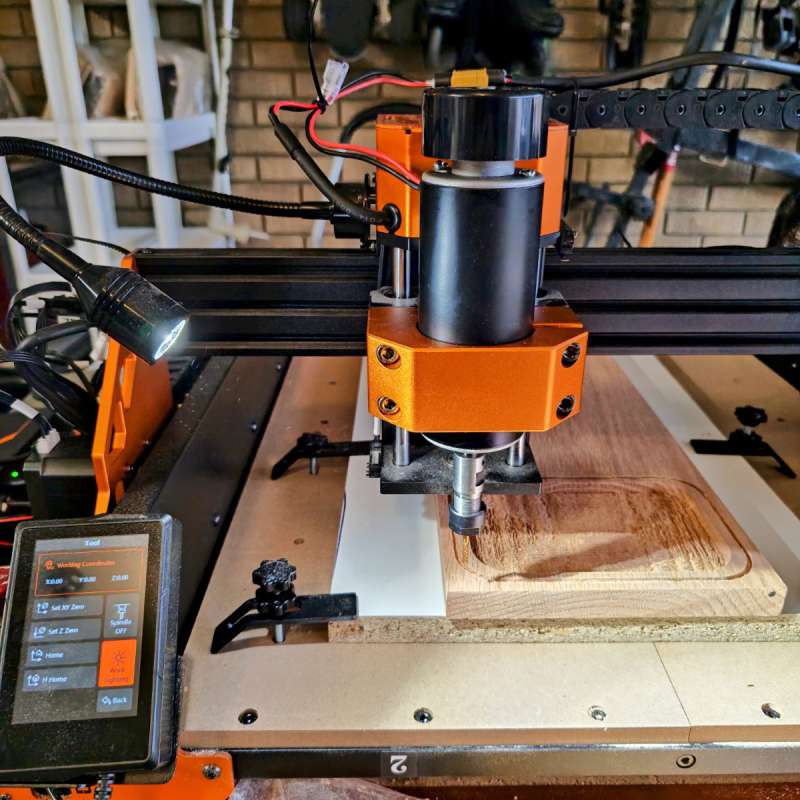
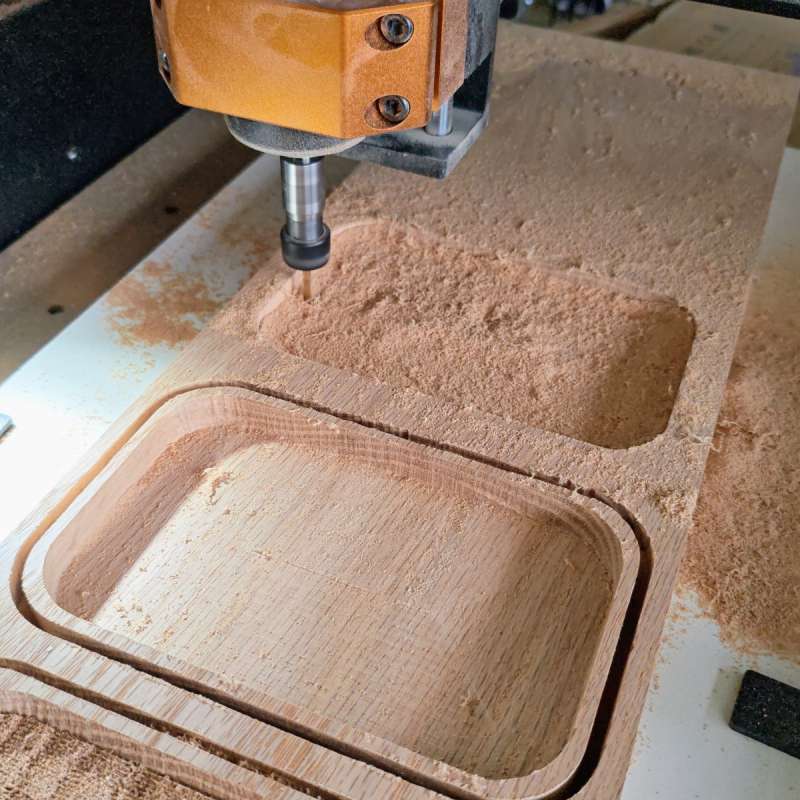
Next up I started on my key tray gift project, I used double-sided tape to attach my red oak to a sacrificial board (to allow the CNC machine to cut all the way through the key tray design on the outside). I quickly discovered that the 70 watt standard spindle struggles with harder woods, but luckily ACMER had sent the optional 500 watt spindle as well for testing.
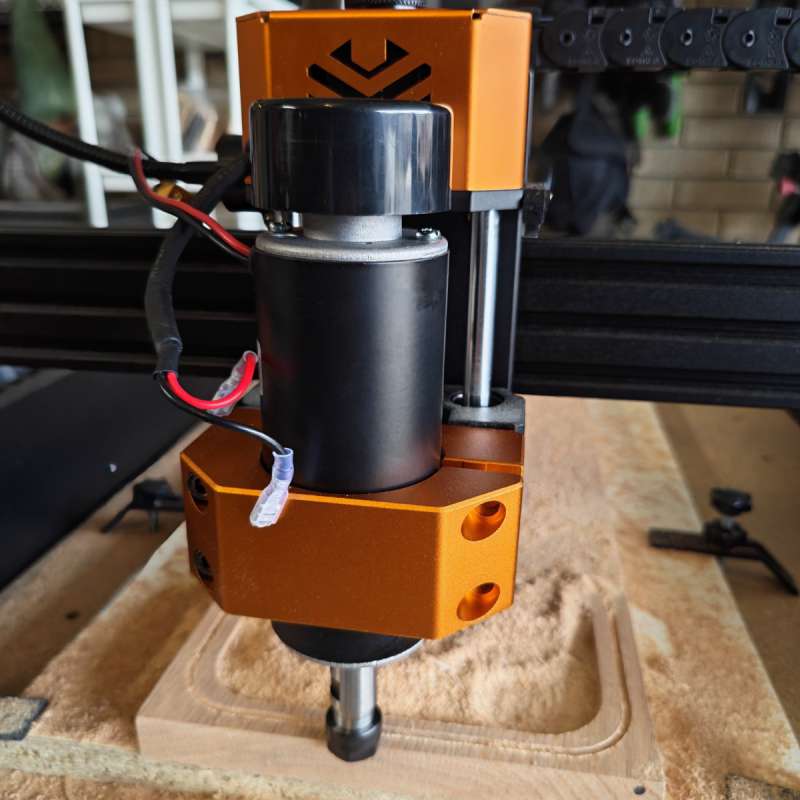
Installation of the 500-watt spindle is pretty easy, with an upgraded clamp and an extra wire (and zip ties) to run to the side.
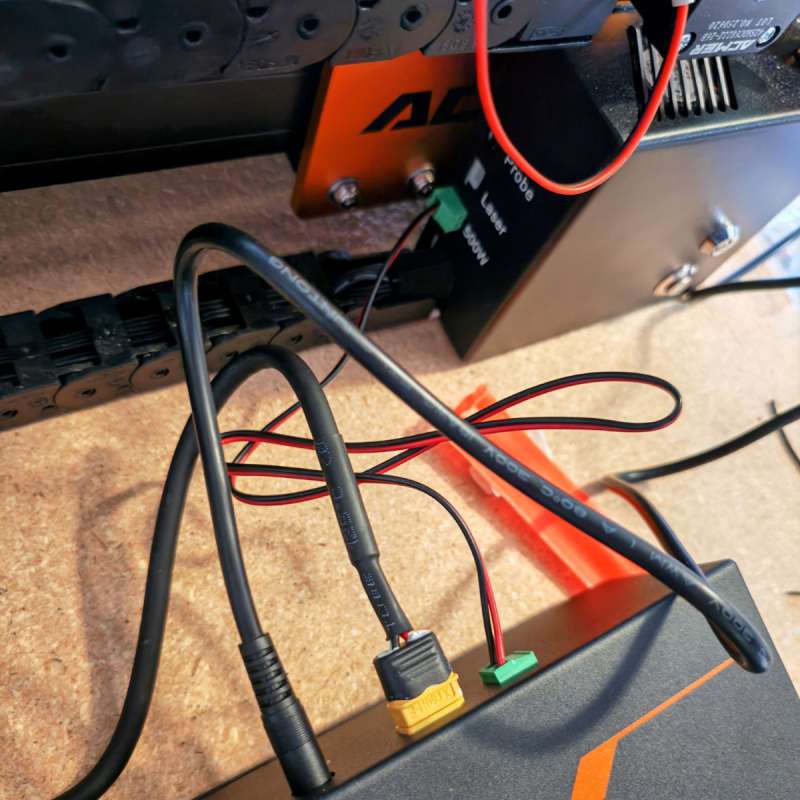
There’s an additional power supply box as well included with the 500 watt spindle, which connects to the original control box and into the “500W” slot in the back.
With the 500-watt spindle and some spiral bits I bought for the project, I tried again, and this time the machine had no problem chopping away at the red oak plank:
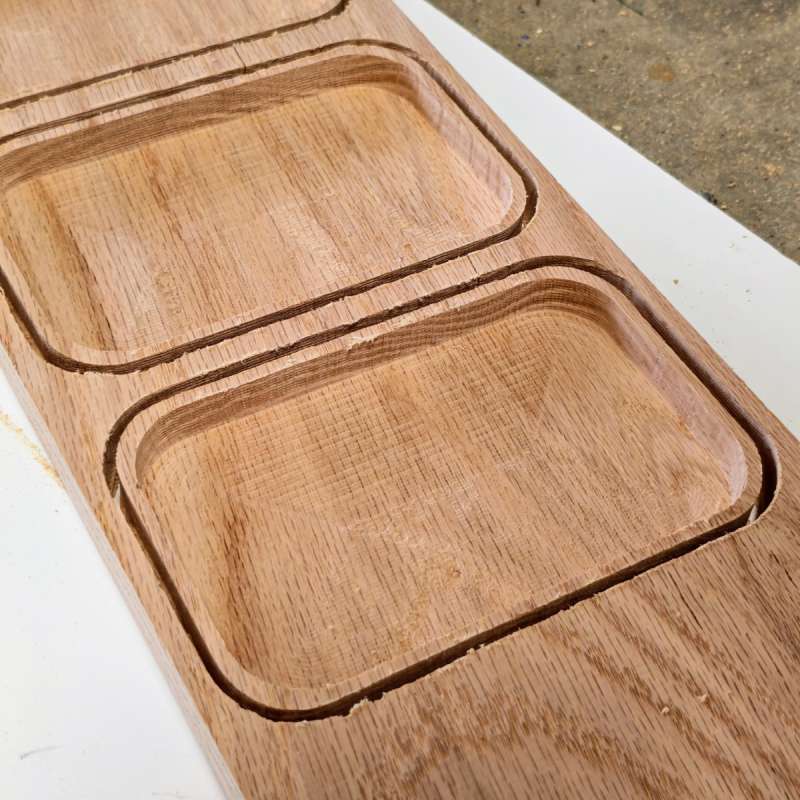
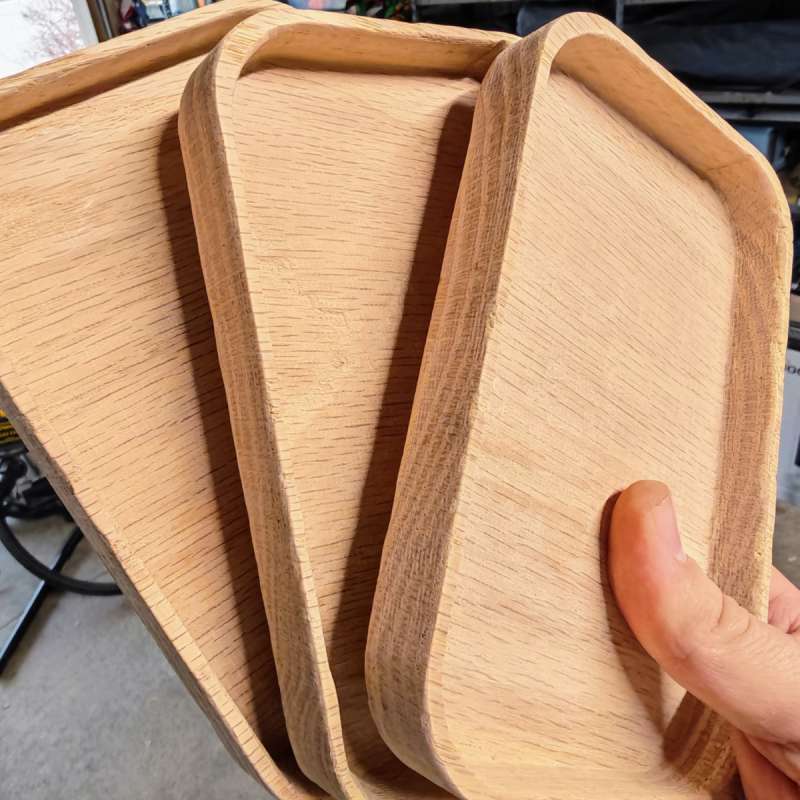
I was impressed with the ACMER ASCAVA 4S CNC Router Machine’s ability to cut and engrave right into a variety of different woods with the 500 watt spindle. My key trays came out great, requiring only some light sanding to finish them up.
Final thoughts
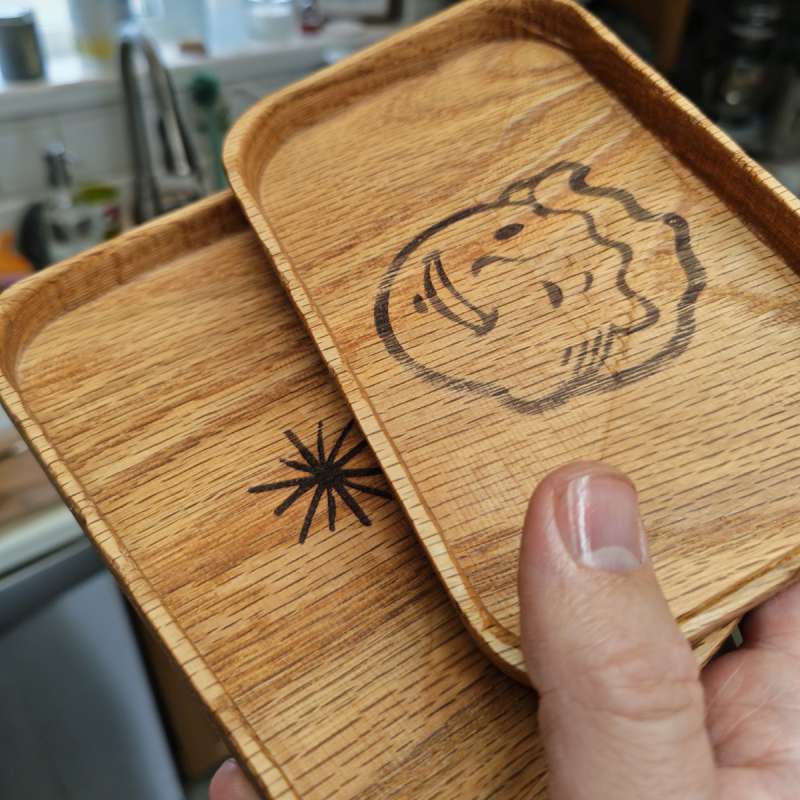
I laser engraved my key trays with the ACMER P3 engraver (though you can even get a laser engraver add-on for this 4S machine!). I was very happy with the end result, as were the gift recipients! Even after many projects and several weeks, I feel like I’m only scratching the surface with what I could do with the ACMER ASCAVA 4S CNC Router Machine. I have a half-dozen projects I’ve now started in Easel that I want to make, and a couple of sets of bits in my cart for different needs on said projects. I love the large project area and strong build quality of the machine and won’t hesitate to tackle larger projects on a variety of materials in the years to come!
Price: $699 ($599 sale at time of review)
Where to buy: ACMER and
Source: The sample of this product was provided for free by ACMER. ACMER did not have a final say on the review and did not preview the review before it was published.
LUNYEE 3018 Pro Ultra CNC Machine review – a great entry to the world of CNC
TwoTrees TTC6050 CNC Router Machine review – Automate Your Creativity
