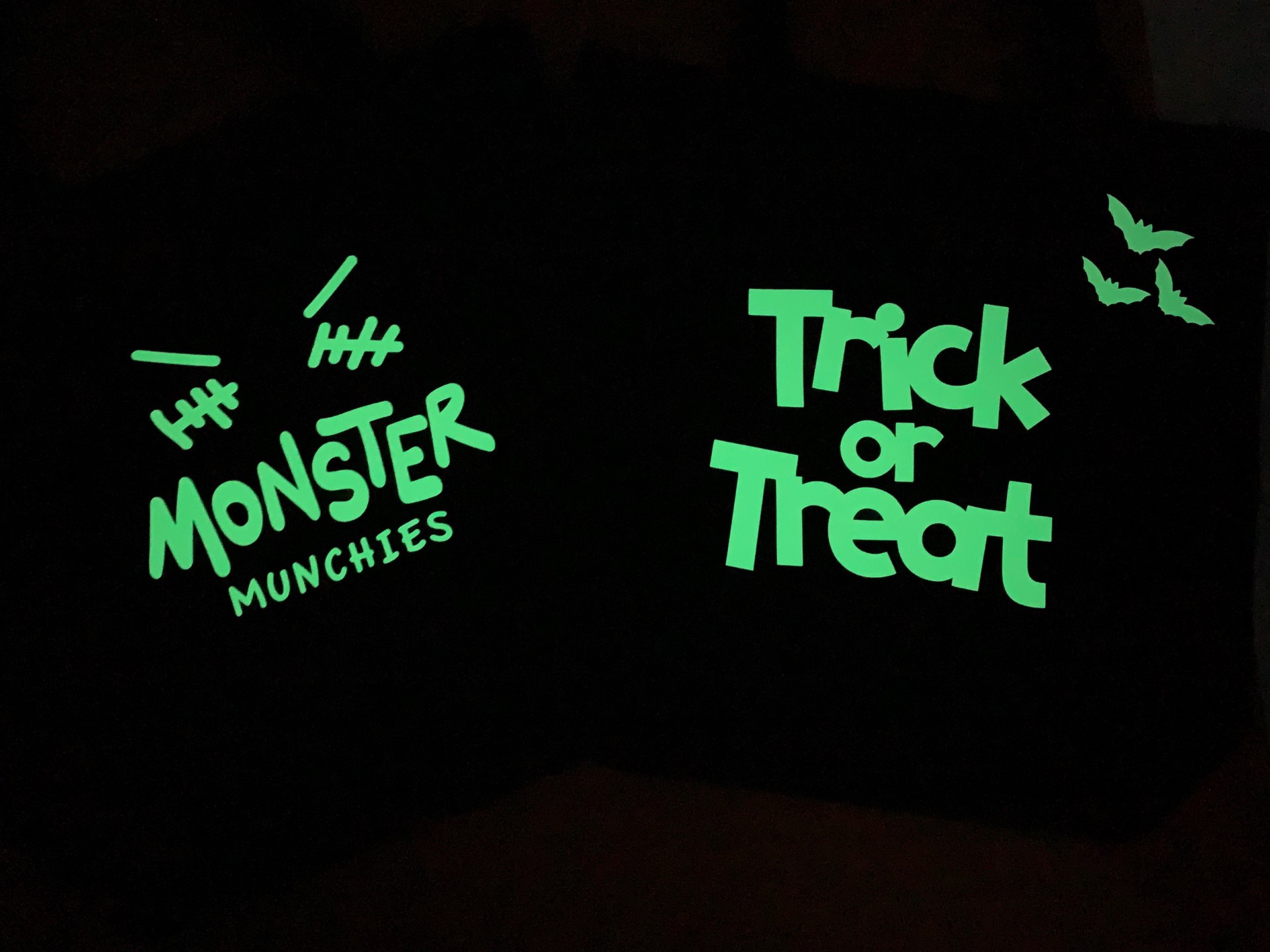
A plain tote can become a glowing Halloween candy bag with Cricut Glow-in-the-Dark Iron-On. If you’ve already got a cutting machine and a suitable heat tool, start with a simple face or a few bold shapes. Leave time to charge the finished design under a light.
Project ideas: Cricut’s official Halloween iron-on ideas
Pick the bag before the design
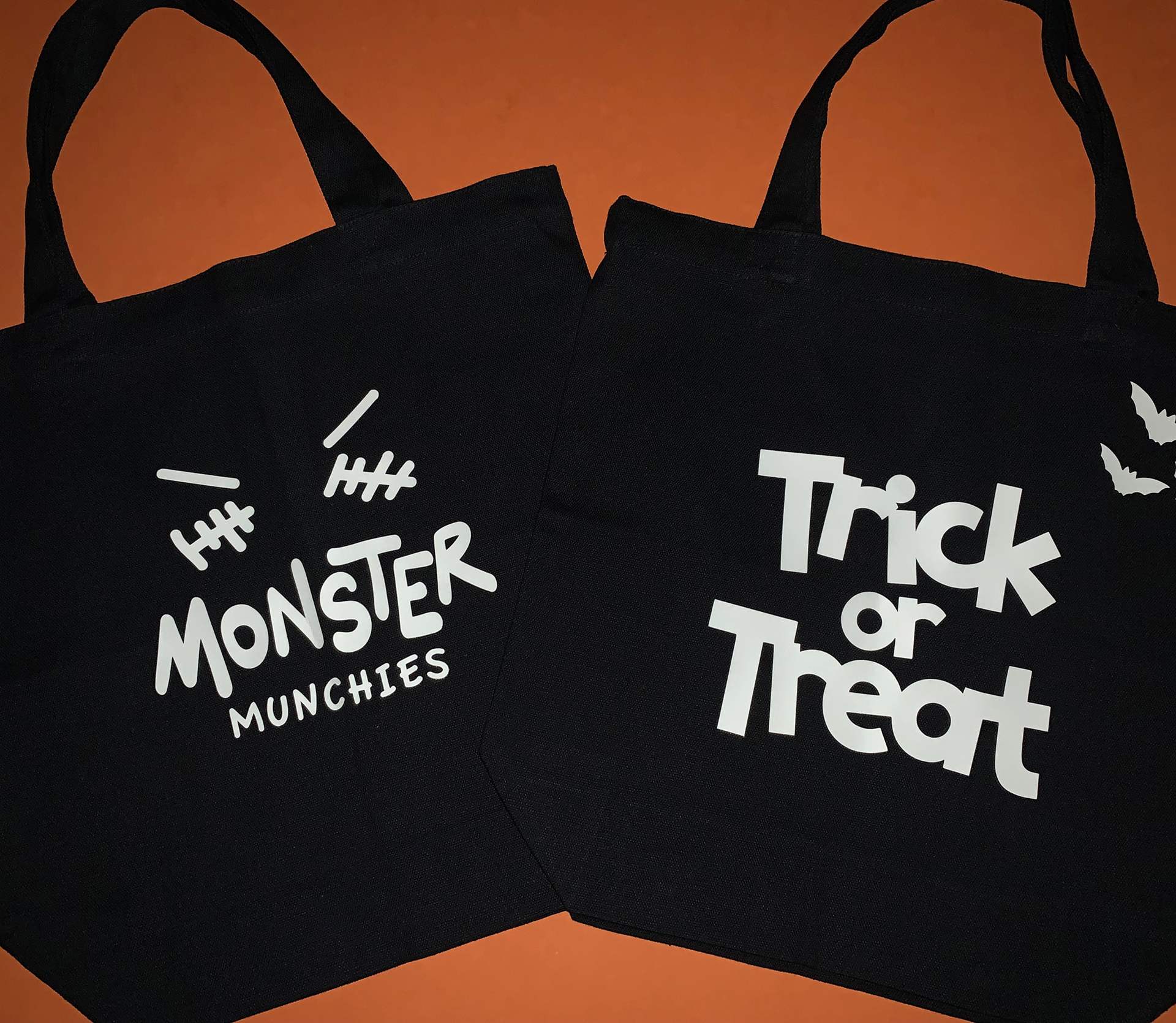
Choose a fabric tote whose material you can identify, then check that combination in the Cricut Heat Guide. The fabric, iron-on material and press determine the heat settings. A bag’s color alone won’t tell you whether it’s suitable.
Cricut’s Halloween examples include a skull tote and candy bags decorated with lettering and faces. Use those as starting points for your own design. A large mouth and two eyes leave fewer small pieces to remove than a detailed haunted-house scene.
For a bag you already use, keep the decoration on a flat section rather than across a seam. Measure that space before sizing the artwork. You can make the same kind of project on a compatible shirt, but check the fabric and heat settings again instead of carrying the bag’s settings over.
Cut the iron-on, then press for your fabric
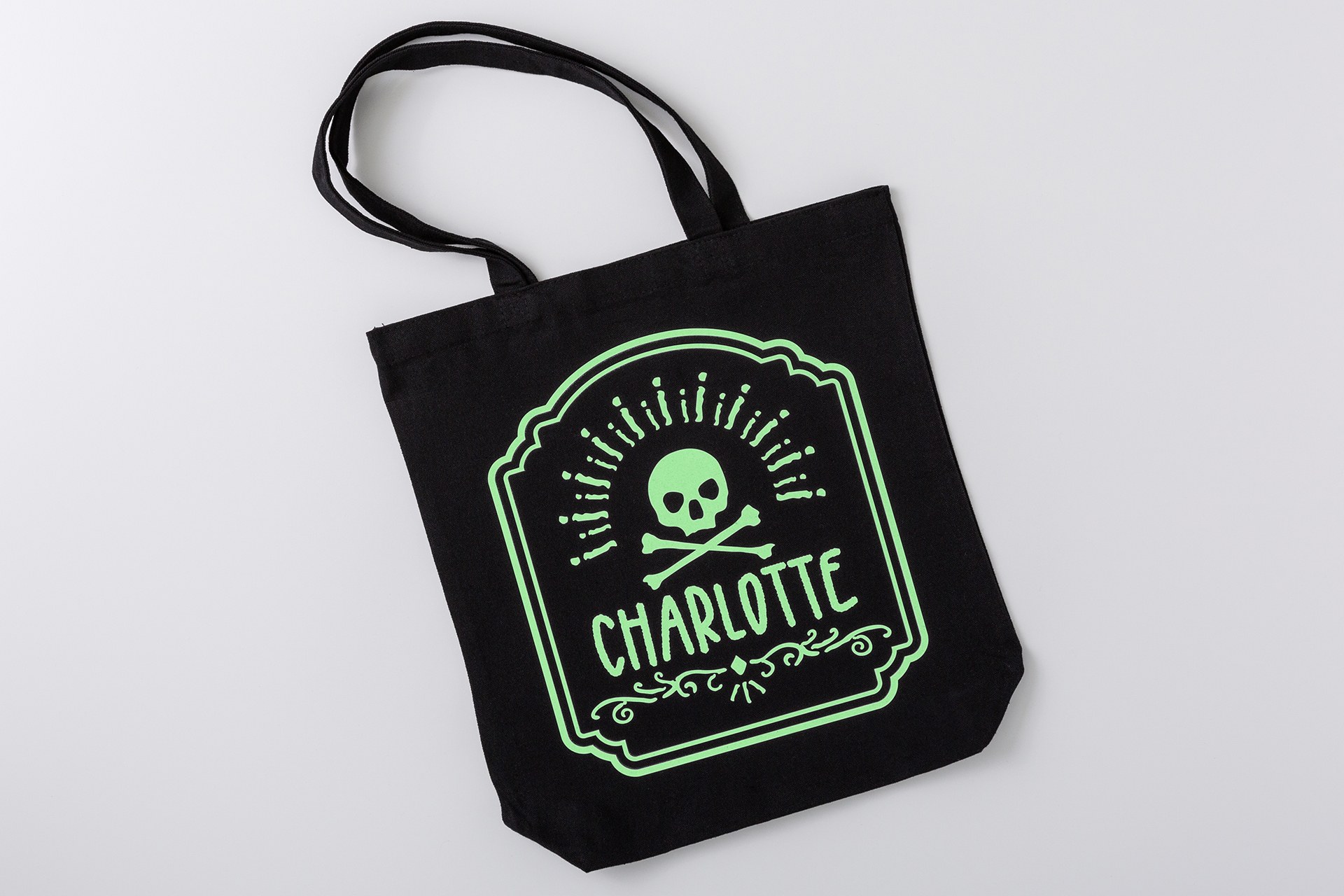
Use Glow-in-the-Dark Iron-On for this fabric project. Cricut also sells glow-in-the-dark removable vinyl for a different application; the similar name isn’t a reason to swap materials.
Cricut’s specialty iron-on instructions call for prewashing the fabric without softener, making a small test cut and testing the application in an inconspicuous area.
Mirror the design in Design Space before cutting. Select the exact material setting and place the iron-on shiny liner side down on the StandardGrip mat. Once it’s cut, remove the excess material while leaving the design on its liner.
For pressing, follow the Heat Guide for your specific combination. Preheat as directed, position the design liner side up and apply the specified heat. Cricut says to peel the liner slowly when it’s cool to the touch. If you’re adding glow iron-on over Everyday Iron-On, the glow material must stay on top; don’t cover it with another iron-on layer.
Give the glow time to charge
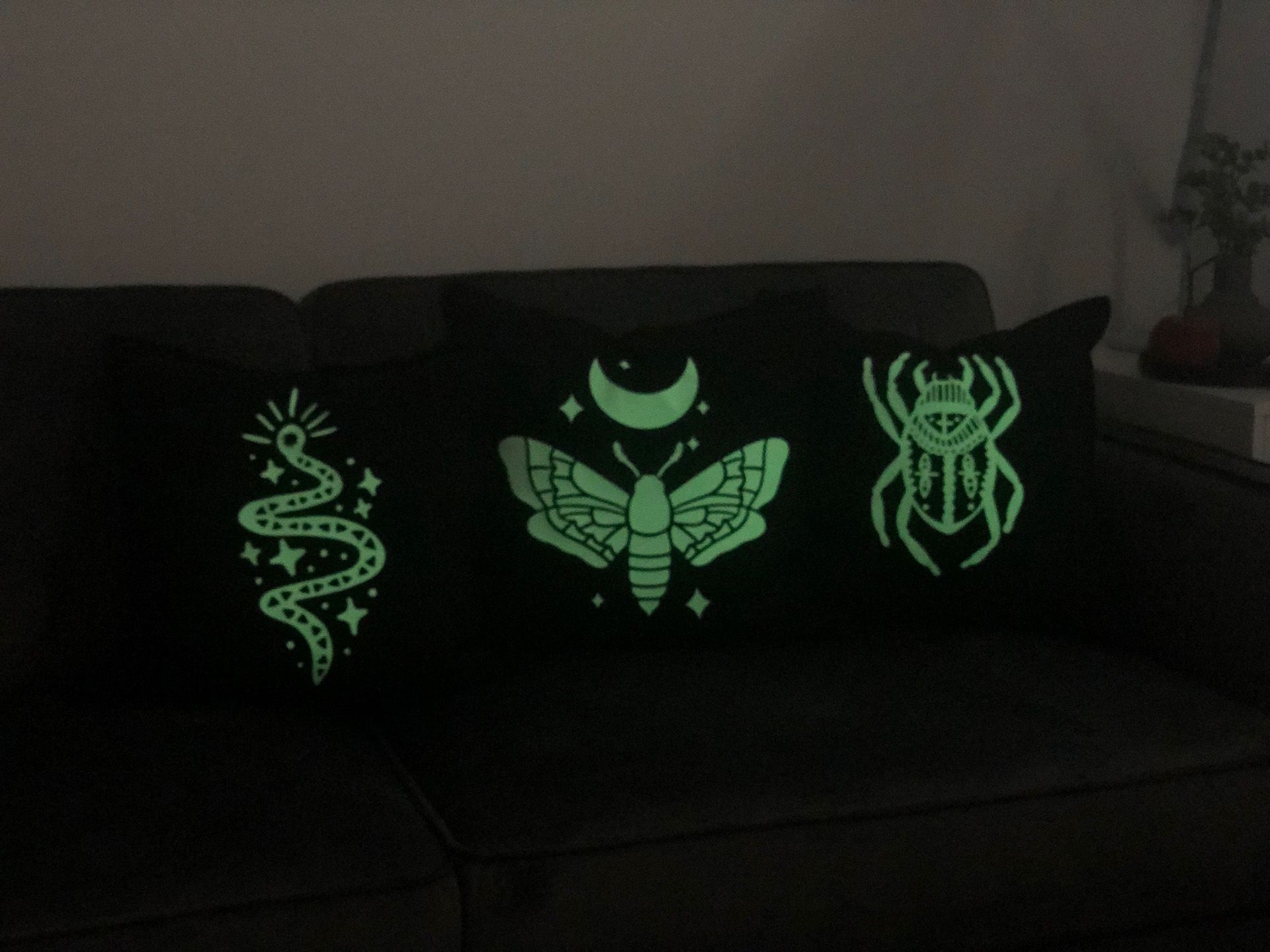
Cricut recommends about 30 minutes under direct light for its brightest, longest glow. The company says the effect lasts approximately 20–30 minutes before it needs recharging.
Set the finished bag under a light before you take it into a dark room. A quick light-on, light-off check will show whether your chosen shapes read clearly. Treat the glow as decoration, not as a substitute for a flashlight or other visibility equipment outdoors.
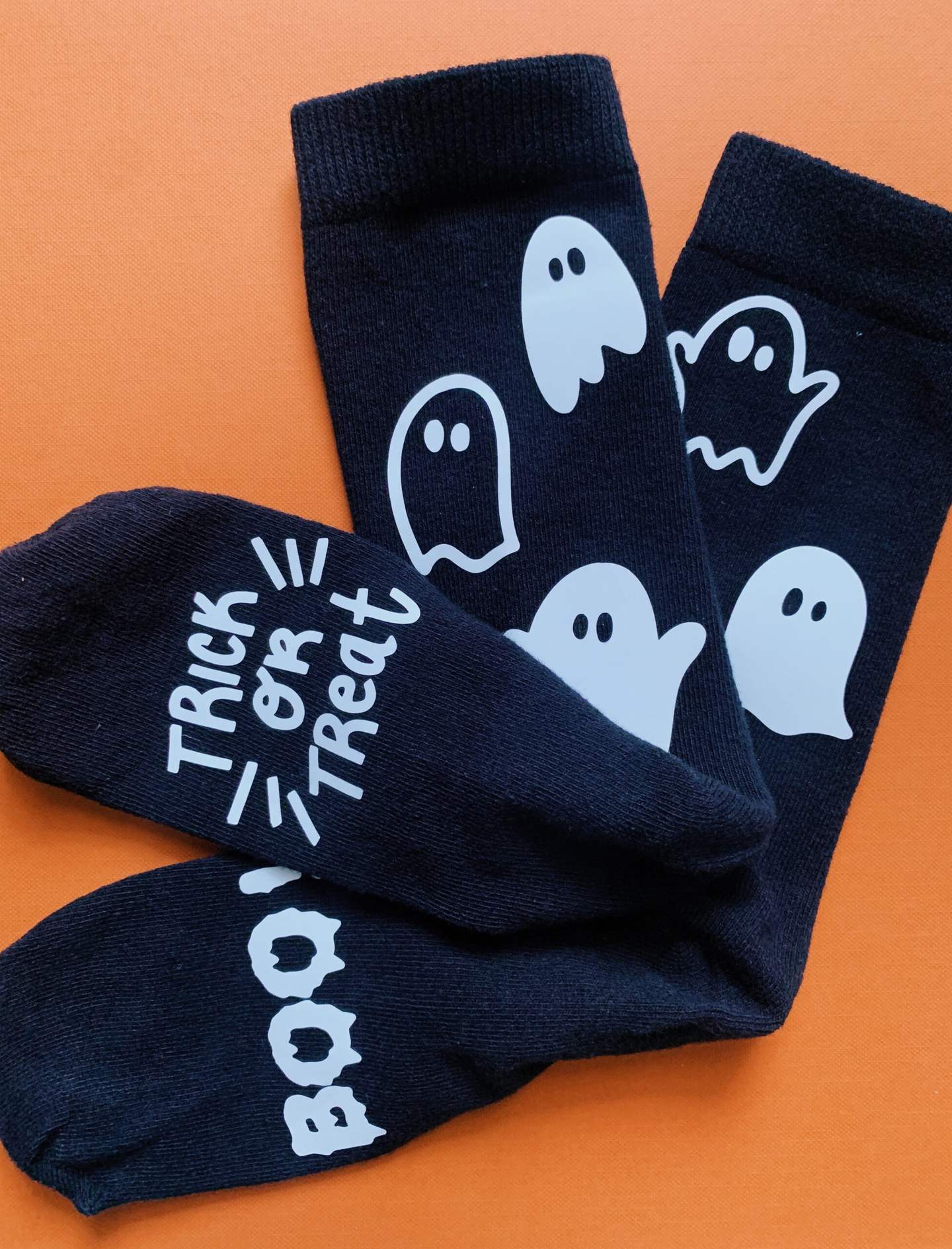
The same material can add a small ghost to a shirt or a Halloween motif to a compatible cushion cover. Keep the design modest if you’re working from a partial roll: measure the material and usable fabric area before cutting.
Wait 24 hours before washing
Wait at least 24 hours after applying the iron-on before washing the finished item. Cricut recommends washing and drying it inside out and says not to use bleach. Check the tote or shirt’s own care instructions too.
Project ideas: Cricut’s official Halloween iron-on ideas