 Desktop PCs can create an annoying workspace problem. You may want a large screen, plenty of ports, and enough performance for everyday work, but adding a tower, monitor, webcam, speakers, and their cables can quickly crowd a small desk.
Price: From SG$1,363.98 (About $1,067)
Where to Buy: Lenovo SG
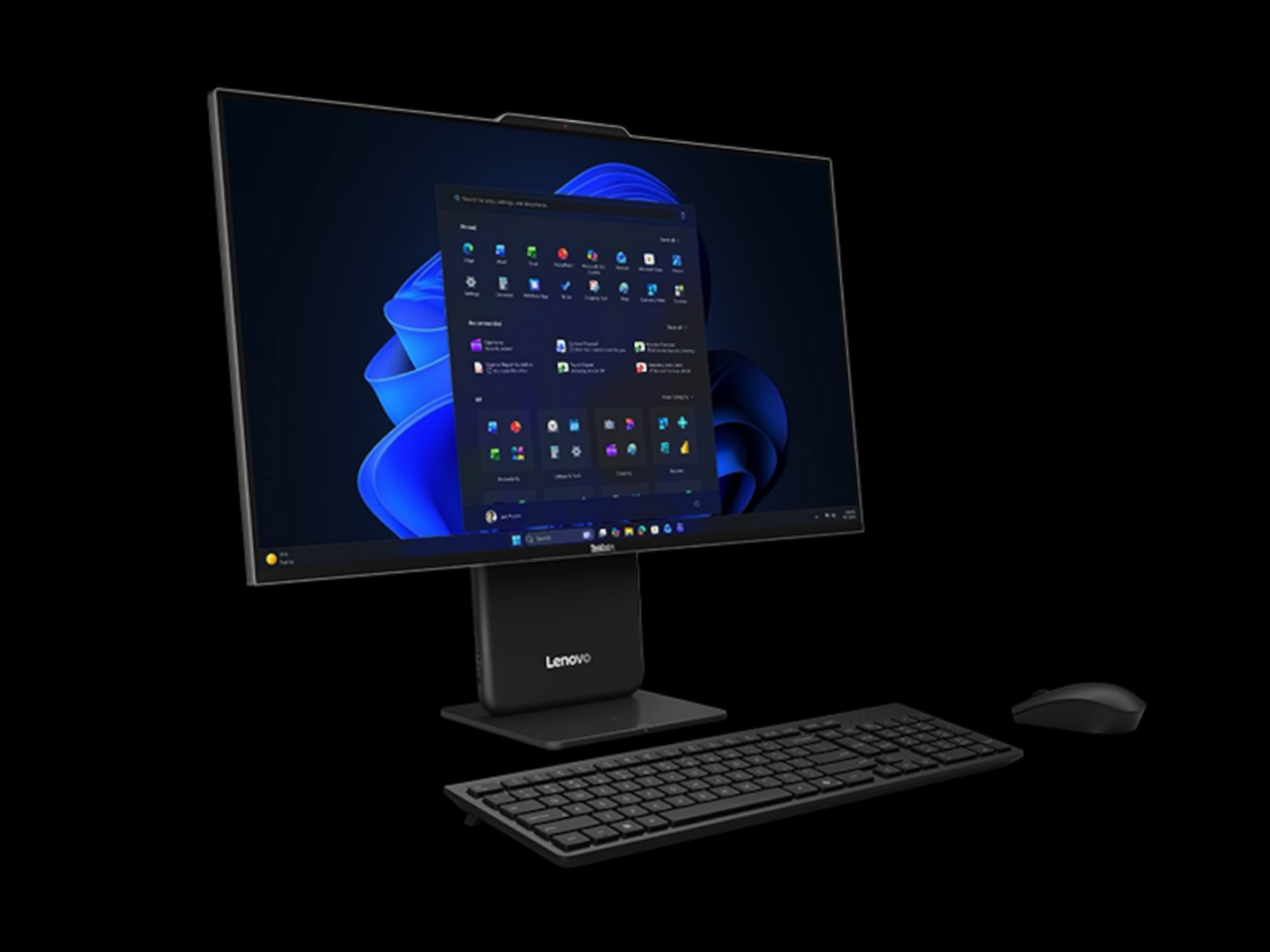
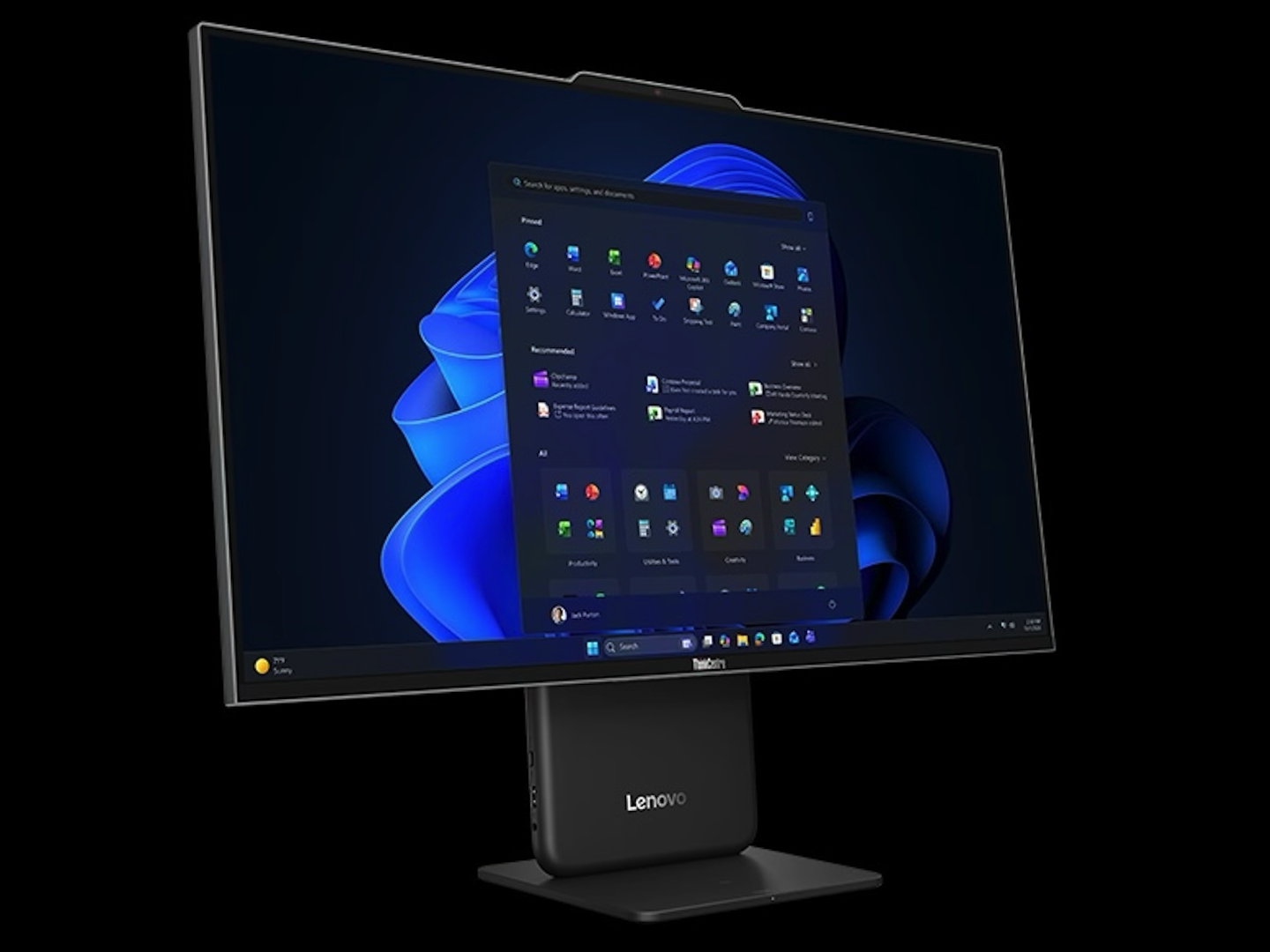
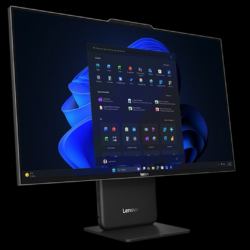
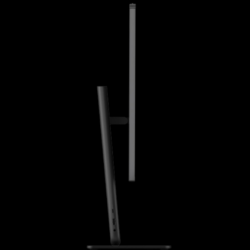
The Lenovo ThinkCentre Neo 50a Gen 7 (27-inch Intel) takes the all-in-one route, putting the PC hardware behind a 27-inch display. Lenovo targets it at workplaces including offices, healthcare, and education, particularly where space is limited. The company emphasizes its AI capabilities, but the more immediately useful feature may be simpler: you get a large-screen desktop without finding somewhere to put a separate tower.
A 27-inch screen with a 120Hz refresh rate
Lenovo specifies a 27-inch 1920 × 1080 IPS display with 350-nit brightness, 99% sRGB coverage, a 120Hz refresh rate, anti-glare treatment, and hardware low-blue-light technology. Depending on the configuration, the display can be touch or non-touch.
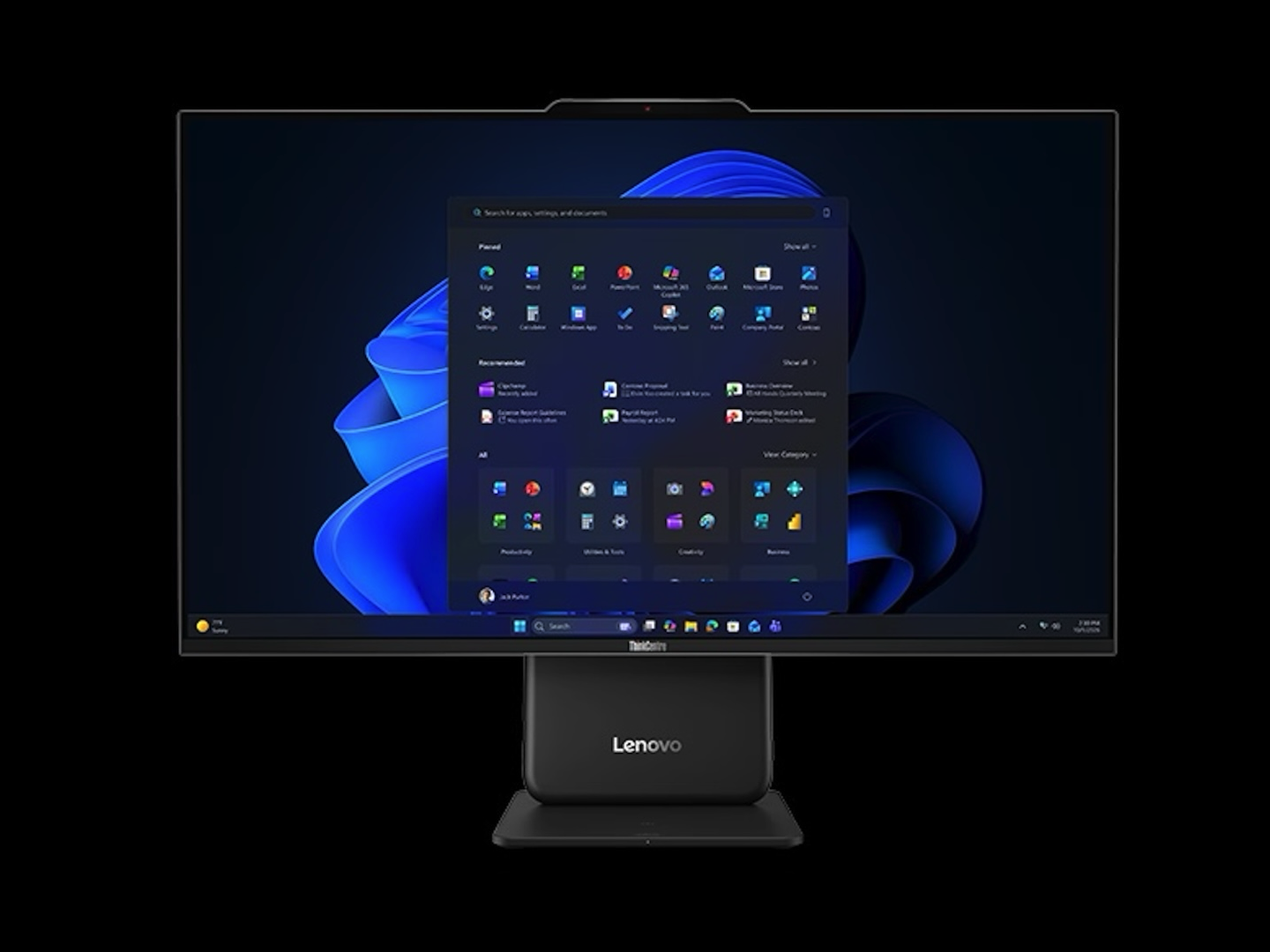 The 120Hz refresh rate stands out on a business all-in-one. It should make scrolling and interface movement look smoother than on a 60Hz office monitor. That doesn’t turn the Neo 50a into a gaming machine, especially since it uses integrated graphics.
Resolution is the more obvious compromise. Full HD across 27 inches gives you a physically large screen, but not more pixel workspace than a smaller Full HD display. Buyers who prioritize fine text, detailed graphics, or fitting more information on-screen may prefer a QHD or 4K monitor.
Intel Series 3 processors add AI hardware
The Neo 50a Gen 7 supports Intel Core 3 304, Core 5 320, and Core 7 350 Series 3 processors, paired with integrated Intel Graphics. All three processor options include Intel AI Boost NPU hardware, ranging from up to 15 TOPS on the Core 3 to 17 TOPS on the Core 7.
 Lenovo markets the Neo 50a Gen 7 as an AI PC. It also promotes Lenovo Smart Meeting features for adjusting lighting, reducing background noise, and improving audiovisuals during calls. Those are manufacturer-described capabilities, not evidence that every user will see a substantial improvement in meetings or everyday productivity.
The NPU’s practical value will depend on the applications you use and how effectively they take advantage of dedicated AI acceleration. If most of your work happens in a browser, spreadsheets, email, and conventional office software, the processor and overall configuration may matter more than the AI label.
The ports are a stronger everyday argument
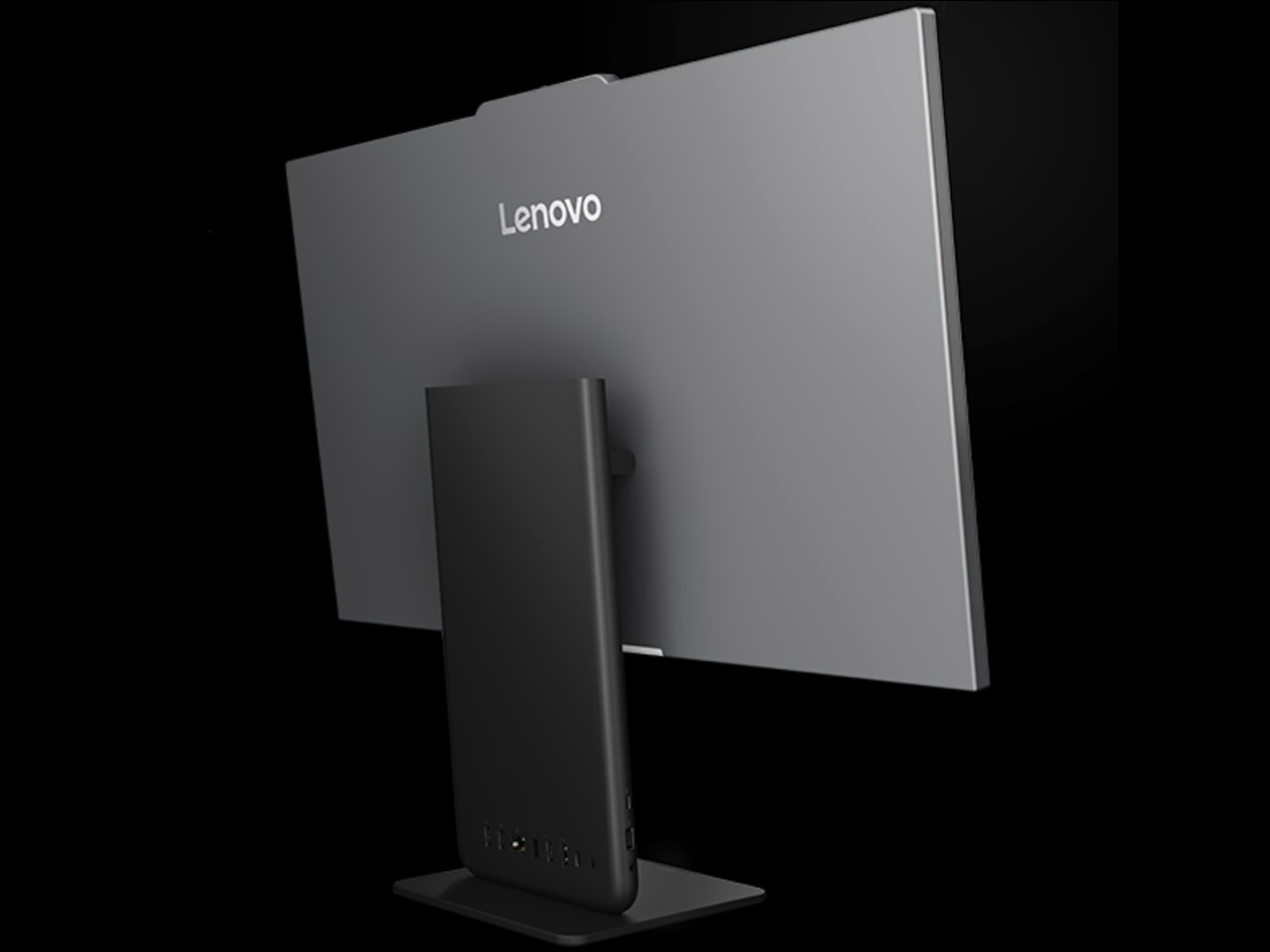
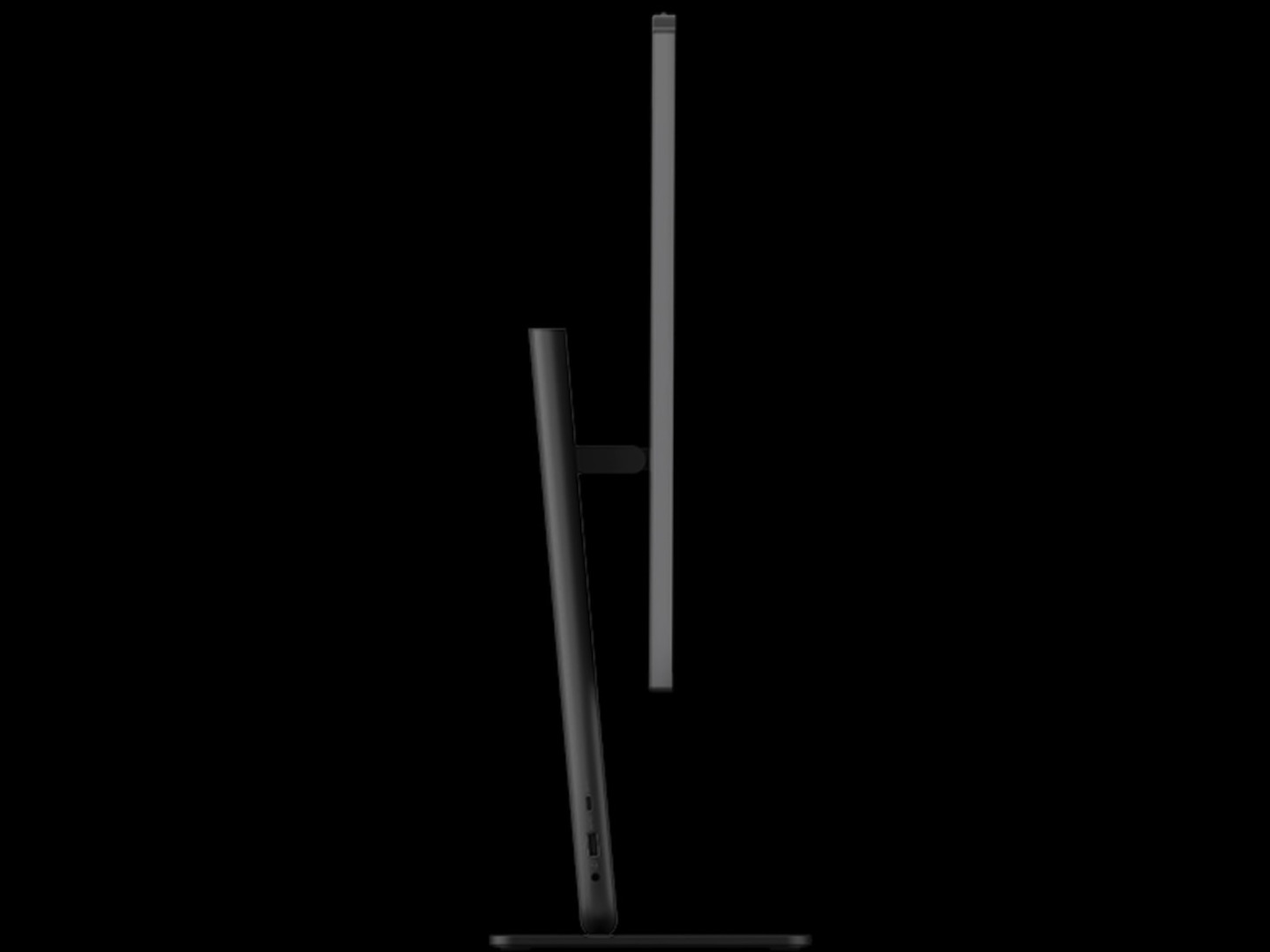
Lenovo specifies six USB ports: two USB-C connections rated for 20Gbps data transfers, DisplayPort 2.1 output, and 15W power output, plus four 10Gbps USB-A ports. There’s also Gigabit Ethernet, a 3.5mm headset jack, and an HDMI 2.1 TMDS input/output combo port.
 That HDMI arrangement is particularly useful because the built-in screen doesn’t have to serve only the internal PC. Lenovo specifies 1080p at 120Hz for HDMI input, so the display can show video from another compatible source. The same HDMI connection supports 4K at 60Hz when used as an output.
For an expanded workstation, the USB-C DisplayPort output and HDMI output provide connections for external displays alongside the built-in panel. Keep in mind that the HDMI combo port functions as either an input or an output for a given connection; you can’t use it for both at once.
Wireless connectivity varies by configuration. Lenovo offers options reaching Wi-Fi 7, but some configurations use Wi-Fi 6, so check the exact model before ordering.
Choose your memory carefully
The biggest upgrade limitation is memory. Lenovo supports up to 32GB of LPDDR5X-7467 RAM, but it’s soldered to the system board, with no memory slots. You can’t buy a lower-memory configuration now and add more RAM later.
Storage is more accommodating. Lenovo lists support for two M.2 SSDs of up to 1TB each and designates the second slot for customer self-upgrades. For a PC likely to stay on a desk for several years, that distinction matters: you can expand storage, but not memory.
Camera specifications also vary. Lenovo lists 5MP cameras across the family, with IR available on some configurations for facial-recognition login. The system also has dual-array microphones and two 3W Harman speakers.
The tradeoffs to consider
The ThinkCentre Neo 50a Gen 7 makes the strongest case for itself when desk space and setup simplicity matter more than maximum upgradeability. It combines a 27-inch screen and desktop PC in one unit while retaining connections for peripherals, wired networking, and external displays. HDMI input gives the built-in screen an additional use with another compatible device.
The compromises are worth weighing before you choose a configuration. Full HD may look less crisp than a higher-resolution display at this size, integrated graphics aren’t intended for demanding GPU workloads, and soldered RAM makes the memory choice permanent.
Price: From SG$1,363.98 (About $1,067)
Where to Buy: Lenovo SG
Lenovo’s AI features add another capability, but they aren’t the clearest reason to consider this PC. Its more practical appeal is a tidy, large-screen work setup with useful connectivity, as long as you’re comfortable with its display resolution and limited upgrade path.