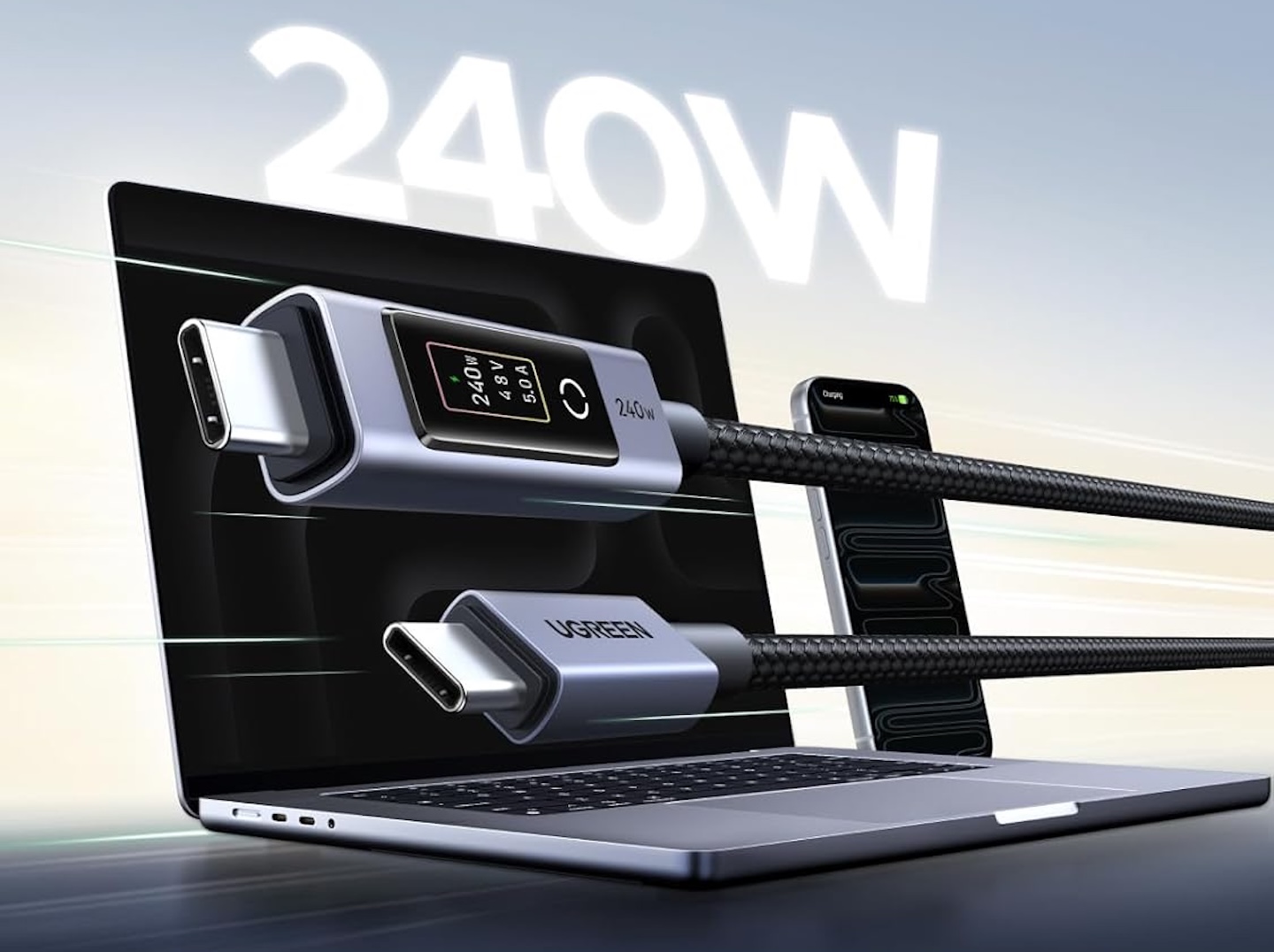
USB-C was supposed to simplify cables, but knowing what a charging setup is actually doing can still be frustrating. Plug a laptop into a powerful USB-C charger and you’ll usually get little indication whether the connection is delivering 30W, 100W, or something higher.
Price: From $16.99
Where to Buy: Amazon
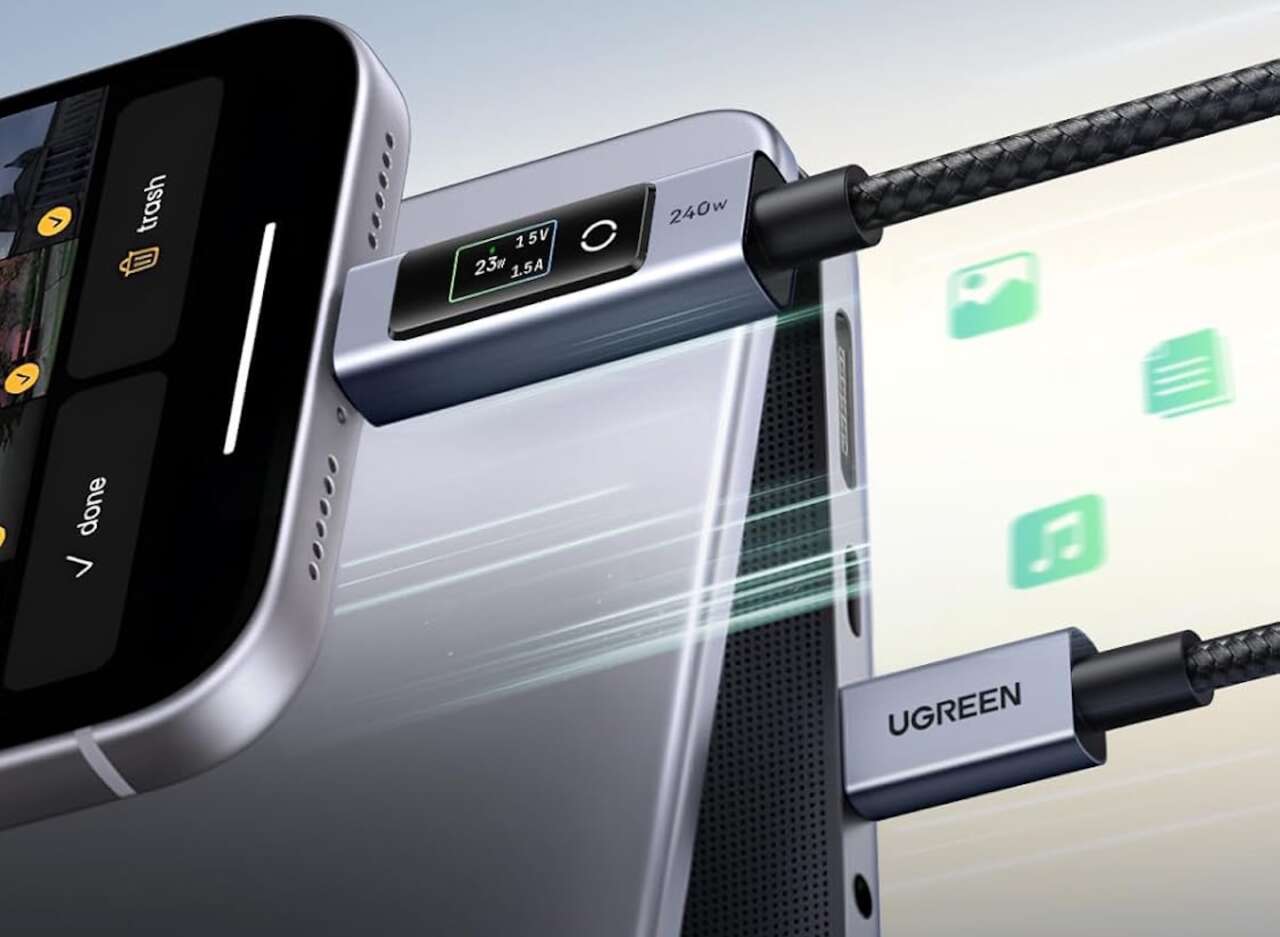
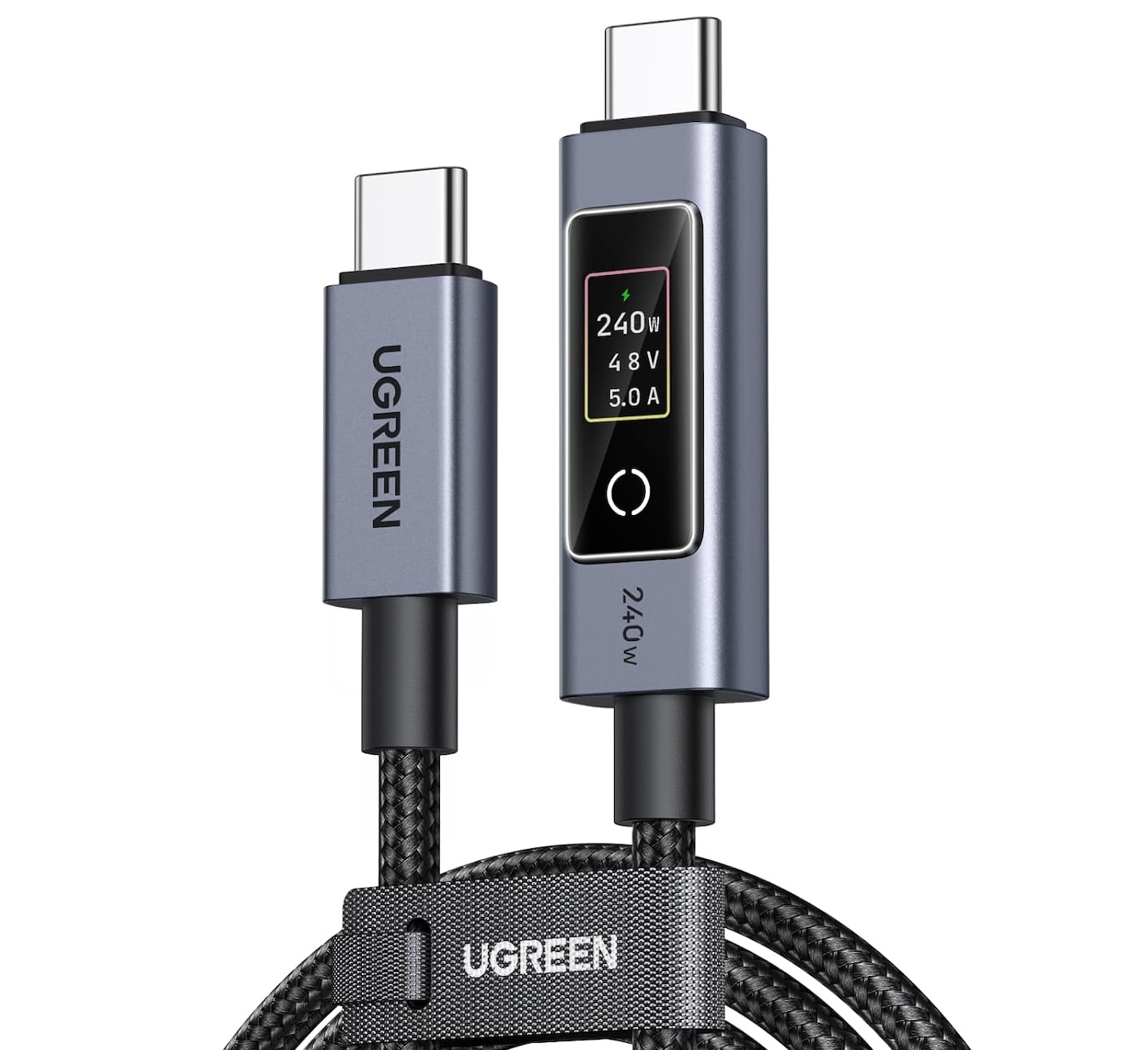
The UGREEN Nexode 240W USB-C to USB-C Cable with TFT Smart Display tackles that problem by putting charging information directly on one of its connectors.
The cable can carry up to 240W with compatible equipment, and its small display shows power, voltage, and current while charging. It won’t make your devices charge faster by itself, but it gives you something most USB-C cables can’t: a quick look at how much power is flowing.
The display is its main attraction
UGREEN says the TFT display shows power in watts, along with voltage and current, in real time. That could be useful when troubleshooting a charging setup. If your laptop appears to be charging more slowly than expected, the display gives you another piece of information without requiring a separate USB power meter.
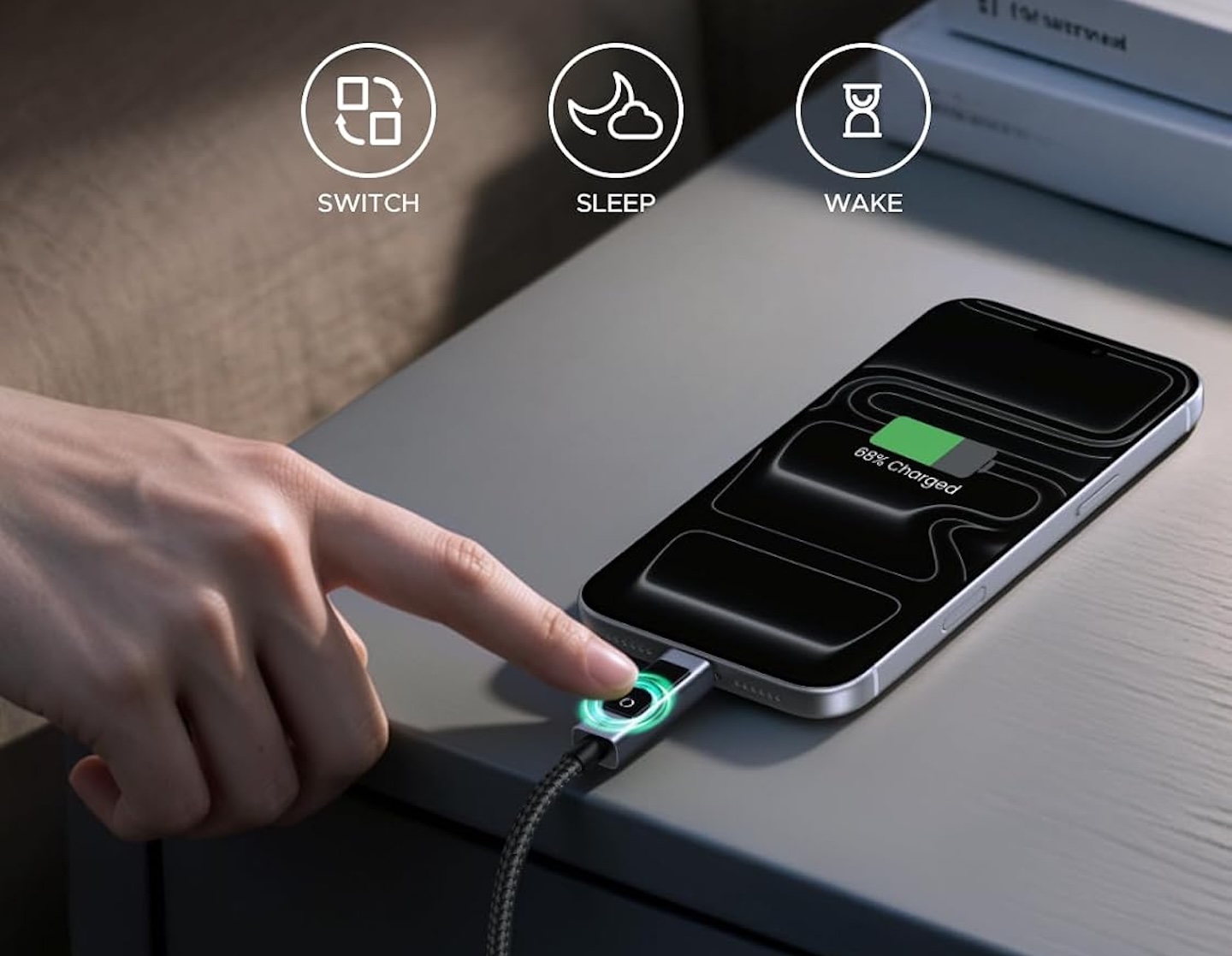
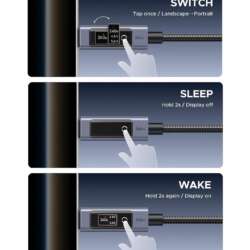
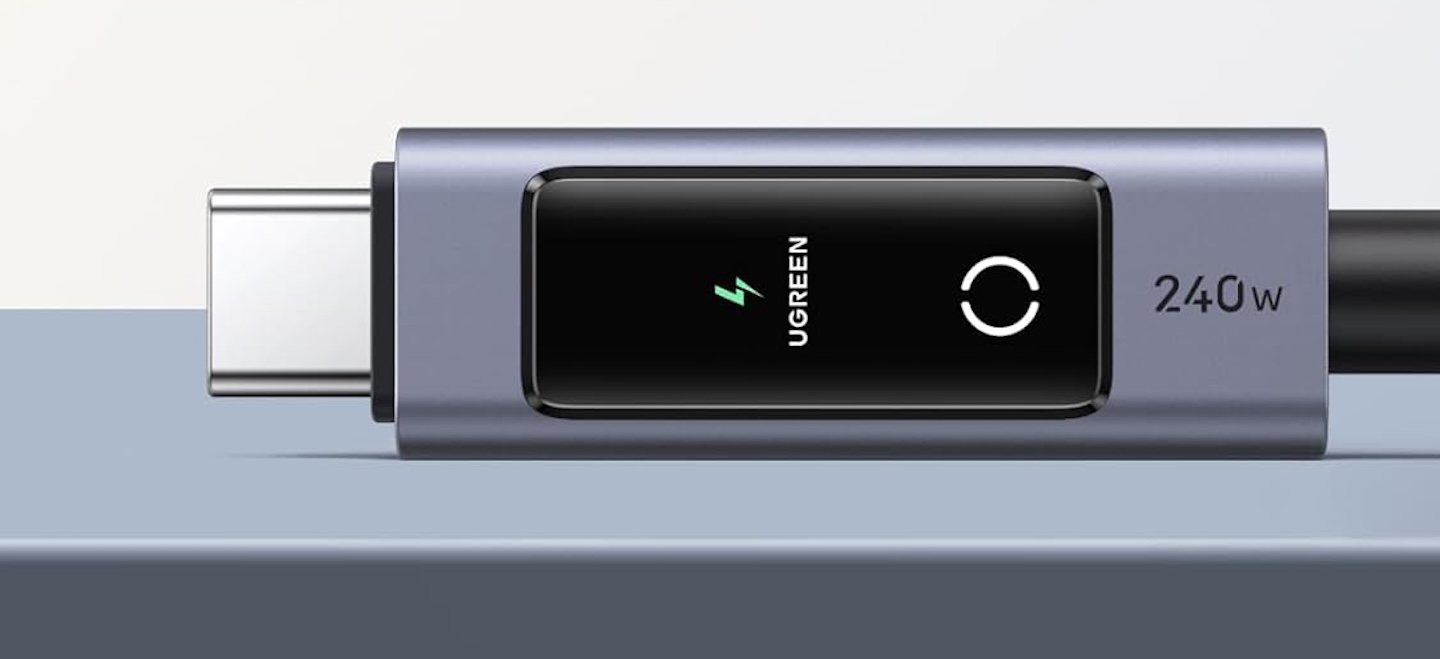 There’s also a touch control built into the display connector. Tap it to rotate the screen, making the numbers easier to read when the cable is plugged in at a different orientation. Hold the control for more than two seconds to switch the screen off.
That last feature matters more than it might sound. A constantly illuminated display could become irritating on a nightstand or dark desk, so being able to shut it off makes the feature less intrusive.
UGREEN also uses a colored indicator around the display to show charging status at a glance.
240W is a capability, not a promise
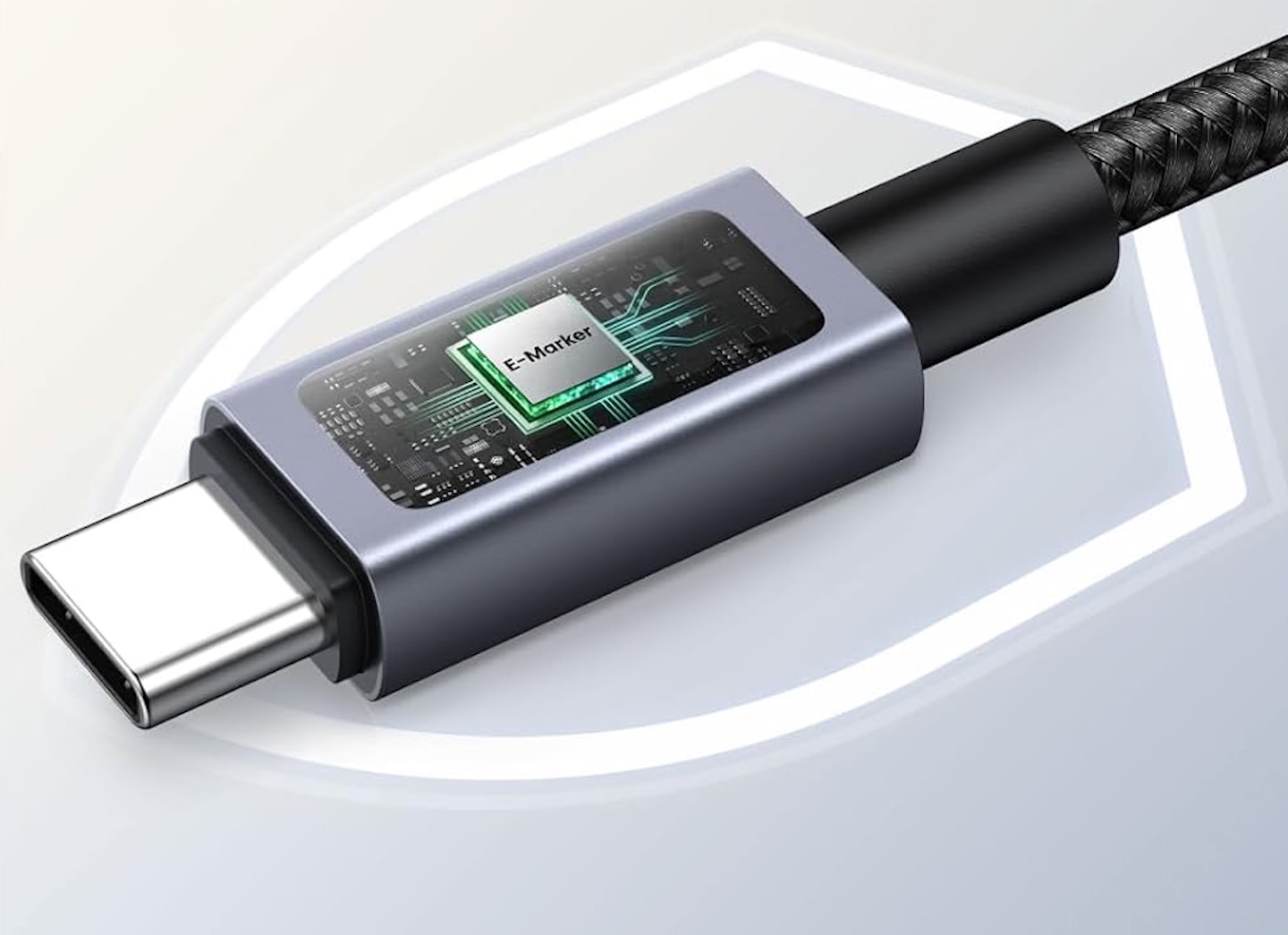
The cable is rated to carry up to 240W (48V/5A) with compatible USB PD 3.1 equipment. Its E-Marker chip identifies the cable’s power-handling capabilities to compatible hardware.
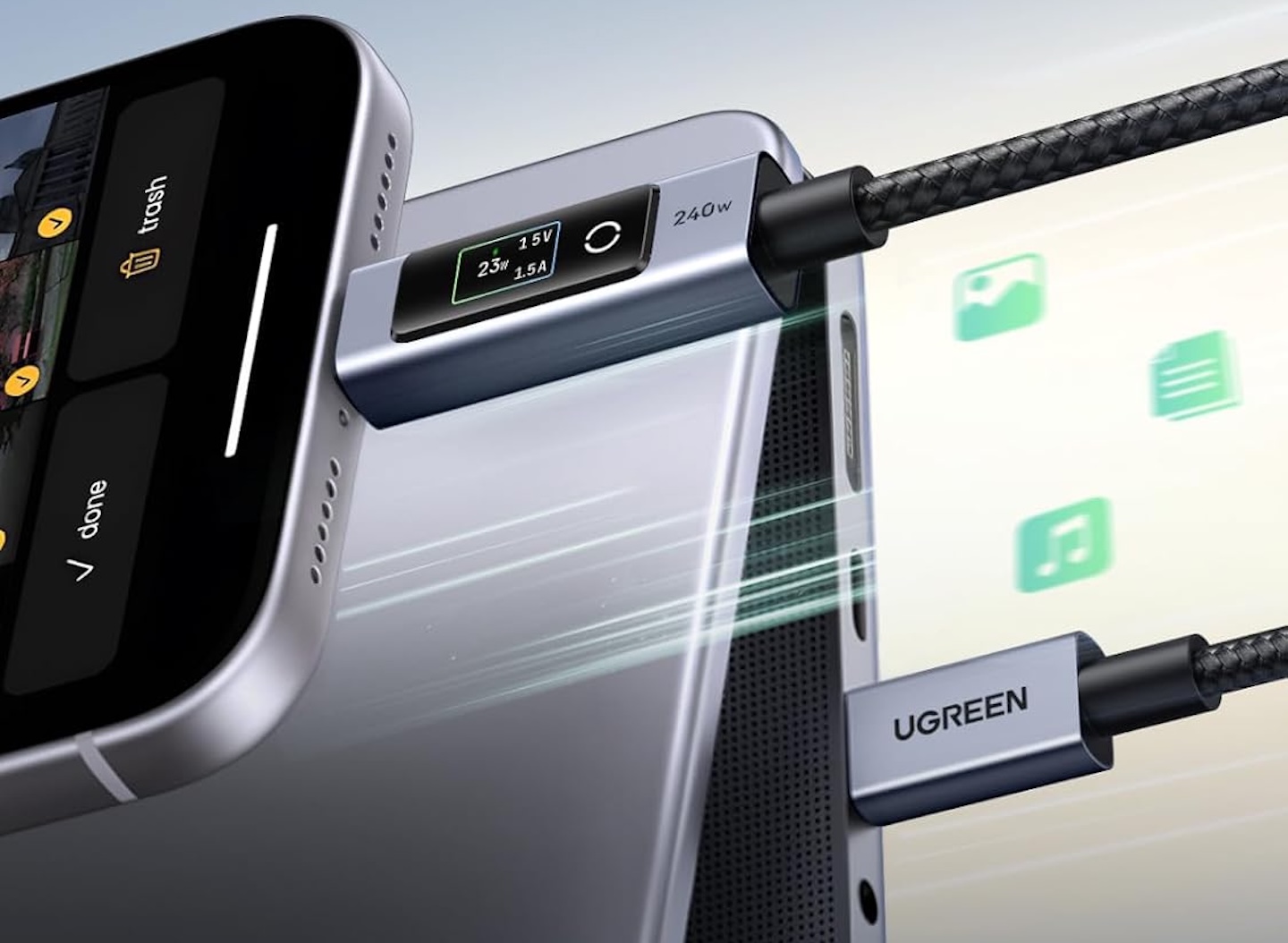 But the 240W rating needs context. It doesn’t mean the cable pushes 240W into whatever you connect. The charger must be able to supply that much power, and the receiving device must support it.
Connect a phone that charges at a much lower wattage and the cable will still work, but the phone isn’t suddenly going to accept 240W.
The advantage of that power capacity is headroom. You can use the same cable with lower-power phones and tablets while retaining support for equipment designed for substantially higher charging levels.
Fast charging doesn’t mean fast data
There’s one specification buyers shouldn’t overlook: despite its 240W charging rating, the Nexode is limited to USB 2.0 data transfer at a theoretical maximum of 480Mbps. UGREEN also says it doesn’t support video output or monitor extension.
 That’s a significant limitation if you’re looking for one USB-C cable to handle everything. Cables with identical-looking USB-C connectors can support very different combinations of charging, data, and video capabilities. This Nexode model prioritizes charging.
For transferring a few documents or occasionally syncing a device, 480Mbps may be sufficient. Connect a fast external SSD, however, and USB 2.0 becomes a substantial bottleneck. Likewise, connecting this cable between a laptop and a USB-C monitor won’t give you a display signal.
Buy it as a charging cable with basic data support, not as a high-performance data or display cable.
The screen isn’t a test instrument
The display makes charging information easier to see, but it’s worth keeping its purpose in perspective. UGREEN markets it as a real-time charging monitor. We haven’t independently tested its measurement accuracy against calibrated equipment, so the displayed values shouldn’t automatically be treated as laboratory-grade measurements.
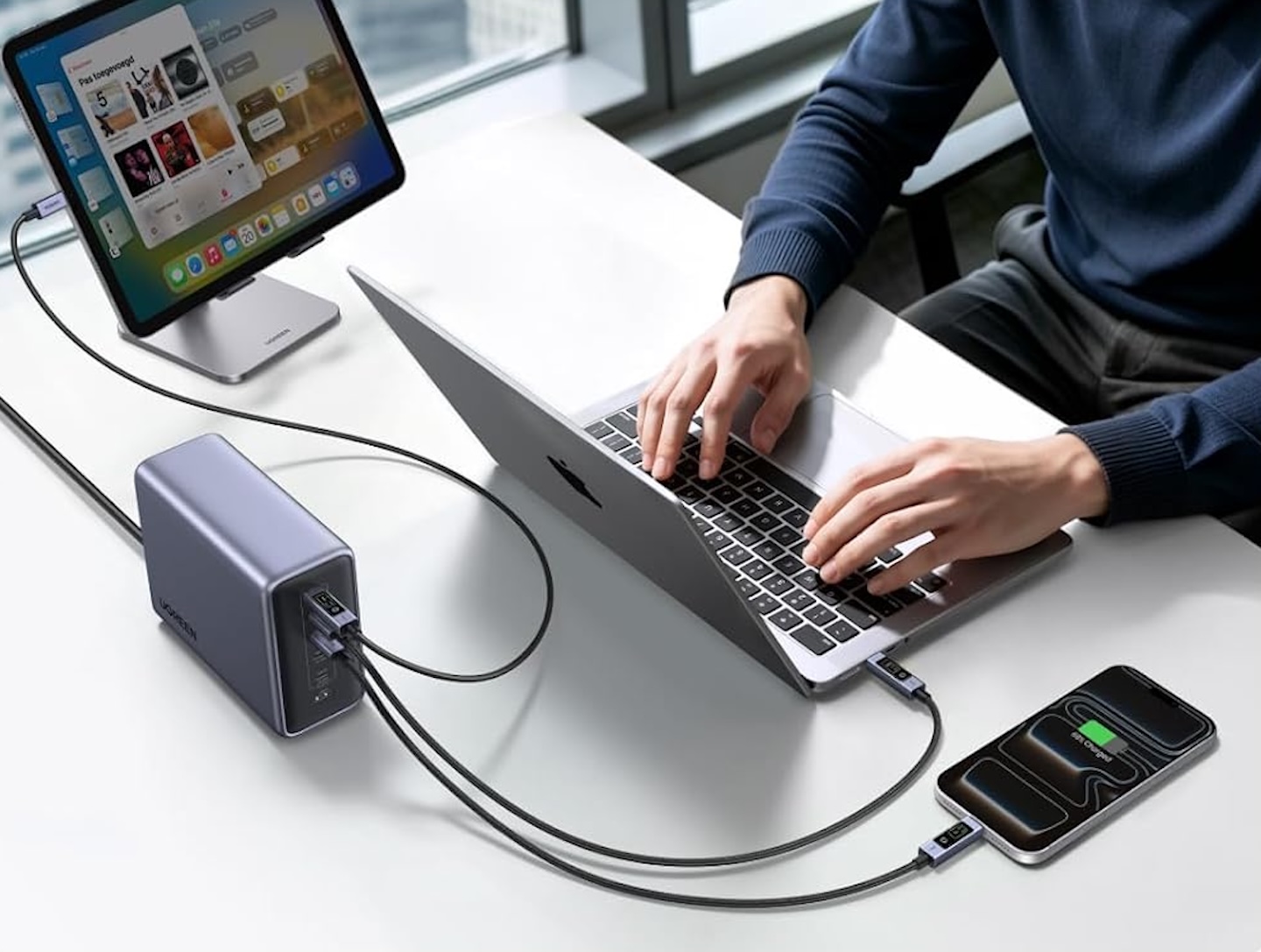 For everyday use, that’s unlikely to be the point. The benefit is being able to glance at the connector and see whether a device is drawing roughly the amount of power you expected. Someone performing detailed USB PD diagnostics would still be better served by dedicated testing equipment.
UGREEN makes durability claims, too
The cable has a nylon-braided jacket and aluminum-alloy connector housings. UGREEN says the construction is designed to resist wear and tangling, and rates the cable for more than 10,000 insertion and removal cycles.
 That’s a manufacturer claim, not the result of long-term Gadgeteer testing. It doesn’t guarantee how long an individual cable will survive years of bending, packing, and daily use.
UGREEN sells the Nexode smart-display cable in 3.3-foot (1-meter) and 6.6-foot (2-meter) versions. The shorter version makes sense around a desk or power bank, while the longer cable provides more reach from an inconvenient wall outlet.
You’re paying extra for visibility
If all you need is high-power USB-C charging, the smart display isn’t essential. Other USB-C cables offer similarly high charging ratings without putting a screen on the connector. The Nexode’s appeal is that it combines charging capacity with visible information.
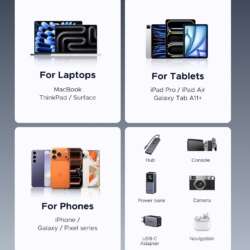
If you regularly swap between chargers, laptops, tablets, phones, and power banks, seeing the live wattage can help you understand how those combinations behave. It may also make an unexpectedly low-power charging connection easier to spot.
If you plug your laptop into the same charger every evening and don’t care how many watts it’s drawing, the display may be little more than an entertaining extra.
Who is this cable for?
The Nexode makes the most sense for gadget enthusiasts and USB-C power users who want more visibility into charging without adding a separate power meter. Its 240W rating provides charging headroom, while the TFT display puts watts, volts, and amps directly on the connector. Touch controls that rotate or switch off the screen make it more practical than a display that stays on constantly.
The tradeoff is clear: USB 2.0 data speeds and no video output prevent this from being the one USB-C cable that handles every job.
Price: From $16.99
Where to Buy: Amazon
If charging is your priority and you regularly wonder how much power your device is drawing, the Nexode makes that easier to check at a glance. If you don’t care about seeing those numbers, a simpler high-power USB-C cable can handle the charging job without the extra hardware.