Mini PCs are appealing until you ask them to do more than ordinary office work. Their small footprints save desk space, but compact designs can also mean compromises in performance, cooling, ports, or upgradeability. Local AI adds another challenge because models and AI-assisted applications can demand considerable processing power and memory.
Price: $1,699
Where to Buy: Asus
The ASUS Ascent QN10 is built around that problem. Instead of using a conventional Intel or AMD desktop chip, ASUS equips this mini PC with Qualcomm’s Snapdragon X2 Elite platform, combining an 18-core Oryon CPU, integrated Adreno X2-90 graphics, and a Hexagon NPU rated at up to 80 TOPS.
ASUS is targeting developers, creators, businesses, and users who want to run more AI workloads locally without putting a full-size workstation on the desk.
The 80-TOPS NPU is the headline feature
The Ascent QN10 uses the Snapdragon X2 Elite X2E-88-100 platform with an 18-core, third-generation Qualcomm Oryon CPU. The headline feature is its Hexagon NPU, which is rated for up to 80 TOPS of AI processing and exceeds Microsoft’s 40-TOPS hardware requirement for Copilot+ PCs.
 ASUS has demonstrated the platform with AI development and local-model tools including Qualcomm AI Hub, LLMWare, and AnythingLLM. Potential uses include local AI assistants, content generation, coding assistance, and other workloads that can take advantage of the NPU.
The 80-TOPS figure needs context, however. TOPS describes rated AI-processing capability rather than how quickly every AI application will run. Model size, memory requirements, software optimization, and whether an application can actually use the NPU will determine real-world performance.
It occupies less than 0.7 liters
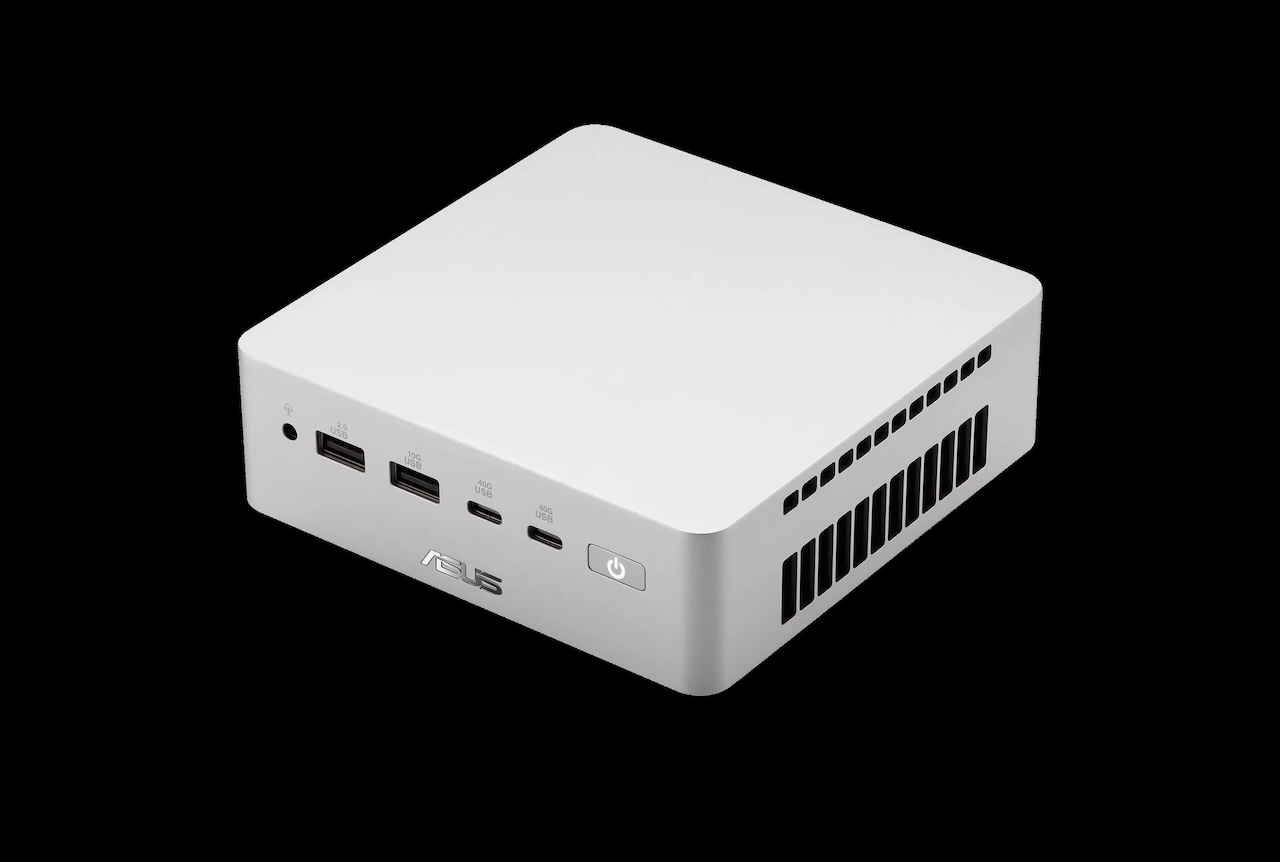
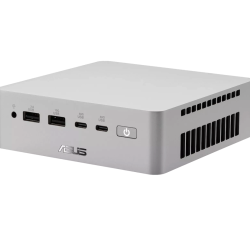
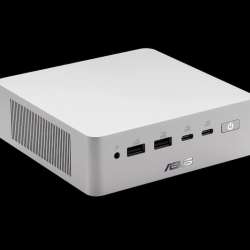
At roughly 130 x 130 x 40 mm, the QN10 occupies less than 0.7 liters of desk space. That makes it small enough to sit beside a monitor without consuming much of your work area.
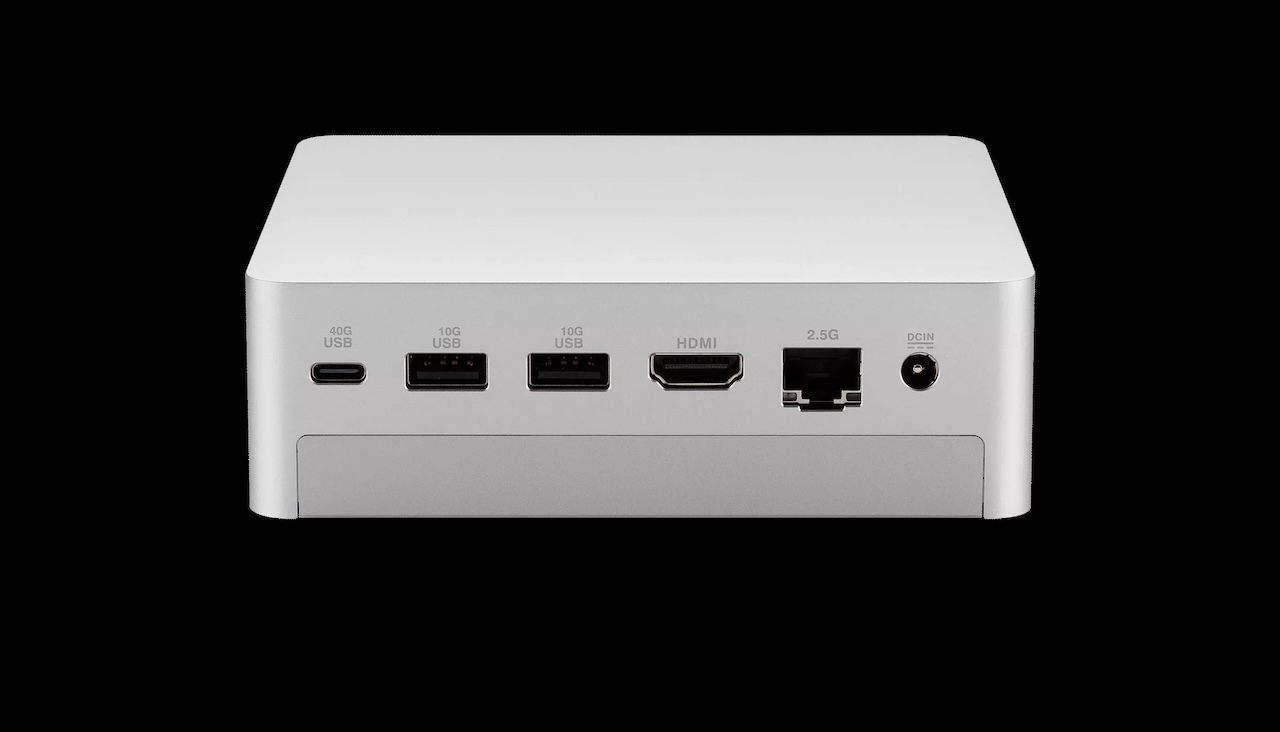 ASUS materials currently disagree on the machine’s exact weight. Marketing material lists approximately 620 g, while current regional technical specifications list 750 g. Buyers for whom exact weight matters should check the specification for their particular retail SKU.
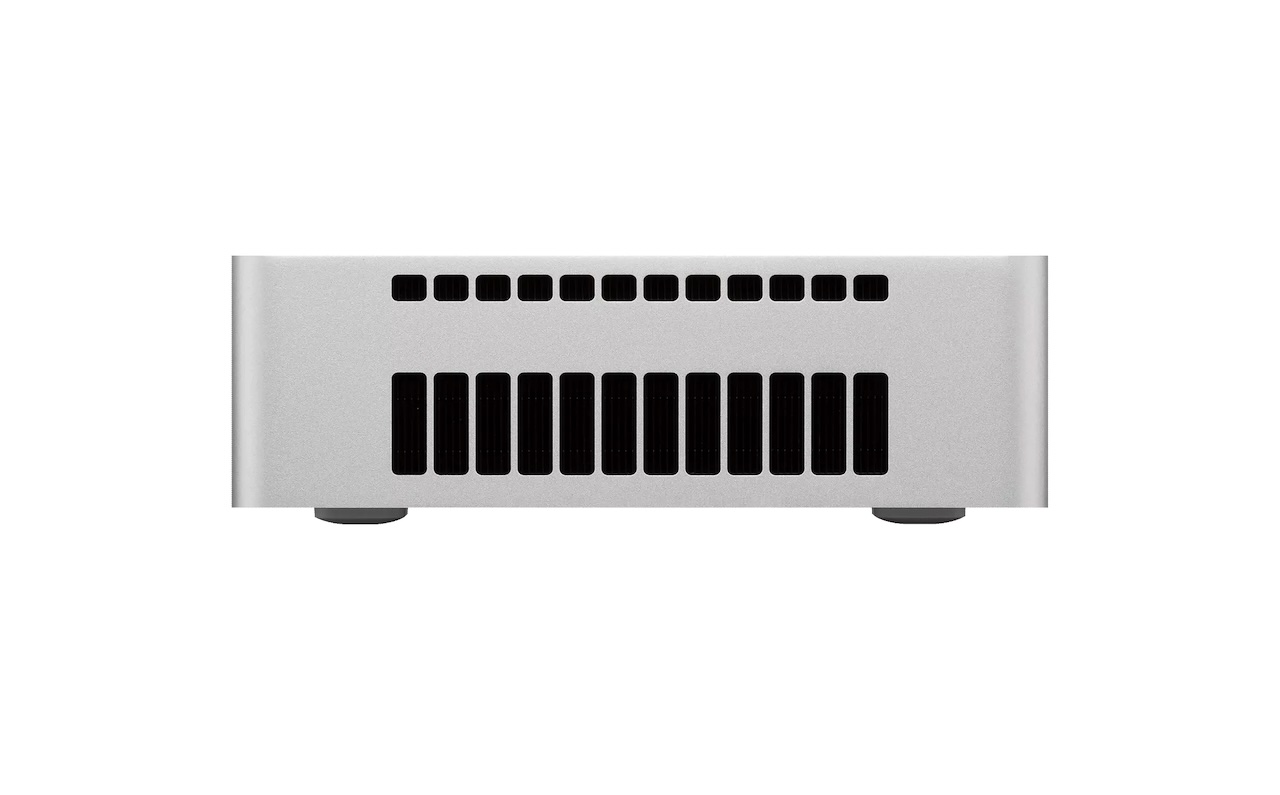
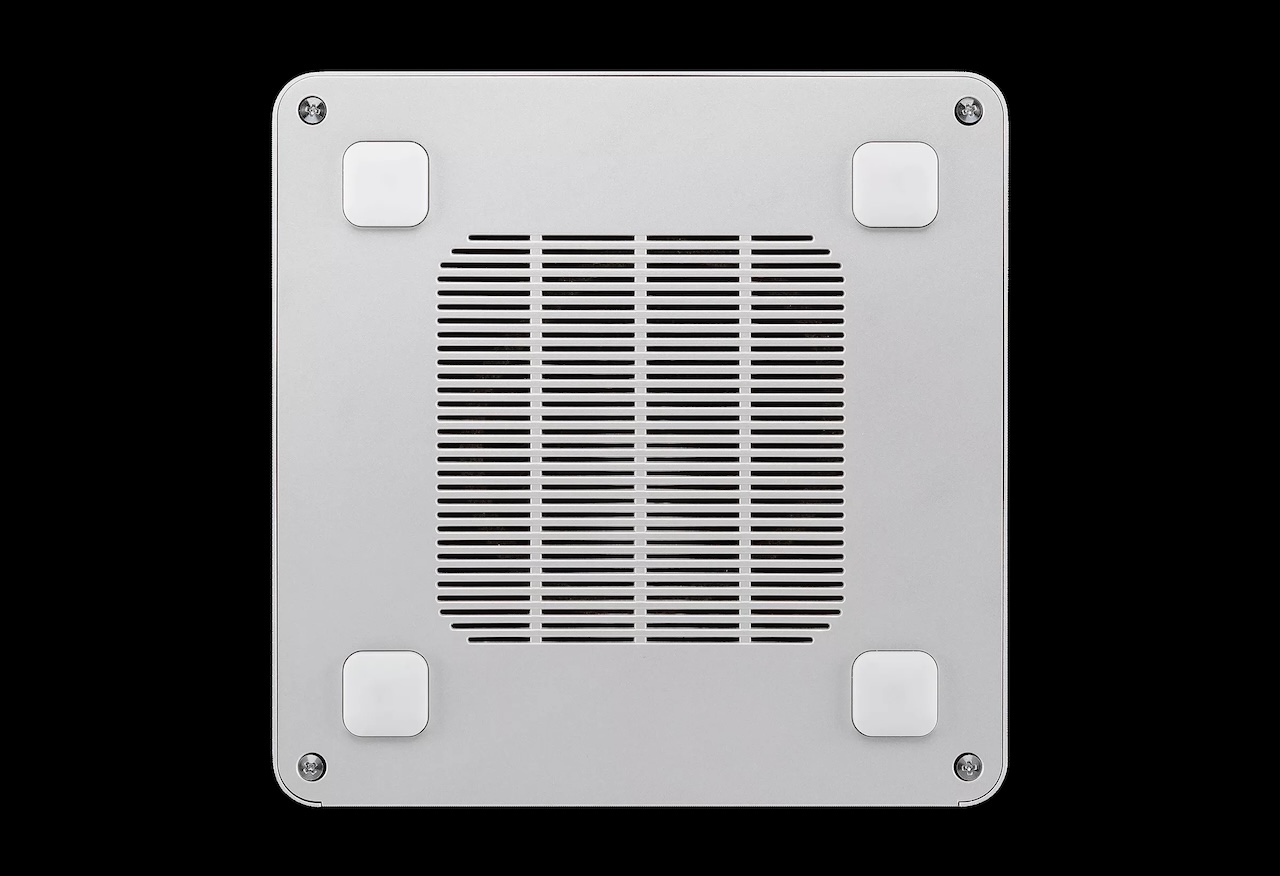
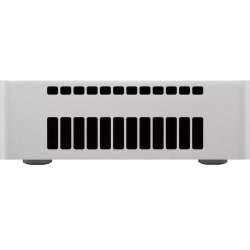
ASUS also uses a vapor chamber and dedicated cooling system, and it promotes the QN10 as capable of quiet, sustained operation. The cooling hardware is documented, but claims about acoustics and sustained performance require independent testing before we can say how quietly it handles demanding workloads.
Choose your memory carefully
The U.S. launch configuration combines 16GB of LPDDR5X-8533 memory with a 512GB PCIe 4.0 SSD for $1,349. A higher configuration provides 32GB of LPDDR5X-9600 memory and a 512GB SSD for $1,699.
 The important limitation is that the LPDDR5X memory is onboard and not user-upgradable. Anyone planning to run larger local AI models or keep the machine for several years should consider whether 16GB will remain sufficient before ordering.
Storage offers more flexibility, although ASUS’s documentation is somewhat inconsistent. Current retail specifications list 512GB to 1TB M.2 2280 PCIe 4.0 NVMe storage, while ASUS marketing material separately advertises dual-SSD support. Confirm the exact internal storage arrangement for the retail SKU before planning an upgrade.
Seven USB ports make it practical
ASUS has managed to preserve substantial connectivity despite the small enclosure.
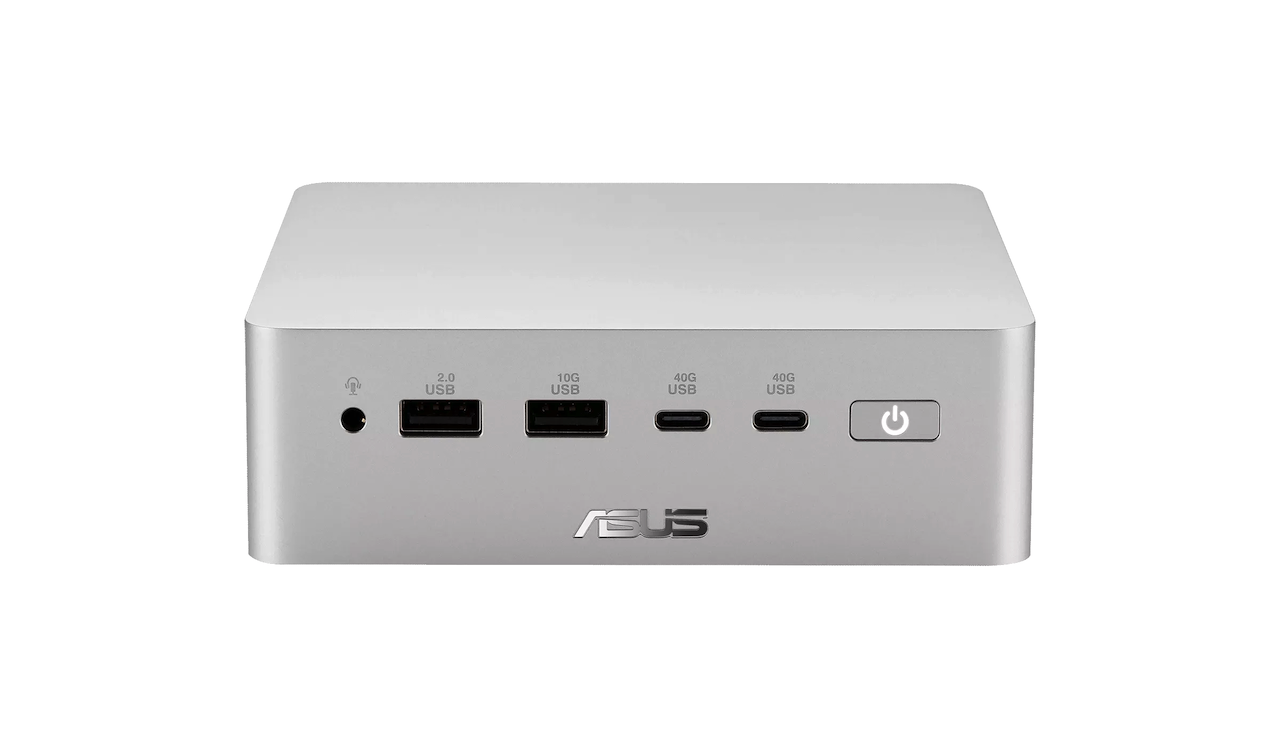
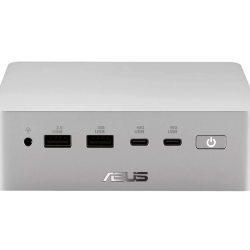
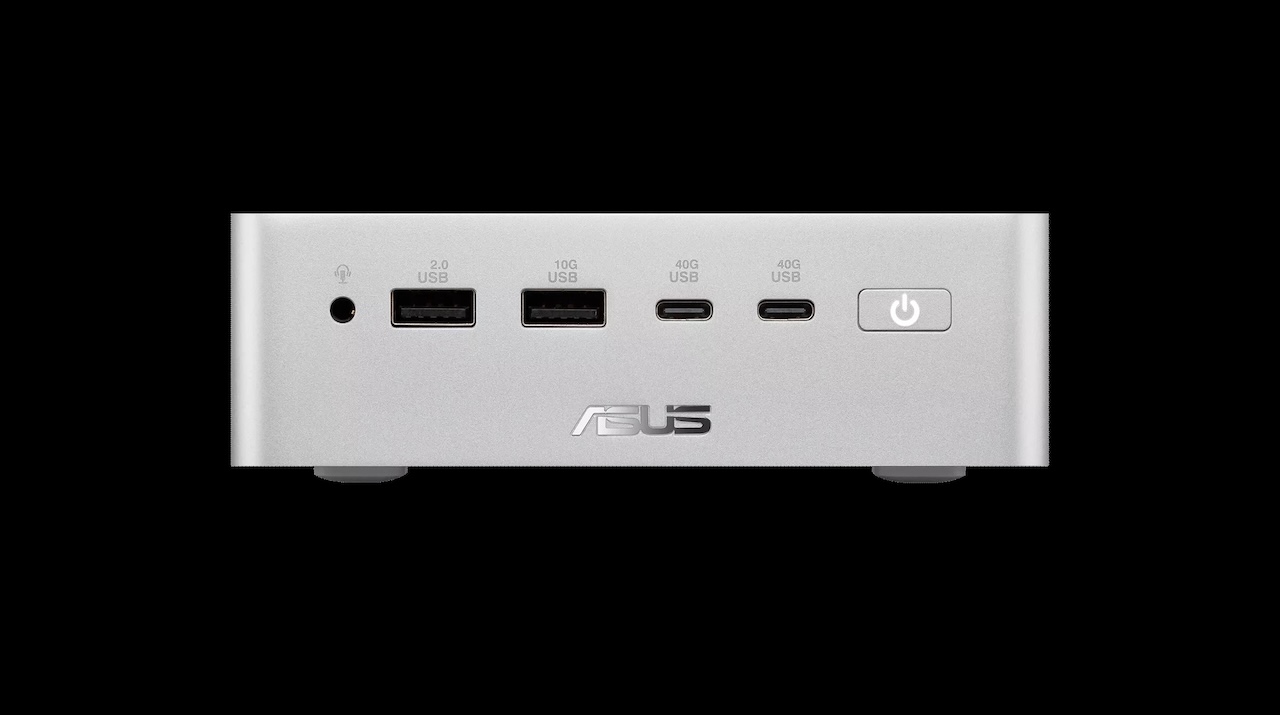 The QN10 provides three 40Gbps USB4 Type-C ports, three 10Gbps USB-A ports, one USB 2.0 Type-A port, HDMI, 2.5Gb Ethernet, and a 3.5 mm audio jack. ASUS also specifies support for up to four 4K displays through the HDMI and USB4 outputs.
That gives developers and office users enough connectivity for fast external storage, multiple monitors, wired networking, and conventional USB peripherals without automatically requiring a dock.
Wireless connectivity includes Wi‑Fi 7 and Bluetooth 6.0, according to ASUS’s current specifications. Power comes from a 180W external adapter; that figure represents its maximum output capacity, not the mini PC’s constant power consumption.
Windows on Arm is the caveat
The QN10 runs Windows 11 on Qualcomm’s Arm architecture, which may be more important to the buying decision than the AI branding.
Windows on Arm compatibility has improved considerably, with many mainstream applications available natively and Microsoft’s emulation handling many traditional x86 and x64 programs. That does not guarantee that every specialist application, plug-in, peripheral driver, development tool, or enterprise utility will work exactly as it would on an Intel- or AMD-based PC.
For mainstream productivity, that distinction may increasingly fade into the background. Developers, creators, and businesses that depend on specialized software or hardware should still confirm Arm compatibility before purchasing.

Who should buy it?
The Ascent QN10 is best suited to developers, AI experimenters, businesses, and space-conscious users who want local AI acceleration in a compact Windows desktop. Its 80-TOPS NPU, 18-core Snapdragon X2 Elite processor, seven USB ports, support for four 4K displays, Wi‑Fi 7, and 2.5Gb Ethernet make it unusually well-equipped for a PC under 0.7 liters.
Price: $1,699
Where to Buy: Asus
The compromises matter: memory is not upgradeable, ASUS’s storage documentation requires SKU-specific verification, and Windows on Arm can still present compatibility issues with specialized software. At $1,349 with 16GB of memory and $1,699 with 32GB, it is not a compelling choice for basic office work. It makes more sense for buyers who can use its local AI hardware or need an Arm-based development machine in a desktop that virtually disappears on a desk.