An affordable 4K monitor should make your desk better, not make shopping harder. Most buyers want sharp text, more room for open windows, and a display that does not strain the budget. Instead, the category is full of labels that need decoding. HDR support does not automatically mean rich HDR picture quality. A 120Hz refresh rate does not always mean clean motion for fast games. And a low price can quietly mean no USB-C charging, limited stand adjustment, or too few useful ports.
The smarter approach is to match the monitor to the problem you actually want to solve. A display for documents, classwork, web browsing, and streaming does not need the same strengths as one for photography or competitive gaming. A laptop user may get more value from one-cable USB-C connectivity than from a slightly lower price.
These five best affordable 4K monitors are worth considering because each solves a practical desk problem without crossing into luxury-monitor pricing. Prices and stock change often, so treat listed prices as reference points and confirm today’s deal before buying.
1. Dell 27 Plus 4K Monitor S2725QS: Best all-around value
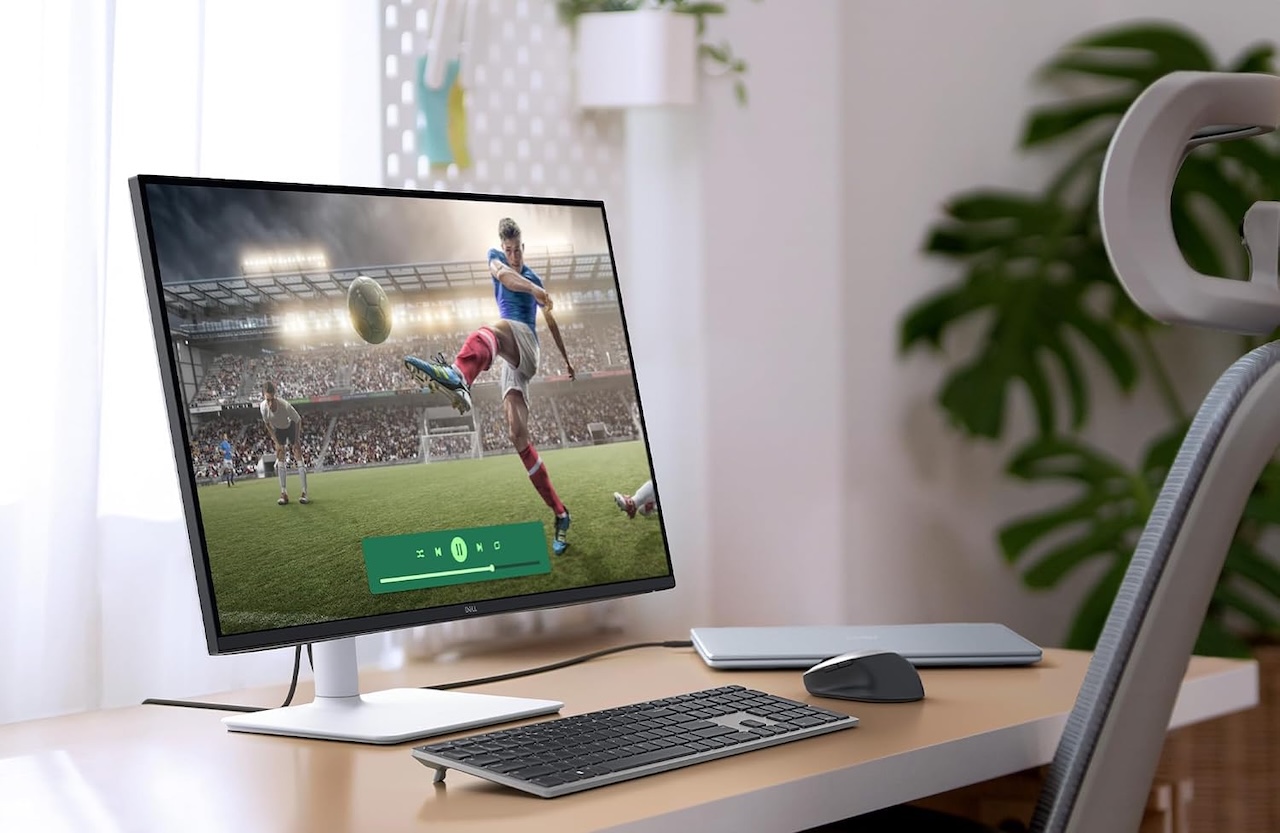
The Dell S2725QS is the most balanced option for buyers who want one screen for work, school, entertainment, and occasional gaming. It combines a 27-inch 4K IPS panel with a 120Hz refresh rate, two HDMI 2.1 ports, DisplayPort 1.4, integrated speakers, and an adjustable stand.
Its advantage is versatility. At 27 inches, 4K resolution makes text and images look crisp while leaving room for side-by-side windows. That is useful whether you are comparing documents, editing photos, working through a spreadsheet, or keeping a video call open beside a browser. The stand can adjust for height, tilt, swivel, and pivot, which is a real comfort benefit during long days at a desk.
Price: $249.99
Where to Buy: Amazon
Dell says the monitor supports 120Hz operation, and RTINGS independently confirmed 4K at 120Hz support, including through HDMI 2.1 with compatible consoles. RTINGS also found low input lag, which helps everyday use feel responsive.
There are important limits. RTINGS found its pixel response time relatively slow, so fast-moving scenes can look blurry. The S2725QS can handle casual gaming and console play, but its 120Hz specification should not be taken as evidence that it is a top choice for competitive shooters or racing games. Its HDR support is also basic. The monitor accepts HDR content, but its brightness and contrast cannot create the deep blacks and striking highlights associated with premium HDR screens.
Buyer fit: Pick the S2725QS if you want a flexible 4K monitor for office work, school, media, and casual games. Look elsewhere if flawless fast-motion performance or high-impact HDR is your priority.
2.LG UltraFine 27US500-W: Best straightforward budget pick
Some people do not need a monitor to act as a docking station. They simply need a sharp, reliable 4K screen at a reasonable price. That is the appeal of the LG UltraFine 27US500-W.
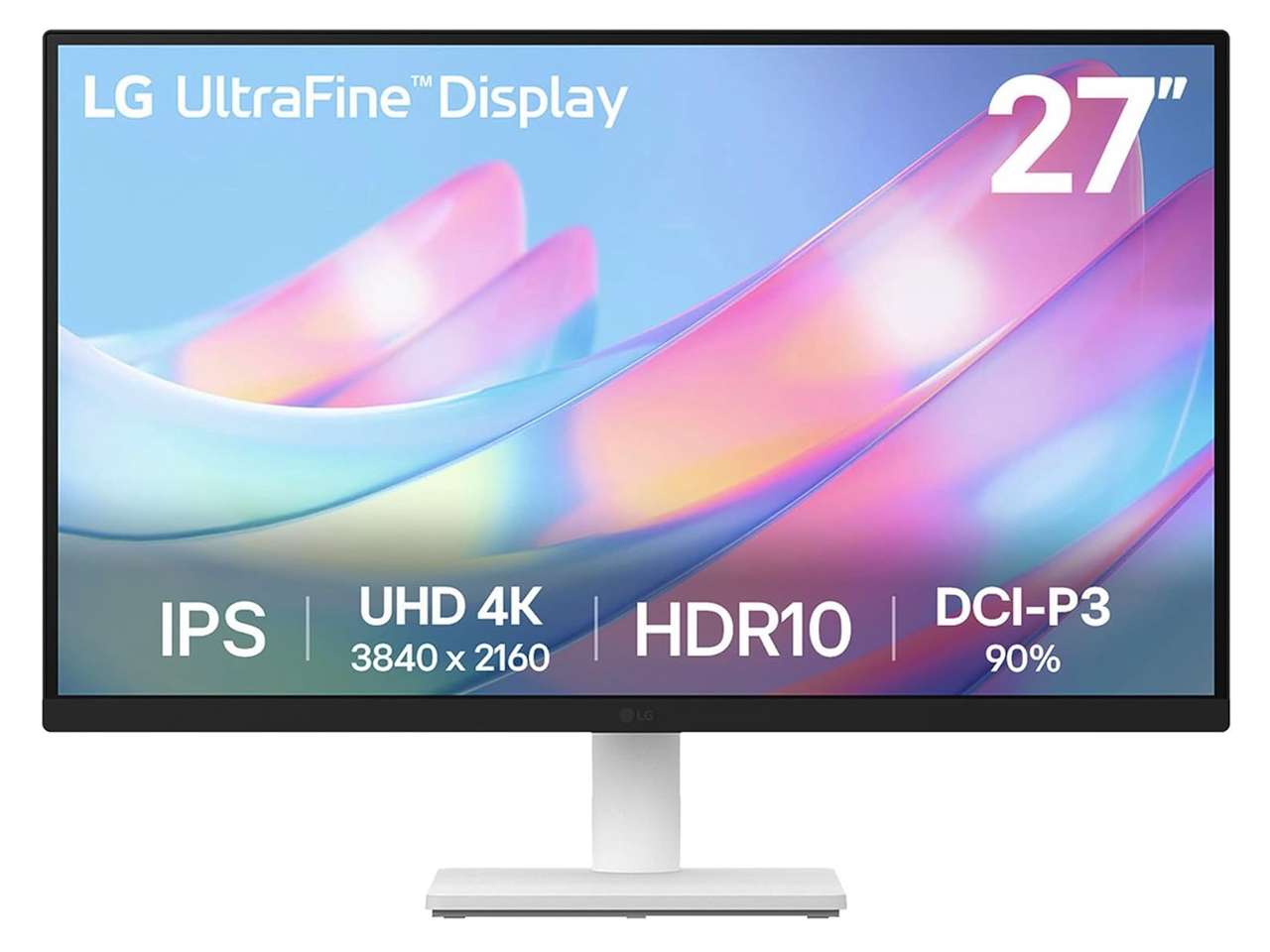
LG’s 27-inch monitor uses a 4K IPS panel with two HDMI ports, DisplayPort, a headphone jack, HDR10 compatibility, a 60Hz refresh rate, and a tilt-only stand. LG also lists 90 percent DCI-P3 color coverage and typical brightness of 300 nits.
The meaningful benefit is everyday clarity. Moving from 1080p to 4K gives documents, web pages, and photos far more visible detail. An IPS panel generally maintains a more consistent image when viewed from different angles than many inexpensive VA-panel alternatives.
Price: $243.99
Where to Buy: Amazon
The tradeoffs are easy to understand. A 60Hz panel is fine for documents, video, browsing, and relaxed gaming, but it is not built for high-refresh gameplay. The tilt-only stand may also be limiting if you need better ergonomics. And HDR10 support improves format compatibility, not necessarily picture drama. At 300 nits, buyers should not expect a transformative HDR experience.
Buyer fit: The 27US500-W is a good choice for students, home-office users, and family desktops that need inexpensive 4K sharpness. It makes less sense for USB-C laptop users, serious creators, or people shopping specifically for fast gaming.
3. Dell 27 Plus 4K USB-C Monitor S2725QC: Best for laptop users
A laptop desk can turn into a cable pile quickly. Power, video, storage, a keyboard, and other accessories all compete for ports. The Dell 27 Plus 4K USB-C Monitor S2725QC is designed to simplify that setup.
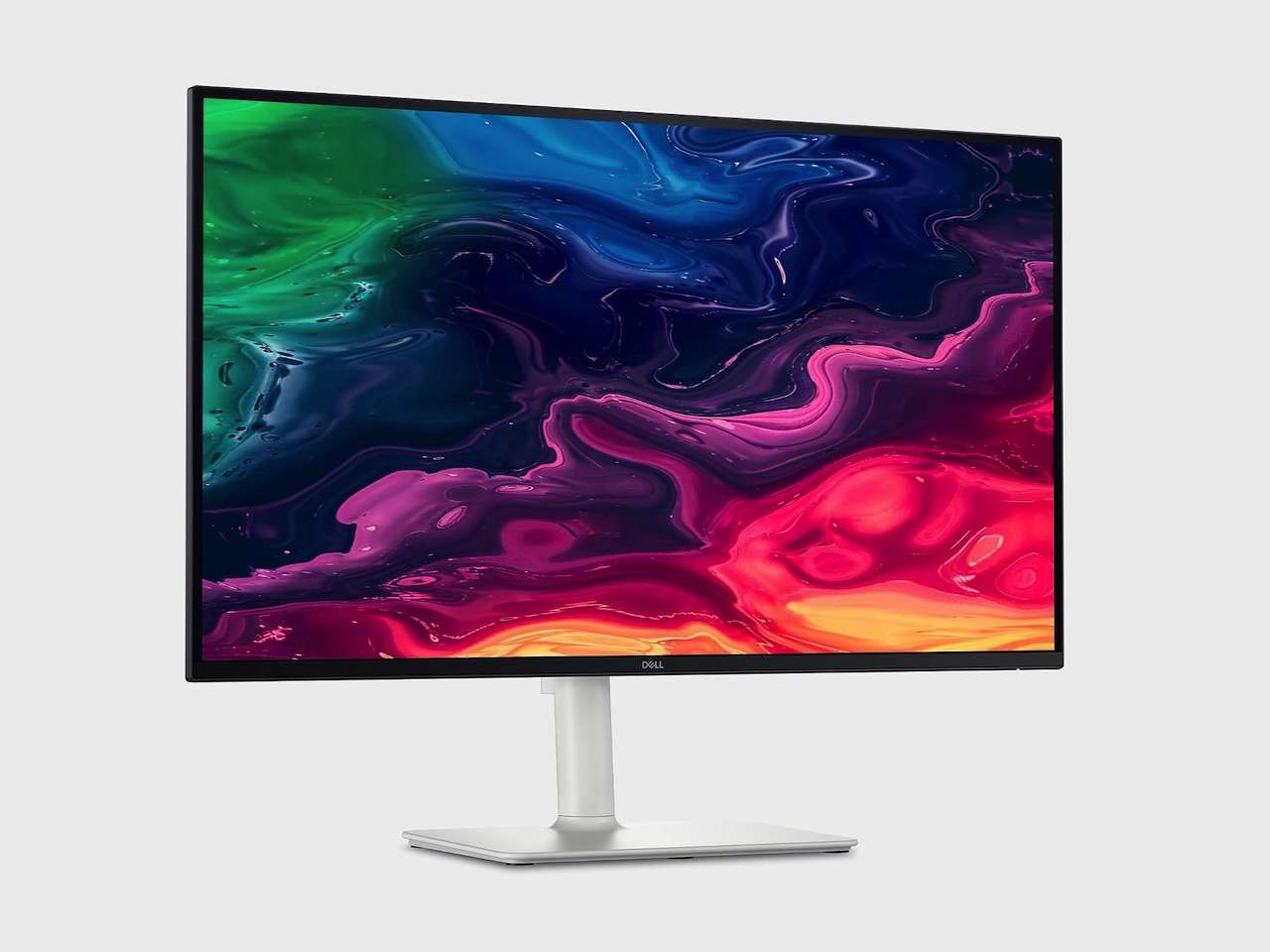
It has a 27-inch 4K IPS panel, a 120Hz refresh rate, HDMI 2.1, a USB hub, and USB-C with DisplayPort Alt Mode and up to 65W of power delivery. With a compatible laptop, one USB-C cable can carry video, charge the computer, and connect desktop accessories.
Price: $299.99
Where to Buy: Amazon
That one-cable setup is its real value. It makes it easier to arrive at a desk, plug in, and start working without a separate docking station. The adjustable stand also supports height, tilt, swivel, and pivot changes, so it is more adaptable than typical entry-level monitors.
RTINGS.com found the S2725QC offers sharp text, low input lag, and good sRGB accuracy out of the box. Its white balance and gamma can still benefit from calibration, so serious creators should not treat it as a pre-calibrated professional display.
The same gaming limitation applies. The monitor’s 120Hz panel and HDMI 2.1 support are useful, but RTINGS also found blurry motion in fast content and limited HDR performance. It is a capable all-purpose screen, not a specialist gaming display.
Buyer fit: Buy the S2725QC if you use a USB-C laptop and value a cleaner one-cable workspace. Skip the price premium if you use a desktop computer and do not need charging or hub connectivity.
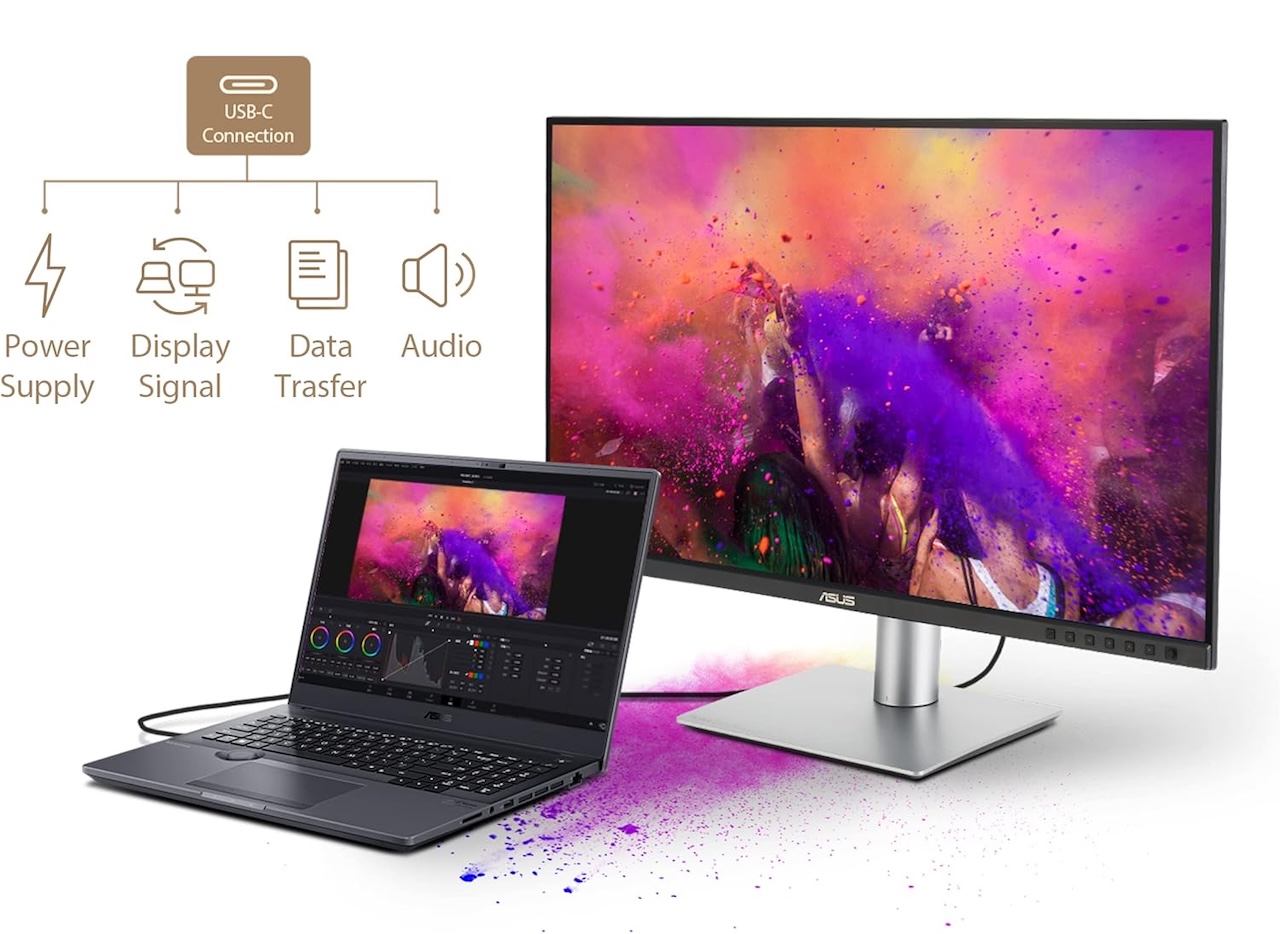
4. ASUS ProArt PA279CRV: Best for budget-conscious creators
Creative work adds a different problem. A cheap monitor may look fine for browsing but provide uncertain color performance for photos, design, or video. The ASUS ProArt PA279CRV is meant to bridge the gap between mainstream office displays and expensive professional reference screens.
The 27-inch 4K IPS monitor offers 99 percent DCI-P3 and 99 percent Adobe RGB coverage, according to ASUS. It also carries Calman Verified status, has a claimed Delta E of less than 2, supports USB-C with up to 96W power delivery, includes a USB hub, and has a fully adjustable stand.
Price: $399.99
Where to Buy: Amazon
Those features matter. Wide color coverage is useful for photographers, illustrators, video editors, and anyone working with content intended for print or modern wide-gamut screens. USB-C charging simplifies a laptop-based creative setup, while the adjustable stand helps users set up a more comfortable workspace.
ASUS’s published color specifications and Calman verification are meaningful evidence of the model’s intent, but they are not a substitute for calibration in color-critical work. Room lighting, software settings, and the individual unit can all affect results. Its DisplayHDR 400 certification also indicates basic HDR capability, not the high contrast and local dimming expected from premium HDR displays.
Buyer fit: The PA279CRV is the strongest choice here for creators who need wide color coverage, 4K detail, USB-C convenience, and solid ergonomics. It is overkill for basic browsing and not the best fit for competitive gaming.
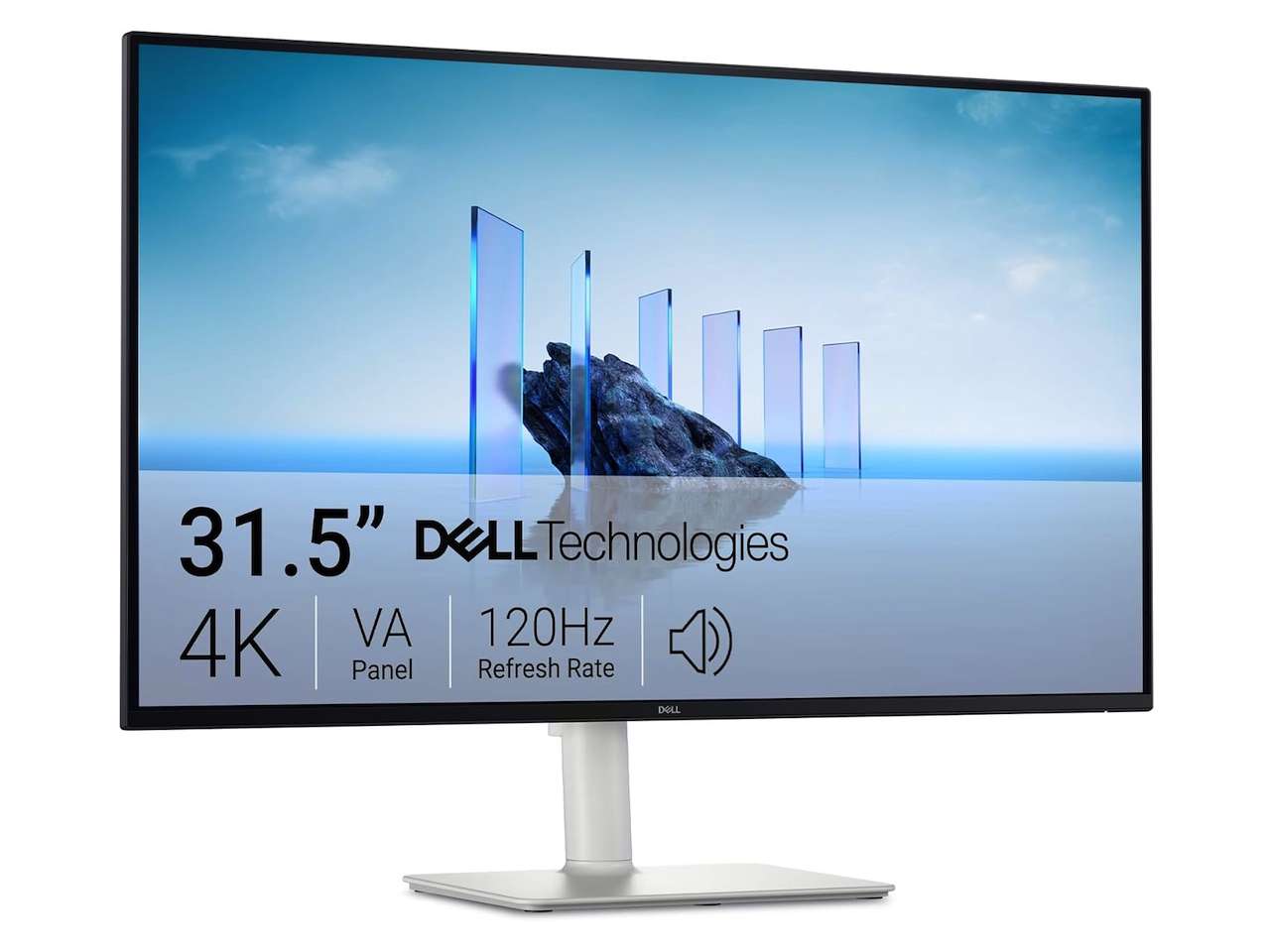
5. Dell 32 Plus 4K Monitor S3225QS: Best for a larger workspace
A 27-inch display is enough for many desks, but more physical screen space can make multitasking far easier. The Dell 32 Plus 4K Monitor S3225QS is for buyers who would rather have one big workspace than two smaller displays.
It uses a 31.5-inch 4K VA panel with a 120Hz refresh rate, HDMI 2.1, DisplayPort 1.4, integrated speakers, and an adjustable stand. Dell has listed it around $329.99, though current pricing can vary.
Its 31.5-inch panel is the main attraction. It gives spreadsheets, large documents, timelines, and split-screen work more room to breathe. Its VA panel also has higher native contrast than the IPS displays above, which can help darker movie scenes look richer in a dim room.
Price: $299.99
Where to Buy: Amazon
However, bigger is not automatically better. IT Pro found the monitor useful for productivity but noted narrow viewing angles, a somewhat wobbly stand, and poor motion clarity. Those drawbacks matter if you sit off-center, share the screen with another person, or play fast-paced games. Its 120Hz and HDR specifications are useful for compatibility, but they should not be mistaken for evidence of premium gaming or HDR performance.
Buyer fit: Choose the S3225QS if you want a large 4K canvas for multitasking, documents, and media in a home office. Consider an IPS alternative if viewing angles matter most, or a faster gaming monitor if motion clarity is your main concern.
Buyer takeaway
The best affordable 4K display is the one that fixes the right desk problem.
Choose the Dell S2725QS for broad everyday value. Choose the LG 27US500-W when basic 4K sharpness matters more than extra features. The Dell S2725QC is worth considering for a clean USB-C laptop setup. The ASUS ProArt PA279CRV is the more thoughtful choice for color-conscious creative work. And the Dell S3225QS works best for people who want a bigger 4K workspace without paying ultrawide-monitor prices.
All five can improve a computer setup in the right circumstances. Just do not let broad marketing terms such as HDR or 120Hz decide for you. Focus on the features that improve the way you actually work, create, watch, and play.