
I hate taking notes during a great conversation and especially for a high-profile interview.
The moment I start looking down at a notebook or tapping on my phone, I’m no longer fully engaged with the person or group of people in front of me. I miss the small details, the way one comment leads to another idea, and sometimes the most important part of the conversation.
That’s the problem EurekaMind 2.0 solves.


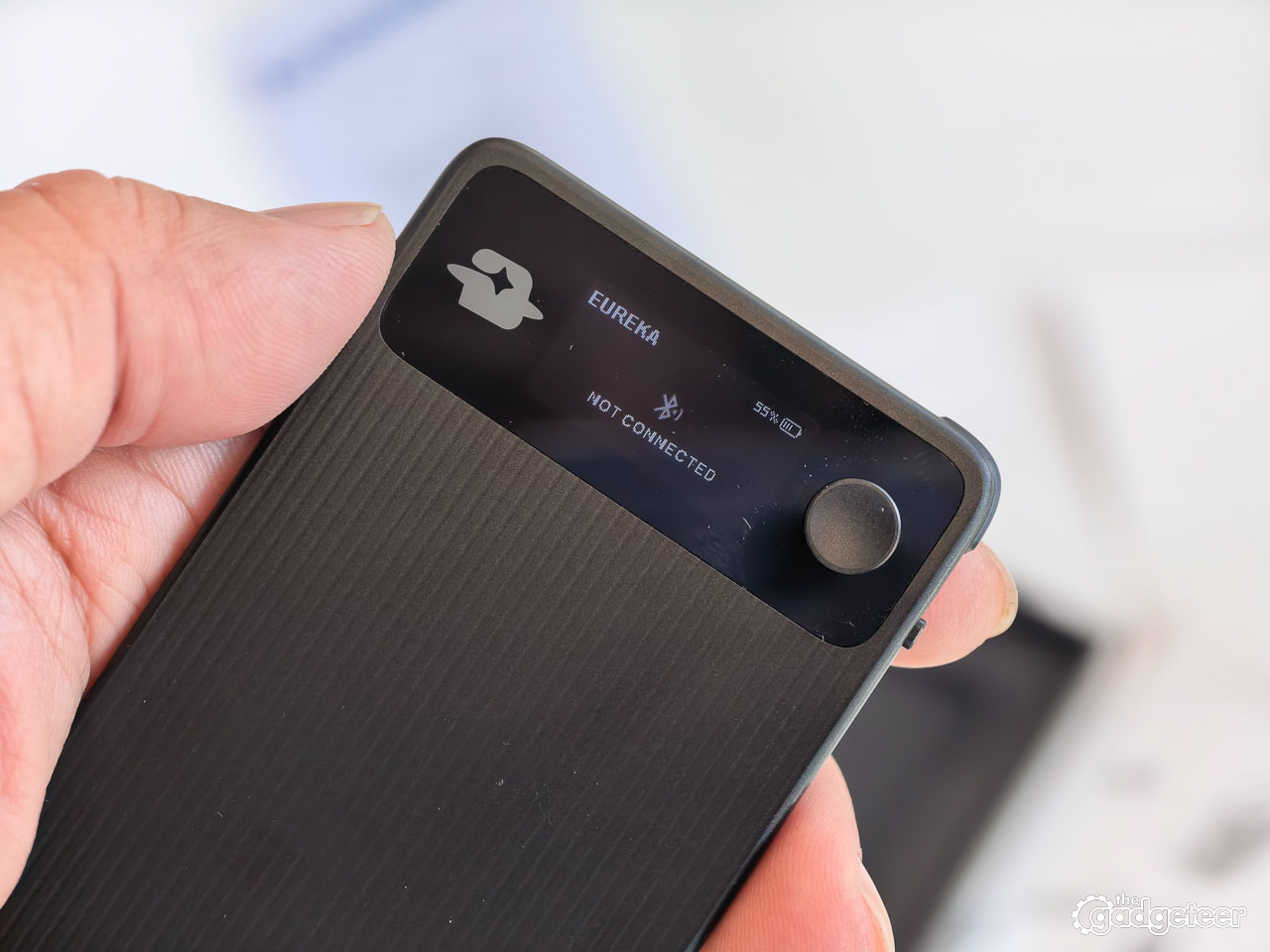
It’s a thin AI note card that records meetings, interviews, calls, lectures, and random thoughts, then turns them into structured notes, summaries, decisions, action items, and calendar suggestions. The 2.0 adds a raised corner key, timestamp markers, and a physical microphone switch. It doesn’t support Bluetooth-headset mode.
That combination gives EurekaMind a clearer purpose than a basic recorder. It isn’t just collecting audio. It’s trying to turn a conversation into something you can use after the conversation ends.
I’ve been using EurekaMind 2.0, and it exceeds my expectations. This doesn’t feel like a transcript feature bolted onto a tiny recorder. EurekaMind is built around what happens after the recording ends.
Recording is easy. The useful part is getting back to the important ideas without sorting through an audio file or cleaning up a wall of text.
Price: $149 for the Solo Starter package
Where to buy: EurekaMind 2.0
Included: Unlimited AI note-taking and 5,000 free agent credits in year one. In year two, keep unlimited transcription and AI summaries with either plan: paid Pro includes 5,000 agent credits, while free Starter includes 500.
Package options: Two-pack $288; Team pack $427
It gets out of the way
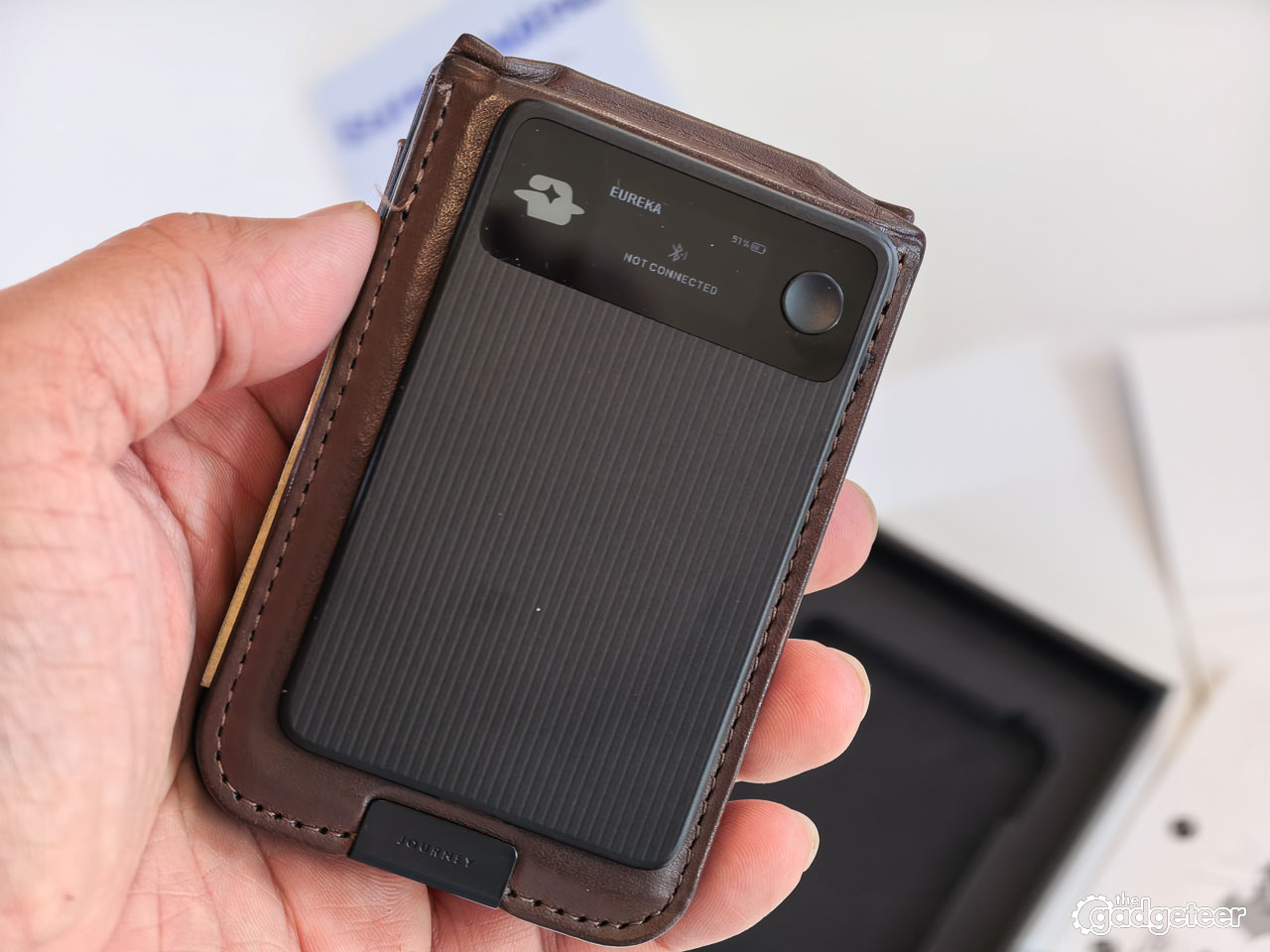
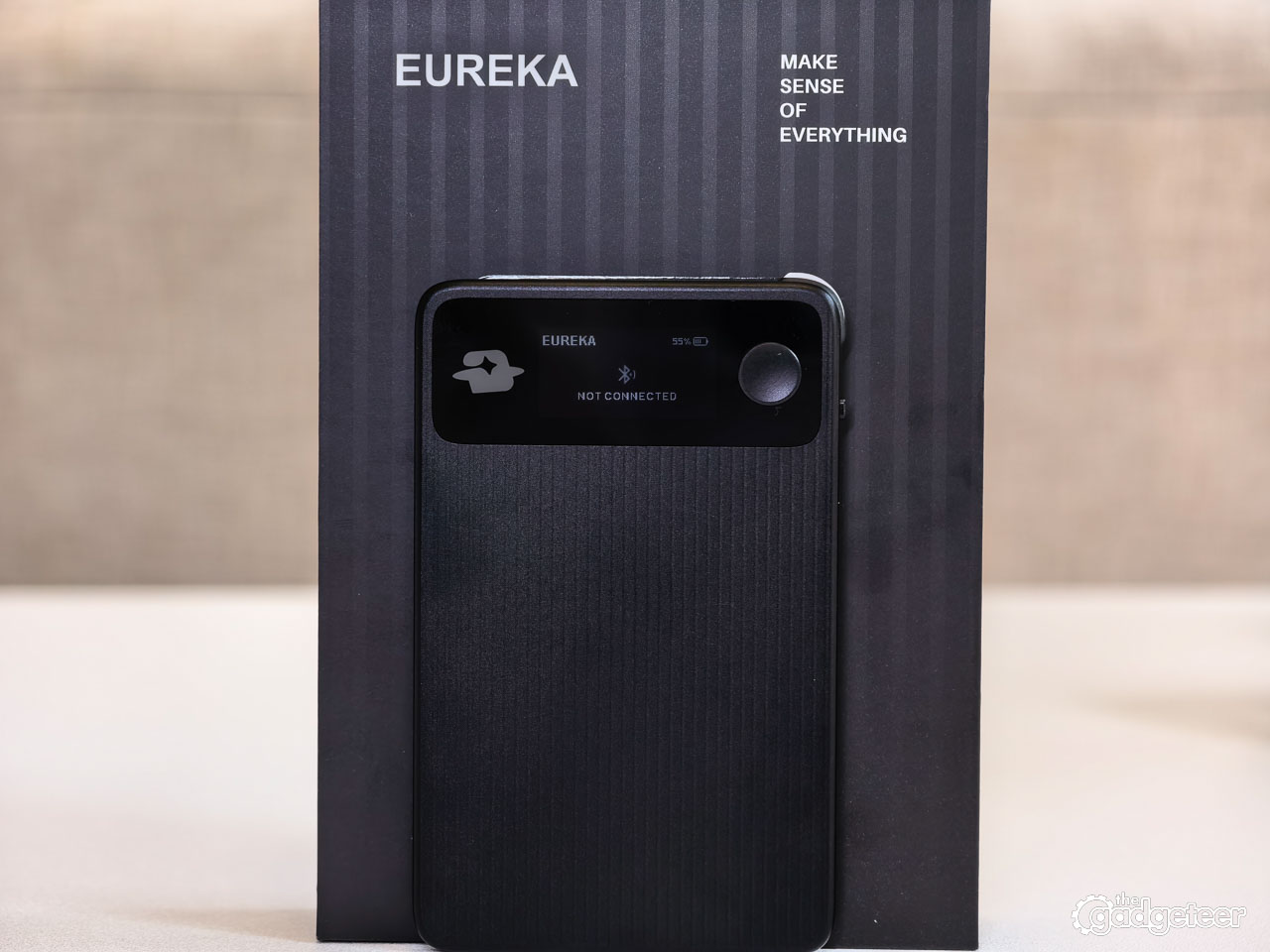
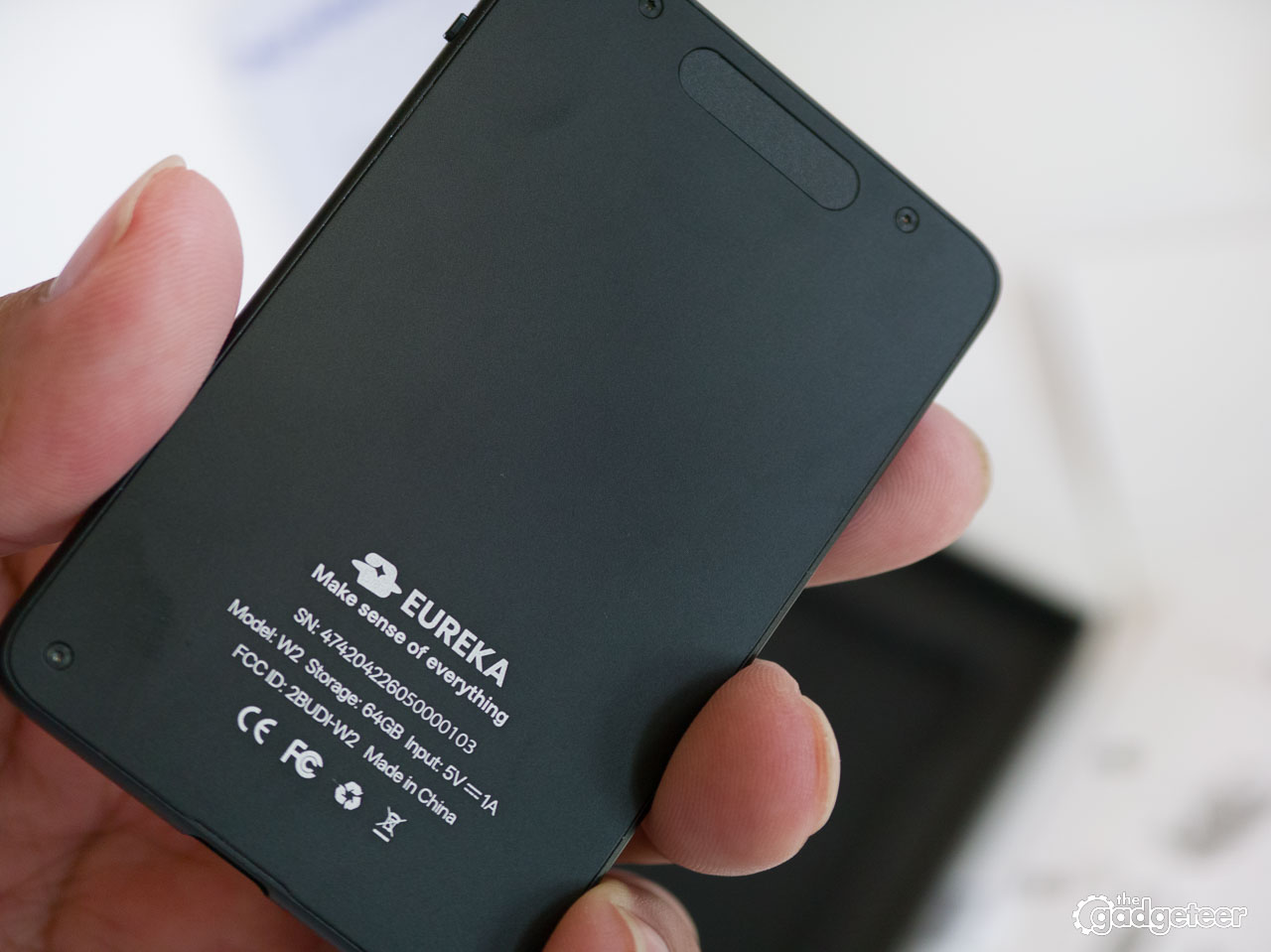
EurekaMind 2.0 stays close without demanding attention. Its thin card shape slips easily into a pocket, while USB-C charging and 64GB of storage make it feel ready to keep in your daily routine. The physical controls mean you can use it by touch instead of reaching for your phone.
That last part is important.
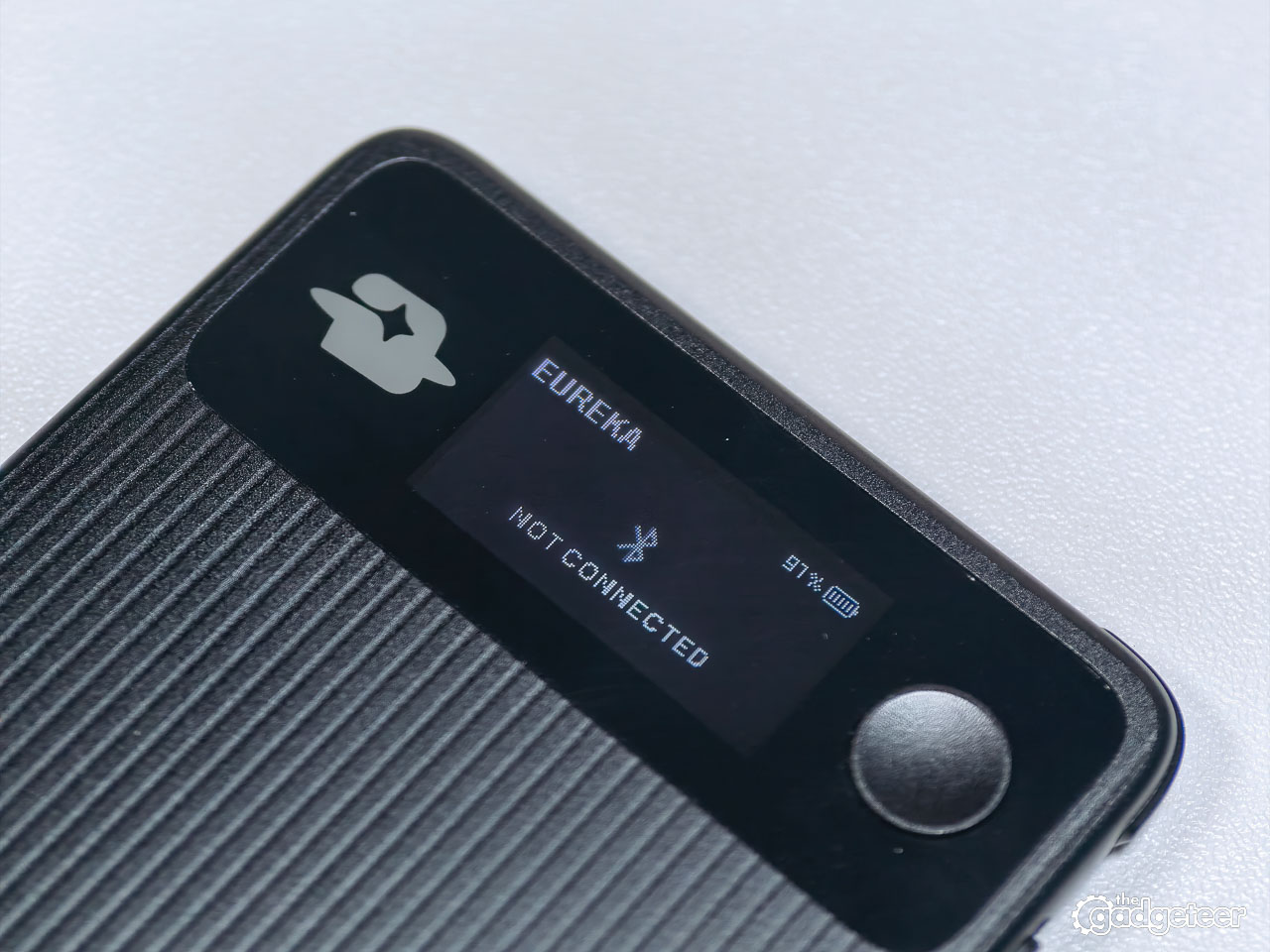
The raised Corner Action Key gives the device a proper physical starting point. You don’t have to unlock your phone, find the app, or swipe through a menu before you can capture an idea. A half-second long press starts recording, and the device gives haptic feedback so you know it worked.
EurekaMind’s Flash Capture function lets you quickly mark an important moment while recording. Pressing the key adds a timestamped marker, making it easier to return to a key point later without scrubbing through the entire recording.
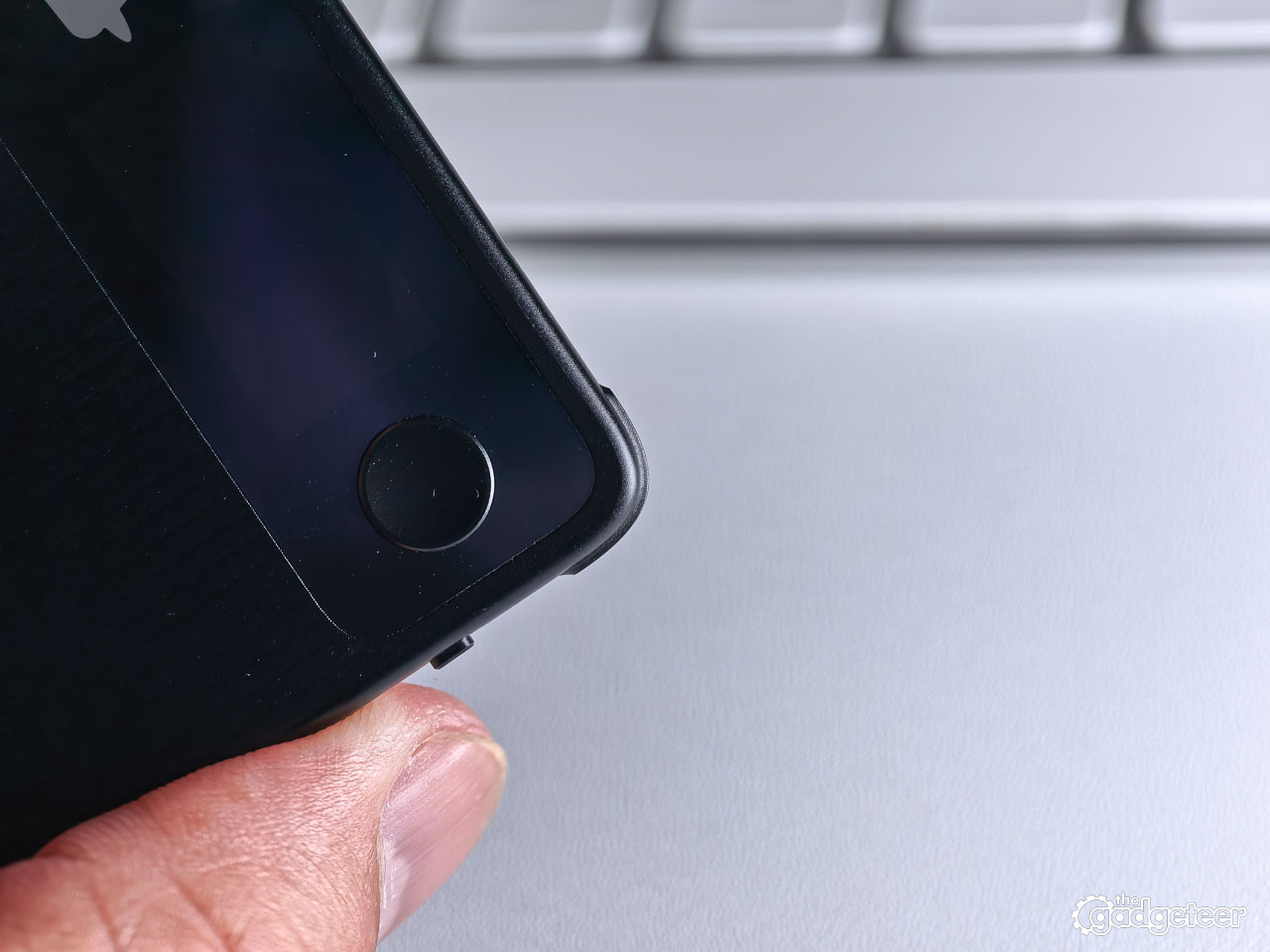
During a recording, a press of the key adds a timestamped marker. That’s the kind of feature that sounds small until you’re recording an interview and someone says something you know you’ll want to find later. Instead of scrubbing through the entire recording, you can mark the moment and jump back to it.
The E-Ink display keeps the phone out of the loop, too. It shows recording status, battery, Bluetooth, and microphone information. You don’t have to pull out another screen just to confirm that the device is working or remind yourself what happened in the meeting you just left.
EurekaMind 2.0 is 3mm thick and weighs 29 grams. That’s light enough to carry every day, which is exactly what a device like this needs. A recorder that stays in a drawer isn’t useful. This one is small enough to become part of your normal routine.
Capture, understand, act
The best way to understand EurekaMind is through its workflow: capture, understand, act.
Capture is the easy part. Press the button and let it record.
Afterward, the companion app turns the recording into a transcript and organizes the conversation into a structured note. It can identify speakers, pull out decisions, extract action items, suggest reminders, and connect the note to people and previous conversations.
That’s much more useful than dumping another audio file into an app.
A transcript tells you what was said. A structured note helps you understand what was important. An action item tells you what has to happen next.
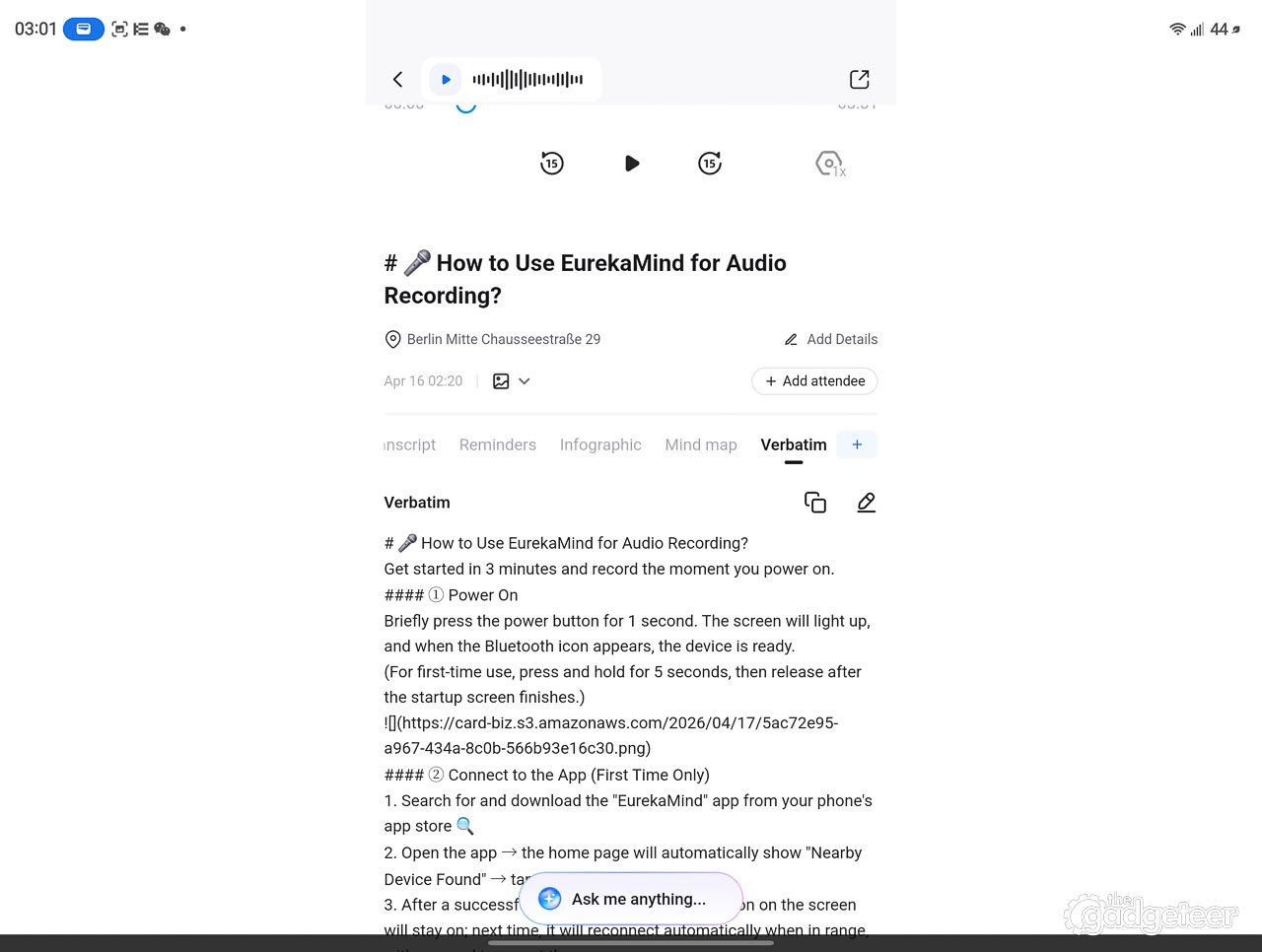
That distinction is where EurekaMind 2.0 separates itself from a basic voice recorder. The product isn’t just trying to preserve a conversation. It’s trying to turn the conversation into something you can use.
The system also lets you take photos of whiteboards, slides, or other visual material while recording through the companion app. Those photos are attached to the exact point in the recording timeline instead of being left alone in your camera roll. For meetings, interviews, and presentations, that makes perfect sense. The image and the conversation belong together.
The AI output is the reason to care
AI note-taking devices earn their place through the quality of what they produce after a recording. A clean recording is only the beginning. EurekaMind turns that recording into a note that helps you remember, decide, and act.


EurekaMind’s output is useful. The summaries aren’t simply shorter versions of the transcript. They organize the conversation into a format that’s easier to scan and revisit. Decisions stand out. Follow-up items are easier to identify. The result feels closer to a working meeting note than an automatic wall of text.
Nobody wants to spend another hour cleaning up the meeting that just ended.
EurekaMind also includes scenario-based templates for different kinds of recordings. A meeting, interview, lecture, client call, and quick idea don’t need to be organized in exactly the same way. The template approach gives the system a better chance of producing notes that fit the situation instead of forcing every recording into one generic summary.
AskAgent searches your stored notes and retrieves information from previous conversations. That turns EurekaMind from a useful recorder into a searchable work memory.
The value is in getting important information out of your head and making it easier to find when you need it.
Phone calls are built into the design
EurekaMind 2.0 has separate recording modes for ambient conversations and phone calls.
The phone-call mode uses a bone-conduction microphone along with the ambient microphones. Place the card near a phone, and it picks up the phone’s vibration while the other microphones capture the surrounding voice. EurekaMind works with both iOS and Android. For regular meetings, the ambient mode reaches up to 10 meters, so the card can stay on the table while people talk.
That gives EurekaMind 2.0 a broader range than a recorder that’s limited to meetings at a table.
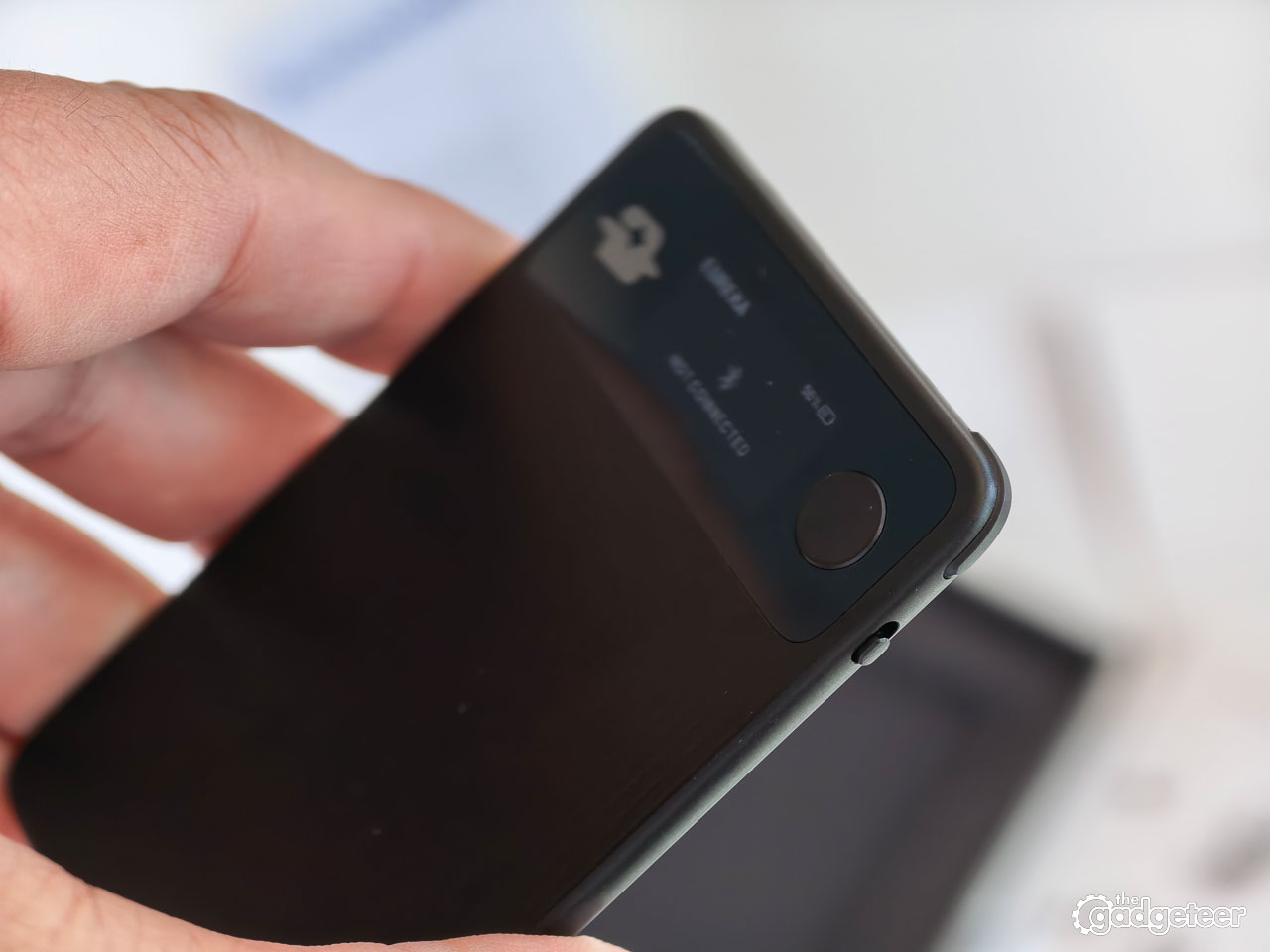
The physical microphone switch makes those modes easy to change without opening the app. I can feel which setting is active, which makes the whole process feel more deliberate. Recordings save to the card first, so capture continues without an internet connection and sync happens later through the paired phone or computer.
Phone-call recording gives EurekaMind 2.0 a broader role than a meeting recorder. It can follow you through a workday instead of handling only one type of conversation.
A device that fits real work
The hardware and software make the most sense together.
The physical controls let you capture a conversation without interrupting it. Afterward, the companion software turns the local recording into something searchable and actionable. I can review the result on iOS, Android, or the web, depending on which screen makes sense at the time.
That creates a calmer workflow. You can stay in the conversation, let EurekaMind handle the recording, then deal with the follow-up when you have a natural break.
This is especially useful for journalists, project managers, salespeople, students, consultants, and anyone who spends a day moving between conversations. The device doesn’t ask you to change how you work. It quietly removes one of the more annoying parts of knowledge work.
The price makes the value proposition stronger
Unlimited minutes of AI note-taking in the first year, plus 300 free credits, EurekaMind 2.0 gives frequent users an absurd amount of room to record. If you continue with the paid Pro plan into the second year, AI note-taking becomes unlimited. That’s a huge advantage for journalists, students, consultants, project managers, salespeople, and anyone who spends the day in meetings.
Membership terms appear before checkout, so the ongoing AI plan belongs in the buying decision. Even with that consideration, the hardware price is compelling.
At $149, EurekaMind 2.0 costs less than many competing AI recording devices while offering a compact, dedicated way to capture conversations and review the resulting notes in the companion app.
What to know before you buy
EurekaMind 2.0 is designed for people who want a dedicated capture tool. If you only record a short voice memo once in a while, your phone already does that job. The EurekaMind earns its place when conversations are part of your work and you want a consistent way to preserve and use them.
Privacy belongs in this decision too. Recording conversations can involve consent and local laws, so the people around you should know when recording is taking place. The physical microphone switch helps make the recording mode clear, but it doesn’t replace good judgment.
The card is also meant to be carried, not tossed into a desk drawer. Its small size makes that easy, while the physical controls give it a clear advantage over an app-only workflow.
The most important consideration is the type of conversations you need to capture. Meetings, interviews, classes, calls, and quick ideas are exactly where the device’s combination of hardware and AI makes sense. If that’s your day, EurekaMind 2.0 fits naturally into it.
The experience
EurekaMind 2.0 works because the pieces fit together. The physical button makes capture immediate, the microphones handle different situations, the app organizes the recording, and AskAgent brings older conversations back when you need them.
Accuracy matters more than polish with any AI note-taking system. EurekaMind starts from a strong foundation: it’s easy to carry, easy to operate, and built around a useful result.
Price: $149 for the Solo Starter package
Where to buy: EurekaMind 2.0
Included: Unlimited AI note-taking and 5,000 free agent credits in year one. In year two, keep unlimited transcription and AI summaries with either plan: paid Pro includes 5,000 agent credits, while free Starter includes 500.
Package options: Two-pack $288; Team pack $427
The Bottom Line
EurekaMind 2.0 is one of the most useful AI note-taking devices I’ve used.
It solves a real problem without making the solution feel complicated. I can stay engaged in a conversation instead of splitting my attention between listening and typing, then come back to a structured record of what happened. The physical controls make recording easy, and the AI output gives the recordings a reason to exist.
At $149, EurekaMind 2.0 also has an unusually strong value proposition. It offers the hardware and workflow of a much more expensive productivity tool while keeping the device small enough to carry everywhere.
This is the kind of gadget I can see becoming part of a daily work routine. It’s especially well suited to journalists, students, business professionals, project managers, salespeople, and anyone whose best ideas and most important decisions happen while talking.
EurekaMind 2.0 doesn’t just remember what was said. It helps make sure the conversation leads somewhere.


Gadgeteer Comment Policy - Please read before commenting
how is 2100 minutes (35 hours) considered a lot for a journalist!? tha wouldn’t last a month!