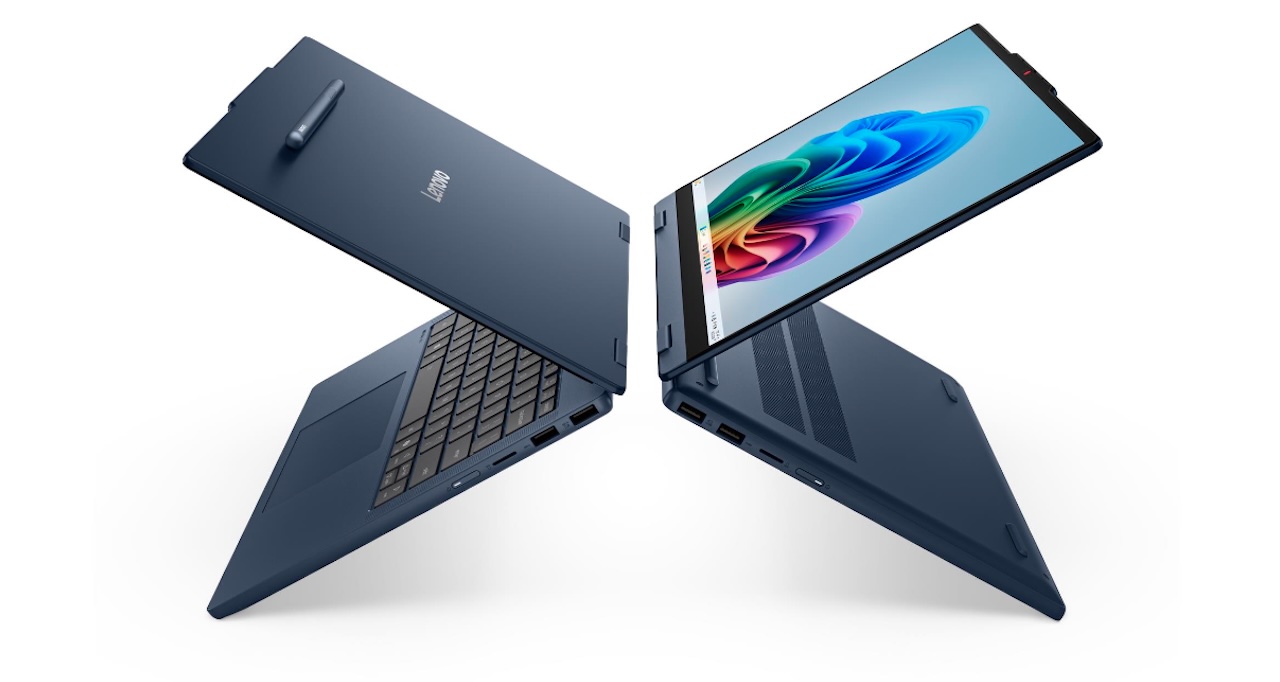
Buying a 2-in-1 sounds simple until you start paying for flexibility you may never use. The appeal is obvious: a keyboard when you need to write, a touchscreen when you don’t, and a hinge that can put the display in positions a conventional laptop can’t manage. The real question is whether you’ll use those options often enough to make the convertible design worthwhile.
Price: From $699.99
Where to Buy: Lenovo
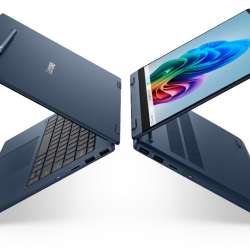
The Lenovo IdeaPad 5 2-in-1 14IWC11 approaches that question with fairly mainstream hardware. This 14-inch convertible combines Intel Series 3 processors with a 360-degree hinge, touch input, and digital pen support. Rather than turning the convertible format into a premium showcase, Lenovo keeps the emphasis on flexibility.
The hinge needs to earn its place
A 360-degree hinge is only valuable if you have reasons to move it. The IdeaPad can operate as a conventional laptop, then fold into tent, stand, or tablet positions. You still have a normal keyboard for writing, but you can move it out of the way when watching video, presenting something on screen, or working primarily through touch.
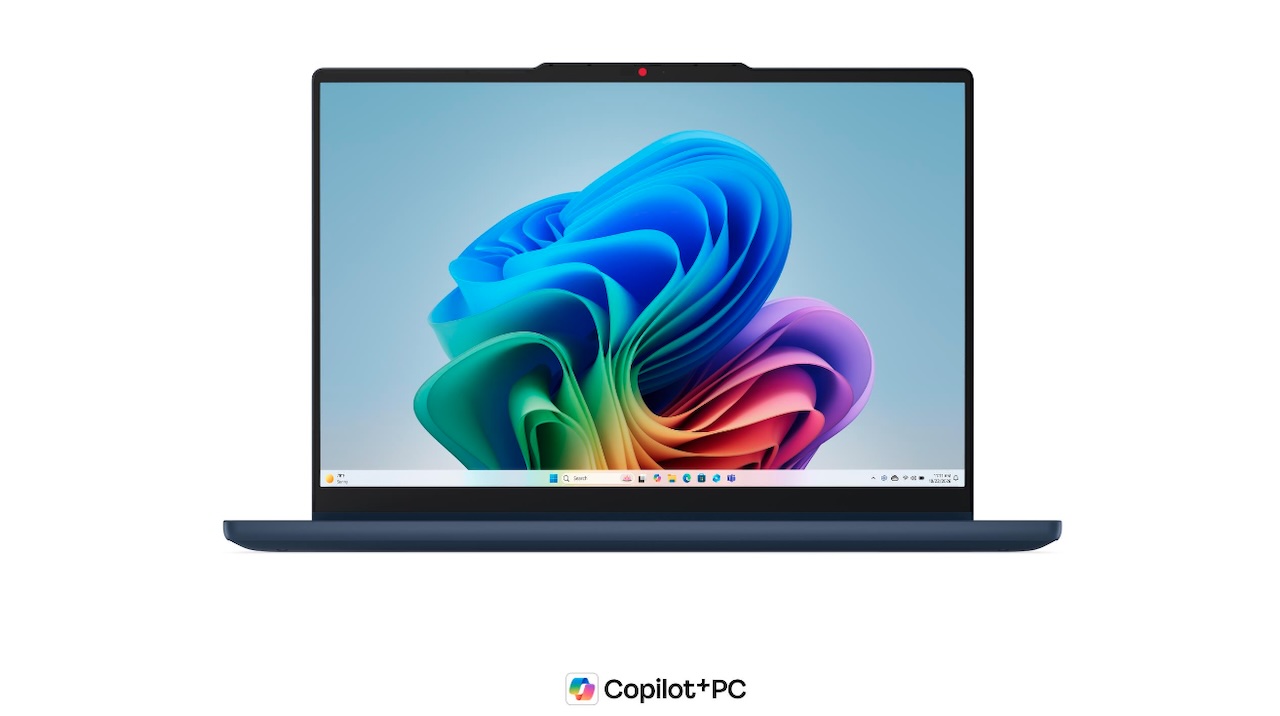 Digital pen support expands those possibilities to handwritten notes and annotation. That’s where the specification sheet stops being enough. It confirms that touch and pen input are available, but not whether the hinge stays firmly in position, the touchscreen responds particularly well, or writing with the pen feels natural. Those details need hands-on testing.
Wildcat Lake keeps this IdeaPad in mainstream territory
Lenovo lists the Intel Core 3 304 and Core 5 315 as processor choices for the 14IWC11. Both belong to Intel’s Series 3 generation, and the laptop uses integrated Intel Graphics instead of a discrete GPU.
That hardware puts the IdeaPad in the everyday-computing conversation, but it doesn’t tell us exactly how the finished machine will perform. Cooling, power limits, memory, drivers, and workload can all affect the result. Independent benchmarks will give buyers a clearer idea of how the 14IWC11 compares with similarly priced alternatives.
The full model number matters here. This isn’t the Core Ultra-equipped IdeaPad 5 2-in-1 14IPH11, despite the similar name. That sibling uses Core Ultra processors and offers different memory, storage, and display configurations. Checking the complete model number can prevent buyers from assuming two very similar-looking IdeaPads have the same hardware.
 Touch is the attraction, color coverage is the catch
The 14IWC11 gets a 14-inch WUXGA 1920 × 1200 IPS touchscreen with a 16:10 aspect ratio, 400-nit rated brightness, a 60Hz refresh rate, and 45% NTSC color coverage. Lenovo’s listed configurations for this model don’t include the OLED and higher-resolution alternatives available on some other IdeaPad 5 2-in-1 variants.
That 45% NTSC rating is worth noticing before buying. It indicates narrower color coverage than displays aimed at color-sensitive creative work, giving photographers, designers, and video editors a reason to look elsewhere or wait for panel measurements. It doesn’t tell us whether the screen will look good for documents, browsing, or streaming. Contrast, color accuracy, viewing angles, and measured brightness still require independent testing.
At least the memory isn’t permanently attached
The 14IWC11 uses DDR5-5600 memory in one SO-DIMM slot rather than soldering all of its RAM to the motherboard. Lenovo’s currently listed configurations reach 16GB of memory, but a factory configuration ceiling shouldn’t automatically be treated as the absolute hardware upgrade limit.
Storage follows a similar pattern. There’s one M.2 2242 PCIe 4.0 x4 slot, with Lenovo currently listing configurations up to 512GB. The useful point is that both memory and storage use replaceable components. Anyone planning a future upgrade should still verify compatible capacities rather than assume any larger SO-DIMM or SSD will work.
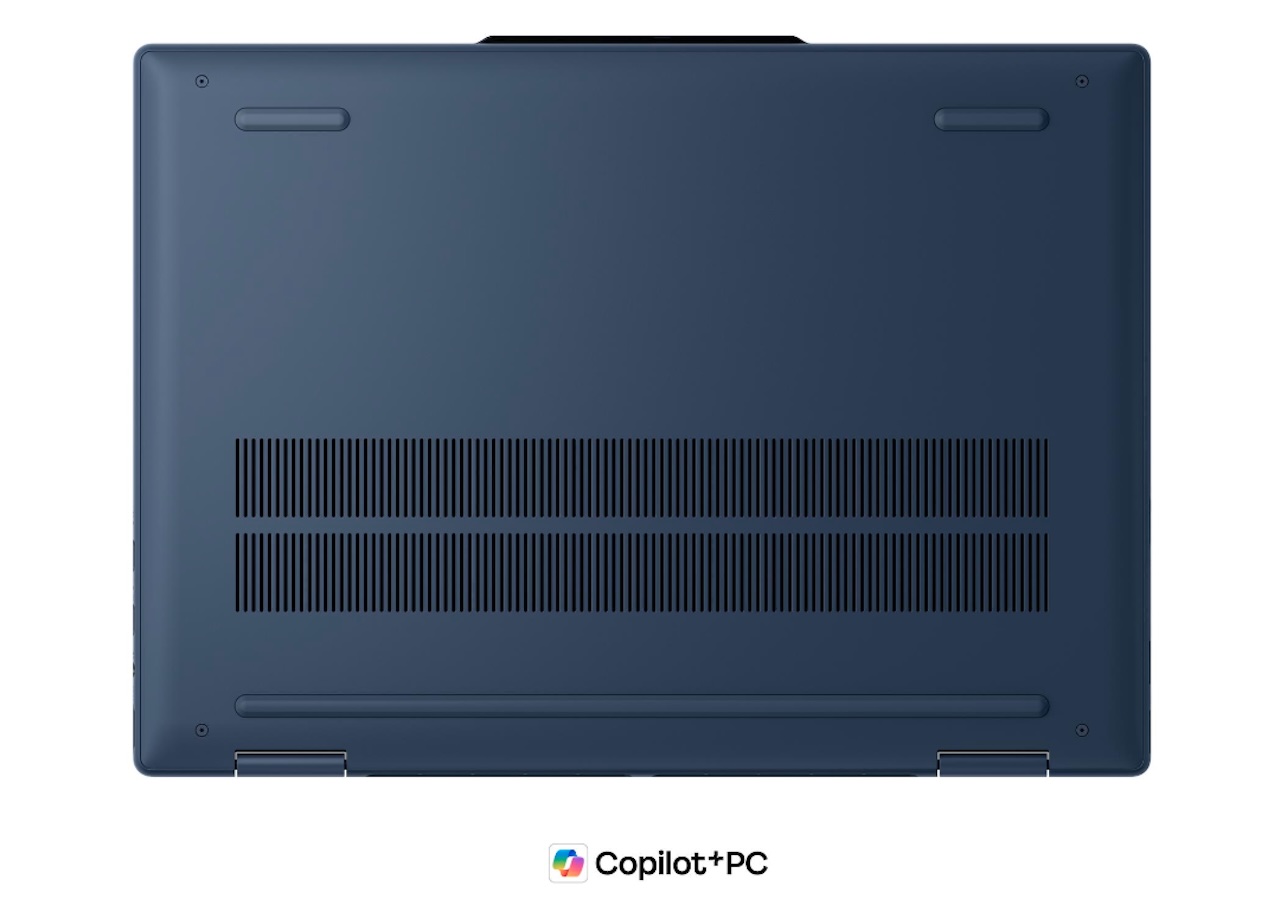 You probably won’t need a dongle for the basics
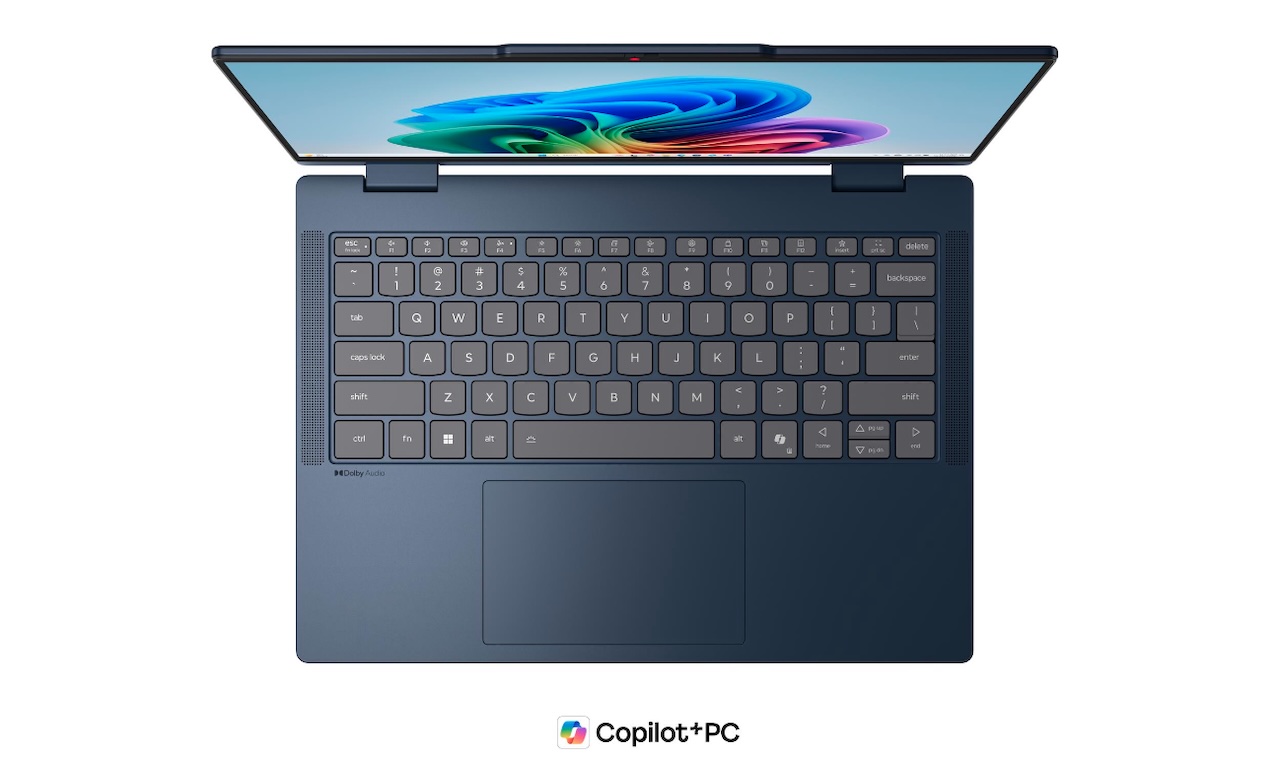
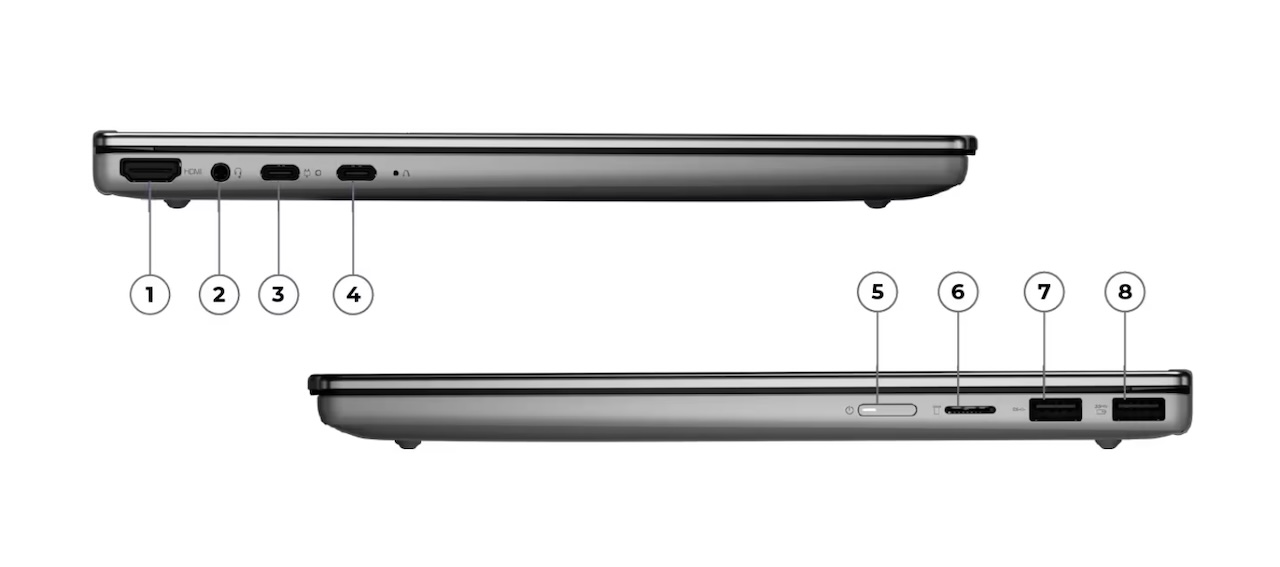
The IdeaPad includes two USB-A 5Gbps ports, two full-function USB-C 5Gbps ports, HDMI 1.4b, a 3.5mm audio jack, and a microSD card reader. For a machine designed to fold into a tablet-like form, retaining USB-A, HDMI, and removable-card support gives buyers several ways to connect common accessories directly.
There’s also an FHD 1080p camera with infrared hardware and a privacy shutter, along with stereo speakers. Those are useful inclusions on paper, particularly for video calls and Windows authentication. Webcam image quality and speaker performance are another matter, and both need hands-on testing before they’re worth judging.
Don’t read 24.19 hours as an all-day-work guarantee
The laptop contains a 60Wh battery, and Lenovo reports up to 24.19 hours in one controlled test. The laptop has a 60Wh battery. Lenovo rates the Core 5 315 configuration with 16GB of memory for up to 24.19 hours in MobileMark 30 at 250 nits, while its 1080p local-video playback estimate is up to 18.5 hours at 150 nits.
That’s very different from spending a day switching among browser tabs, video calls, documents, wireless connections, and other applications. Lenovo’s figure is useful as a manufacturer benchmark under defined conditions, but it isn’t evidence that buyers will get 24 hours from their own workloads. Independent battery testing will provide a better picture of everyday endurance.
 Folding into a tablet doesn’t make 3.4 pounds disappear
Lenovo lists the IdeaPad at approximately 1.54kg, or about 3.4 pounds, with a thickness of roughly 17.4mm. Folding the keyboard behind the screen changes how you can use the computer, but it doesn’t change what you have to hold.
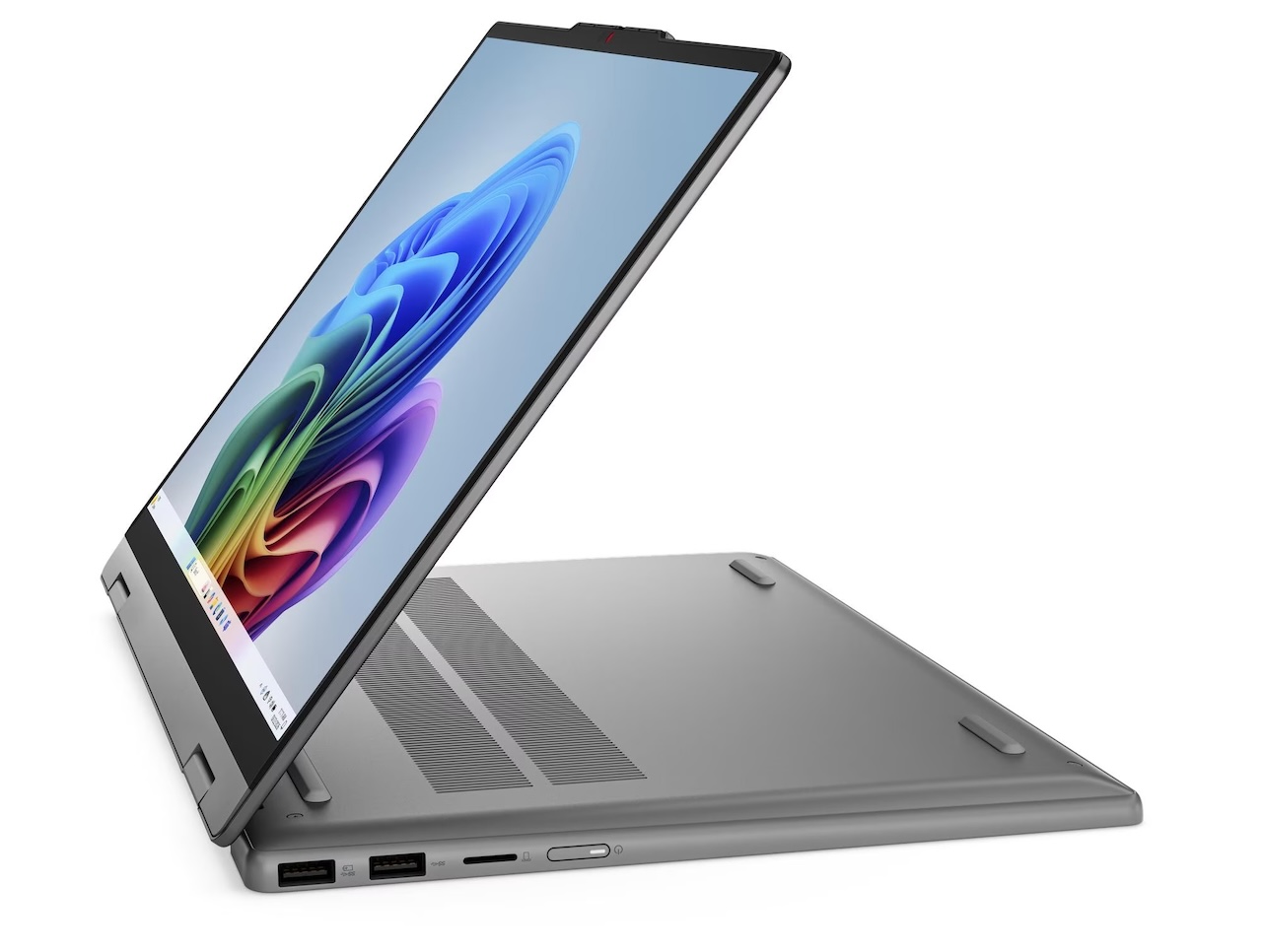
At roughly 3.4 pounds, this convertible is considerably heavier than many dedicated tablets. Buyers expecting an iPad-like handheld experience should keep that difference in mind. Tent and stand modes may prove more practical because they take advantage of the flexible hinge without requiring you to support the entire laptop in your hands.
Who should buy the Lenovo IdeaPad 5 2-in-1 14IWC11?
Buyer fit: The IdeaPad 5 2-in-1 14IWC11 makes the strongest case for buyers who already know why they want a convertible. Students who annotate notes, people who regularly present from a laptop, and home users who shift between keyboard and touch interaction all have concrete reasons to consider the folding design.
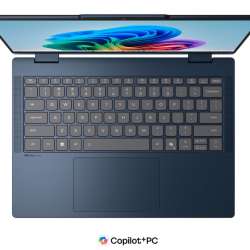
The compromises are also easy to spot before buying. You get a 360-degree touchscreen, digital pen support, replaceable SO-DIMM memory, M.2 storage, and a useful mix of ports, but the 45% NTSC panel isn’t built around wide color coverage, there’s no discrete GPU, and Lenovo’s current configurations stop at 16GB of memory and 512GB of storage.
Price: From $699.99
Where to Buy: Lenovo
If you spend nearly all day typing with the screen at a conventional laptop angle, the hinge may add complexity without providing much value. The 14IWC11 becomes more compelling when you can name the situations in which you’ll fold it, touch it, or write on it. That’s the practical reason to choose this IdeaPad over an ordinary clamshell.