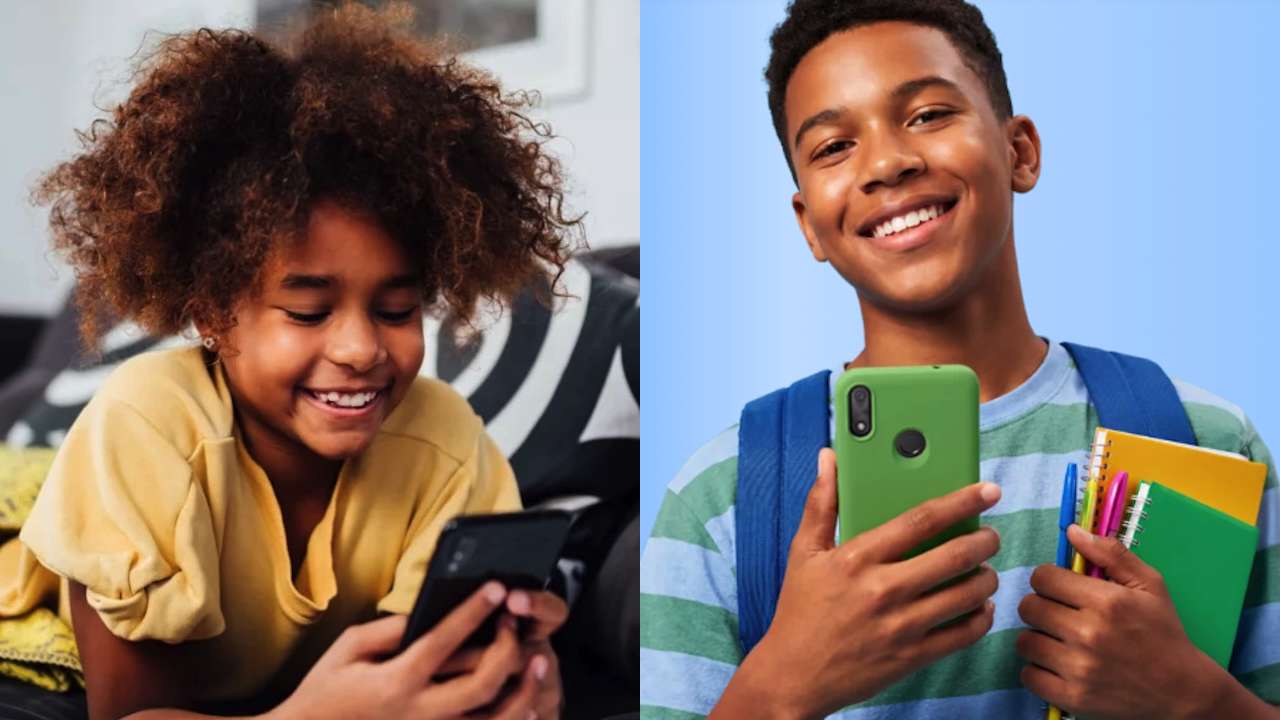
Giving a young child a phone creates an awkward problem. You want them to call when practice ends early, text when pickup plans change, and reach you when something goes wrong. But a conventional smartphone can also put social media, games, an app store, and the open web in their pocket.
So before comparing parental-control dashboards, ask the simpler question: Does your child need a smartphone at all?
For many younger kids, the real requirement is smaller. They need to call a parent, send a text, and maybe let parents check where they are. Everything beyond that is optional.
Kid-focused phones (first phone options for kids) solve this in different ways. Some remove most smartphone features. Others let parents decide which capabilities become available and when. None should be considered automatically school-approved. Policies vary, and some schools require phones to stay switched off or stored during class. Check the rules before putting any connected device in your child’s backpack.
1. Gabb Phone 4: A smartphone look without the usual smartphone access
The Gabb Phone 4 looks like a normal touchscreen phone, not a deliberately basic one. Your child gets a 6.1-inch display, 32GB of storage, USB-C charging, a fingerprint sensor, headphone jack, and 13MP main and 5MP ultrawide cameras.
But the restrictions matter more than the specs.
Gabb says the Phone 4 has no open internet browser or social media. It includes essential apps in a more restricted software environment than a conventional smartphone.
Gabb also offers contact-management features, though current controls can vary by plan, device, and configuration.
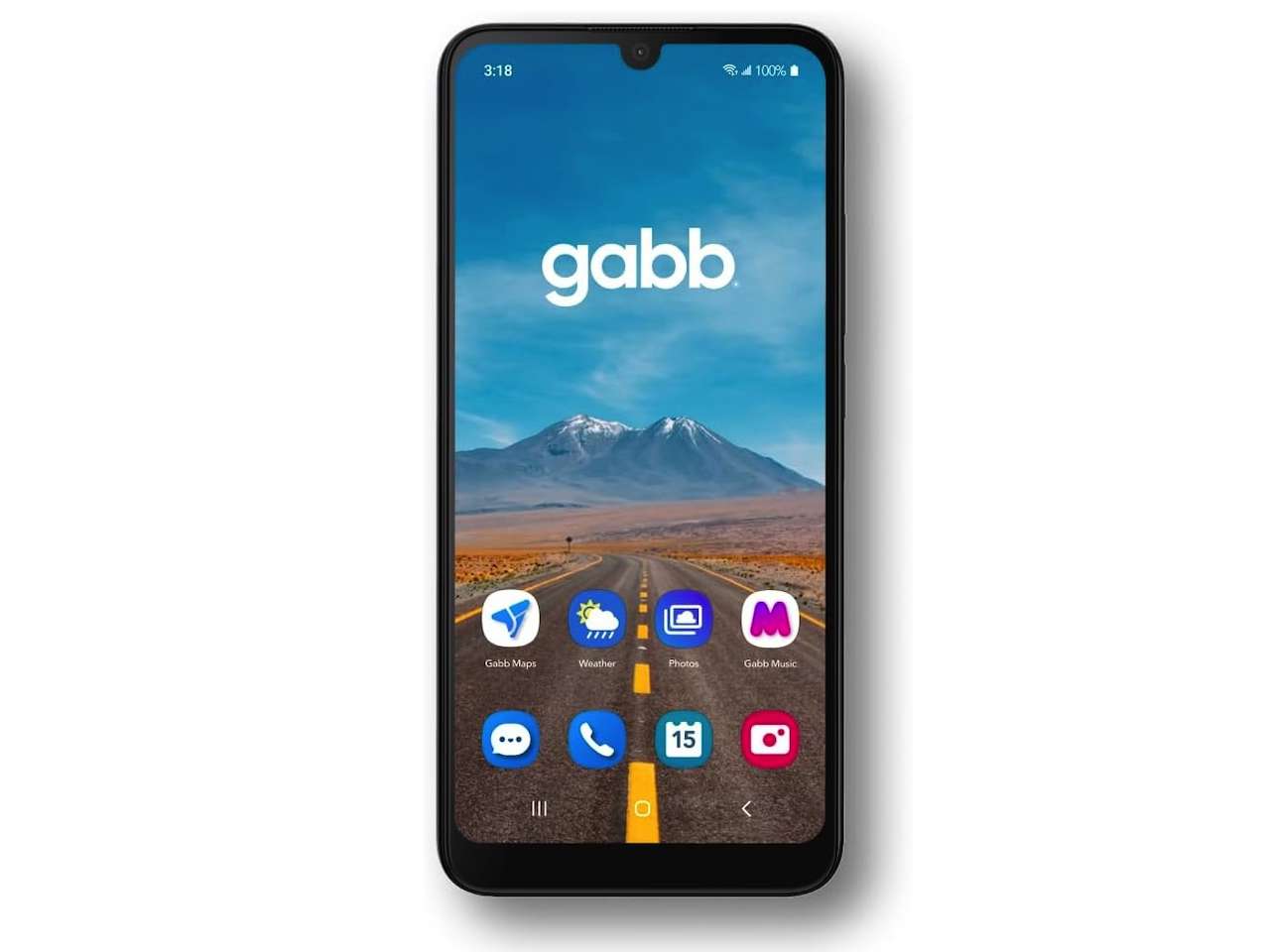 Its GPS-based location features are useful, but not real-time tracking. Gabb says location updates automatically about every 15 minutes, with manual refresh available, and accuracy can depend on GPS signal, cellular connectivity, battery status, and device conditions.
One more practical limit: Gabb cellular service is available only in the United States.
Gabb Phone 4
Price: $149.99, or $7.29/month for 24 months, plus Gabb cellular plan
Where to Buy: Gabb
Buyer fit: Pick Gabb when your child wants something that looks like everyone else’s phone, while you’re still comfortable saying no to the parts of smartphone ownership they do not need yet.
2. Bark Phone Starter: Start with calling and texting, then decide what’s next
The Bark Phone Starter starts with a short job description: calls and texts, but no apps, browser, social media, app store, or games.
Parents get contact approval, location features, parental controls, and Bark’s monitoring system.
The useful part is what happens later. Bark says families can upgrade the same phone to an Advanced plan, adding smartphone capabilities without replacing the handset, subject to plan and feature availability.
 That lets you set today’s rules today instead of deciding what your child’s phone should be three years from now.
The tradeoff is cost. At publication, Bark lists the Starter wireless plan at $29 per month, while the standard Bark Phone adds $10 per month for 24 months. Pricing can change, so check Bark’s current terms before buying.
Bark Phone Starter
Price: From $240
Where to Buy: Amazon
Buyer fit: Bark works for families who do not want today’s rules permanently baked into the hardware. Start with calling and texting, then decide later whether the same device has earned a bigger job.
3. Pinwheel Slim 6: When your child actually needs a few apps
Calls and texts aren’t enough for every family. Maybe your child needs a specific after-school app, or a tool you allow at home but not during class.
The problem isn’t necessarily having apps. It’s having all the apps, all the time. That’s where the Pinwheel Slim 6 fits.
Parents manage contacts and apps through Pinwheel’s Caregiver Portal, review supported communications depending on configuration, use location features, and set schedules for when contacts and apps are available.
That makes the school-day use case clearer: Pinwheel says parents can make the device behave more like a basic phone during school hours or overnight, then unlock approved features later.
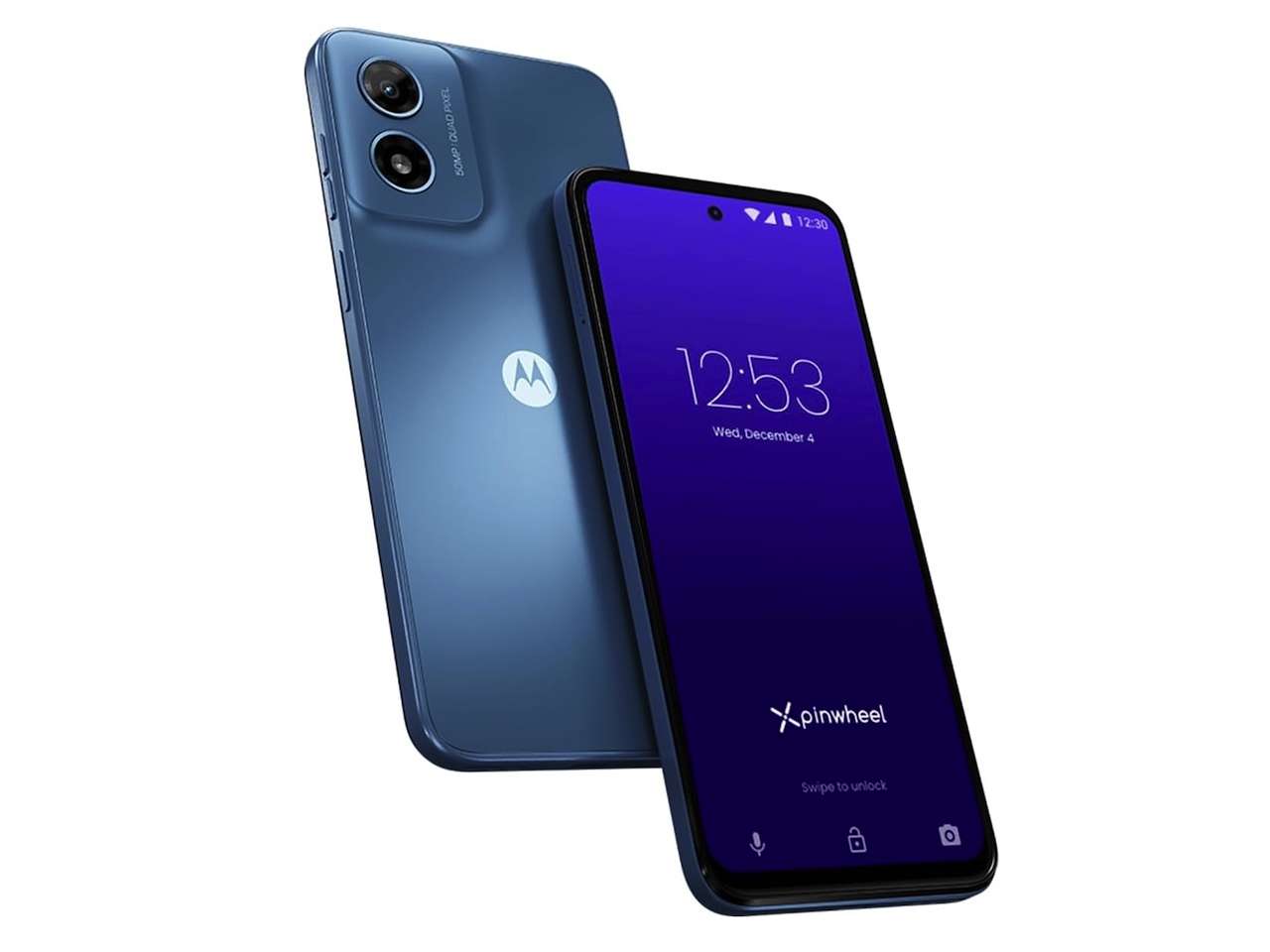 The Slim 6 has a 6.5-inch HD+ display, 4GB of RAM, 64GB of storage, a 50MP rear camera, and a 5,000mAh battery. But the reason to consider it is control, not camera specs.
At publication, Pinwheel lists Caregiver Portal access for the first phone at $14.99 monthly, or $13.75 per month when paid annually, with lower pricing for additional phones. Cellular service may cost extra, so check Pinwheel’s current pricing before comparing total cost.
Pinwheel Slim 6
Price: From $199
Where to Buy: Amazon
Buyer fit: Pinwheel makes the most sense when “calls and texts only” is too restrictive, but handing over an ordinary unrestricted smartphone still feels like too much.
4. A basic LTE flip phone: Maybe your child doesn’t need a kids smartphone
Specialized kid phones aren’t the only answer. A basic LTE flip phone may be enough.
Kid-focused smartphones offer useful dashboards, location features, contact controls, monitoring, and schedules. But they also solve problems created partly by giving a child a more capable device.
A simpler phone starts elsewhere. If the job is call me, text me, and keep the phone in your backpack in case plans change, you may not need a child-smartphone platform at all.
Just do not assume a flip phone is automatically child-safe. Modern feature phones vary widely. Some have browsers, Wi-Fi, cameras, downloadable apps, and other connected features. They may also lack approved-contact systems, remote monitoring, location dashboards, and scheduling.
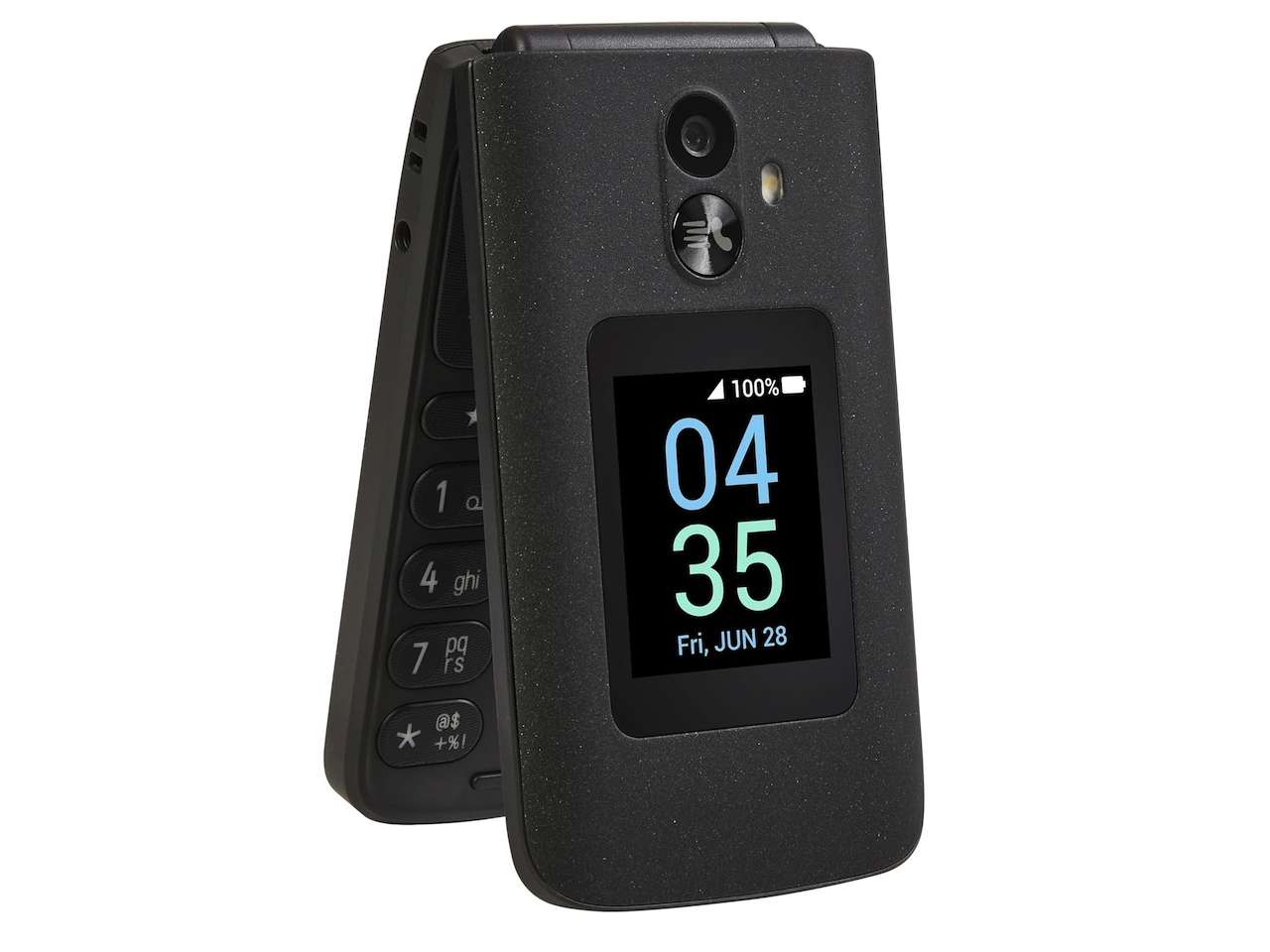
Check the exact model, what internet features it has, what can be disabled, and whether it works with your carrier.
Basic LTE flip phone
Price: From $19.98
Where to Buy: Amazon
The benefit is simplicity. Instead of taking a smartphone and removing distractions, you start with a device that may have fewer distractions to manage.
Buyer fit: A basic LTE flip phone deserves serious consideration when your child’s first phone only needs to be a phone. If detailed location features, remote contact approval, or communication monitoring are important, one of the specialized options above will probably be a better fit.
How much phone does your child actually need?
Answer that before worrying about processors, cameras, or screen sizes.
The Gabb Phone 4 is the recognizable smartphone option that leaves out an open browser and social media. The Bark Phone Starter starts tightly limited but gives parents a path to add more capabilities later.
The Pinwheel Slim 6 makes sense when your child needs selected apps and you want those capabilities governed by schedules.And the humble LTE flip phone asks the simplest question of all: what if your child does not need a smartphone yet?
Whichever route you choose, check the school’s device policy before putting any phone in your child’s backpack. The best first phone options for kids are not necessarily the one with the most parental controls or the longest feature list. For a young child, it may simply be the device that lets them reach you when they need you, without turning every spare minute into screen time.