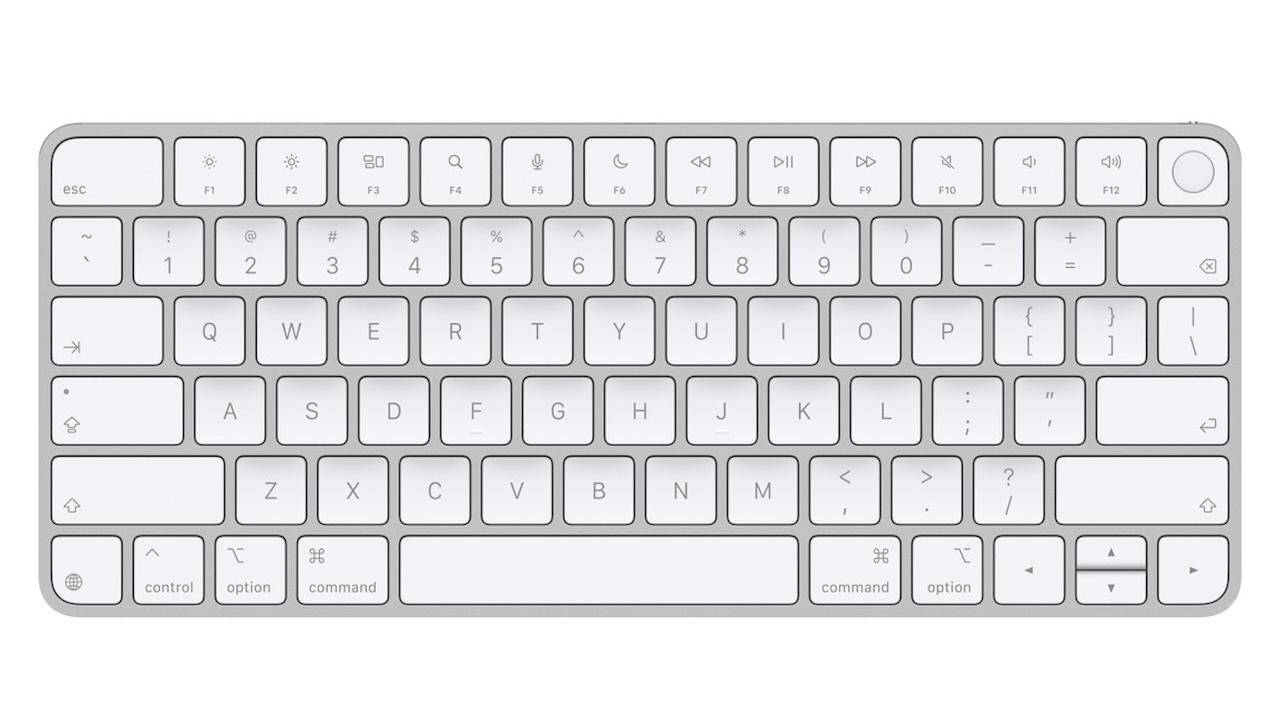
A desktop Mac setup can become clumsy the moment you step away from a laptop keyboard. You may gain a larger display and a cleaner desk, but you lose the easy fingerprint authentication that makes unlocking a Mac, approving password prompts, and confirming purchases nearly effortless.
Price: $149
Where to Buy: Apple
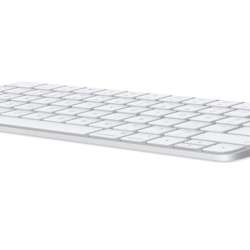
Apple’s Magic Keyboard with Touch ID brings that convenience back. The compact USB-C version is currently $149 and adds a Touch ID sensor to Apple’s familiar low-profile wireless keyboard. It is not the most feature-packed keyboard at its price, and it is not for every Mac owner. But for someone using a Mac with Apple silicon, it can reduce small points of friction throughout the workday.
The key is understanding what Apple promises, what the keyboard does not offer, and whether Touch ID is worth paying a premium for.
The practical problem it solves
Typing a password is not difficult, but it is repetitive. On a desktop Mac, you may enter it after a screen lock, in Safari, when installing software, or during purchases. Apple’s Touch ID system can reduce that friction by letting you authenticate with a fingerprint from the keyboard.
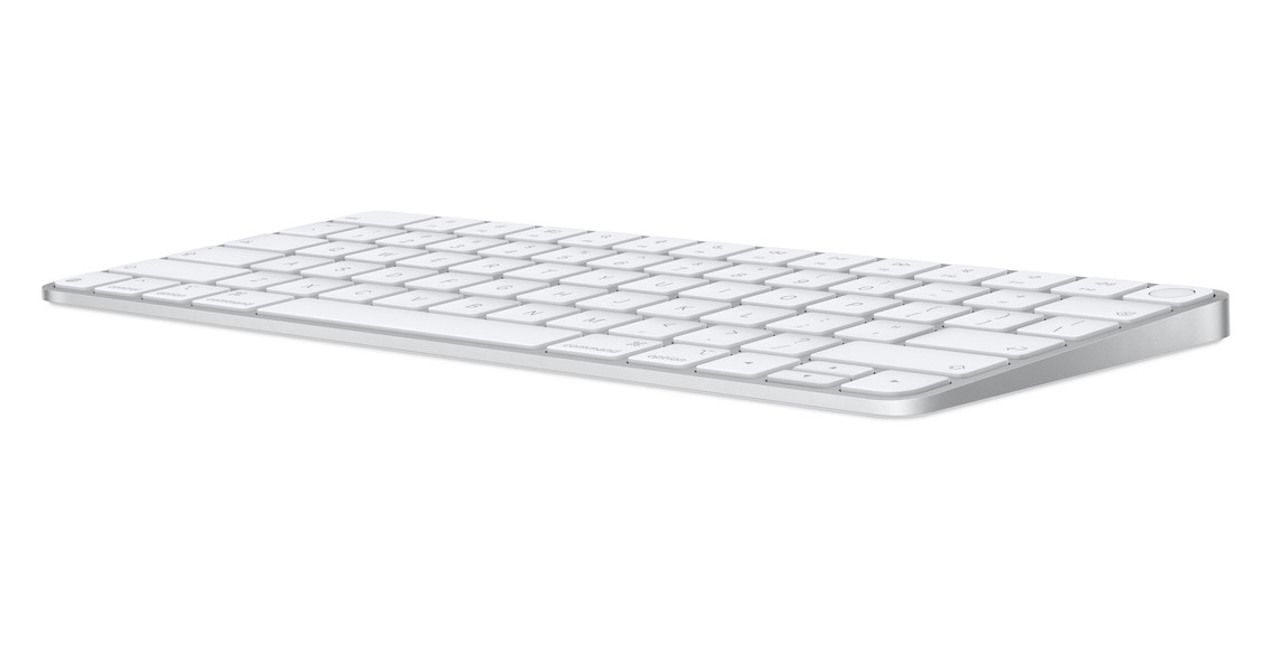 Apple says the Touch ID key supports fast, secure authentication for logins and purchases. For the right Mac, that is the product’s main reason to exist. The keyboard itself is a compact wireless model with multimedia keys. Touch ID is what separates it from Apple’s less expensive Magic Keyboard and from many third-party alternatives.
That convenience is real, but narrow. If you rarely use a desktop Mac, work primarily on a MacBook, or are content with Apple Watch unlock, this upgrade may feel unnecessary.
Touch ID only matters with the right Mac
This is the buyer filter that deserves to come first. Apple lists a Mac with Apple silicon running macOS 15.1 or later as the system requirement. Touch ID works only with a Mac that has Apple silicon and runs macOS 15.1 or later; an Intel Mac cannot use the fingerprint-authentication feature.
Apple’s compatibility list also includes iPads and iPhones, so the keyboard can serve as an external typing accessory for those devices. But Apple identifies an Apple-silicon Mac as the requirement for Touch ID. Do not buy it expecting the fingerprint reader to add Touch ID to an iPad, iPhone, or Intel Mac.
That limitation is easy to miss because the keyboard otherwise looks like a simple Bluetooth accessory. Think of it as a Mac accessory with broader keyboard compatibility, not a universal Touch ID solution.
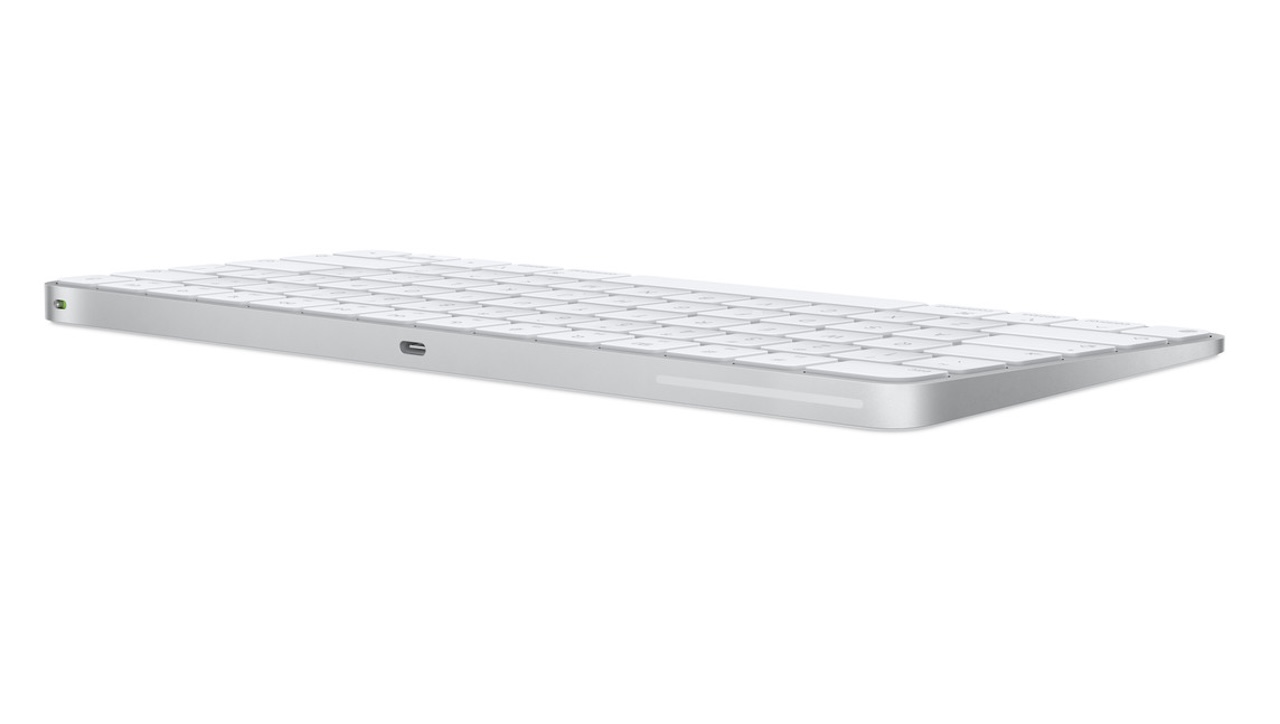 USB-C is a quiet but useful update
The USB-C version introduced in 2024 replaces the older Lightning charging port with USB-C. Apple includes a woven USB-C charging cable, which can also pair and charge the keyboard through a USB-C port on your Mac.
The benefit is simple: if your current Mac, iPad, iPhone, and headphones already use USB-C, the keyboard no longer requires a separate Lightning cable. It is one less legacy cable to keep in a drawer.
Apple claims the rechargeable battery lasts about a month or more between charges. That is an estimate based on Apple testing, and real-world results will vary. Even so, most desk setups should not require frequent charging.
The compact layout is clean, but not for everyone
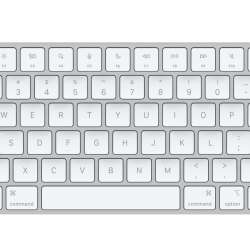
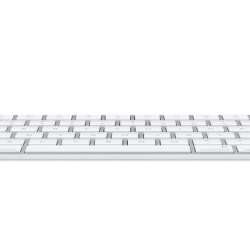
This model measures 10.98 inches wide and weighs 0.54 pound. Its small footprint makes sense beside a compact Mac mini or Studio Display setup, leaving room for a mouse, trackpad, notebook, or audio interface.
The tradeoff is that this is the compact layout. It does not include a numeric keypad or the extended navigation controls found on Apple’s larger Magic Keyboard with Touch ID and Numeric Keypad. That larger model is the better choice for people who spend their days in spreadsheets, finance apps, or editing timelines.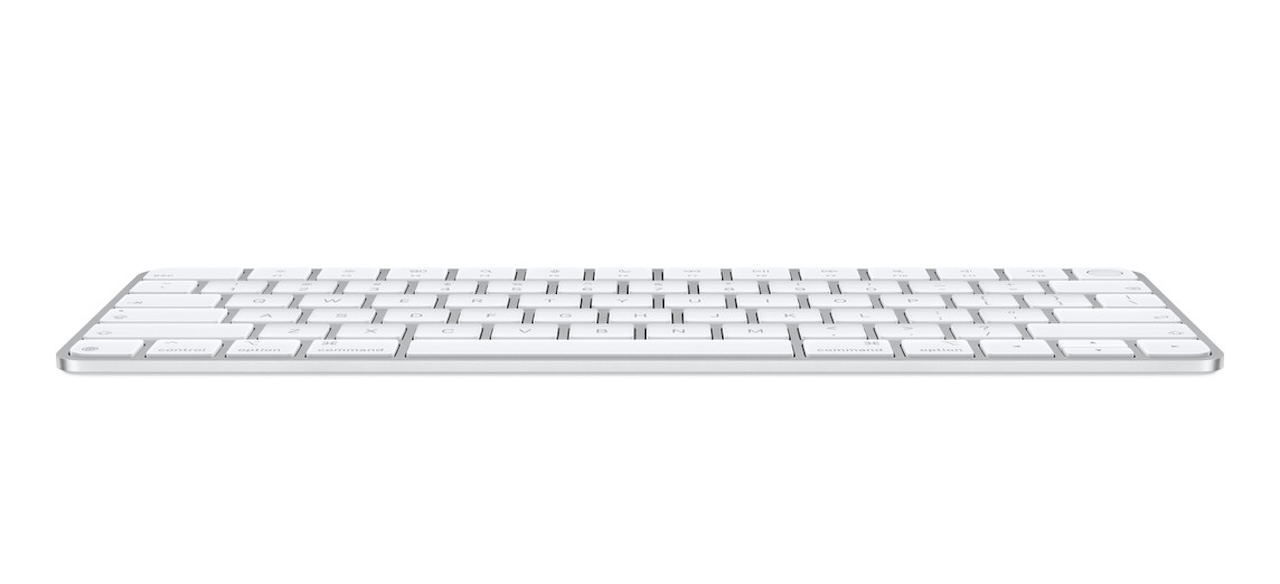
Apple calls the typing experience comfortable and precise. That is subjective. The shallow, low-profile feel will be familiar to recent MacBook and iMac users, but people who prefer mechanical switches, adjustable tilt, or deeper key travel may not agree.
What $149 does and does not buy
At its current $149 price, the Magic Keyboard with Touch ID is expensive for a compact keyboard. Third-party Bluetooth keyboards can offer multi-device switching, backlighting, mechanical keys, or more customization for the same money or less.
Apple’s value is integration, not versatility. You get automatic pairing with a compatible Mac, a rechargeable battery, USB-C charging, function and media-control keys, and the Touch ID sensor. Apple includes the keyboard and USB-C charging cable in the box.
Apple does not present this compact model as a gaming keyboard, a portable mechanical board, or a feature-heavy multi-device workstation accessory. Its appeal is a tidy, familiar Mac experience.
Buyer fit
Buy the Magic Keyboard with Touch ID if you use a Mac mini, Mac Studio, or MacBook used in clamshell mode with Apple silicon and want the cleanest way to bring fingerprint authentication to your desk. It is especially useful if you value Apple’s compact layout and prefer keeping accessories on USB-C.
Skip it if you use an Intel Mac and are buying it specifically for Touch ID; the fingerprint-authentication feature requires Apple silicon. Also skip it if you need a number pad, require backlit or mechanical keys, or regularly switch among several computers. In those cases, a less expensive Apple keyboard or a more flexible third-party model will likely serve you better.
Price: $149
Where to Buy: Apple
The Magic Keyboard with Touch ID is not a keyboard bargain. It is a convenience purchase. For the compatible Mac owner who unlocks, logs in, and approves purchases all day, that convenience can be worth more than the spec sheet suggests.