The problem with a feature-packed gaming mouse is not usually a shortage of buttons. It is using the wrong buttons at the wrong time. MMO players may want a full thumb keypad for skills and macros, but that same grid can feel cramped in a shooter. A minimalist mouse is better for FPS games, yet it leaves MMO players reaching for the keyboard.
Price: Now $179.99
Where to Buy: Razer
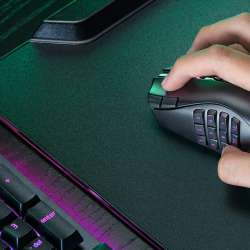
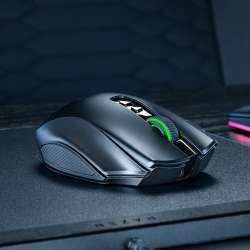
Razer’s Naga V3 Pro is built around that conflict. It includes three magnetic side plates with 12, six, or two thumb buttons, giving one wireless mouse a way to move from raids and MOBAs to shooters and work without forcing the same control layout on every task.
At $179.99, it is expensive. Its value depends on whether those layouts genuinely replace multiple mice for you, not on whether it has the biggest number on a specification sheet.
Three Side Plates Are the Point
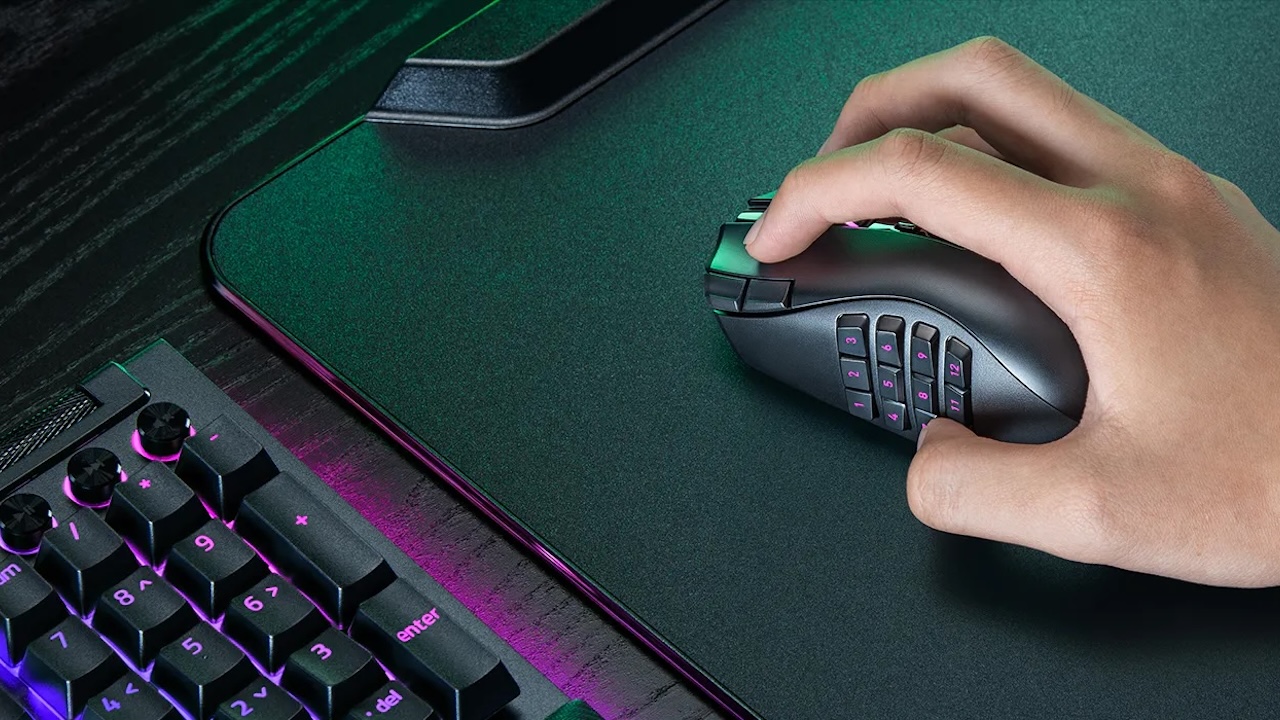
The Naga V3 Pro has a 12-button side plate for MMO play, a six-button plate for MOBA and battle royale games, and a two-button plate for FPS games and everyday use. Razer lists 23, 17, or 13 programmable buttons depending on the installed plate.
The 12-button grid can keep abilities, mounts, target commands, and macros under your thumb. That can reduce keyboard travel and make a dense MMO interface easier to manage. The six-button plate is the practical middle ground, providing room for items, pings, utility skills, or push-to-talk without the precision required by a full keypad. The two-button plate makes the Naga feel closer to a conventional right-handed mouse for shooters and office work.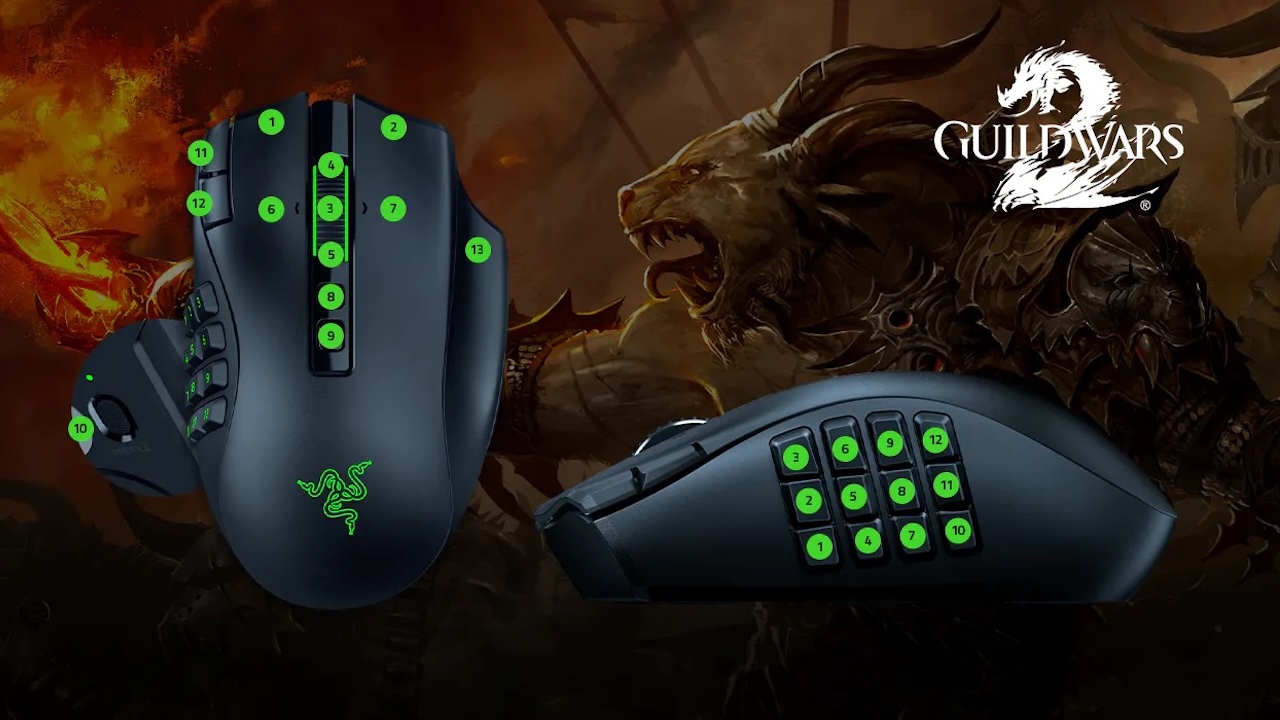
Razer claims the mouse can adapt to every genre. The evidence is the physical design: the plates are magnetic and swap without tools. That does not mean every player will like every layout, but it does let you try different control schemes without buying separate MMO and FPS mice.
Extra Controls That Do Not Get in the Way
Razer adds two quick-access buttons near the left mouse button, intended for DPI changes or other assignments. There is also a ring-finger button that can be physically locked when you do not want it active.
That is a useful detail because more buttons only help when accidental presses do not become another problem. The button can act as a modifier, ability, or macro trigger when you need it, then be disabled for games where it gets in the way.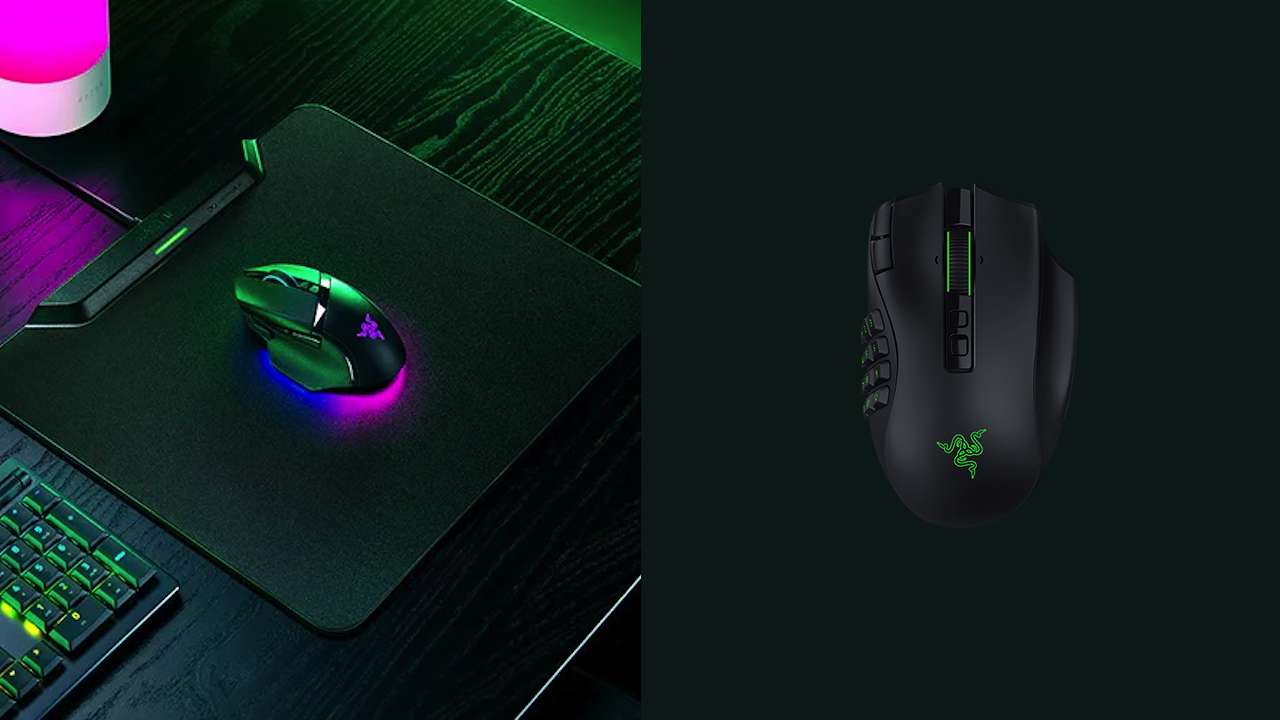
The mouse supports Razer Synapse for remapping, macros, and profile management, with five onboard profiles. Razer says Smart Profiles can switch to a matching profile when a game launches. This is useful for multi-genre players, but it also means the Naga V3 Pro is best for people willing to spend time setting up controls. Leave every button at default, and much of the premium is wasted.
Strong Hardware, With One Reality Check
The Naga V3 Pro uses Razer’s Focus Pro 50K Optical Sensor Gen-3, rated at 50,000 DPI, 930 IPS, and 90G acceleration. It also uses Gen-4 optical switches rated for 100 million clicks.
Those figures are impressive, but almost no one needs 50,000 DPI. The real benefit is consistent tracking at normal settings, while optical switches avoid the metal-contact design traditionally linked to double-click concerns.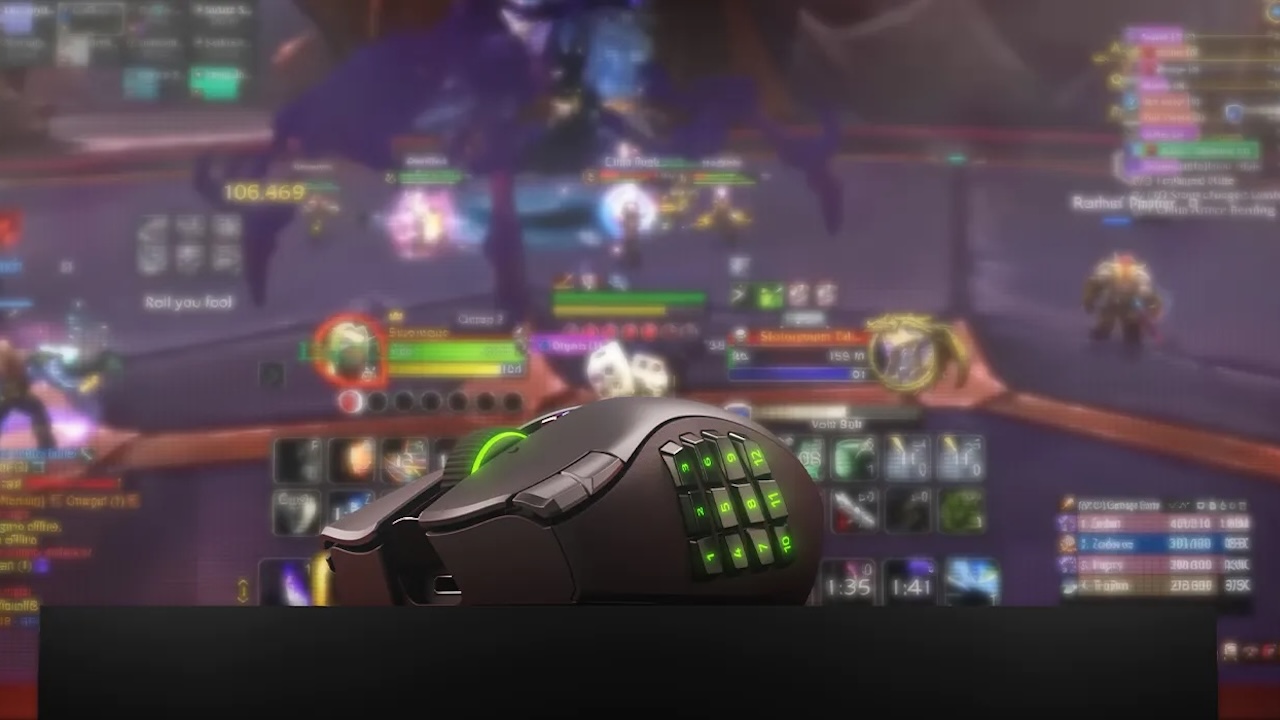
The more consequential specification is polling rate. The Naga V3 Pro is rated for 1000Hz polling, not 4000Hz or 8000Hz. For most MMO, MOBA, battle royale, and everyday players, 1000Hz remains responsive. Competitive FPS players who specifically want the fastest polling hardware should consider a lighter, esports-focused mouse.
Razer lists the mouse at 117 grams, excluding the cable and dongle, and separately lists the side plates at 15 to 20 grams. That is reasonable for a wireless MMO mouse with swappable hardware, but it is heavy beside current competitive FPS mice. The Naga V3 Pro prioritizes control density and comfort over featherweight flick aim.
Wireless Flexibility Matters
The mouse supports Razer HyperSpeed Wireless, Bluetooth, and wired USB-C use. Razer rates battery life at up to 155 hours over HyperSpeed Wireless or 280 hours over Bluetooth under standard test conditions.
Use 2.4GHz wireless for gaming, Bluetooth for a laptop or work machine, and USB-C for charging or wired play. The mouse also supports wireless charging through Razer’s HyperFlux V2 system or Mouse Dock Pro, but both accessories are sold separately.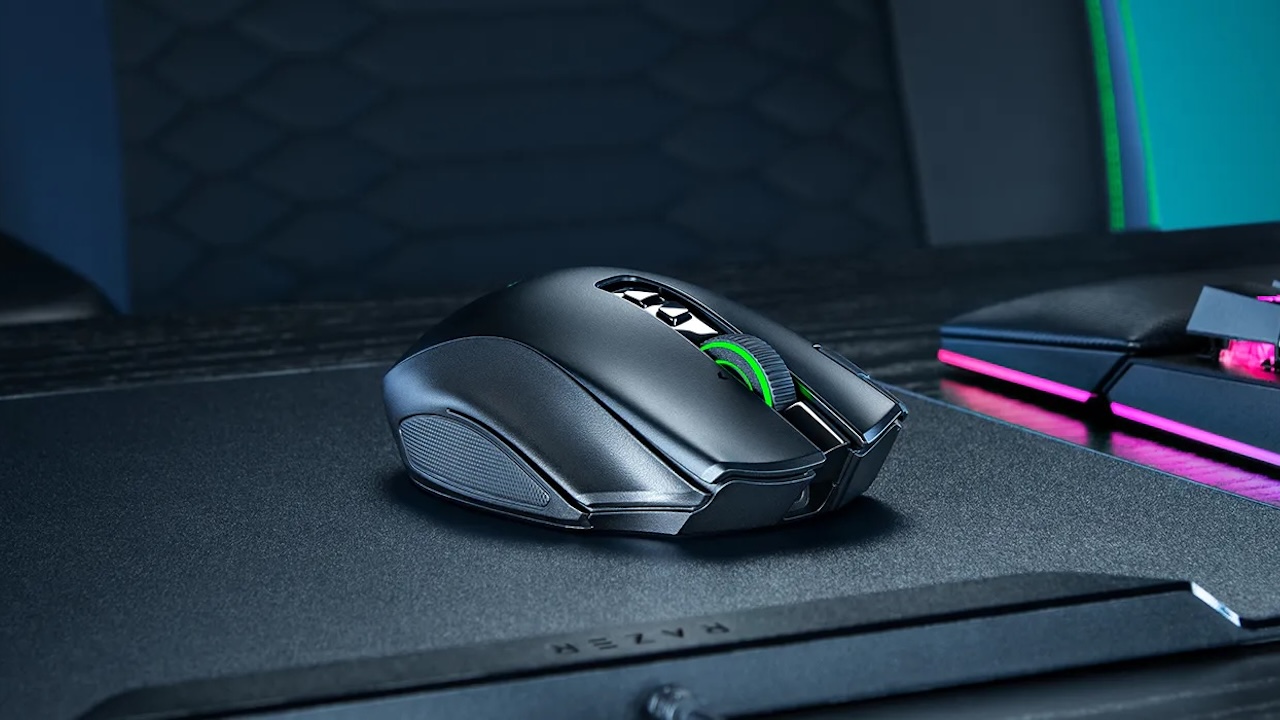
Its four-way HyperScroll Tilt Wheel Gen-2 supports tactile and free-spinning modes, plus a Smart-Reel mode configurable in Synapse. That is useful for long pages, inventories, and spreadsheets as well as game menus.
Who Should Buy the Razer Naga V3 Pro?
Buy the Naga V3 Pro if you play MMOs seriously but also move between MOBAs, battle royales, shooters, and everyday computer work. The 12-button panel is the core value, while the six- and two-button plates make the mouse far less specialized than a traditional MMO peripheral.
Price: Now $179.99
Where to Buy: Razer
Skip it if you play only competitive FPS games, want an ultra-light mouse, or have no interest in remapping controls and building profiles. The Naga V3 Pro is persuasive not because it has 23 buttons, but because it lets you decide when you need 23, when you need six, and when two is enough.