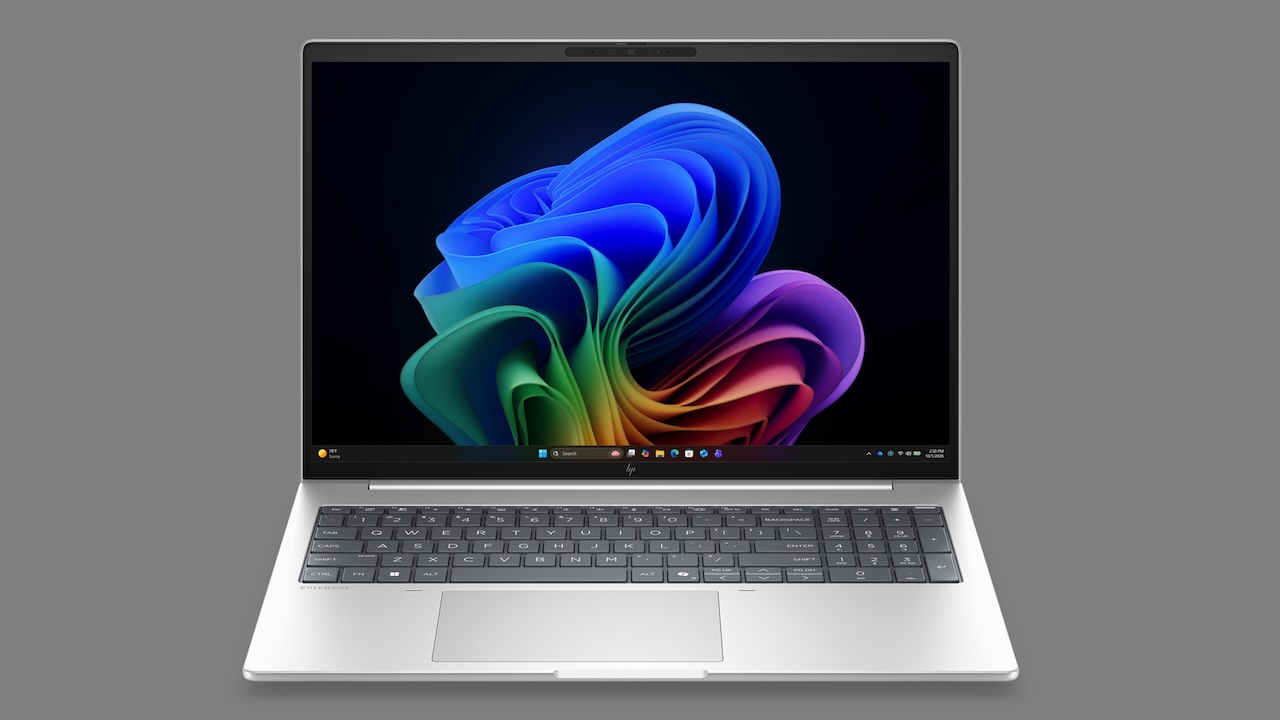
Business buyers keep hearing about Copilot+, and the EliteBook 8 G2a 16 finally hands them silicon that backs the label. The pitch is simple. Drop AMD’s newest Ryzen AI chip into a 16-inch frame, then let the NPU carry the on-device features IT teams keep circling. It’s a confident opening move for a workhorse line.
Price: From $2,599
Where to Buy: HP
Positioning matters here. The G2a 16 sits above the 14-inch G2a and takes over from the G1a, so it inherits a chassis HP already sanded down once. Cross-shop it against Lenovo’s ThinkPad or Dell’s Latitude and the draw is current-gen AMD in a familiar suit.
Availability lands in HP’s favor for once. HP’s selling it through its own store with a three-year warranty and Wolf Pro Security baked in, and for procurement teams tracking sustainability, the chassis uses 90% recycled magnesium with packaging that’s 100% sustainably sourced or recycled. Fleet managers reading the fine print will notice the PRO chip variants, which unlock the manageability features central IT actually deploys. Retail-only shoppers get fewer entry points, and we’ll come back to why that stings.
What the spec sheet actually delivers
Numbers first, meaning after.
| Spec | Detail |
|---|---|
| Processor | AMD Ryzen AI 400 series, from the Ryzen AI 5 435 up to the Ryzen AI 7 450, plus PRO variants for managed fleets |
| NPU | Up to 50 TOPS, enough to run Copilot+ features on-device |
| Memory | Up to 64GB DDR5-5600 |
| Storage | 512GB to 2TB PCIe Gen5 NVMe SSD |
| Display | 16-inch WUXGA (1920 x 1200), 16:10, antiglare, about 300 nits, with an optional touch panel and a sharper 2560 x 1600 option on some configs |
| Graphics | Integrated AMD Radeon 840M or 860M |
| Battery | Up to a 77Wh 8-cell, with 62Wh and 68Wh 3-cell options, charged over USB-C Power Delivery at 65W or 100W |
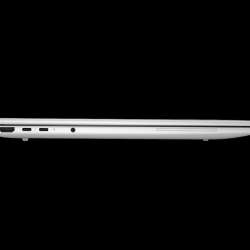
| Connectivity | Wi-Fi 7 (Wi-Fi 6E optional), two Thunderbolt 4 USB-C ports plus a 10Gbps USB-C and a USB-A, and HDMI 2.1, with RJ45 Ethernet and 5G available as options |
| Weight | Starts near 1.74kg |
| Security | Windows 11 Pro with HP Wolf Pro Security |
Read past the raw list and a pattern shows up. HP’s building for endurance, not benchmark bragging, so DDR5-5600, Gen5 storage, and Wi-Fi 7 keep the platform current across a multi-year deployment cycle. P
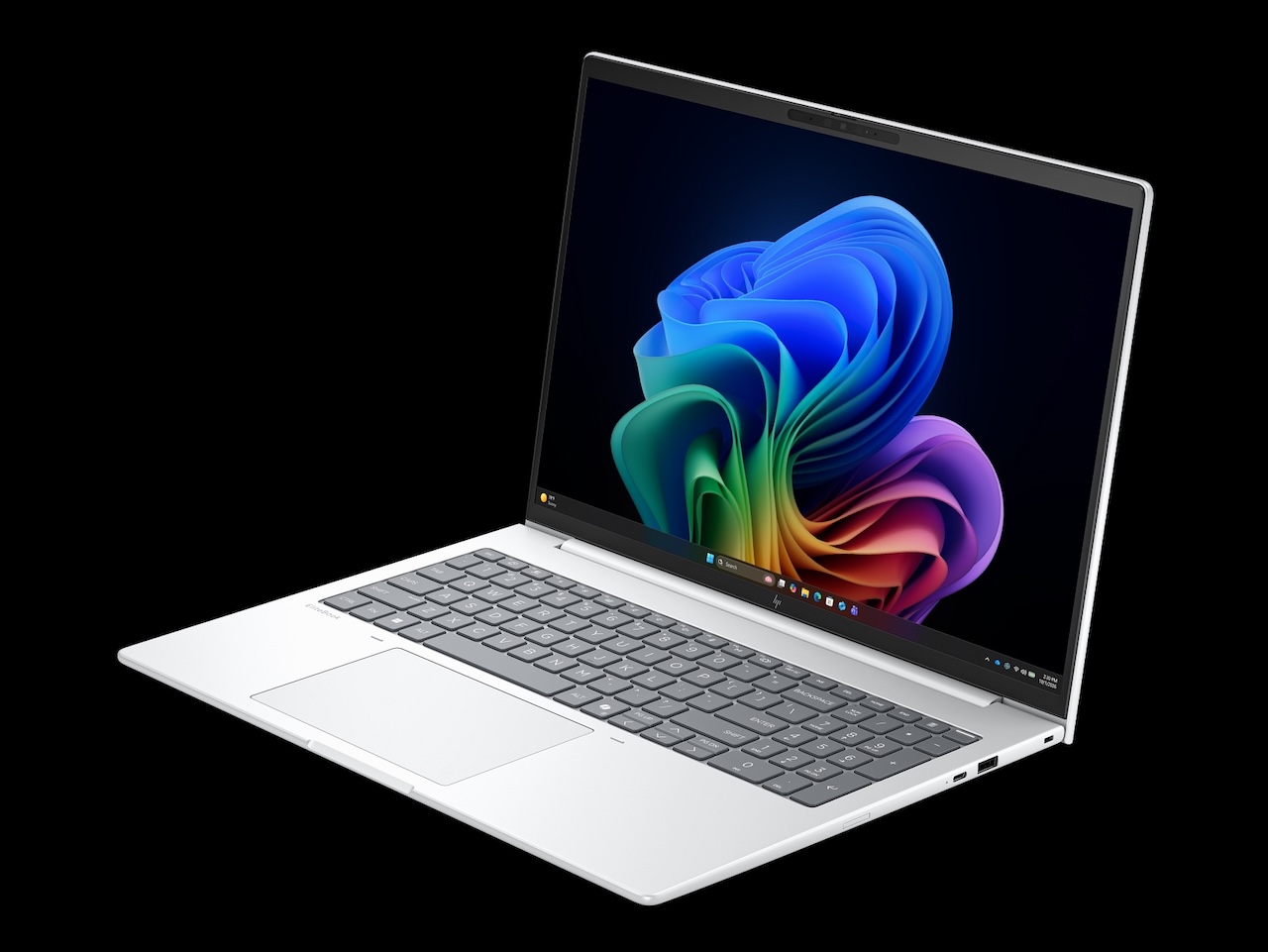
orts stay generous where rivals trim, so twin Thunderbolt 4 USB-C, a second USB-C, USB-A, and full-size HDMI 2.1 all make the cut, with wired Ethernet available as a configured option. Add the optional HP Go 5G module and the machine reaches the network without hunting for hotel wifi.
Why the AI silicon is the real story
AMD’s NPU is the reason this machine exists in its current shape. Clearing the Copilot+ threshold means Recall, Live Captions, and on-device image cleanup run right on the laptop, so sensitive files skip the cloud queue. No cloud round trip, no waiting.
Regulated teams win here. A finance or legal desk can lean on AI drafting without shipping documents offsite, and the chip does the work while the fans stay quiet. Pair it with Wolf Pro Security and the enterprise story writes itself.
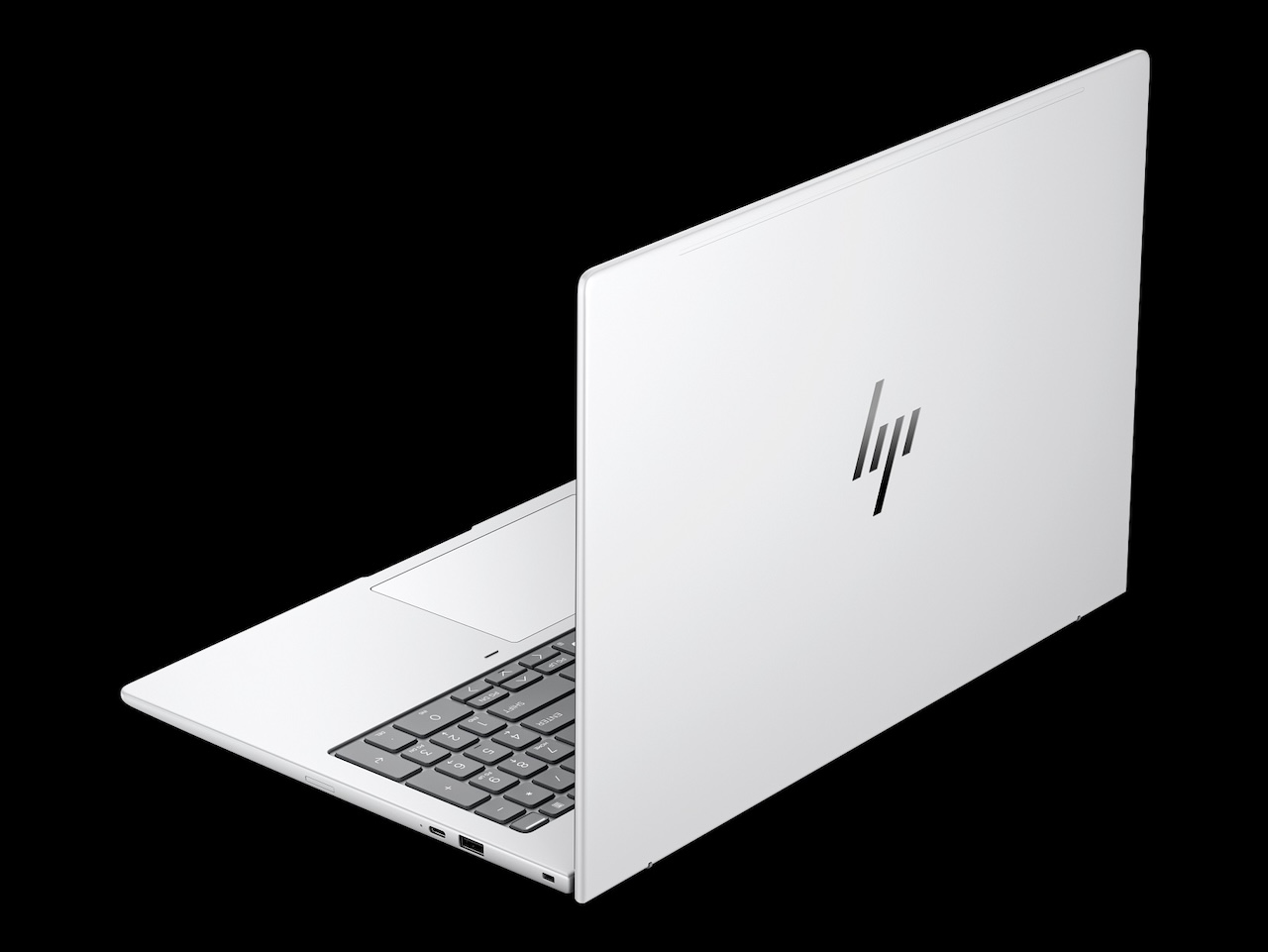
Scale changes the math though. One machine running Recall locally is a convenience, but a hundred of them keeping that work in-house is a bandwidth and compliance win finance can measure. AMD’s 50-TOPS ceiling clears Microsoft’s Copilot+ bar with room to spare, which is what lets those features run on the laptop instead of leaning on a data center. Whether staff use any of it daily is the question central IT should test before signing the fleet order.
Ports, battery, and the desk-to-bag test
Portability tells a quieter story than the spec sheet. Starting near 1.74kg, the G2a 16 isn’t a featherweight, and a 16-inch business laptop rarely is, so plan for desk duty with travel on the side. HP’s top 77Wh cell and 100W USB-C charging let one charger cover the laptop and most phones, which lightens the bag. One Thunderbolt 4 cable can drive a display and charge at the same time, so hot-desking and conference-room hookups don’t lean on a dongle drawer, though wired Ethernet stays a configuration option rather than a given.
The catch nobody puts on the box
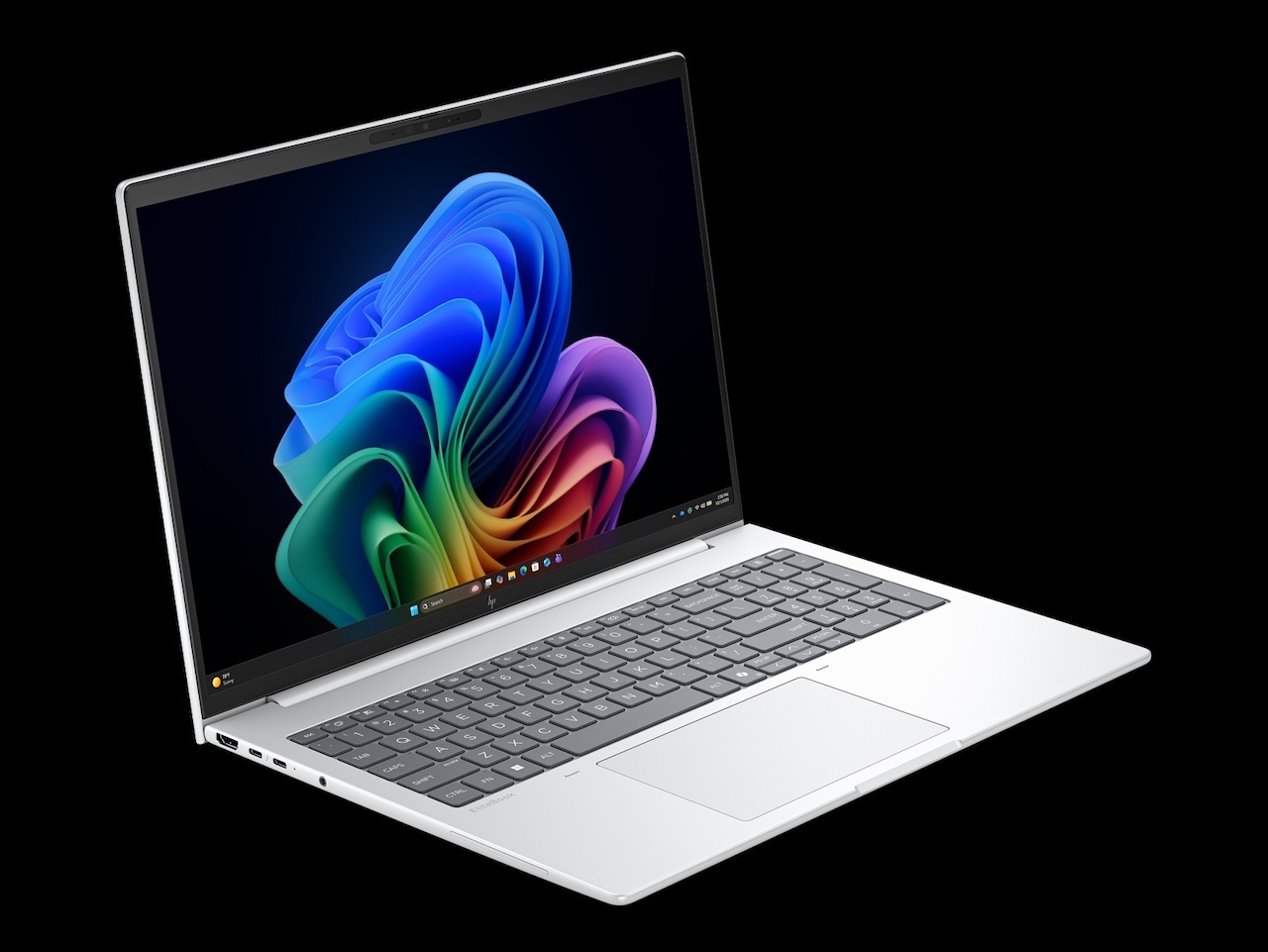 Two things cool the excitement. Start with the entry panel: at about 300 nits with narrow color coverage, it suits spreadsheets and video calls, not photo edits or a desk that faces the window. Spec up to the sharper display if color work touches your day at all, since the base screen reads fine in an office but washes out against direct glare.
Price is the second pause. HP’s own store still shows a placeholder rather than a live figure, so a confirmed entry price isn’t public yet ([TO VERIFY] against HP regional pricing once it posts). Everything about the positioning, from the enterprise silicon and Wolf Pro Security to the PRO fleet options, points to a premium ask, and the configs most people actually want will climb from the base. Premium ask, premium expectations.
Who should buy, who should wait
IT buyers get the cleanest case for it. Long runtime, current wireless, tidy repairability, and an NPU that earns its Copilot+ badge under central management add up to an easy shortlist entry. Green light there.
Solo buyers chasing the best screen per dollar should hold off. Wait for the higher-resolution panel or a back-to-school markdown, because the base model leans hard on its processor to carry the sticker. Watch the deal pages before you commit.
Price: From $2,599
Where to Buy: HP
Hybrid workers sit in the interesting middle. If you split time between a color-managed monitor at the desk and the built-in panel on the road, the entry screen stops being a dealbreaker and the AMD silicon starts earning its keep. Configure the RAM and storage for the workload you’ll actually run, skip the touch layer if you never poke the screen, and the math starts working.
HP nailed the brains; the base screen still has catching up to do.