 The $40 wireless gaming mouse that refuses to quit
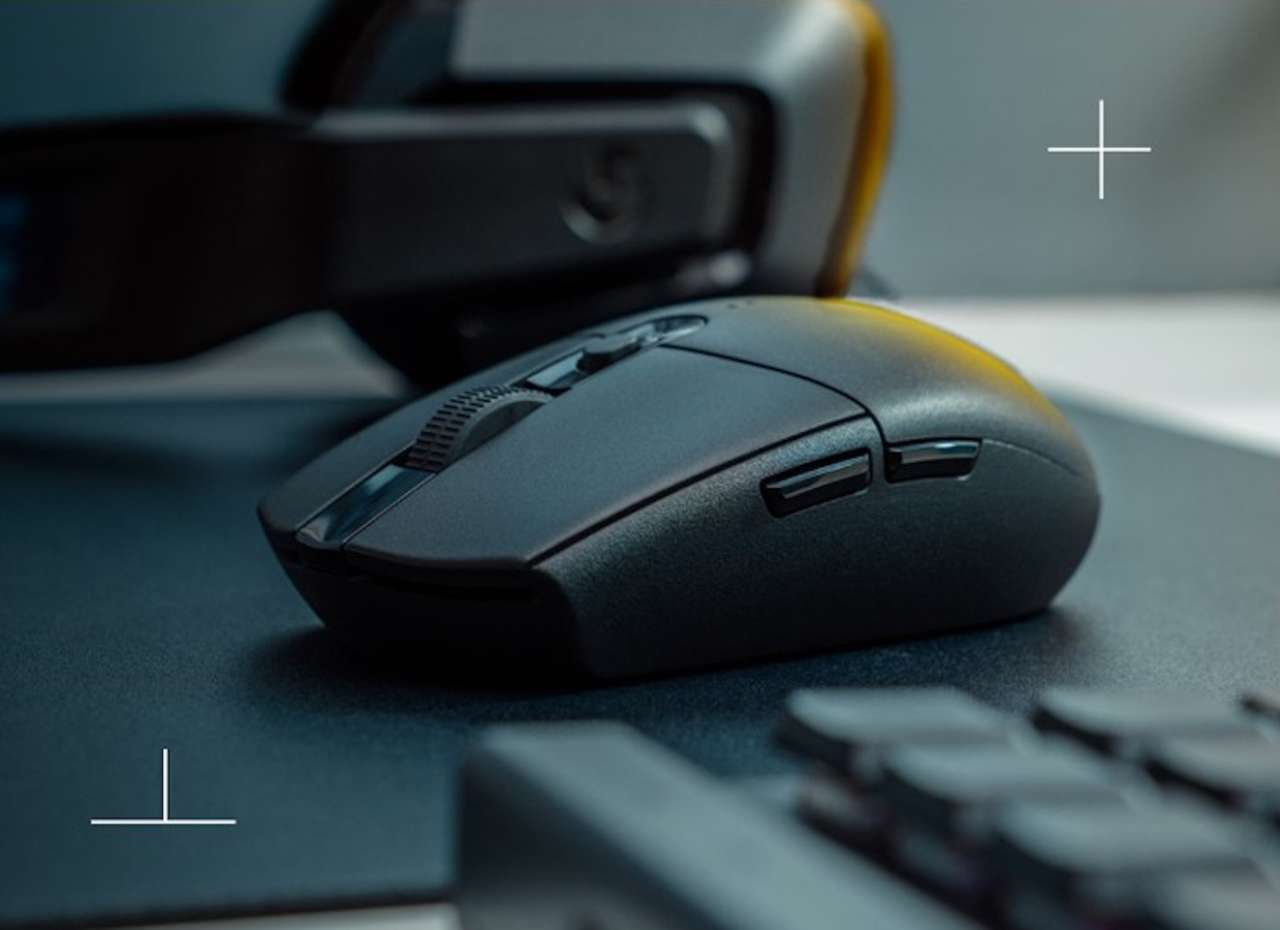
The Logitech G305 Lightspeed has been the gold standard for budget wireless gaming for years. At $39.95 on Amazon (down from $49.99, saving you $10), it’s one of those rare deals where the price makes you double-check that you’re looking at the right product. This is the same G305 that has been a go-to budget gaming mouse recommendation since it launched, and the current price makes it easier to justify than ever.
Price: $39.95
Where to Buy: Amazon
Logitech G305 specs at a glance
| Spec | Logitech G305 Lightspeed |
|---|---|
| Sensor | HERO, up to 12,000 DPI |
| Report rate | 1ms (1000Hz) LIGHTSPEED wireless |
| Battery | 1x AA, 250 hours (performance) or 9 months (endurance) |
| Weight | 99g with battery |
| Buttons | 6 programmable |
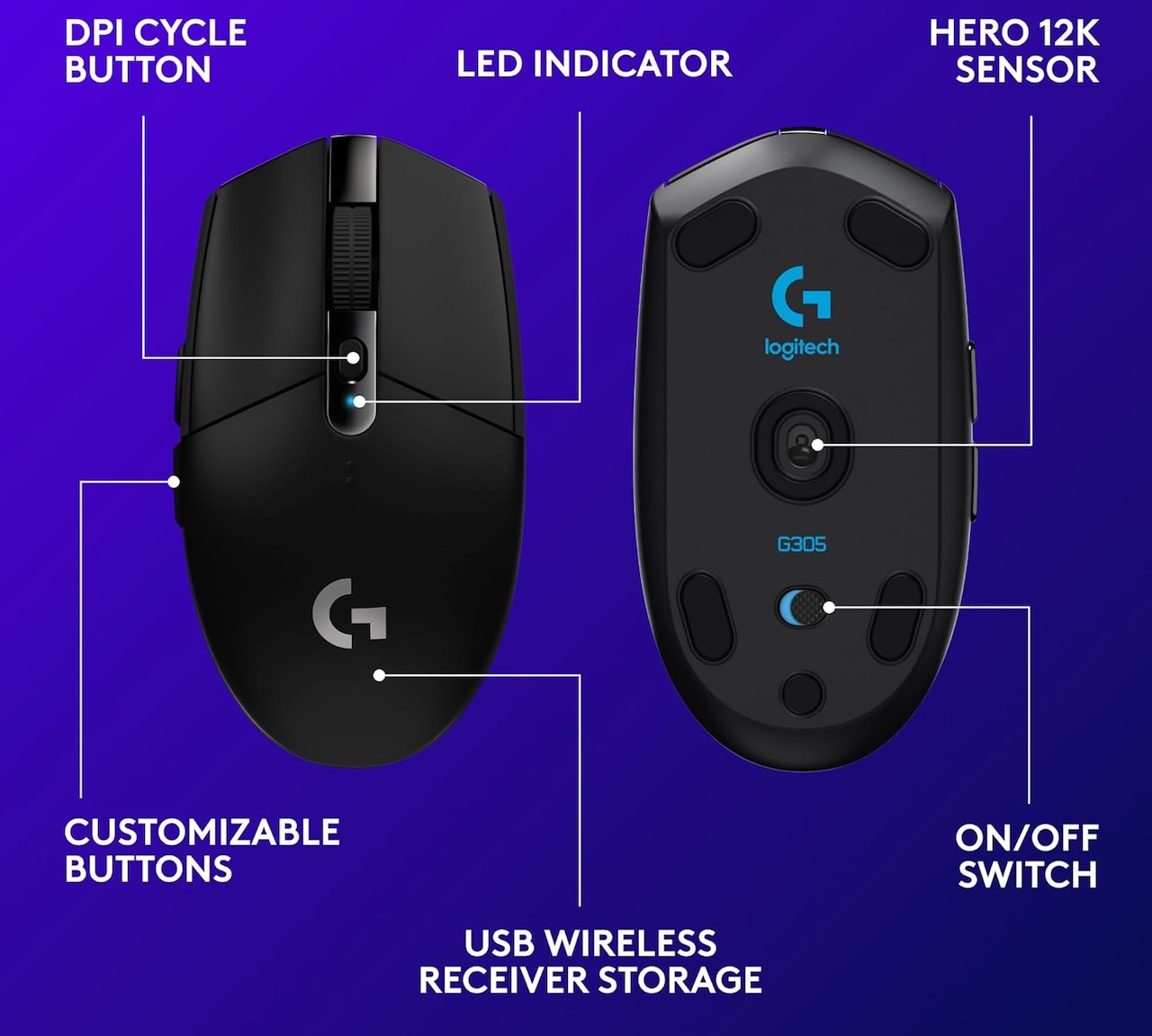
| Connectivity | USB-A nano receiver (stows in body) |
| Price | $39.95 on Amazon (list $49.99) |
Is the Logitech G305 still worth it in 2026?
Yes. Years after its debut, the G305 remains the budget wireless mouse to beat. The HERO sensor still delivers competition-grade tracking, the single-AA design sidesteps the charging routine that plagues pricier rechargeable mice, and at $39.95 nothing in its class matches the value.
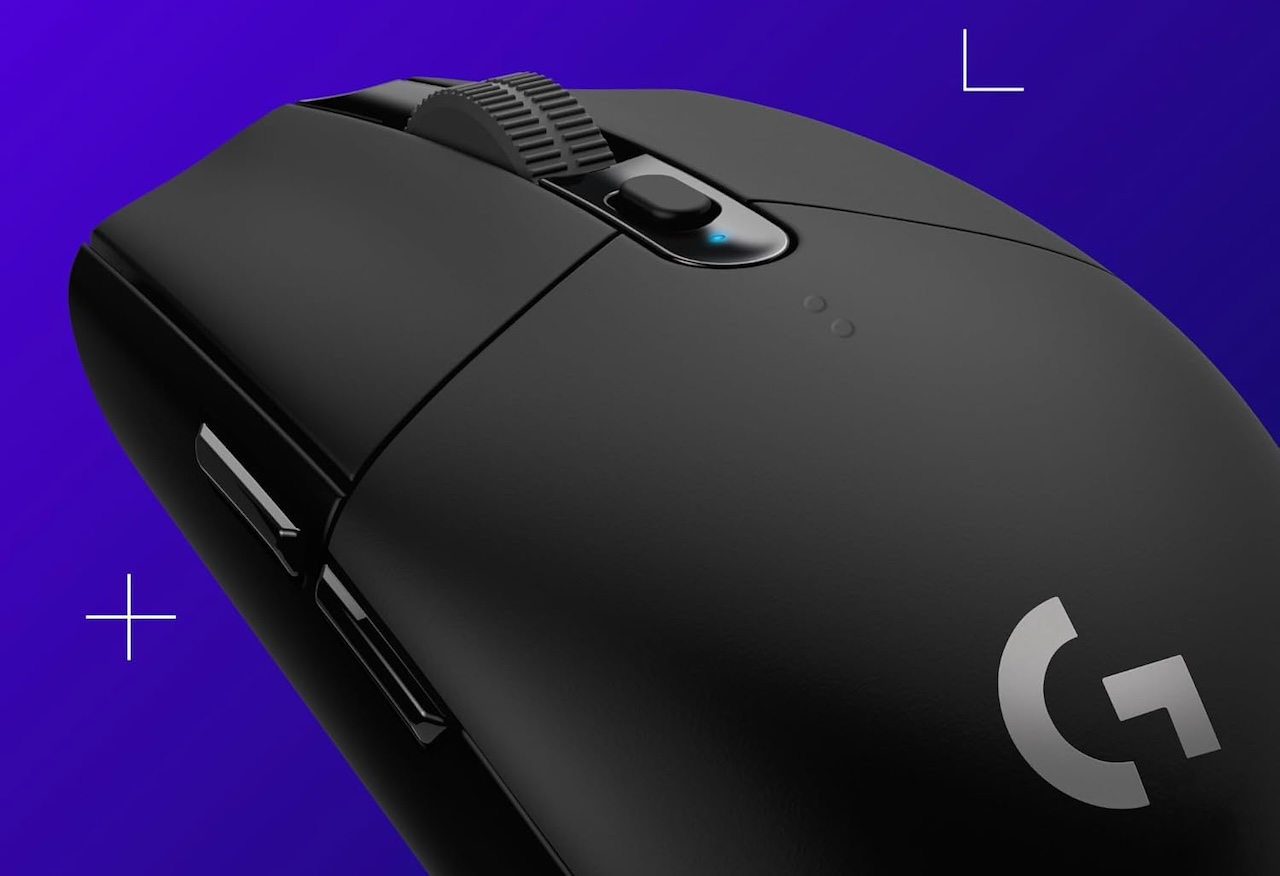 The main compromises, no RGB and a USB-A receiver, are cosmetic next to how well the fundamentals hold up.
The HERO sensor made this mouse famous
Logitech’s HERO sensor (that’s High Efficiency Rated Optical) delivers up to 12,000 DPI with zero smoothing, acceleration, or filtering. What that means in practice is that your cursor goes exactly where you tell it, every time. No jitter at high speeds, no interpolation at low speeds. Just clean, consistent tracking across the full DPI range.
For a $40 mouse, the sensor performance punches way above its weight class. You’d have to spend three times as much to get something meaningfully better. It’s the same sensor lineage that powers Logitech’s higher-end models we covered in our Logitech G305 X Superlight article, just at a fraction of the cost.
250 hours on one AA battery
The single AA battery in the G305 lasts 250 hours in performance mode. Do the math on that. If you game three hours a night, you’re looking at roughly three months between battery swaps. And when that battery does run out, you replace it in 30 seconds rather than hunting for a charging cable while your mouse sits dead on the desk.

There’s also an Endurance mode in the G HUB software that pushes battery life to nine months by reducing the report rate. That’s wild for a wireless gaming mouse at any price point.
And because it’s a standard AA battery, you’re not tied to a charging dock or a proprietary cable. Plane trip? Throw a spare in your bag. Late night session? Swap and keep going. No waiting around for the mouse to charge before you can play again.
LIGHTSPEED wireless that feels wired
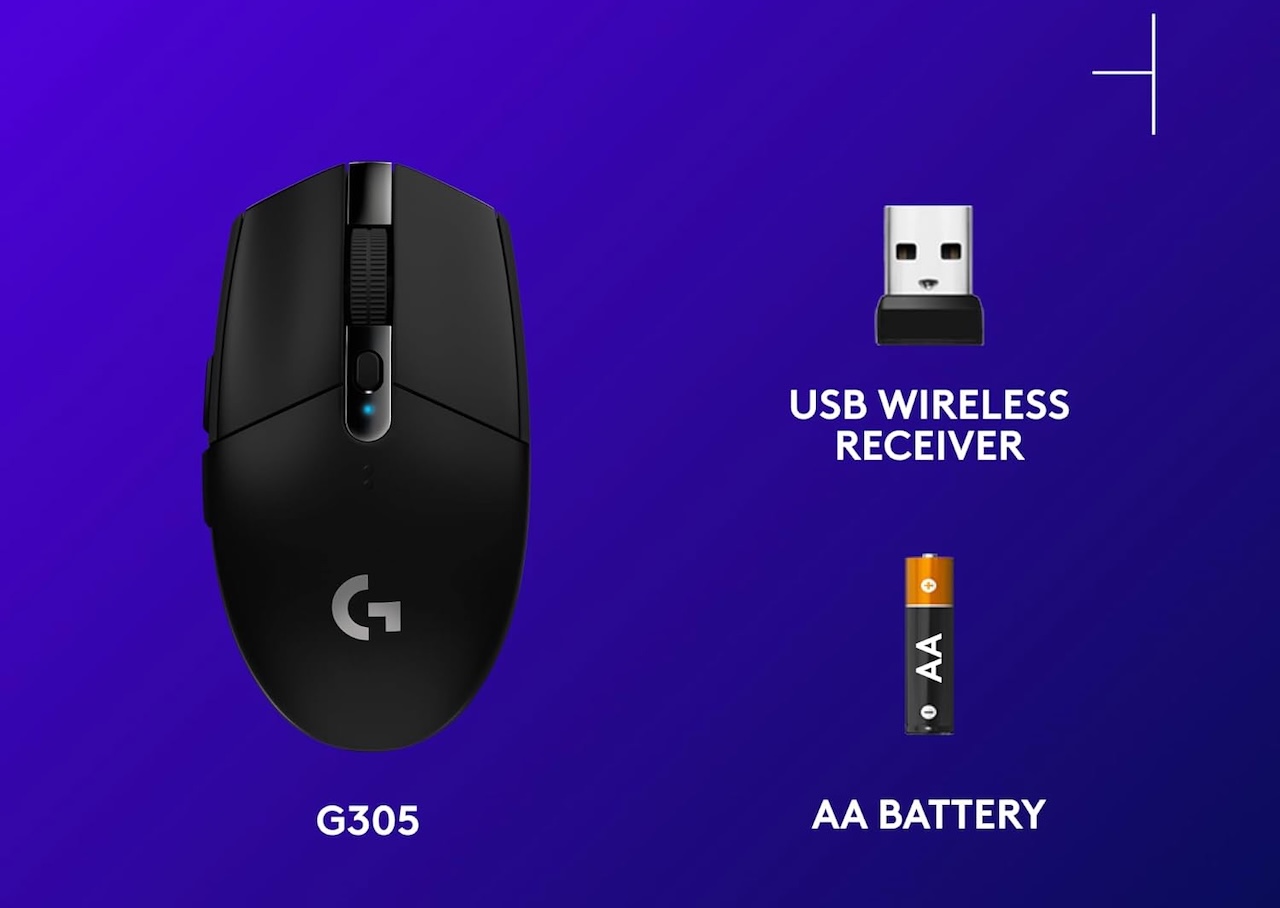
Logitech’s LIGHTSPEED technology delivers a 1ms report rate. That’s the same latency you get from a wired connection. No noticeable lag. No dropped inputs. No random disconnects in the middle of a firefight.
The nano receiver stows inside the mouse body when you’re not using it, so you won’t lose it in a laptop bag or desk drawer. It’s a small detail, but it’s the kind of thing that keeps this mouse in rotation years after you buy it.
Ambidextrous design at 99 grams
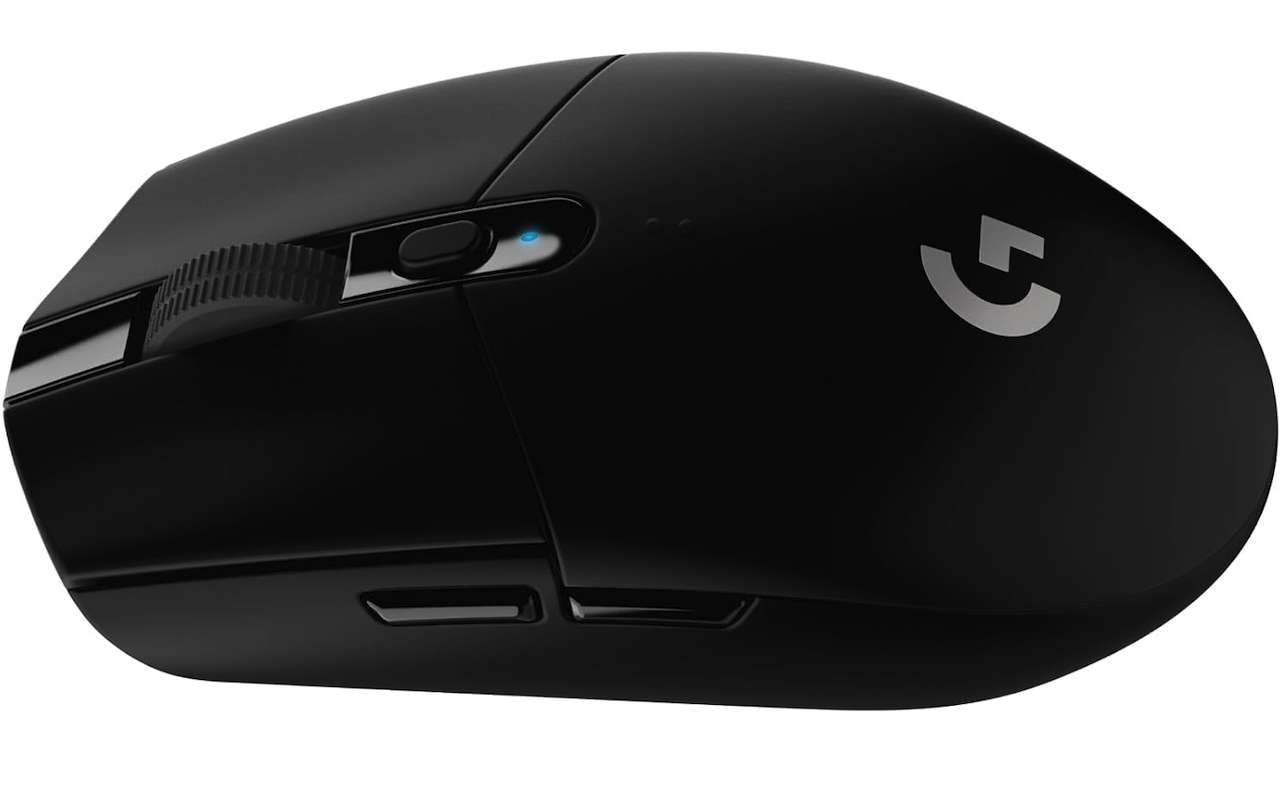
The G305 weighs 99 grams with the battery installed. That’s not the featherweight territory of the $150 G Pro X Superlight, but it’s light enough for fast flick shots and long sessions without fatigue. The symmetrical shape suits most grip styles, though the two side buttons sit on the left, so right-handers benefit most. The textured plastic side grips keep your hand planted during intense moments.
Six programmable buttons give you plenty of room for macros and keybinds without overwhelming you with more inputs than you’d ever use. The two side buttons are easy to reach without shifting your grip, and the DPI cycle button sits right above the scroll wheel where you’d expect it.
What you give up at this price
No RGB lighting, so you won’t have a glowing mouse on your desk. The scroll wheel is good but not premium-grade smooth. And it connects through a plain USB-A receiver rather than a modern USB-C dongle, which feels a bit dated in 2026. These are all real but minor trade-offs for the core performance this mouse delivers.

Some users find the main clicks too sensitive, with the weight of a resting finger triggering accidental clicks. It’s a known quirk you can work around, but it’s worth mentioning if you favor heavy switch resistance. For most people, though, the light click tension translates to faster reaction times in competitive games.

Where this leaves you
The Logitech G305 is the best wireless gaming mouse you can buy under $50, and at $39.95 it’s a no-brainer for anyone who needs a reliable, high-performance mouse for gaming or everyday work. The HERO sensor delivers competition-level accuracy, the battery lasts months, and the wireless performance is indistinguishable from a cable.
Price: $39.95
Where to Buy: Amazon
If you need a backup gaming mouse, a travel companion for your laptop, or your first wireless gaming mouse, this is the one to get. It’s been the crowd favorite for a reason.