
PROS:
- Ten minute setup makes first print feel effortless
- Automatic calibration removes bed leveling frustration for beginners
- Quiet operation fits shared spaces and late night printing
- Compact desk friendly footprint suits apartments dorms home offices
- Reliable prints succeed without constant tweaking or supervision
CONS:
- Multi color printing requires separate CFS Lite accessory
- Build volume limits larger functional or cosplay projects
EDITOR'S QUOTE:
An approachable printer that finally lets beginners print confidently immediately
REVIEW – 3D printing has spent years promising the dream of desktop fabrication and then burying it under calibration headaches, failed first layers, and forums full of troubleshooting advice written for people who already know what they are doing. The Creality SparkX i7 takes a different bet: that the barrier to entry matters more than the spec sheet, and that the best feature a beginner printer can offer is the freedom to actually use it.
Early Bird Price for i7 Color Combo (i7 Single Model+CFS Lite): $339 ($399)
Early Bird Price for i7 Combo+Hyper RFID*4+Glue Stick 1: $374.98 ($480.86)
Early Bird Window: Jan 6-20, 2026
Where to buy: Creality
This is not a machine built for tinkerers chasing maximum build volume or exotic filaments. It is built for the person who wants to print a phone stand without spending a weekend learning why the first five attempts failed. Creality’s pitch is that the SparkX i7 makes 3D printing feel approachable rather than aspirational. After hands-on testing, that pitch holds up better than expected.
Unboxing and First Impression
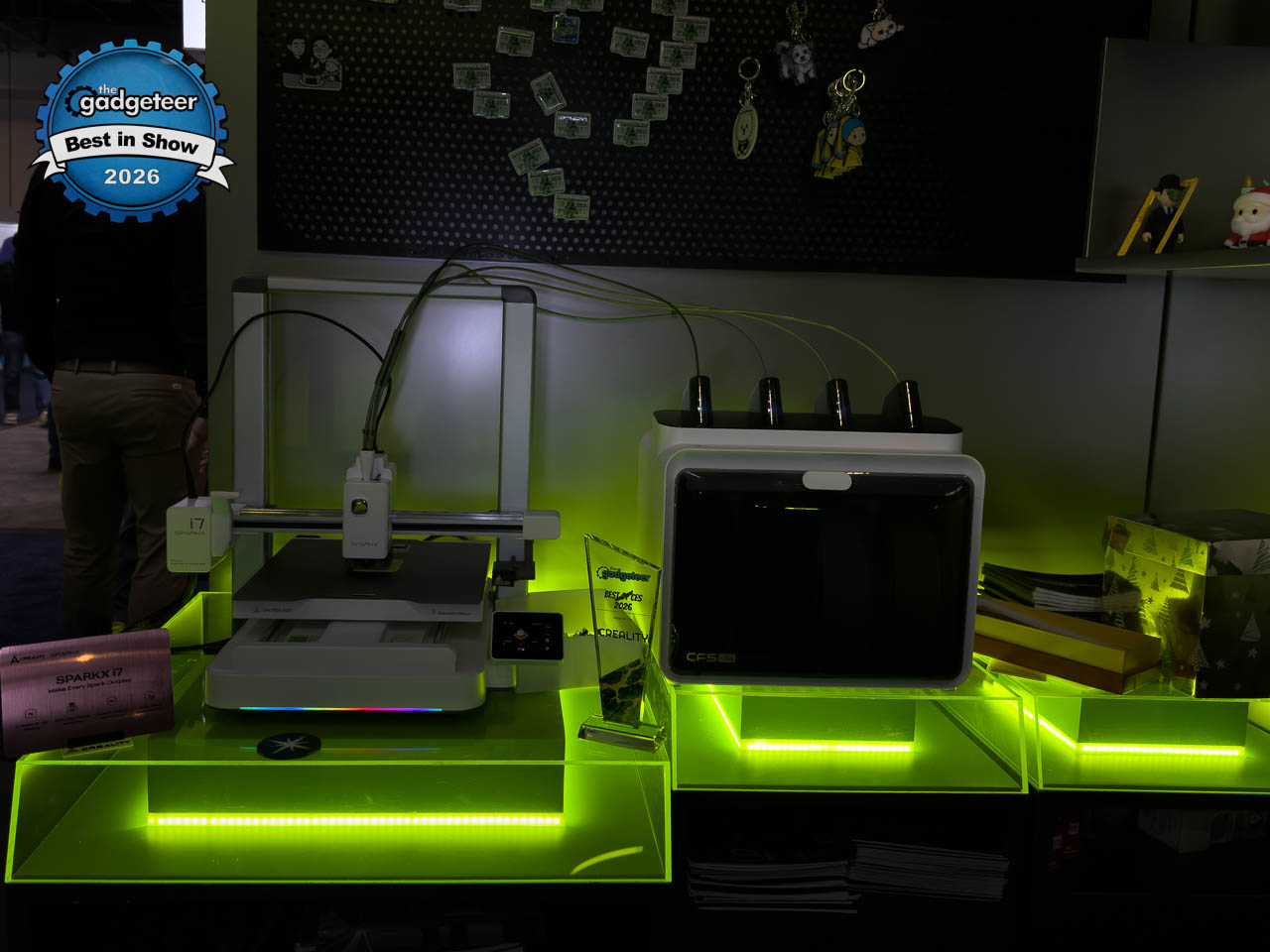
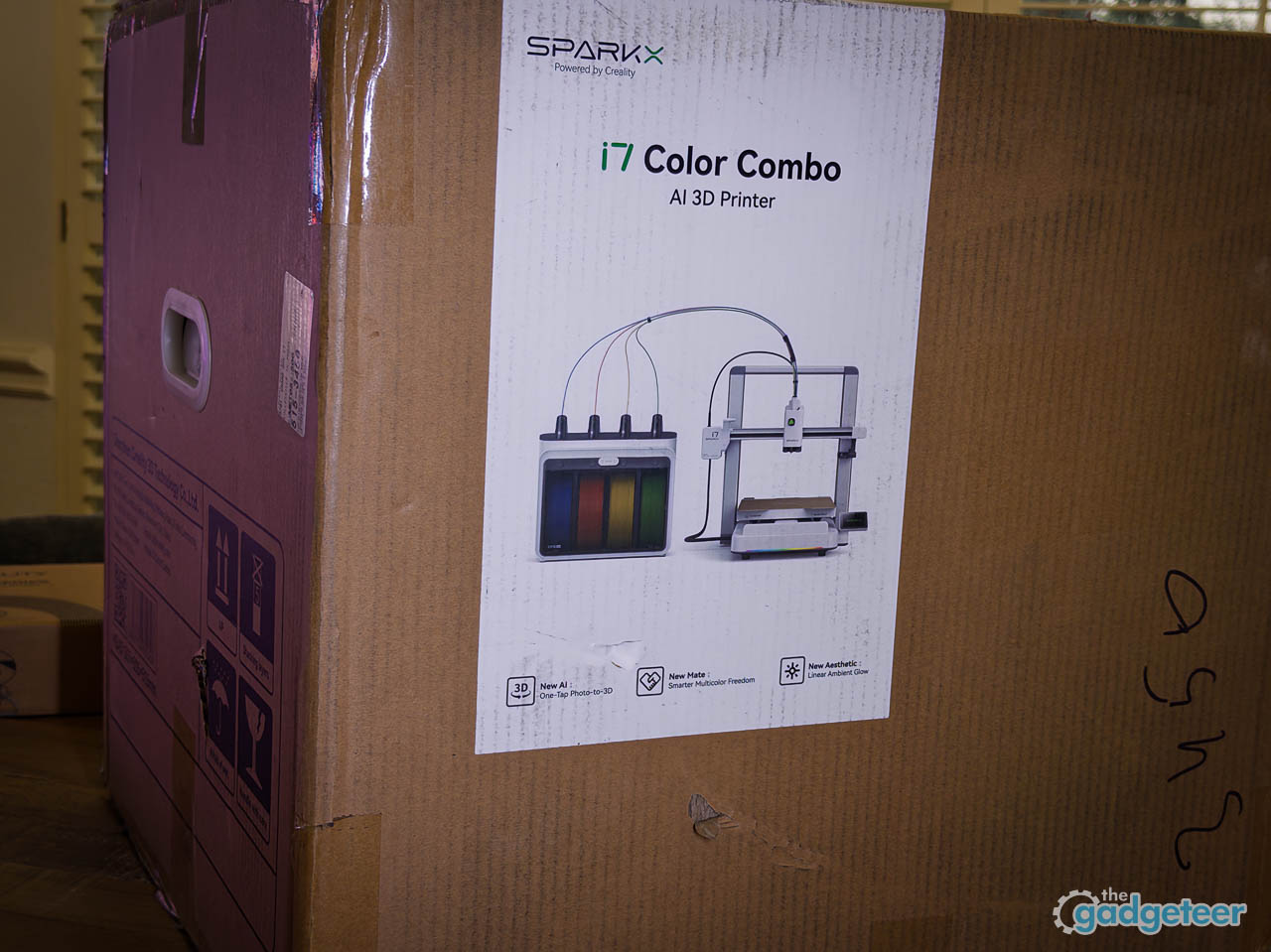
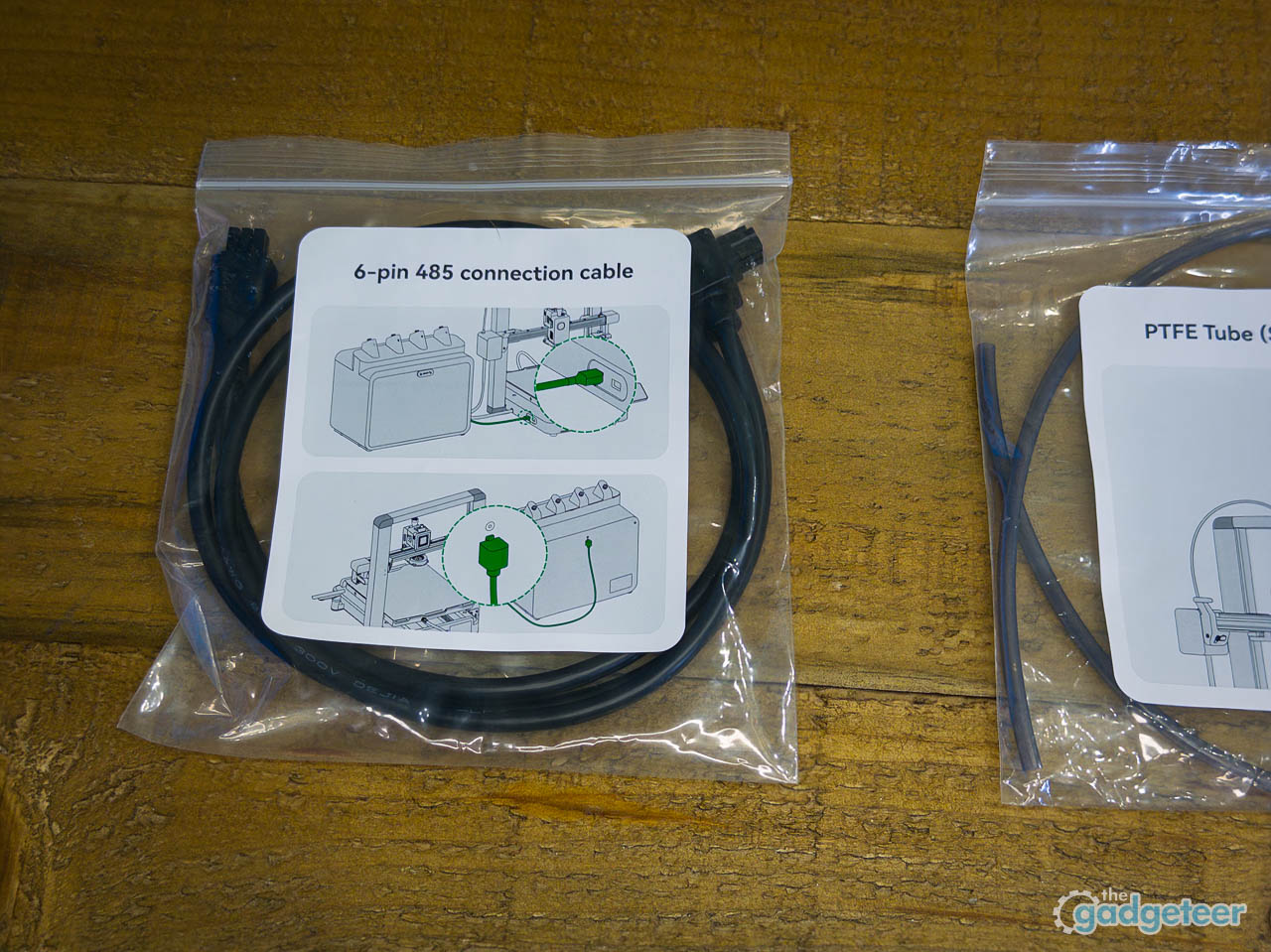
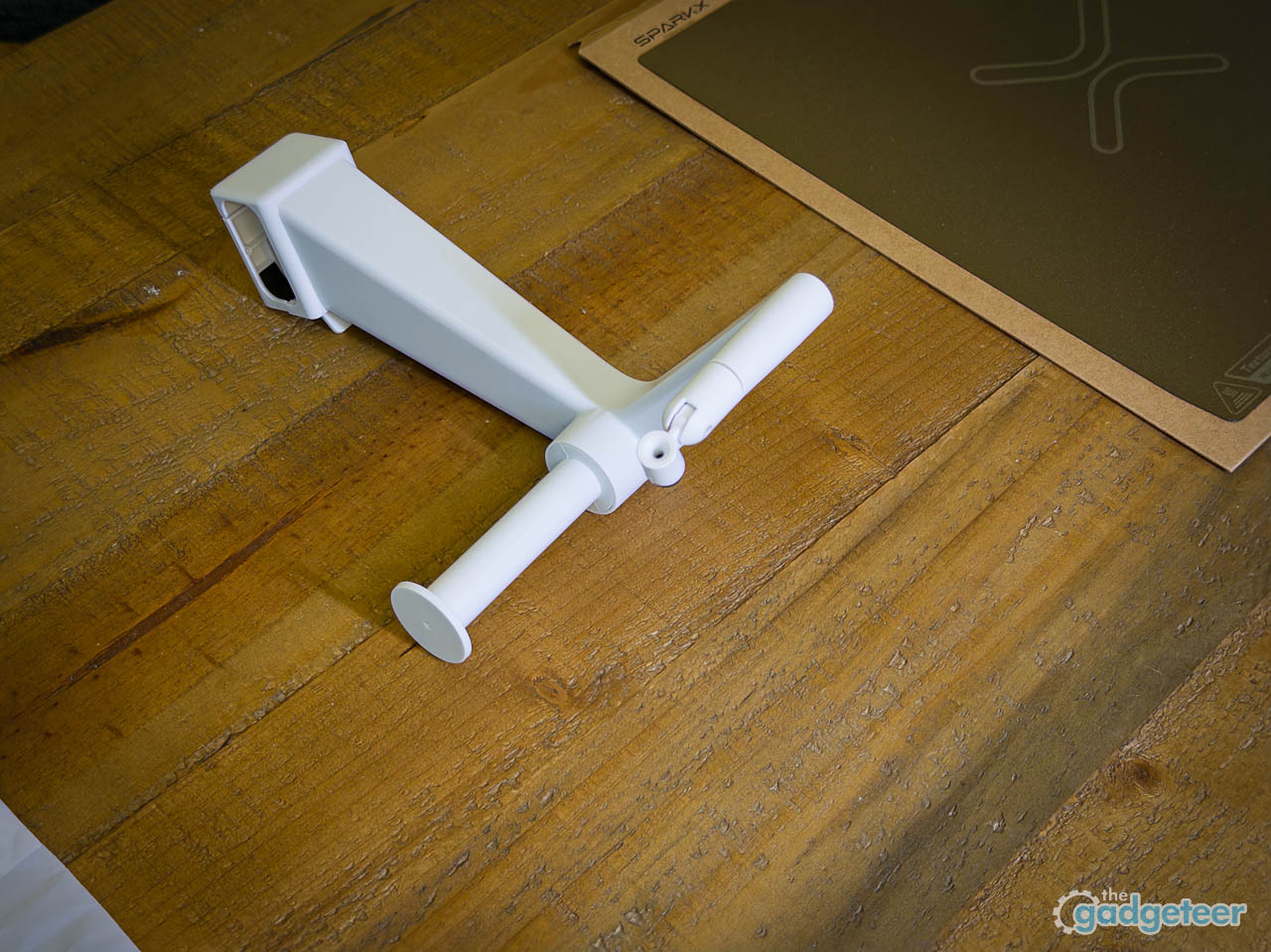
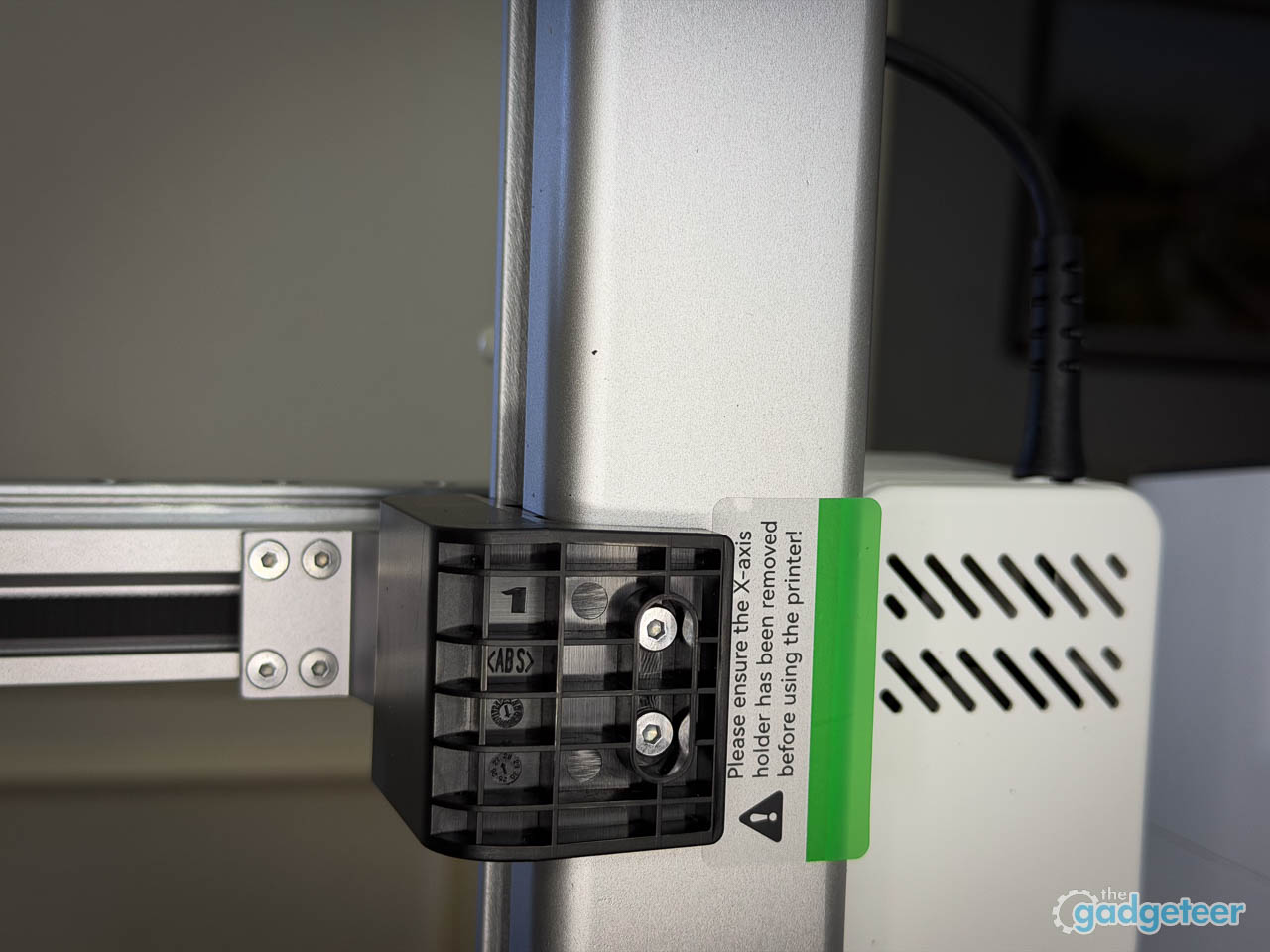
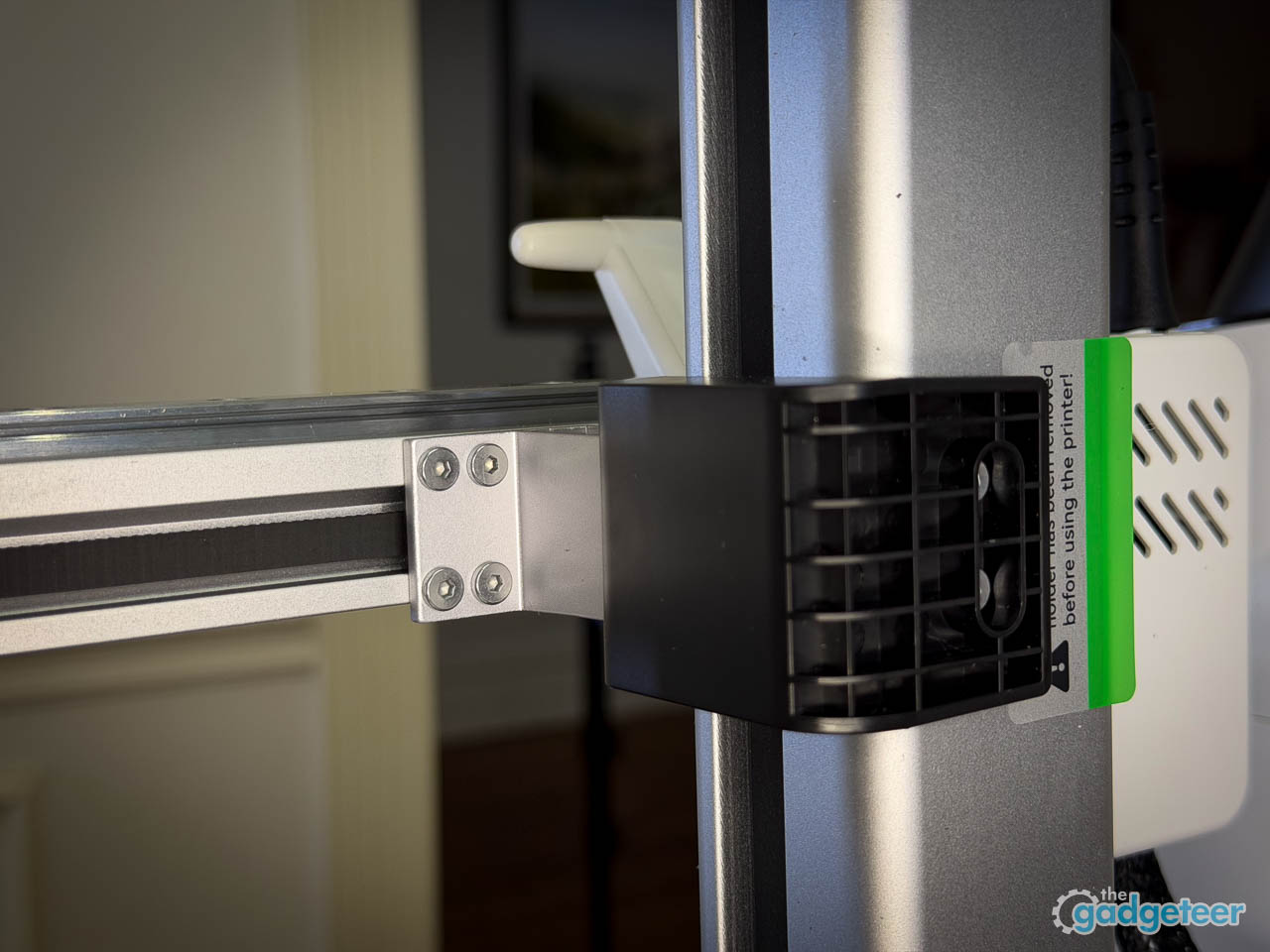
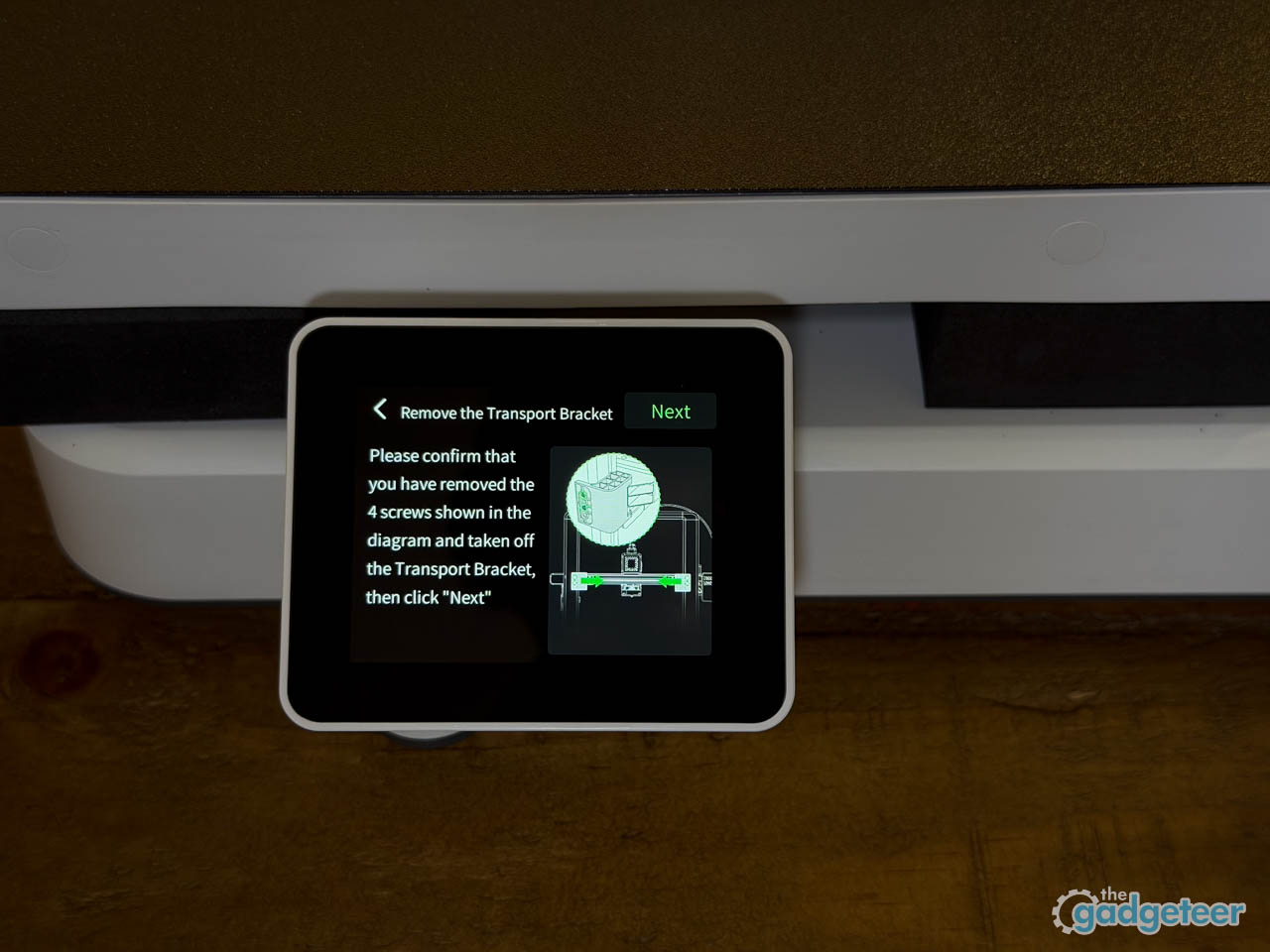
The box arrives smaller than expected, which sets the tone immediately. Entry-level 3D printers used to require a full afternoon of assembly and calibration before anything resembling a print could happen, but the SparkX i7 ships nearly complete, with only the spool holder and a handful of screws standing between unboxing and motion. Creality has clearly absorbed years of beginner feedback here.
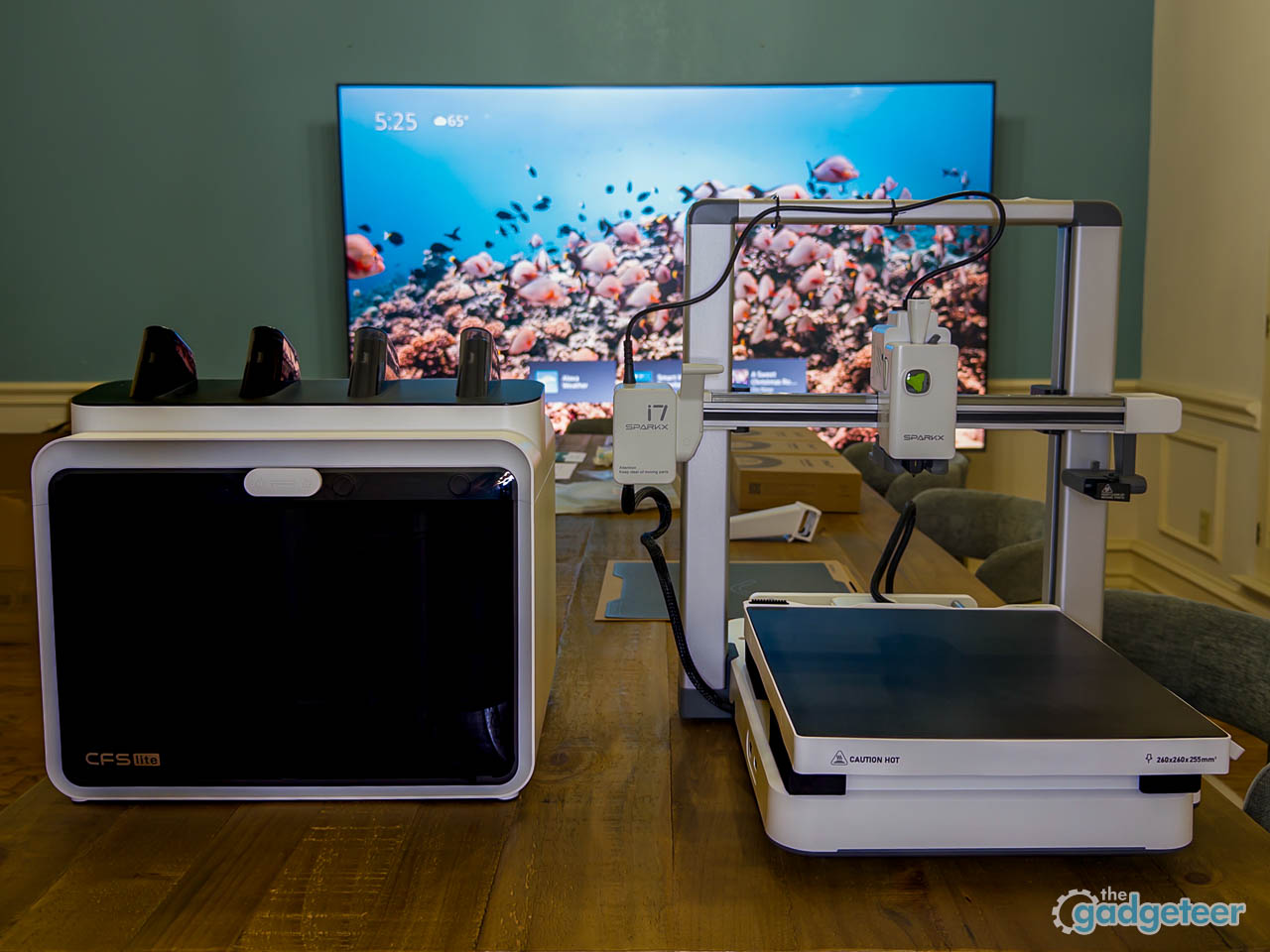
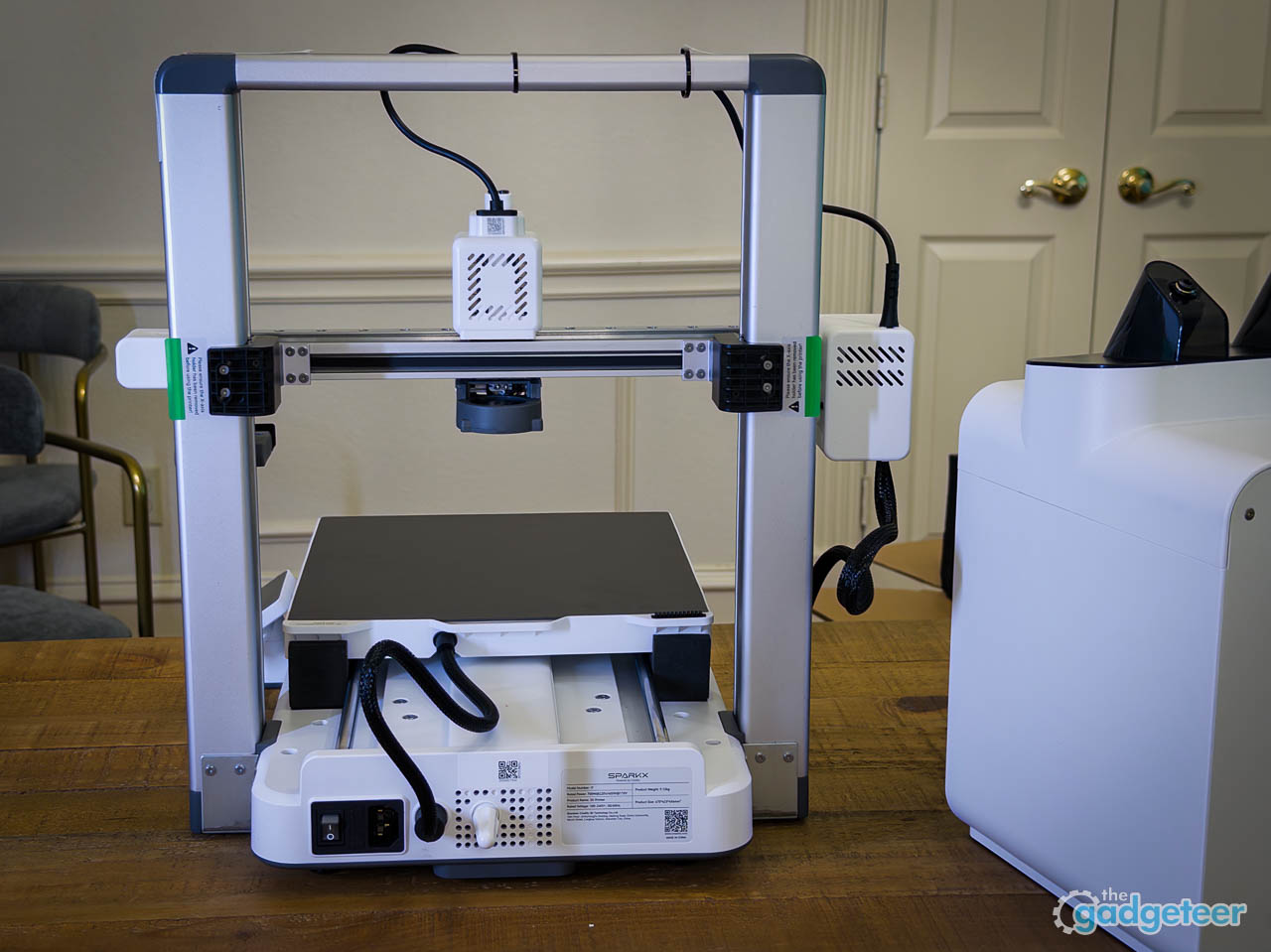
Lifting the printer out reveals a compact footprint that fits comfortably on a standard desk without demanding its own dedicated table. The 260 by 260 by 255 mm build volume sounds modest on paper, but in practice that is more than enough real estate for phone stands, desk organizers, small props, and the kinds of projects that keep beginners engaged rather than overwhelmed. The hardened steel nozzle, rated to 300 degrees Celsius, hints at material flexibility beyond basic PLA, while the enclosed aesthetic suggests the machine knows where it belongs: a bedroom, a dorm room, a home office corner. The 2.85-inch touchscreen faces forward at an angle that assumes you will be interacting with it standing up, not crouched over a workbench. The full-color RGB status light on the front tracks print progress at a glance, shifting through colors as jobs move from heating to printing to completion.
What strikes first is not flashiness but readiness. The printer looks like a finished product, not a kit pretending to be one.
What Is Included in the Box
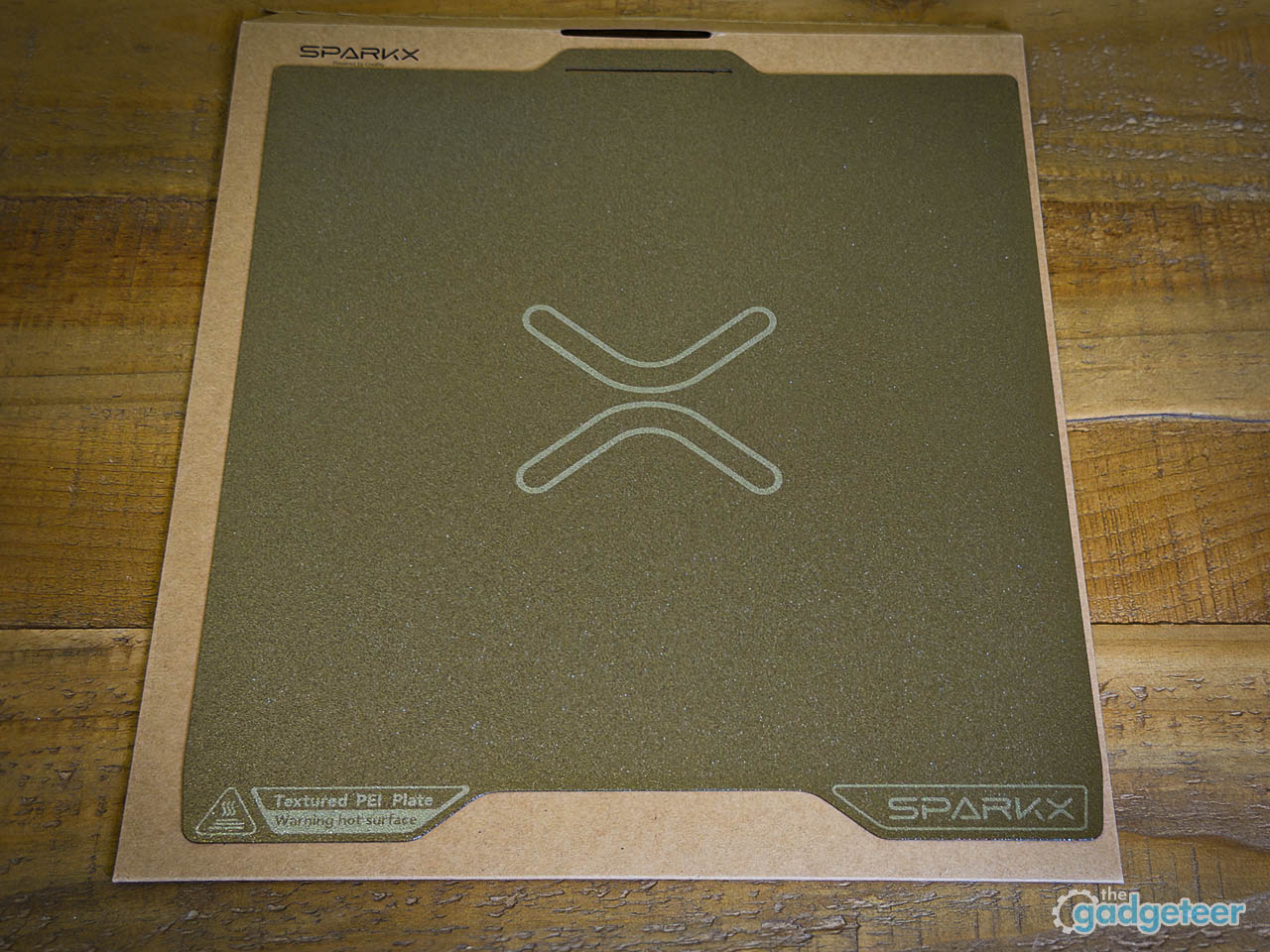
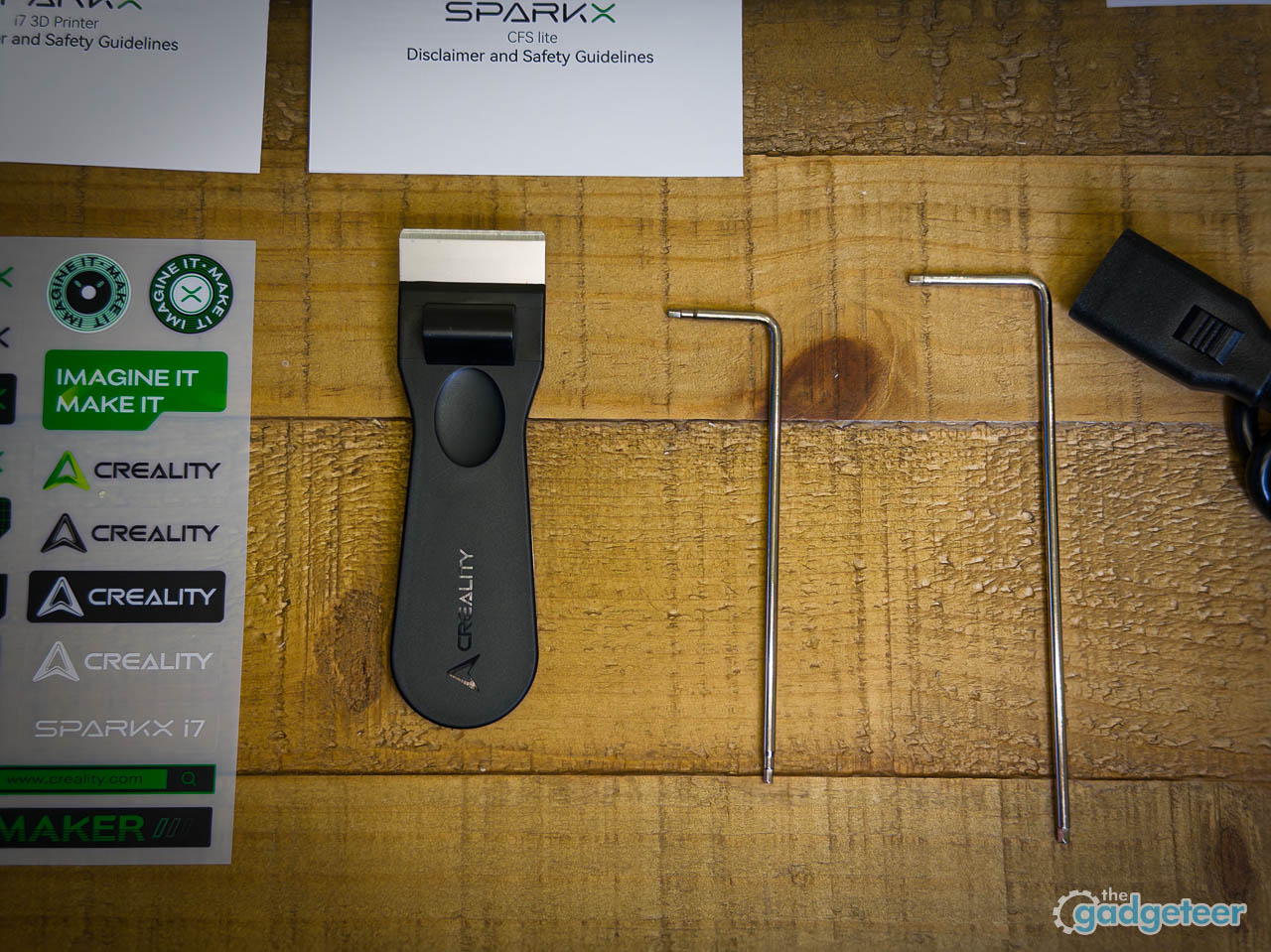
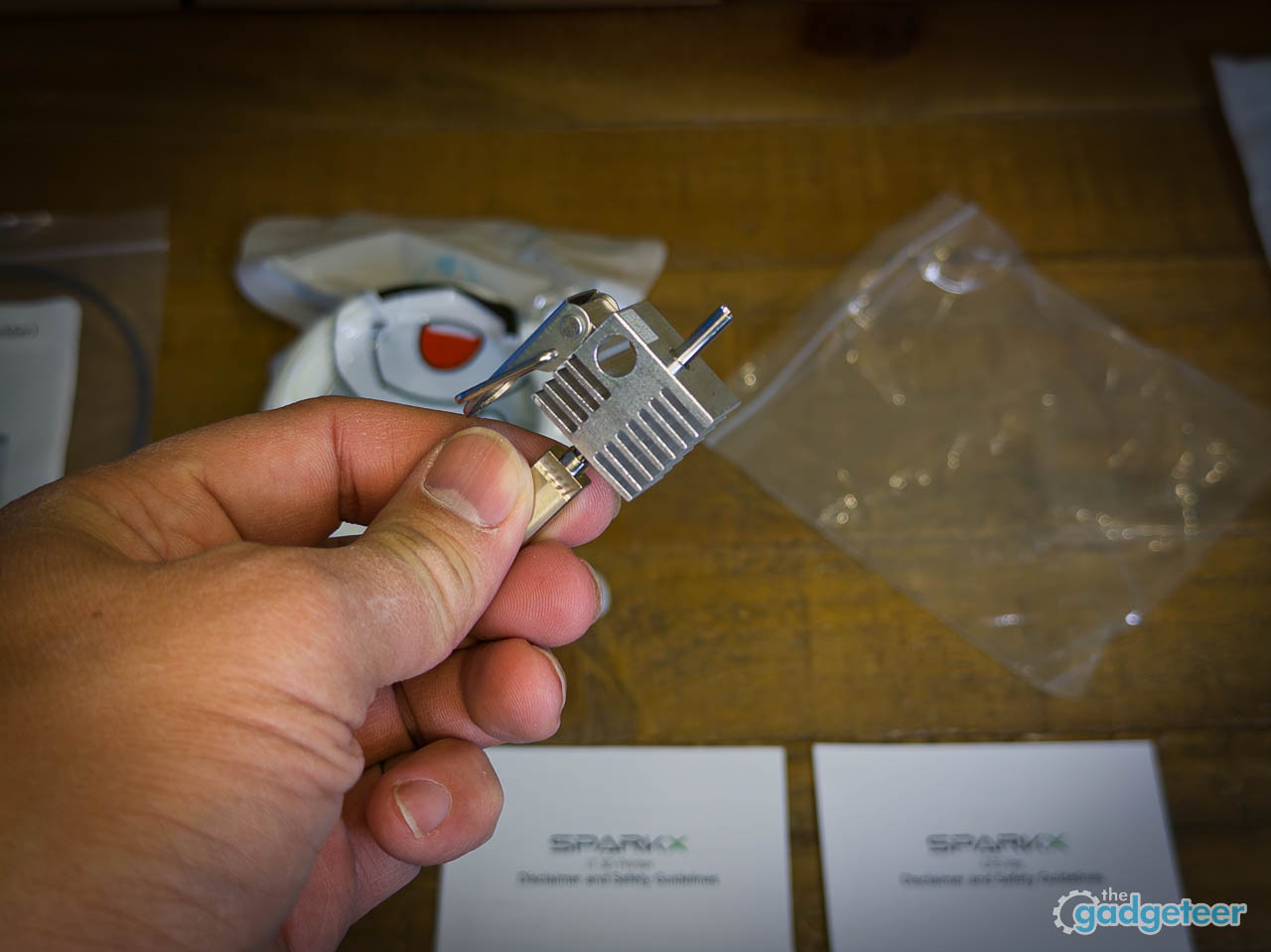
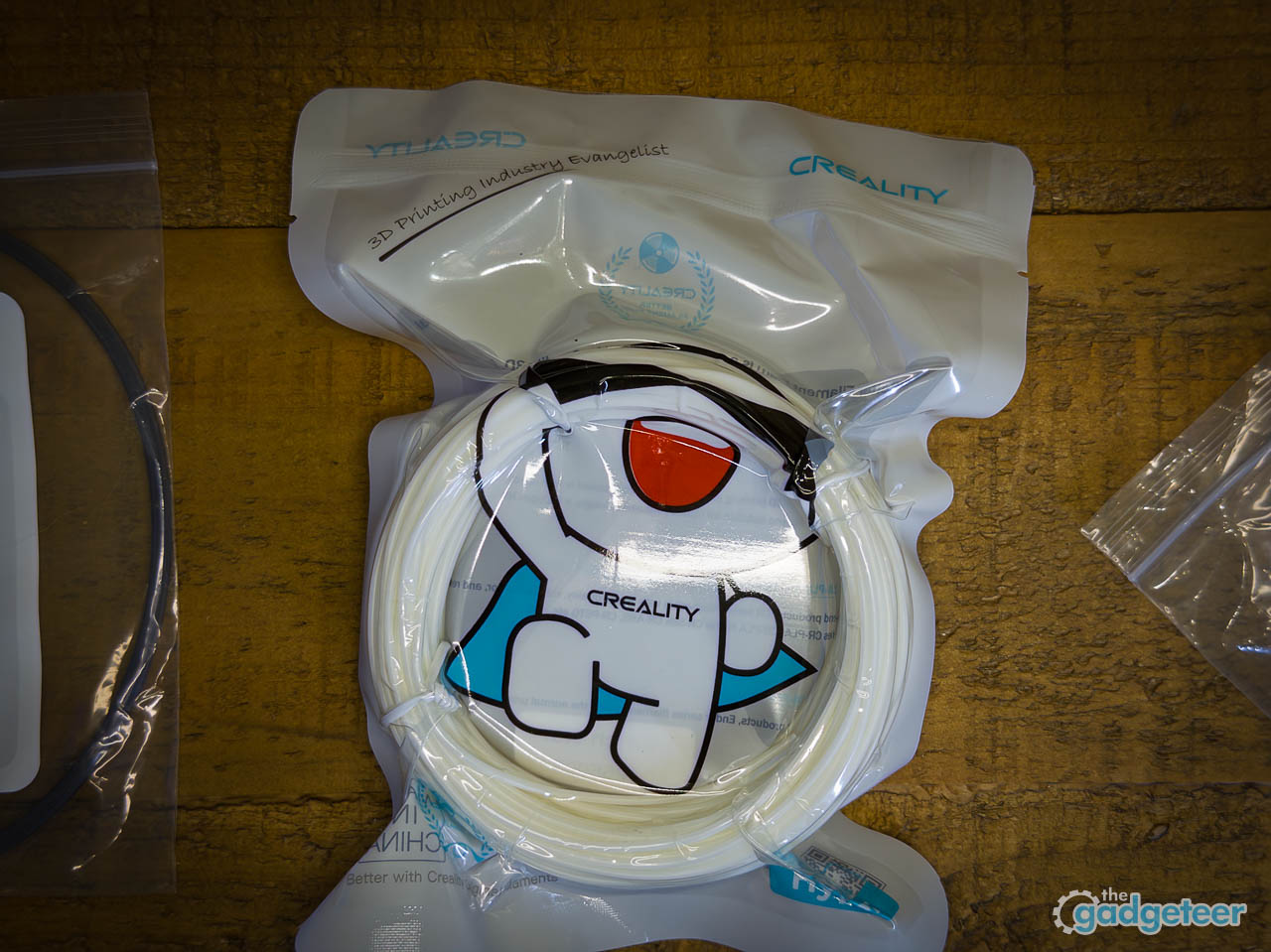
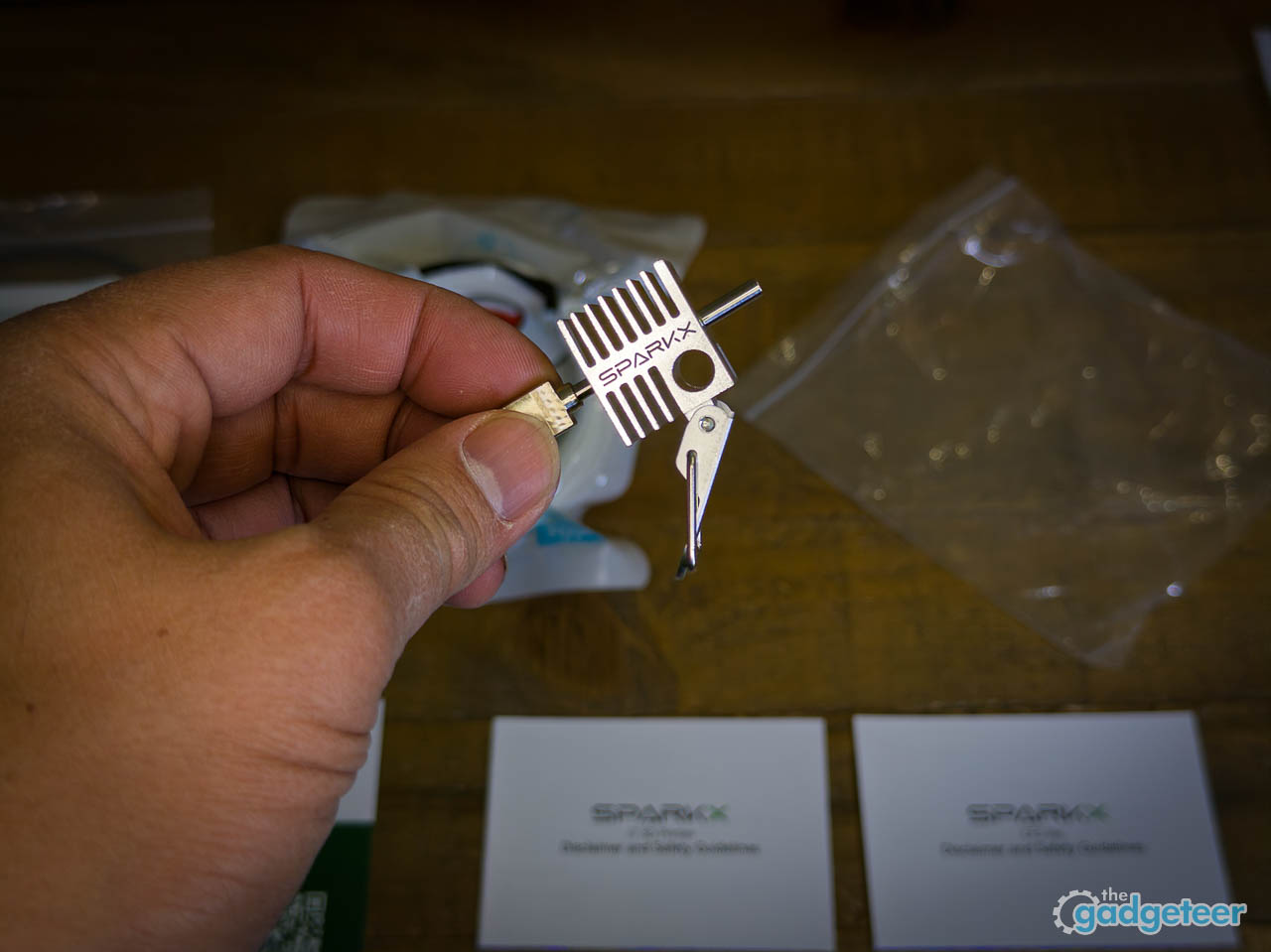
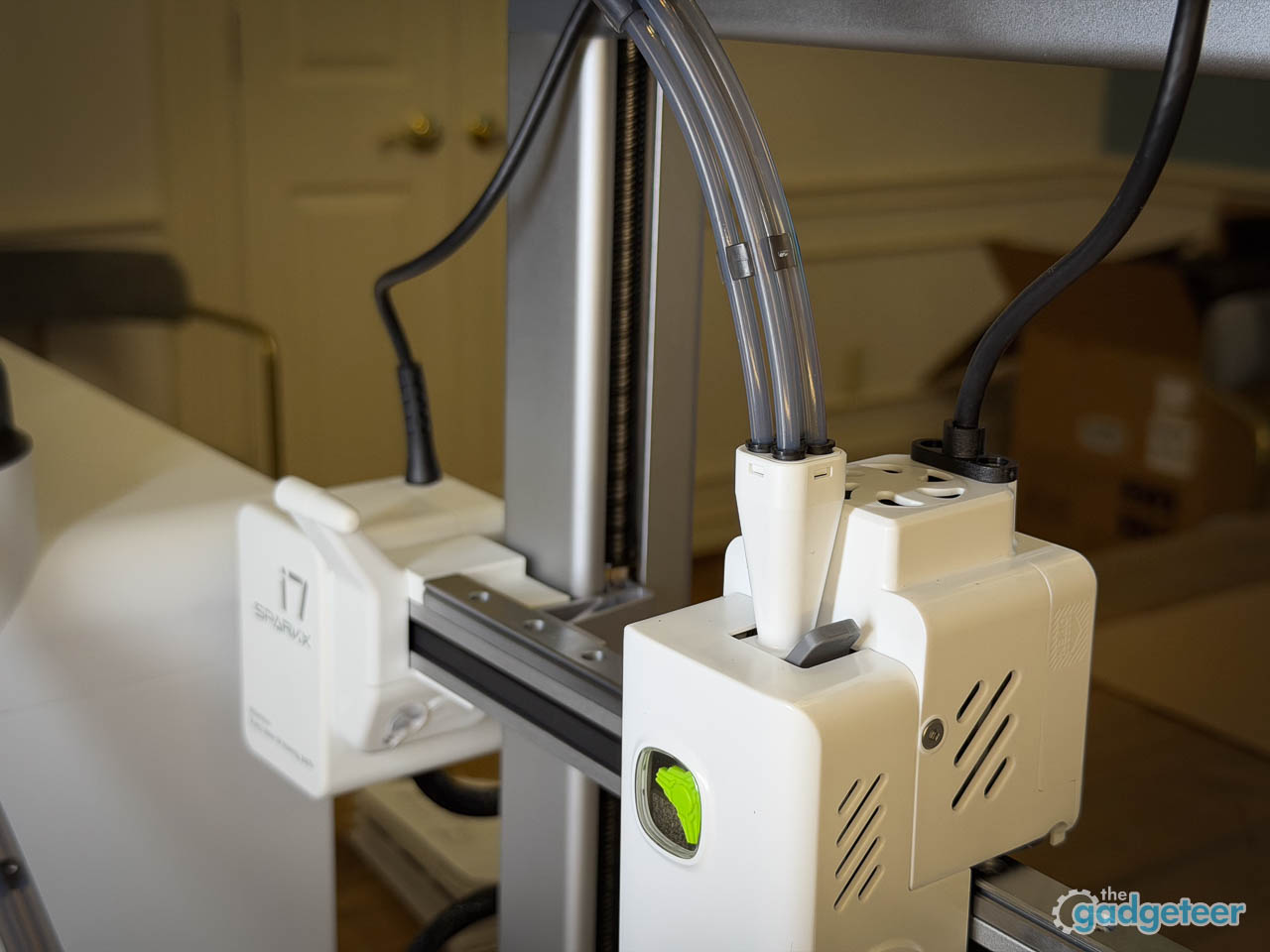
The SparkX i7 arrives with everything you need to start printing. Inside the box you will find the printer unit itself, a power cable, and an accessory box containing basic tools for initial setup and occasional maintenance. The dual-sided textured golden PEI build plate comes pre-installed, as does the quick-release hotend, which swaps without tools when you eventually need to clean or replace it. A filament cutter and a few hex keys round out the kit. Documentation includes a quick-start guide, safety notices, and QR codes linking to online setup instructions for those who prefer video walkthroughs.
Early Bird Price for i7 Color Combo (i7 Single Model+CFS Lite)
Early Bird Price: $339 ($399)
Early Bird Window: Jan 6-20, 2026
Bonus: Free 2KG Hyper RFID Filament (subscribers only, Jan 6-12)
Included: Creality Cloud Membership 1 Year FREE ($79.99 value)
Included: Extended Warranty 1 Year FREE ($31.99 value)
Ships: ~1 month
Where to buy: Creality
Filament ships separately, but Creality has structured the early bird combos so you won’t be stuck waiting for material before your first print. The current launch window (January 6 through 20) offers two bundles worth considering. The i7 Color Combo pairs the printer with the CFS Lite multi-color system for $339 (saving $60), while the i7 Combo with Hyper RFID filament runs $374.98 and includes four spools plus a glue stick (saving $105.88). Subscribers who order between January 6 and 12 also receive 2KG of Hyper RFID filament at no extra cost. A one year Creality Cloud membership ($79.99 value) and extended warranty ($31.99 value) come bundled during this launch phase as well.
Add The Gadgeteer as a preferred source to see more of our coverage on Google.
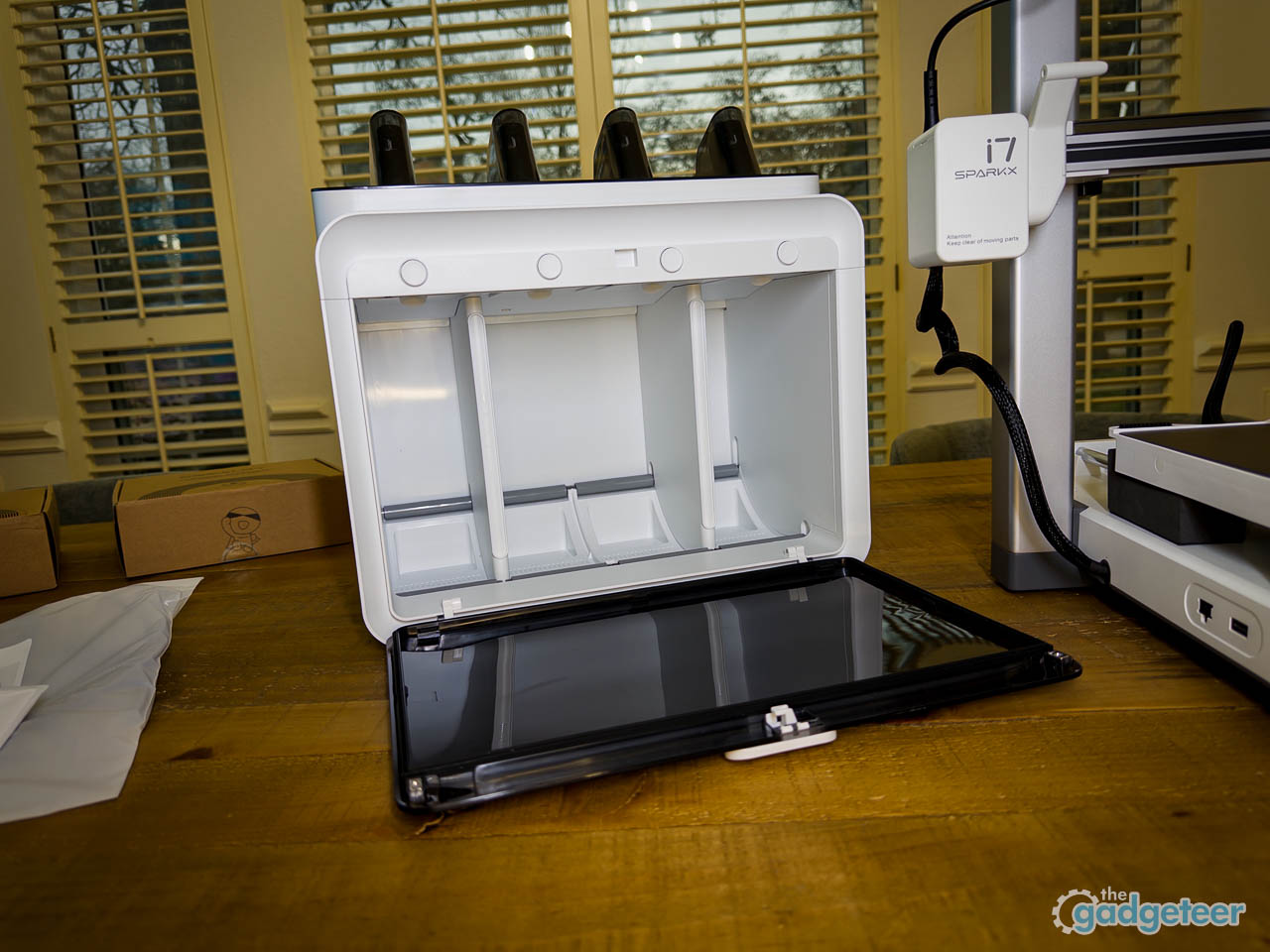
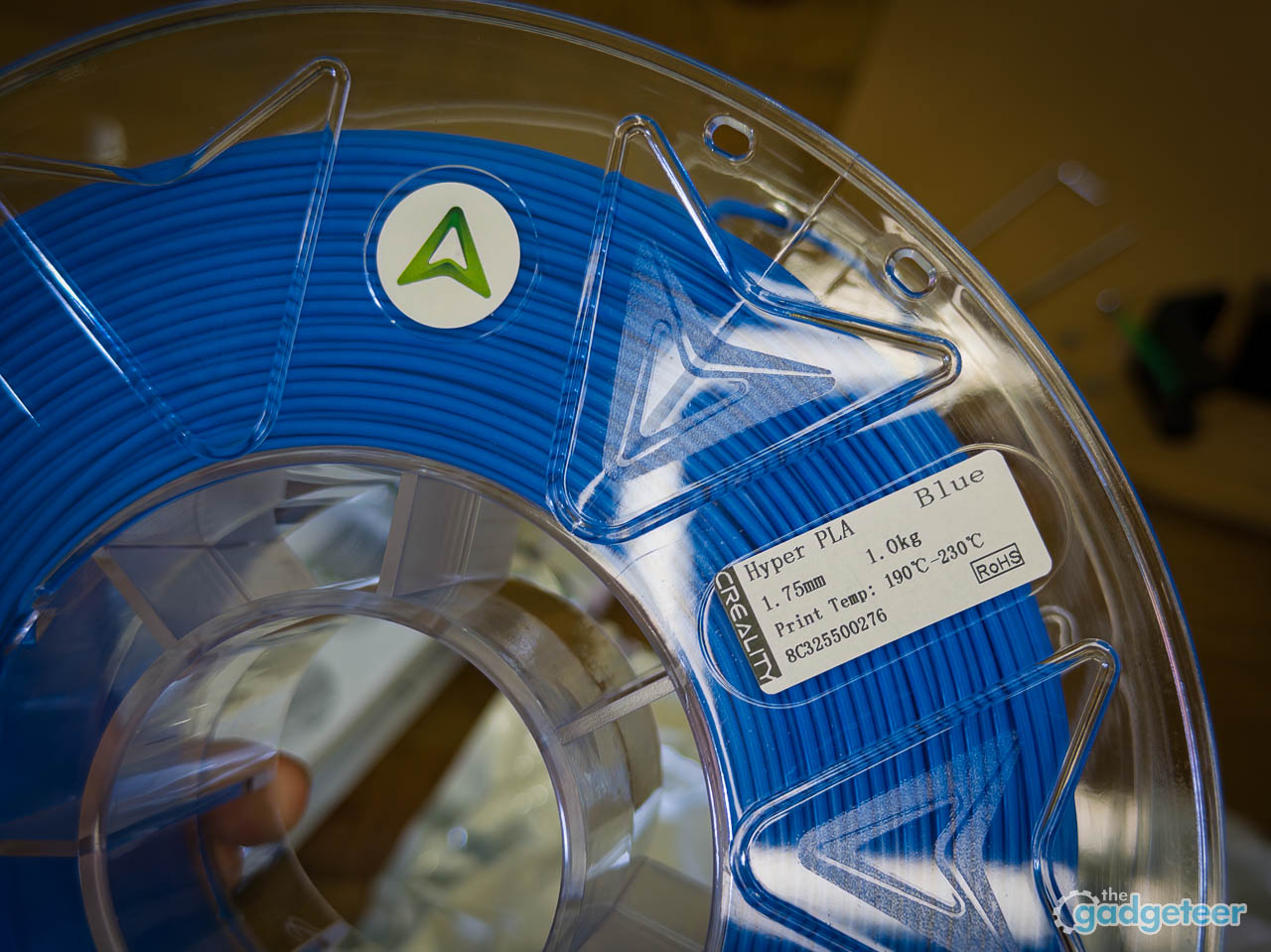
Creality provided four colors of filament for this review, allowing us to test material handling across a range of standard PLA options. If you opted for the CFS Lite combo, that accessory ships in its own box with the multi-filament unit, feed motors, and desiccant packs. The base package is lean but complete, with nothing missing that would stall your first print.
Setup and Ease of Use
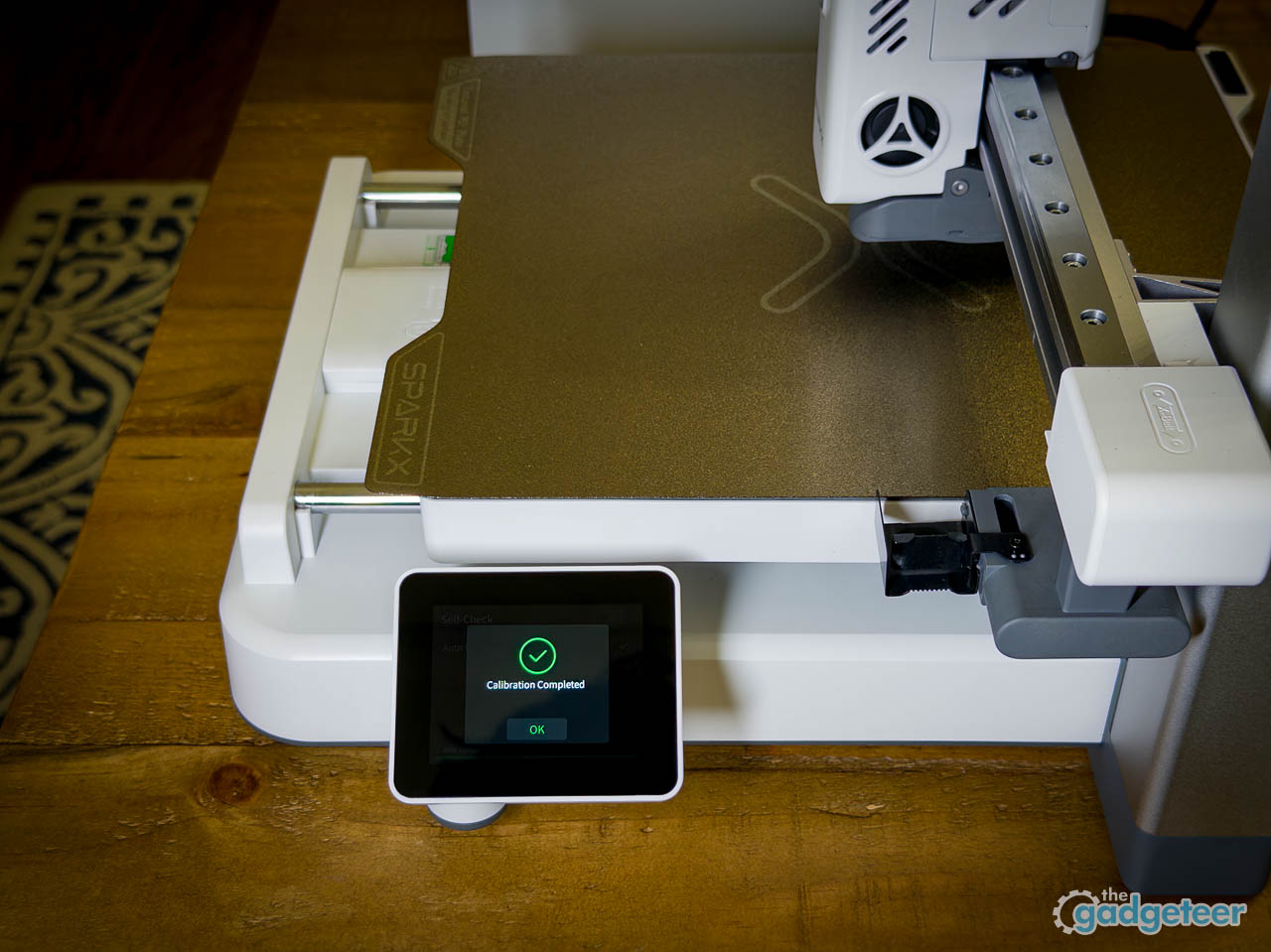
Powering on triggers an automatic calibration sequence that handles bed leveling without intervention. AI Flow Calibration and AI Build Plate Detection run in the background, adjusting extrusion and adhesion settings before you even select a file. The touchscreen walks through each step with clear prompts, and the entire process from sealed box to active motion took under ten minutes during testing. That timing matters because the traditional 3D printing onboarding curve has always been steep enough to kill momentum before the first successful print.
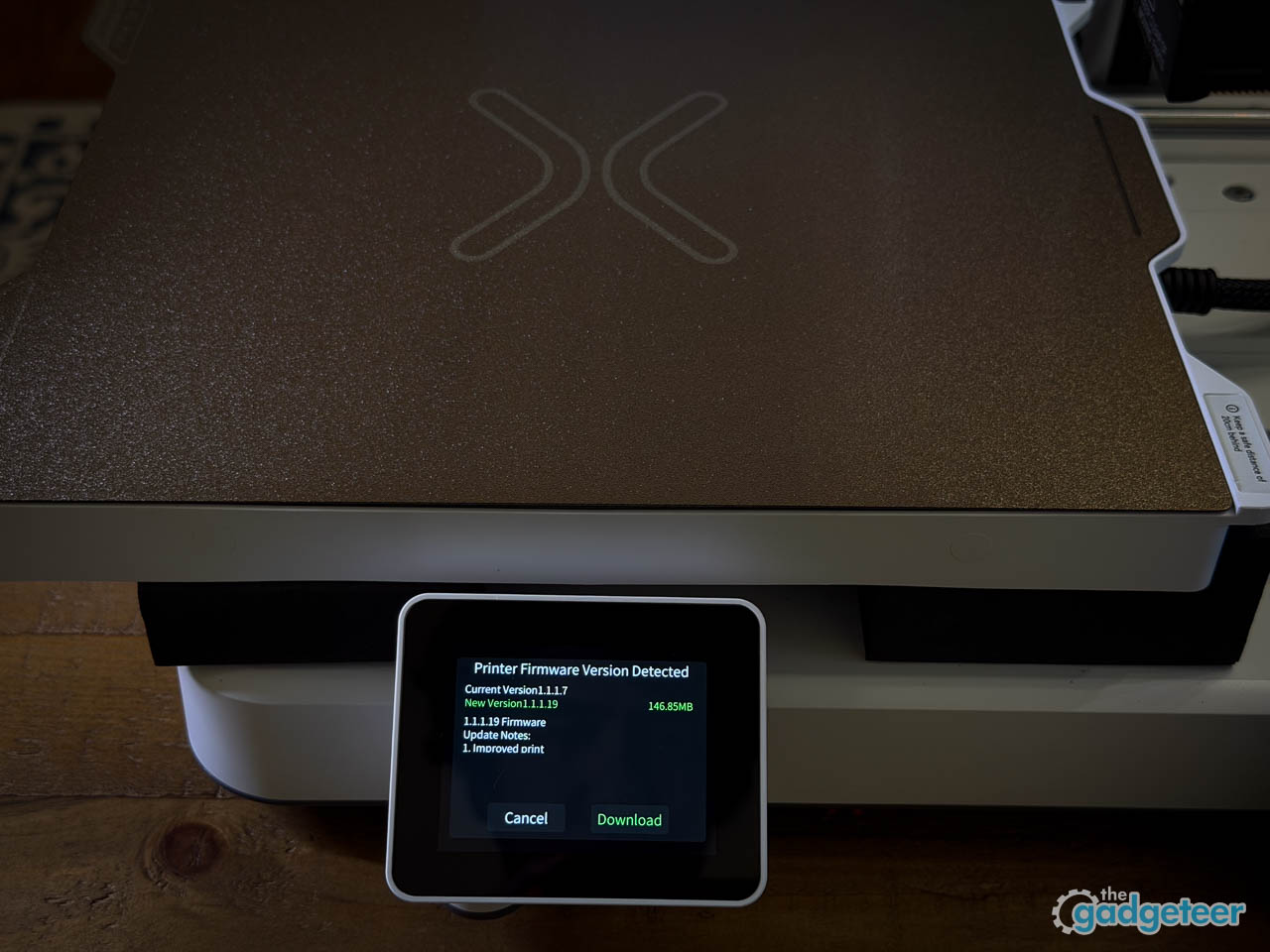
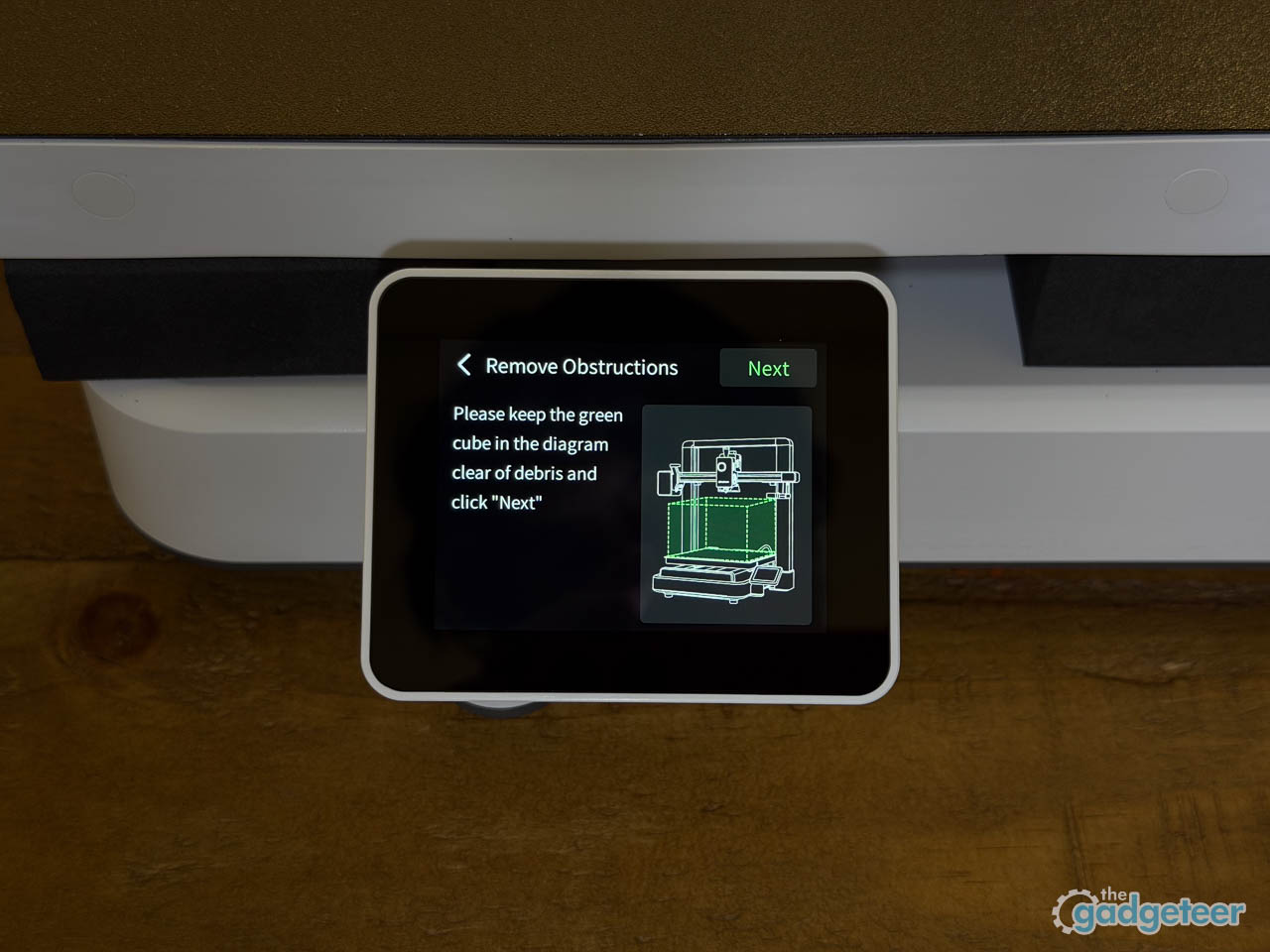
Wi-Fi setup connects to Creality Cloud quickly. The companion app consolidates what used to be three separate steps (browsing models, slicing files, and launching prints) into a single workflow that beginners can run from a phone or desktop without ever touching a traditional slicer. Default material profiles handle parameters like flow rate, retraction, and nozzle temperature automatically, which means you do not need to understand those settings on day one. The experience prioritizes momentum over manual control: get a first successful print quickly, learn the details later if you want to. Once connected to Wi-Fi, print jobs can be sliced and started directly from the Creality Cloud app on a phone or computer, without needing to stand next to the printer. This app-based workflow is part of Creality’s broader ecosystem and works across compatible printers, but on the SparkX i7 it pairs especially well with the machine’s automated calibration and monitoring features. For beginners, that means fewer steps between finding a model and watching the first layer go down. File transfer also works through direct USB for users who prefer working offline, and the slicer integration does not assume prior knowledge of print settings.
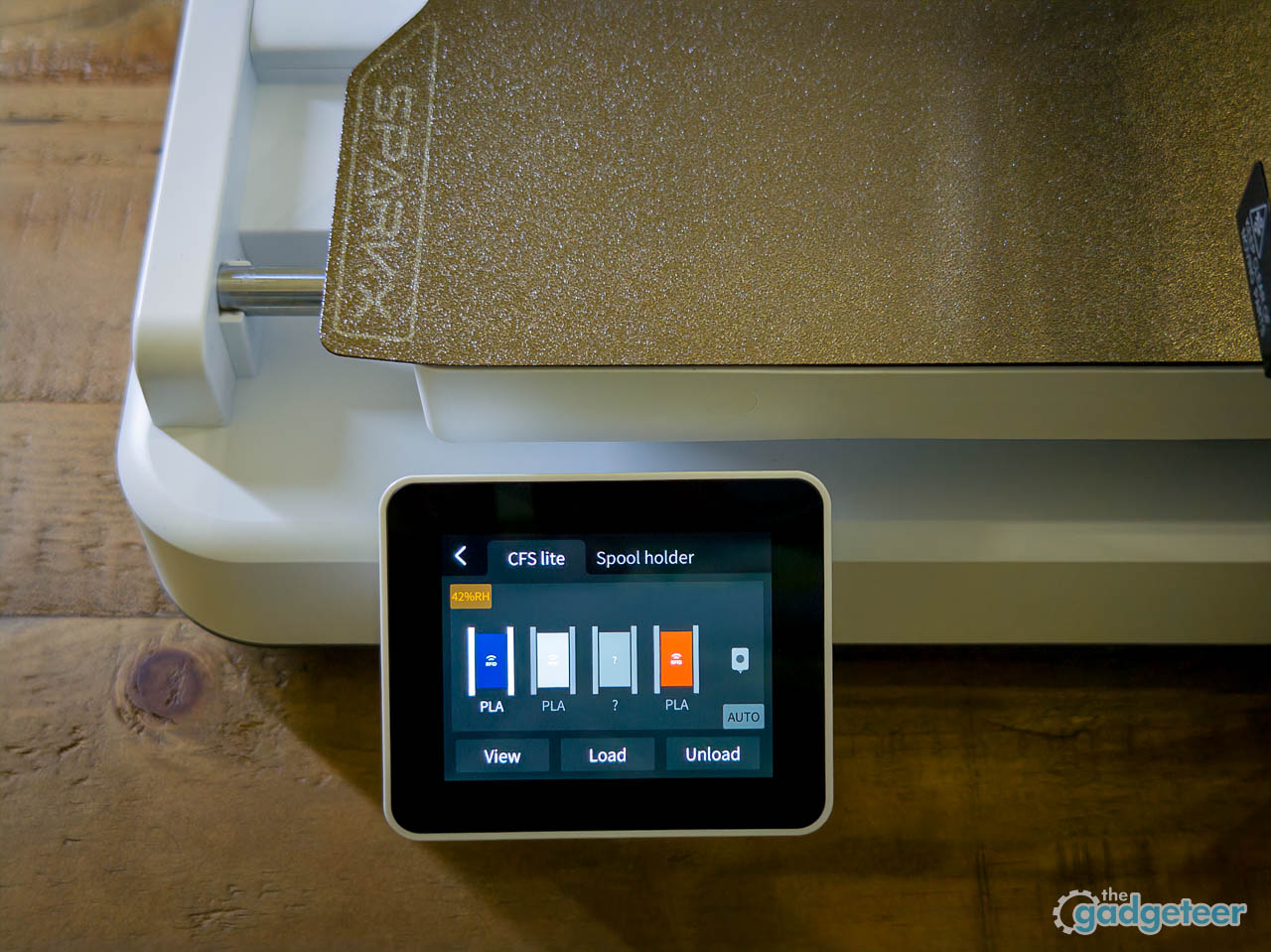
The interface itself leans heavily on icons and guided menus rather than dense parameter screens. Clearly labeled tabs separate the model library, slicer settings, and print controls in a way that feels less technical than typical desktop slicers, and in everyday use, the layout feels organized and easy to navigate. Beginners will appreciate that the machine makes decisions for them by default, hiding advanced tuning behind optional submenus. The auto-leveling system compensates for minor bed imperfections without requiring manual tramming, which eliminates one of the most common failure points for new users. First-layer adhesion, the usual culprit when prints detach mid-job, benefits from this automation directly.
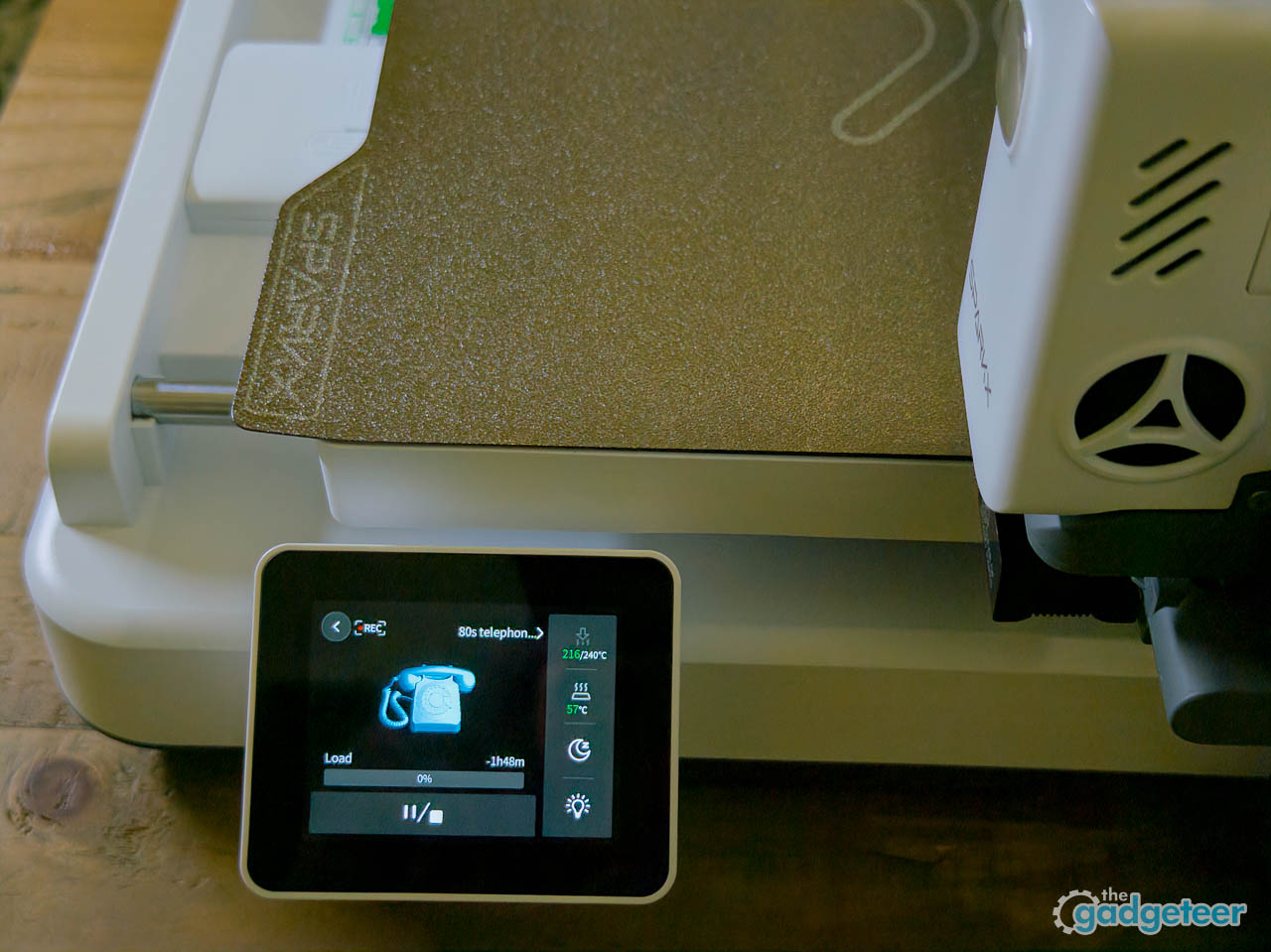
One observation worth noting: the learning curve here is not about understanding 3D printing fundamentals. It is about trusting the machine to handle them.
Printing Experience
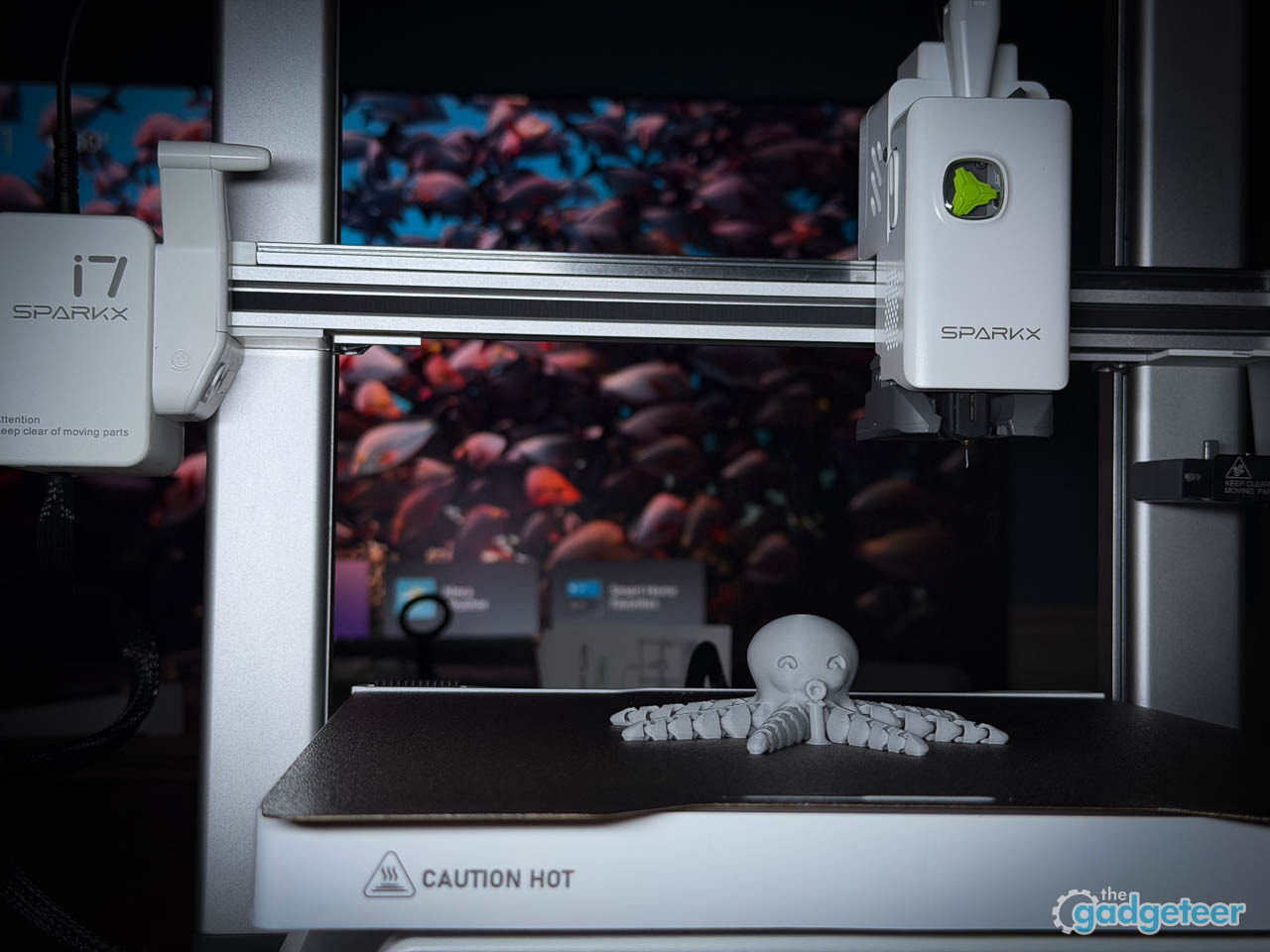
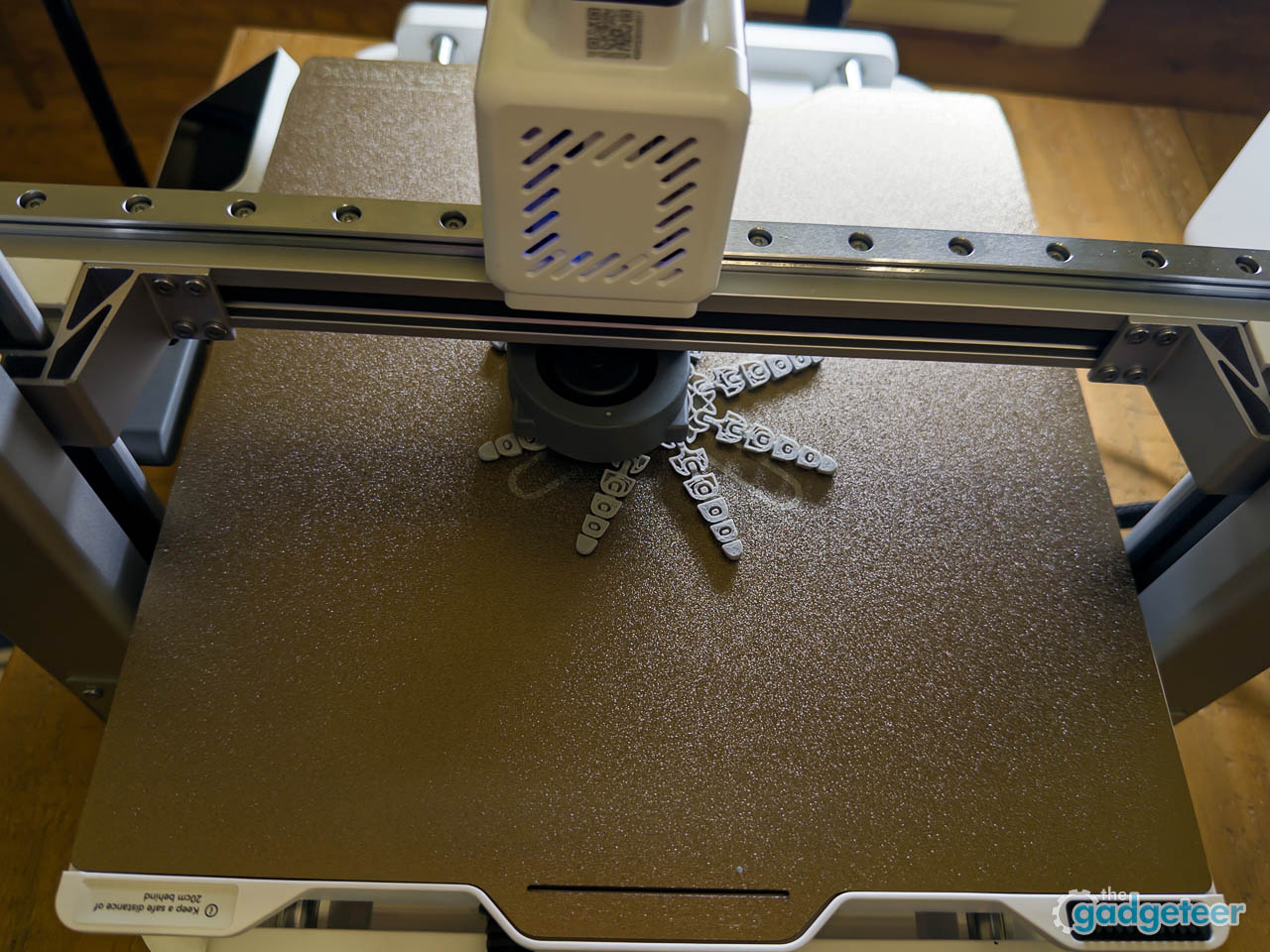
The first test prints, a small articulated octopus followed by a simple keychain from Creality Cloud, started without drama. The initial calibration sequence does add a short wait before each job, about two minutes of probing and leveling before the first layer begins, but that delay feels like preparation rather than friction.
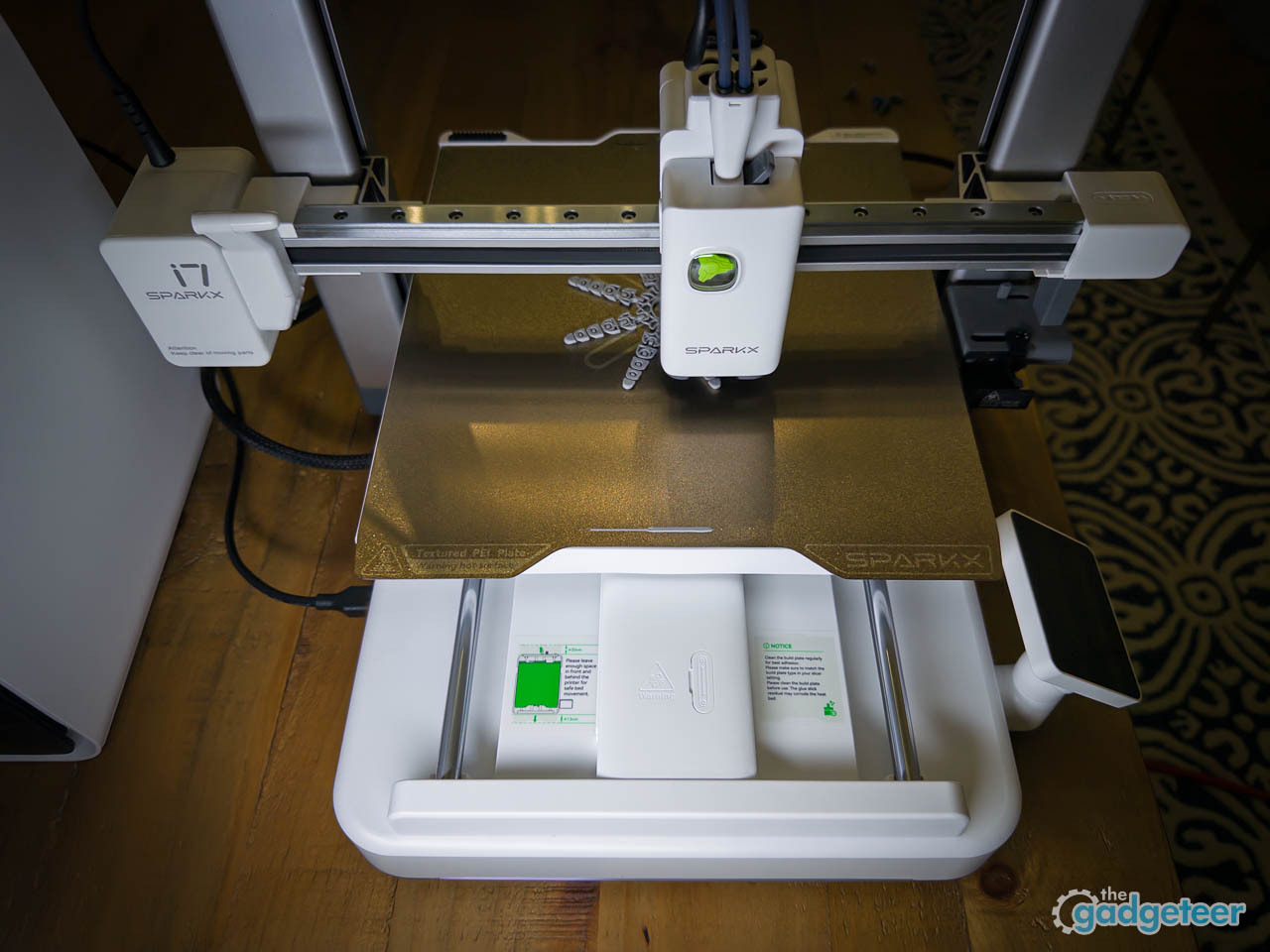
The 720p camera feed lets you watch progress remotely through the app, which matters less for monitoring fine print quality than for catching obvious failures before they waste filament. Both prints completed successfully without manual intervention, which is exactly what beginners want from their first day with a printer.
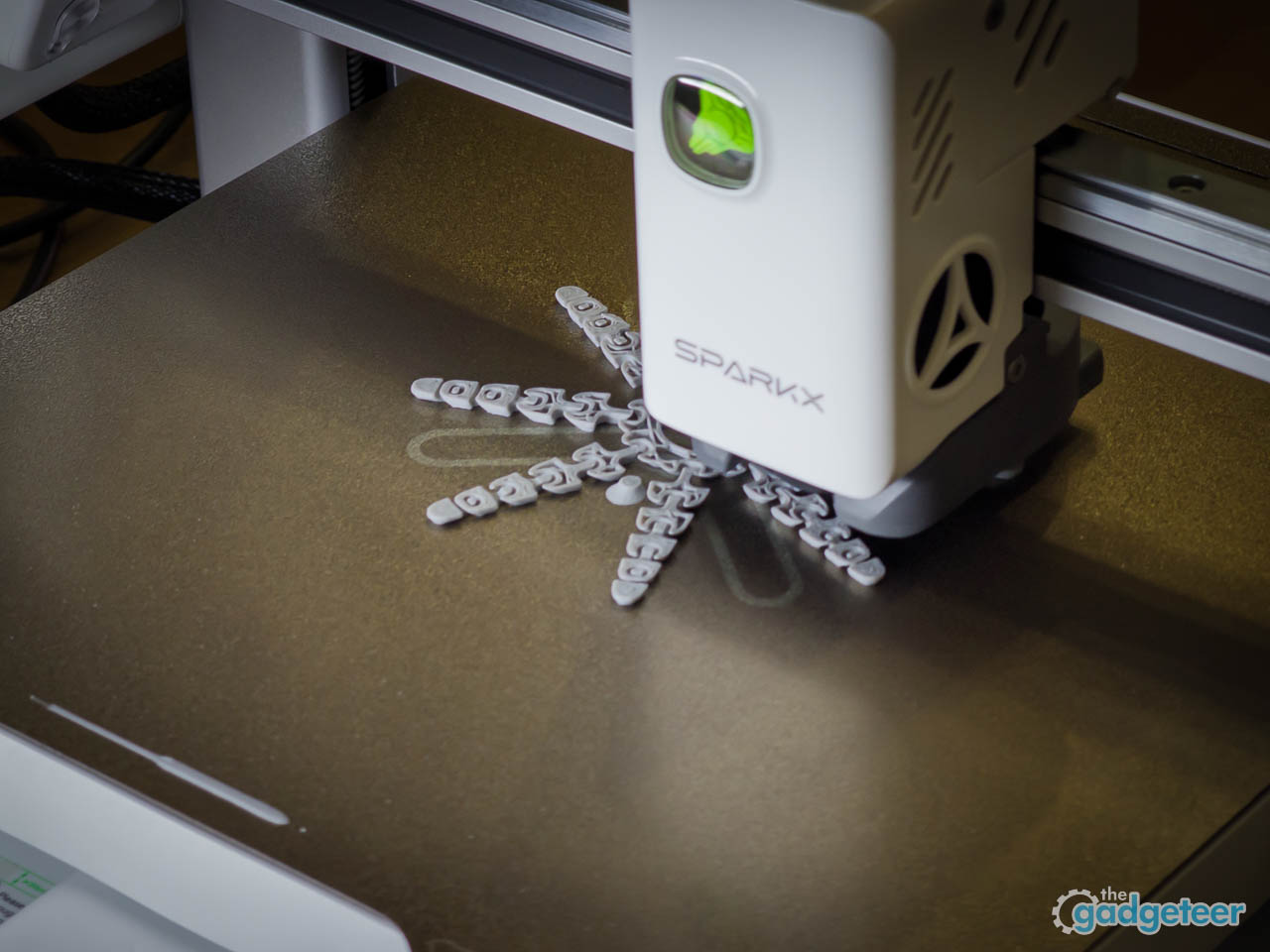
Noise levels during fast moves stay lower than expected, sitting somewhere between a quiet dishwasher and a laser printer during active passes. Vibration optimization keeps the frame stable even at speed, which matters for print quality and for not annoying roommates. The claimed 500 mm per second speed with 10,000 mm per second squared acceleration sounds aggressive for an entry-level machine, but the printer handles quick movements without visible frame shake or layer misalignment on simple geometries. Infill patterns zip through cleanly, and perimeter passes maintain consistent extrusion width. The AI spaghetti detection feature, which monitors for print failures through the onboard camera, did not trigger during testing because nothing failed. Filament tangle detection adds another layer of protection for unattended jobs. Knowing those safety nets exist reduces the anxiety around leaving prints running overnight.
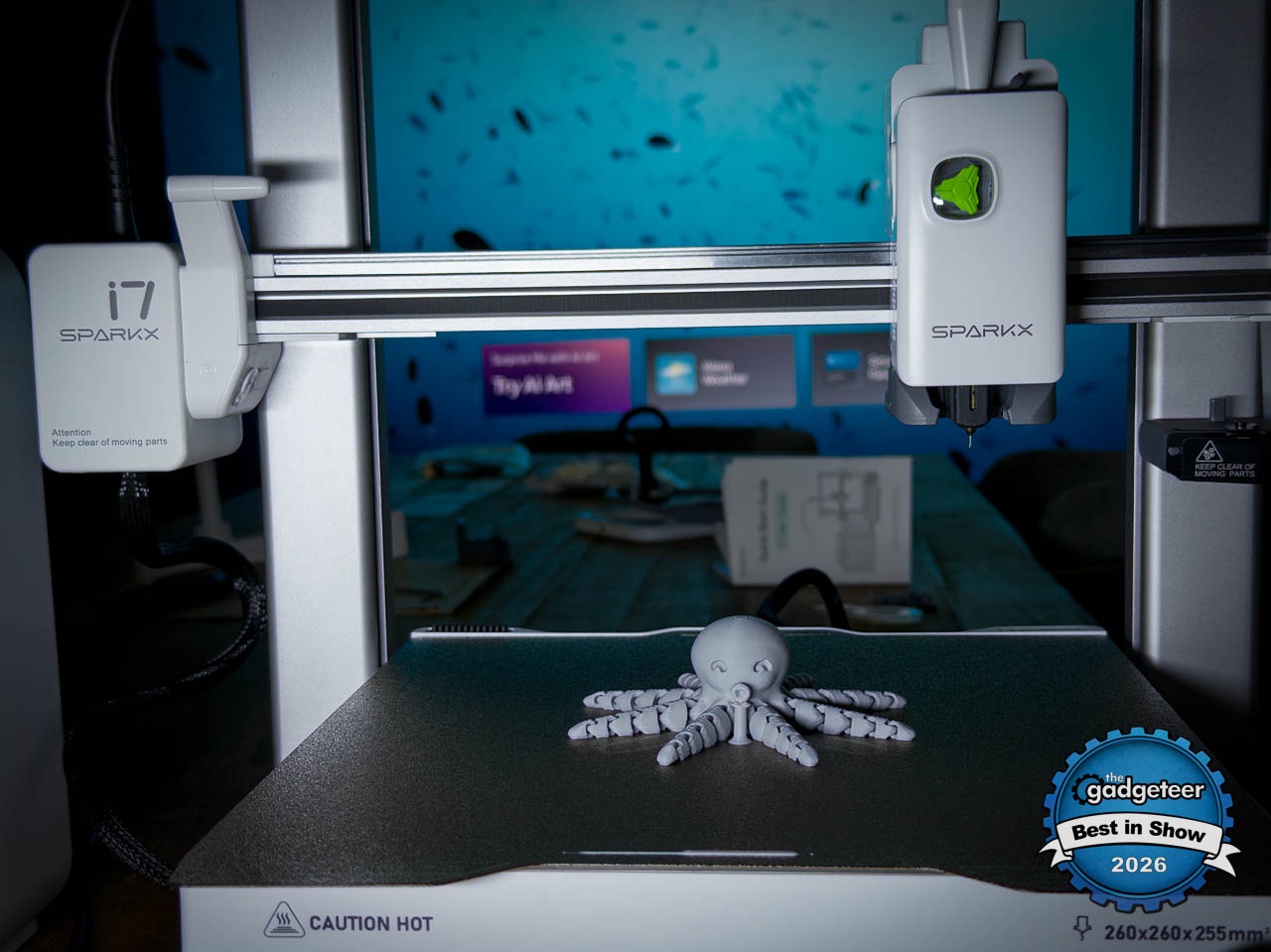
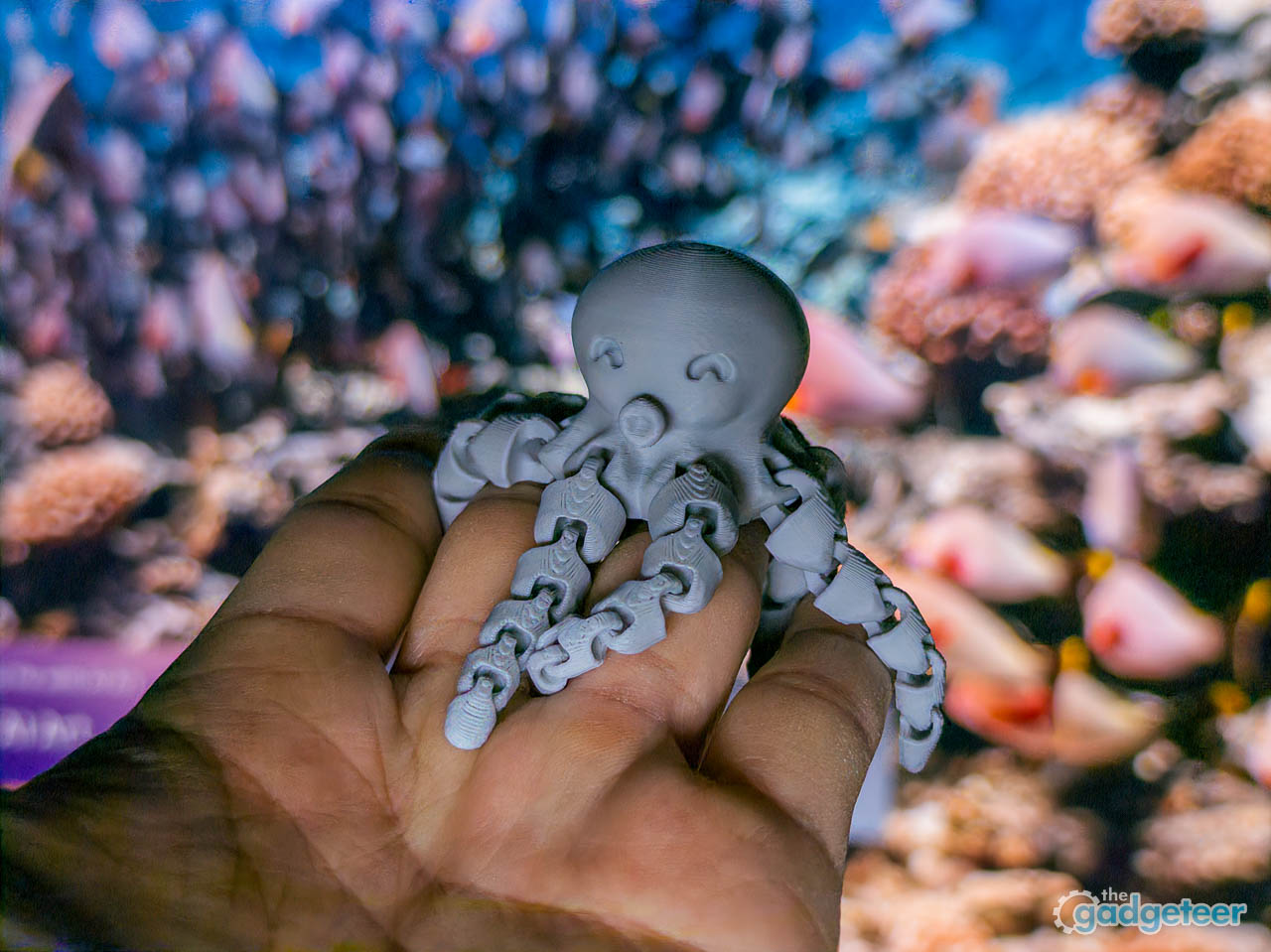
Surface finish on the octopus came out smooth enough to photograph without post-processing, with layer lines visible at close inspection but not distracting at desk distance. The articulated joints moved freely right off the build plate, which implicitly tests first-layer adhesion and small tolerances without requiring you to run formal benchmarks. Color accuracy on the orange PLA matched the spool preview reasonably well, without the yellowing that sometimes creeps in from overheating. The quick-swap nozzle system allows toolless changes when switching between material types, though for PLA-only users that convenience sits unused.
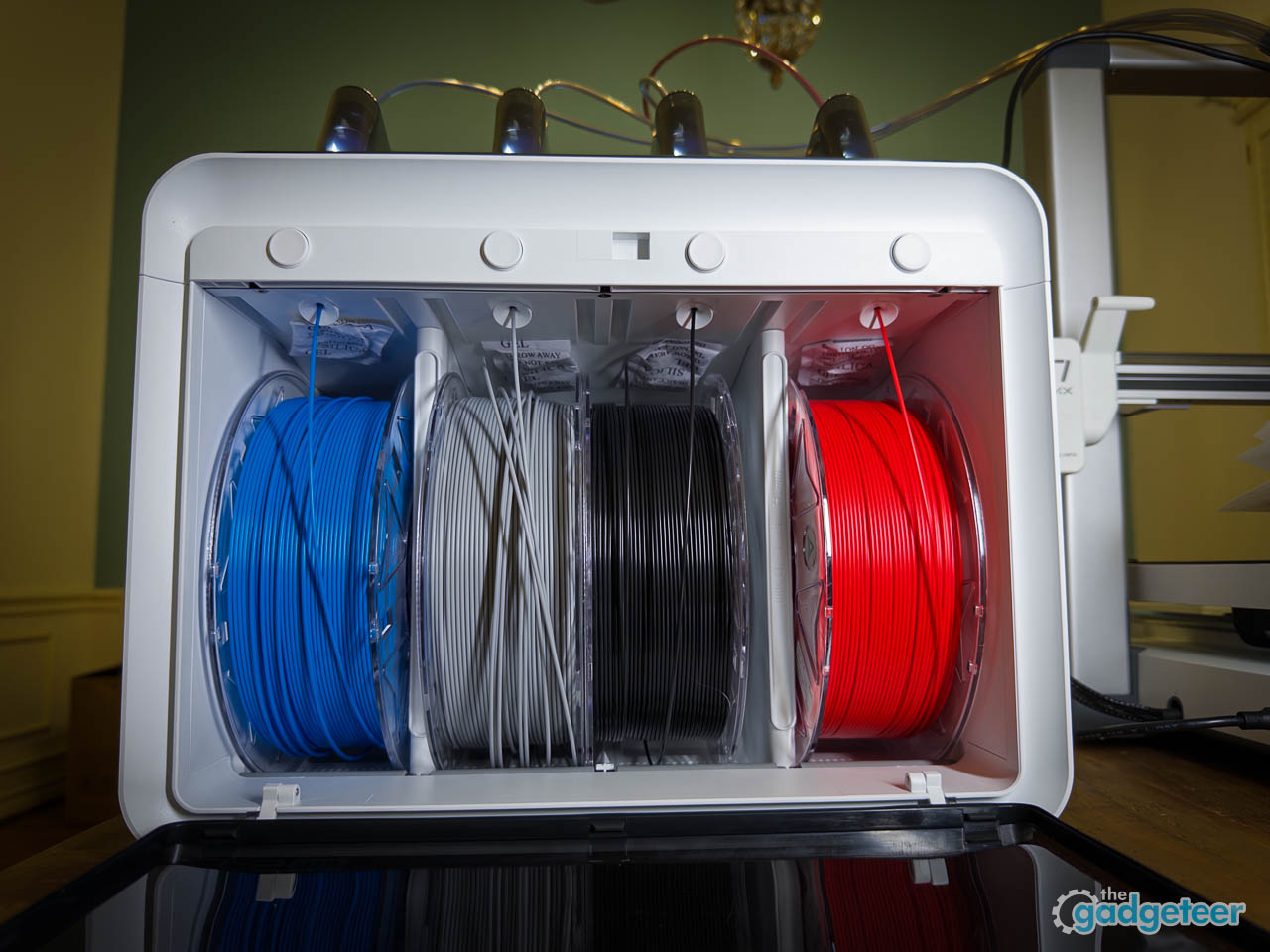
Multi-color printing requires the CFS lite accessory, which handles filament switching automatically during compatible prints and includes RFID filament recognition for automatic material settings. That adds complexity and cost, but the base printer does not pretend to include features it cannot deliver out of the box. Honest product scoping counts for something.
Print time on the octopus ran about 45 minutes, which felt fast enough to maintain engagement without testing patience. The keychain followed in under twenty minutes, grounding the experience in functional output rather than just novelty.
Creative Use Cases
The SparkX i7 slots naturally into daily creative routines rather than demanding dedicated project time. A quick phone stand prints during a lunch break. A custom cable organizer finishes overnight, and when it works, you print another for a different room. A small gift for a friend takes shape while you handle other tasks, and the remote monitoring means you do not need to babysit the process. Being able to start a print from the app while doing something else reinforces the idea that printing fits into daily routines rather than requiring dedicated setup time.
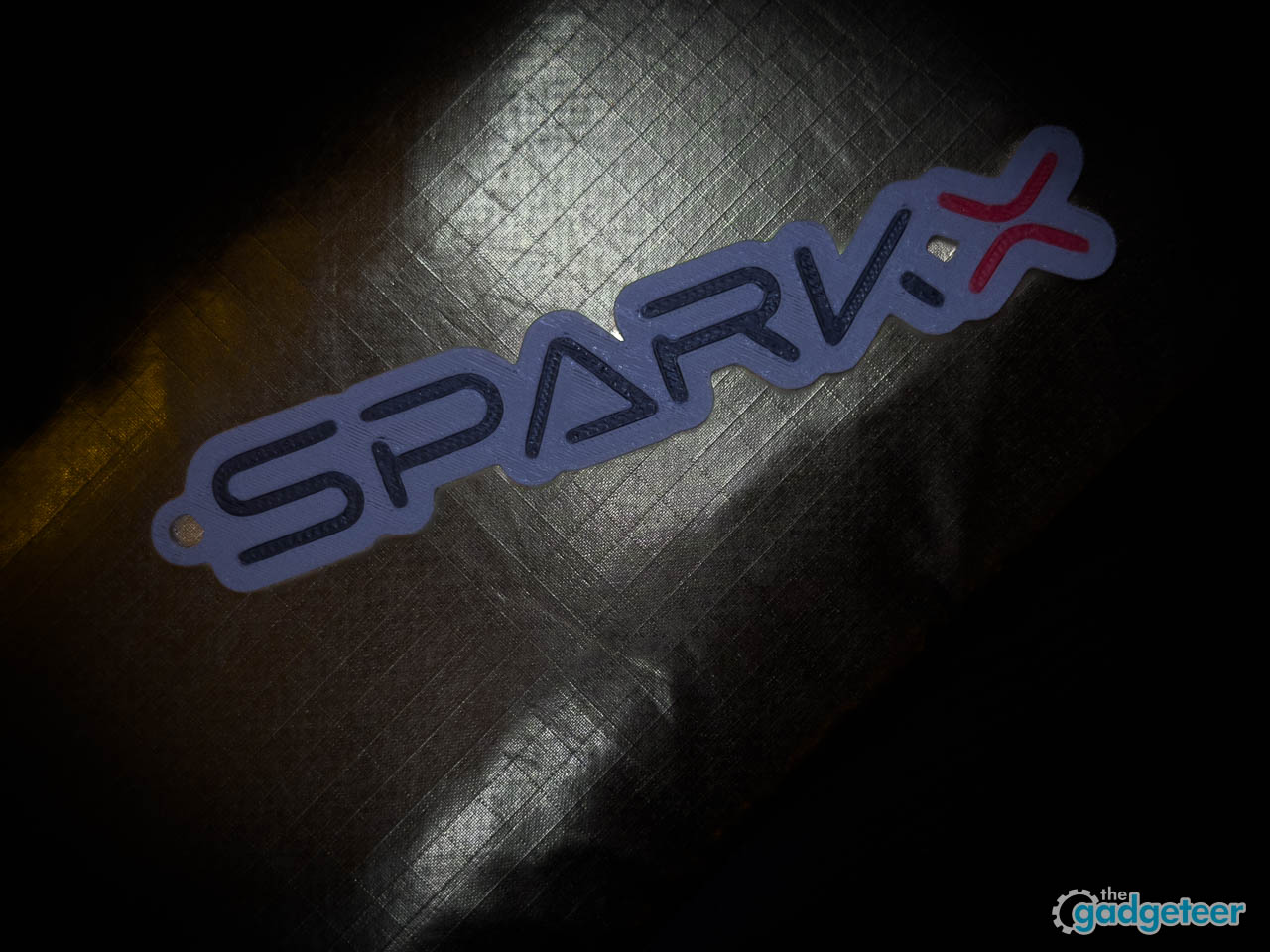
Creality Cloud’s model library provides a starting point for users who do not yet model their own designs, and the sheer breadth of available models turns “what should I print” into “what should I try next.” Browsing inside the app reduces the common beginner paralysis of not knowing where to start, and the community collections where hobbyists share and remix designs add a social layer that keeps the discovery experience fresh. The discovery experience skews toward practical objects, decorative pieces, and hobby props rather than industrial parts, which matches the target audience well. Finding something worth printing takes minutes, not hours of scrolling. The app works best when treated as a guided on-ramp rather than a power-user tool. Some users will eventually outgrow the simplified interface and migrate to full-featured desktop slicers, and that is fine. The goal here is lowering the barrier between finding a model and starting a print, not replacing every tool in a veteran’s workflow.
The real value here is activation energy reduction. 3D printing has always promised accessible fabrication, but the traditional setup friction meant most curious users never got past the first failed calibration. The SparkX i7 removes enough of those barriers that printing becomes a casual activity rather than a technical project. School assignments, hobby props, organizational tools, and small customization jobs all become plausible without requiring a weekend of preparation first.
What We Like
- Stays out of the way once a print starts, making 3D printing feel like a background activity rather than a technical task
- 720p camera for remote monitoring and catching failures before they waste filament
- Quiet operation with effective vibration optimization that will not annoy roommates
- Physical design feels well considered for real living spaces, not like industrial equipment dropped into a home
- Dual-sided textured golden PEI build plate delivers consistent adhesion
- Organized UI with clearly labeled tabs that feel less technical than traditional slicers
- Material flexibility covering PLA, PLA Silk, PETG, TPU, and PLA-CF means room to grow
What We Love
- Sub-10-minute setup from sealed box to active motion eliminates first-day friction
- Automatic calibration eliminates manual bed leveling entirely
- AI monitoring (spaghetti detection, filament tangle detection) reduces overnight print anxiety
- Successful early prints feel routine rather than surprising, which keeps beginners printing
- Quick-swap nozzle system requires no tools
- Advanced features (multi-color, deeper settings) feel optional rather than blocking basic use
- Compact footprint fits a normal desk without demanding workshop space
What Can Be Improved
- Multi-color printing requires the separate CFS Lite accessory
- 260 by 260 by 255 mm build volume may feel limiting for larger projects
- Simplified workflow places a ceiling on control; power users will outgrow the app interface
Performance and Value
In day to day use, the SparkX i7 performs less like a project machine and more like an appliance. Prints start reliably, finish cleanly, and do not demand constant supervision, which matters more than headline speeds for the audience this printer targets. The combination of automatic calibration, AI monitoring, and vibration control translates into consistent results rather than occasional wins. Performance here is defined by predictability, not experimentation.
From a value perspective, the SparkX i7 makes sense for buyers who want to start printing immediately instead of learning through failure. You are paying for reduced friction, quieter operation, and software that lowers the barrier to entry, not for maximum build volume or deep tuning freedom. That tradeoff is clear and honest. For beginners, students, and casual creators, the value proposition is strong because it replaces frustration with momentum.
The SparkX i7 is best suited for users who prioritize confidence and approachability over hack-and-tinker depth. If your goal is to make useful objects, small gifts, and creative projects without becoming a technician first, this printer delivers where it matters most.
Final Thoughts
The SparkX i7 is not trying to compete with prosumer machines or satisfy print farm operators. It targets a specific user: someone curious about 3D printing who has been intimidated by the learning curve, someone who wants to make things without becoming a technician first. For that person, this printer delivers.
The standout feature is not any single specification but the overall confidence reduction. Features that once required manual calibration, third-party firmware, or hours of forum research now work out of the box. Auto-calibration eliminates guesswork. AI monitoring catches failures before they waste hours of filament. The interface assumes no prior knowledge. The compact form factor fits normal spaces without demanding workshop infrastructure, and material support means room to grow without replacing the printer.
Who should skip this? Users who want maximum build volume, exotic materials, or deep parameter control will outgrow it quickly. This is not a tinkering machine.
For anyone who has wanted to try 3D printing but never followed through, this is one of the easiest on-ramps available right now.
(Pre-Order)
Early Bird Window: Jan 6-20, 2026
Early Bird Price for i7 Color Combo (i7 Single Model+CFS Lite): $339 ($399)
Early Bird Price for i7 Combo+Hyper RFID*4+Glue Stick 1: $374.98 ($480.86)
Where to buy: Creality
Source: The sample of this product was provided for free by Creality. Creality did not have a final say on the review and did not preview the review before it was published.
Creality K2 Combo and Creality K2 Pro Combo Review – Feature-Rich 3D Printing Platforms
Creality Falcon A1 Pro 20W Laser Engraver and Cutter review – Fully enclosed crafting with lasers

Apple iPhone FineWoven Wallet with MagSafe – Black
(as of April 8, 2026 14:28 GMT -05:00 - More infoProduct prices and availability are accurate as of the date/time indicated and are subject to change. Any price and availability information displayed on [relevant Amazon Site(s), as applicable] at the time of purchase will apply to the purchase of this product.)
