
The other day I was commenting to Julie that as SD memory has become less
expensive and available in larger quantities, I seem to have amassed quite the
collection of SD cards. I have every denomination from 16MB to 2GB, but the only
cards I really ever use are the 2GB in my iPAQ, the 1GB in Steve’s camera and
the 512MB in my i550. That leaves the 256MB, 128MB, 64MB, 32MB and 16MB sitting
idle. While there’s not much that can be done with the really small cards, 128MB
and 256MB are big enough to hold a bit of digital music, roughly one or two CD’s
worth respectively. Now all that’s needed is a way to utilize these cards as the
memory in a digital music player.
Today, I’ll be taking a look at the
Frontier Labs
Nex3+ With FM
Transmitter, which is a digital music player that accepts SD cards.
Available in burgundy (red), crimson (pink), blonde (yellow) and grey, it can
also be ordered with no added memory (bare), or with included 512MB or 1GB SD
cards.
I was sent the bare blonde edition…I am sure that there is a joke in there,
somewhere.
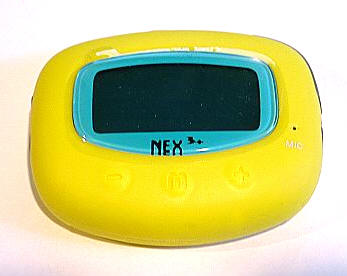
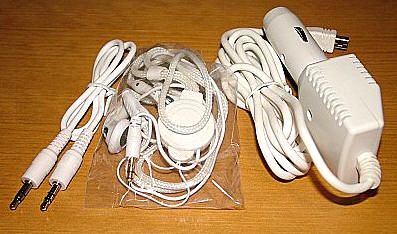
Included in the box were the Nex3 player, a neck strap with built-in
earphones, a USB cable, a line-in adapter, a car adapter, an instruction manual
and a CD with various drivers and Windows Media Player 10.
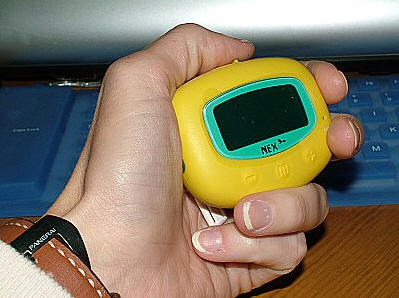
The player itself measures approximately 2.75" long and 2.1" wide by 0.75"
thick. It weighs 2 ounces with the included AAA battery and the (not-included on
the bare model) SD memory card installed. The device’s body is coated in a
rubbery colored plastic which has an anti-slip feel, and which I soon learned
seems to love attracting dog-hairs. Eck.
The unit feels solid, and the yellow body coupled with the bluish screen
seems oddly reminiscent of my old Sony Walkman.
Let’s take a look at the Nex3+’s specifications…
| Signal to noise ratio: | 90 dB |
| Distortion rate: | <0.05% at 32 Ohm |
| Max output: | 30mW at 32Ohm |
| Frequency range: | 20Hz to 20KHz |
| Battery life: | About 15 hours with a AAA battery |
| Expansion slot: | Secure Digital (SD) card |
| USB transfer rate: | USB 2.0, About 1MB/sec (depends on write speed of SD) |
| Display: | 128 x 64 pixel with white backlight |
| Equalizer presets: | 5 – jazz, rock, classic, dance, Latin, & user defined |
| Firmware: | User upgradeable, flash based |
| Digital music formats: | MP3, WMA and WMA with DRM9 |
| FM Frequency Range: | 87.5 MHz to 108 MHz |
| Bit Rates: | 16 Kbps – 320 Kbps and Variable Bit Rate for MP3, 64 Kbps – 192 Kbps for WMA |
| Voice Recording Bit Rate: | WAV |
| FM transmitter frequency: | Selectable |
| Supported file system: | Fat 16/32 |
| Labels displayed: | Duration of songs, memory level, battery life, ID3, V1, V2 with Lyric support |
| FM Record: | MP3, bit rate selectable |
| Powered by: | One AAA battery (included) or USB connection |
| Supported OS: | Win 98SE/ME/2000/XP & Mac OS |
For such a small player, there are a surprising number of buttons and ports
on the Nex3. Starting on the front, are the "-" button and the "+" buttons for
decreasing and increasing the volume. The "M" button in the middle summons the
Menu. The small dot to the right of the screen is the microphone for creating
voice recordings.
On the right side is the Record button as well a three way jog-wheel (back,
forward and a button for pressing inward)…
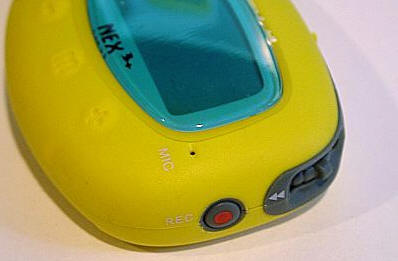
…another shot of the jog-wheel the LOCK slider and the tethered plug for
the mini-USB cable.
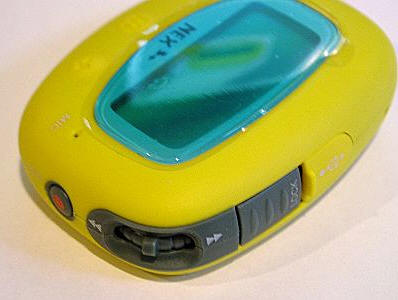
Here is a shot of the USB socket exposed.
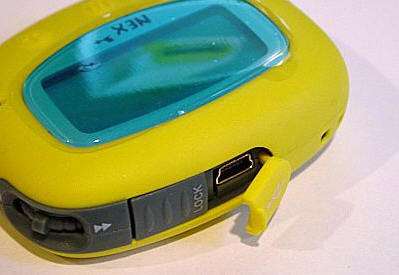
On the opposite side are the holes for the neck-strap, a Line-In plug and the
headphone jack.
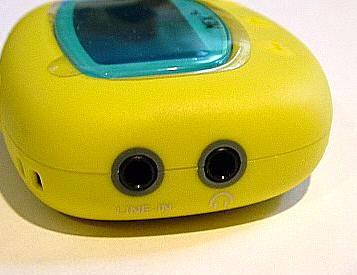
When flipped over, the battery compartment is the only feature on the back.
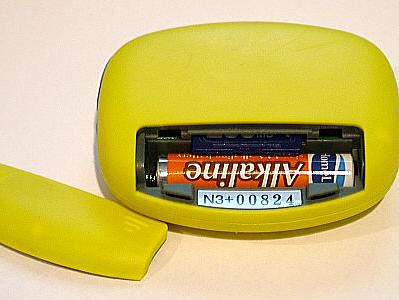
The battery slot accepts one AAA battery, and directly above the battery is the
SD slot.
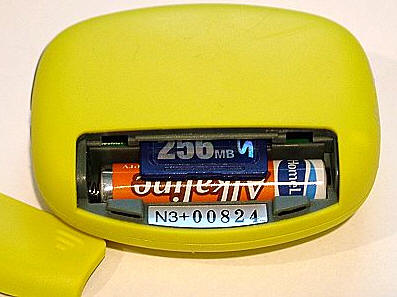
The SD card uses push action to insert and eject – no need to pull it out
with a fingernail.
The included neck strap with built-in headset includes a removable lanyard
tether that attaches to the previously mentioned holes in the player.
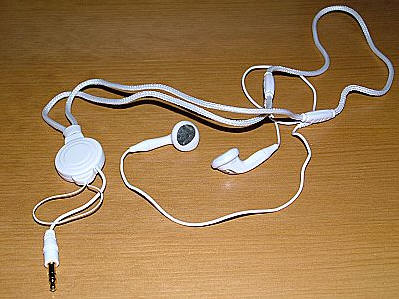
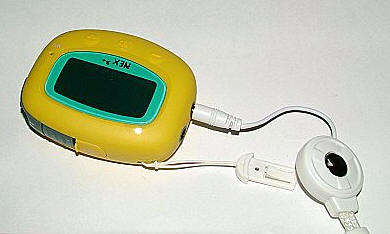
Audiophiles will find this headset severely wanting. But for a jog around the
park or 30 minutes on a stair-stepper, they are quite handy.
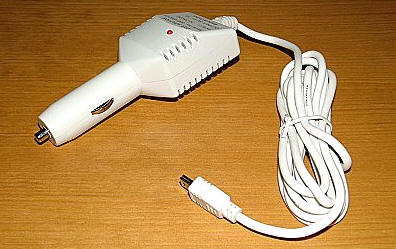
The included car adapter will power the Nex3 when it is used in a vehicle,
even if there is no AAA battery installed. Since the player has a built-in FM
transmitter which is a huge power draw, this is a very handy accessory.
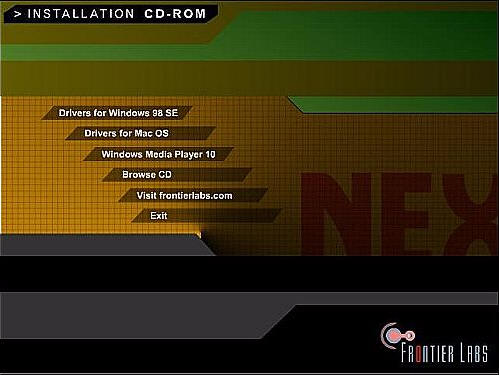
The Nex3 is completely Plug and Play. I ran the accompanying CD just in case
there was something I might want to install, but other than a copy of Windows
Media 10 and several drivers which I didn’t need, there was nothing on the CD
necessary to get up and running.
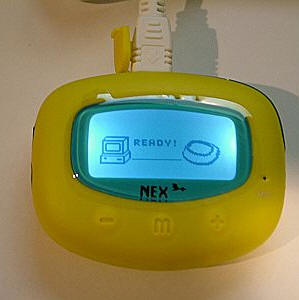
When the USB cable is connected to the Nex3, the backlight will immediately
come on and the "Ready" screen will show.
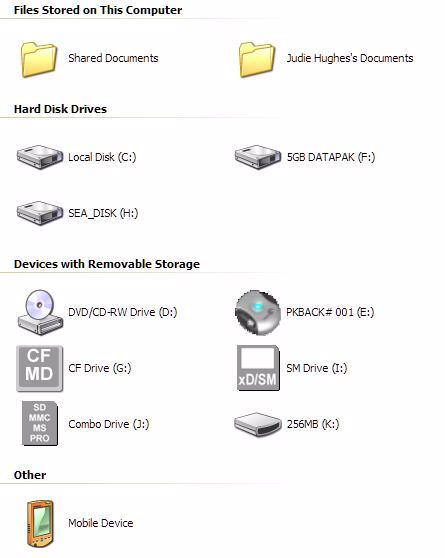
The Nex3 will show as an additional drive. Since my 256MB SD is named
"256MB", that is what it shows as.
Transferring music is as simple as dragging and dropping from one folder to
another. The Nex3 will reflect that files are being moved by showing the
"Writing" screen.
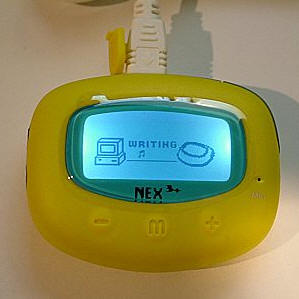
Doing the transfer of one 81.9MB album through the USB 2.0 interface seemed
slow at 2:23 minutes, but direct transfer of the same album through an SD card
reader was only marginally faster at 2:17 minutes. It’s possible that I have an
SD with a slower write speed.
The Nex3 is turned on by quickly pressing the jog-wheel center button, at
which time the main menu screen will show. The four icons represent the choices
of Player, Radio, Format and Line-In.
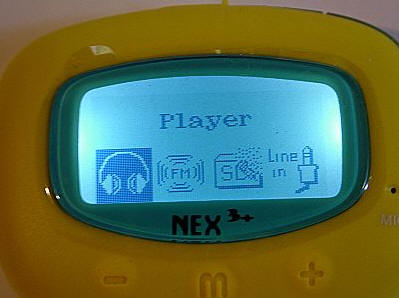
Selections are made by pressing in on the jog-wheel, and the main menu can be
called up at any time by hitting the "M" button on the front of the player.
Conveniently, the chosen configuration can be locked by engaging the slider on
the top of the unit.
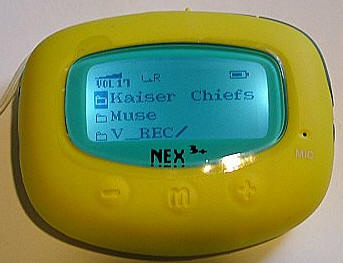
Since music files can be added inside organized folders, the player will show
them as they were downloaded.
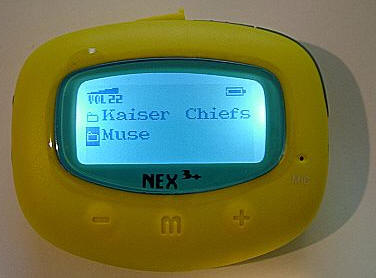
Toggling with the jog-wheel selects the desired file, and a quick tap of the
jog-wheel will open the folder. Once inside, a toggle down will put the user on
the first song, at which time the jog-wheel should be pressed yet again to start
the music.
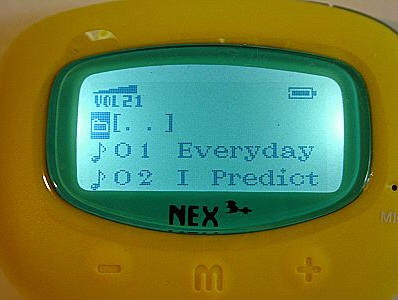
As the song is playing, the artist and the title will scroll across the
screen, the volume level will be displayed, as will the play mode, battery life
and the time played / remaining on the song.
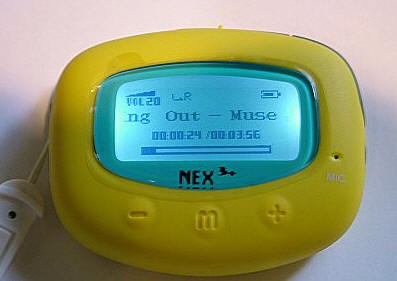
Music playing can be paused at any time by pressing in the jog-wheel’s center
button, it will start up again once the button is pressed once more. Songs can
be quickly advanced or reversed from within themselves by pressing and holding
the jog-wheel in the forward or reverse position. To skip forward or backward to
the next song requires a quick forward or reverse tap on the jog-wheel.
Settings for music play include normal, repeat one, repeat folder, repeat
all, play folder, random and resume.
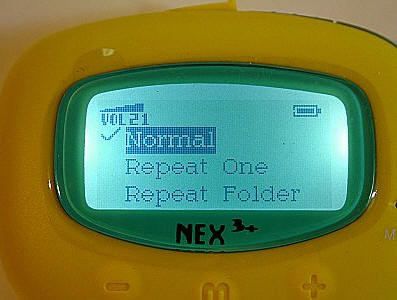
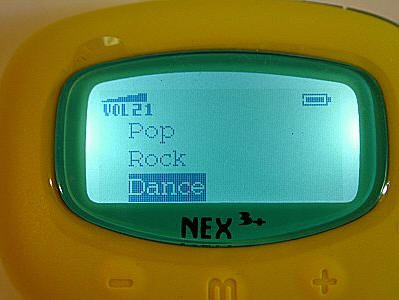
While music is playing, one of five preset equalizer settings can be chosen,
or one user defined setting may be created.
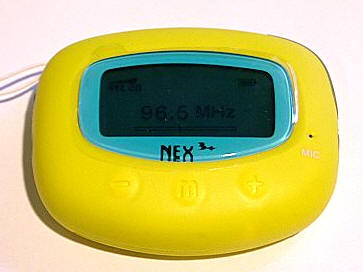
The option to play over an FM transmitter can also be called up through the
menu as music is playing…
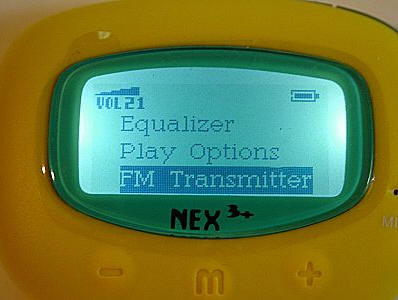
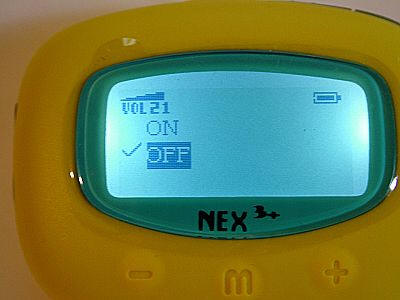
Any setting between 87.5 MHz to 108 MHz may be used, so even if the user
lives in a busy city with lots of radio stations, there should be a free slot on
the dial. The auto adapter should be used for this function to work properly.
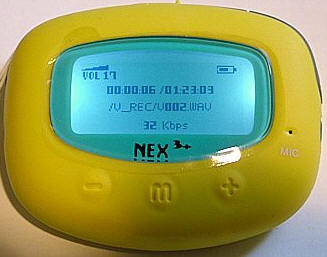
The voice recorder is provided for those that like to save thoughts on the
fly. It is activated by pressing and releasing the record button on the left
side, then pressing and releasing again when recording is complete. The
recording will be saved in WAV format in a newly created V_REC folder on the SD
card. These voice recordings may be accessed either through the player or on the
user’s computer.
It is also possible to listen to local radio stations over the Nex3, with up
to 20 channels saved as presets.
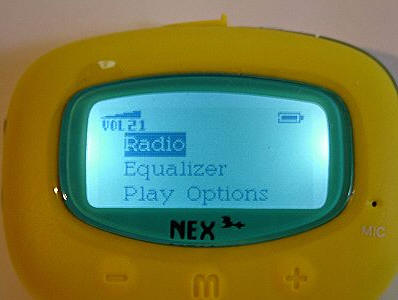
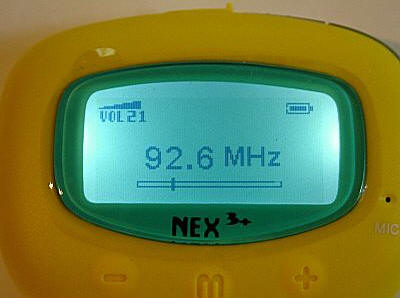
Radio transmissions may be recorded from within the Radio mode by pressing
the record button for two seconds. Recording can be paused and restarted by
pressing the center jog-wheel button. To end the recording, the REC button
should be pressed again. These radio recordings will be saved in a newly created
Radio folder.
If the user wants to turn the Nex3 off while in Radio mode, the Menu button
must be hit and then scrolled to the Power Off option.
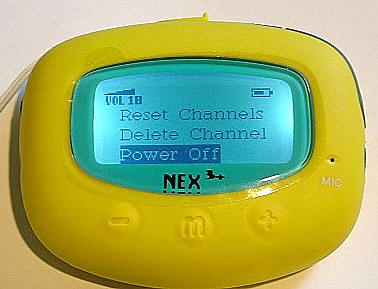
In any other mode, the player can be powered off by holding the center
jog-wheel button in for five seconds as a confirmation screen displays on the
player.
There is also a Line-In cable provided for line-in recording. This is a down
and dirty way to convert records (remember those?) to MP3 format through a home
stereo.
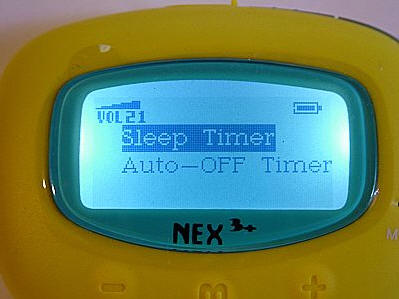
There is even a sleep timer…
The Nex3 really has a lot of built-in features and included accessories for
such a little player, if you think about it! Perhaps it is because of the bright
yellow color, but I kept finding myself underestimating the Nex3 much of the
time I was testing it. It looks like a toy to me, but it definitely did not
perform like one. While testing, I found myself continuously impressed with the
Nex3’s features and durability.
The amount of memory the player has is only limited by the size of the user’s
SD cards. Memory can be swapped in and out, or music can continuously be cycled
on and off a single card from the user’s computer. I was checking prices on the
Nex3+, and it would appear that for $50 more, one can be purchased with a 1GB SD
card. That price is definitely on the low end for SD memory, so if you are
thinking about getting one of these and you don’t already have a larger card, it
might be worth it to order them together.

Acer Nitro V 16S AI Gaming Laptop | AMD Ryzen 7 260 Processor | NVIDIA GeForce RTX 5060 Laptop GPU (572 AI Tops) | 16" WUXGA IPS 180Hz Display | 32GB DDR5 | 1TB Gen 4 SSD | Wi-Fi 6 | ANV16S-41-R2AJ
(as of June 8, 2026 01:29 GMT -05:00 - More infoProduct prices and availability are accurate as of the date/time indicated and are subject to change. Any price and availability information displayed on [relevant Amazon Site(s), as applicable] at the time of purchase will apply to the purchase of this product.)
acer Nitro V 15.6” FHD IPS 165Hz Gaming Laptop, Intel Core i5-13420H, NVIDIA GeForce RTX 5050 with 8GB GDDR7 VRAM, Win11H, w/Mouse pad (16GB RAM, 512GB PCIe SSD)
(as of June 7, 2026 22:41 GMT -05:00 - More infoProduct prices and availability are accurate as of the date/time indicated and are subject to change. Any price and availability information displayed on [relevant Amazon Site(s), as applicable] at the time of purchase will apply to the purchase of this product.)Product Information
| Price: | 99.0 |
| Manufacturer: | Frontier Labs |
| Pros: |
|
| Cons: |
|

Gadgeteer Comment Policy - Please read before commenting
Anybody know if there’s any way to get the updated firmware for this player now? It no longer seems to be available from the Frontier Labs website, and the new player I just bought comes with firmware that has the FM transmitter disabled. Thanks!
I’ve got a copy of the nex3+ with FM transmitter firmware, downloaded last year from the Frontier Labs site. I haven’t worked out how to send you a message via this site, but if you can work out how to contact me I’d be happy to send you a copy!
[Edited at December 08, 2008 11:45:23 AM.]
I am looking for a FM transmitter that I can use in the home to broadcast audiobooks on an SD card to an old FM radio. Is this the correct device for this purpose?
Hi,
I’ve the same problem, I bought this player last week and i found that FM transmitter is NOT available..so I apprciate if you send it to me on [email protected]
Me too. I tried to find frontier labs, but it seems they have gone out of business. Would you be so nice as to send it to me also? Thank you very much. ([email protected])