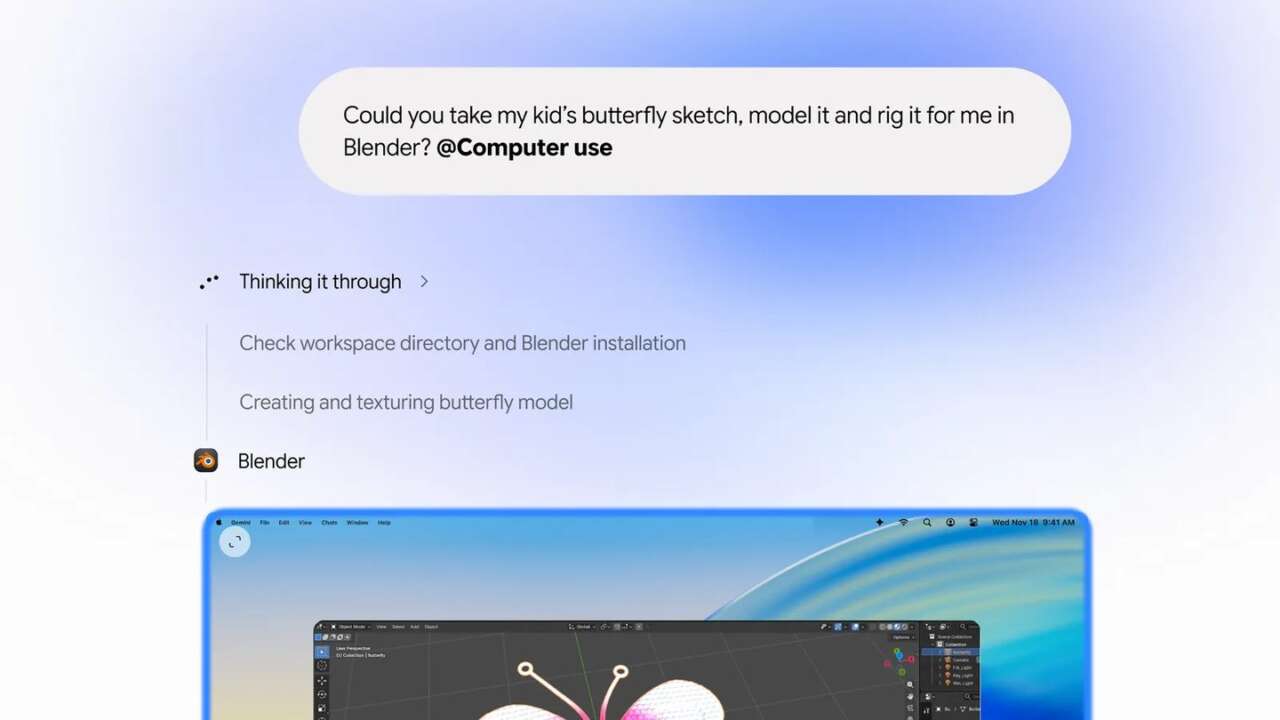
Your Mac can now handle the clicking while you work on something else. Gemini for Mac can navigate desktop apps, enter information into forms, and complete multi-step tasks through its computer use feature. It works in a separate background window that you can monitor through a live preview in chat, leaving your screen and cursor available for other work.
It works inside an isolated background window with a live preview sitting in your chat, so your own screen and cursor stay free while the task runs beside your actual work. Your cursor stays yours. I read that as the design decision that makes the whole feature usable, because an assistant that hijacks your mouse is an assistant you stop inviting.
Timing shapes this race, since desktop agents are the current battleground for every major assistant, and Google’s entry runs on the machine its rivals also want to drive.
What Google says it can do today
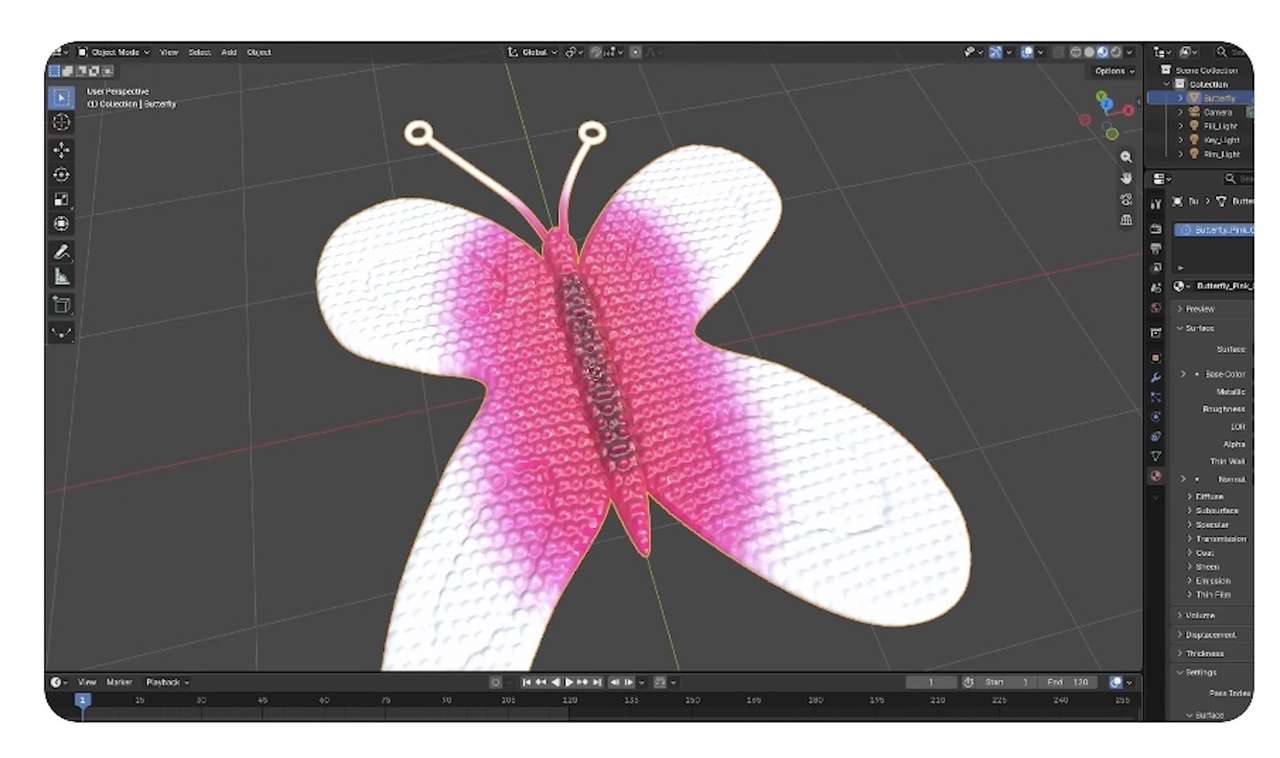
Google’s starter list is practical rather than flashy: batch color-grading photos in design software and setting up complex 3D scenes. It also pulls weights, dimensions and addresses out of local PDFs to fill multi-box shipping quotes, and turns live dashboard metrics into a finished presentation in Google Slides. Chores, in other words, finally outsourced. A fourth example batch-lists items for sale, analyzing clothing photos from a local folder, researching pricing, logging the details and staging the listings on resale platforms.
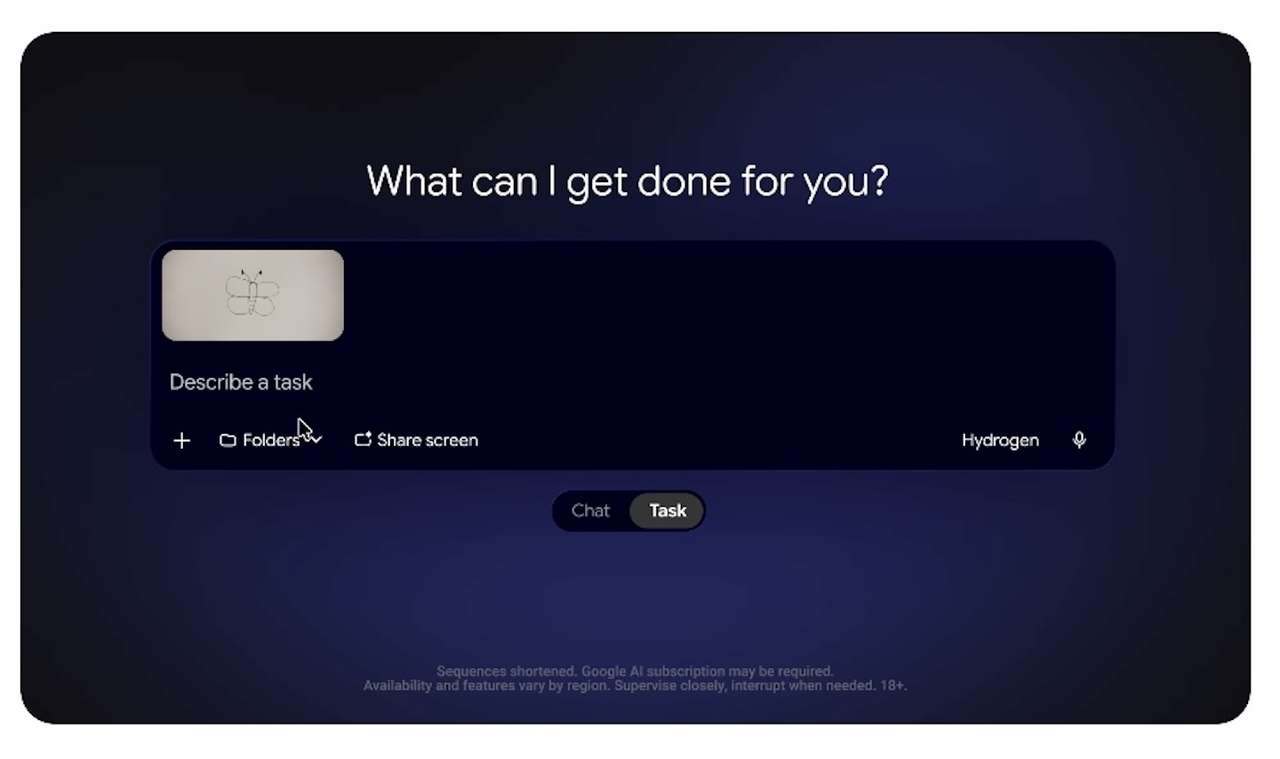
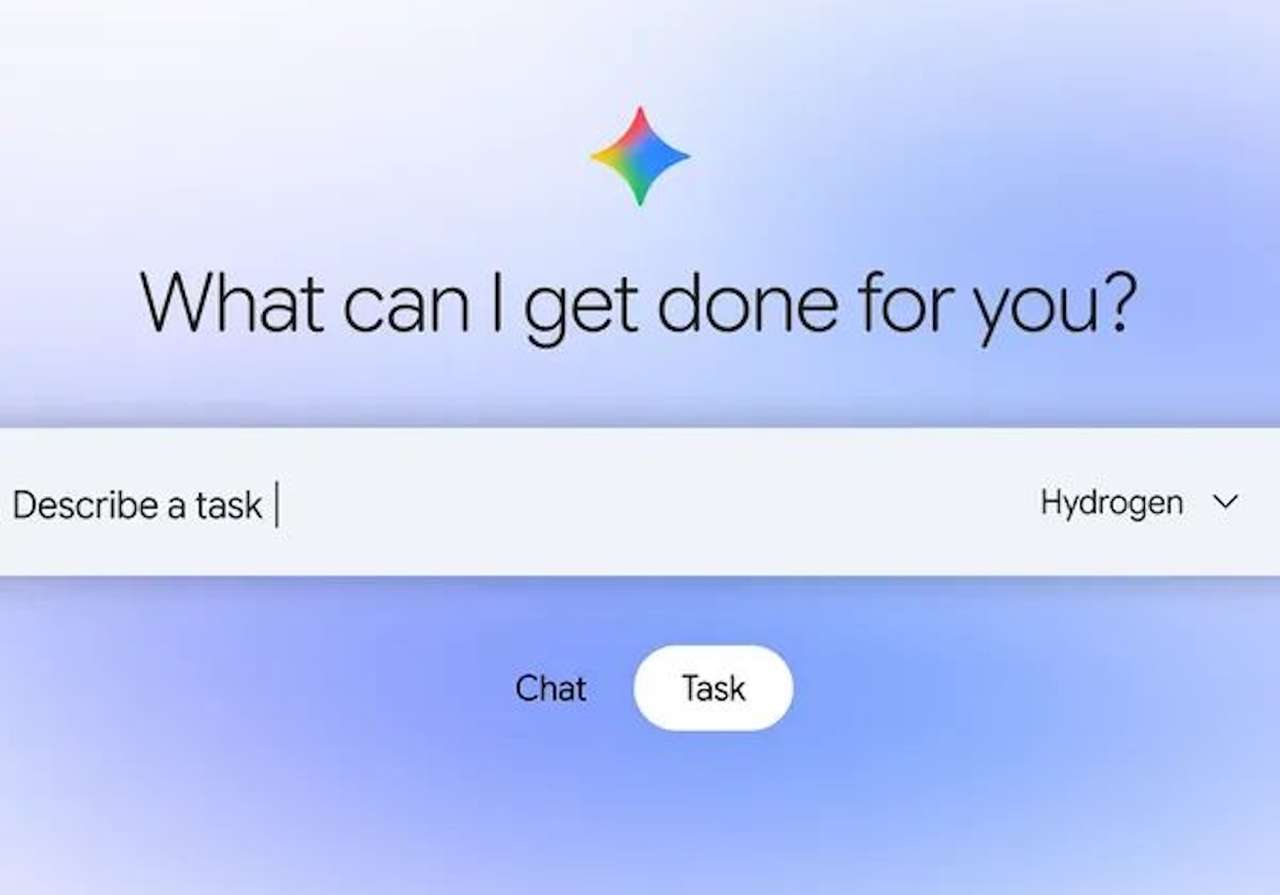
To get started, open Gemini’s settings, choose Computer use, turn on Allow Gemini to work with your Mac, and grant the Accessibility and Screen & System Audio Recording permissions in macOS. Select Task below the chat box, add @Computer use to your prompt, and describe what needs doing. Gemini asks for permission when accessing apps and provides a live preview so you can monitor or stop the task.
Google’s examples cover several kinds of repetitive work. Gemini can extract package information from PDFs to prepare shipping quotes, collect dashboard figures for Google Slides, edit batches of photos, and help create 3D scenes. It can also prepare resale listings using clothing photos stored on your Mac. The common thread is work that requires multiple steps across applications.
Who gets it, and on what hardware
Computer use is rolling out in English in the US for personal Google accounts belonging to users 18 and older. You’ll need a Google AI Plus, Pro, or Ultra subscription and an Apple Silicon Mac running macOS Sequoia 15.0 or later. Intel Macs and free-tier accounts are excluded. Google hasn’t announced a wider rollout.
The biggest limitation is access. Computer use requires a Google AI Plus, Pro, or Ultra subscription, and the initial rollout is limited to eligible users in the US. The Mac app itself is free to download, but its computer use feature is not included in the free plan.
Why a background window changes the pitch
Earlier desktop agents asked for your screen and your patience at the same time, and most of us gave them neither after the first demo. A background window with a live preview flips that trade completely. I’d trust it with a shipping form before I’d trust it with my photo library, and that order is a feature of the approval prompts, not a bug.

Computer use gives Gemini for Mac a practical advantage for anyone who regularly works across multiple desktop applications. Running tasks in a separate window means Gemini can work through an application while you continue using your Mac. You can monitor its progress in chat, interrupt a task, and approve sensitive actions before they proceed. That makes it practical for repetitive administrative work, although completed tasks still need checking.