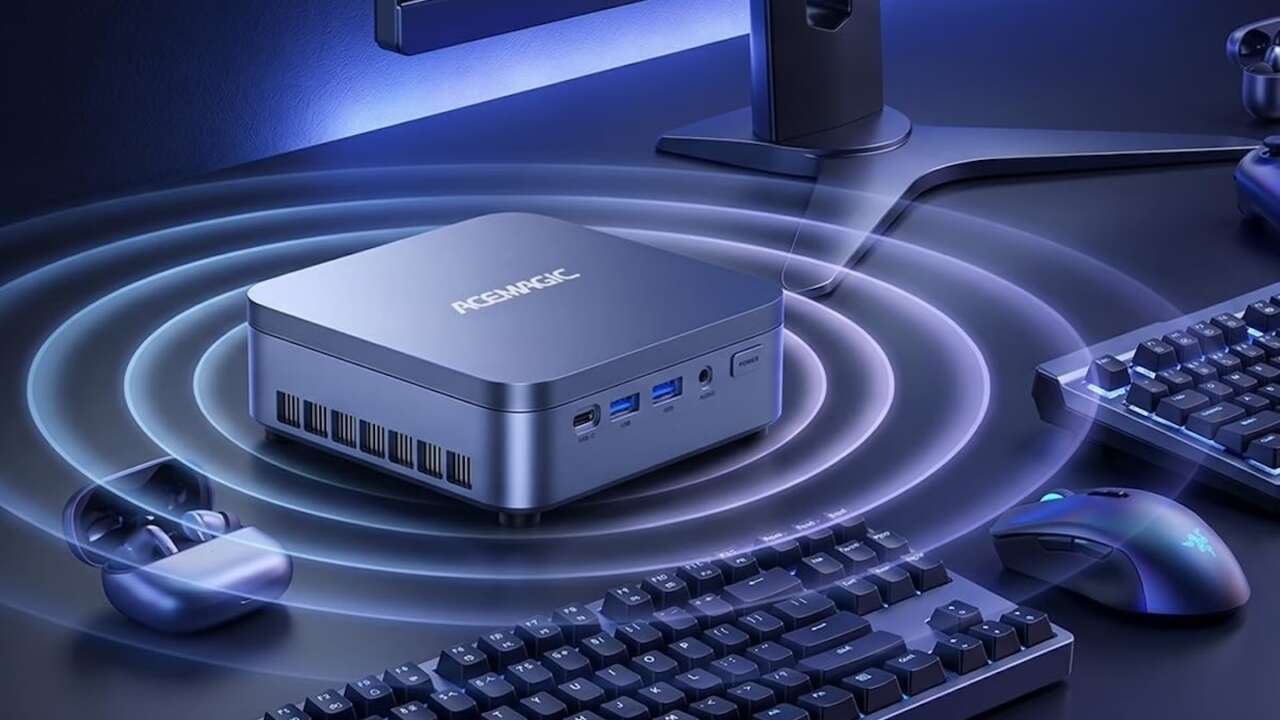
Four Acemagic mini PCs are under $500 on Amazon for Black Friday, but the cheapest one won’t necessarily be the best fit for your desk. These configurations offer different combinations of processing power, memory, and storage, so I’ve sorted them by the buyer each makes the most sense for, not just the size of the advertised discount.
The appeal is simple: a desktop computer without the space commitment of a tower. Whether you’re setting up a homework station, replacing an aging office PC, or building a compact setup for everyday browsing and streaming, the choice comes down to what you run, how much you keep open, and how much room you need for files. Here’s where each configuration fits.
K1 with Ryzen PRO 7330U: The balanced one at $322.00
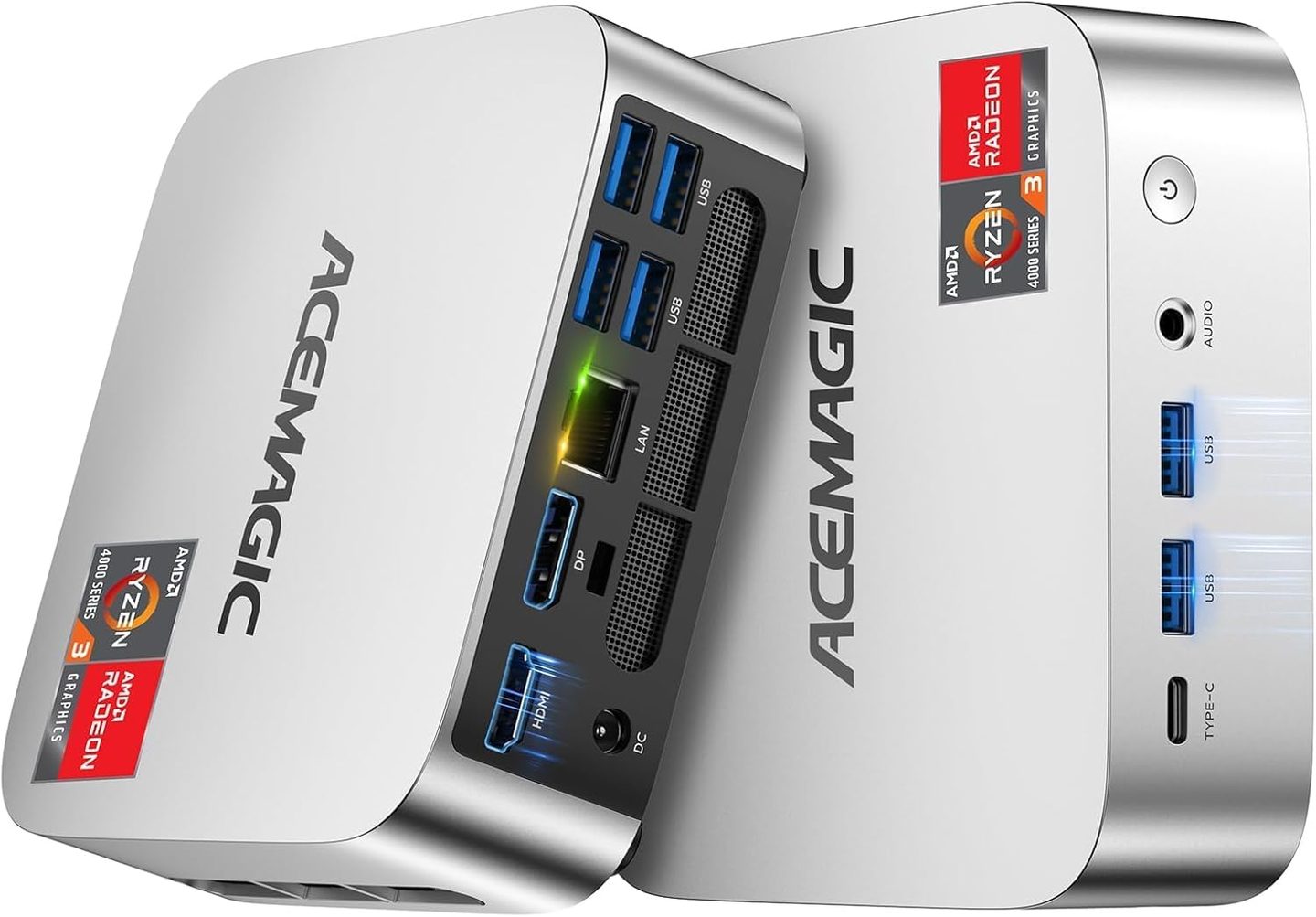
The first K1 pairs a Ryzen PRO 7330U with 16GB of memory and a 256GB SSD. Sixteen gigabytes is the memory figure I’d call the floor for a Windows machine in 2026, and it’s the least expensive configuration here with 16GB of RAM.
Price: $322.00 (save $137.99, 30% off)
Where to Buy: Amazon
I’d put this one on a family desk or a student’s dorm desk, where the work is documents, web browsing, video calls, and streaming. The 256GB drive is the tightest storage in the set, so a household that hoards photos will feel it first. You may need external storage for a large photo or video collection.
A word on the PRO badge: Ryzen PRO chips are AMD’s business line, built for managed fleets, and a home desk box.
K1 with Ryzen 5425U: The triple-screen one at $351.49
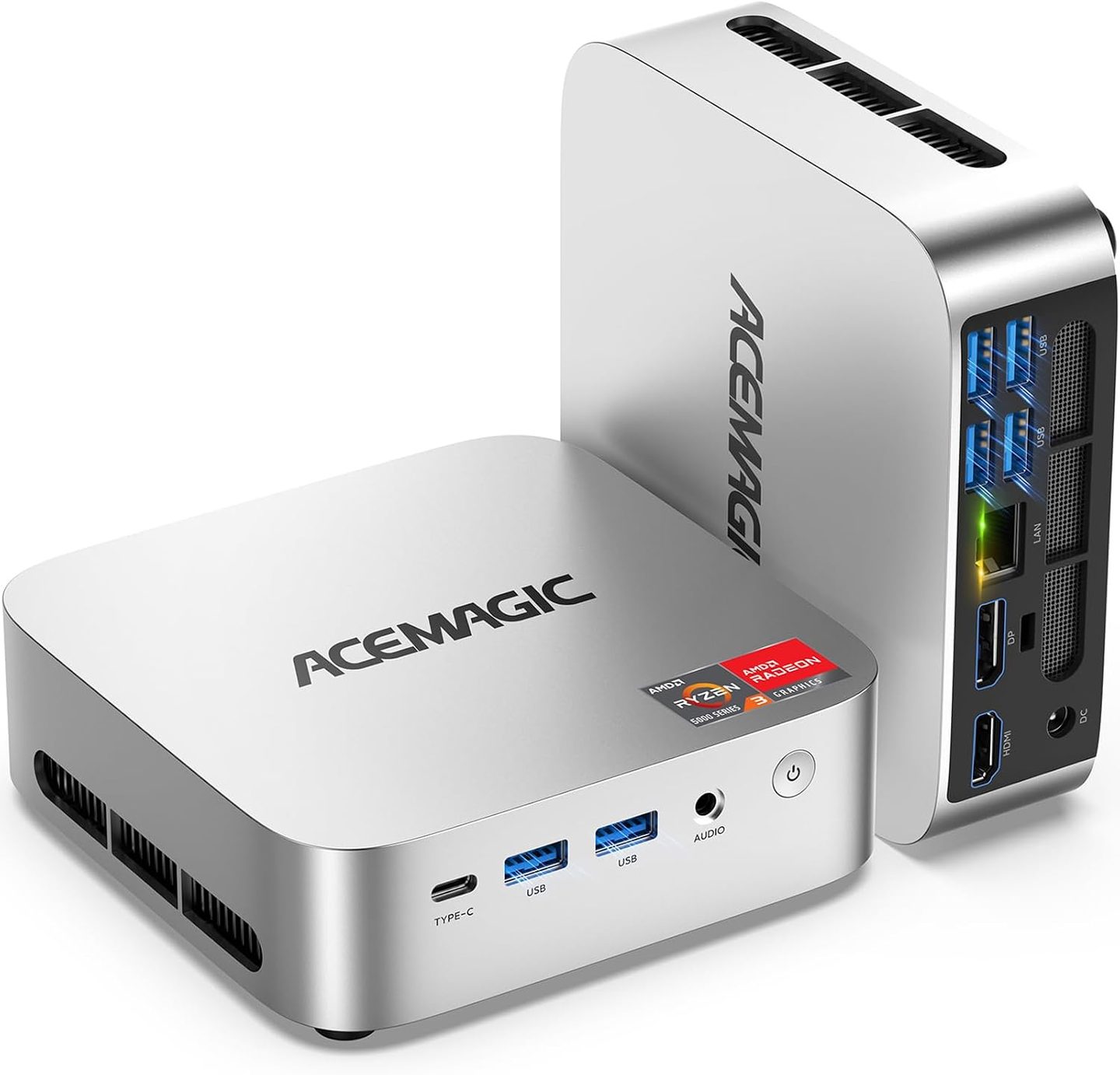
The second K1 trades the PRO chip for a Ryzen 5425U that boosts to 4.1GHz, doubles storage to 512GB, and keeps the same 16GB of memory. Its main draw is support for three 4K displays through USB-C, HDMI, and DisplayPort.
Price: $351.49 (save $118.50, 25% off)
Where to Buy: Amazon
Wi-Fi and Bluetooth are built in, Windows 11 Pro is loaded, and the whole thing still disappears behind the middle monitor on a VESA mount. If your desk job lives in twelve open windows across three screens, this is the Acemagic in the set that was built for your exact kind of chaos.
The 8GB 7330U: The cheapest seat at $284.98
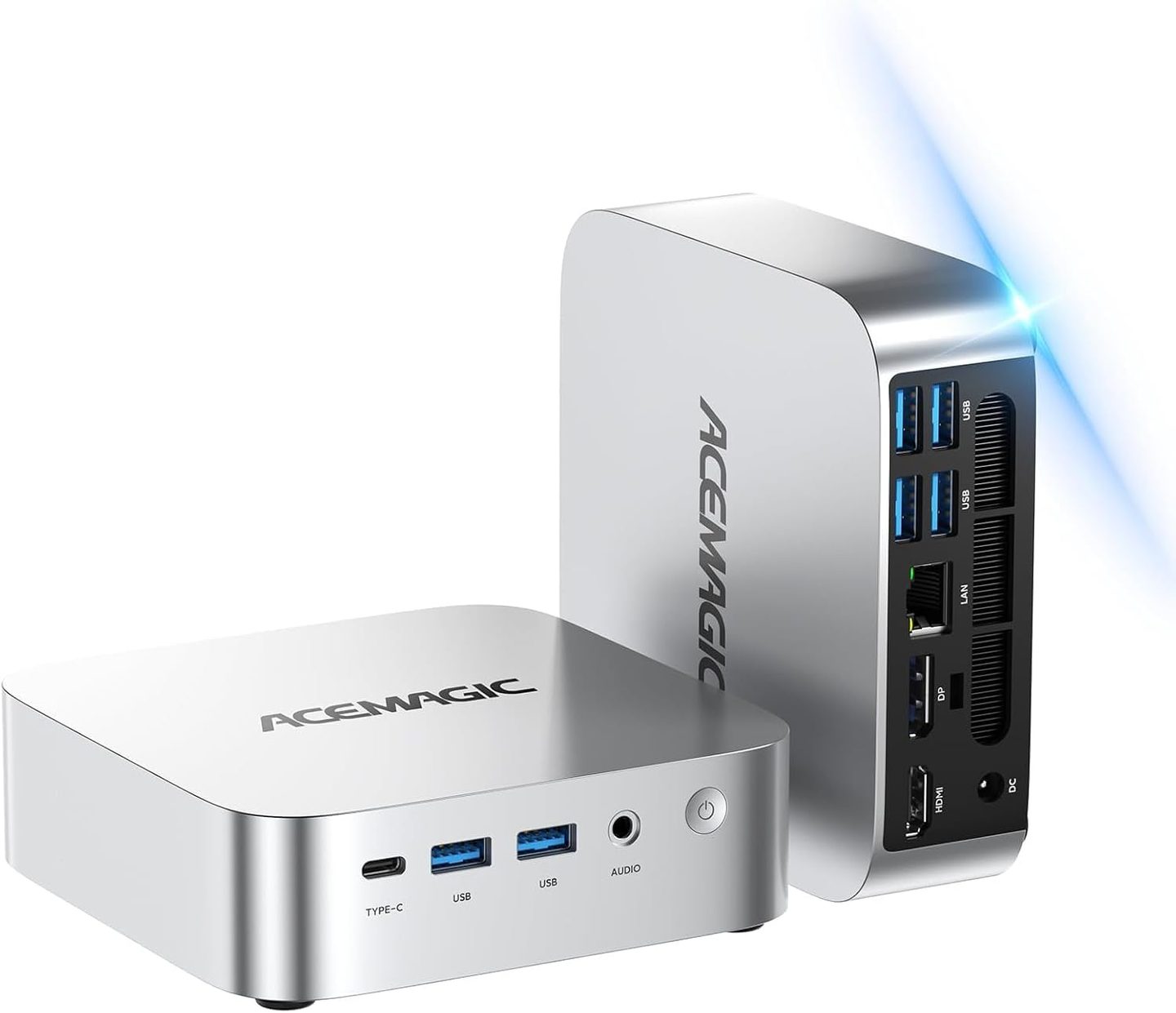
The budget pick runs the same Ryzen PRO 7330U at 28W but halves the memory to 8GB and keeps storage at 256GB, with Windows 11 Pro on board. That trade drops the price to $284.98, the lowest in the set, and the listing’s 4.4 stars across 343 ratings say buyers knew exactly what they were getting.
Price: $284.98 (save $90.02, 24% off)
Where to Buy: Amazon
Eight gigabytes handles email, documents, and streaming without complaint, and it only starts to sweat when you stack a dozen browser tabs on a video call on a spreadsheet. Buy it as a kitchen PC, a sign-in desk PC, or the homework machine, and it will outrun every dusty tower it replaces.
M5 with Core 5 220H: The muscle at $484.48
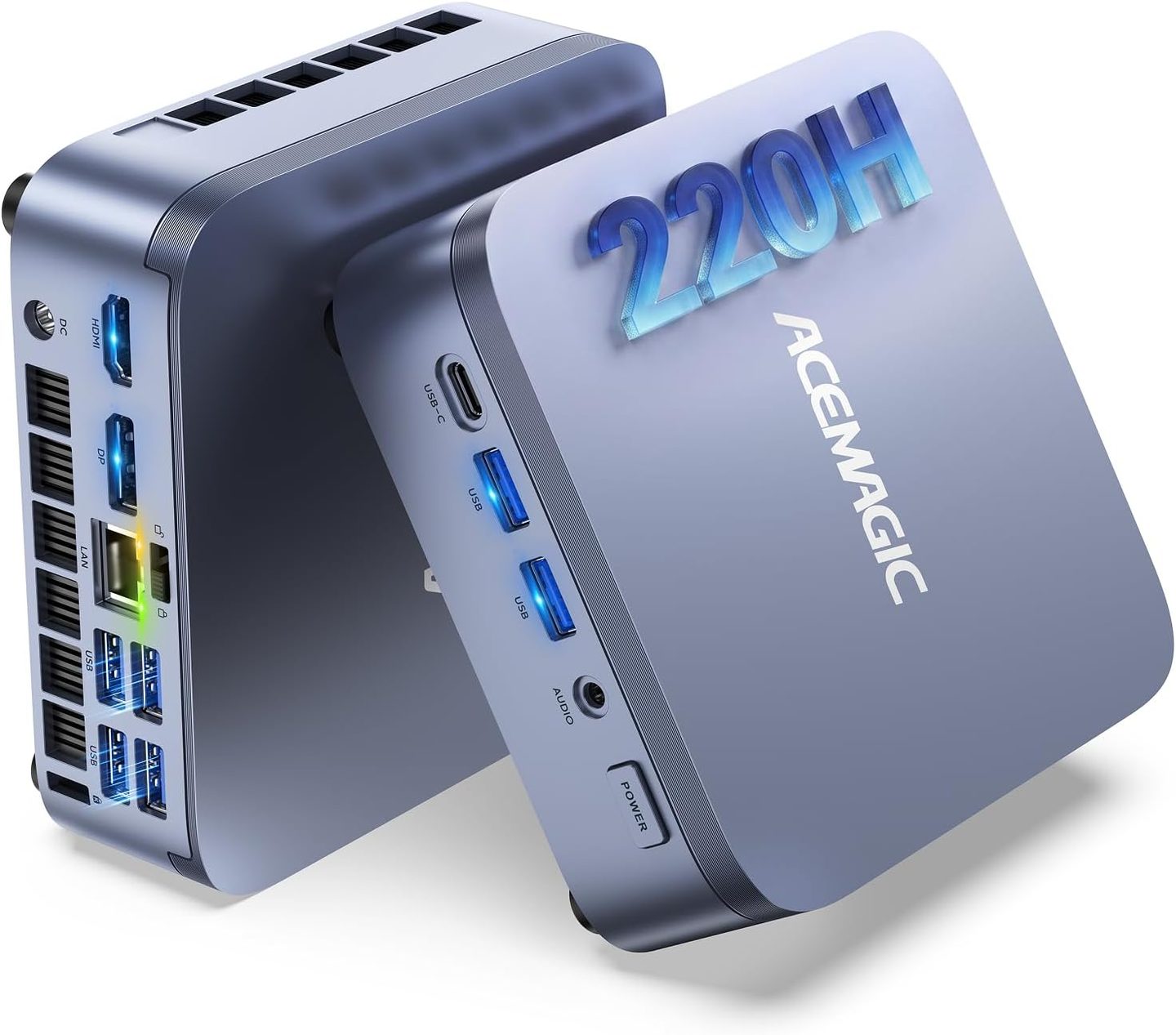
The M5 is the step up: an Intel Core 5 220H that boosts to 4.9GHz at a 45W TDP, 24GB of memory, and a 512GB SSD, still under the $500 line at $484.48. The discount does the talking here, $414.52 off the $899 list, the deepest cut in the set by a wide margin. It’s the headroom pick. Everything else in the set asks you to compromise somewhere along the line; this one asks for money instead of patience.
Price: $484.48 (save $414.52, 46% off)
Where to Buy: Amazon
Twenty-four gigabytes is where Windows stops nagging you about open apps, full stop. The stronger chip chews through photo batches and big spreadsheets without the pause the 28W boxes take before they get going on the same files. I’d buy the M5 for a home office that has to last, because memory and chip are the two things you can’t wish into a sealed mini PC later.
It also carries the highest ceiling in the set for a second-monitor habit and photo libraries that grow every single year.
Which one I’d buy
My pick for a general-purpose desk is the $322 K1. Its 16GB of memory offers more multitasking room than the 8GB configuration, and it costs $162.48 less than the M5. These are work boxes. The drawback for the whole set, stated once: integrated graphics in all four, so modern AAA games at high settings are off the menu, and no rebate changes that.
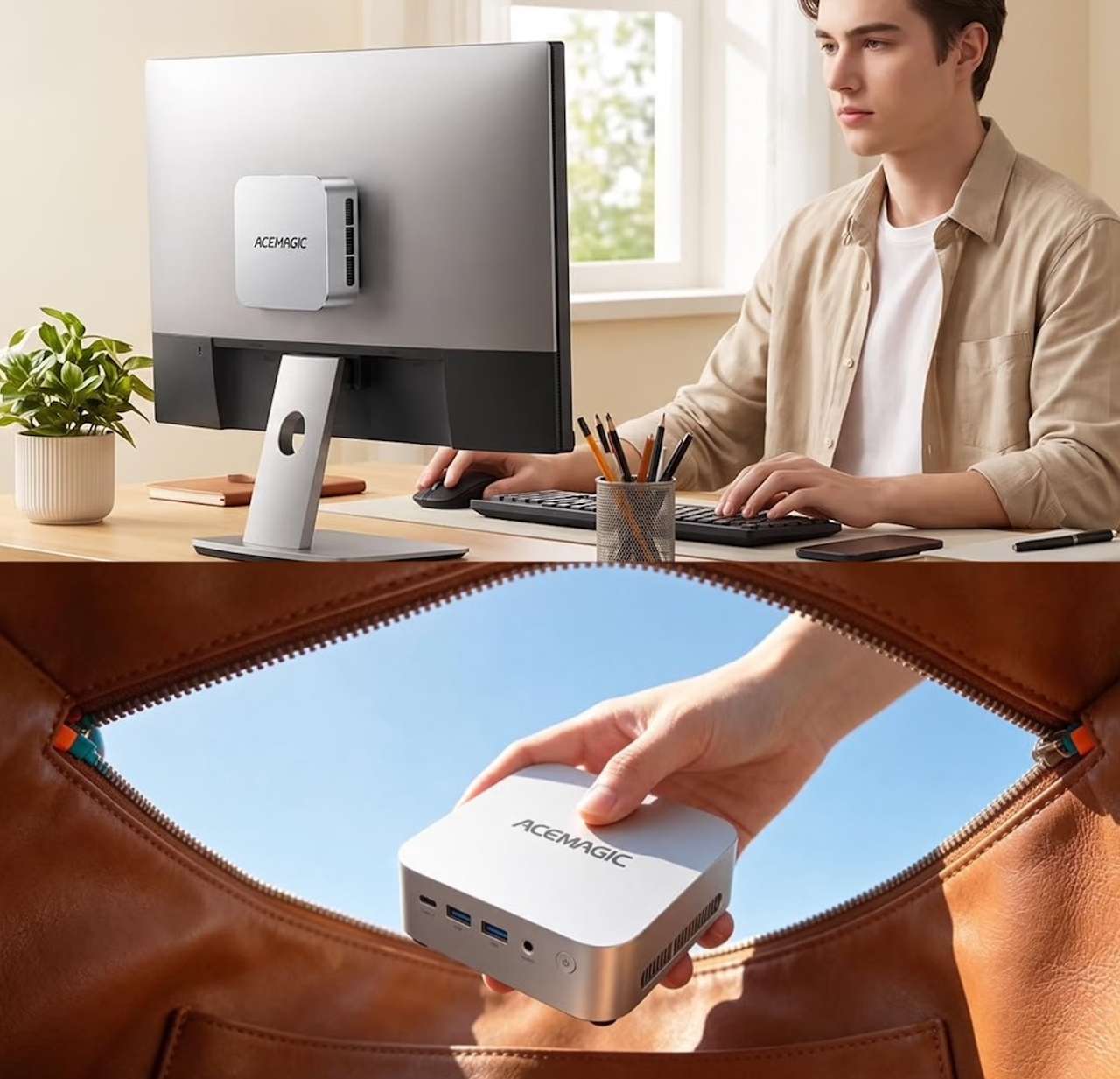
Before you click, consider how many screens you’ll connect and how much you’ll run at once. The 5425U K1 advertises support for three displays, while the M5 offers the most RAM of these four configurations at 24GB. For basic browsing, email, and documents, the cheapest model may be enough.
Pick by the desk, not the discount: the K1 for balance, the triple-screen K1 for window hoarders, the 8GB box for light duty, and the M5 when the machine has to last.