If you’re constantly resizing windows or leaning closer to read small text, your monitor might be the part of your desk that needs attention. A better screen gives the work you already do more room, whether that’s a spreadsheet, a photo edit, or a browser full of research.
The useful upgrade isn’t always the biggest display. It might be sharper 4K text, an ultrawide that keeps your windows side by side, or a stand that puts the screen where you actually want it. Add USB-C, and you can simplify the laptop connection, too.
These five monitors take different approaches to a better desk setup. The recommendations are based on manufacturer specifications, not hands-on testing, so real-world color accuracy, comfort, and value haven’t been independently assessed here. Start with what you’d like to improve, then match the screen to the job.
1. Dell UltraSharp U2725QE: A sharper screen for everyday productivity
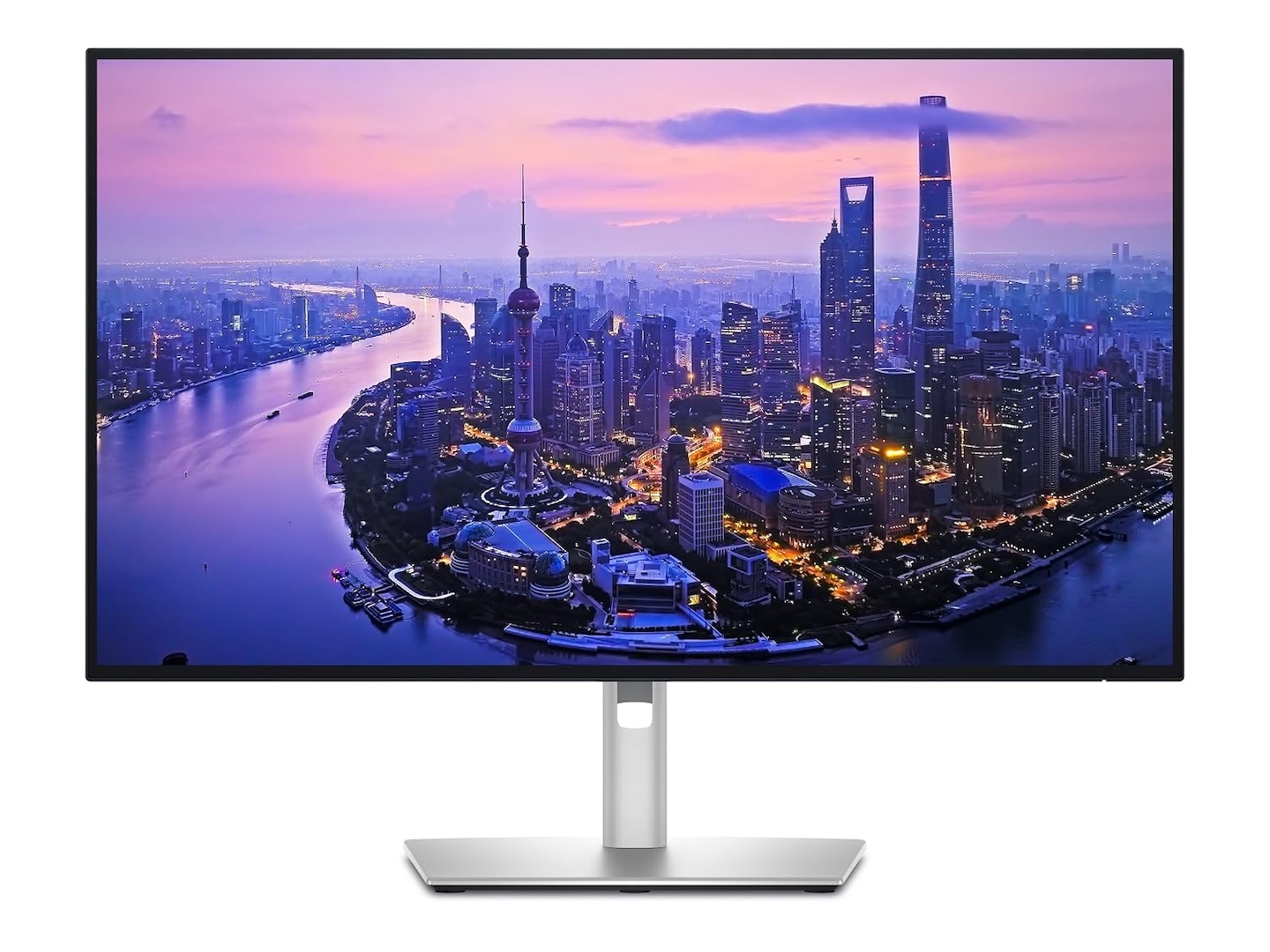
The Dell UltraSharp U2725QE makes sense when your desk doubles as a laptop workstation. Its 27-inch 4K display packs in 3840 × 2160 pixels, giving documents and spreadsheets sharper text than you’d get from a similarly sized 1080p screen.
Dell uses an enhanced IPS Black panel with a specified 3000:1 contrast ratio, improving the distinction between dark and bright areas compared with conventional IPS technology. The 120Hz refresh rate also makes scrolling and window movements appear smoother than on standard 60Hz displays.
Price: $849.99 | $629.99
Where to Buy: Amazon, Best Buy
The connections are just as useful as the screen. Thunderbolt 4, USB ports, and Ethernet let the monitor serve as your workstation hub, with up to 140W power delivery through the Thunderbolt connection. Check your laptop’s charging compatibility and power requirements to see how much of that output it can use.
Choose the U2725QE if you want sharp 4K text and a central connection point for your laptop setup. For mostly browsing and basic documents, a less expensive QHD screen may already give you the upgrade you’re after.
2. LG UltraFine Ergo 32UN880K-B: More screen space with flexible positioning
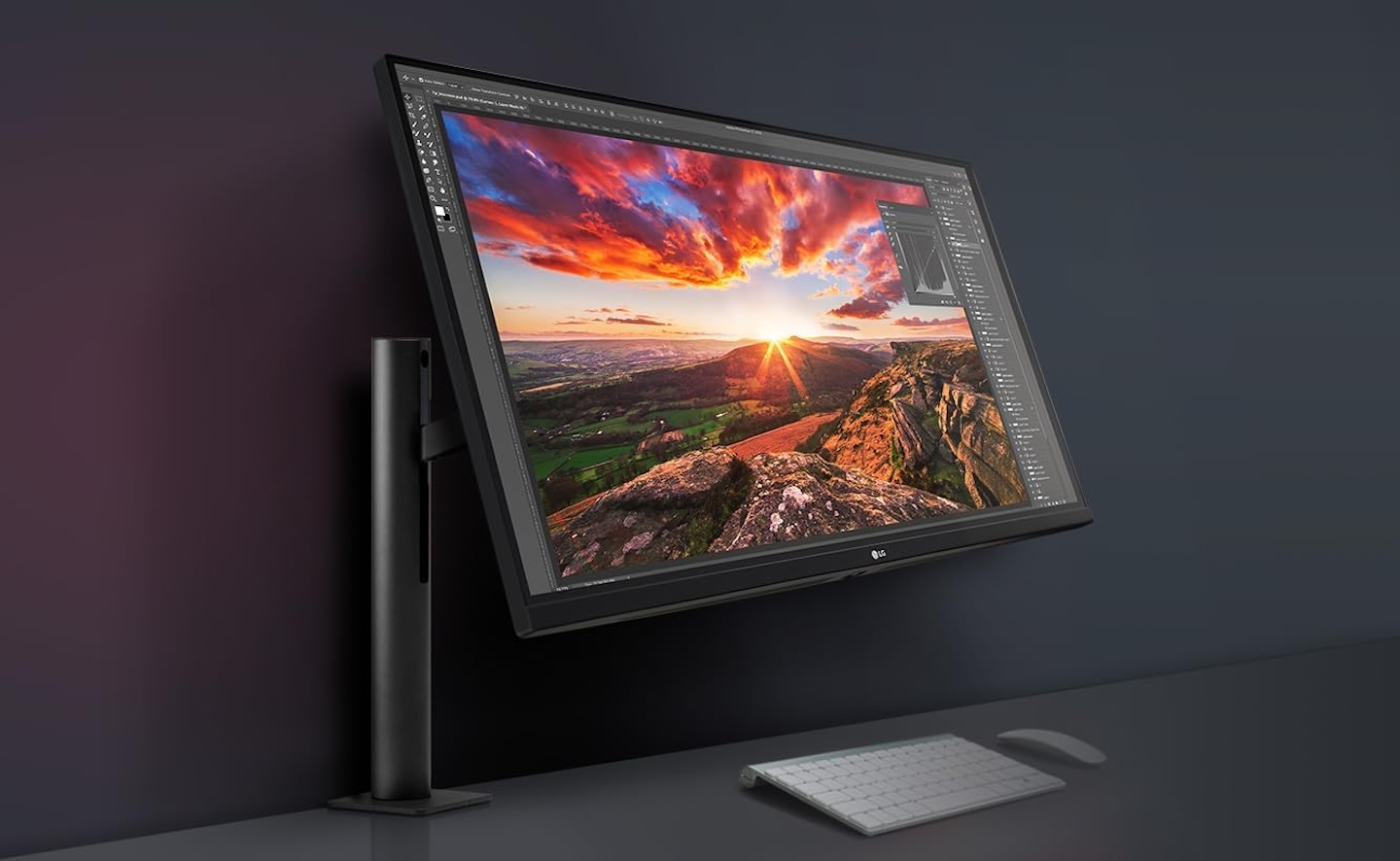
A bigger screen is useful. A bigger stand taking over your desk is less appealing. The LG UltraFine Ergo 32UN880K-B pairs a 31.5-inch 4K display with an adjustable arm, giving you room for applications and more freedom to position the screen.
Unlike conventional monitor stands, LG’s Ergo arm supports extension, retraction, height adjustment, tilt, swivel, and portrait rotation. This allows users to reposition the display when switching between spreadsheets, documents, and creative applications.
The IPS panel provides 3840 × 2160 resolution and covers a specified 95% of the DCI-P3 color gamut. USB-C connectivity also supports up to 60W laptop charging through a compatible connection.
Price: From $439
Where to Buy: Amazon
The arm is the reason to put this one on your shortlist, especially if desk space is tight. Check your desk’s thickness and mounting compatibility before ordering. Its 60Hz refresh rate suits an office-focused setup; high-refresh-rate gaming calls for a different screen.
3. ASUS ProArt PA279CRV: Better color control for creative work
When you’re editing photos or video, color matters as much as resolution. A sharp image only tells part of the story if the colors you’re adjusting don’t translate well to other screens.
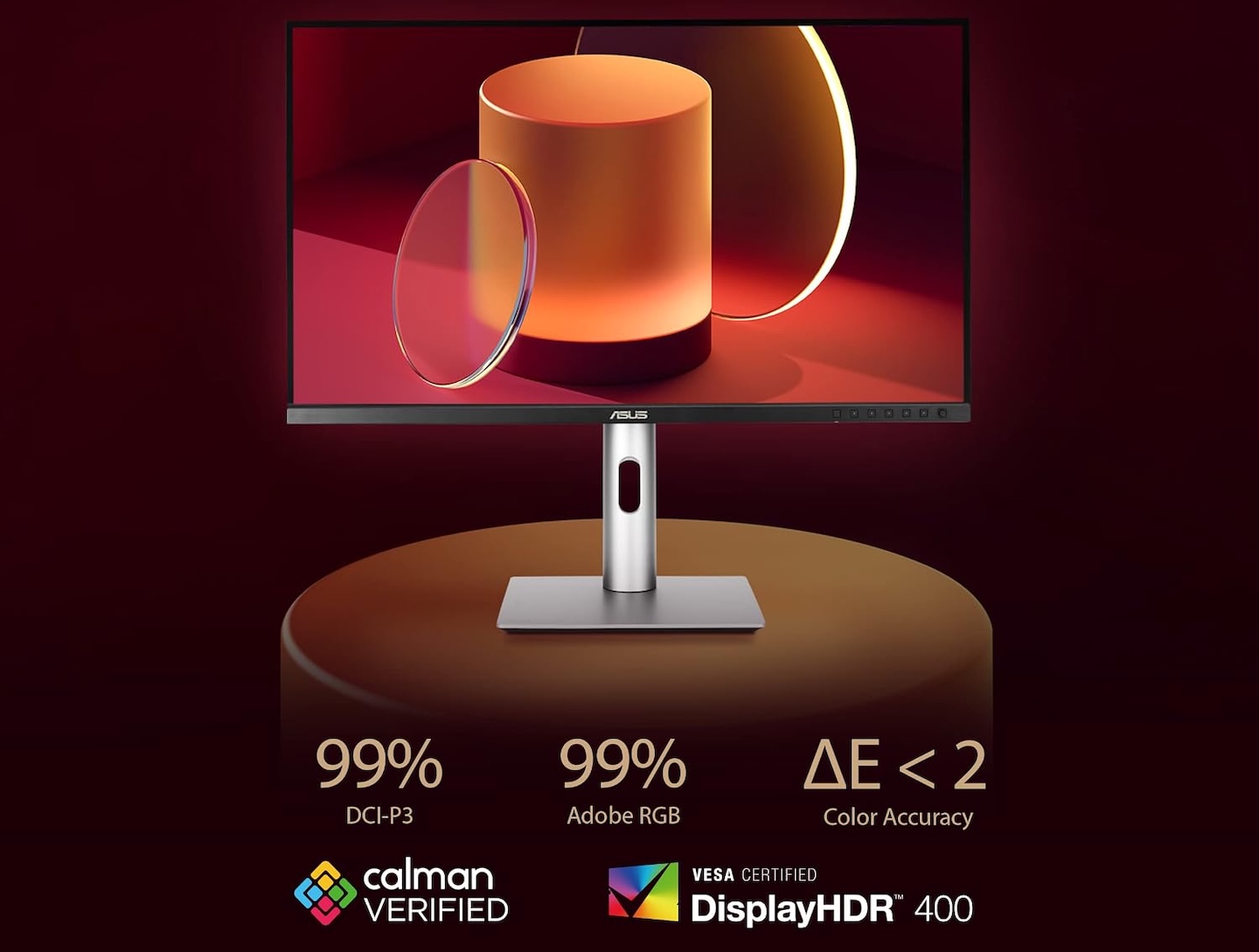
The ASUS ProArt PA279CRV is a 27-inch 4K monitor designed for photographers, designers, and video editors who need dependable color reproduction.
Its IPS panel covers a specified 99% of both the DCI-P3 and Adobe RGB color spaces. ASUS also factory calibrates the monitor to a Delta E below 2 and provides Calman Verified certification.
Price: $399
Where to Buy: Amazon
That factory calibration gives color-sensitive projects a useful starting point. For critical work, keep periodic calibration and proper color management in your workflow to maintain consistent results across devices.
The monitor includes USB-C connectivity with up to 96W power delivery. Its adjustable stand supports height, tilt, swivel, and portrait positioning, allowing users to adapt the screen to different editing tasks.
At 60Hz, this is a screen to shortlist for photography and video editing rather than high-refresh-rate gaming. The appeal is the combination of 4K detail, wide color coverage, and a laptop-friendly connection.
4. Samsung ViewFinity S9 S95UC: An ultrawide display for serious multitasking
If your day involves a spreadsheet, research tabs, and a second application all competing for space, more width can be more useful than more pixels packed into a small screen. Two monitors give you that room, but there’s still a bezel between them.
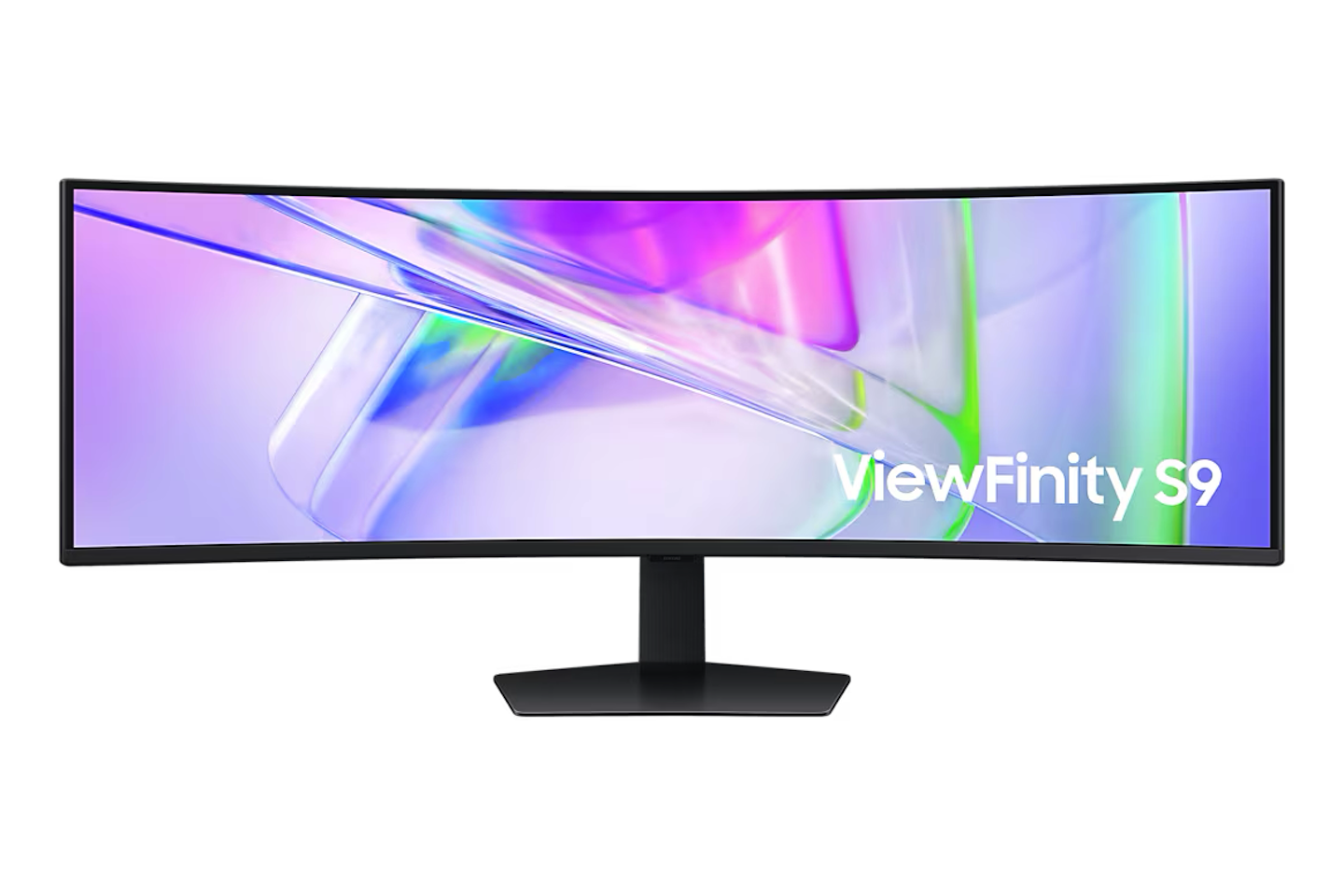
The Samsung ViewFinity S9 S95UC replaces a dual-monitor setup with one continuous 49-inch curved display and a 32:9 aspect ratio.
Price: $1,249
Where to Buy: Best Buy
Its 5120 × 1440 resolution delivers the combined horizontal workspace of two 27-inch QHD monitors without a bezel separating them. This arrangement can accommodate spreadsheets, video timelines, research materials, and multiple browser windows.
Samsung uses a 1000R curved VA panel and specifies a maximum refresh rate of 120Hz. Before buying, confirm which resolution and refresh-rate combinations your computer supports through the monitor’s DisplayPort, HDMI, or USB-C inputs.
The monitor also includes a built-in KVM switch, allowing compatible connected computers to share peripherals, along with USB-C connectivity supporting up to 90W charging.
Think of it as two QHD workspaces joined together, rather than two 4K displays. You get 1440 pixels vertically and plenty of horizontal room, so measure your desk before committing to the 49-inch format.
This is the pick for keeping several applications in view at once. If you mostly work in one window, a conventional display will be easier to accommodate.
5. BenQ GW2790QT: A practical upgrade for everyday office work
Sometimes the right upgrade is straightforward: sharper text, a stand you can adjust, and a useful connection for your laptop. For students, remote workers, and anyone moving on from an older 1080p screen, that’s a good place to start.
The BenQ GW2790QT features a 27-inch IPS panel with 2560 × 1440 resolution, providing more workspace and sharper text than a similarly sized Full HD display.

Price: From $339.99
Where to Buy: Amazon
Its 75Hz refresh rate offers a modest improvement over 60Hz monitors, while 99% sRGB coverage supports everyday content creation and office applications.
BenQ includes USB-C connectivity with up to 65W power delivery, a USB hub, and DisplayPort output for connecting another compatible monitor. Mac users should note that the monitor’s DisplayPort MST daisy-chaining feature does not support separate extended desktops in macOS. The adjustable stand supports height changes, tilt, swivel, and portrait rotation.
Automatic brightness adjustment and low-blue-light settings give you more control over how the screen looks throughout the day. Treat them as viewing adjustments, not a guarantee against eye strain.
The GW2790QT keeps the focus on everyday office work. If you’re replacing a basic display, its QHD resolution, useful ports, and adjustable stand may matter more than gaming or professional color features you’d rarely use.
Which monitor should you choose?
The Dell UltraSharp U2725QE is a strong choice for professionals who want sharp 4K visuals and extensive connectivity. The LG UltraFine Ergo suits users who prefer a larger display with flexible positioning, while the ASUS ProArt PA279CRV is better suited to photography and video editing.
For demanding multitasking, the Samsung ViewFinity S9 provides enough horizontal space to replace two QHD monitors. The BenQ GW2790QT keeps things simpler, combining QHD resolution, an adjustable stand, and USB-C charging for everyday office work.
Before purchasing, check your desk dimensions, laptop connections, charging requirements, and the applications you use most often. Make sure your computer supports the monitor’s resolution and refresh rate, and compare current prices before deciding.
Buy for the part of your setup you’d actually like to change. Sharper text, more room for windows, better color tools, or a screen that’s easier to position: that’s where a monitor upgrade earns its place on your desk.