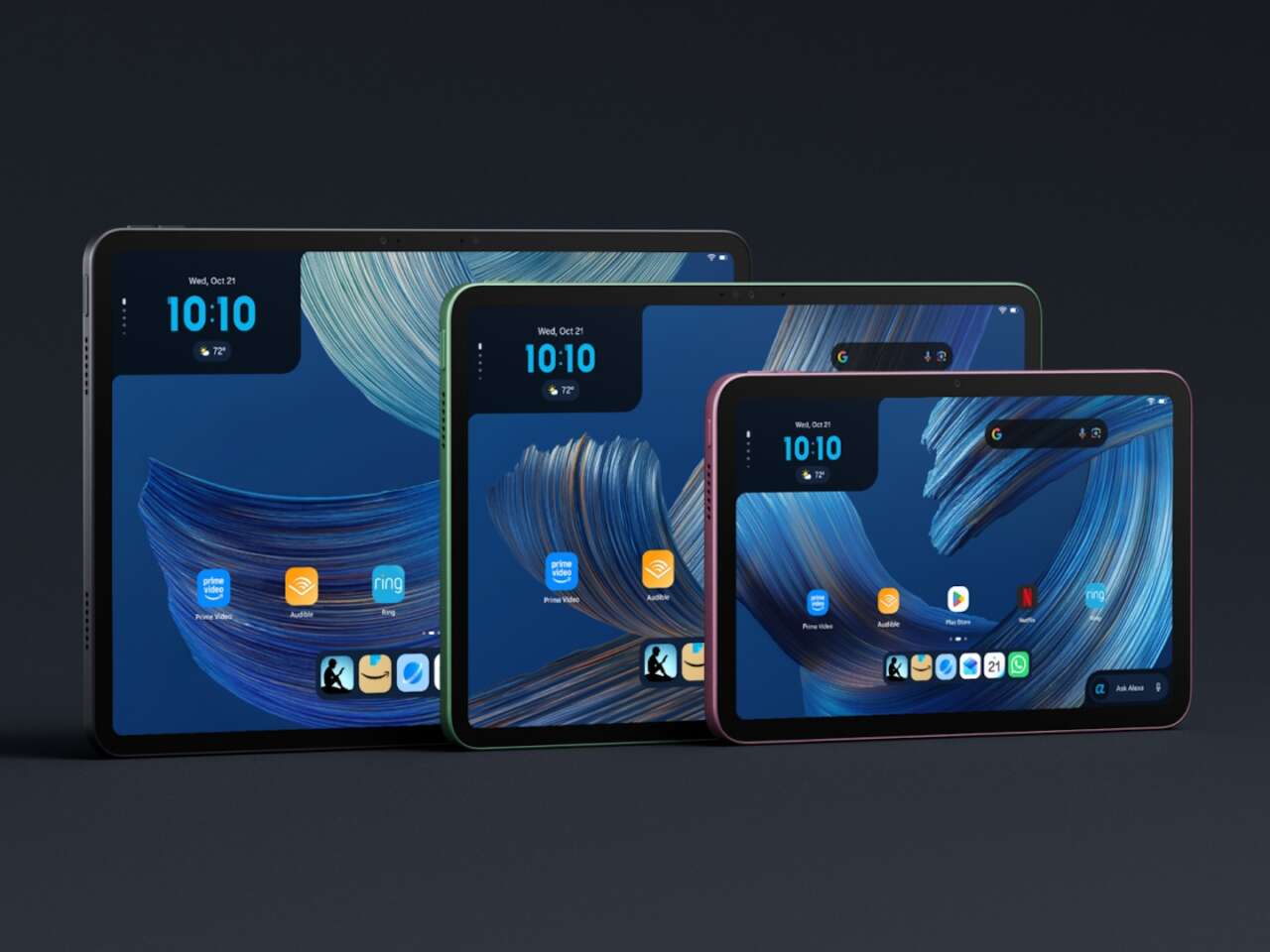
Amazon’s new Alexa Tablets put Alexa+ at the center of the experience, alongside Android, the Google Play Store, and Amazon’s media services. The lineup spans three sizes for reading, streaming, everyday tasks, and work.
The pitch is less app switching. Amazon says users can call on Alexa+ from nearly anywhere on the tablet to ask questions, manage a calendar, control compatible smart-home devices, or get help understanding a webpage. Whether that makes these tablets more useful than an iPad or another Android model will depend on how well the assistant works in everyday use.
Amazon has announced three models: the Alexa Tablet 12 Pro, Alexa Tablet 11, and Alexa Tablet 8. They are available to order now in the United States, Canada, and Mexico, with shipping scheduled to begin October 14, 2026.
Alexa+ is the real differentiator
Amazon is treating Alexa+ as part of the core tablet experience rather than another app. Users can say “Alexa” or tap an Ask Alexa button for help without leaving their current screen. Amazon says Alexa+ can answer questions, suggest next steps, control compatible smart-home gear, and personalize recommendations after a user signs in.
The most consequential feature is On-Screen Intelligence. Amazon says users can ask Alexa+ to interpret what is on screen, such as comparing hiking options on a webpage or adding game dates from a schedule to a calendar. The feature is off by default and requires an opt-in. Amazon also says an on-screen indicator appears whenever Alexa can see the display, and users can disable it in Settings.

The opt-in matters because screen-aware assistance can involve information beyond a spoken request. Amazon says users control when Alexa listens, accesses the screen, and remembers information. Buyers should review those controls before using the feature with sensitive work, financial, or personal content.
Alexa+ is included for Prime members in the United States. Amazon says non-Prime customers can access the full Alexa+ experience for $19.99 per month, while a limited text-chat tier is available free through Alexa.com and the Alexa app. Pricing and availability can vary by market.
Alexa Tablet 12 Pro
The Alexa Tablet 12 Pro is the flagship. Amazon lists a 12-inch, 280-pixels-per-inch display, a 120Hz refresh rate, a 3:2 aspect ratio, Wi-Fi 6E, quad Dolby Atmos speakers, and up to 16 hours of video playback. It will be available with either a standard display or a Nanomatte anti-glare display.
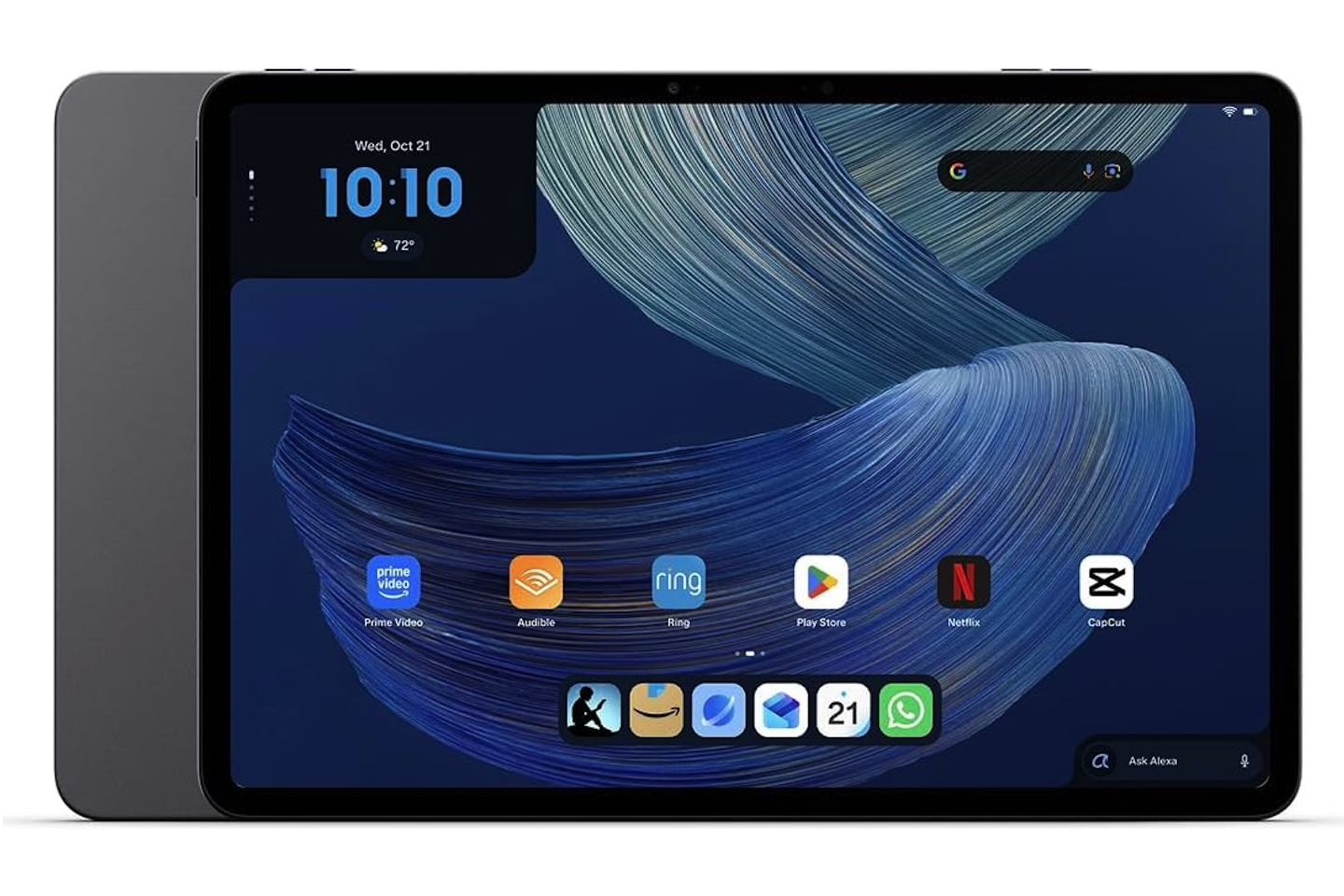
Amazon Alexa Tablet 12 Pro
Price: From $499
Where to Buy: Amazon
Amazon says the 12 Pro uses a 4nm eight-core chip with up to 16GB of RAM. The company claims nearly three times the processing performance and nine times the graphics performance of its previous tablets. Those are manufacturer claims, not independent comparisons with iPads, Galaxy Tabs, or Windows devices.
The optional Pro Pen and Pro Keyboard extend its role beyond media consumption. Amazon lists 4,096 pressure levels, tilt detection, magnetic docking, and wireless charging for the pen. The keyboard attaches magnetically without Bluetooth pairing.
Alexa Tablet 11
The Alexa Tablet 11 is the middle-ground model for streaming, browsing, reading, and casual gaming. Amazon lists an 11-inch 2.5K display at 276 pixels per inch, 90Hz refresh rate, a 16:10 aspect ratio, eight-core processor, 8GB of RAM, dual Dolby Atmos speakers, and up to 15 hours of video playback.
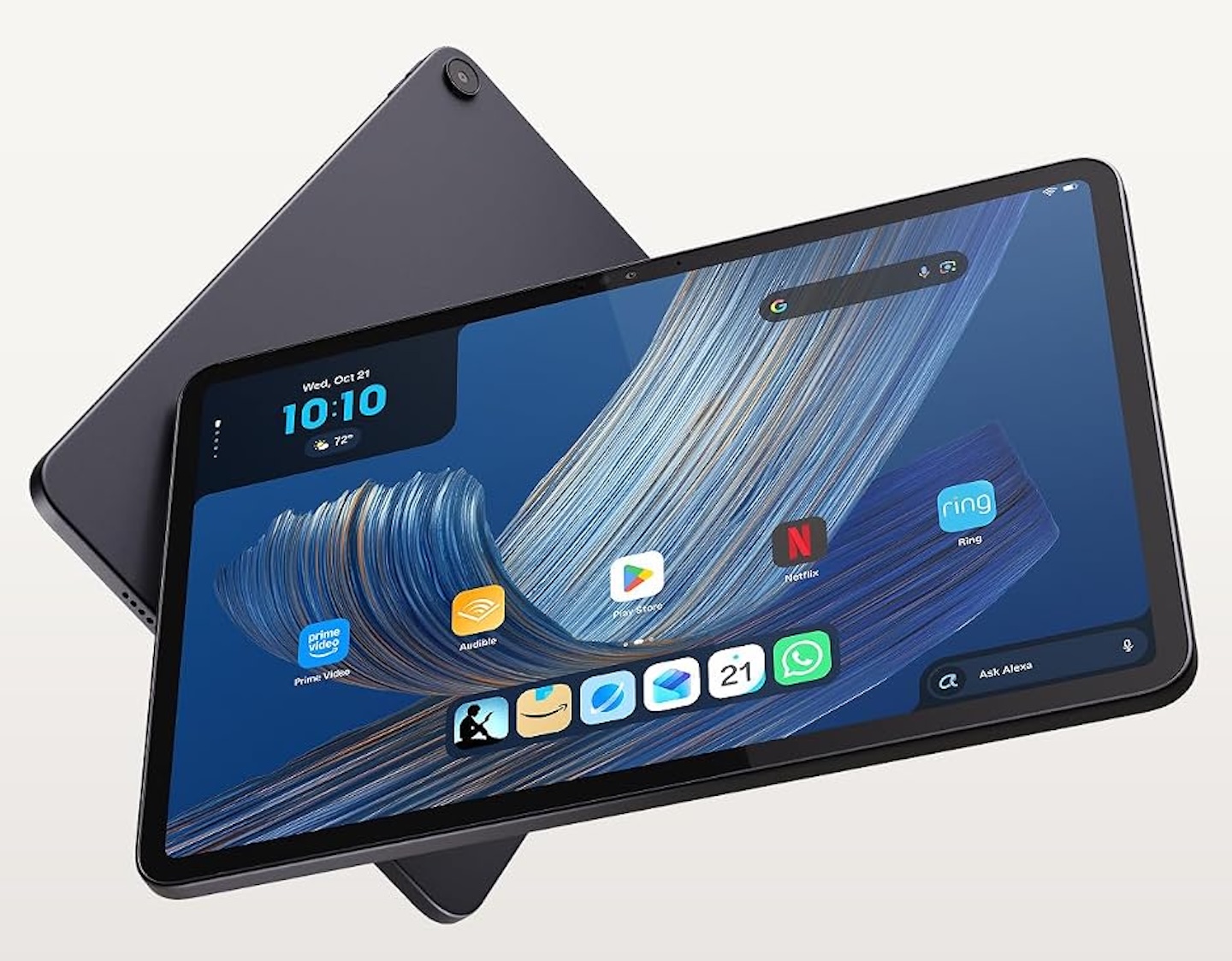
Amazon Alexa Tablet 11
Price: $379.99
Where to Buy: Amazon
On paper, the 11-inch model sits between the compact Tablet 8 and the more expensive 12 Pro. It could appeal to buyers who want a larger screen for entertainment and everyday apps without stepping up to the flagship. Amazon says it retains the same core Alexa+ integration, including voice and touch access and On-Screen Intelligence controls.
Alexa Tablet 8
The Alexa Tablet 8 is the compact option. Amazon lists an 8.7-inch display, 64GB of storage, an eight-core processor, Wi-Fi 6, and up to 14 hours of video playback. It weighs 329 grams, making it easier to hold one-handed or carry for travel than the larger models.
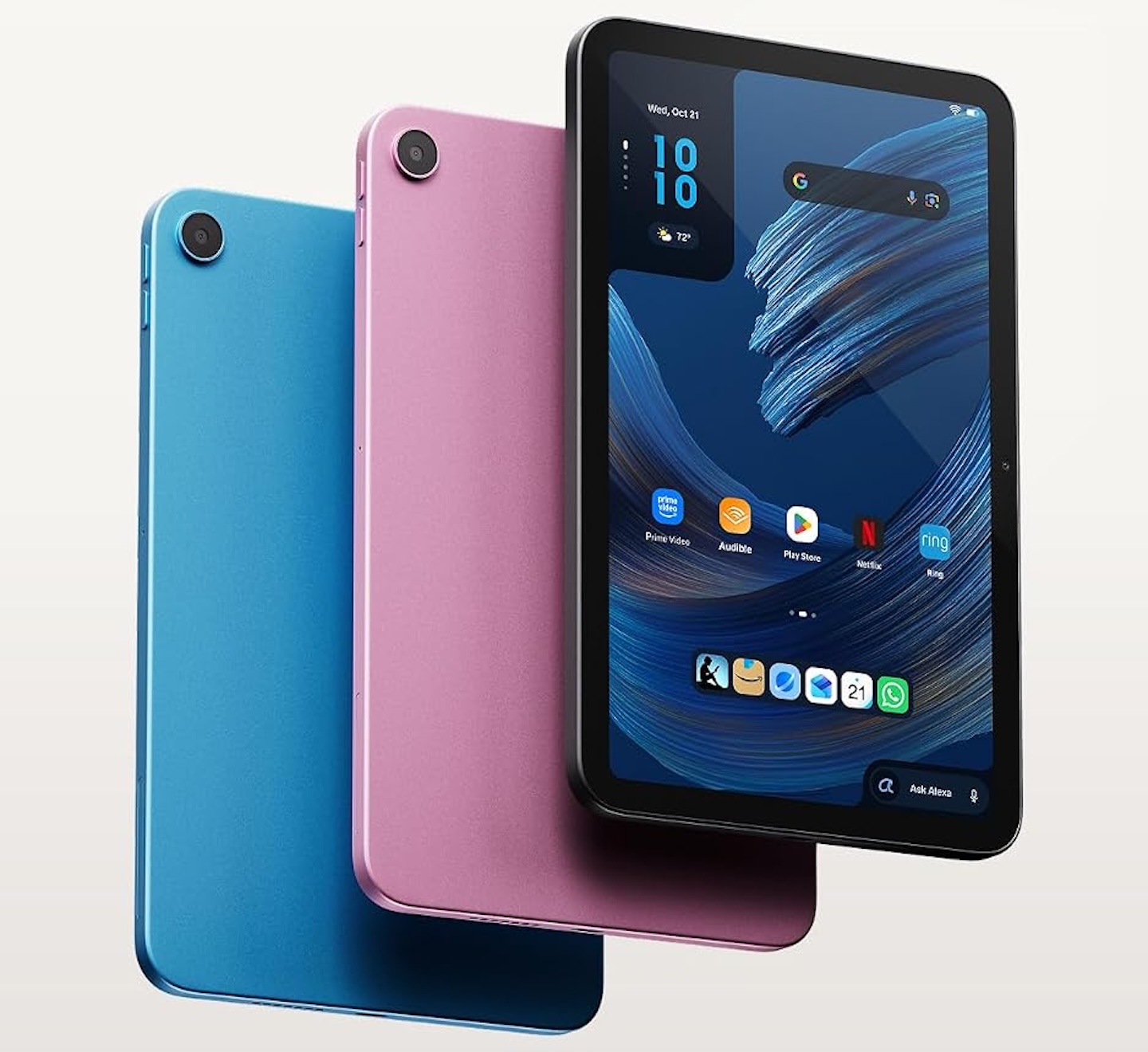
Amazon Alexa Tablet 11
Price: $279.99
Where to Buy: Amazon
The starting configuration has 4GB of RAM. Its lower price and compact size position it for reading, streaming, browsing, and everyday apps, but multitasking and demanding software performance remain questions for hands-on testing.
Kindle Sanctuary and Kids bundles widen the audience
Amazon describes the Kindle app’s new reading experience as a distraction-free sanctuary. Opening a book silences notifications and reduces blue light, with the company claiming up to 20 hours of reading on a charge. Users can also choose among three display themes, including a grayscale option.
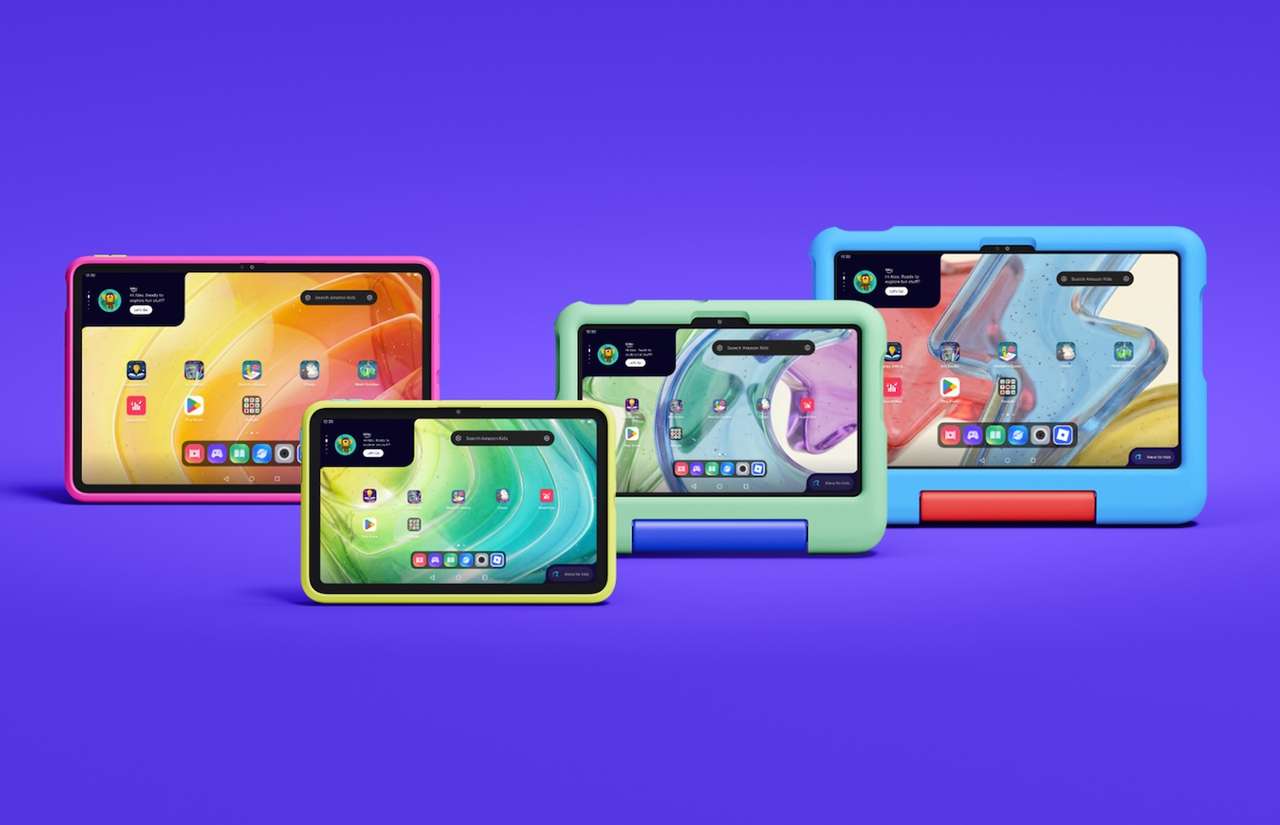
Amazon Kids Tablets
Price: Varies
Where to Buy: Amazon
Amazon will also offer Kids Tablet bundles in 8.7-inch and 11-inch sizes. Each includes a tablet, a kid-focused case, and one year of Amazon Kids+. Amazon says versions for children ages three and up include soft bumper cases, while versions for children six and older have slimmer hard cases with kickstands.
Who these tablets are for
On paper, the Alexa Tablet 12 Pro targets buyers who want a larger display and optional pen and keyboard accessories. The Tablet 11 occupies the middle of the lineup, while the Tablet 8 emphasizes portability and a lower starting price.
Alexa+ is the reason to consider this lineup over another tablet. For people already using Prime, Kindle, and Alexa-compatible smart-home devices, an integrated assistant could reduce the steps involved in everyday tasks. Buyers who mainly want a tablet for entertainment or demanding creative work should weigh the hardware, app support, and total cost alongside the AI features.