The MacBook Neo is easy to notice. It is compact, comes in four colors, runs macOS, and gives students an affordable path into Apple’s ecosystem. But a good-looking laptop is not automatically the right laptop for the next four years of school.
Senior high students and college freshies may need Windows-only software, more ports for classroom displays, a touchscreen for notes, or more memory than a basic configuration provides. Apple lists the MacBook Neo with an A18 Pro chip, 8GB of unified memory, and 256GB of storage in its base model. That is enough for research, writing, slides, streaming, and mainstream schoolwork. It is less reassuring for heavier multitasking, specialized software, or storage-intensive creative projects.
These alternatives offer more color than the typical gray laptop, but color should be the final filter, not the first. Exact processors, memory, displays, colors, and bundled accessories vary by country and SKU, so confirm the retailer’s configuration before ordering.
1. ASUS Vivobook 14 X1404 in Terra Cotta
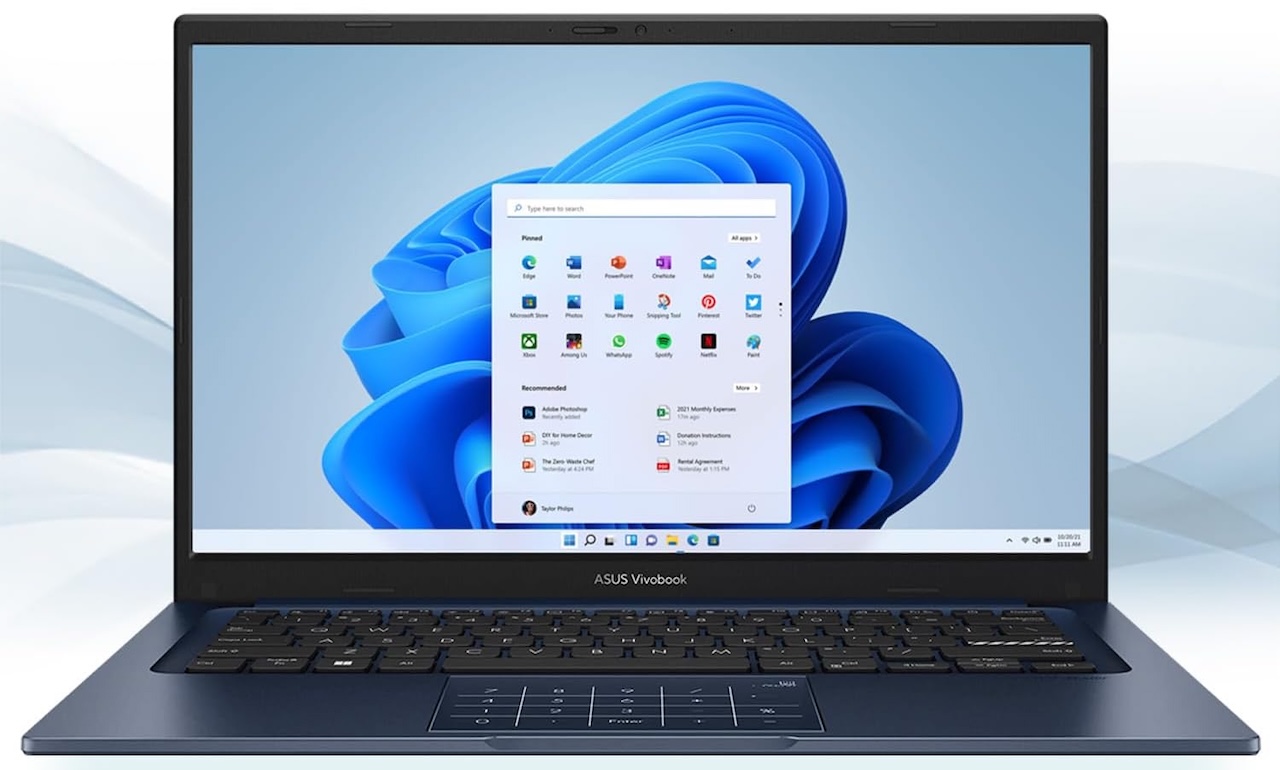
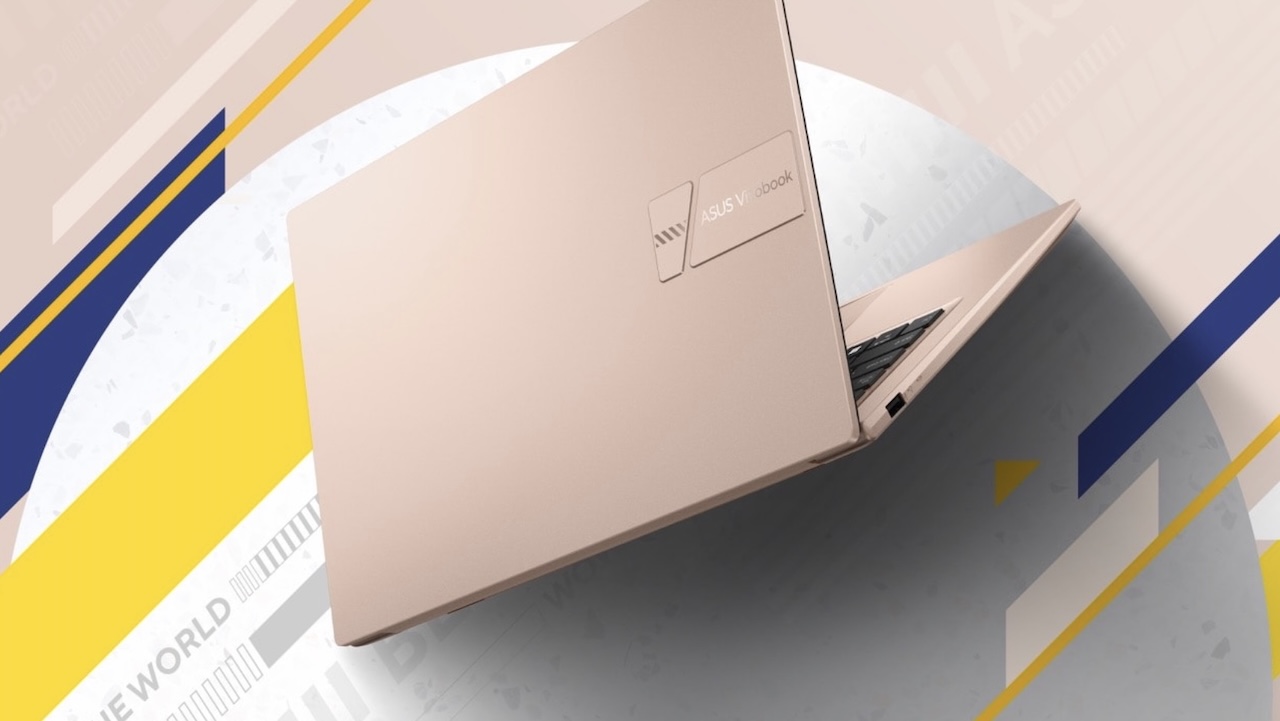
The ASUS Vivobook 14 X1404 is the obvious choice for students who want a laptop with personality on a tighter budget. ASUS lists Terra Cotta, Quiet Blue, Cool Silver, and Icelight Silver across the X1404 family, depending on the configuration and market.
Its advantage is familiar, no-drama Windows practicality in a backpack-friendly 14-inch size. It is compact enough for daily commuting but large enough for documents, browser tabs, and online classes. Some versions also include a physical webcam shield, a lay-flat hinge, and an optional NumberPad touchpad.
Price: From $429
Where to Buy: Amazon
The important caveat is that X1404 is a product family, not one fixed specification. Displays, processors, memory, and storage differ widely. Do not buy the lowest-priced Terra Cotta model on color alone. For a laptop expected to last through school, 16GB RAM and 512GB storage are the more comfortable targets.
2. Lenovo IdeaPad Slim 3 Gen 8 in Frost Blue or Abyss Blue
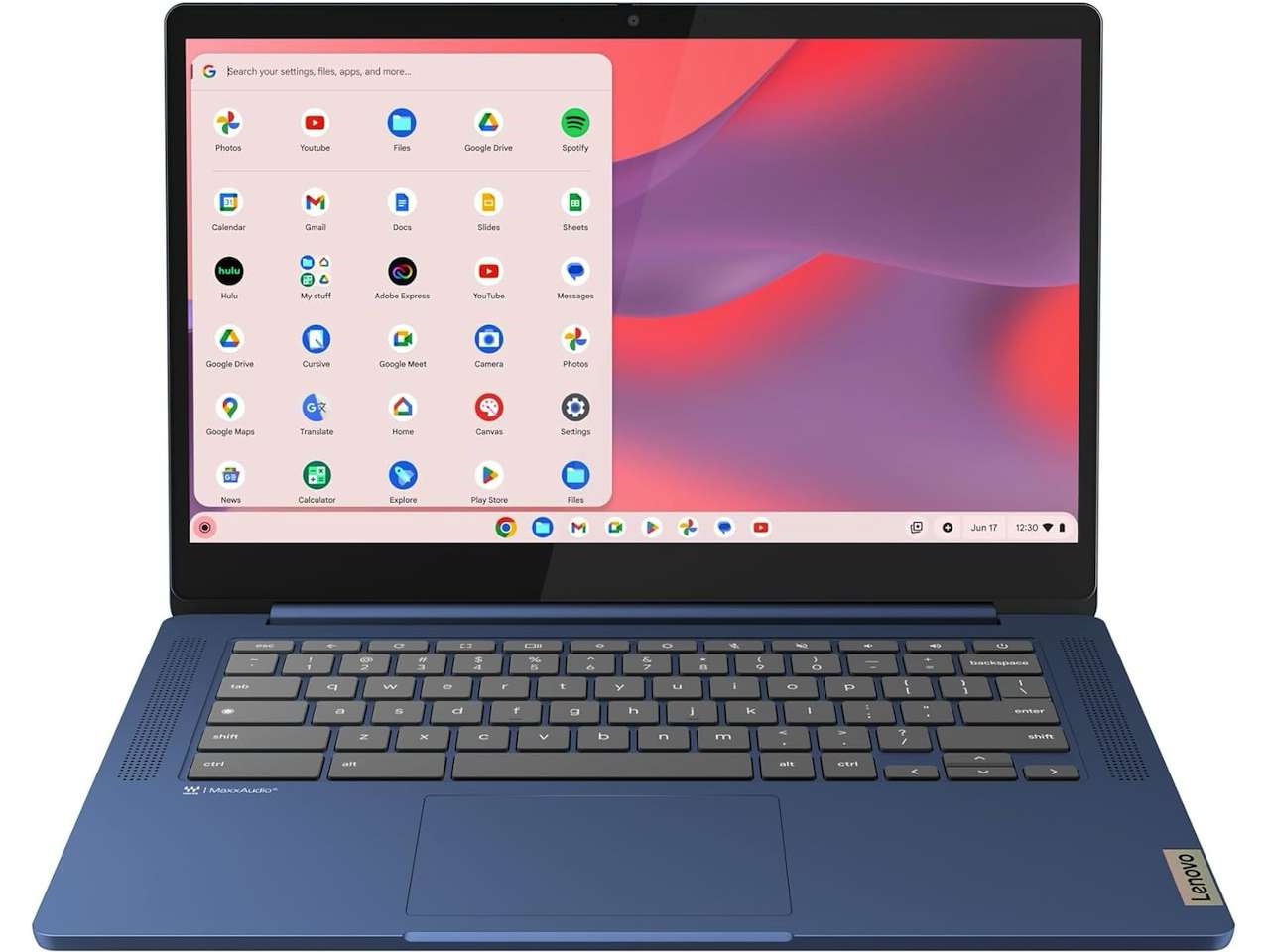
The Lenovo IdeaPad Slim 3 Gen 8 offers a more restrained kind of color in Frost Blue or Abyss Blue. It is a sensible option for students who need a straightforward Windows laptop and want to avoid paying extra for a premium all-metal design.
Windows-configured versions can include USB-C, USB-A, HDMI, a card reader, and a headphone jack. Those ports are genuinely useful when a student needs to connect to a classroom display, move files from an older flash drive, or use wired headphones without an adapter.
Price: From $269
Where to Buy: Amazon
Lenovo promotes the line’s military-grade testing, but that is a lab-test claim, not a guarantee that the laptop can survive every drop. More important is the exact display: some configurations use basic panels, while others offer better IPS screens. Choose a 1080p IPS configuration when possible. This is a good fit for papers, presentations, research, and general coursework, not for demanding video work or serious engineering workloads.
3. ASUS Vivobook S 14 OLED in Mist Blue
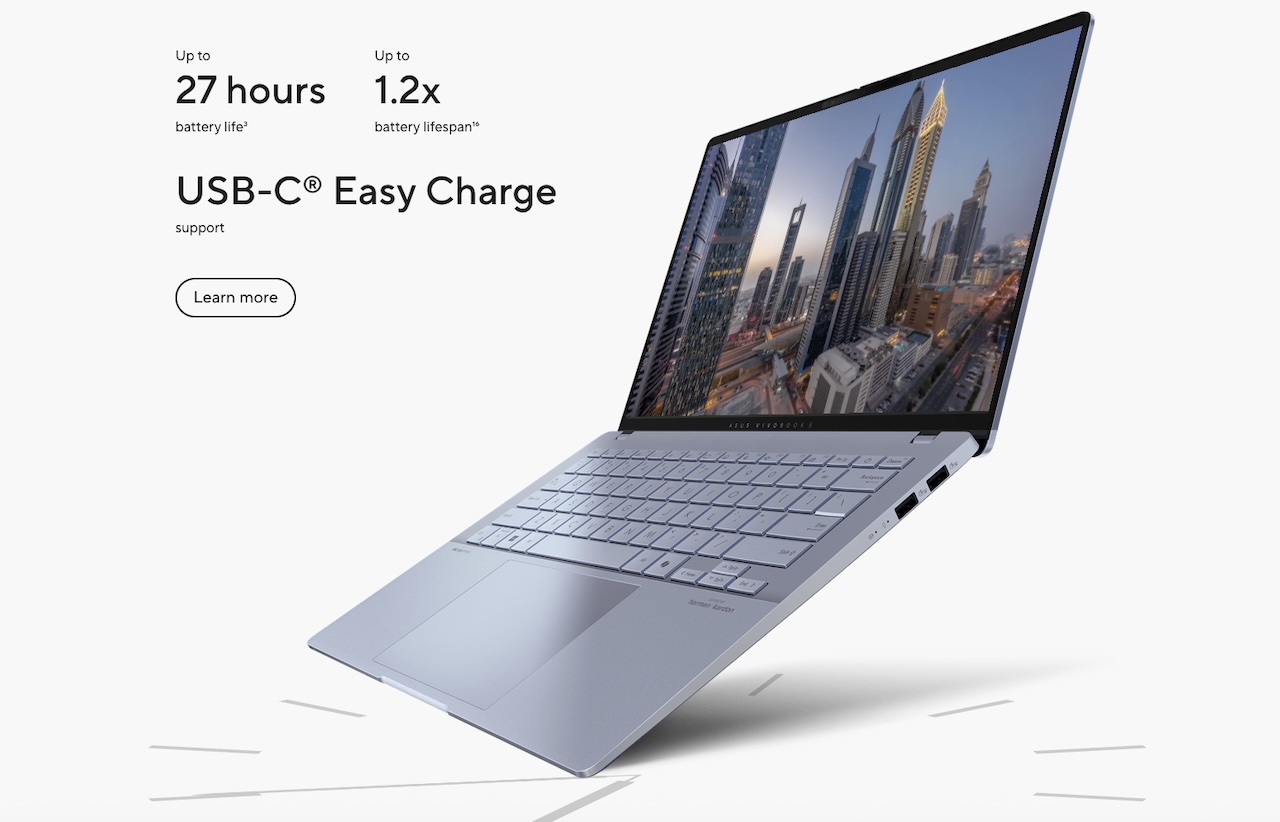
The ASUS Vivobook S 14 OLED in Mist Blue is for the student who wants a more premium Windows alternative. ASUS lists a 1.3 kg weight, a slim 1.39 cm profile, Intel Core Ultra configurations, and a 14-inch OLED display. The single-zone RGB keyboard is also a fun detail that makes it feel less generic.
The practical benefit is the screen. OLED can make reading, slides, photos, and streamed video look notably better than an entry-level panel. Its low weight is equally important for students who carry a laptop from class to library to café.
Price: From $339
Where to Buy: Amazon
ASUS’s battery claim comes from controlled testing, so it should not be treated as an all-day guarantee. Brightness, Wi-Fi, and the apps running in the background all affect real-world battery life. Still, this is a strong fit for students who value a high-quality screen and portability. A 16GB configuration is the one to prioritize.
4. Microsoft Surface Laptop 13-inch in Violet or Ocean
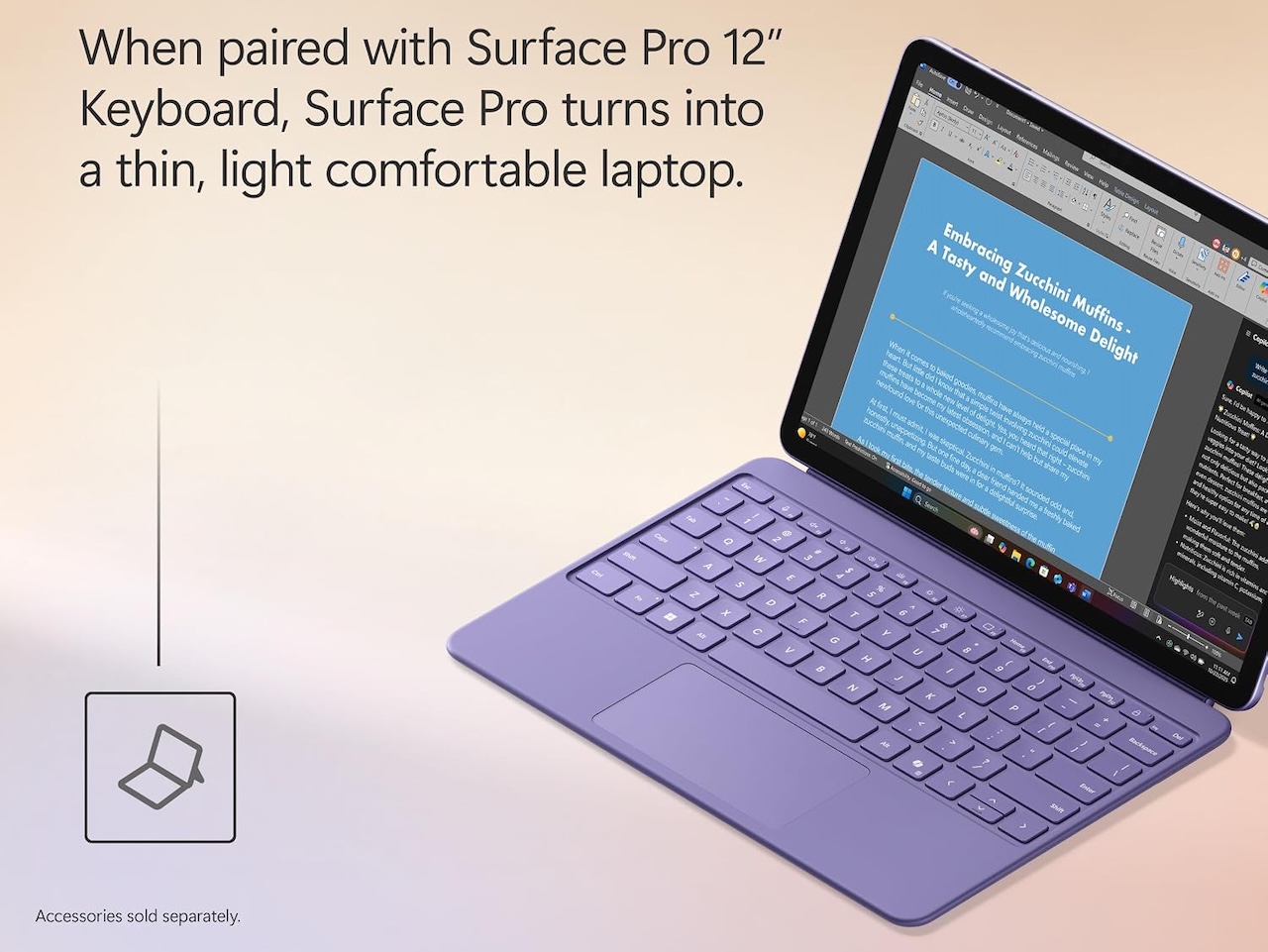
The Microsoft Surface Laptop 13-inch is one of the cleanest colorful alternatives to the MacBook Neo. It comes in Violet, Ocean, and Platinum, with a compact design that feels at home in a lecture hall or campus library.
Microsoft lists a 13-inch touchscreen, 16GB RAM, 256GB or 512GB storage, two USB-C ports, USB-A, and a 2.7-pound starting weight. Those are practical strengths for a student who values portability but still needs a built-in USB-A port for older accessories.
Price: From $926
Where to Buy: Amazon
Microsoft’s up-to-23-hour battery figure is based on local video playback under test conditions. The company also notes that actual battery life varies substantially by use. More importantly, this model uses a Snapdragon processor and Windows on Arm. Windows 11 can emulate many older x86 and x64 apps, but some driver-dependent or niche programs may not work correctly. Check the school’s required software before buying.
5. Samsung Galaxy Book4 Edge in Sapphire Blue
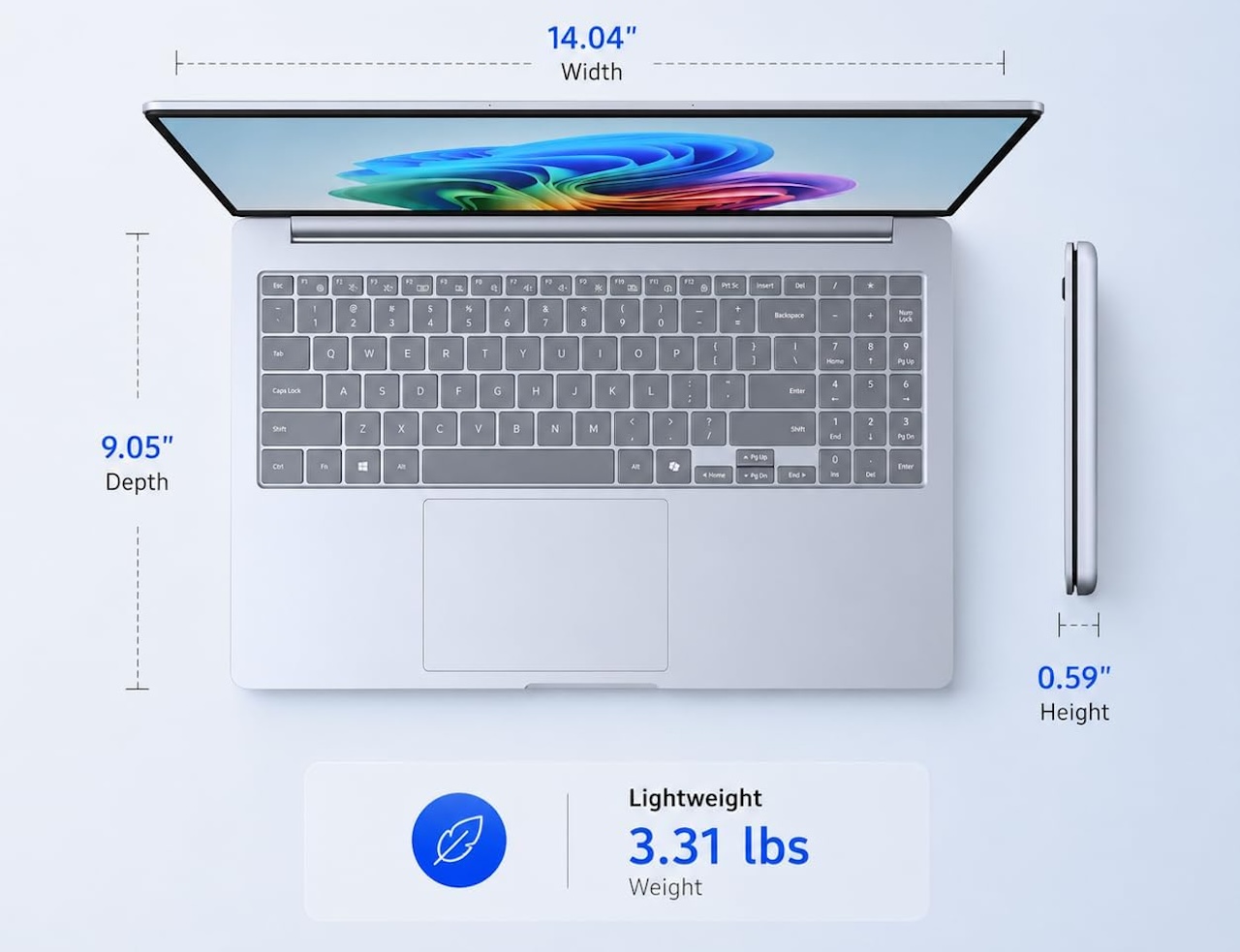
The Samsung Galaxy Book4 Edge in Sapphire Blue is a bigger, bolder choice. Samsung lists the 15.6-inch model with Windows 11 Home, a Snapdragon X processor, 16GB RAM, and 512GB or 1TB of storage.
The larger display is its main advantage. It gives students more room to read a source beside a paper, work through spreadsheets, or manage multiple windows without feeling cramped. The 16GB memory baseline is also more generous than many entry-level student laptops.
Price: From $999
Where to Buy: Amazon
The tradeoff is portability. Samsung lists the 15.6-inch model at about 1.5 kg (3.31 lb), so it is less friendly on a narrow classroom desk and less convenient to carry all day than a 13- or 14-inch laptop. It also uses Windows on Arm, so course-specific apps, drivers, and peripherals should be checked in advance. This is best for students who prioritize screen space and storage over the smallest possible bag.
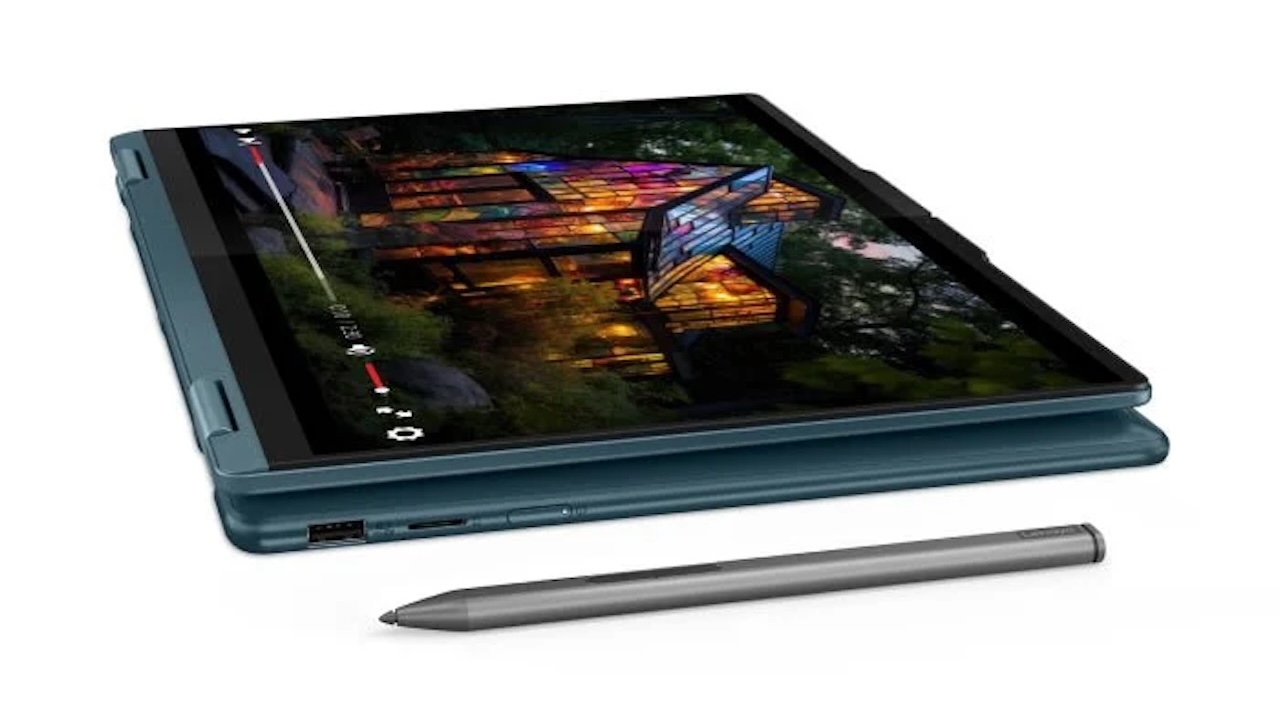
6. Lenovo Yoga 7 2-in-1 in Tidal Teal
The Lenovo Yoga 7 2-in-1 14 in Tidal Teal is for the student who will genuinely use a touchscreen and pen. Its 360-degree hinge supports laptop, tent, stand, and tablet modes, while selected models offer a touch OLED display.
That flexibility matters for note-heavy courses. A student can annotate slides, sketch diagrams, read textbooks in tablet mode, or prop the device up for a presentation. It can reduce the need to carry both a laptop and a separate tablet.
Price: From $1,200
Where to Buy: Amazon
The evidence-based catch is that a pen is not automatically included. Lenovo lists different accessory bundles by configuration and region, including versions with no pen. Glossy OLED screens can also create glare outdoors. Buy this model for a student who regularly takes handwritten digital notes, not simply because a 2-in-1 sounds versatile.
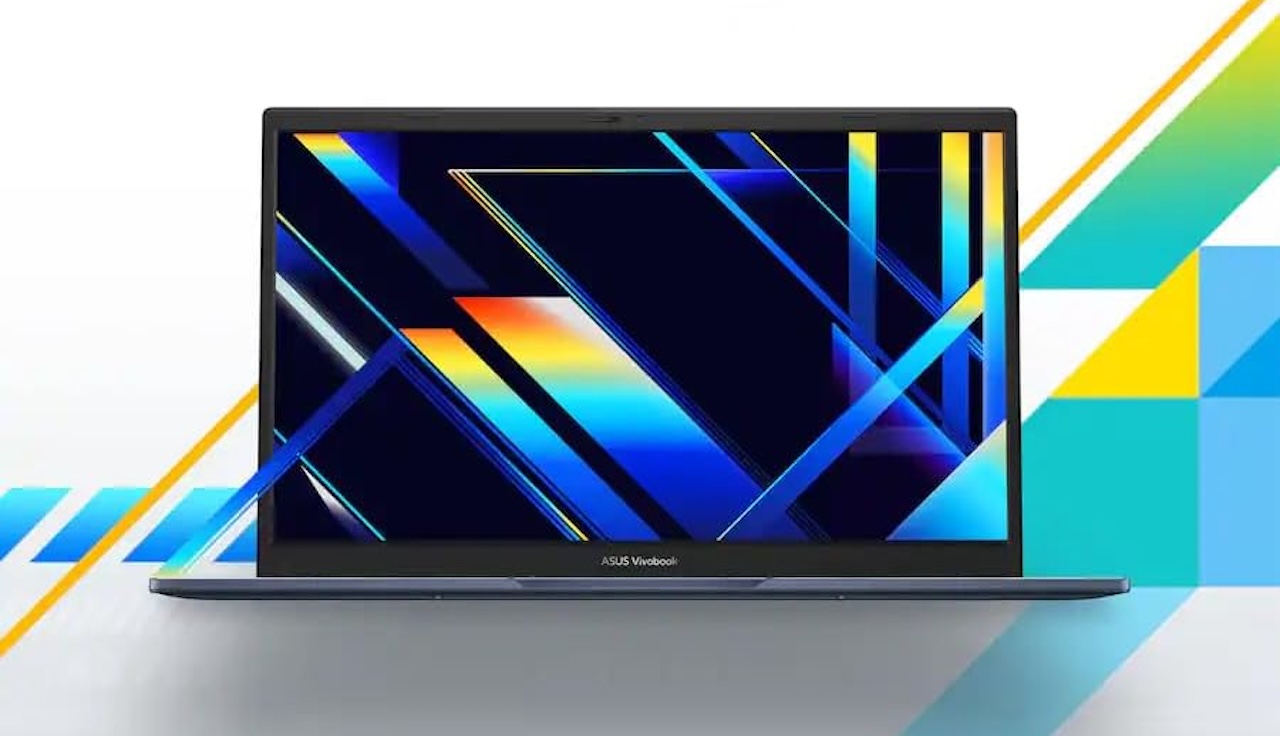
7. ASUS Vivobook 14 M1407 in Quiet Blue or Platinum Gold
The ASUS Vivobook 14 M1407 is a practical choice for students who want a colorful Windows laptop with current components but do not need an OLED screen. ASUS lists a 14-inch 16:10 IPS-level display, up to 32GB of memory, and Quiet Blue, Platinum Gold, and Cool Silver finishes.
Its taller screen is the feature to focus on, giving more vertical room for articles, code, and split-screen documents than a conventional 16:9 display. ASUS lists two USB-C ports, two USB-A ports, HDMI, and a combo audio jack; camera features may vary by SKU.
Price: From $839
Where to Buy: Amazon
As with the other Vivobook, the exact SKU matters. Some models offer an infrared camera for Windows Hello, while others do not. A 16GB RAM and 512GB SSD configuration is the student sweet spot, balancing price, storage, and the ability to multitask comfortably.
Buyer fit
Choose the MacBook Neo if the student prefers macOS, relies on mainstream web and Mac apps, and wants Apple’s colorful entry point. Its 8GB memory and 256GB base storage are the reasons to think carefully before calling it the automatic student laptop.
Choose one of these alternatives if the student needs Windows, a touchscreen, more ports, a bigger screen, or more memory. The Surface Laptop and Galaxy Book4 Edge are attractive Windows on Arm options, but software compatibility should come before color. The Yoga 7 is the strongest choice for digital note-takers, while the Vivobook and IdeaPad models reward buyers who compare exact configurations instead of shopping by model name alone.
The right laptop should handle the work first and express some personality second. That makes color a bonus, not an expensive first-semester mistake.