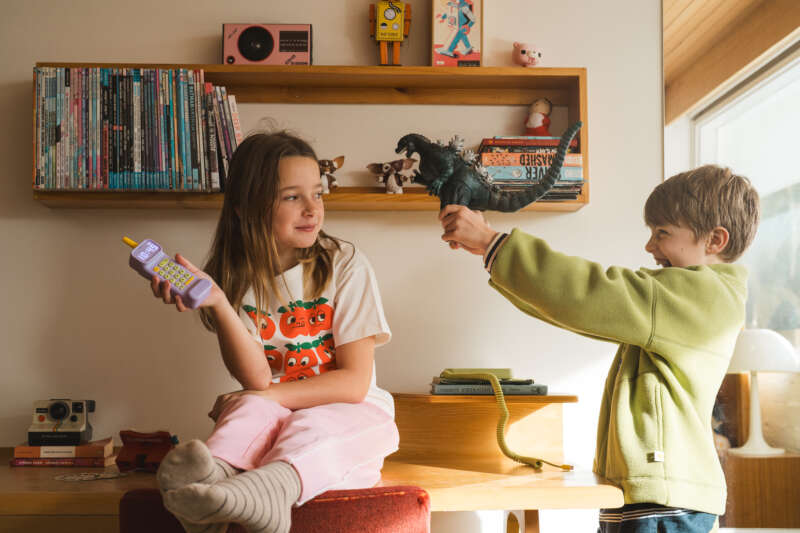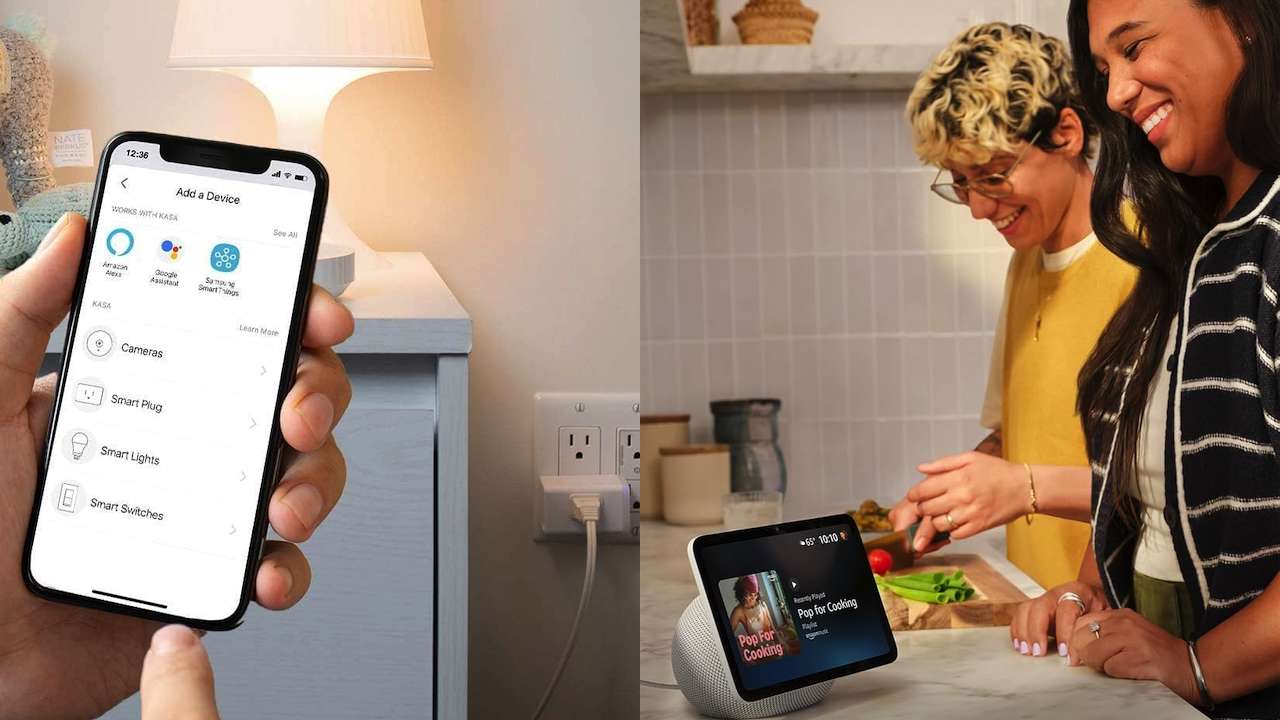
School mornings rarely fall apart because of one big problem. They unravel through small ones: someone cannot find shoes, the hallway is dark, a reminder is forgotten, breakfast runs late, and everyone is tense before they reach the door.
Smart home devices cannot pack a lunch, locate a missing permission slip, or make a child move faster. What it can do is remove a few repeated tasks from the person coordinating the morning. For moms carrying that invisible load, the right devices can make the routine more visible, more automatic, and less dependent on remembering every detail at once.
Here are five devices worth considering, with the practical upside and the difference between a feature claim and a genuine morning solution.
1. A smart display for the family schedule
A current Echo Show 8 can put a shared calendar, timers, reminders, weather, and compatible smart-home controls in one visible kitchen spot.
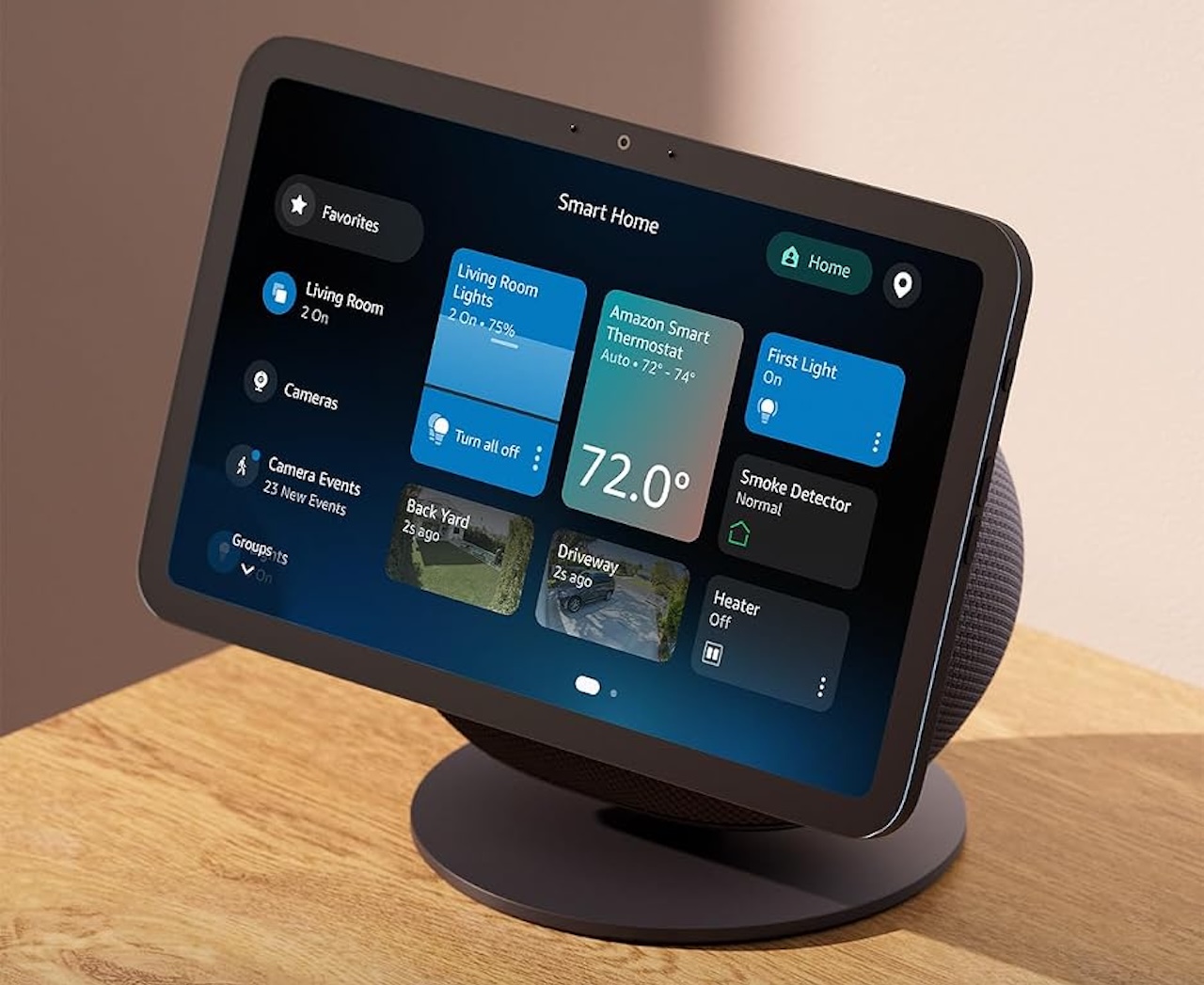
Echo Show 8
Price: $199.99
Where to Buy: Amazon
The benefit is not that it magically organizes the family. The benefit is that the morning plan stops living only in Mom’s head. A child can see that it is gym day, an older child can check a reminder, and anyone making breakfast can set a timer without picking up a phone with messy hands.
On compatible Echo Show devices with Alexa+ where available, Amazon offers calendar widgets and daily, weekly, and monthly calendar views. Those capabilities are useful evidence that a display can serve as a household information hub, but the exact features depend on the device, account, region, and services in use.
It also works best if the family uses one calendar system and someone keeps it current. Treat a smart display as a highly visible dashboard, not a replacement for family communication. Review privacy and purchasing settings before placing a voice assistant where children can use it.
2. Philips Hue Motion Sensor for the dark hallway and bathroom rush
The before-school scramble has a predictable lighting problem: sleepy kids move through dark bedrooms, hallways, bathrooms, and closets while a parent is trying to keep the day moving.
A Philips Hue Motion Sensor, connected through a Hue Bridge and paired with compatible Hue lighting, can turn lights on when someone enters a space and switch them off after a configured period without detected motion. That means fewer hands looking for switches and fewer reminders to turn off the bathroom light.
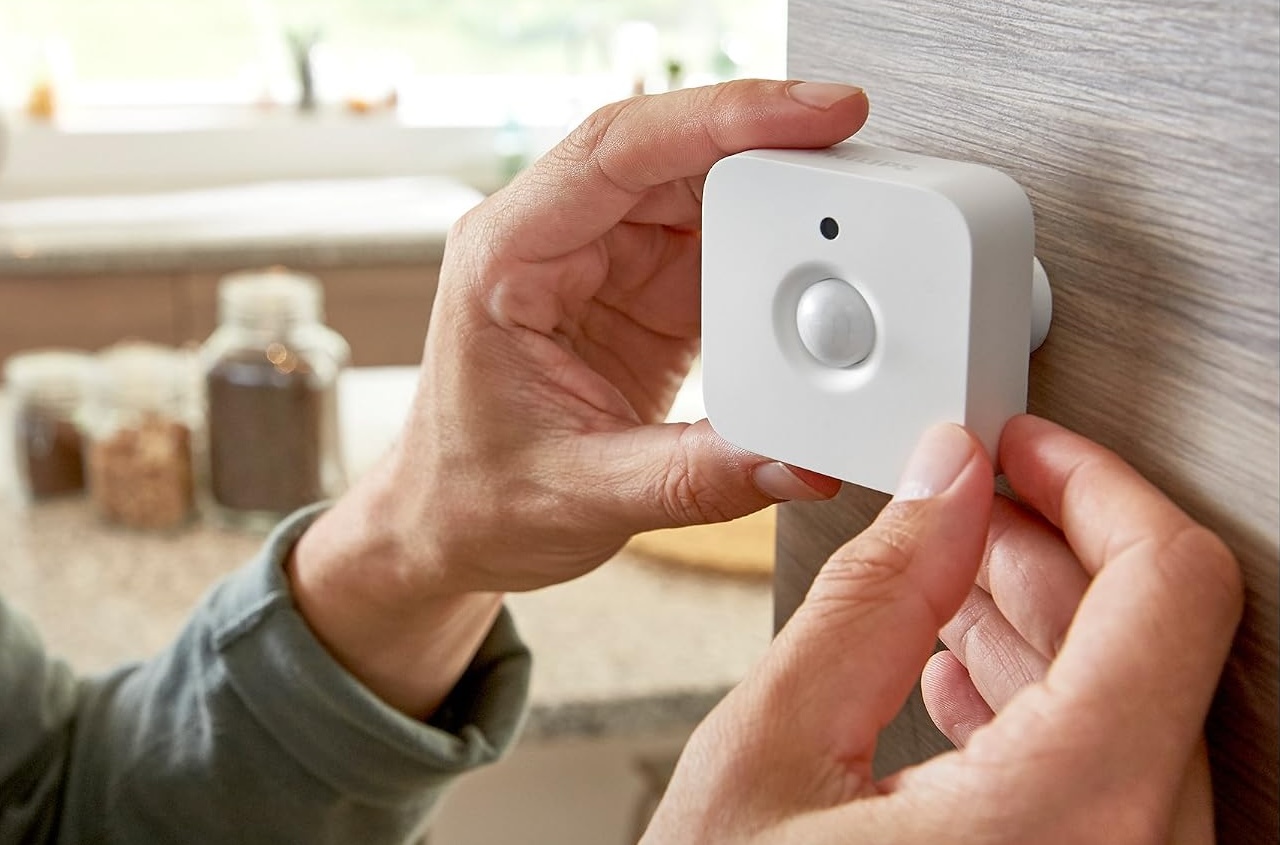
Philips Hue Motion Sensor
Price: $48.99
Where to Buy: Amazon
Philips Hue says its motion sensors can automate lights based on movement, with options to adjust brightness according to time of day. Those are straightforward, practical capabilities.
The real-world value depends on placement and settings. A sensor aimed poorly may trigger when someone passes by, and automatic lights can be annoying if the shutoff delay is too short. Start with a hallway or bathroom, use a gentle brightness level, and test it during a normal morning before expanding the setup.
3. A Kasa smart plug for a timed breakfast or charging-station lamp
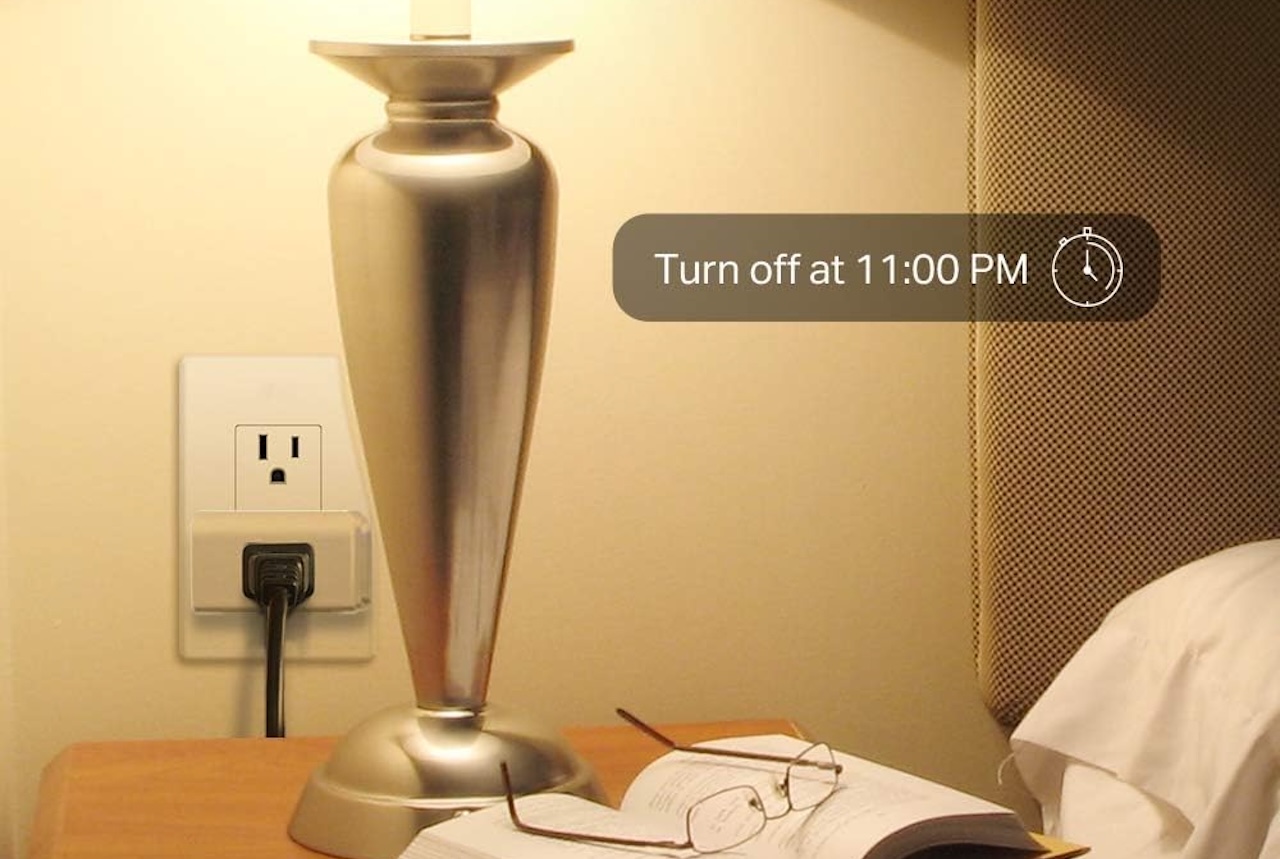
A Kasa smart plug model that supports schedules and timers is one of the least glamorous smart-home purchases, but it can make a routine more predictable. Plug a simple lamp into it at the breakfast table or near the family launch pad, then set it to turn on at the same time each school day.
Kasa Smart Plug
Price: $15.99
Where to Buy: Amazon
That light can become a visual cue: breakfast has started, backpacks need to be by the door, or it is time to put on shoes. A smart plug is best when it supports an existing habit rather than trying to invent one.
TP-Link says supported Kasa devices can run schedules, timers, and countdowns. Its support documentation also says that on compatible models, schedules can continue during an internet outage because they are stored locally on the device, assuming the plug remains powered and its clock and schedule configuration stay intact.
A smart plug is not permission to automate every kitchen appliance or high-power device. Check the plug’s electrical rating, the appliance maker’s instructions, and the specific model’s feature list. For school mornings, a lamp or another simple, appropriate low-draw device is usually the safest and most useful choice.
4. An August Smart Lock for the final exit check
The last minute before leaving is often when doubts show up: Did I lock the door? Who has the key? Did the older child get out safely?
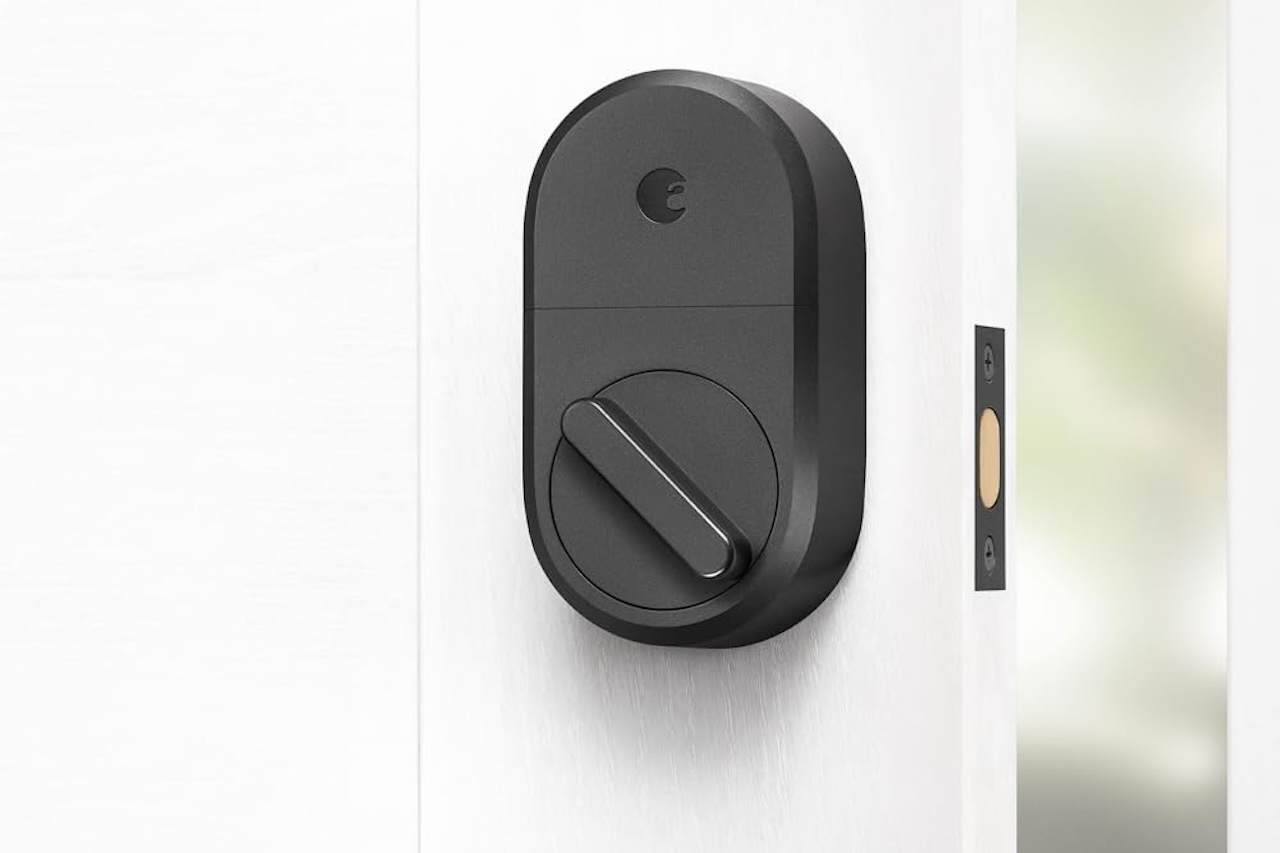
An August Smart Lock can reduce some of that friction by reporting door status in its app, offering digital access for trusted people, and automatically locking after a set delay. For a parent managing kids, bags, and a carpool, not having to dig for keys can be a meaningful improvement.
August Smart Lock
Price: From $199.99
Where to Buy: Amazon
August says its DoorSense feature can report whether a door is closed and locked, while Auto-Lock can be set from 30 seconds to 30 minutes. The company also says its locks fit many standard single-cylinder deadbolts and retain the ability to use the existing key.
Those are manufacturer claims, so compatibility needs a real check before buying. Remote access also requires the appropriate Wi-Fi-capable model or bridge. Keep physical keys accessible, use strong account security, and make sure older children understand when they should and should not use digital access.
5. A scheduled robot vacuum for the post-drop-off reset
A robot vacuum will not solve the school-morning rush while it is happening. Its best role is starting after everyone has left, when the crumbs, pet hair, and tracked-in dirt suddenly become visible.
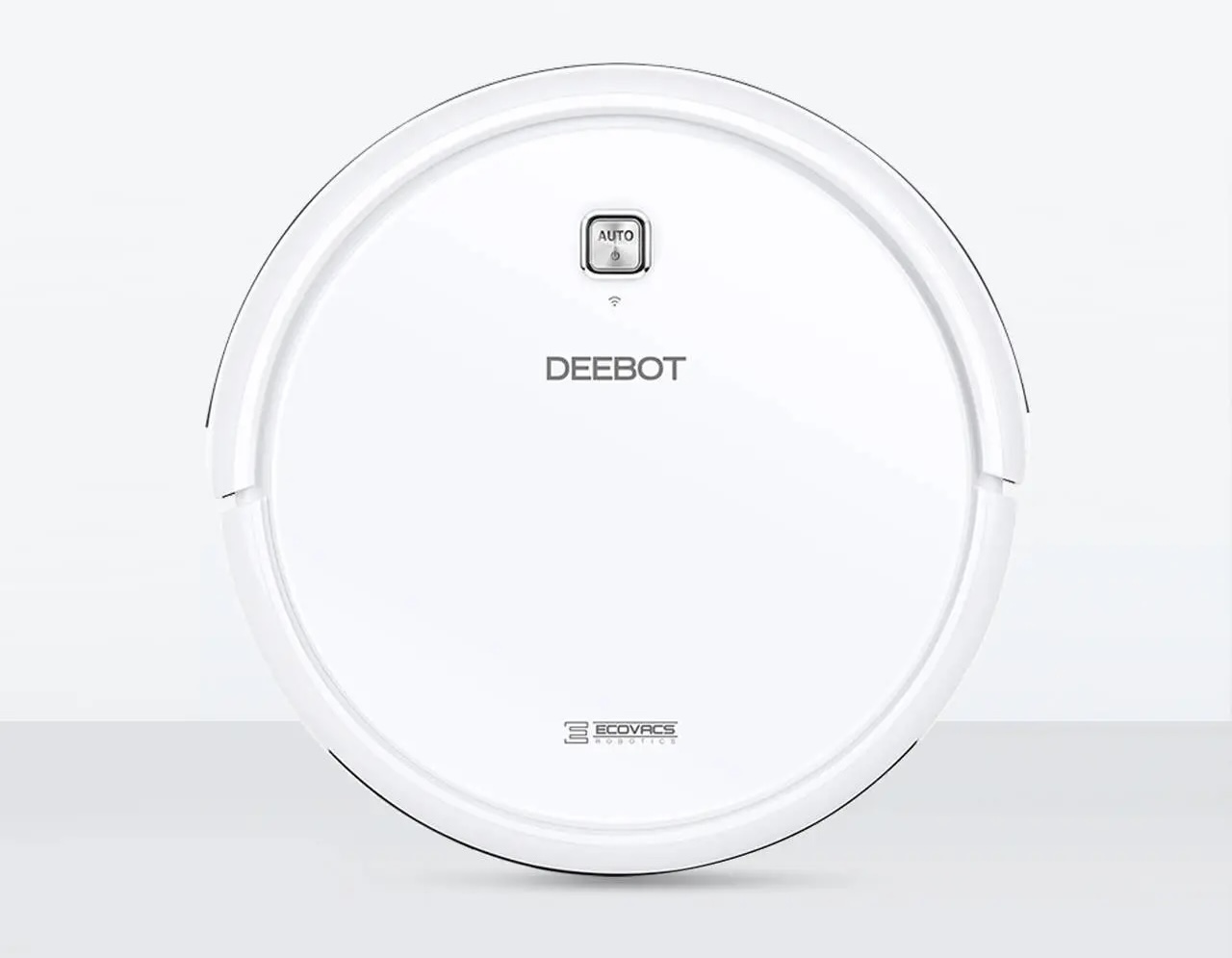
The ECOVACS DEEBOT N79W can be scheduled through the ECOVACS Home app, allowing a family to set a regular cleaning time instead of manually starting the vacuum during an already busy afternoon.
ECOVACS DEEBOT N79W
Price: From $299
Where to Buy: Ecovacs (Newer Model)
ECOVACS lists scheduled cleaning, app control, automatic charging, and a 520 mL dustbin for the N79W. That establishes the basic automation case.
It does not guarantee a spotless floor. The N79W uses random navigation and does not create a map, so it is not the right choice for precise room-by-room cleaning. Like other robot vacuums, it also needs a clear path, regular emptying, brush maintenance, and realistic expectations around cords, stairs, and larger messes. For homes with frequent breakfast crumbs or pets, though, automating one post-exit cleanup task can make coming home feel noticeably calmer.
Buyer fit
These smart home devices are best for moms and families who already have repeatable morning pain points: a dark hallway, a missed schedule detail, an unreliable leaving routine, or a floor that looks wrecked by 8:15 a.m.
Start with the smallest friction point, not the most expensive device. A motion sensor or smart plug can establish a useful routine for far less than a smart lock or robot vacuum. Choose a smart display if the main problem is information overload, a smart lock if exits are chaotic, and a robot vacuum if the stress lingers after the kids are gone.
The right smart-home setup does not make mornings perfect. It simply takes a few predictable jobs off the person who is already doing too many of them.