The hard part of buying a laptop under $300 isn’t finding one. It’s avoiding the traps. Search “cheap laptop” and you get hundreds of near-identical listings, most hiding a 4GB RAM ceiling, slow eMMC storage, or a no-name brand with no warranty.
Here’s the truth nobody tells you at this price: you buy one strength, not all of them. A sub-$300 laptop can nail a big screen, or plenty of RAM, or long battery, or true portability, but never the whole set. Choose the strength that fits how you work and you get a real bargain. Choose wrong and you waste $300.
This July the tradeoffs are smaller than ever. You can get an Intel N100 Chromebook with up to 10 hours of battery for $240, or a 16-inch Windows laptop with a numeric keypad for $250. The four picks below each lead with one clear strength, so match the one that fits your day and skip the rest.
Quick Picks
Most affordable option: Acer Chromebook 315 (Renewed), $178.95. 15.6-inch screen, Chrome OS, renewed unit with strong owner ratings.
Best Chromebook for students: Acer Chromebook 314, $240. Intel N100, 14″ FHD IPS, up to 10-hour battery, MIL-STD-810H durable.
Best big-screen budget pick: Morostron 16″ Laptop, $249.99. 16-inch FHD IPS, AMD A9, 8GB RAM, 9000mAh battery.
Best Windows specs for the price: VIGSENUP 15.6″, $299. 12GB RAM, 512GB SSD, N150, backlit keyboard, fingerprint sensor.
Comparison Table
| Model | Processor | RAM | Storage | Screen | Battery | Price |
|---|---|---|---|---|---|---|
| Acer Chromebook 314 | Intel N100 | 4GB | 64GB eMMC | 14″ FHD IPS | up to 10hr | $235 |
| Morostron 16″ | AMD A9-9400 | 8GB | 256GB SSD | 16″ FHD IPS | 9000mAh | $249.99 |
| VIGSENUP 15.6″ | Intel N150 | 12GB | 512GB SSD | 15.6″ FHD | 6hr | $284.05 |
| Acer Chromebook 315 (Renewed) | Intel N4020 | 4GB | 64GB eMMC | 15.6″ HD | ~8hr | $178.95 |
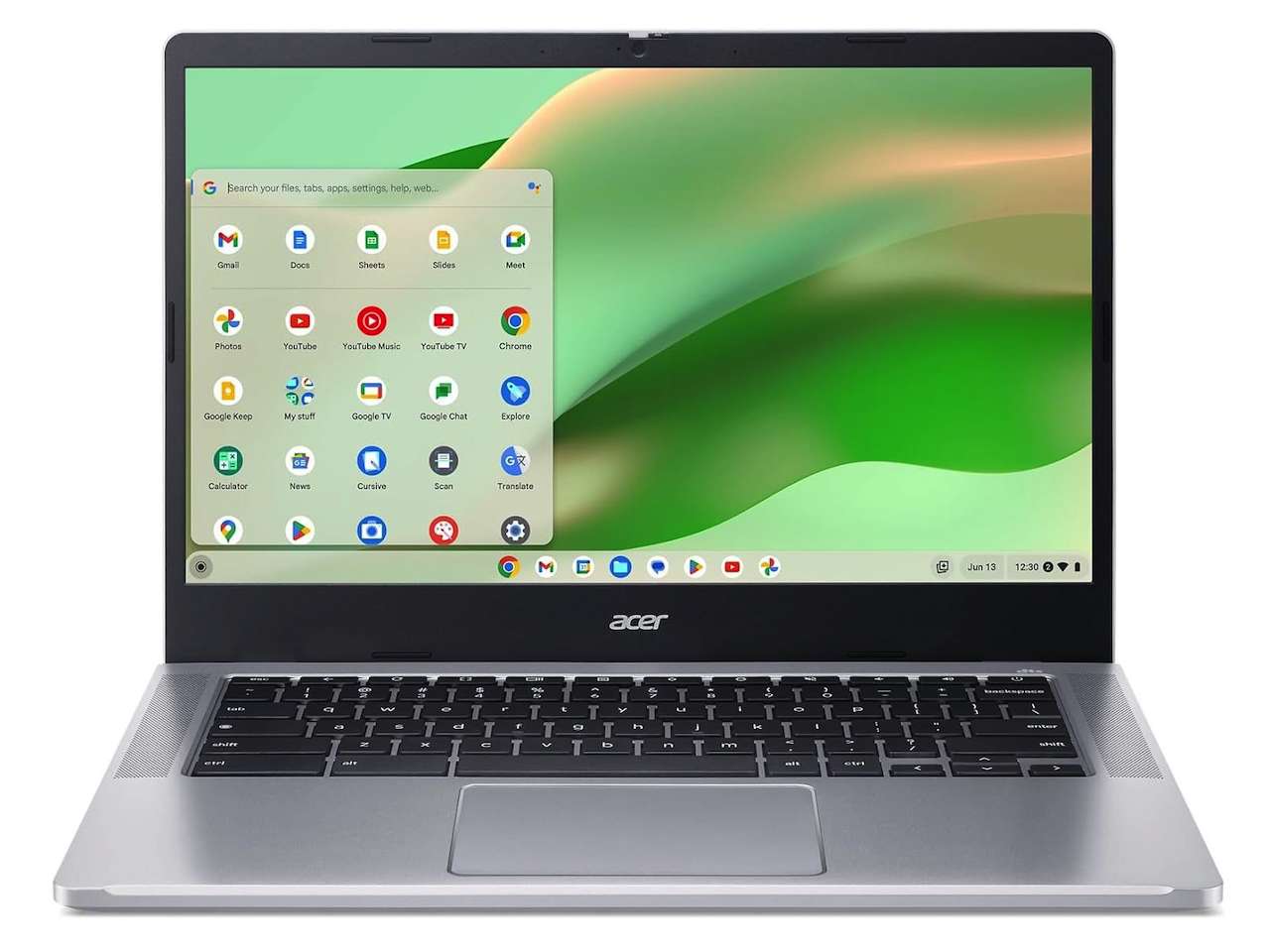
The Chromebook That Doesn’t Feel Cheap: Acer Chromebook 314
Nobody buys a sub-$250 Chromebook expecting build quality that survives a drop. The Acer Chromebook 314 passed MIL-STD-810H military-grade durability testing anyway. That means it can handle the backpack life, the coffee shop drops, and the “I’ll close it and shove it in my bag” treatment that kills lesser laptops.
Inside, the Intel N100 processor (4 cores, up to 3.4 GHz) handles the things a Chromebook should handle. Google Docs, a dozen browser tabs, YouTube, Google Meet calls. The 14-inch FHD IPS display is good at this price, with narrow bezels and anti-glare coating that makes it usable under direct light. Battery life is up to 10 hours, so you can leave the charger at home for a full school day.
The tradeoff you need to know: 4GB of RAM is the floor for Chrome OS, not the ceiling. If you plan to run ten tabs plus Android apps plus a Linux container, you’ll feel the squeeze. This is a laptop for one thing at a time, well.
It also lacks a backlit keyboard and has no touchscreen. If those are dealbreakers, the VIGSENUP below is a better fit.
❗Price: $235
Where to Buy: Amazon
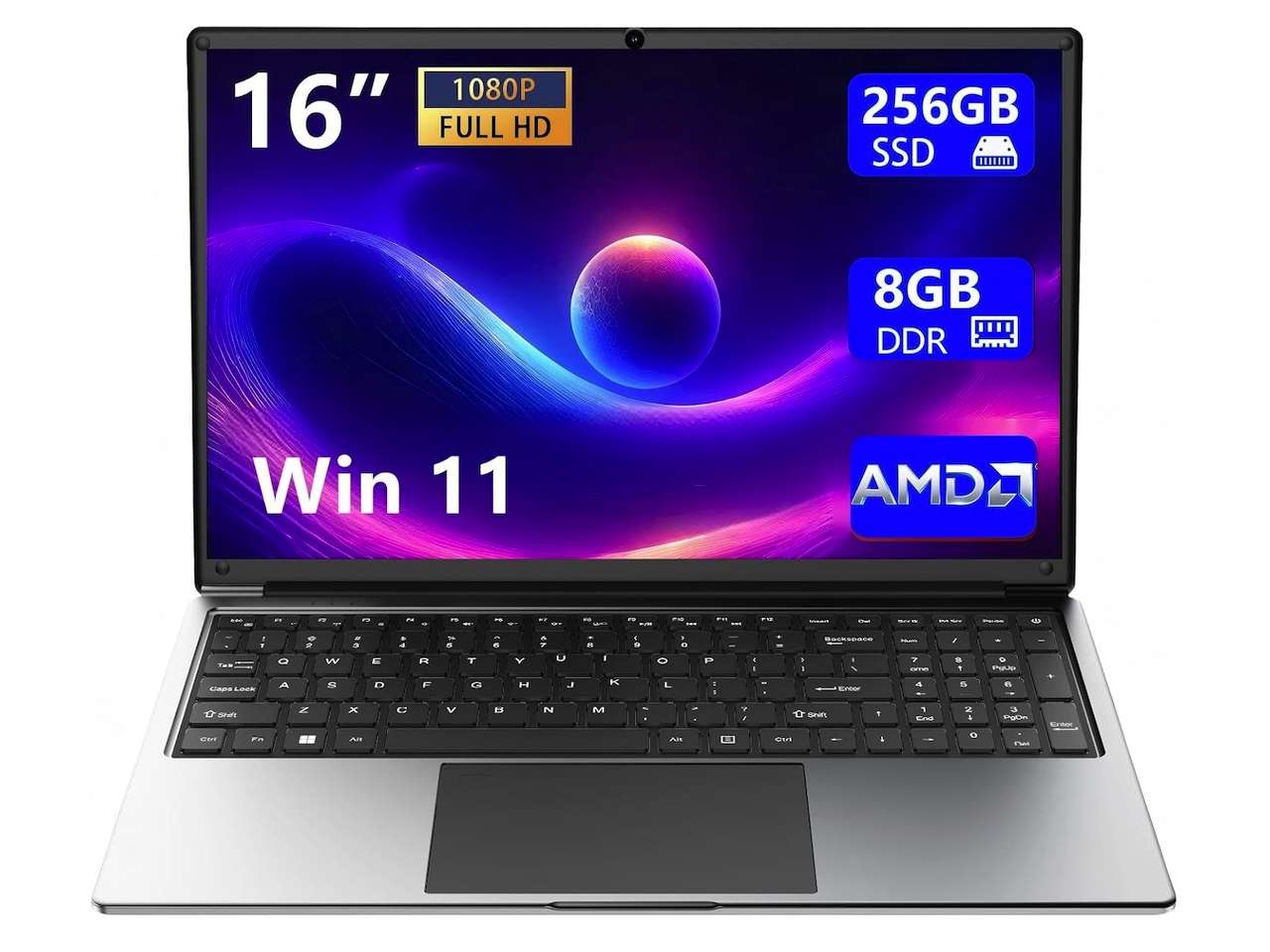
The Big Screen Bargain: Morostron 16-Inch Laptop
If screen real estate is your priority and your budget is $250, this Morostron is the most interesting pick in the group. The 16-inch FHD IPS display with a 93% screen-to-body ratio gives you more usable workspace than any 14-inch or 15.6-inch laptop at this price. The full numeric keypad is a genuine productivity boost if you do data entry, spreadsheets, or accounting work.
The other surprise is the 9000mAh battery, one of the largest cells in this roundup and sized for a full day of light use between charges. The AMD A9-9400 pairs with integrated Radeon R5 graphics, an older combination that shares system memory rather than using a dedicated graphics chip.
In practice it handles the basics well: web browsing, documents, streaming, and light photo edits. The tradeoff is the processor architecture, since the AMD A9 is older and single-core performance trails newer Intel chips. This is a big-screen laptop for everyday tasks, not a speed demon.
❗Price: $249.99
Where to Buy: Amazon
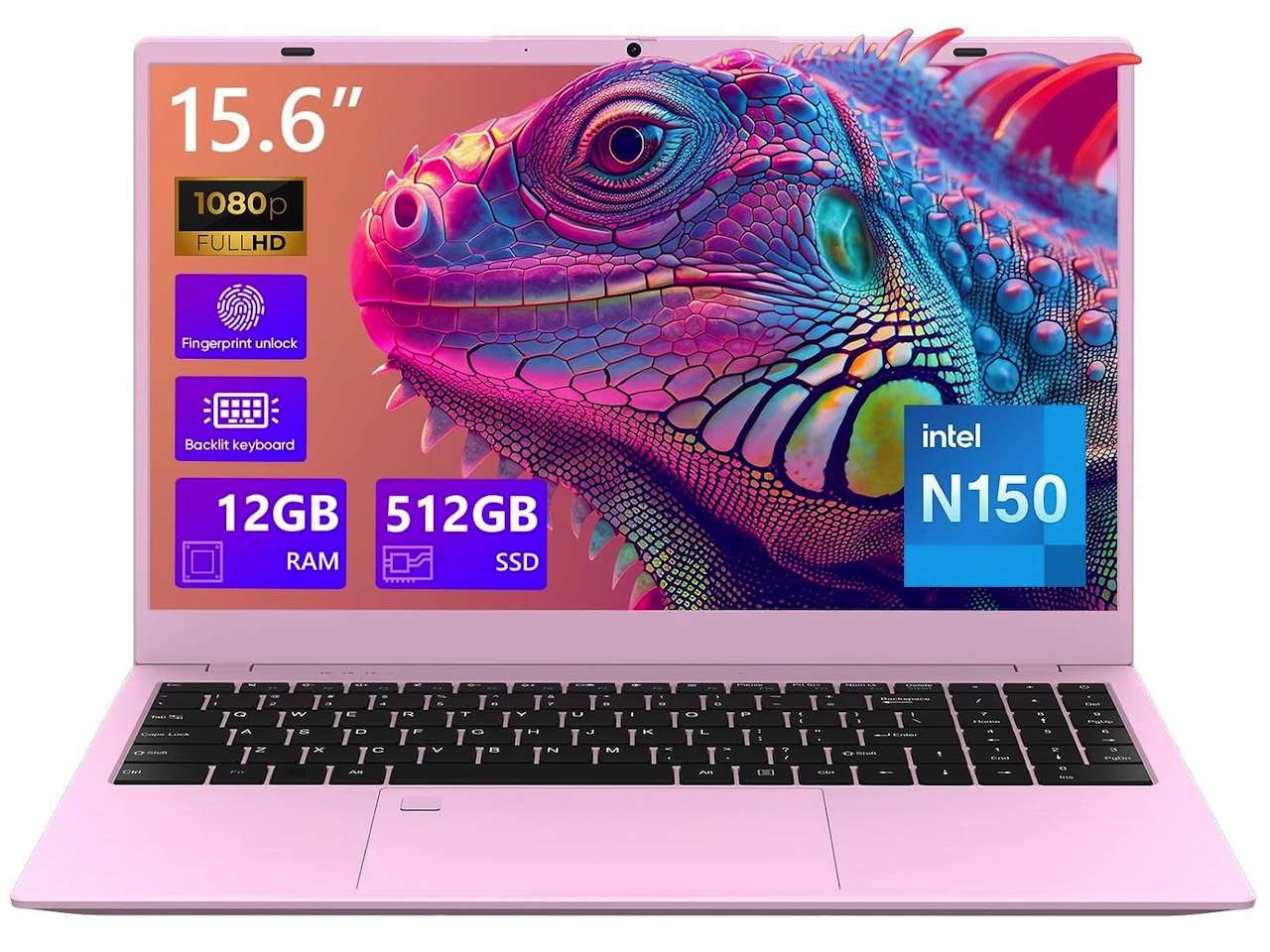
The Spec Monster: VIGSENUP 15.6-Inch Laptop
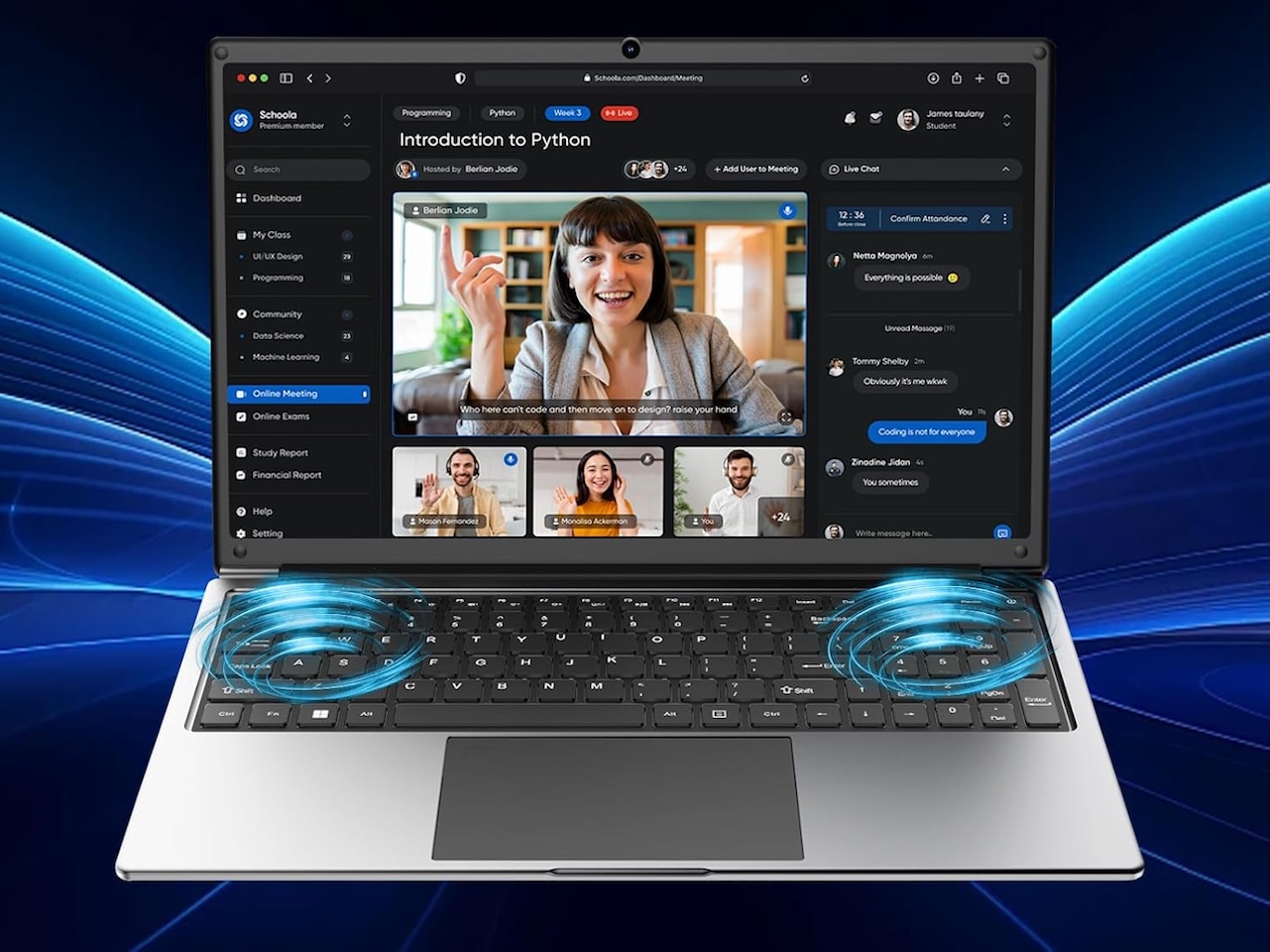
Here’s where the under-$300 Windows laptop gets interesting. The VIGSENUP packs 12GB of RAM and a 512GB SSD into a $299 machine with a backlit keyboard, fingerprint sensor, and WiFi 6. That’s more RAM than most $500 laptops, and the 512GB SSD means you can install software without constantly managing storage space.
The Intel N150 processor (4 cores, up to 3.6 GHz) is a small step above the N100 found in most budget Chromebooks. It handles Windows 11, Office apps, browser tabs, and streaming without complaint. The backlit keyboard and fingerprint reader are rare finds at this price and add touches usually reserved for pricier machines. The pastel pink color scheme is polarizing, but the build quality is solid and the 1.6 kg weight is easy to carry.
The downside: 6-hour battery life is the weak link here. The VIGSENUP won’t last a full school day without charging. If battery life is your top priority, the Acer Chromebook 314 or Morostron are better choices. This laptop is for people who need Windows, want good specs, and can stay near an outlet.
❗Price: $284.05
Where to Buy: Amazon
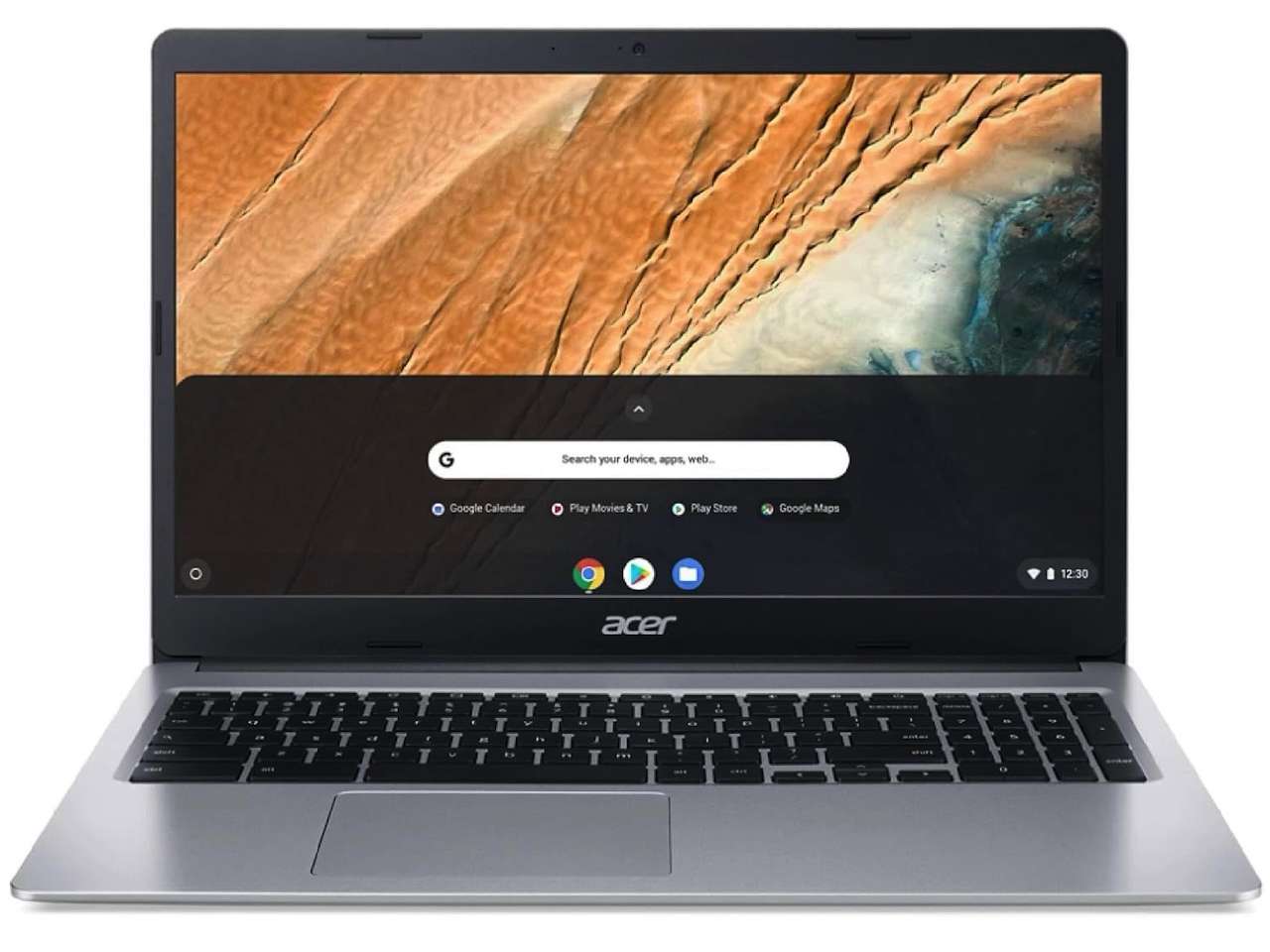
The Sub-$180 No-Brainer: Acer Chromebook 315 (Renewed)
If your budget is under $200, our under-$200 laptop guide covers the no-name traps, but this Acer Chromebook 315 renewed unit is the safer pick. At $178.95, it’s a well-rated renewed unit with plenty of owner reviews behind it. The 15.6-inch anti-glare display and HDMI port make it a surprisingly capable desktop replacement for basic tasks. Chrome OS boots in seconds, updates automatically, and doesn’t slow down over time.
The catch: this is a renewed unit, meaning it was previously owned, inspected, and certified. It may show minor cosmetic wear, and the Intel N4020 processor is older and slower than the N100 or N150 in the other picks. The 1366×768 display resolution is noticeably less sharp than the FHD screens above. You buy this when “cheapest thing that works” is the only criteria, and you get the peace of mind that Amazon Renewed includes a warranty.
❗Price: $178.95
Where to Buy: Amazon
Which Budget Laptop Should You Buy?
The student on a tight budget: Acer Chromebook 314 ($240). The all-day battery, MIL-STD durability, and FHD screen make it the best all-rounder for school.
You need a big screen for work: Morostron 16″ ($249.99). The 16-inch FHD IPS display and numeric keypad are unmatched at this price.
You want maximum Windows performance: VIGSENUP 15.6″ ($299). 12GB RAM, 512GB SSD, backlit keyboard. The best specs under $300, period.
You need the cheapest usable laptop: Acer Chromebook 315 Renewed ($178.95). Reliable, high-rated, and backed by Amazon Renewed warranty.
What to Check Before Buying a Budget Laptop
Not all under-$300 laptops are worth your money. Watch for these pitfalls, and read our full guide to laptop buying mistakes to avoid in 2026 before you check out.
Older Celeron and Pentium processors (N4020, N4120, N5030) are noticeably slower than the N100 and N150 in real-world use. eMMC storage is slower than SSD and can’t be upgraded.
4GB of RAM is the absolute minimum for Windows 11 or Chrome OS with multiple tabs. Aim for 8GB or more if the budget allows. Renewed and refurbished units can save serious money, but check the warranty and return policy before buying.
Final TG Take
The under-$300 laptop market has quietly improved. The Acer Chromebook 314 is the most sensible purchase for most people, combining a quality 14-inch FHD display, solid battery life, and durability you rarely see at this price. If you need a bigger screen or more RAM, the Morostron and VIGSENUP each fill specific gaps well.
None of these will replace a $1,000 ultrabook, but they don’t need to. They need to handle email, documents, streaming, and browsing without frustration. At these prices, they do.