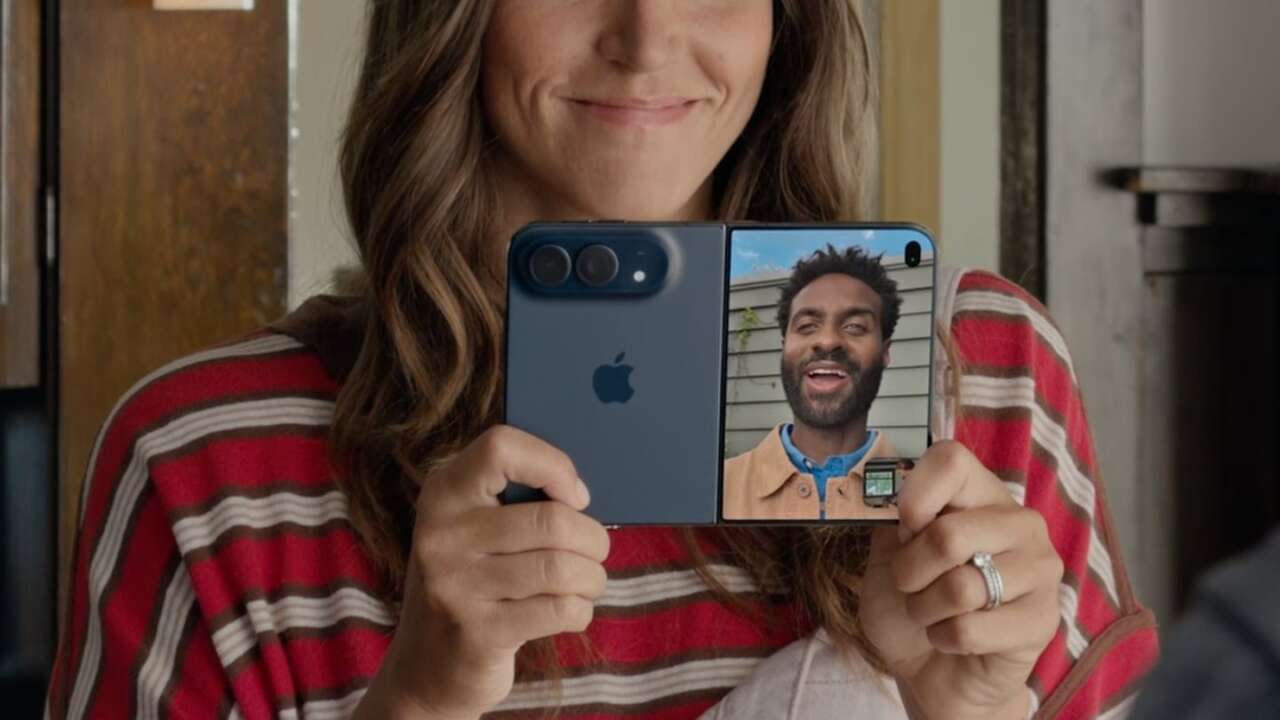
The iPhone Duo just learned to open with a look. The second developer beta of iOS 27.3 adds Unlock with Front Camera, and it isn’t Face ID, whatever the name makes you think.
Start with what the setting actually does, because the gap between the name and the mechanism is where owners are getting confused, and the confusion starts with how conditional the feature is. It works only while the Duo is closed, and only from the Lock Screen. The privacy line sits in the same description: ‘Face recognition data never leaves your device.’
Price: $1,549.99 at Amazon for the Samsung Galaxy Z Fold8 (256GB, Graphite), the book-style fold US buyers can order today while the Duo stays an Apple-store purchase
Where to buy: Buy on Amazon
Owners have been asking for this since launch day, because the Duo shipped with Touch ID in its side button after the folding chassis left no room for Face ID’s TrueDepth array, the scanner every other iPhone carries. Apple clearly heard it, and this beta is the answer it could ship without new hardware. A fingerprint works fine, and it still feels like a step backward on a $1,999 phone.
Does the iPhone Duo have facial recognition
As of this beta, yes, one kind of it, though before iOS 27.3 the answer was no, because the Duo recognized a fingerprint or a passcode and nothing else. The beta adds face recognition for one job, getting you past the Lock Screen of a closed Duo, and the release follows in December. It recognizes a face without scanning one, and keeping those two verbs separate is most of understanding this feature. That distinction runs everything below.
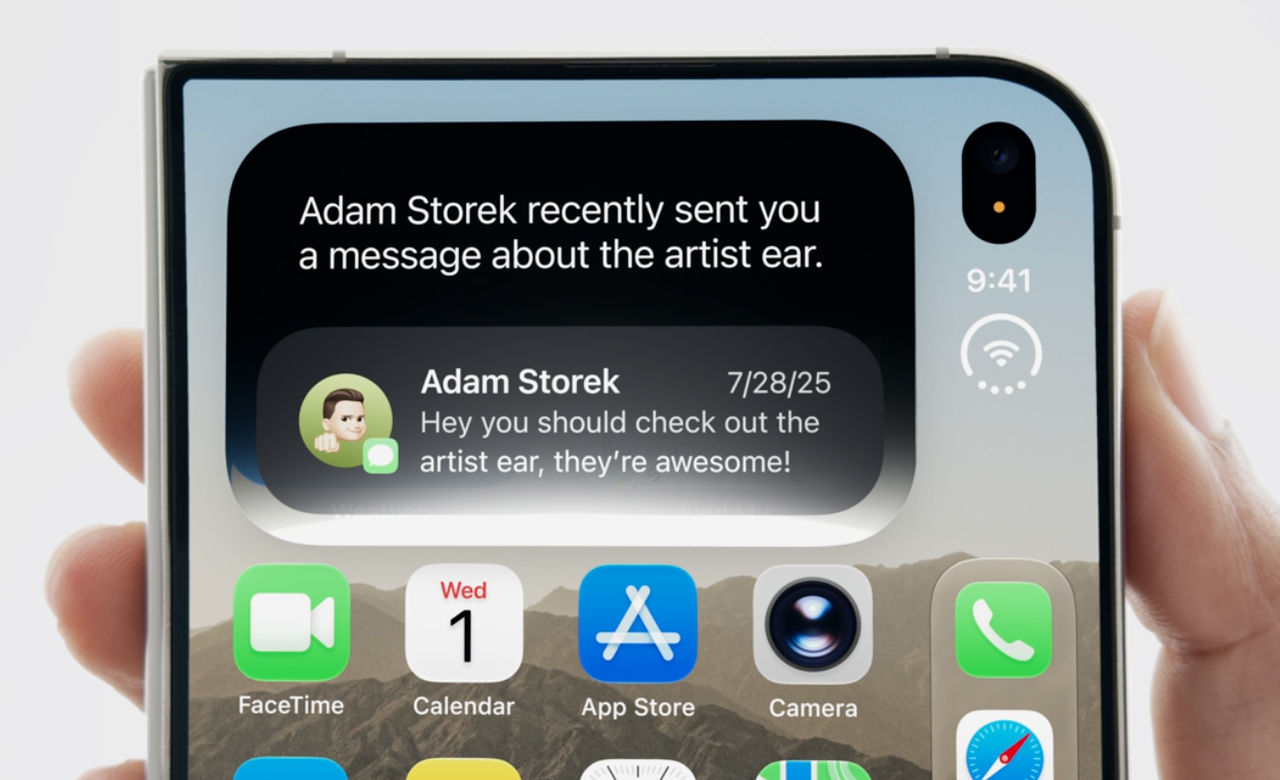
How do you turn on Unlock with Front Camera
Update to iOS 27.3 beta 2 first, then open Settings, tap Touch ID & Passcode, and scroll to the Unlock with Front Camera switch. Flip it on and enrollment starts, a slow turn of your head, left, right, up and down, while the outer camera builds the picture of you it will match against.
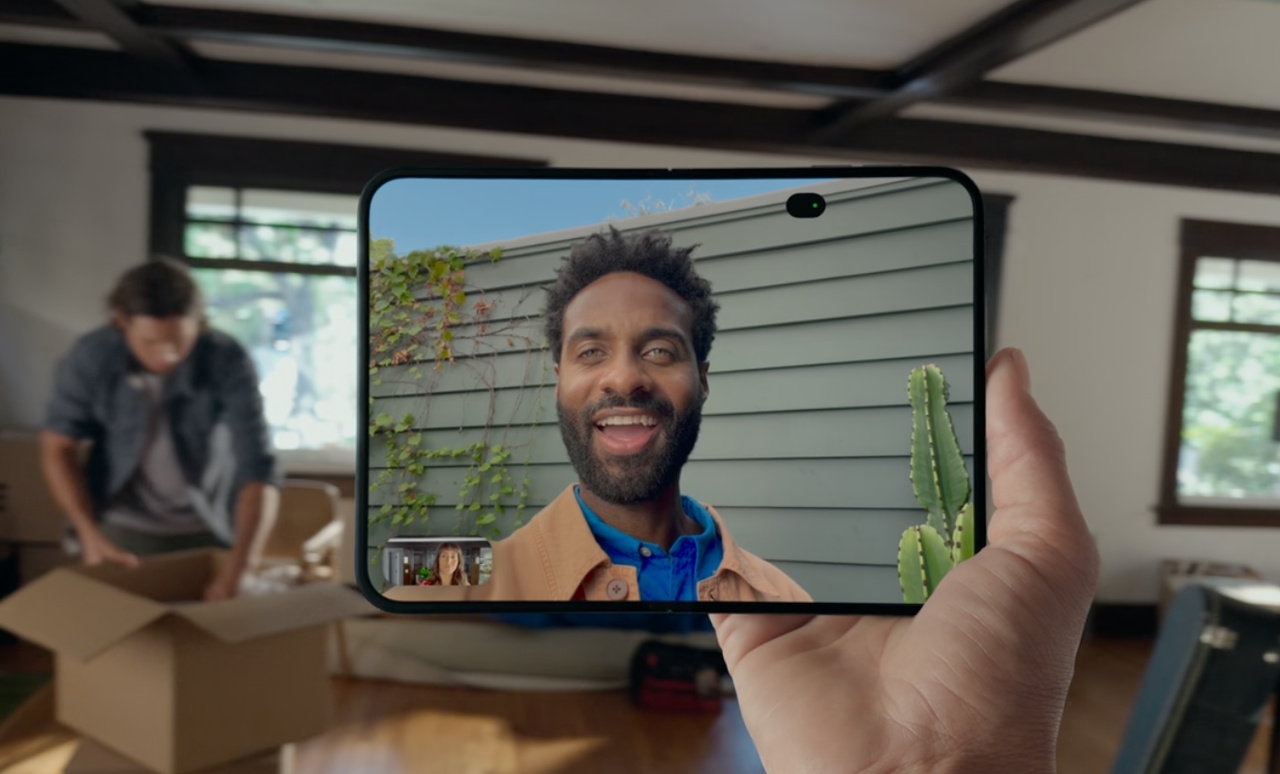
Read the setup screen before you tap through it, because Apple prints its own warning right there: the feature provides convenience and isn’t as secure as Touch ID or Face ID. That sentence is doing a lot of work.
Once you’re enrolled, unlock once with Touch ID or your passcode, and from then on you can raise the closed phone, look at the outer screen, and you’re in. Early testers clocked it ahead of Touch ID, the one measurement that explains this feature’s appeal.
Is Unlock with Front Camera the same as Face ID
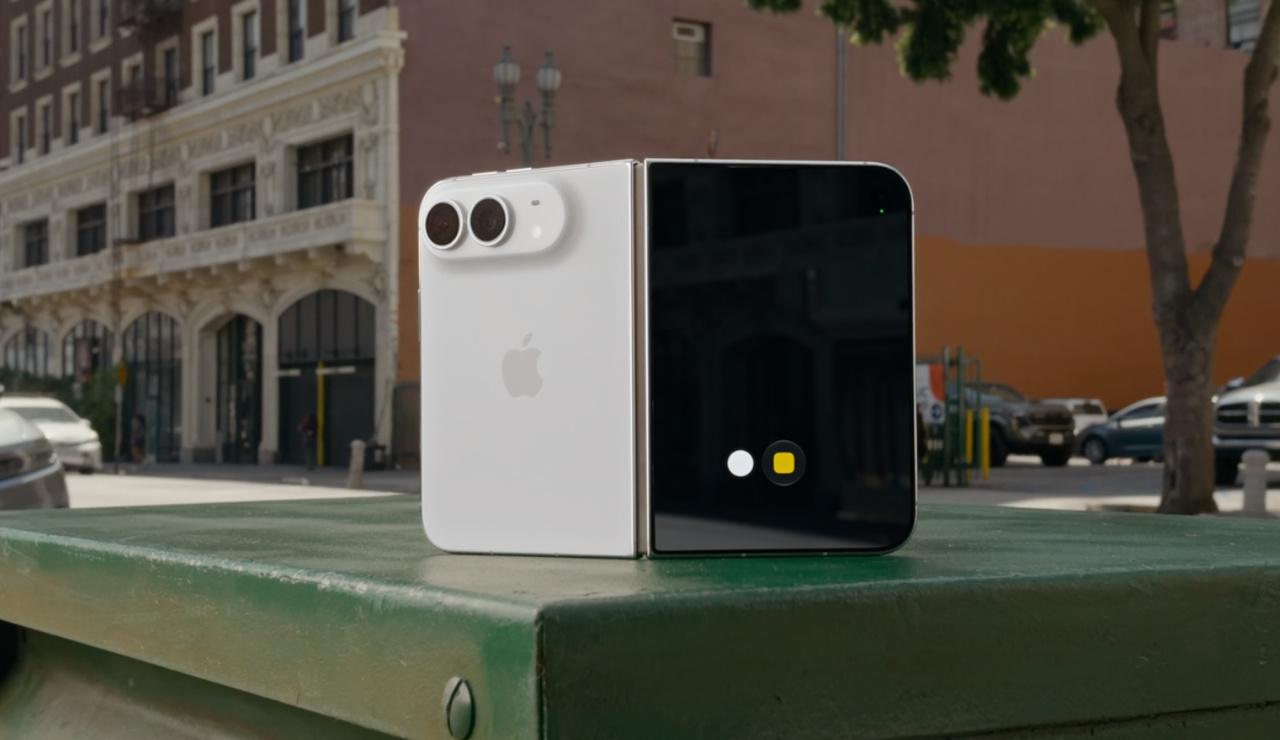
No, and the hardware explains why, because Face ID runs on the TrueDepth camera system, which projects thousands of infrared dots across your face and builds a three-dimensional map from how they land, dot by dot. The Duo has no TrueDepth hardware, so its unlock reads the Center Stage camera on the outer display and matches a flat, two-dimensional image against the one you enrolled. One system measures a face in depth, and the other photographs it.
Apple quantifies the gap, putting the camera match at Touch ID’s false-match probability, 1 in 50,000, and calling it one of the most secure RGB camera unlocks available. In the same breath the company states flatly that the feature doesn’t carry the same protections as Face ID or Touch ID, and both halves deserve equal weight, the boast and the confession.
Different hardware, different promise, a different level of trust.
Why does it only work while the Duo is closed
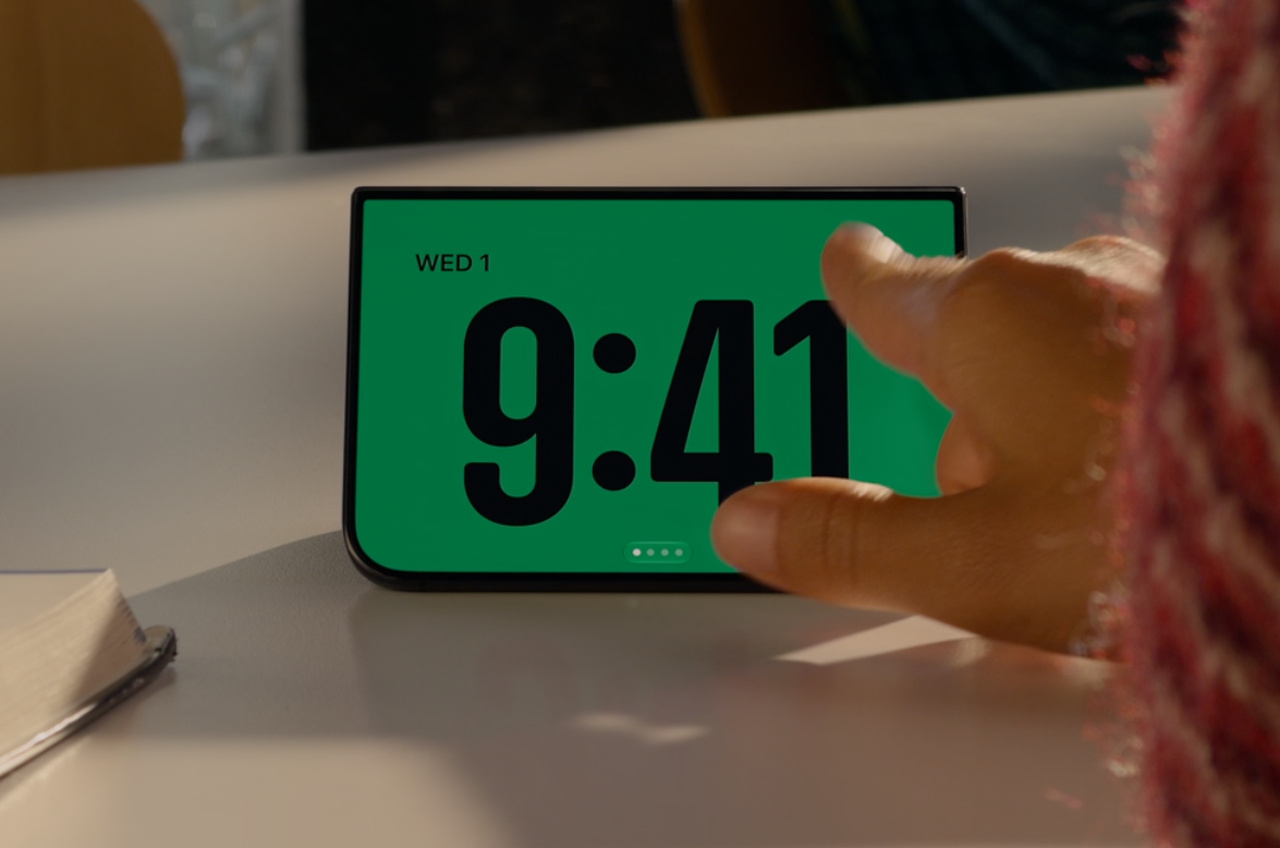
Because only one of the Duo’s front cameras gets the job: the Center Stage camera on the outer display. It’s the same camera you use for selfies with the phone shut, and the only front camera that faces you while the Duo sits closed and locked.
There’s a practical reason the inner camera never gets asked, since its image passes through the screen itself, which softens it, and a lock is the wrong place for a soft image. Open the Duo and you’re back to fingerprint or passcode.
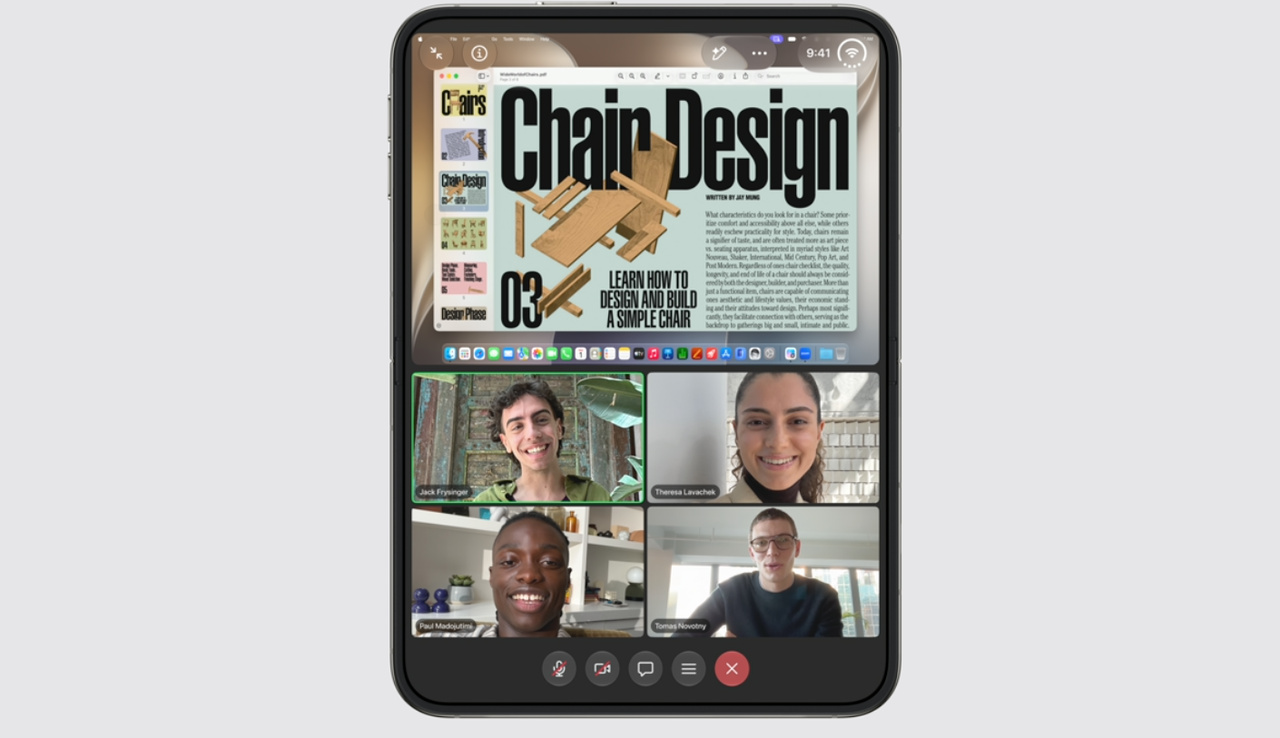
The same beta adds the matching bookend, an option to lock the Duo the moment you close it. Shut it, it’s locked. The open phone stays a Touch ID phone either way.
Why does the Duo keep asking for Touch ID
Two reasons, and both are deliberate, starting with a clock, because camera unlock rides on a recent Touch ID or passcode authentication and switches off after 45 minutes of inactivity.
Leave the Duo on a desk through lunch and the first unlock back is a fingerprint.
The second reason is scope: the face match opens the Lock Screen and nothing else. Apple Pay, passwords and app sign-ins still want Touch ID.
What do you give up against Face ID
Depth, because TrueDepth’s dot projector builds a 3D map, so Face ID knows the difference between a face and a photograph of one, while the Duo’s camera sees a flat image, with no depth data behind the match.
Early hands-on testing held a photo up to the Duo and the phone stayed locked, which is encouraging, and one passed photo test still isn’t a depth sensor. The setup screen itself rates the system below Touch ID and Face ID, so believe the setup screen.
Darkness is the second give-up, because TrueDepth carries its own infrared light and Face ID works in a pitch-black room while a regular camera needs light it can see. Testers found the Duo unlocked in dim rooms and failed in complete darkness, which makes the 2 a.m. glance a Touch ID unlock anyway. Darkness is nonnegotiable for a camera. Face ID owners never think about this, and Duo owners will think about it nightly.
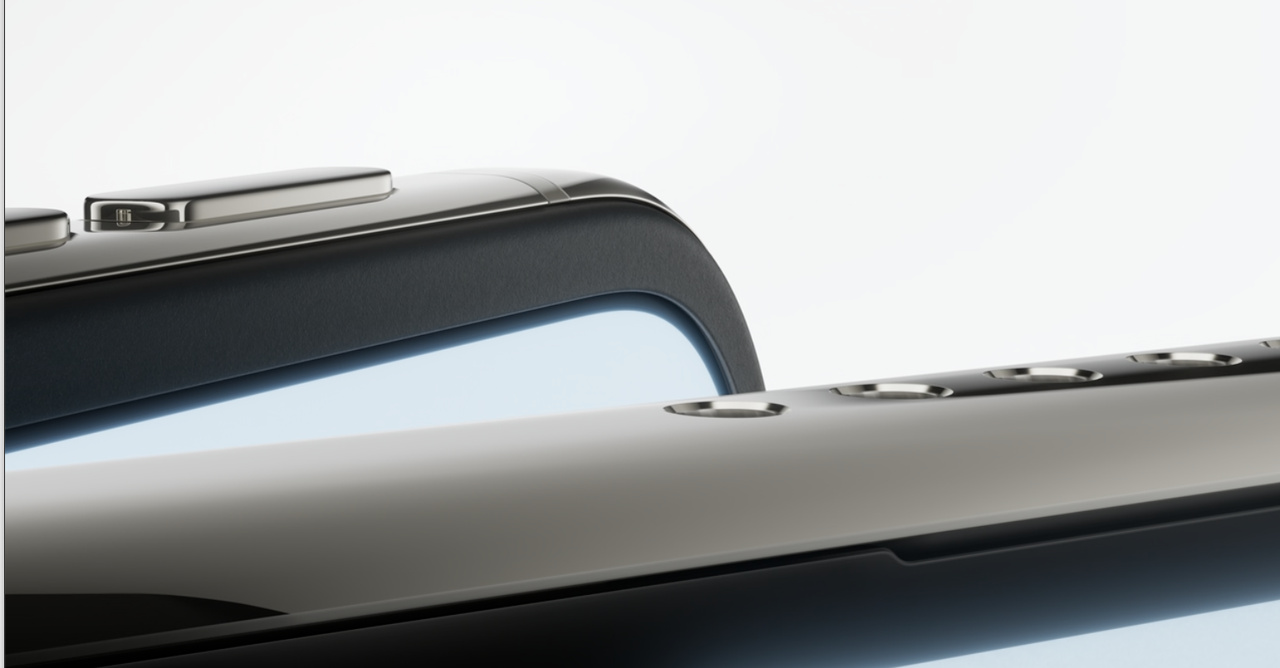
Attention is the third, because Face ID checks that your eyes are open and aimed at the phone, so a sleeping owner’s face doesn’t unlock it for somebody else. Nothing Apple has published about the camera unlock describes an equivalent check, so the match is simply the match.
Then there’s the ceiling on the convenience itself, since Face ID on a regular iPhone works every time you pick the phone up, any posture, any light, no timer running. The Duo version works sometimes, in one posture, inside a 45-minute window, for one screen.
A real gain, wrapped in four asterisks.
Should you turn it on
If you unlock a closed Duo dozens of times a day, triaging notifications and mail on that outer screen before you’ve even sat down, turn it on. Just hold the right mental model while you do, because this is a convenience feature with a warning label, and the warning label was written by Apple, not by a reviewer hunting for a downside to fill a review quota.
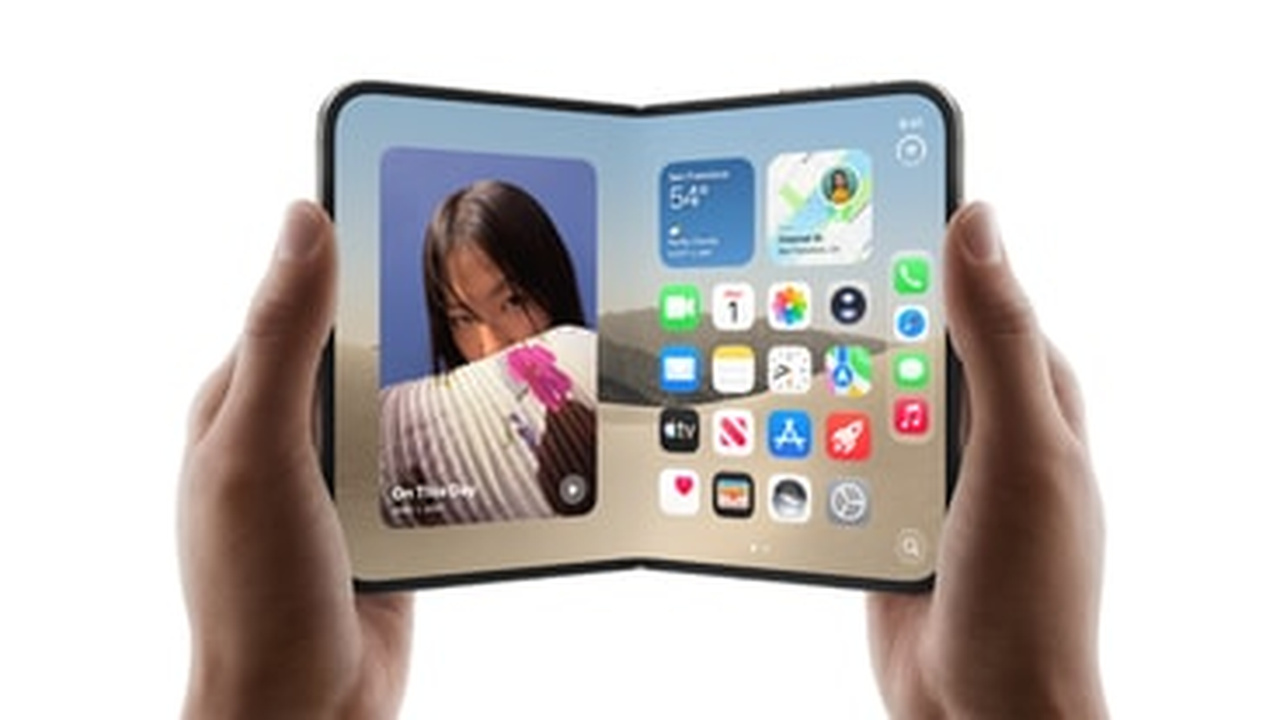
If your phone regularly sits in other people’s hands, or your work would make a stranger’s access expensive, leave it off and keep the button. The button is still the real lock. The Duo’s unlock story was always a compromise forced by a thin chassis, as our Duo launch coverage laid out and our buy-or-wait guide scored.
Real Face ID for this line is still a future product, with reporting putting it as the top priority for the iPhone Duo 2, squeezed into the second display only. Even that may slip a generation if the hardware won’t fit inside the slimmer shell. Until a Duo ships with a TrueDepth array in it, the camera trick is what there is: useful, narrower than it looks, and not Face ID.