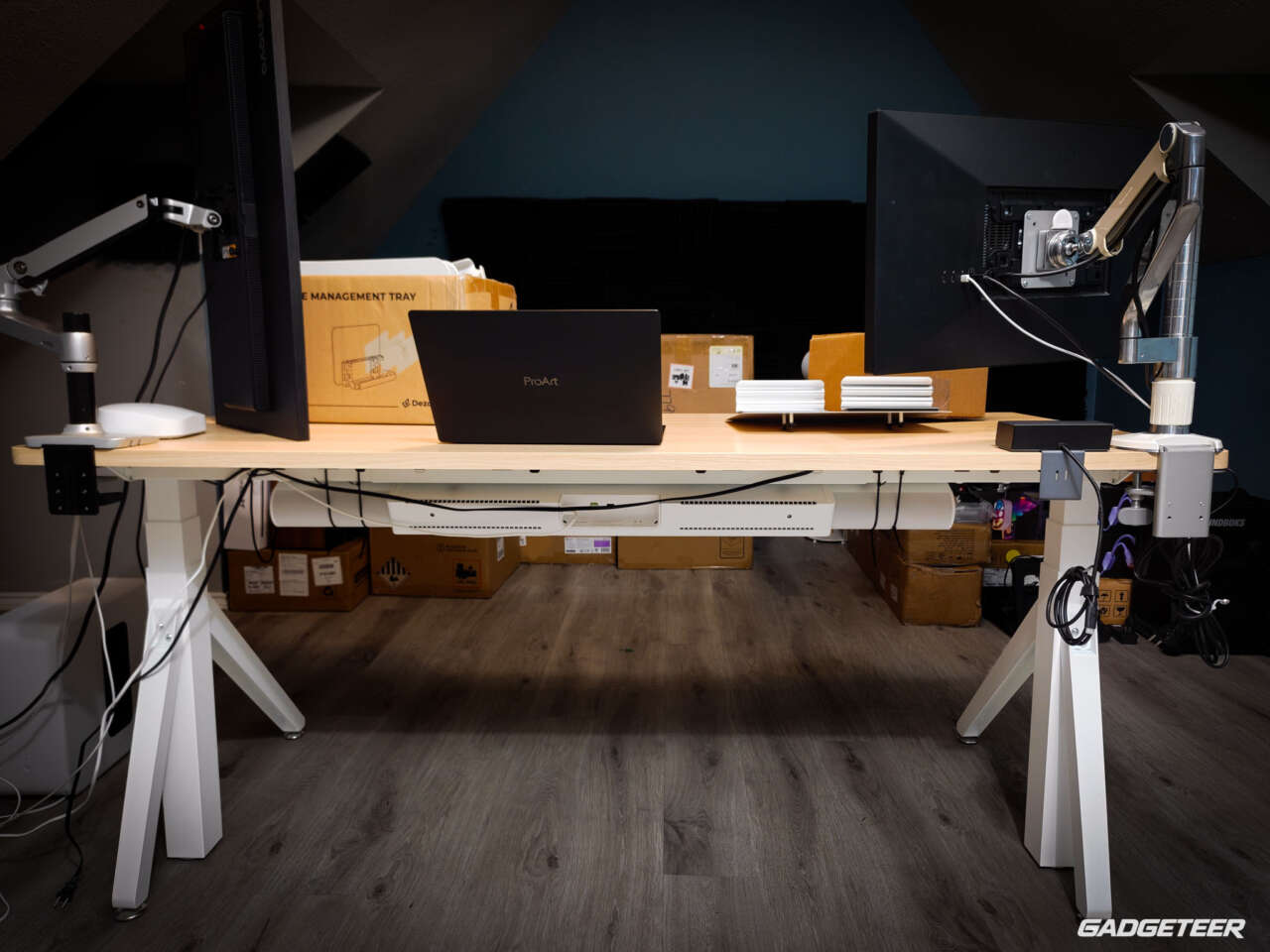
I went with the largest Dezctop Revon Elite in Oak, and I’m glad I did. I’ve had three monitors mounted on it at once, along with a couple of phones and my usual desk gear. The 70.9 × 31.5-inch top gives that setup plenty of room. The leg design looks different, and the desk feels supportive and sturdy.
What I really like is how the accessories fit into the setup. They feel like part of the desk, and I can add or remove them as my needs change.
Dezctop Revon Elite
Price: $739.99 (desk only)
Configuration: 70.9 × 31.5 inches, Oak / White
Where to buy: Dezctop
Build Your Revon Workspace
US price checked September 9, 2026. Accessories, tax, and any shipping charges are additional. The purchase link opens the Revon collection; choose Elite, Oak, and 70.9 × 31.5 inches.
The desk and accessory package
Dezctop supplied the Oak Revon Elite for this review along with a four-piece white Cable Management Tray kit, two white Desk Dividers, the white DivMag Accessories Bundle, Cup Holder Plus, Headset Holder, USB Type-C 7-in-1 Hub, white NQ900 Mouse Pad, and RGB Kit. These extras aren’t all included with the standard desk.


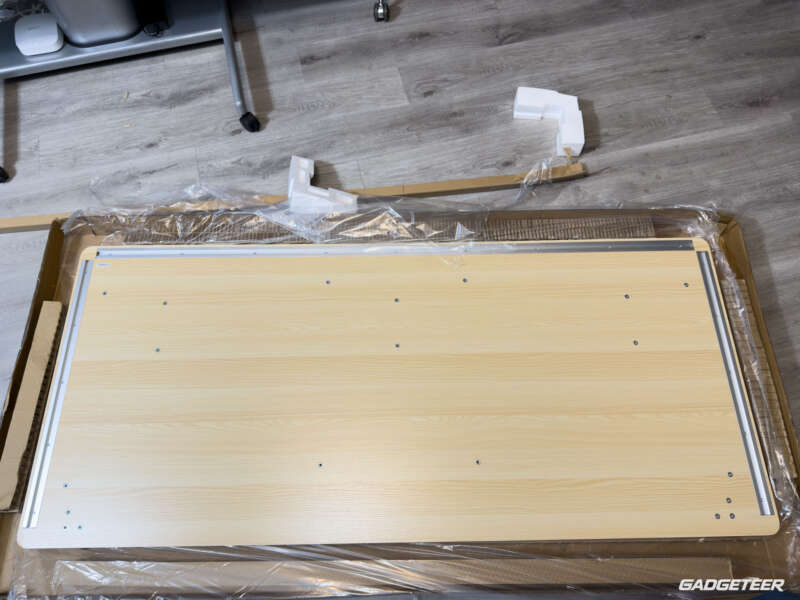
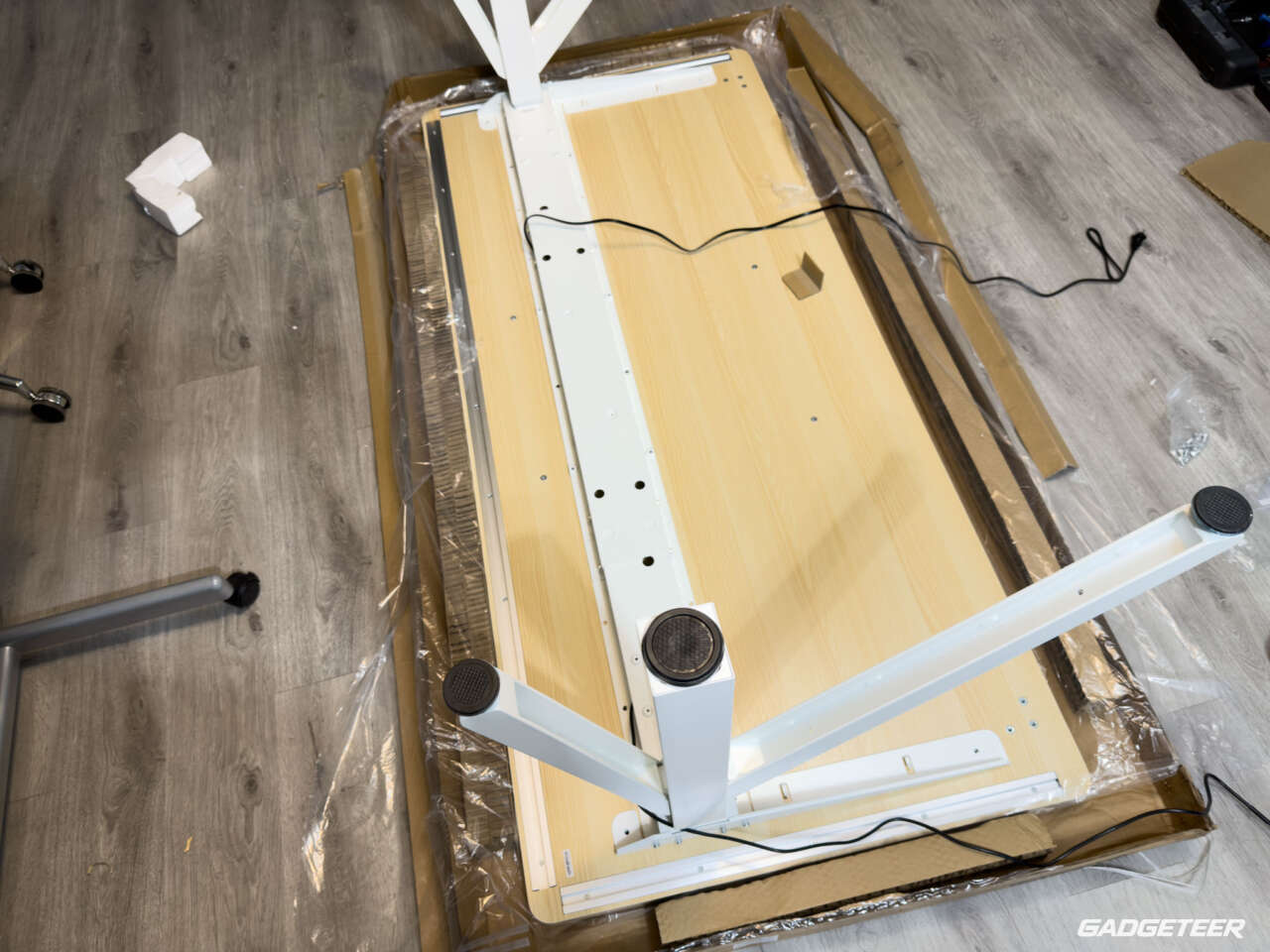
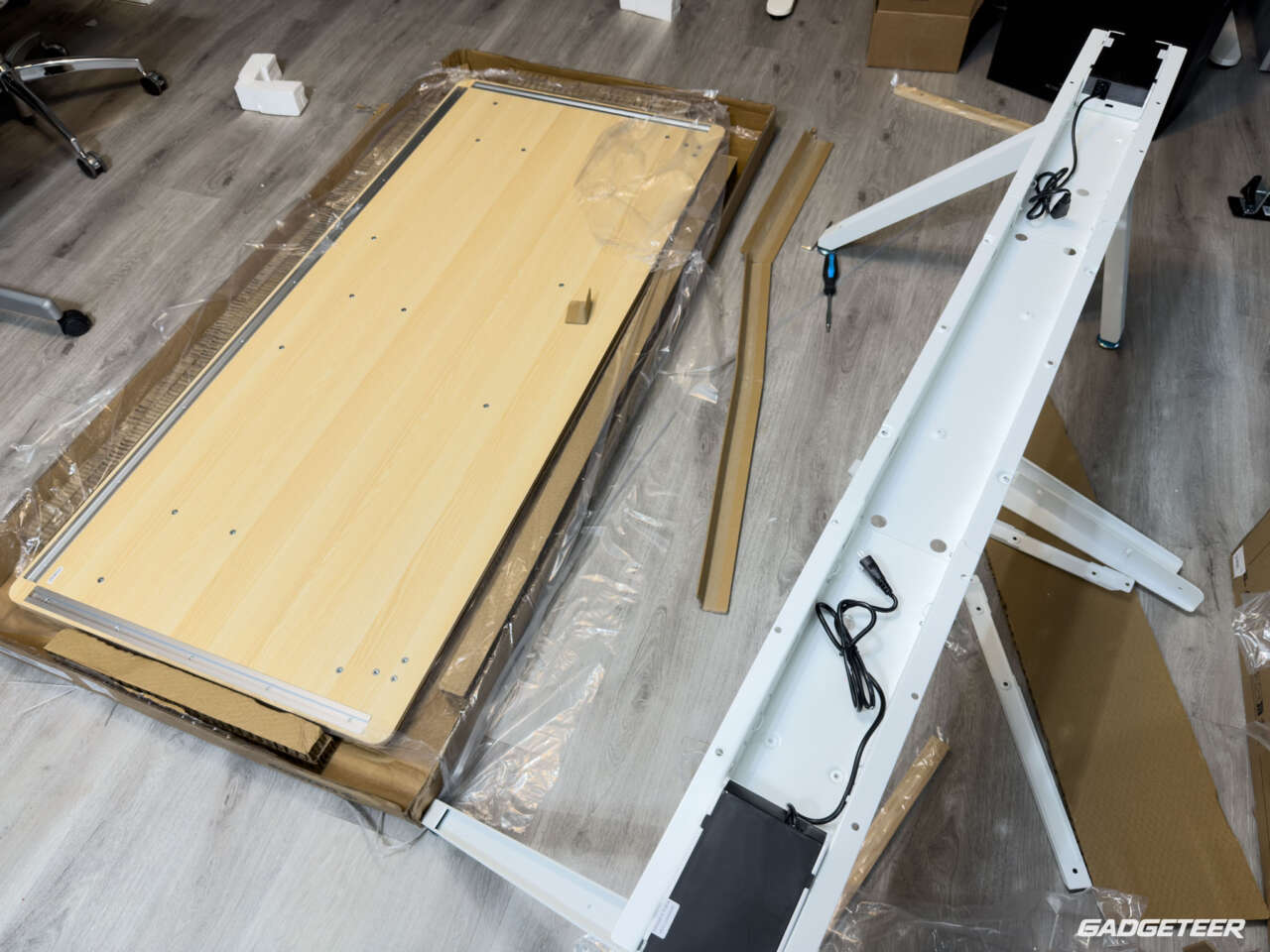
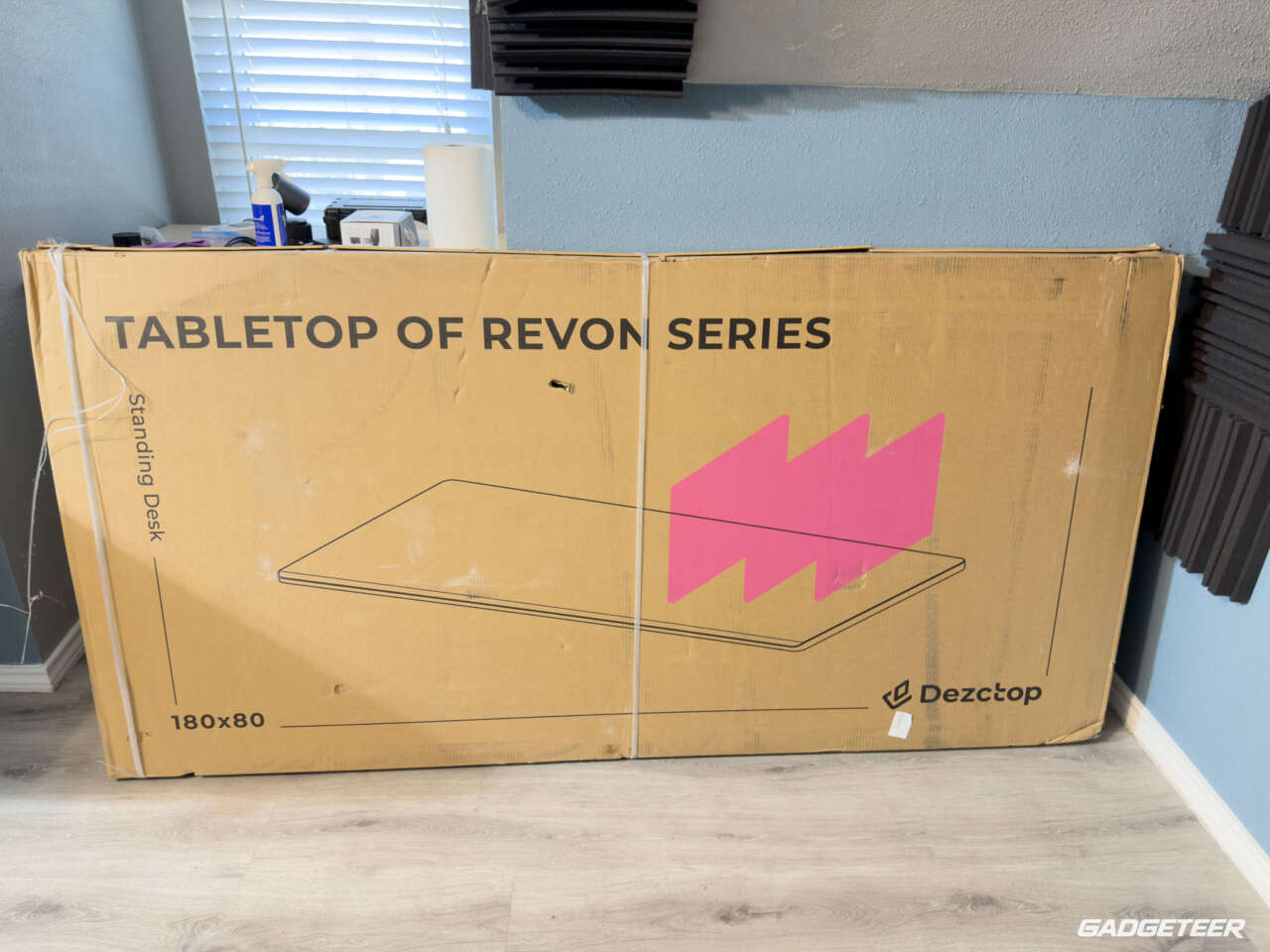
Assembly was pretty straightforward for the most part, and nothing caught me by surprise. I really appreciated having the holes pre-drilled. The process is well documented, and the instructions on Dezctop’s website gave me what I needed to get everything installed.
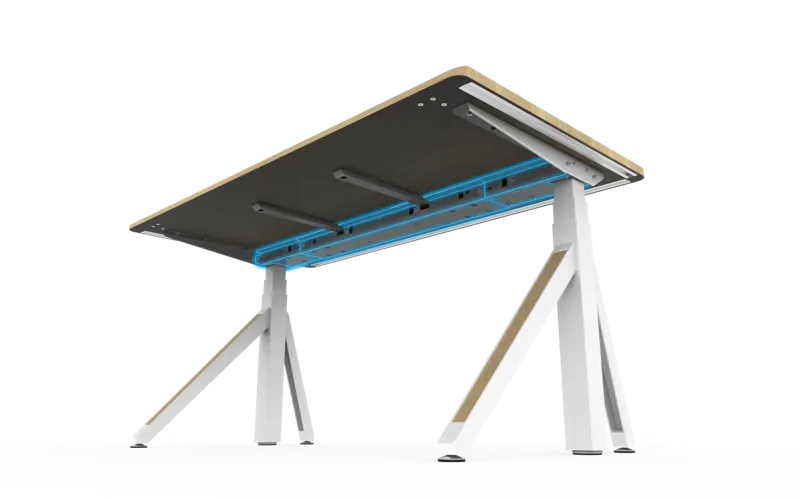
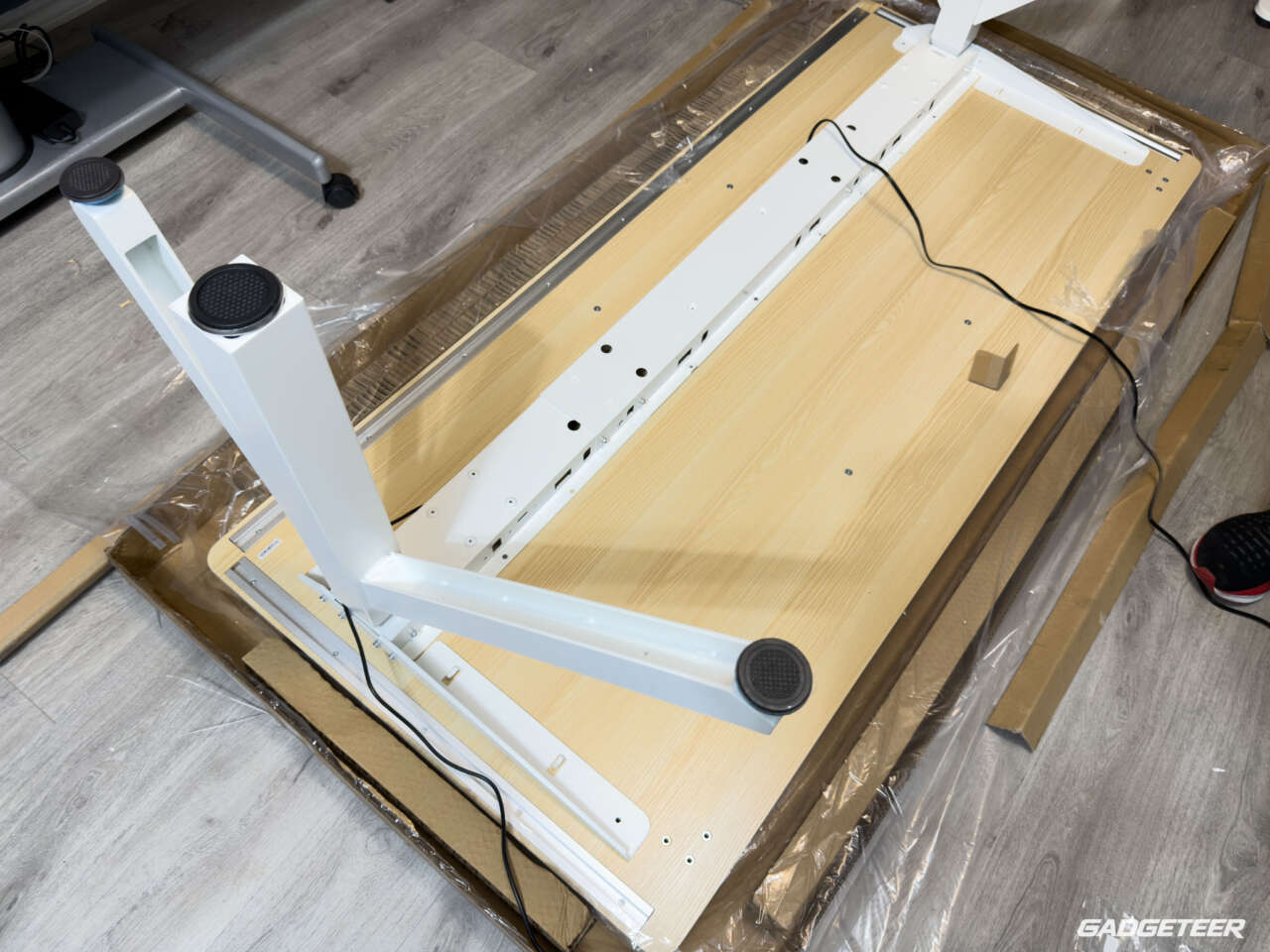
Give yourself plenty of floor space to lay out the frame and the large desktop. With the top off, you can see how the control box and motor wiring fit inside the open frame. The accessory rails are already in place along the back and sides of the desktop.
Plenty of room, with a sturdy foundation
The Oak finish brings some warmth to the desk, and I like it with the white frame. The top is high-density fiberboard with an Oak finish.
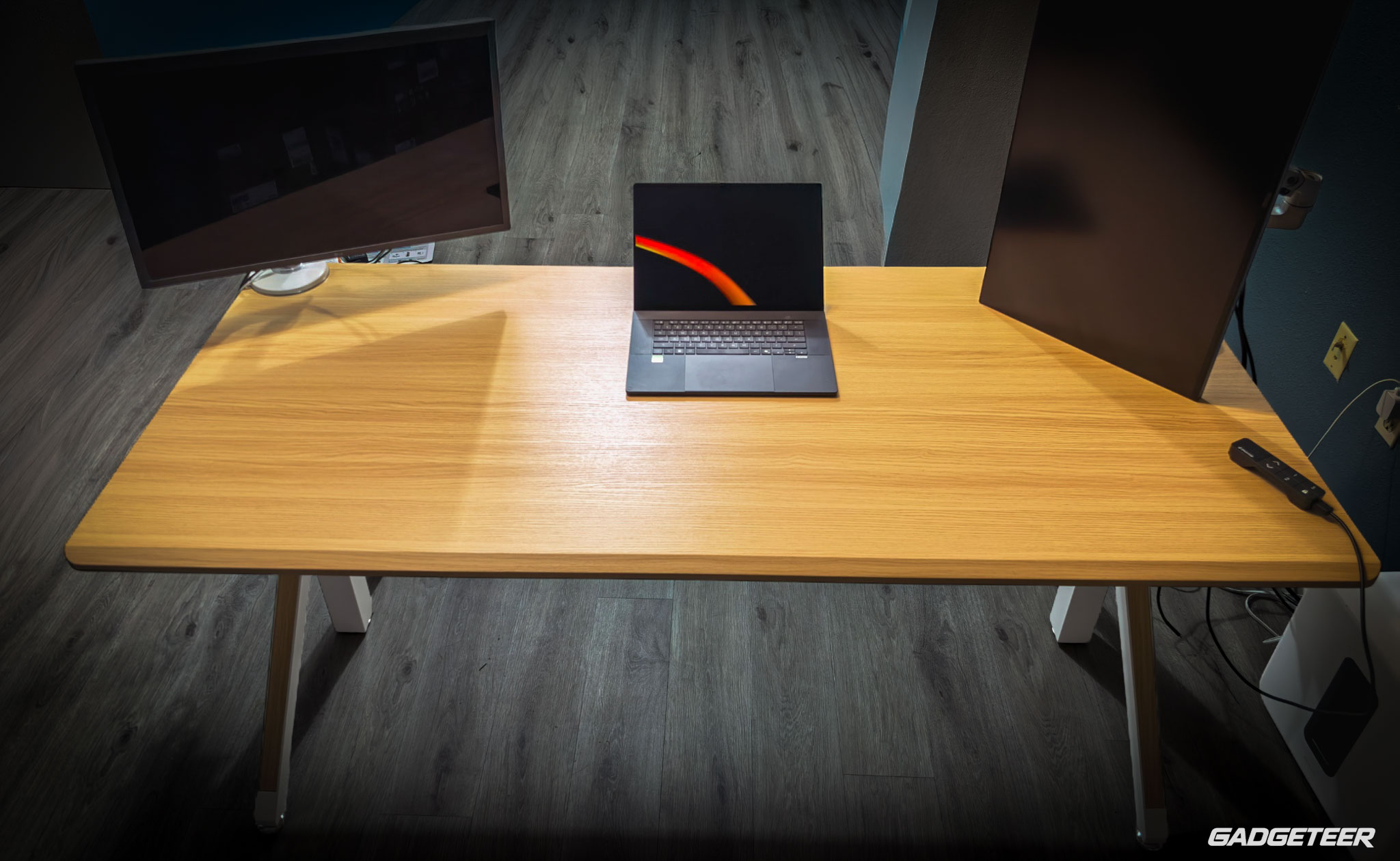
I like to split my desk into two work areas. My computer, laptop, and monitors go on one side as my workstation. The other side is where I unbox products and work with the gear I’m reviewing. Having both spaces on the same desk is a big reason I wanted the largest size.
The 70.9-inch width gives me room for that layout. I can keep my workstation set up and still have a surface for opening a box, laying out accessories, or examining a product. If your desk doubles as a place for projects, that extra space is useful.
The 31.5-inch depth helps, too. My screens can sit farther back while the keyboard and mouse stay within reach. I use a landscape screen alongside a vertical one, and the layout changes with what I’m working on. There’s also 60 inches between the legs, and the front edge has a 23-degree curve designed to reduce pressure against your arms.
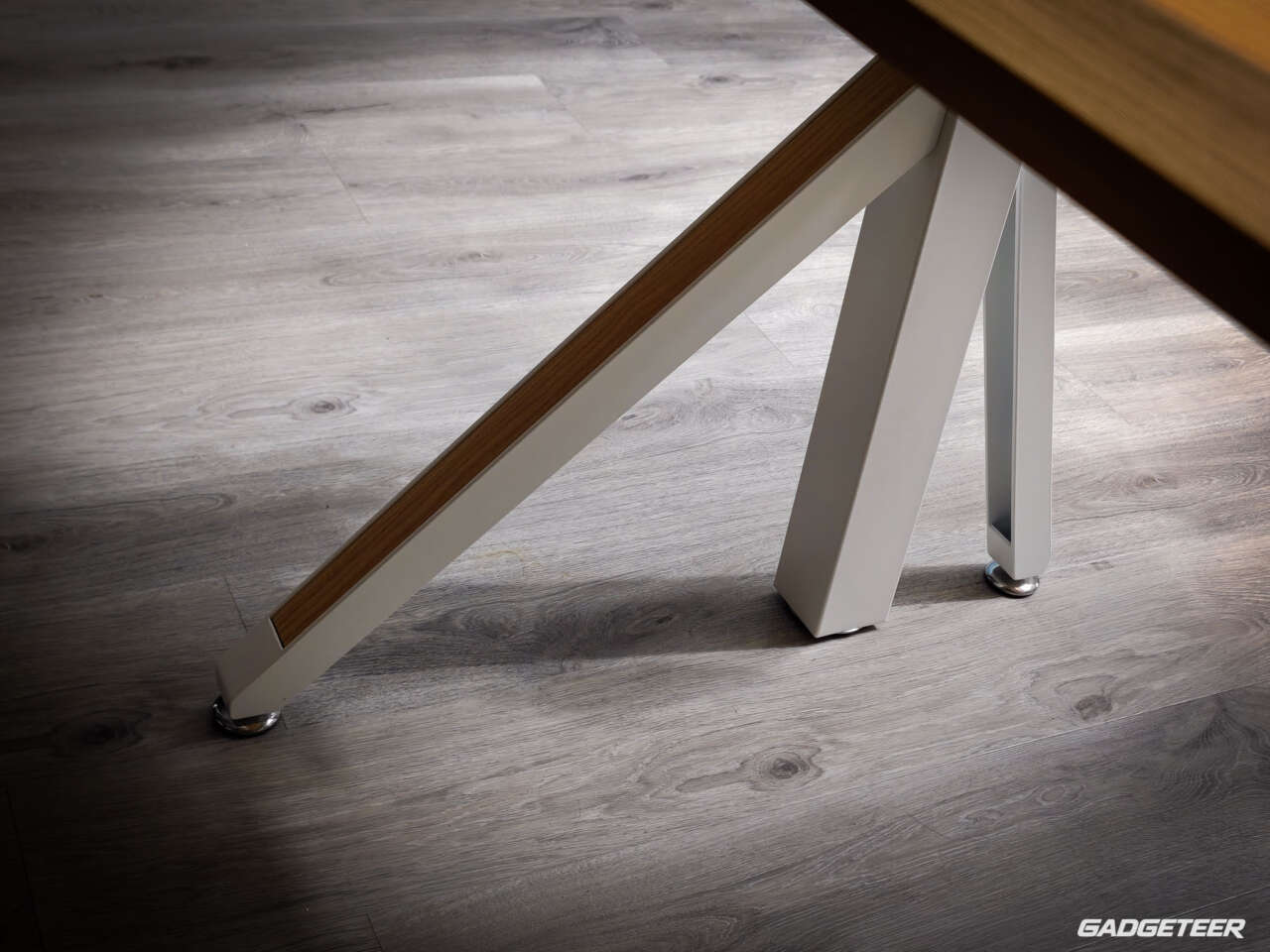
The keel-shaped legs give this desk its distinct look. A reinforced U-shaped steel frame and two metal bars support the top, while adjustable feet help you level it. The motor cables tuck inside the frame.
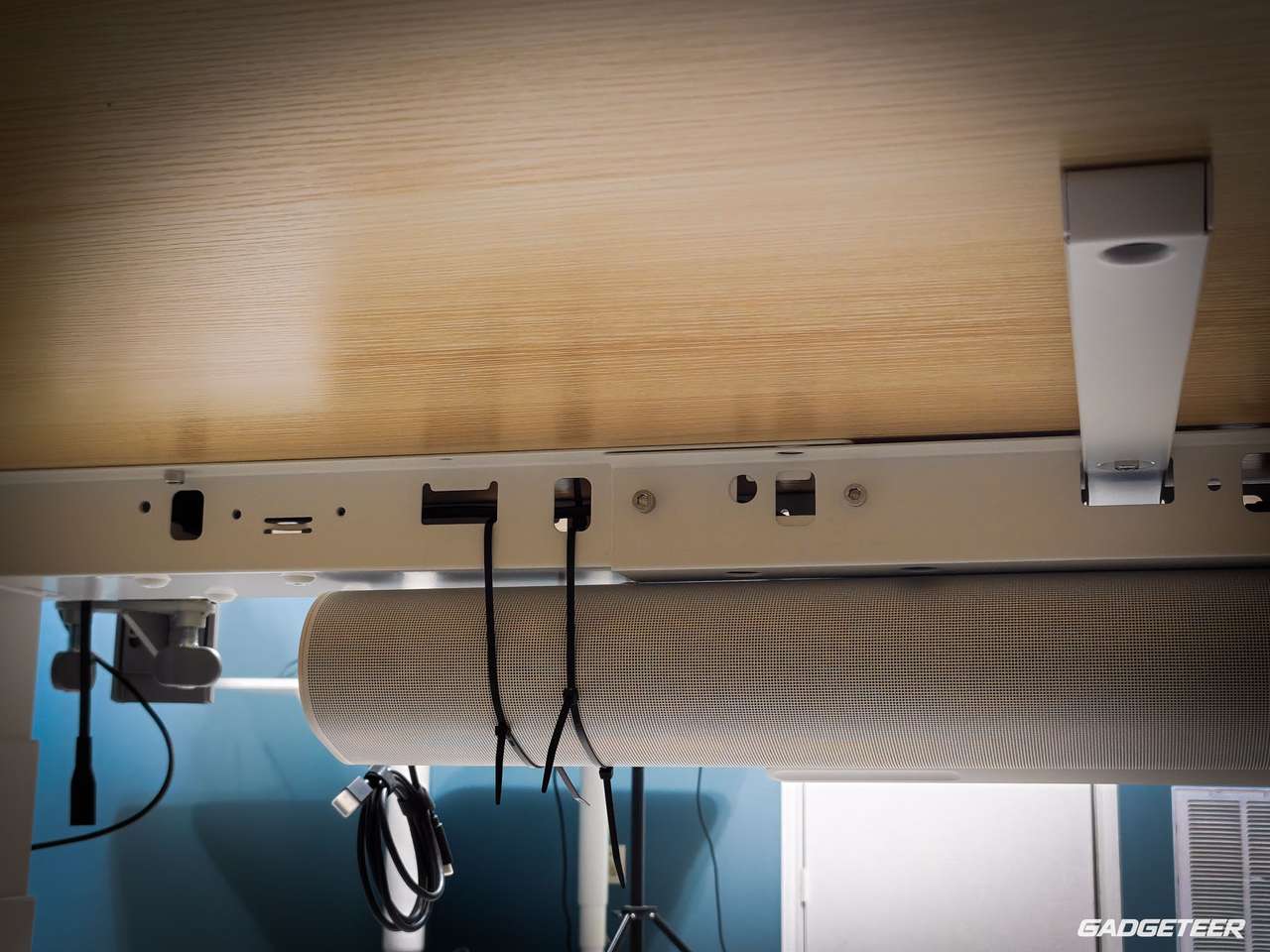
That structure gives the desk the sturdy feel I like. The space underneath has been useful, too. I’ve mounted a Sonos soundbar under the desk with zip ties, and it’s worked really well for me. The desk’s width and the way the legs are arranged leave room for such a wide speaker while keeping it off my working surface. That’s my own mounting setup.
It’s a big desk, so measure the space before ordering. With cable trays and dividers installed, the listed overall width and depth grow to 72.7 × 32.4 inches. Leave room around that footprint, especially if you’re placing it near a wall or other furniture.
Accessories that feel like part of the desk
I don’t have one favorite accessory. I swap them around depending on what I’m doing, then tend to clear the space again when I’m done. That’s how I like to work, and it’s the layout you see in my setup photos.
The accessories are easy to add and remove, so I can keep them available without leaving everything attached all the time. Between the rails and magnetic DivMag pieces, changing things around doesn’t take much fuss.
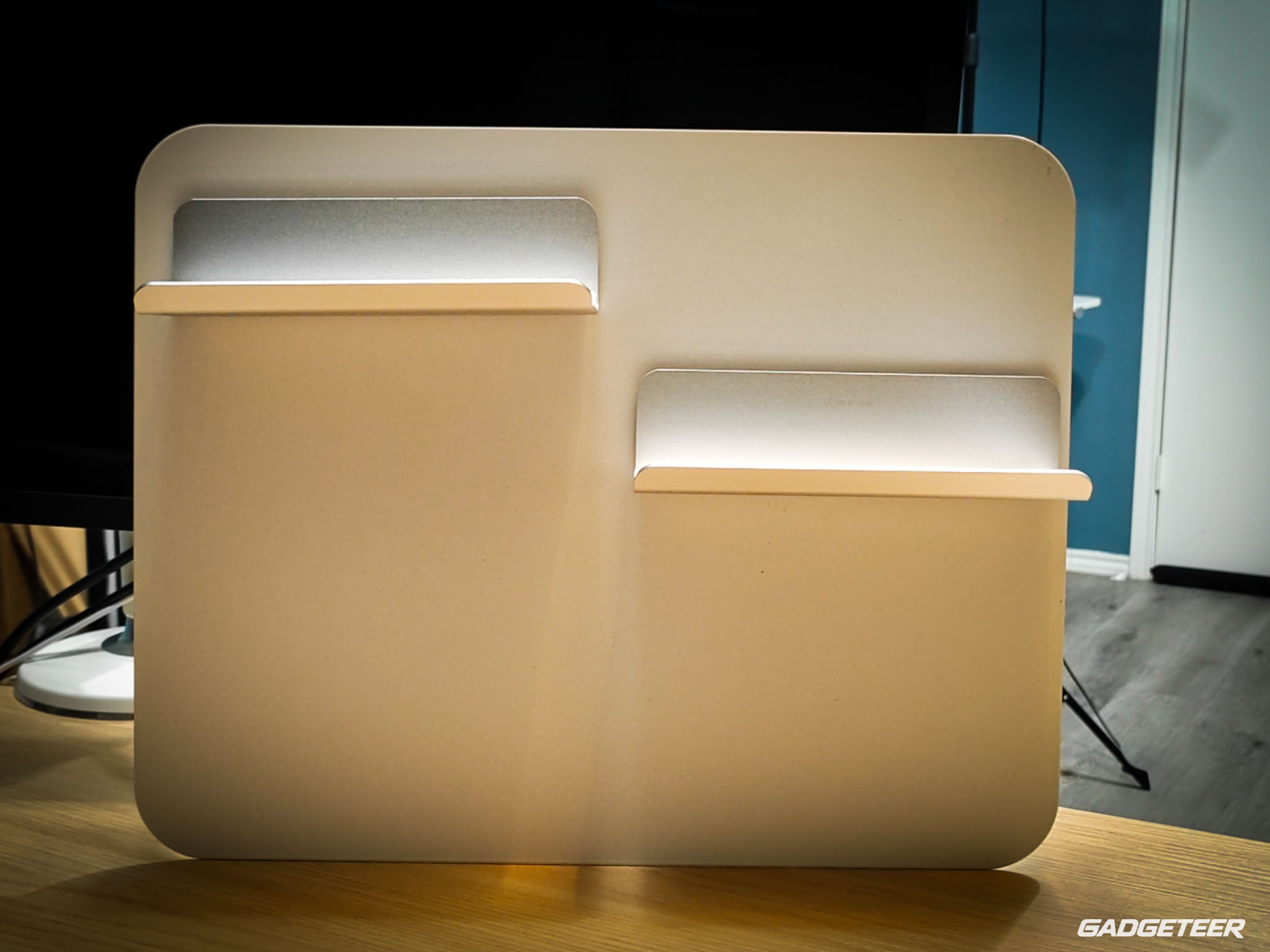
The cable trays can slide to different positions along the underside rails. That gives you some freedom when deciding where to put a power strip or a group of adapters. If your equipment changes, you can rearrange the cable storage along with it.
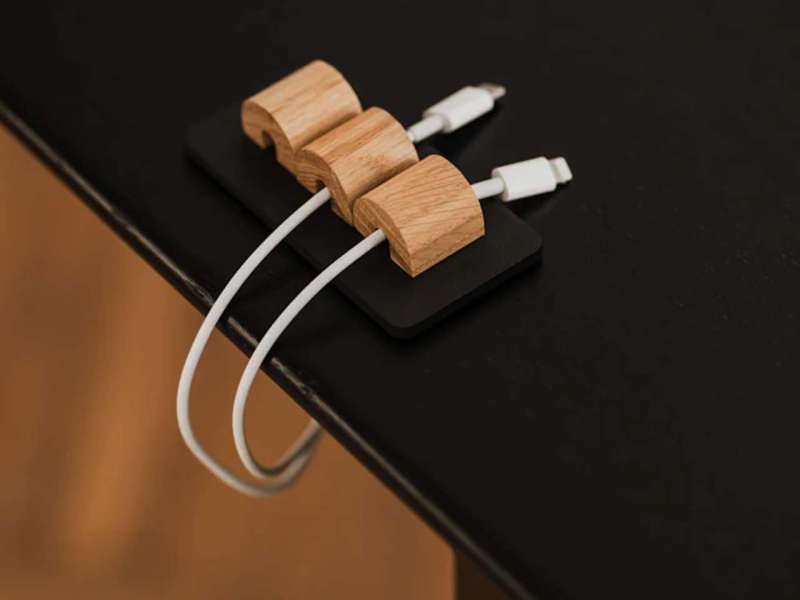
The DivMag bundle includes three magnetic cable holders, four cable ties, three pen and memo holders, a small container, a large container, two Zigzag Trays, and a phone holder. You’ve got places for the little things that otherwise end up scattered across the desktop. Pens, glasses, a phone, and small accessories can stay close without taking over your working area.
The Cup Holder Plus and Headset Holder use the pre-drilled mounting points to give your drink and headphones their own spots. The RGB Kit adds accent lighting if that’s how you want to finish the setup.
Ports and space for the daily essentials
The USB Type-C 7-in-1 Hub brings connections up to the desktop edge. It clamps onto tabletops from 15 to 50 mm thick, and its angled face puts the ports within easy reach. There are two USB-A ports, one USB-C port, a 3.5 mm headset jack, and slots for SD, microSD, CompactFlash, and Memory Stick cards. If you’ve got photos to transfer from a camera, having the card reader right there is a useful option.
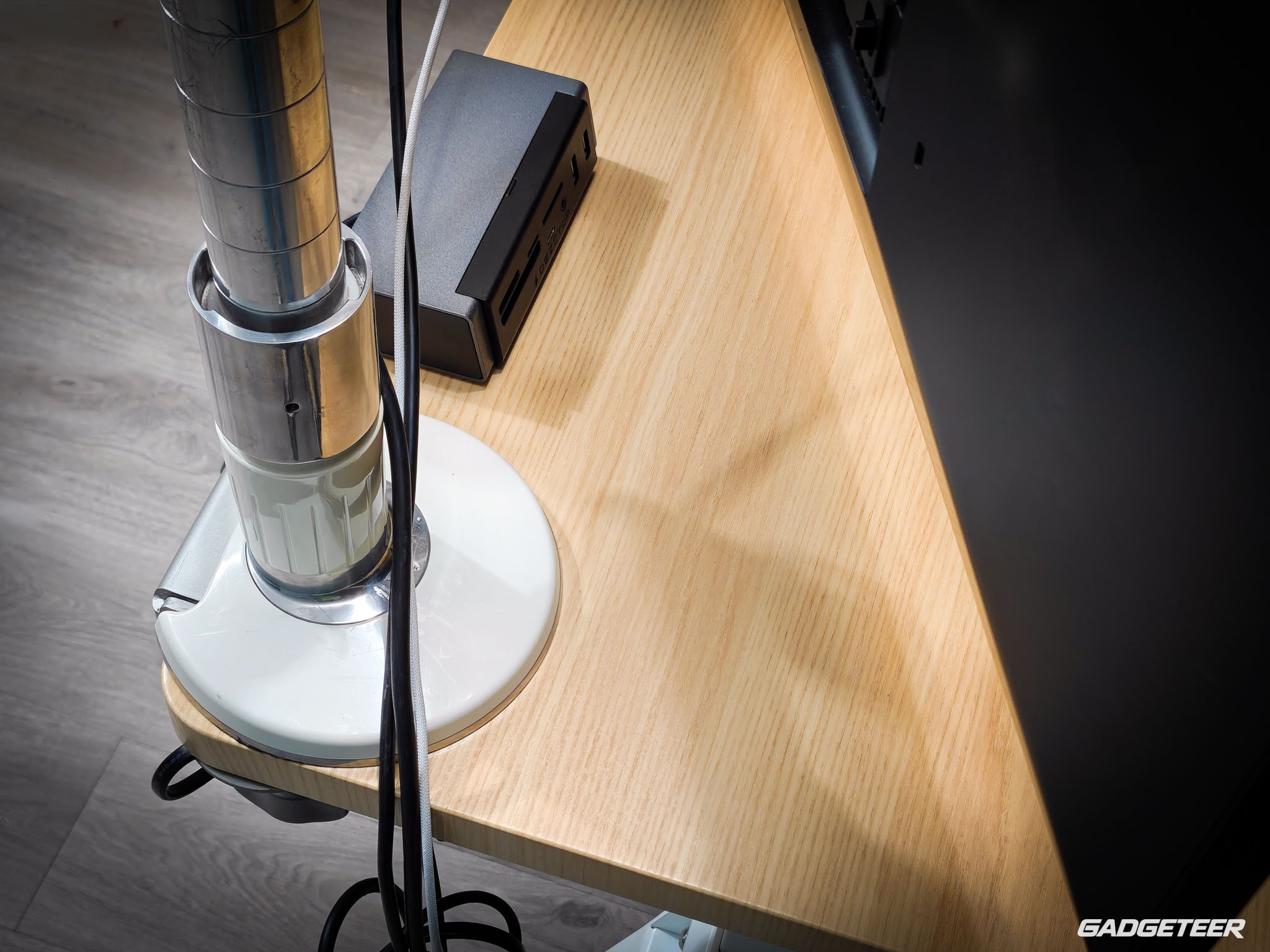
Data speeds are rated up to 10 Gbps with a compatible computer and device. You’ll need two connections to your computer: USB-C for data and USB-A for extra power. Plan for those connections when you’re arranging the trays.
The white NQ900 mouse pad gives your keyboard and mouse a shared surface. At 35.4 × 15.7 inches and 0.16 inches thick, it’s sized to suit a wide desktop. The fabric has a water-resistant coating, the edges are stitched to help resist fraying, and the rubber backing helps keep it in place.
Height adjustment and controls
I’ve had three monitors mounted on this desk at once: a large white 34-inch Lenovo, a smaller Lenovo, and a 27-inch display. The Sonos soundbar mounted underneath adds to the weight the motors lift, along with my phones and other desk gear. That’s the everyday setup behind my impressions of its lifting performance.
The motors feel strong, fast, and consistent with everything in place. That’s what impresses me about using it with a full desk.
At my standing height, it’s sturdy as heck. It’s one of the sturdiest desks I own, and I think the leg and frame design plays a big part in that. That’s my experience using it, rather than a measured comparison.
The Elite’s three-stage, dual-motor frame adjusts from 25.6 to 51.2 inches. That’s the main difference from the Revon Pro, whose two-stage frame runs from 27.6 to 47.2 inches. The Elite reaches lower and higher, giving you more room to find comfortable seated and standing positions.
The controller shows the height and saves two positions, so you can keep your seated and standing settings ready. It’s magnetic, too. Put it on either side of the frame or on the divider, wherever you can reach it easily.
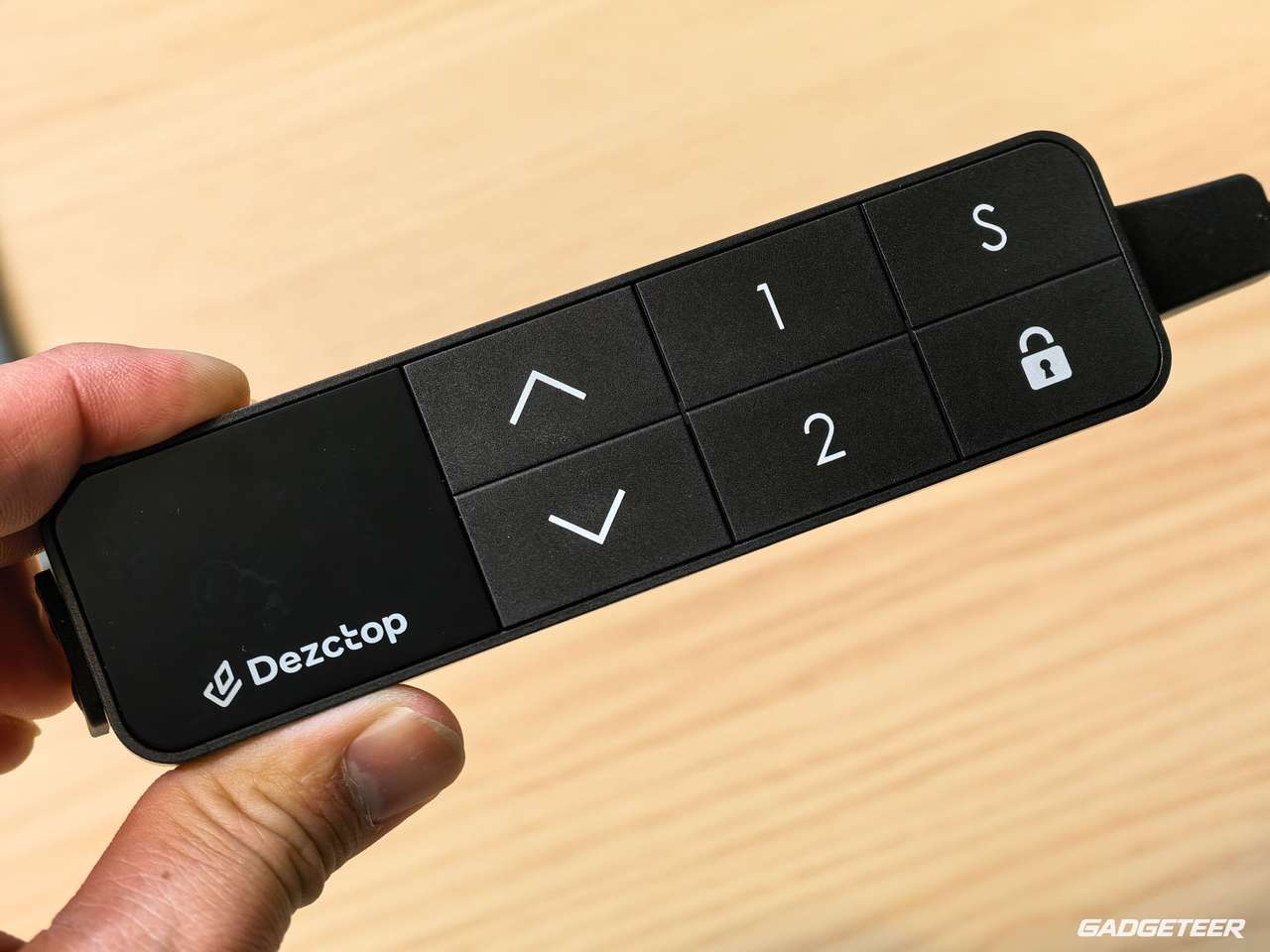
The desk is rated for 264.6 pounds with the load evenly spread across the top. Dezctop lists lifting speeds of about 45 mm/s without a load and 32 mm/s at rated load, with operating noise of 50 dB or less. Those are manufacturer ratings, not measurements from my setup.
The safety system watches for changes in motor current and uses a sensor to detect tilt. It’s designed to stop the desk if it senses unusual resistance or an uneven angle. Keep the area underneath clear as the desk moves.
Which accessory package makes sense?
After using the accessories, I’d make a wish list before choosing a package. A fuller bundle may be a better deal if you want several pieces. If you’ll only use one or two, start there and add more later.
Our review setup combines the large Oak Revon Elite, the DivMag bundle, and several additional accessories. It doesn’t match any one of the four accessory bundles below. Here’s how the current choices line up with what we received.
| Accessory bundle | Displayed US price* | Who I’d consider it for | How it compares with our review setup |
|---|---|---|---|
| DivMag Accessories Bundle Pack | $84.99 | Revon owners who want places for a phone, pens, small items, and cables. | Matches our organizer assortment: phone holder, two Zigzag Trays, small and large containers, three pen/memo holders, four cable ties, and three magnetic cable holders. Trays beneath the desk and Desk Dividers are separate. |
| Home Office Accessories Bundle | $139.47 with the listed NQ900 | Readers who want the desktop hub, a large mouse pad, and basic cable organization. | Includes the same hub and NQ900 model as our setup, plus three magnetic cable holders. Those holders overlap with the DivMag bundle. |
| Gaming Accessories Bundle | $125.96 with the listed NQ900 | Readers interested in a mouse pad, headset storage, a drink holder, and RGB lighting. | Overlaps with our pad, headset holder, and lighting categories. It lists the standard Cup Holder; we received Cup Holder Plus. Confirm the lighting kit’s compatibility with your desk. |
| Basic Accessories Bundle | $130.45 | Readers building around D-Board accessories and needing a monitor mount. | Includes a D-Board Monitor Mount M, D-Board container and hooks, Headset Holder, and standard Cup Holder. The D-Board pieces weren’t part of our supplied review kit; this isn’t the package I’d choose to recreate our Revon setup. |
Prices displayed on Dezctop’s US site on September 9, 2026, before any tax or shipping. The Home Office, Gaming, and Basic listings showed black accessories; DivMag offered Black or Silver. Our supplied kit was described as white, so match the finish as well as the contents before ordering. These accessory prices don’t include the desk.
To build a setup like mine, start with the DivMag bundle and add the other items in our supplied-kit list above. Our supplied list includes the desk, four cable trays, two dividers, Cup Holder Plus, headset holder, hub, NQ900 pad, and RGB Kit. Check the Cable Management Tray package before adding separate dividers: the current listing also shows a “Comes with Desk Divider” option. No single bundle in this table covers our full setup.
I’d also avoid automatically combining the Home Office and Gaming bundles: both include an NQ900 in the configurations listed here. Home Office plus DivMag repeats the magnetic cable holders. Extra pieces can be useful, but they only add value if you’ve got a use for them.
Check the separate-item prices before you pay. Home Office shows $15.50 off its listed reference price, Gaming $14 off, and Basic $14.50 off. Those discounts don’t prove that a bundle is cheaper than buying the pieces on sale.
DivMag’s live price was $84.99 against $99.99, while its description still mentioned an older offer. The hub was also on sale for $84.99. I couldn’t verify a separate-item total for every matching size and finish, so there’s no confirmed cheapest combination here.
Choose the pieces you’ll use, then compare the two totals. That’s where a fuller package can earn its value.
Warranty coverage
The limited warranty gives the legs and lifting legs 10 years of coverage, with two years for other desk parts and accessories. The tabletop is covered for defects on arrival only, so inspect it when you unpack it. Coverage applies to the original purchaser with proof of purchase from an authorized reseller. Claims must be submitted within 30 days of finding a defect.
Final thoughts
I have four desks in my office, and the Revon Elite is my primary desk. It’s the one I use every day, and it’s the one I’d recommend buying for the kind of setup I’ve described here. I have room for my workstation on one side and product reviews on the other, the motors handle my gear well, and it feels solid when I’m standing.
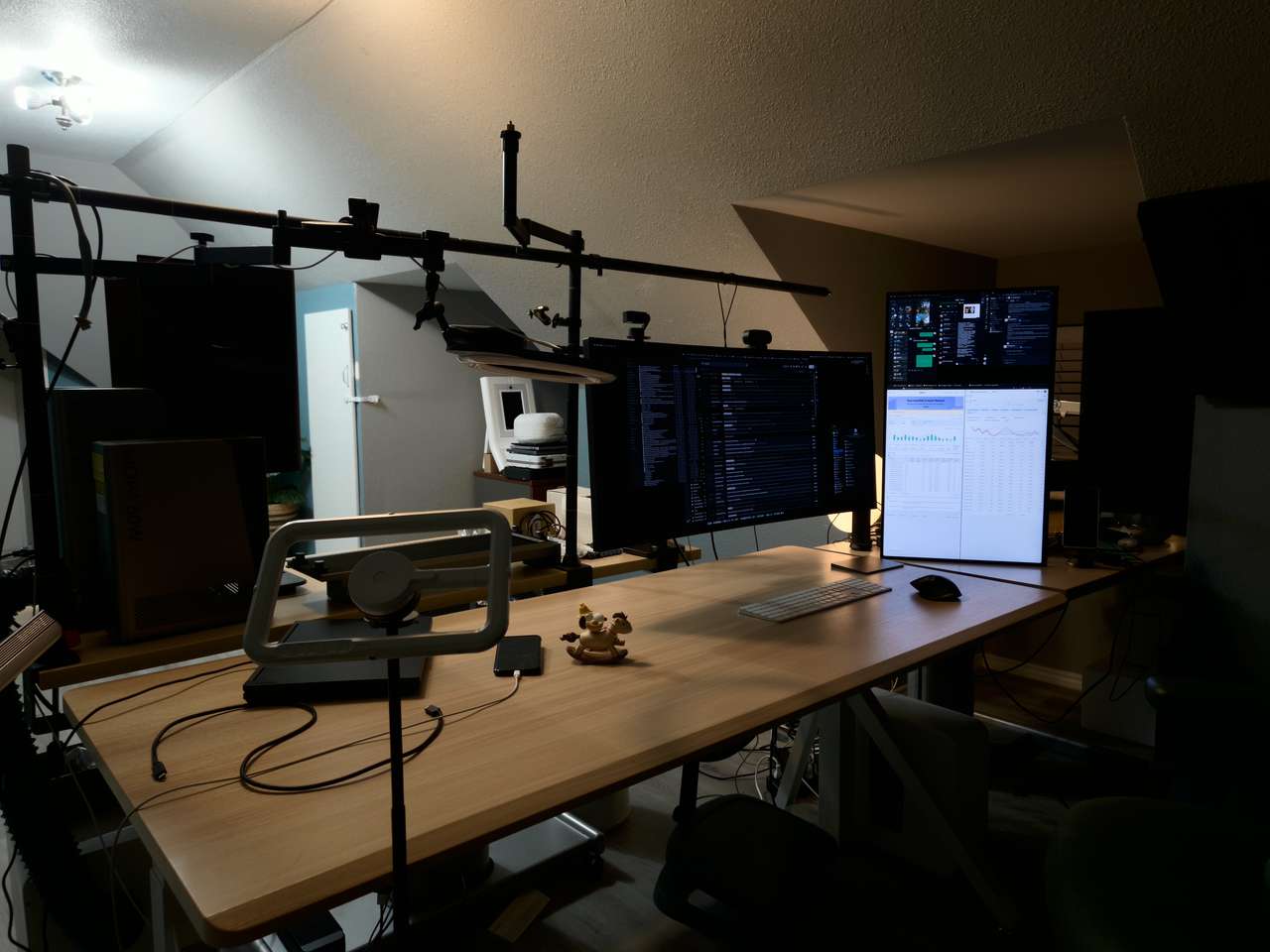
I also like being able to keep the workspace clear. The accessories feel integrated when I use them, and they’re easy to take off when I want the space back.
With everything we received, this feels like an amazing deal to me. Pretty much everything I’d want is available in the same system. Your total will depend on the desk and extras you choose, so use the package comparison to build a setup that fits your needs and budget.
Specifications
| Configuration reviewed | Revon Elite 70.9 × 31.5 inches, Oak / White |
|---|---|
| Model number | DK-RVEL188-OK1 |
| Height range | 25.6 to 51.2 inches |
| Weight capacity | 264.6 lb / 120 kg |
| Frame | Three-stage dual-motor, keel-shaped legs, reinforced U-shaped frame |
| Controller | Digital height display, two memory presets, magnetic placement |
| Included review accessories | Cable Management Tray kit, Desk Dividers, DivMag bundle, Cup Holder Plus, Headset Holder, USB-C hub, mouse pad, and RGB Kit |
| Official product link | Dezctop Revon Elite |
Official Dezctop Revon series video
Watch Dezctop’s official Revon series video on YouTube
Explore the official Revon Elite product page
Watch Dezctop’s official Revon Elite unboxing and assembly guide
Dezctop Revon Elite
Price: $739.99 (desk only)
Configuration: 70.9 × 31.5 inches, Oak / White
Where to buy: Dezctop
Build Your Revon Workspace
Accessories in my review setup:
- Cable Management Tray kit (white, four pieces): check current price
- Desk Dividers (white, two pieces): check current price
- Cup Holder Plus (white): check current price
- Headset Holder (white): check current price
- USB Type-C 7-in-1 Hub (DA-UC7HUB-GE1): check current price
- NQ900 Mouse Pad (white NQ900): check current price
- RGB Lighting Pack (RGB Kit, DA-RGBLKT-BK1): check current price
Accessories are sold separately. Select the Revon-compatible versions, quantities and finishes above. Check whether your cable-tray package already includes Desk Dividers before adding them separately.