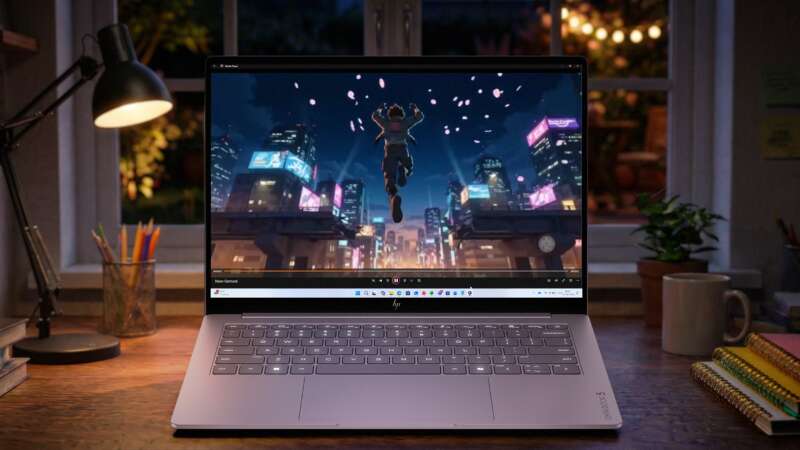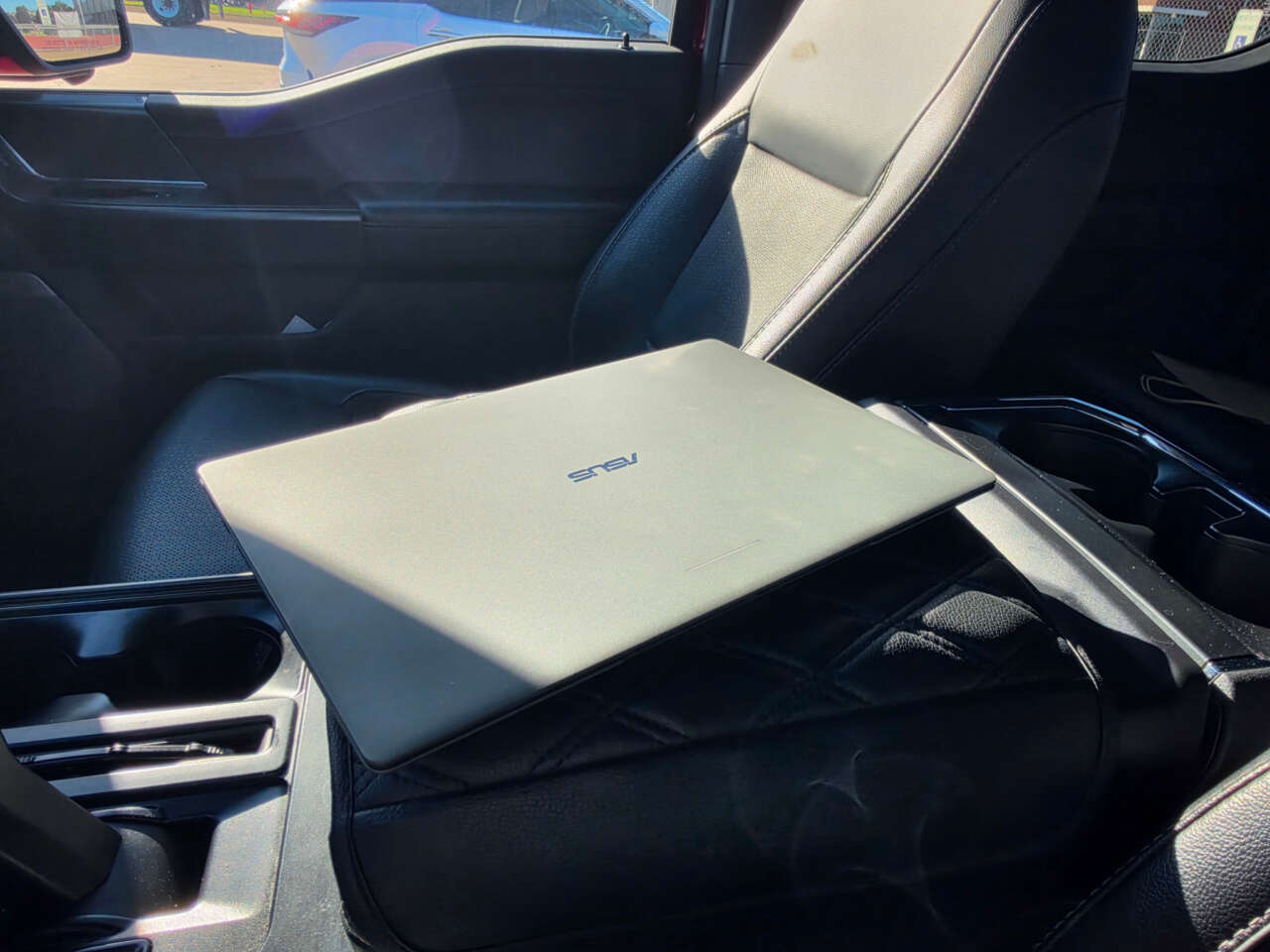
WeChat runs on my ASUS Googlebook 14, but it behaves like a mobile app. Signing in with my phone number logs me out of WeChat on my Galaxy Z Fold8. That’s a problem if I want to move between my phone and laptop without signing in again.
Before you buy a Googlebook, check the apps you can’t do without and the jobs you need them to do. Can you keep your accounts signed in, edit and export your files, and work without your phone nearby? Those answers tell you more than an app’s name in a launch announcement.
This is our living Googlebook compatibility guide. Bookmark it for new apps, support changes, and specific limitations as we verify them. The table gives you a quick answer, with details below.
Last checked: October 6, 2026. App availability is based on public documentation unless a specific firsthand observation is identified.
Googlebook app compatibility at a glance
Available means the linked publisher or Google documents that route. It doesn’t mean every feature has been tested. Announced means a future release; not yet verified means the evidence is insufficient. No app below is rated universally compatible.
| App or route | Devices / status | Useful features | Limits or issues | Source | Checked |
|---|---|---|---|---|---|
| Runs on Vincent’s ASUS Googlebook 14 | Mobile-app route | Phone-number sign-in logged out his Fold8; other setups not tested | Vincent’s firsthand report; official Play listing | Reported Oct 6, 2026 | |
| Fantastical | Googlebook; available with limits | Calendars and tasks | No Android phone/tablet release; delegated-calendar limit | Flexibits | Oct 6, 2026 |
| Microsoft 365 / Copilot | Googlebook; Google-listed | Word, Excel and PowerPoint file work | Check plan and screen-size rules; desktop features not assured | Google · Microsoft | Oct 6, 2026 |
| Adobe Photoshop | Googlebook; Google-listed | Photo editing | Exact Googlebook feature set and desktop parity not verified | Google · Adobe | Oct 6, 2026 |
| Adobe Premiere | Googlebook; Google-listed Android app | Multitrack video editing and export | Desktop continuation and some editing tools were still announced at Android launch | Google · Adobe | Oct 6, 2026 |
| Google Play games | Googlebook; title-dependent | Local Android games; keyboard mapping | Check each game’s installation, performance, and controls | Oct 6, 2026 | |
| GeForce NOW | Announced; current Googlebook launch unverified | Cloud-streamed PC games | Google and NVIDIA availability wording differs; Fast Pass restrictions | NVIDIA · Offer terms | Oct 6, 2026 |
| Chrome web apps | Googlebook; available | Website access in an app window | Offline capability varies; shares browser settings and cookies | Oct 6, 2026 | |
| Cast My Apps | Googlebook + eligible Android 17+ phone | Use phone apps from the laptop | Phone/setup/rollout dependent; protected or sensitive apps may be excluded | Oct 6, 2026 | |
| Terminal / Linux | Googlebook; documented environment | Debian command line and development tools | VM installation required; individual Linux apps need checking | Oct 6, 2026 |
The details below explain each restriction. For an app not listed here, check its developer’s support page and the Play Store on your exact Googlebook.
Start with your must-have apps
For each essential app, check these five things before relying on it:
- The actual task. Try the work you need to finish: opening and exporting your own file format, joining a call, connecting an account, using a required plug-in, or working offline. Launching successfully is only the beginning.
- The version and route. Find out whether you’re installing an Android app, using a website, accessing an app on your phone, or working in Linux. Those routes have different requirements.
- The exact device. Record the Googlebook model and processor, OS version, app version, country, and account or subscription. A result from another configuration may not transfer.
- The controls and connections. Check keyboard shortcuts, mouse or trackpad behavior, window resizing, file access, and any accessories your task needs.
- The fallback. If an important feature is missing, decide whether the web version or phone route is practical for you. A workaround that needs another device or a constant connection may change your buying decision.
Google explains where to find the model and OS version in Settings under About device, and how to check System → Software updates → System update in its Googlebook update instructions.
Adjust the cursor speed before judging the controls
If the pointer feels slow, open Settings → Device & accessories → Touchpad → Cursor speed and adjust the slider to a comfortable speed. Google’s touchpad guide documents this setting and a separate Touchpad acceleration toggle. This is a preference adjustment; a hardware fault or model-specific fix hasn’t been established. Keep the same settings when comparing how different apps handle the pointer.
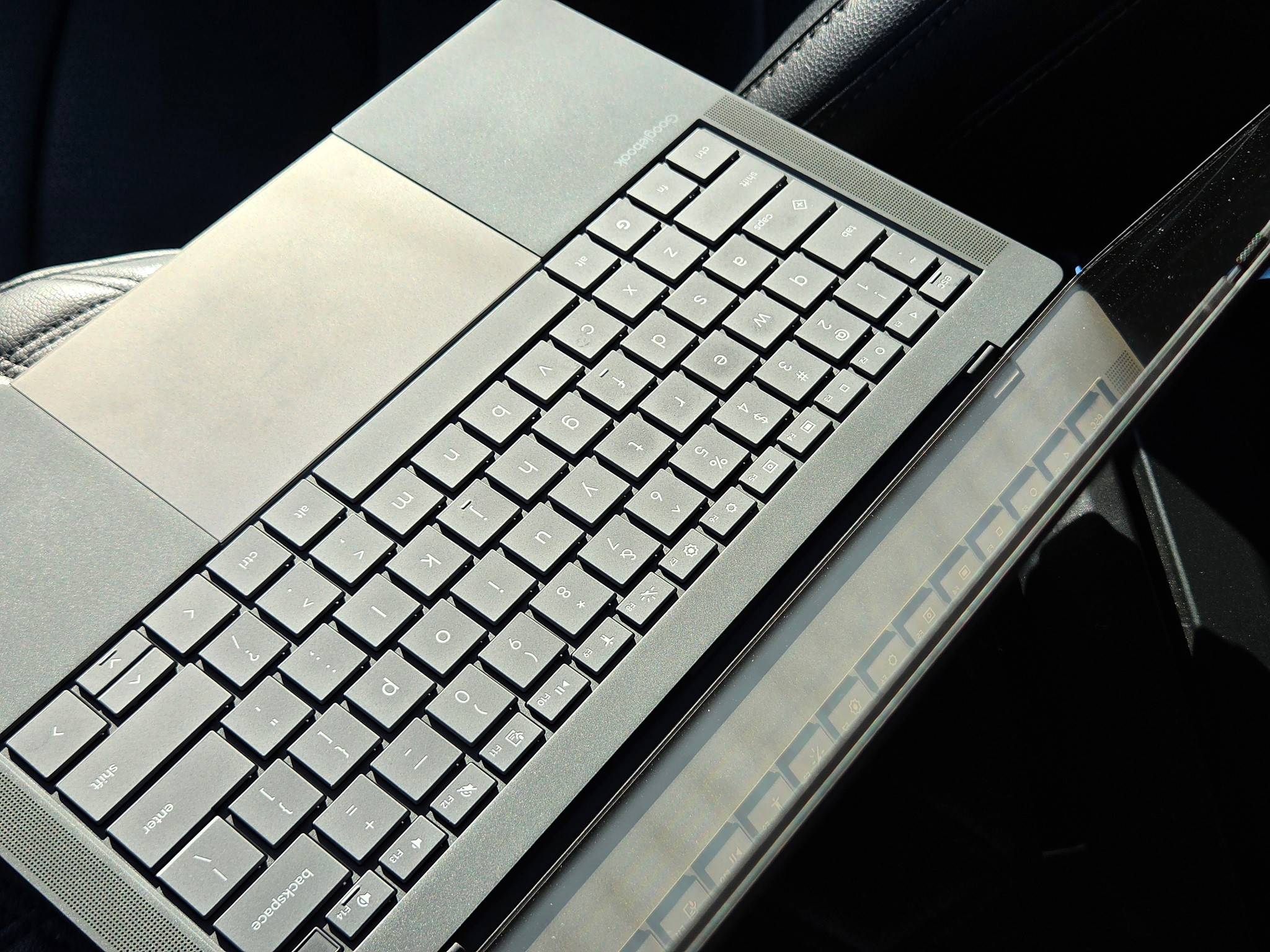
Keyboard and touchpad on the ASUS Googlebook 14. Photo: Vincent Nguyen / GADGETEER.
The latest changes
- October 5: Flexibits launched Fantastical for Googlebook. Android phones, foldables, and tablets aren’t supported by this release.
- Checked October 6: GeForce NOW’s Googlebook launch status still needs clarification. Google advertises the service, while NVIDIA’s September 24 announcement describes Googlebook support as forthcoming.
Messaging
WeChat: available, with a login limitation in my setup
Status: Available with an observed account-session limitation. Reported: October 6, 2026.
WeChat is supported on my ASUS Googlebook 14, but the app treats it as a mobile device. It requires me to sign in with my phone number, which logs me out of the account on my Galaxy Z Fold8.
If you want WeChat open on your phone and laptop together, check that behavior before relying on it. This is what happened in my ASUS/Fold8 setup; it isn’t a finding that WeChat is unavailable on Googlebook, or a diagnosis of processor performance. App and OS versions still need to be recorded for a reproducible comparison.
Productivity and calendars
Fantastical: available for Googlebook, with device and account limits
Status: Available with limitations. Last checked: October 6, 2026.
Fantastical for Googlebook launched on October 5. Flexibits says it includes natural-language event creation, several calendar views, and tasks from Google, Microsoft, and Todoist. Basic use is free; existing Flexibits Premium subscriptions include the Googlebook version.
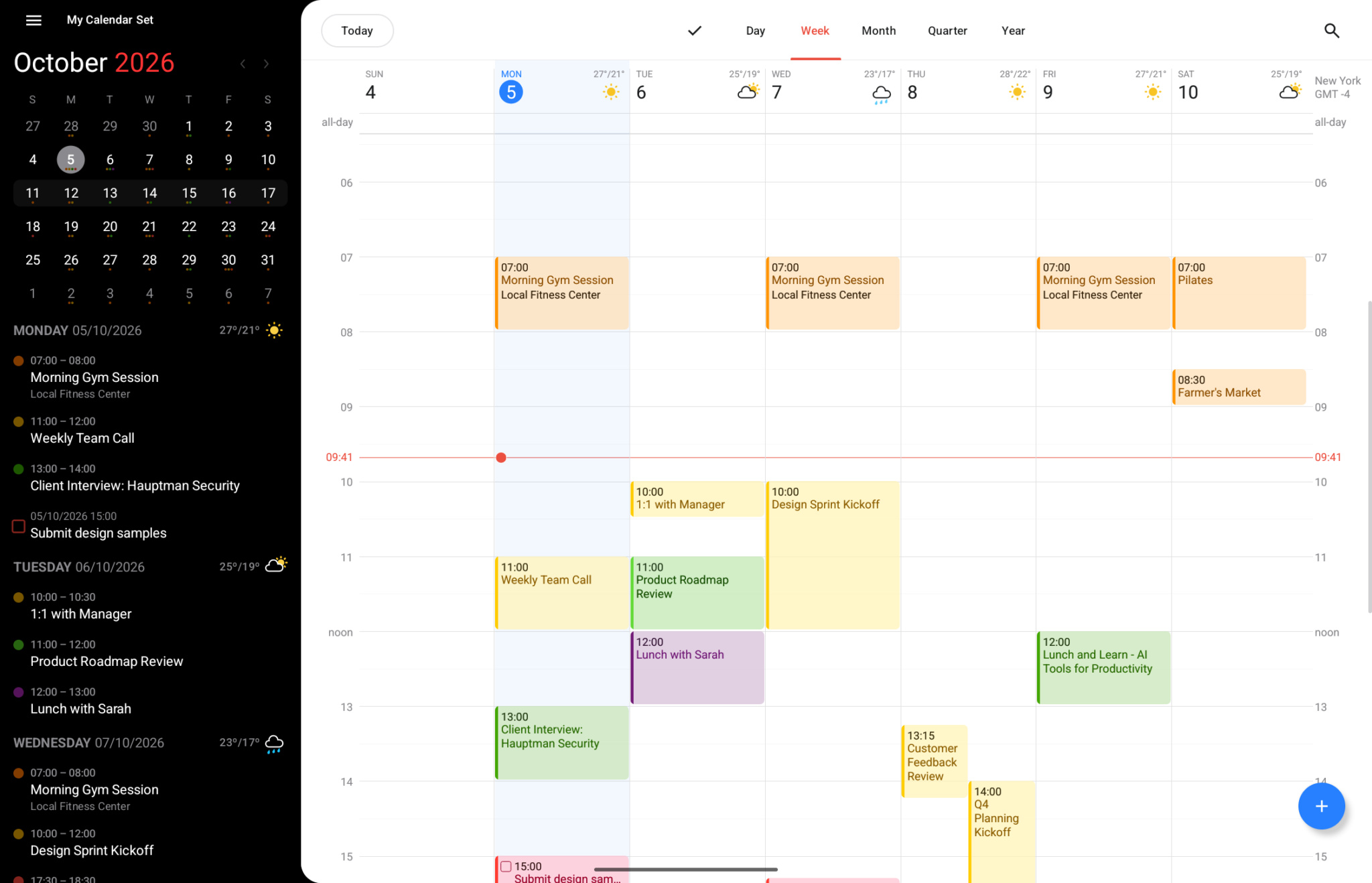
Fantastical’s Googlebook calendar interface. Image: Flexibits.
The important catch is the device list. This release doesn’t support Android phones, foldables, or tablets. The official Google Play listing says support for those devices is coming next year, which points to 2027 from its October 2026 listing. That’s an announced window, without an exact release date. The launch announcement confirms that they’re unsupported today. A working Googlebook calendar therefore won’t necessarily give you the same app on your Android phone.
There are account details to check, too. Flexibits’ Googlebook setup guide says Microsoft Graph syncing doesn’t support delegated calendars on Googlebook. Flexibits adds that shared calendars added through Microsoft’s web interface should appear in Fantastical. If someone else manages your work calendar, check whether that route meets your needs before switching.
Microsoft 365: check the app, your plan, and your actual documents
Status: Available with limitations; Googlebook-specific plan coverage needs checking. Last checked: October 6, 2026.
Google’s Googlebook FAQ lists Microsoft 365 support for working with Word, Excel, Outlook, and PowerPoint files. That doesn’t establish that the Windows desktop editions or every desktop feature are included.
Start with Microsoft’s Android setup instructions. Its combined-app download currently leads to a Play listing titled Microsoft Copilot, so check the publisher and destination rather than choosing a similarly named app.
Also check your subscription. Microsoft’s mobile licensing rules tie editing rights to the plan and screen size, with 10.1-inch and 10.9-inch limits applying in different cases. Those general rules aren’t a Googlebook-specific licensing matrix. Don’t assume your laptop qualifies for free editing because your phone does.
Open representative documents, make the changes you normally need, and export them again. Complex formatting, required add-ins, and employer account policies belong on that checklist.
Photo and video editing
Adobe Photoshop: Google lists it, but check the edition
Status: Available according to Google; desktop feature parity not verified. Last checked: October 6, 2026.
Google names Photoshop among Googlebook’s native creative apps in its launch announcement. Adobe’s Android app is currently listed as Photoshop with AI Assistant.
The documentation needs care. Adobe’s general mobile requirements still describe phone support and exclude tablets and Chromebooks, without addressing Googlebook. That page doesn’t settle support for this new category.
For buyers, the useful question is whether the Googlebook version has the tools, file handling, and export options their work requires. Google’s inclusion of Photoshop doesn’t establish equivalence to the separately documented Windows and macOS desktop application.
Adobe Premiere: the Android app is here; some workflows are still coming
Status: Available with limitations. Last checked: October 6, 2026.
Google lists Premiere for Googlebook, and Adobe released Premiere for Android on September 22. This is Premiere’s mobile app, with a multitrack timeline and editing and export up to 4K, according to Adobe.

Adobe’s Premiere mobile launch illustration. This is promotional artwork, not a Googlebook test screenshot. Image: Adobe.
Adobe’s Android launch announcement identifies continued editing on Premiere desktop, keyframes, cropping, and enhanced captions as forthcoming features. Check subsequent release notes before building a workflow around one of them.
Basic editing, local project saving, and exporting don’t require an Adobe account, according to the mobile FAQ. Some cloud and generative features require sign-in, connectivity, or purchased credits. Test the files and output settings you actually use before treating it as your main editor.
Games
Android games: check individual titles and their controls
Status: Available through Google Play; individual compatibility varies. Last checked: October 6, 2026.
Google names Candy Crush and Clash Royale as examples in its FAQ. Use the Play Store on the Googlebook to check the actual title and available version.
For games built around touch, Game Controls can map keyboard input to on-screen controls. Open the game’s name at the upper-left of its window and select Game Controls. Google documents preset layouts and the option to create your own.
Game Controls handles keyboard mapping. Installation, performance, and processor compatibility still need title-by-title checks.
GeForce NOW: announced, with current Googlebook availability unresolved
Status: Announced; current Googlebook-specific availability not yet verified. Last checked: October 6, 2026.
Google’s FAQ promotes PC games through GeForce NOW. However, NVIDIA’s September 24 announcement says Googlebook support is coming and points to more availability details later in the year. We haven’t established a later NVIDIA confirmation that resolves that difference.
If cloud gaming is central to your purchase, confirm support for your exact Googlebook and required games before buying. GeForce NOW streams games from remote systems; a title appearing in this context doesn’t mean it installs and runs locally on the laptop.
The included offer also deserves a close read. Google’s offer terms describe a 12-month Fast Pass promotion with up to 50 hours per month, country and eligibility restrictions, and no Install-to-Play. You also can’t upgrade to Performance or Ultimate until the promotional period ends. Promotional access and verified device compatibility are separate checks.
Web apps, phone apps, and Linux
Web apps can be the right version for the job
Status: Available; offline behavior depends on the app. Last checked: October 6, 2026.
Googlebook supports web apps from Chrome, the launcher, and Google Play. Google’s web-app guide explains that the app’s menu can show “Running in Chrome,” which helps identify what you’re using.
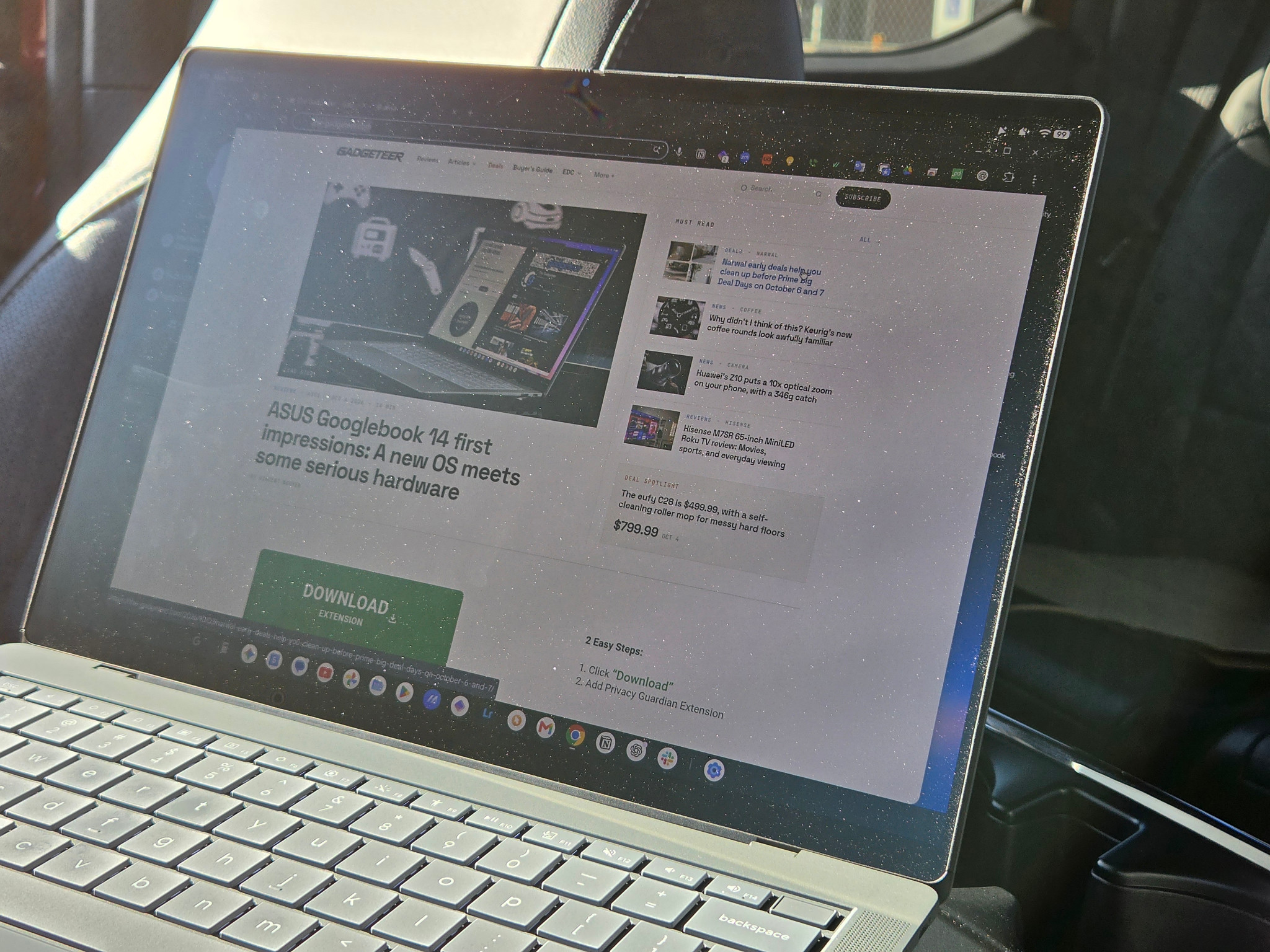
A webpage open on the ASUS Googlebook 14. This photograph does not identify an installed web-app route. Photo: Vincent Nguyen / GADGETEER.
A web app can make a desktop-oriented service convenient to reach, but check offline access before traveling. Google notes that some web apps won’t work completely without a connection. They also share browser permissions, cookies, and certain settings, so clearing browser cookies can sign you out.
Cast My Apps: useful when the app is on your phone
Status: Available with documented requirements and app restrictions. Last checked: October 6, 2026.
Cast My Apps lets you interact with apps running on your Android phone from the Googlebook. The documented requirements include Android 17 or later, the same Google Account and Wi-Fi network, Bluetooth, and cross-device services enabled on both devices.
Some apps containing sensitive information or protected content can’t be used this way. Opening a cast app on the phone closes it on the Googlebook, and the number of simultaneous phone apps is limited.
Treat this as a phone-dependent route. Check your phone’s rollout status as well as Google’s cross-device requirements; meeting a version requirement alone doesn’t confirm that every feature has reached your device. Google also warns that public or corporate Wi-Fi may prevent cross-device features from working.
Linux: a documented development route, with app-level checks still needed
Status: Available through Terminal; individual Linux application support not verified. Last checked: October 6, 2026.
Google documents a Debian Linux command-line environment in the Terminal app. It requires installing a virtual-machine image on first use and supports developer tools, coding environments, and other Linux applications.
That expands the software options, especially for developers, but it isn’t a compatibility list for every Linux application. Check the package architecture and required features of your tools. Neither an Intel nor a Snapdragon processor, by itself, proves that a Windows or macOS application will run on Googlebook OS.
Check whether your Googlebook uses Intel or Snapdragon
Google’s current lineup places Acer, ASUS, and Lenovo models on Intel processors, while the Dell XPS Googlebook and HP Googlebook 14 use Snapdragon X Elite.
Google’s developer guidance asks developers to adapt apps for larger displays, keyboard and pointer input, file handling, and multiple windows. Test your essential apps on the exact Googlebook you’re considering, including the tasks and peripherals you rely on. A processor name alone doesn’t establish that an app will meet your needs.
Our ASUS Googlebook 14 first impressions describe Vincent’s early experience on one review unit. Those observations have their own scope and aren’t a substitute for checking your essential software.
What to do before you switch
Keep your current computer available until you’ve completed a few real tasks on the Googlebook. Make copies of important files for testing, check that they open correctly elsewhere after export, and verify the work or school accounts you depend on.
If an essential app isn’t in this guide, its status is unknown here. Check the developer’s support page and the Play Store on the exact device. Share the app name, Googlebook model, versions, and specific task when reporting a problem, without posting private account or document details.
Bookmark this page and check the latest entries before purchasing or changing your workflow. We’ll add meaningful releases and verified changes here.