Qualcomm covered my trip to Maui for Snapdragon Summit.
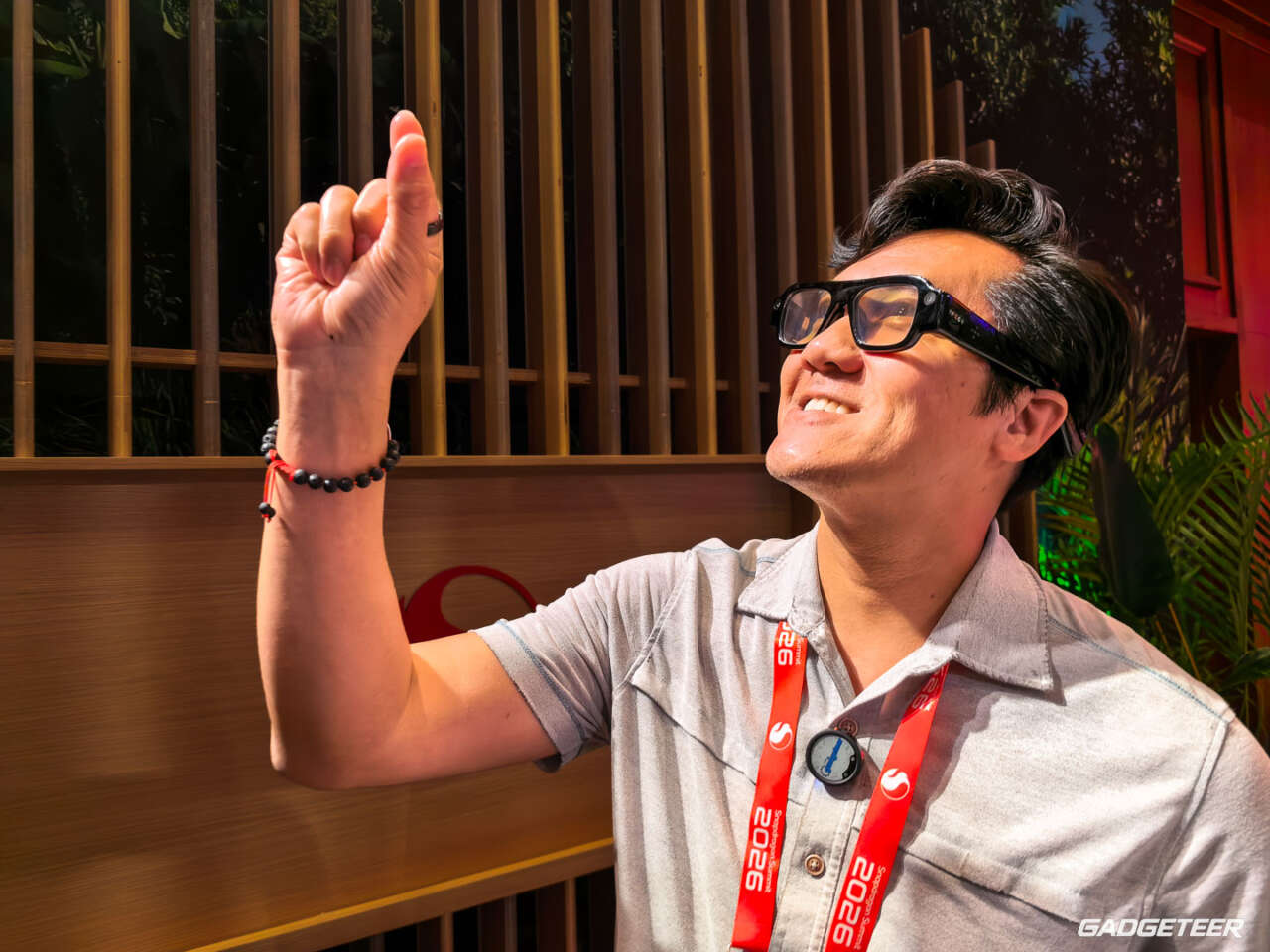
I reached out, grabbed a floating window, and parked it on a wall. Then I turned away, looked back, and there it was. I was grinning ear to ear.
Price: From $2,195 ($200 refundable preorder deposit; expected to ship starting fall 2026)
Where to buy: SPECS
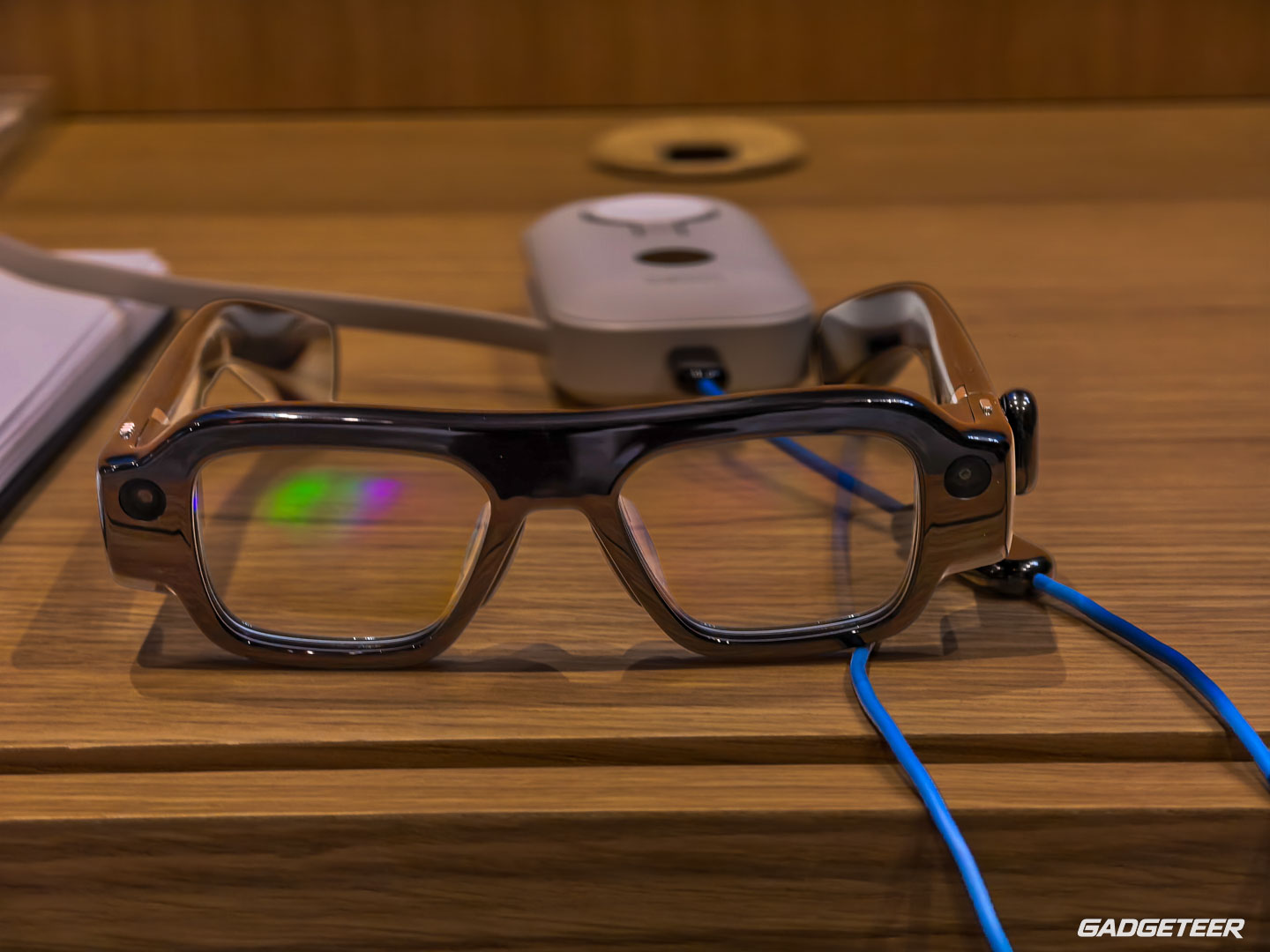
That was my first real time with Snap’s new SPECS AR glasses. This is a gut first look from a short session with preproduction hardware, not a review. I haven’t worn them through a workday or lived with the finished software. But I left the demo thinking the technology is nothing short of amazing.


I could put a screen in the room
SPECS brought up a menu on my palm. I could point, pinch, and drag, moving a digital window away from my face and anchoring it in the room. At one point I stuck it near Cassie, who was guiding me through the demo, before moving it to a blank wall.
I did lose track of the window briefly. The gestures weren’t instantly second nature. Then I got the hang of them, and the whole idea became a lot easier to picture.
The tutorial had me tap a home control on my own palm. For a moment, it almost felt as if I’d gotten haptic feedback. I hadn’t. I was touching my hand. That small trick says more about how convincing the interaction felt than another list of chip specs would.


It reminded me of the part of Apple Vision Pro that I love: putting a digital object into the space around me and interacting with it. SPECS gave me a taste of that without a headset strapped across my face or an external battery pack. I’m talking about that spatial feeling, not saying the displays, apps, and capabilities are identical. The glasses form is what made me excited.
The right frame made all the difference
The first pair didn’t fit me right all around. It pressed against my face, and I struggled to get the image where I wanted it. I switched to the larger of the two sizes, and the fit was perfect for me.
Snap offers a 47mm Narrow and a 52mm Wide frame, plus interchangeable nose pads. The frame design itself is fixed. With AR glasses, a poor fit changes more than comfort. If the lenses don’t sit correctly in front of your eyes, the digital view can feel off too. I’d try both sizes before ordering.


I also saw streaks around bright objects under the indoor spotlights. They distracted me enough that I asked to step outside. The effect was less noticeable there. I can’t say whether lighting, fit, or the preproduction optics caused it, so that’s one of the first things I’d revisit with a finished pair.


If you wear prescription glasses, Snap offers add-on single-vision lenses through a third-party partner, covering prescriptions from -8 to +2 diopters. They’re shipped separately. I asked about progressives, but nobody at the demo could confirm them. I’d also want to check how prescription inserts affect fit and the view.
Fun is easy to see. Work needs more time.
I opened Lens Explorer and the browser, and I saw YouTube in the interface. The library of Lenses gives SPECS a lot more to do than show notifications. Still, the range of familiar third-party apps isn’t what you’d find on a phone or laptop. I can’t judge the finished catalog from one session.
Video has a couple of routes. When I asked about playing a phone video app in the glasses, Cassie pointed me to the SPECS browser for services such as YouTube and HBO Max. Snap also describes connecting a phone, laptop, or gaming device as a private second screen. I didn’t test that connection, and I wouldn’t assume every app behaves the same way.
A movie on a plane sounds fun. Travel Mode is supposed to keep the virtual screen steady while you’re moving, and I’d love to see whether it does. I’d also try one of the shared Lenses with another person. Those are experiences I can imagine enjoying right away.
Productivity is a tougher call. Snap describes a wireless computer connection, a virtual workspace, Whiteboard, and support for a Bluetooth keyboard. Could I comfortably edit a long document or keep several windows organized? I honestly don’t know. If we get a review unit, I’ll spend a real work session finding out rather than treating a clever demo as proof.
I’d put translation and walking navigation through the same test. Captions appearing in view and directions laid over the street sound useful, provided they’re readable and easy to dismiss when I need to pay attention to the world. SPECS Intelligence is another announced feature I didn’t try. I’d want to see what it actually knows from the information I choose to connect, and how much control I have over that context.
Battery, the two cases, and the ongoing cost
The demo wasn’t a battery test. One pair showed 28% early on, and another was down to 15% later. Snap claims up to four hours of mixed use from the glasses. The included charging case is rated for four additional charges, bringing Snap’s total claim to up to 20 hours with breaks to recharge. That’s different from wearing them continuously for 20 hours.
Four hours might get me through an outing. For a full day, I’d need to use the case. I’d want to measure the glasses with video, navigation, and notifications before deciding whether that rhythm works.
SPECS are $2,195 to preorder, with a $200 refundable deposit due today, and the standard charging case comes in the box. Shipping is expected to start in fall 2026. The optional cellular charging case adds a connection away from Wi-Fi as well as four additional charges. Snap sells it in a $2,395 Connected Case bundle, $200 above the base package.
In the U.S., cellular service is another cost. Snap lists Verizon data plans starting at $10 a month for Verizon customers and $20 a month for non-Verizon customers. Those are starting prices, so I’d check the exact plan and terms before ordering. If you don’t need that connection, the included non-cellular case still recharges the glasses.
My first impression
There’s plenty left to test: all-day comfort, outdoor optics, casting, the app selection, battery life, and whether a floating workspace helps me finish anything faster.
Price: From $2,195 ($200 refundable preorder deposit; expected to ship starting fall 2026)
Where to buy: SPECS
But I keep coming back to that window on the wall. SPECS made spatial computing feel portable and playful in a way I could immediately understand. The larger frame fit, the controls clicked, and I didn’t want to take them off. That’s a strong first impression. Now I want to find out how much of it survives an ordinary day.