
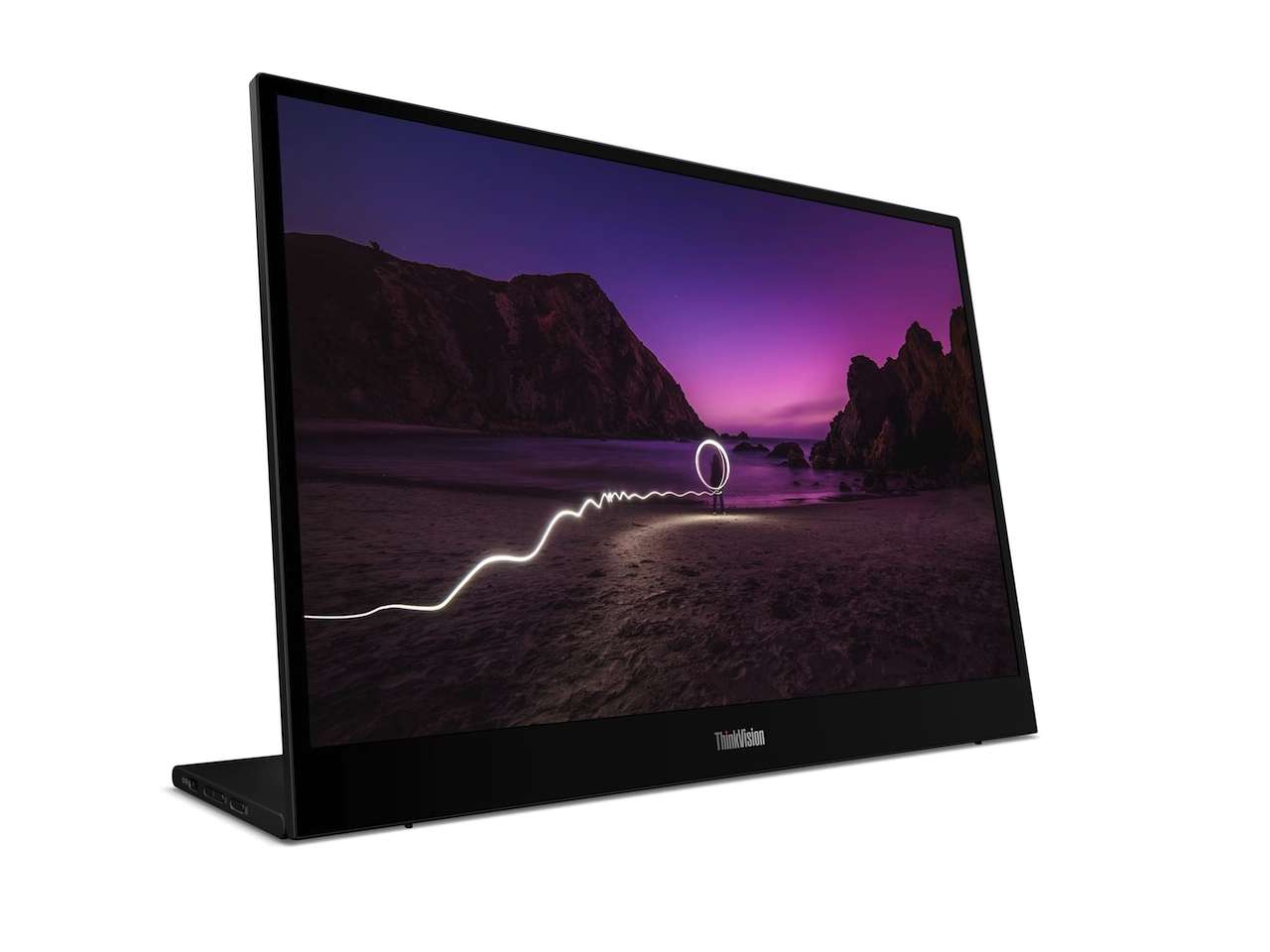
Working from a laptop is convenient until you need two things visible at once. A spreadsheet covers your email, a video call consumes valuable screen space, or the document you are referencing disappears behind the one you are writing.
Price: $199.99
Where to Buy: Lenovo (Older Model)
At a permanent desk, another monitor solves that problem. In a hotel, shared workspace, or temporary office, carrying a conventional display usually does not.
That is where the Lenovo L16a Mobile Monitor fits. Lenovo gives you a 16-inch 1920 x 1200 IPS display in a portable package weighing about 2.1 pounds. Its 16:10 aspect ratio also provides more vertical workspace than a similarly sized 1920 x 1080 screen. Lenovo listed the L16a in early September 2026.
This is not a high-end monitor squeezed into a travel bag. Its purpose is simpler: give laptop users more working space without requiring a permanent dual-monitor desk.
A 16:10 screen makes sense for productivity
The L16a uses a 16-inch WUXGA IPS panel with a 1920 x 1200 resolution, 60Hz refresh rate, 300-nit rated brightness, anti-glare surface, and 1500:1 typical contrast ratio. Lenovo also specifies 178-degree horizontal and vertical viewing angles. Those specifications clearly frame it as a productivity display rather than a gaming monitor.
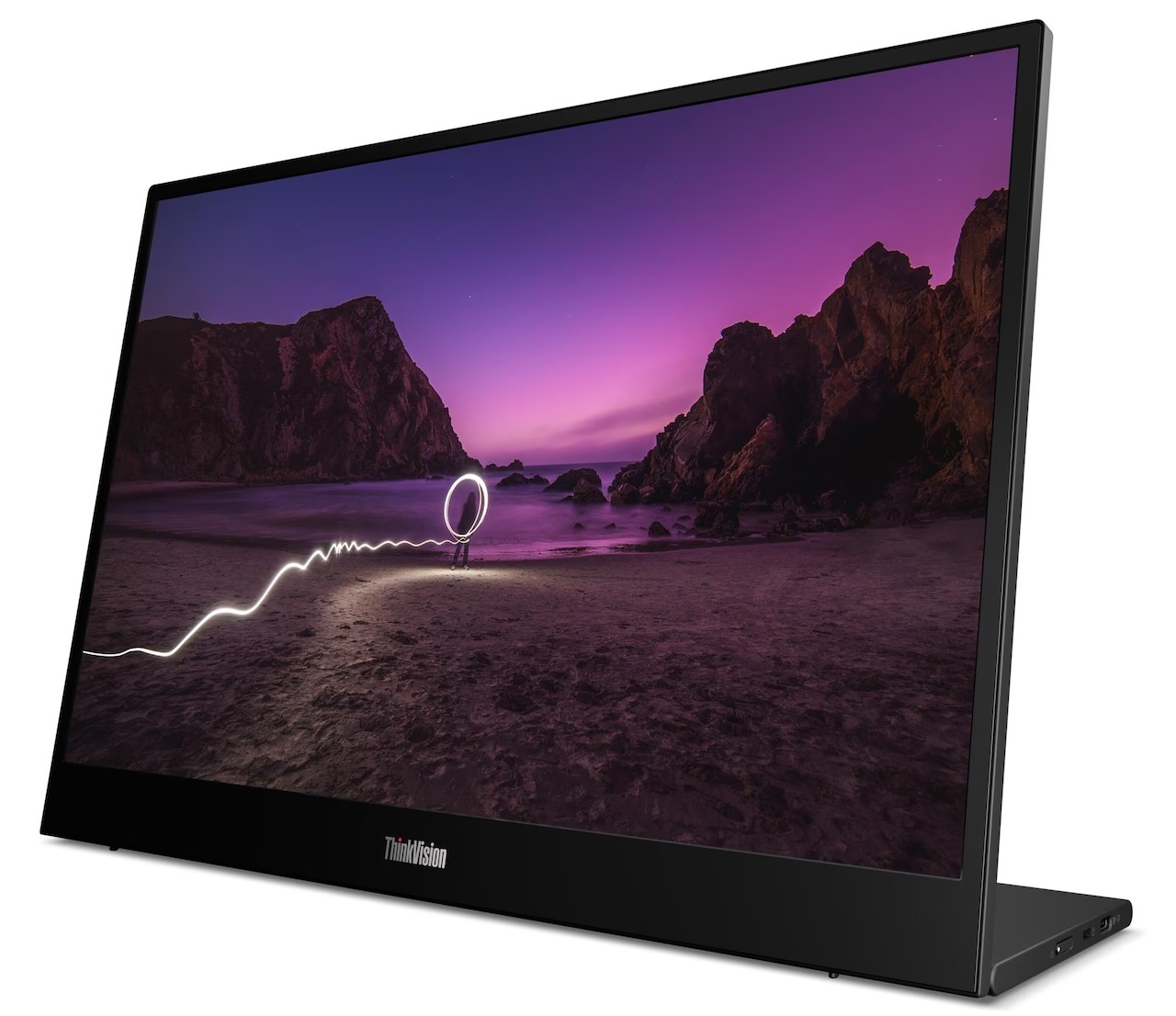 The 16:10 aspect ratio is particularly useful for documents, websites, spreadsheets, and coding because its 1200-pixel vertical resolution gives you more working room than Full HD’s 1080 pixels. Put it beside a 16:10 business laptop, and the two screens should also make for a more natural pairing.
Color performance is much less ambitious. Lenovo rates the panel at 45% NTSC with 16.7 million colors and 8-bit color through 6-bit plus FRC. Those specifications are reasonable for documents, presentations, web browsing, and general office applications, but they do not suggest a display intended for color-critical photography or professional video work.
The stand gives you more flexibility
Portable monitors often rely on folding covers or simple kickstands with limited adjustment. Lenovo takes a more monitor-like approach.
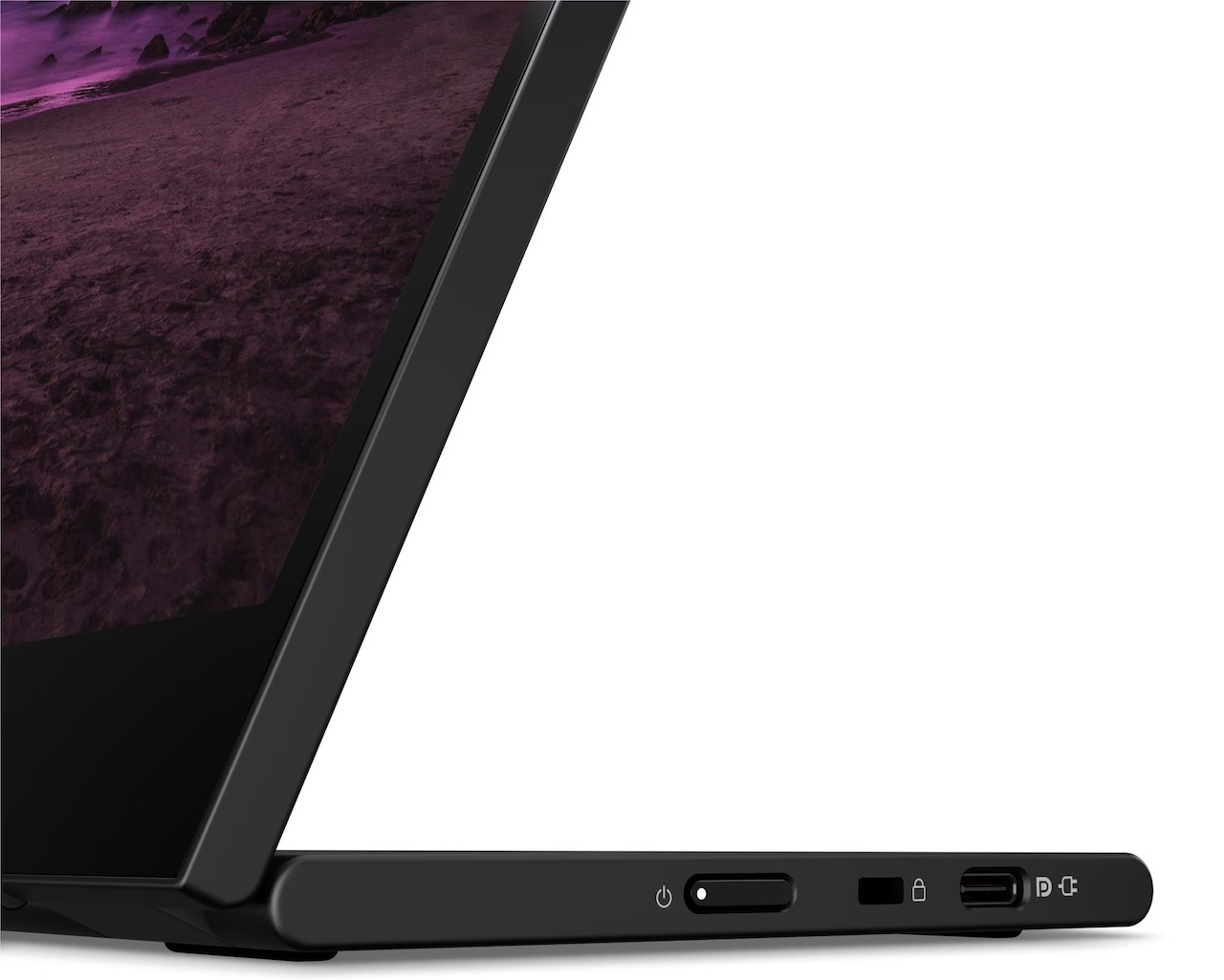
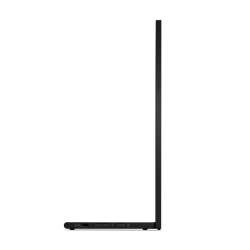
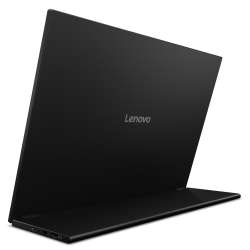
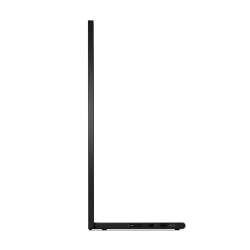
The integrated stand supports 0 to 90 degrees of tilt and up to 10mm of height adjustment. The display portion is about 7mm thick, while the complete monitor with its stand weighs approximately 0.97kg, or 2.1 pounds.
 That weight is worth considering. The L16a is certainly portable, but adding more than two pounds to a laptop bag is noticeable. Someone commuting with it every day may care more about that than someone moving between meeting rooms or occasionally packing it for a business trip.
The payoff is a stand that gives you considerably more control over positioning once you arrive.
Two USB-C ports keep it simple
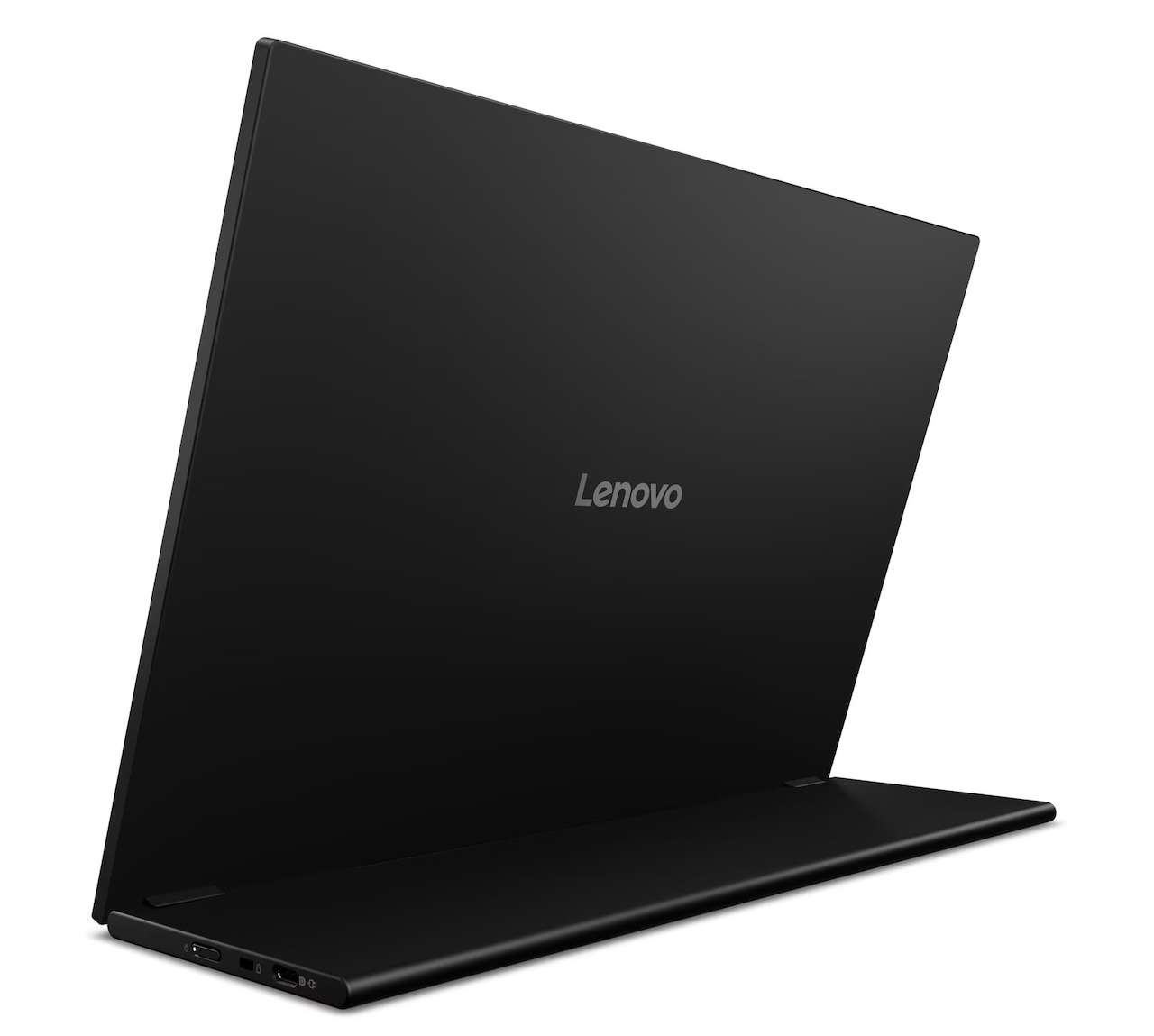
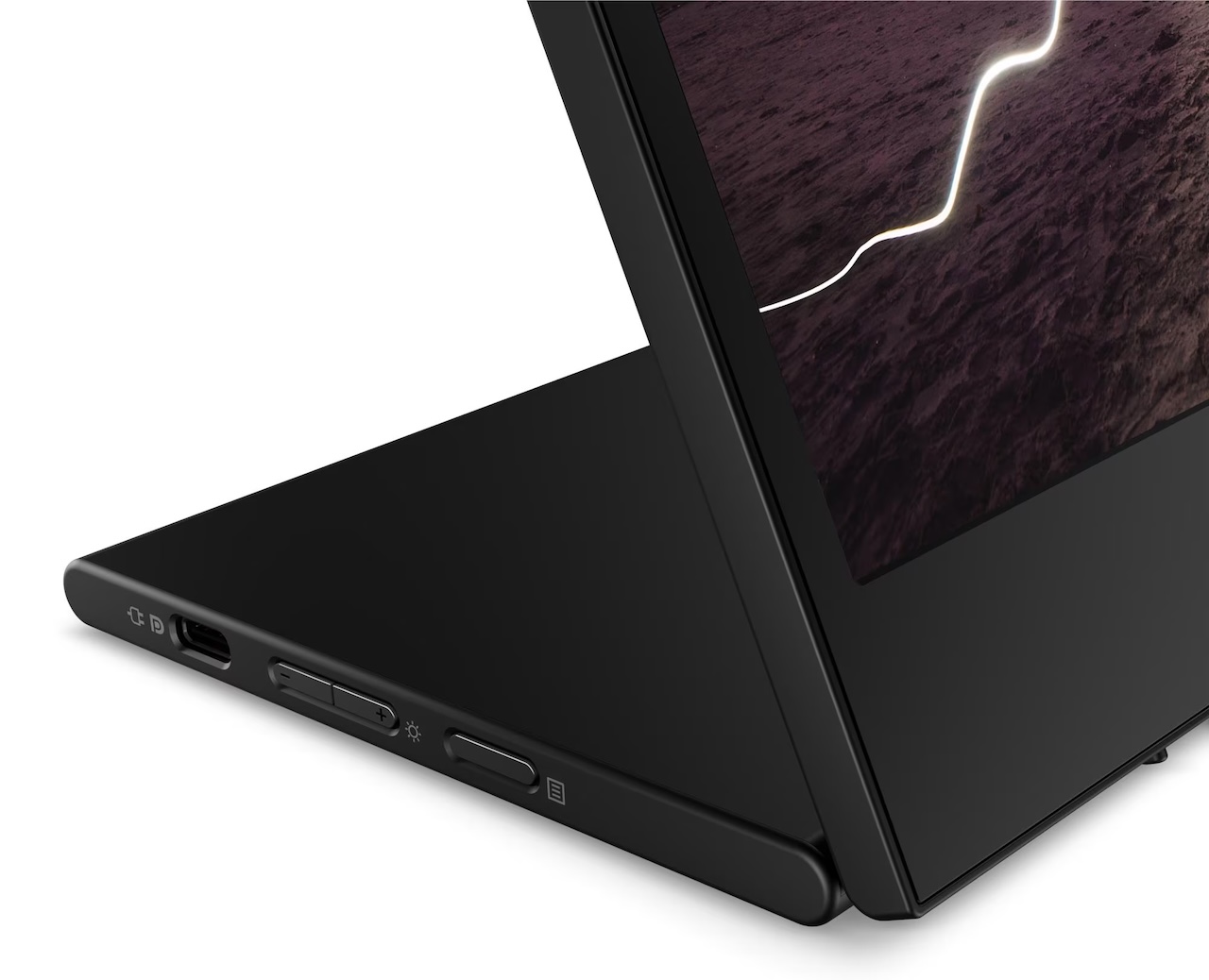
There is no HDMI input. Instead, Lenovo places one USB-C port on each side of the monitor.
Both are specified as Hi-Speed USB/USB 2.0 connections with DisplayPort 1.2, USB Power Delivery 3.0, and up to 65W Power Delivery support. The monitor itself consumes far less power, with Lenovo rating it at 4.5W typical and 5.5W maximum.
 The DisplayPort support is the important part for laptop users because it allows compatible computers to send video over USB-C. Having connections on both sides also gives you some flexibility when your laptop’s USB-C port is inconveniently positioned.
There is an important compatibility caveat: a USB-C port alone does not guarantee video output. Your computer needs to support DisplayPort over USB-C for this type of connection, so checking laptop compatibility before buying is worthwhile.
Lenovo includes a 1-meter USB-C-to-USB-C cable and a protective sleeve in the box, so the essentials for carrying and connecting the monitor are included.
Lenovo leaves out the extras
The L16a has no touchscreen, webcam, microphone, speakers, or pen support. For its intended job, that simplicity is not necessarily a disadvantage. Your laptop already has speakers, microphones, and a webcam, while leaving those features out keeps the L16a focused on being an additional display. There is a Kensington Nano Security Slot, which could be useful in offices, classrooms, trade shows, and other shared environments.
Lenovo also lists TÜV Rheinland Flicker Free and hardware-based Low Blue Light certifications, along with ENERGY STAR certification and EPEAT Gold registration. Those certifications provide more useful evidence than a vague manufacturer claim about eye comfort, although they still cannot tell us how comfortable every person will find the panel during a long workday.
Lenovo backs the monitor with a three-year limited warranty.
Who should buy the Lenovo L16a?
The Lenovo L16a makes the most sense for laptop users whose productivity drops when they leave a dual-monitor desk. Remote workers can keep communications on one display while working on the other. Spreadsheet users can spread information across two screens. Travelers can recreate part of their office setup in a hotel room without trying to transport a conventional desktop monitor.
Its limitations are equally clear. A 60Hz refresh rate, 300-nit brightness, and 45% NTSC color coverage make this a productivity display, not the obvious choice for competitive gaming or professional color work. At 2.1 pounds, it still adds noticeable weight to a travel bag.
But that focus may be exactly what makes the L16a useful. Lenovo has built a straightforward 16-inch, 16:10 second screen with an adjustable stand, USB-C DisplayPort connectivity, a carrying sleeve, and a three-year warranty.
Price: $199.99
Where to Buy: Lenovo
If your biggest laptop problem is simply not having enough screen space once you leave your desk, the L16a is designed to give that space back without making you carry the desk with you.



Gadgeteer Comment Policy - Please read before commenting
The USBC connection is unfortunate. As someone who runs linux but doesn’t love having to constantly adapt linux to work with special hardware (god forbid it connects to my bluetooth headphones), I feel like an HDMI to HDMI would work out of the box, while I’m afraid this will require some tinkering.