
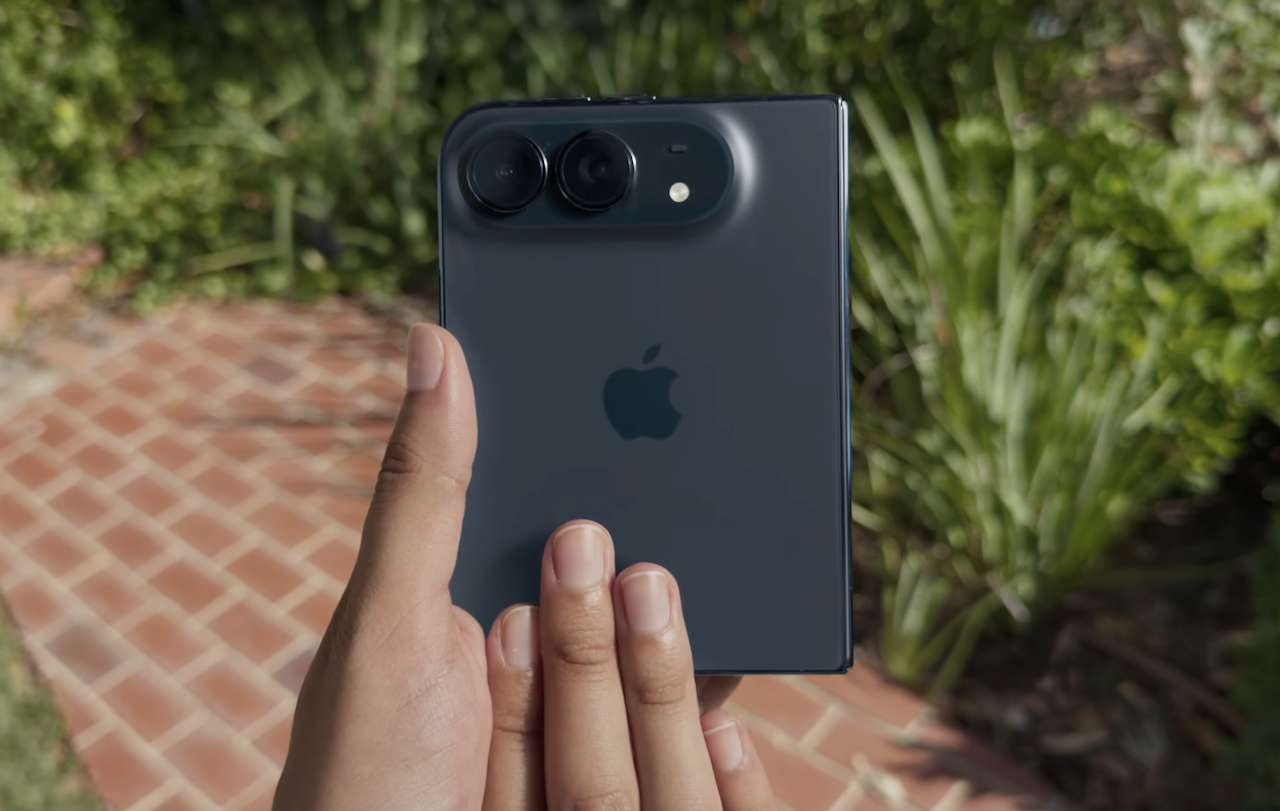
Buying an iPhone Duo gives you something no earlier iPhone could: a phone that physically changes shape depending on what you need to do.
That is exciting in a launch presentation, but the novelty of opening a 7.6-inch display will fade quickly if you use it exactly like your old iPhone. The more interesting question is what that extra screen space and folding design can realistically replace.
Apple built Duo-specific software features around the larger display, including Split View and saved app pairs. Some of the ideas below use those capabilities directly. Others simply take advantage of having a pocketable phone that can become a small tablet when opened.
Here are six fun ways to put that design to work.
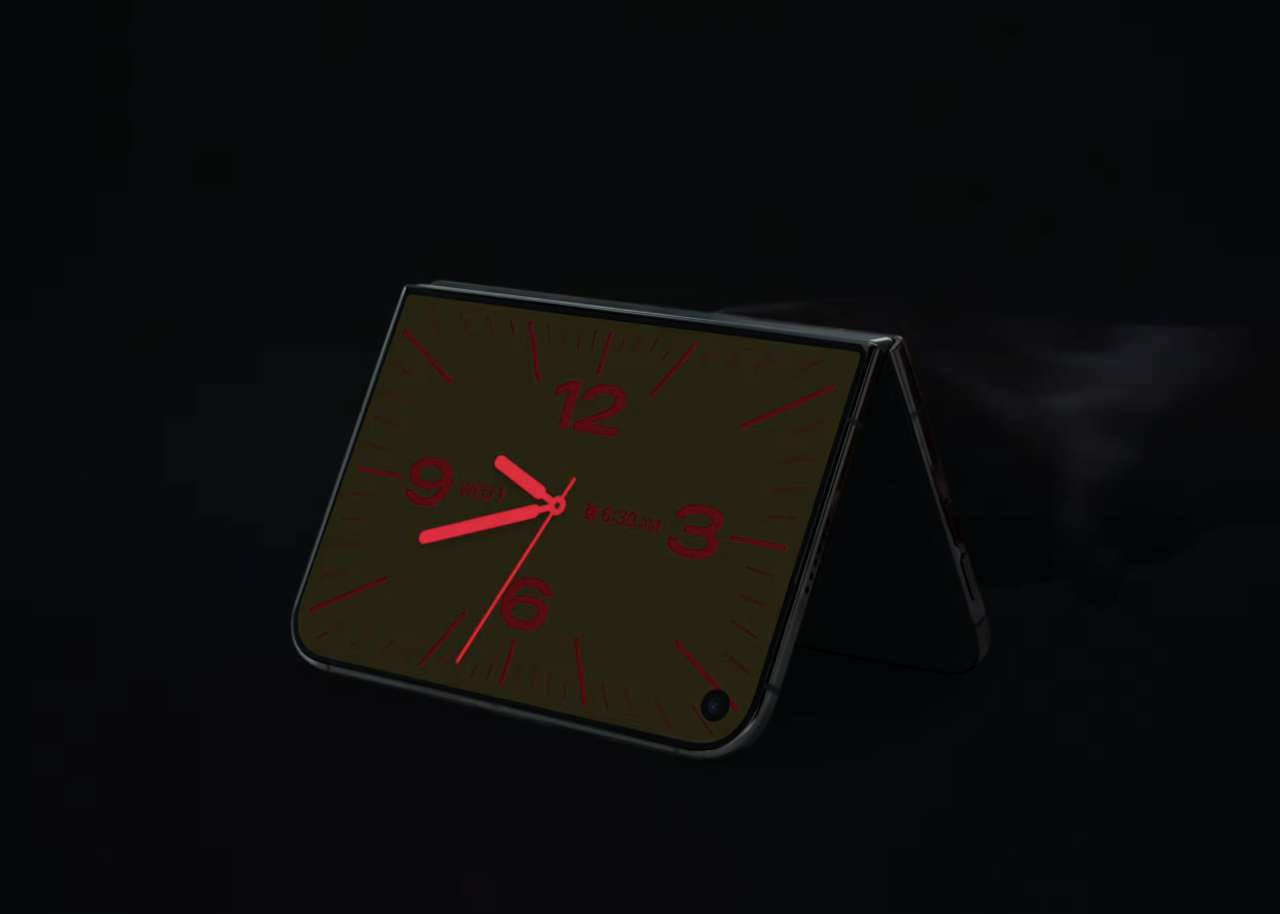
1. Turn It Into a Tiny Retro Gaming Handheld
The iPhone has been capable of running games for years, but touchscreen controls are not exactly the ideal way to play an old platformer.
Open the Duo and the larger display gives retro games considerably more room than a conventional iPhone. Emulators available through the App Store make this especially interesting because older console games generally do not need an enormous display to look good.
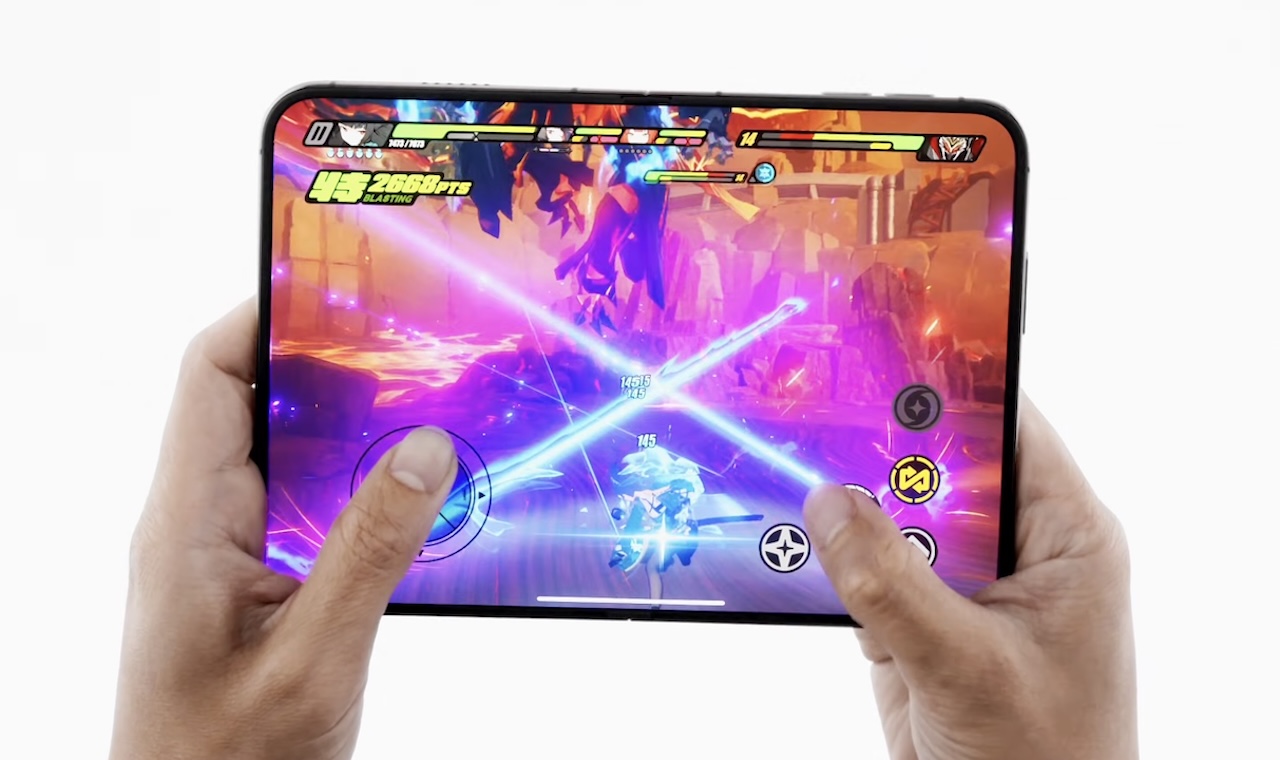
Pairing a Bluetooth controller takes the idea further, adding physical controls to games that support them. The A20 Pro also means you are not limited to retro titles, with modern iOS games potentially benefiting from the larger display when developers optimize them for it.
There is an important distinction here: Apple is not marketing the Duo as a dedicated gaming handheld, and opening the phone does not magically give every game a console-style interface. Game optimization and controller support will still vary.
Why it’s fun: Your everyday phone could become a surprisingly capable portable game system when you have time to play.
2. Turn It Into a Mini Laptop
Nobody should buy the Duo expecting it to replace a MacBook, but it could become a useful miniature workstation.
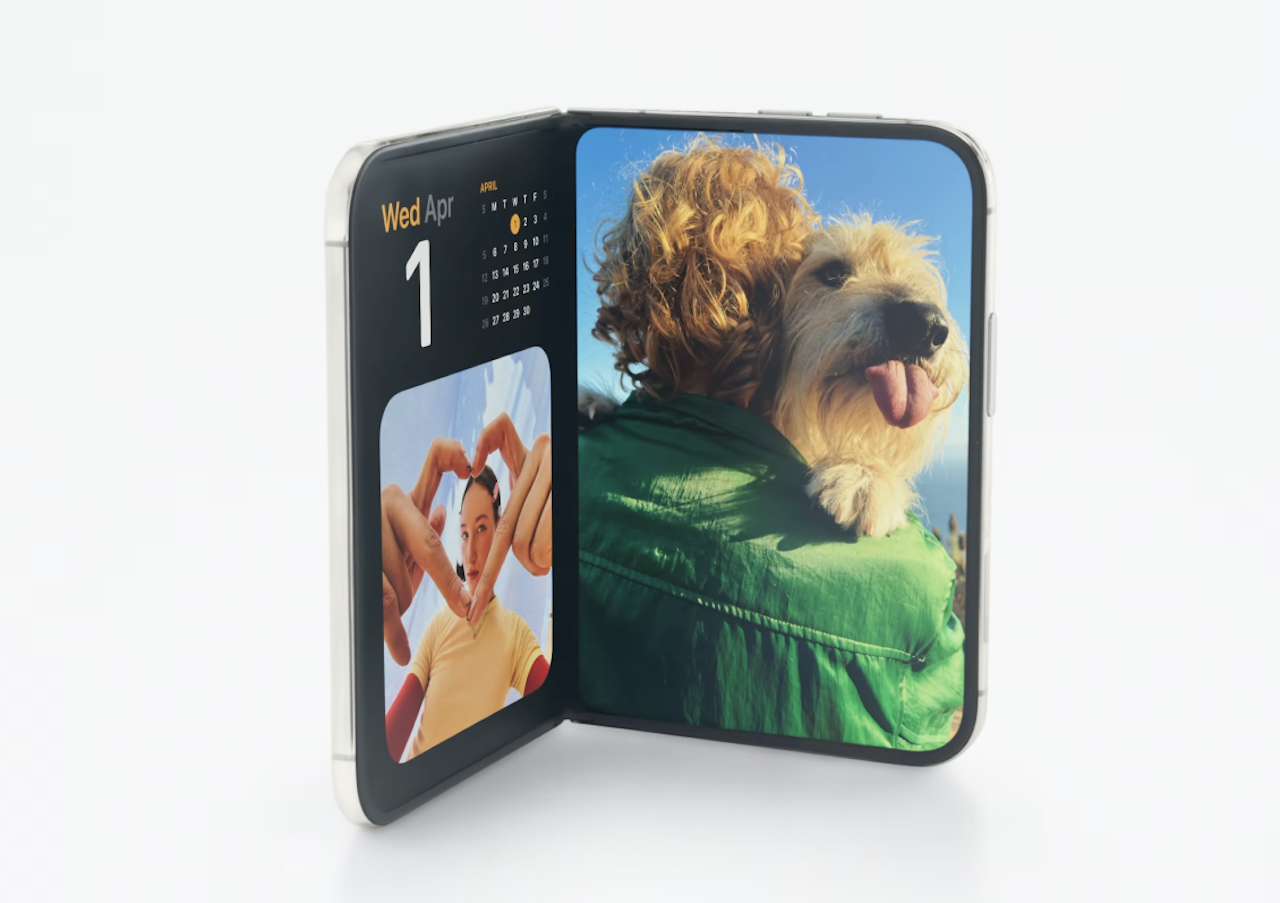
The 7.6-inch inner display gives you more room for email, notes, messaging, document editing, and web work than a conventional iPhone. Add a compact Bluetooth keyboard when you need to type more than a few sentences and the Duo starts to feel less like a phone and more like a tiny computer.
The more interesting ingredient is Split View. Putting two apps next to each other means you could have Safari open while taking notes, reference an email while writing a response, or keep a messaging app beside a document. Saved app pairs make frequently used combinations easier to reopen.
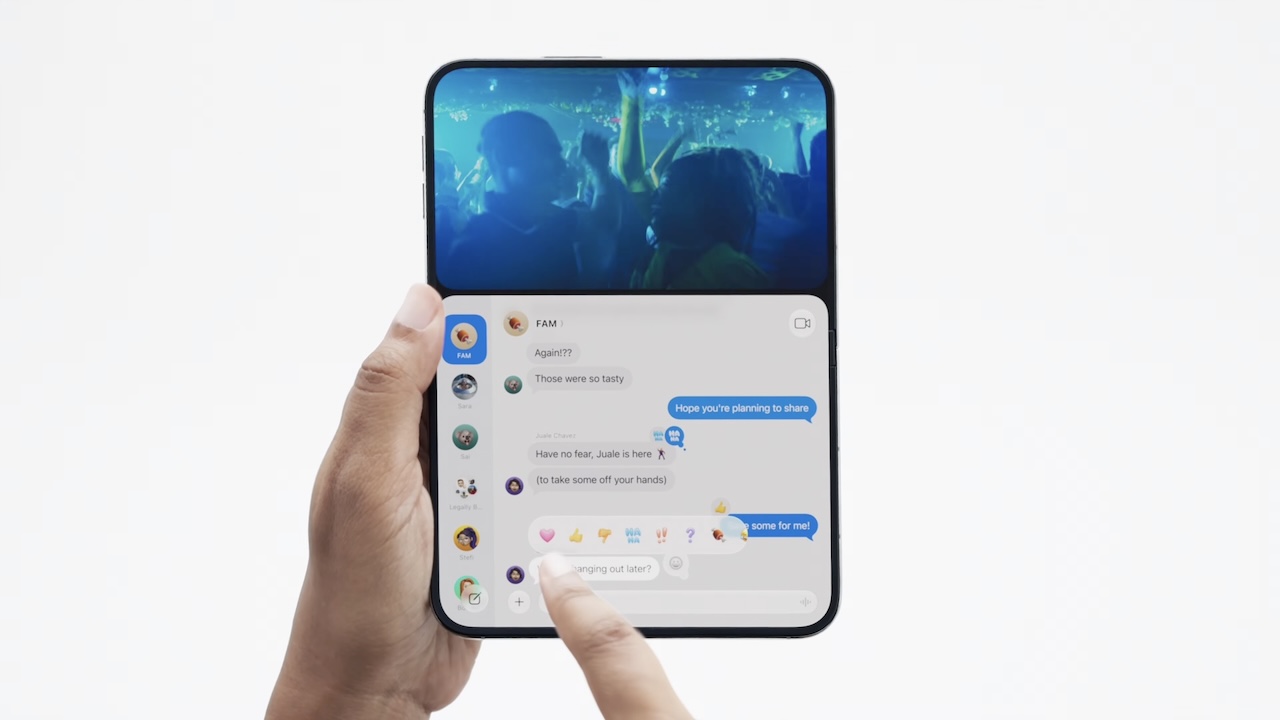 The experience is not identical to iPad multitasking. Duo app pairs use a fixed side-by-side layout rather than freely resizable windows, but that can still be useful for quick, focused tasks.
That does not turn the Duo into a desktop-class computer. A 7.6-inch display remains small for serious spreadsheets, image editing, or hours of writing, and iOS is still primarily designed around touch.
For short sessions, that is precisely the appeal. You may be able to answer emails from a hotel, take notes in class, or make a quick document edit without reaching for a laptop.
Why it’s fun: Unfolding your phone gives you a small workspace instead of simply a larger version of the same phone screen.
3. Turn It Into a Pocket Movie Theater
Watching a movie on a conventional iPhone works, but the experience is still constrained by a relatively narrow screen.
Opening the Duo gives streaming apps a 7.6-inch canvas, making movies, YouTube videos, sports, and TV shows more comfortable to watch when carrying a tablet feels unnecessary. This could be particularly useful while traveling. Instead of packing an iPad primarily for entertainment, you can unfold the device already in your pocket on a plane or settle into a hotel room.
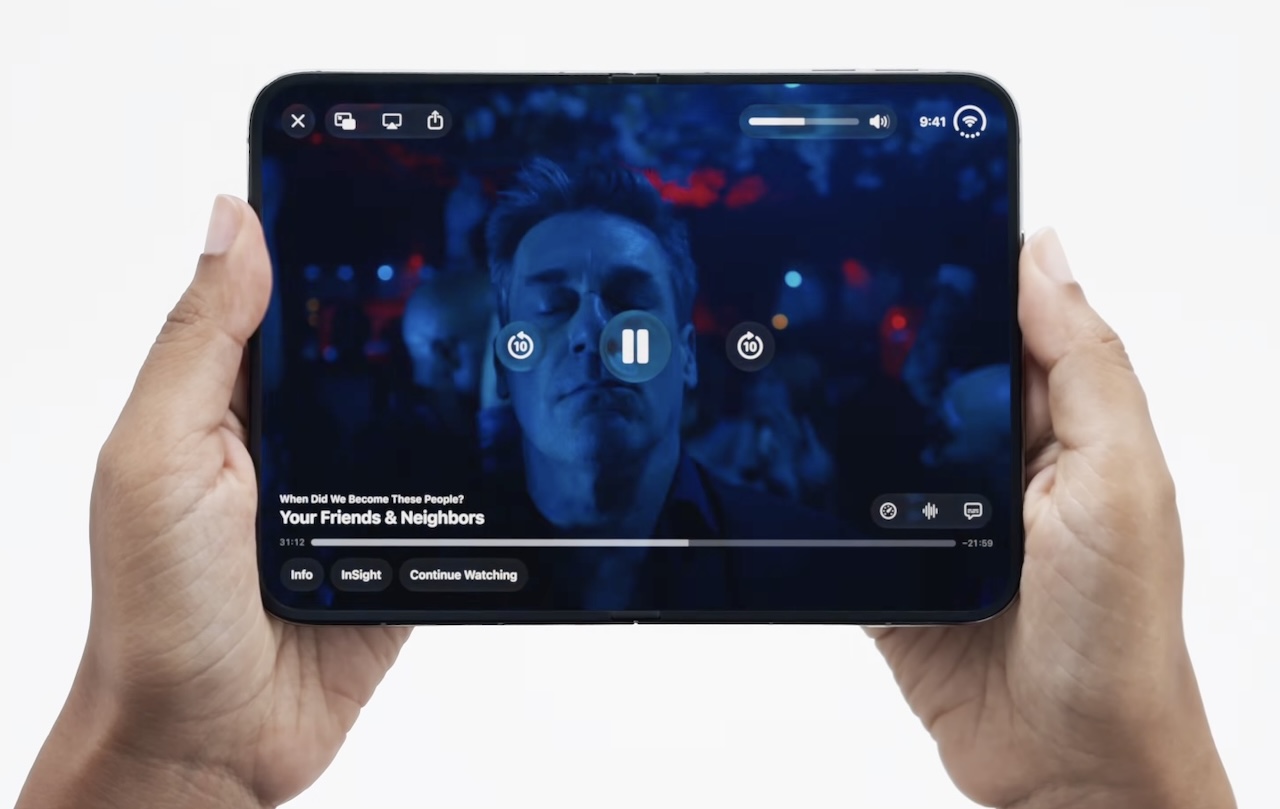 The larger display does not guarantee that every video will fill the screen. Aspect ratios, letterboxing, and individual app optimization determine how much of the available space is actually used.
Even with those limitations, the ability to switch between a normal phone and a larger entertainment display without carrying another device is one of the most straightforward uses for a foldable.
Why it’s fun: Your everyday phone can become a much better personal video screen whenever you have time to watch something.
4. Turn It Into a Digital Field Notebook
The Duo could also become something much less passive: a pocket notebook.
Apple Pencil (USB-C) support is expected later this year, turning the Duo’s inner display into a compact digital notebook.
You could sketch, annotate documents and photos, sign forms, diagram ideas, or take handwritten notes without carrying a separate tablet. Split View adds another practical layer: keep a reference document or image open beside your notes or sketch.
It will not replace an iPad Pro for serious creative work, and Pencil usefulness will depend on app support. Still, it gives the Duo a more active role: a place to make and mark up ideas, not just consume them.
Why it’s fun: A quick sketch or handwritten idea does not have to wait until you find your notebook or tablet.
5. Turn It Into a Smart Kitchen Companion
Phones already end up in the kitchen; the Duo’s larger screen could make them more useful there.
In Split View, you could keep a recipe open beside a timer, conversion tool, grocery list, or cooking video, without repeatedly switching apps or scrolling through a narrow page mid-recipe.
There is no special kitchen mode. It is simply a more practical way to follow instructions, watch tutorials, and keep essential cooking tools within view.
Why it’s fun: The Duo can behave more like a compact digital cookbook instead of forcing a full recipe onto a conventional phone screen.
6. Turn It Into a Travel Command Center
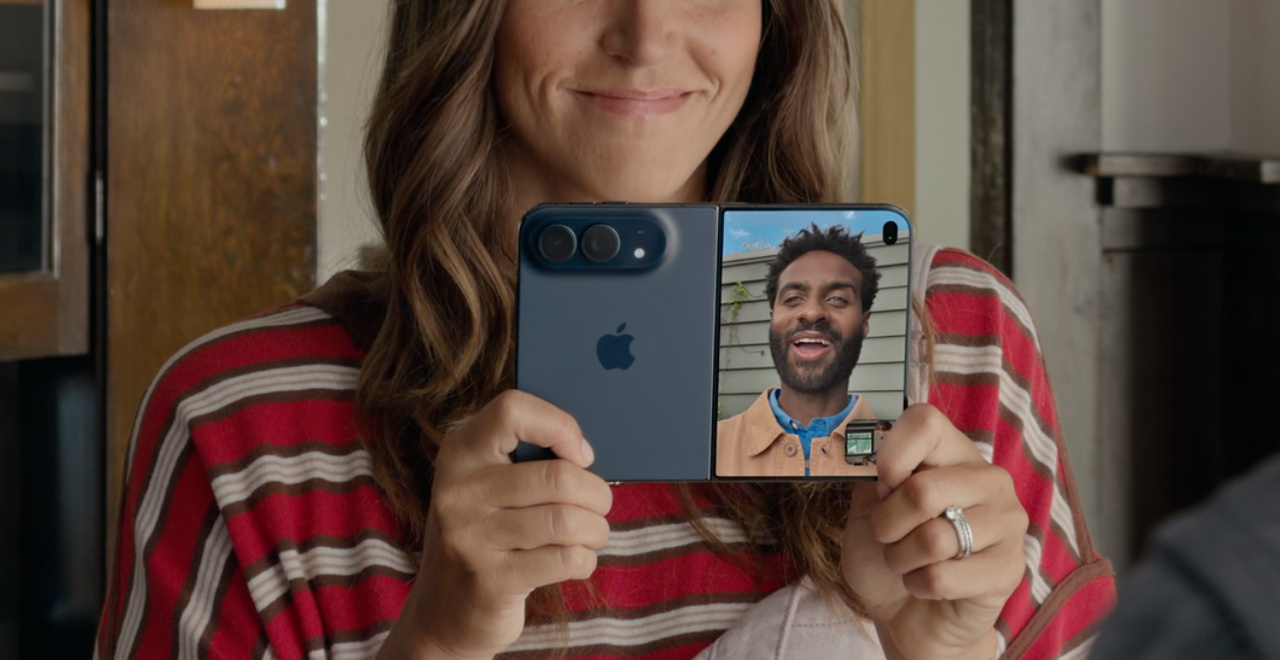
Travel is where the Duo’s foldable design makes the most sense. In Split View, you could keep Maps beside a travel app, a boarding pass beside an itinerary, or a translation app next to hotel messages, then save those setups as app pairs for quick access.
At your destination, the same device can handle entertainment, video calls, reading, itinerary planning, or light work without adding another screen to your bag. None of those tasks is revolutionary alone; the appeal is having them in one device that still folds into your pocket.
The outer display remains better for quick use in a crowded station. But at an airport gate, on a train, or in a hotel room, the larger inner screen gives the Duo more room to work.
Why it’s fun: The Duo can switch from an ordinary travel phone to the screen you use for planning the rest of your trip.
 The iPhone Duo Is More Interesting When You Stop Treating It Like an iPhone
The easiest way to waste the iPhone Duo’s potential is to spend $1,999 on it and then use only the outer display for messages, social media, and calls.
Its real appeal is flexibility. It can become a portable game system, miniature workstation, pocket theater, digital notebook, kitchen companion, or travel organizer depending on what you are doing. The larger display and multitasking features are what make those transformations interesting, not how many accessories you can attach to the phone.
That does not mean the Duo replaces a Steam Deck, MacBook, iPad, television, or paper notebook outright. Dedicated devices will usually remain better at their specialized jobs.



Buyer fit: The iPhone Duo makes the most sense for someone attracted to the idea of carrying fewer devices that can do more jobs. If you prefer dedicated gear for gaming, work, entertainment, and writing, the Duo probably will not replace it. But if you want one pocketable device that can change roles throughout the day, Apple’s foldable starts to make much more sense.
Auto Amazon Links: No products found.
