A desktop PC can be overkill in one literal sense: its case. Most office users do not need room for a graphics card or a stack of internal drives, yet a conventional tower still takes up valuable desk or floor space. Mini PCs solve that problem, but often trade it for soldered memory, limited storage, fewer ports, and little room to adapt later.
Price: £1,120.00 (About $1,517)
Where to Buy: Lenovo UK
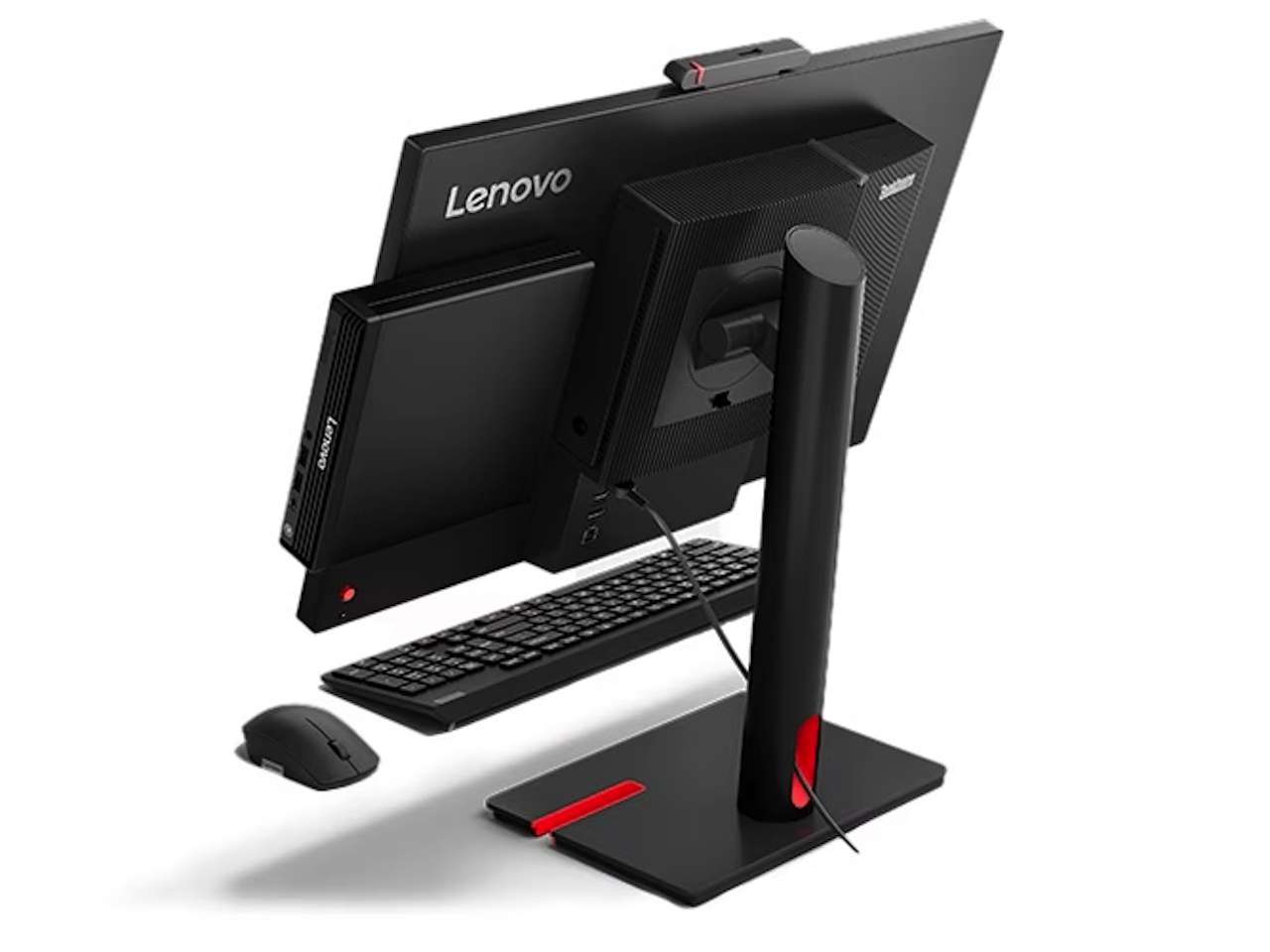
Lenovo’s ThinkCentre M75q Gen 6 attempts to retain the useful parts of a business desktop in a one-liter chassis. It is offered with AMD Ryzen 8000-series and Ryzen AI processors, two RAM slots, two M.2 2280 SSD slots, configurable rear I/O, and multi-monitor support. The key question is not whether it is compact, but how much desktop flexibility you give up to achieve that size.
A One-Liter PC Gives the Desk Back
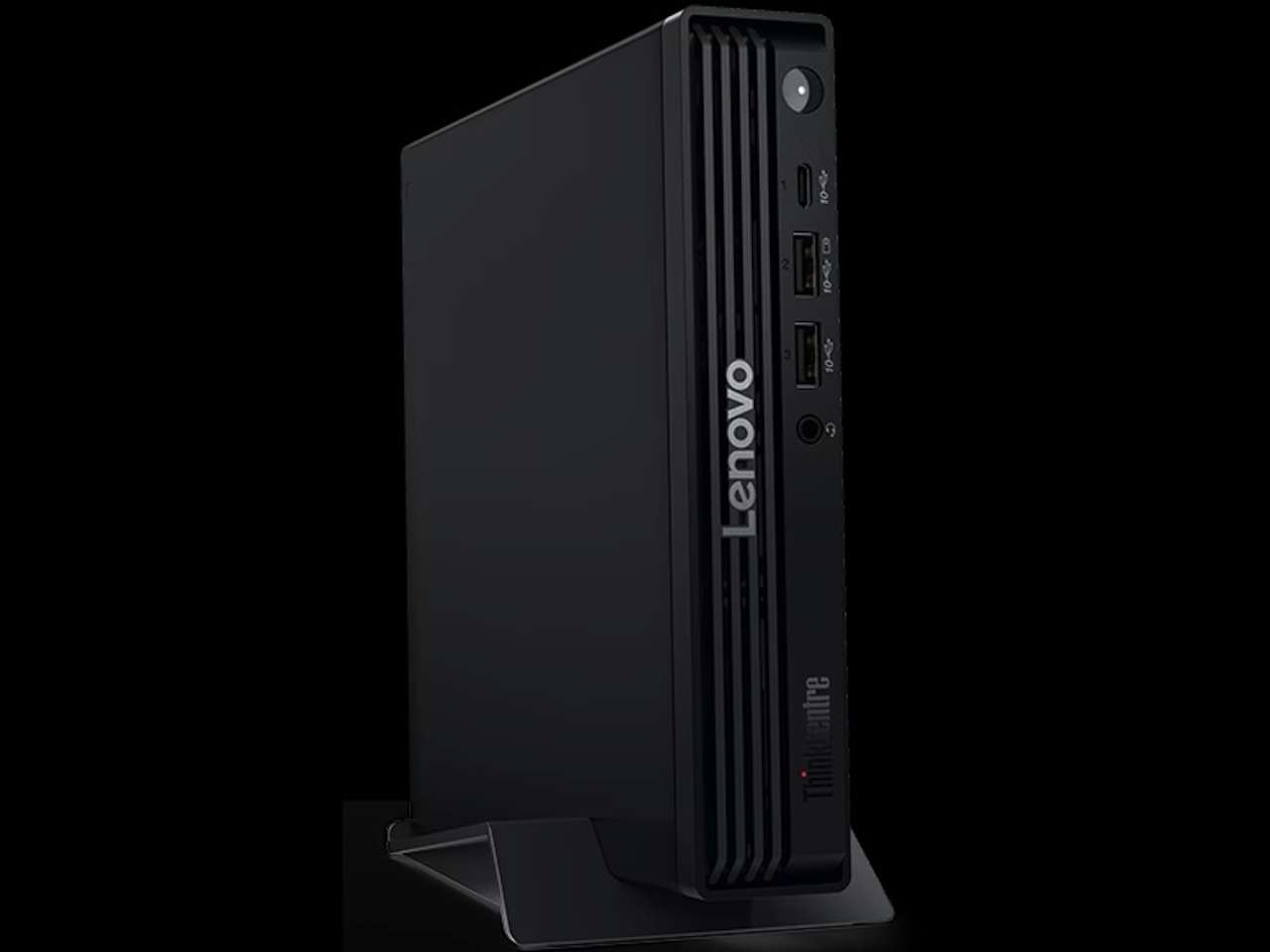
The ThinkCentre M75q Gen 6 measures 179 x 182.9 x 36.5 mm, or about 7.05 x 7.2 x 1.44 inches. Lenovo lists its starting weight at roughly 2.6 pounds, making it easy to position beside a monitor, under a desk, or in one of Lenovo’s compatible Tiny mounting setups.
For a crowded home office or business workspace, the advantage is straightforward. You are replacing a conventional tower with something not much larger than a hardcover book. It will not eliminate power, display, Ethernet, and peripheral cables, but it can eliminate a large PC case that occupies space despite holding expansion capacity you may never use.
Ryzen AI Is Optional
Lenovo’s M75q Gen 6 lineup is broader than its AI-focused marketing might suggest. Configurations include AMD Ryzen 8000-series processors without an NPU, alongside newer Ryzen AI 400 and Ryzen AI PRO 400-series chips.
At the upper end, Lenovo lists the Ryzen AI 7 PRO 450GE, an eight-core, 16-thread processor with boost speeds up to 5.1GHz and integrated Radeon 860M graphics. Ryzen AI configurations can include an NPU rated at up to 50 TOPS, with eligible systems classified as Copilot+ PCs.
That figure measures theoretical NPU throughput, however; it does not mean ordinary spreadsheets, browser tabs, or video calls will suddenly become dramatically faster. The practical benefit depends on software that can actually use local NPU acceleration. Buyers without those workloads can select conventional Ryzen configurations rather than treating dedicated AI hardware as a requirement.
Two RAM Slots Matter
The more meaningful long-term specification may be inside the chassis. Lenovo gives the M75q Gen 6 two DDR5 SODIMM slots supporting up to 64GB of memory, so the RAM is not permanently soldered to the motherboard.
Storage is similarly flexible. Lenovo provides two M.2 2280 SSD slots and lists configurations with up to two 2TB drives, for up to 4TB of internal SSD storage. A separate M.2 slot handles the wireless module.
That flexibility matters if the computer will remain on a desk for several years. You can buy the memory and storage you need today while retaining the option to expand later. Lenovo’s specifications describe validated configurations rather than guaranteeing compatibility with every third-party component, so prospective upgrades still deserve a compatibility check.
Configurable Ports Stand Out
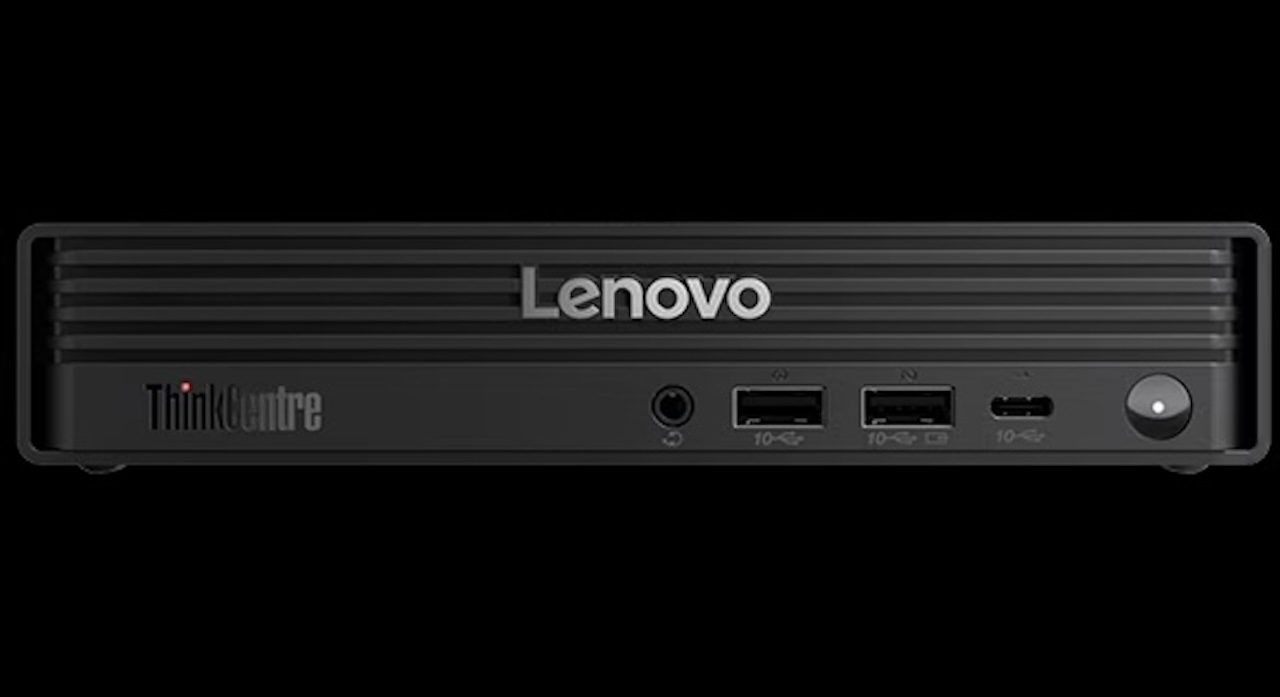
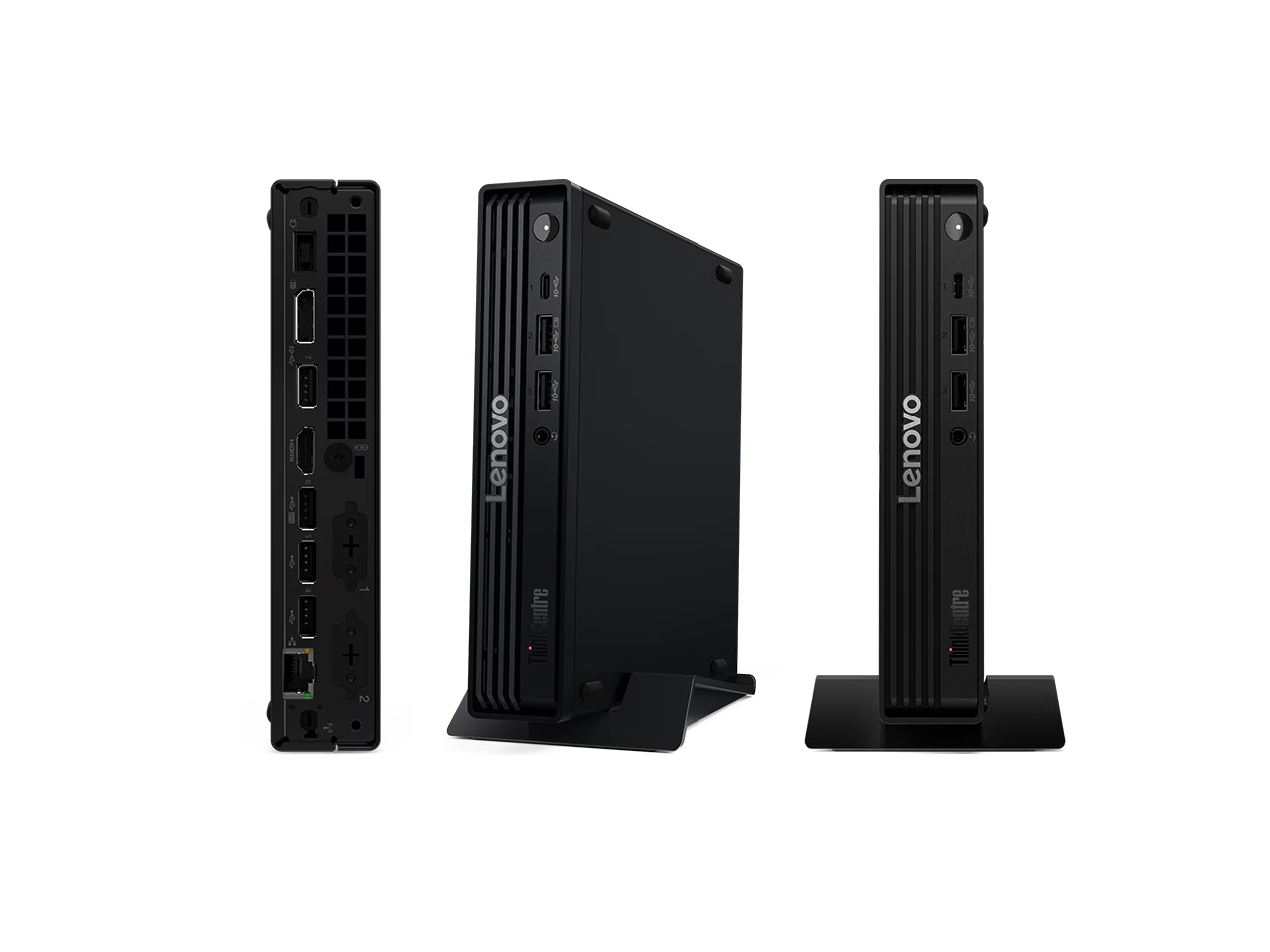
The front includes two USB-A 10Gbps ports, one USB-C 10Gbps port, and a 3.5mm headset jack. Around the back are another USB-A 10Gbps port, three USB 2.0 Type-A ports, Gigabit Ethernet, DisplayPort 2.1 UHBR10, and HDMI 2.1 TMDS.
More interesting are Lenovo’s two Flex I/O slots. Depending on the configuration, they can add DisplayPort, HDMI, VGA, serial, 2.5Gb Ethernet, USB-C, USB4 at up to 40Gbps, or Thunderbolt 4 connectivity. This lets businesses configure the same basic Tiny PC for different desks without automatically relying on external adapters.
The catch is that these ports are optional. A product image showing USB4 or an extra display output does not mean the exact SKU you are buying includes it. Lenovo rates properly configured systems for up to four independent displays, so verify the selected processor, video outputs, and Flex I/O modules if multiple monitors, USB4, Thunderbolt 4, or 2.5Gb Ethernet matter to you.
Integrated Graphics Set Limits
Every M75q Gen 6 configuration relies on integrated Radeon graphics, with the exact GPU determined by the processor. That is appropriate for a Tiny system, but there is no conventional PCIe slot available for adding a large discrete graphics card later.
If you need substantial GPU acceleration, demanding 3D work, or a PC you expect to transform with expansion cards, the one-liter format works against you. But if your future upgrades are more likely to involve RAM, storage, displays, networking, and external peripherals, the M75q Gen 6 leaves considerably more room to adapt than many compact PCs.
Who Should Buy It?
The ThinkCentre M75q Gen 6 makes the strongest case for business desks, home offices, schools, and other fixed workspaces where the computer does not need to take up much room. Plenty of mini PCs are small, so size alone is not a reason to choose this ThinkCentre.
Price: £1,120.00 (About $1,517)
Where to Buy: Lenovo UK
Its appeal is that Lenovo retains socketed DDR5 memory, dual M.2 2280 SSD slots, configurable I/O, and multiple processor options in a one-liter desktop. A conventional desktop remains the better choice for discrete graphics, PCIe cards, extensive internal storage, or major future expansion. A laptop makes more sense when the computer needs to travel regularly.
Buyer verdict: Buy the ThinkCentre M75q Gen 6 if you want a compact office desktop that still lets you upgrade RAM and storage instead of replacing the entire system.